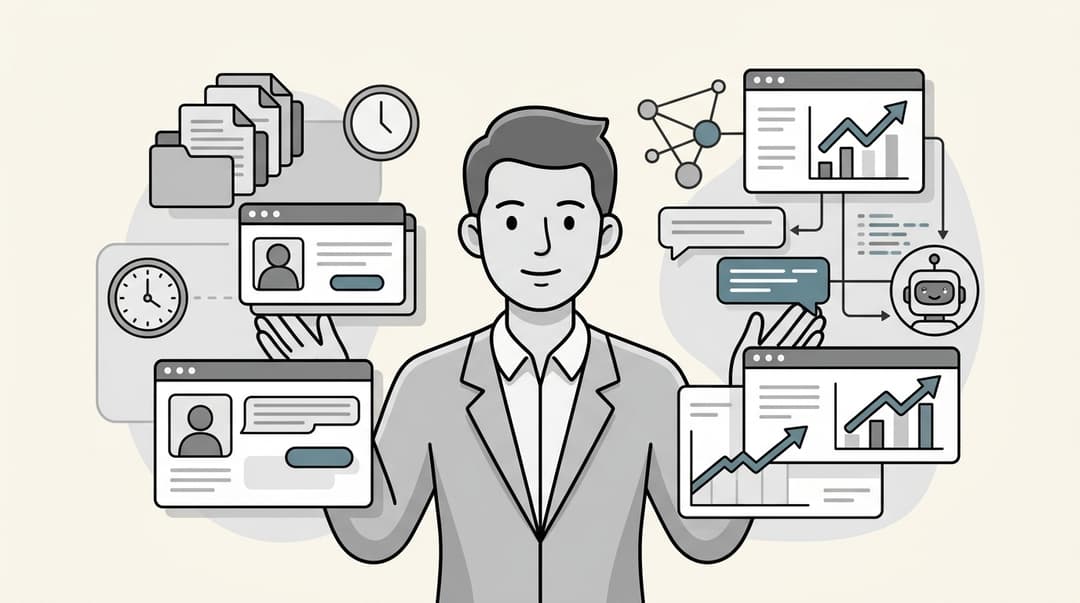
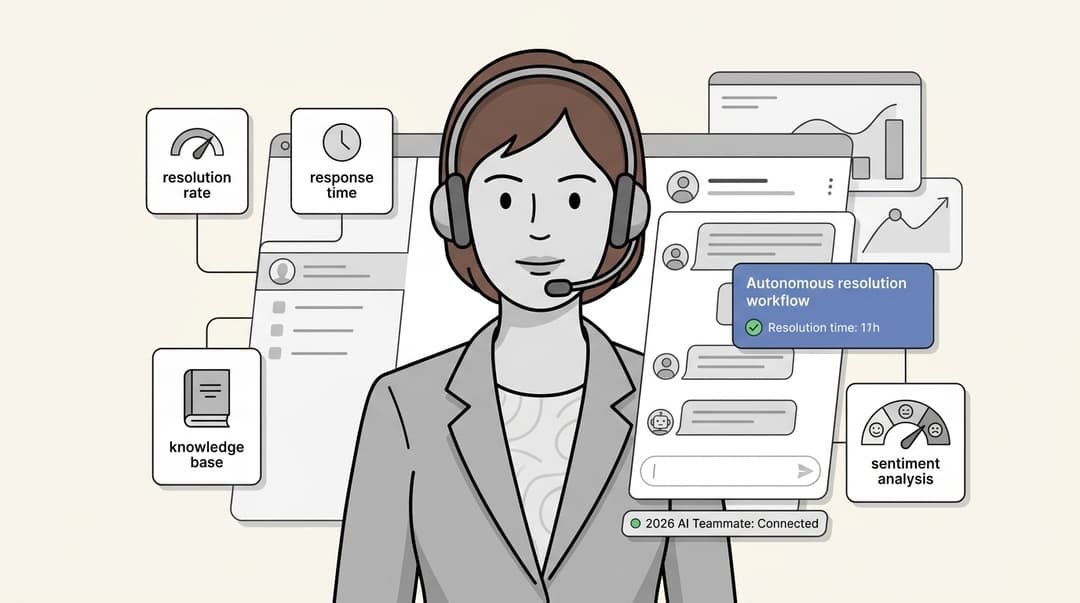
I tried a dozen platforms to find the 6 best AI productivity tools in 2026

Stevia Putri
Last edited January 16, 2026

Let's be real, working in support or IT feels like you're trying to drink from a firehose these days. The expectation is to do more with less, but the number of tickets and questions just keeps going up. It’s a lot to handle.
This is where AI productivity tools come into the picture. They aren't about replacing people; they’re about giving your team a smart assistant to deal with all the repetitive tasks. This frees up your agents to tackle the tricky problems that actually need a human brain.
But with so many options out there, which ones are actually worth your time? I’ve spent the last few weeks digging into a bunch of them to find out. This post breaks down the absolute best AI productivity tools for 2026. We’ll rank the top 6 based on how easy they are to get started, how well they connect with other tools, their key features, and whether their pricing makes sense. Let’s find the right one for your team.
What are the best AI productivity tools?
In simple terms, AI productivity tools are apps that use artificial intelligence to help you get more done without all the manual clicking and typing. For support and internal teams, their main job is to make workflows smoother, find information in a snap, and help write replies.
Think of them as a copilot for your team. They can handle the routine stuff that eats up the clock, like:
-
AI copilots that suggest complete replies to customer tickets.
-
AI agents that can answer common questions around the clock.
-
AI-powered search that can dig up an answer from any of your company’s documents.
The idea isn't just to work faster, but to work smarter. By taking over the grunt work, these tools help your team be more consistent and focus on what they're best at: helping people.
How I chose the best AI productivity tools for 2026
To put this list together, I looked at each tool from the perspective of a busy team that just needs something that works. No fluff, just practical things that make a difference.
-
Could I get it working myself, fast? I leaned towards tools with a self-serve setup. The last thing anyone wants is a mandatory sales call or a six-month implementation project just to get started.
-
Does it play nicely with others? A great tool should plug into your existing helpdesk and knowledge bases, like Zendesk, Confluence, or Google Docs. It shouldn't force you to move everything into a new system.
-
Am I in control? Can you easily tell the AI what to do, what information to use, and how it should sound? Good controls are key to trusting an AI and making sure it stays on-brand.
-
Does it actually boost productivity? I focused on tools with features that make a real impact on daily work, like AI-powered reply drafting, instant ticket summaries, and automated workflows.
-
Is the pricing clear? I looked for platforms with straightforward monthly or annual plans. I avoided tools with confusing, usage-based fees that can lead to a surprise bill at the end of the month.
The best AI productivity tools at a glance
| Tool | Best For | Key Productivity Feature | Pricing Model | Self-Serve Setup? |
|---|---|---|---|---|
| eesel AI | Teams wanting a flexible AI layer for their existing helpdesk. | AI Copilot for drafting instant, context-aware replies. | Flat monthly fee (no per-resolution costs). | Yes |
| Zendesk AI | Teams fully invested in the Zendesk ecosystem. | Native AI agents and agent-assist features. | Per agent/month (included in suites). | Yes |
| Freshdesk | Businesses using the Freshworks suite of products. | Freddy AI Copilot for agent assistance. | Per agent/month add-on + session packs. | Yes |
| Help Scout | Teams prioritizing a simple, human-centric AI experience. | AI Drafts for generating replies from past conversations. | Per user/month (included in Plus plan). | Yes |
| Zoho Desk | Organizations that rely heavily on the Zoho ecosystem. | Zia AI for sentiment analysis and auto-tagging. | Per user/month (tiered features). | Yes |
| LiveChat | Teams who primarily offer support via live chat. | "Text Intelligence" for in-chat reply suggestions. | Per agent/month (tiered features). | Yes |
A closer look at the 6 best AI productivity tools
Here’s a more detailed breakdown of each platform, including its core features, pricing, and what makes it tick.
1. eesel AI
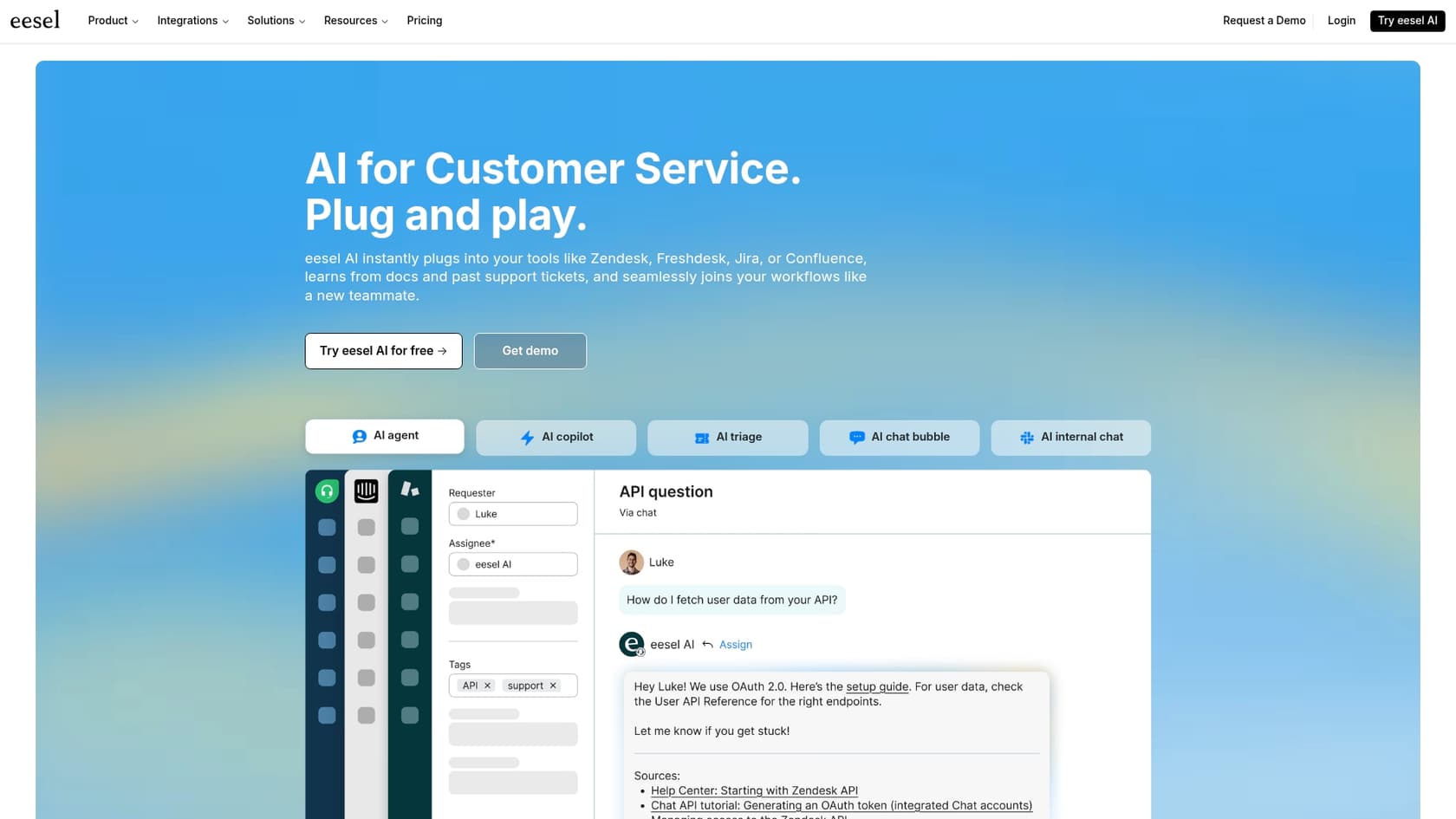
eesel AI is a smart AI platform that works as an intelligent layer on top of the tools you already use. Instead of making you switch helpdesks, it connects directly to your current setup and gives you a bunch of handy tools like its AI Copilot.
Its biggest advantages are how fast and flexible it is. You can connect your helpdesk and knowledge docs and be up and running in minutes, all on your own. It pulls together scattered information from places like Confluence, Google Docs, and past tickets, giving its AI a ton of context right from day one.
Features:
-
AI Copilot: This is the main event. It writes high-quality replies for your agents right inside their helpdesk (it works with Zendesk, Freshdesk, and others). It also learns from your team's best responses to match your tone and voice perfectly.
-
Unified Knowledge: It connects to dozens of sources, so the AI has the full story before it suggests a reply.
-
Simulation Mode: You can test the AI on thousands of your past tickets to see exactly how it would have performed and what its resolution rate would be. You can do all of this before it ever talks to a real customer.
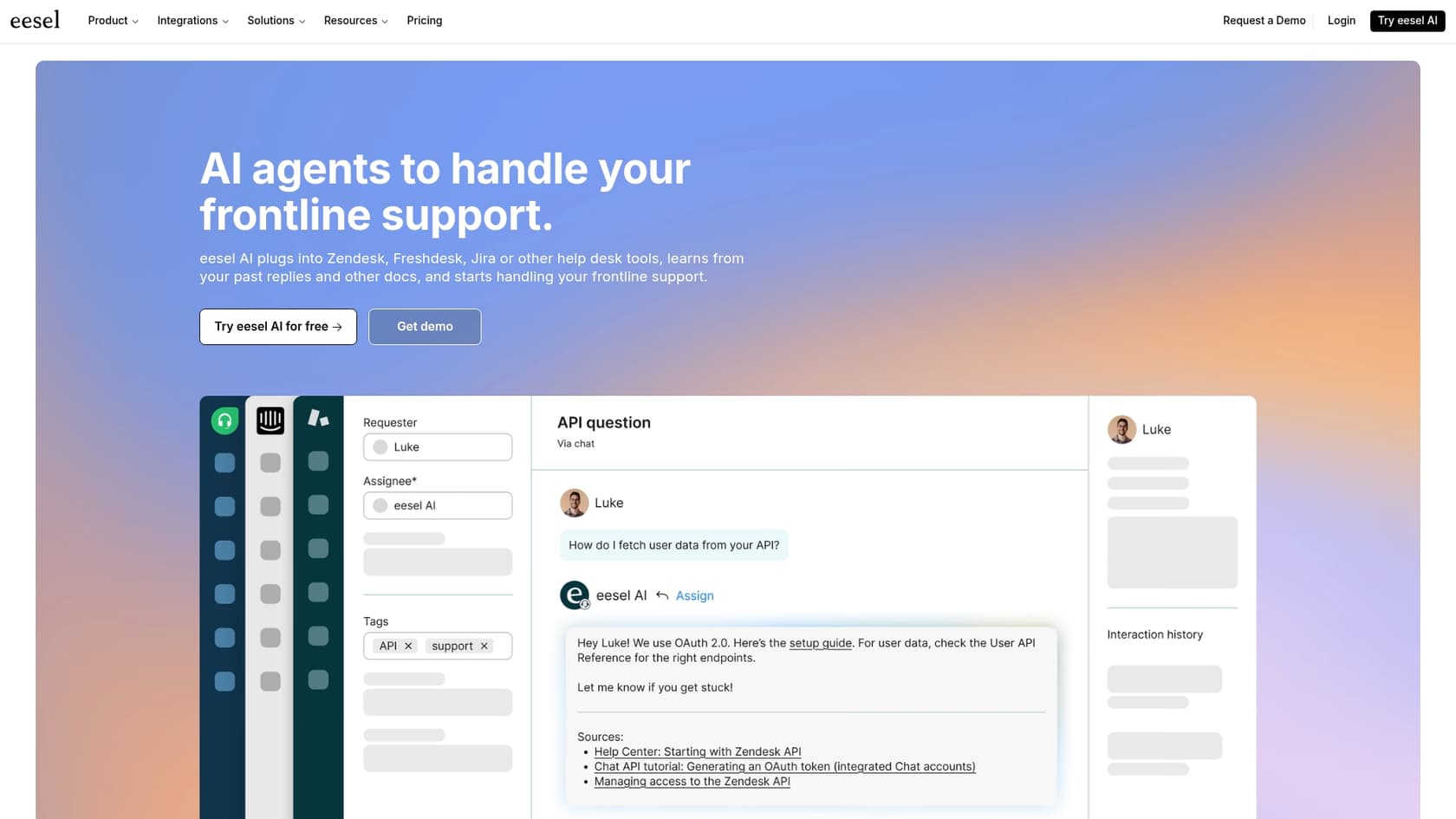
Pricing: eesel AI's pricing is straightforward, starting at $239/month (billed annually), with no weird per-resolution fees.
2. Zendesk AI
Zendesk AI is the built-in AI that comes with the Zendesk suite. It uses the content in your Zendesk knowledge base to power its features, making it the obvious choice for teams who are all-in on that ecosystem.
If your team lives and breathes Zendesk, it’s a powerful option that feels seamless. The AI suite includes AI agents to deflect tickets, generative replies to help out human agents, and tools that can create new knowledge base articles from old tickets.
Considerations: Zendesk AI is highly optimized for content within the Zendesk suite, ensuring a native and reliable experience. For teams that have information across various platforms like Confluence or Slack, Zendesk offers a range of integration options to help centralize this data for the AI.
Pricing: The basic AI features are included in the Suite Team plan at $55 per agent/month (billed annually). More advanced stuff, like the Copilot and better AI agents, cost extra.
3. Freshdesk (Freddy AI)
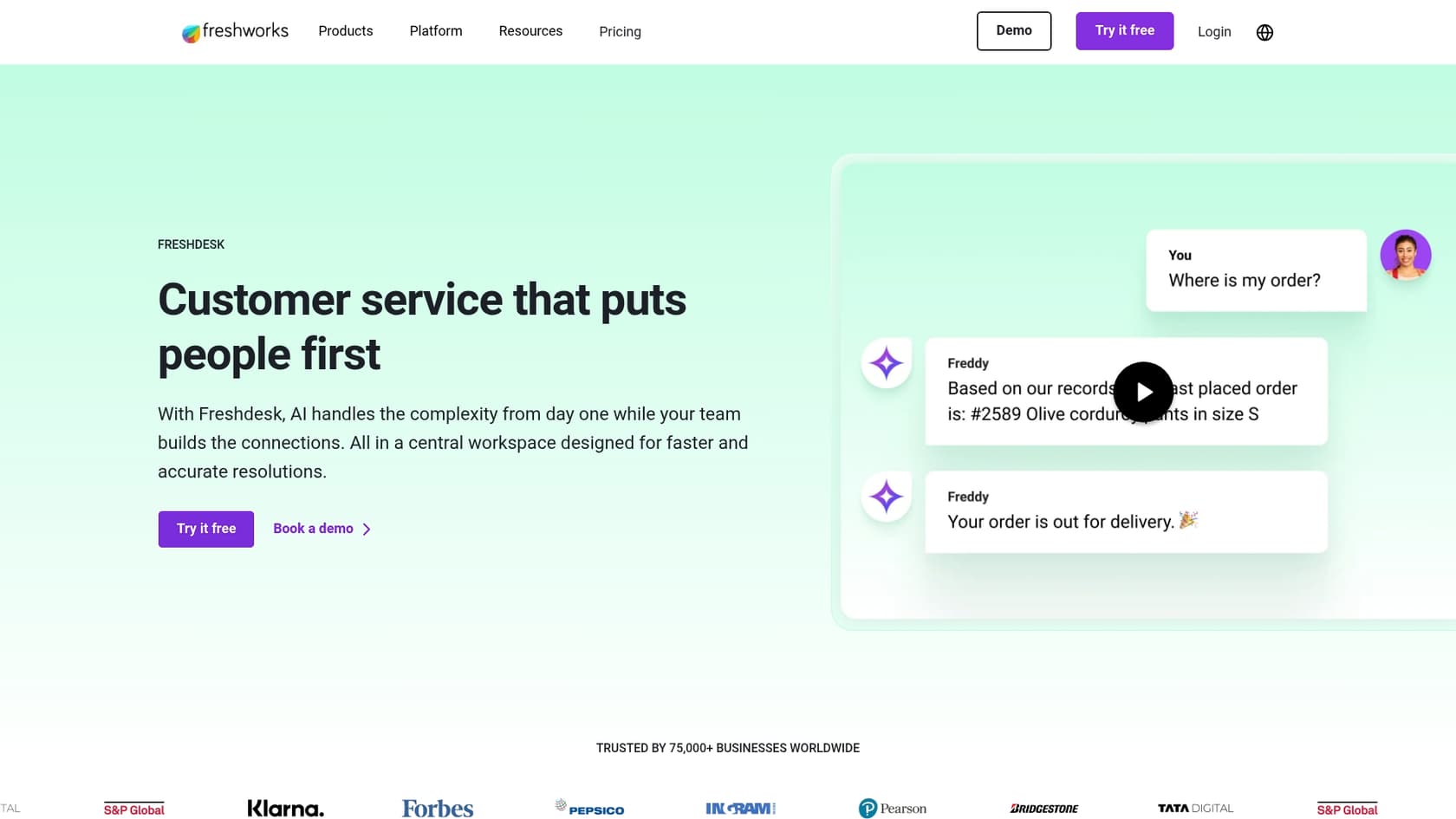
Freddy AI is the native AI for Freshdesk, built to work across the whole Freshworks family of products. It's a solid choice for teams already using Freshdesk for support. Freshdesk is a mature, reliable platform that powers customer service for thousands of companies worldwide.
The Freddy AI Copilot gives agents a hand by summarizing long conversations, rephrasing text to get the tone just right, and offering other generative AI help. It also has an Email AI Agent for automatic responses, which is handy for busy teams.
Strengths and considerations: Freddy AI is at its best when you leverage the full power of the Freshworks ecosystem. Freshdesk offers tiered plans to match different team sizes, ensuring you have the right features as you grow. The pricing is structured to be flexible: the Freddy AI Copilot is an optional add-on for those who want agent assistance, while the Email AI Agent uses a session-based model. This allows teams to scale their AI usage according to their actual volume, providing a clear path for expansion.
Pricing: The Freddy AI Copilot add-on costs $29 per agent/month (billed annually) and is available on their Pro ($49/agent/month) and Enterprise ($79/agent/month) plans, allowing teams to choose the level of support that fits their budget.
4. Help Scout
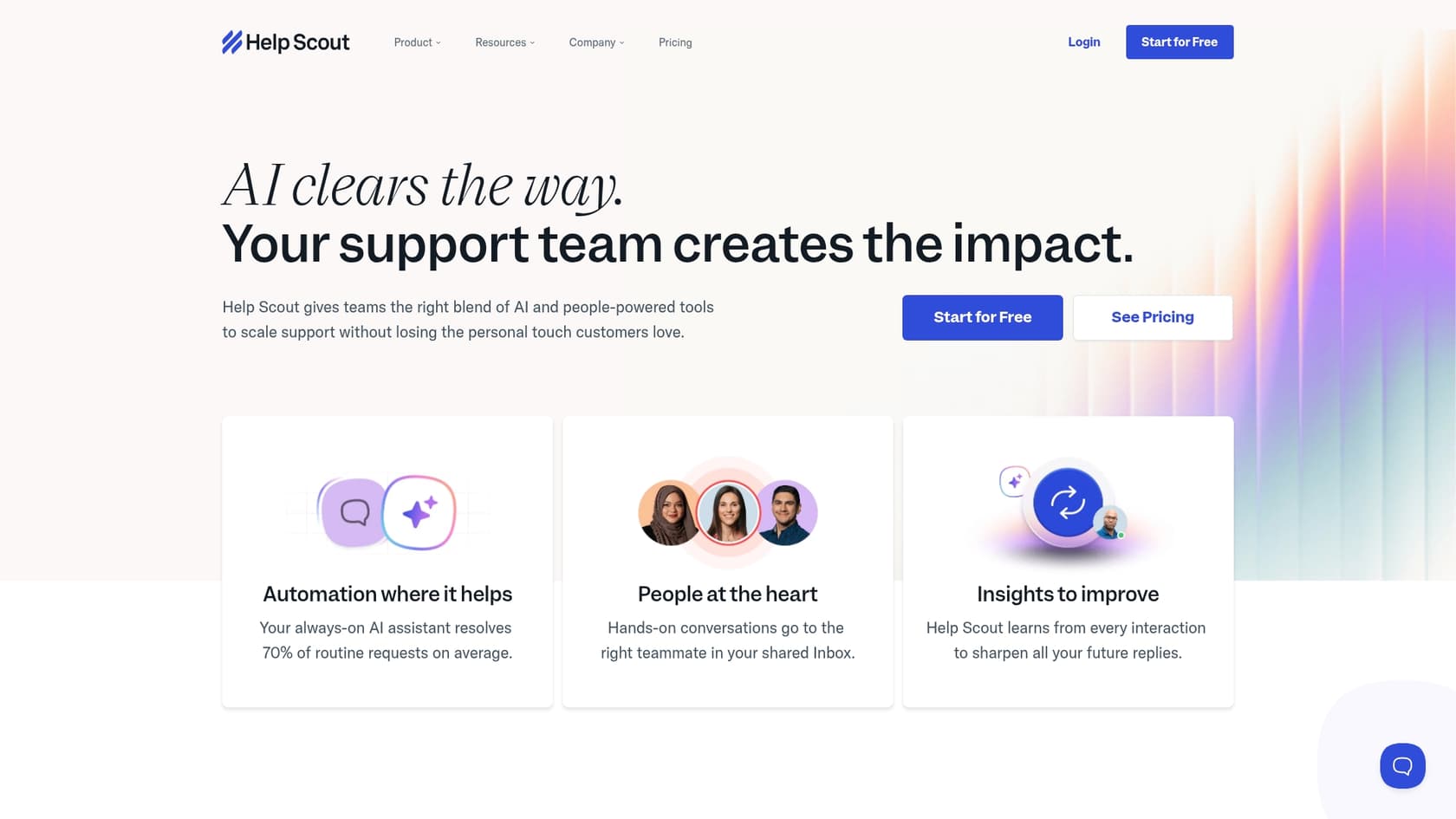
Help Scout is known for its user-friendly design, and its AI features follow the same philosophy. The focus is on simple, helpful tools that assist agents instead of trying to replace them.
It's a great option for teams who want straightforward AI without a lot of complexity. Help Scout offers AI Assist for quick text edits and translations, AI Summarize to get the gist of long conversations instantly, and AI Drafts to create replies based on past conversations and knowledge base articles.
Limitations: While it’s very easy to use, it doesn't have the deep, customizable automation that some of the other tools offer. It's not the best fit for teams needing to build out complex AI workflows or pull in knowledge from a ton of different sources. Their AI Answers chatbot is also a separate add-on with usage-based pricing, which isn't ideal if you want predictable costs.
Pricing: AI Drafts and Summarize are included in the Plus plan, which is $45 per user/month. The AI Answers chatbot add-on is priced at $0.75 per resolution.
5. Zoho Desk (Zia)
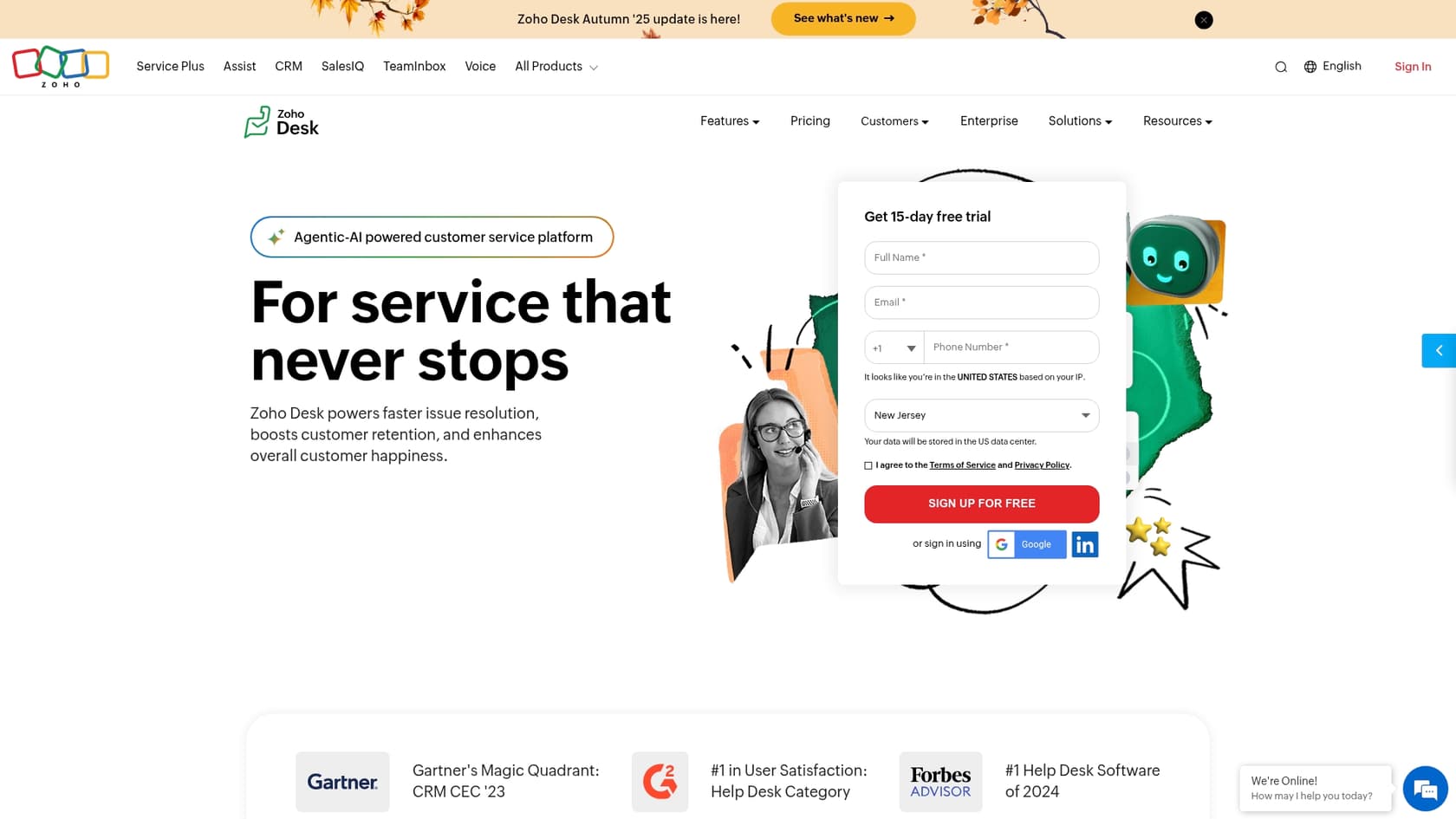
Zia is the AI assistant that's woven into the massive Zoho ecosystem, including Zoho Desk. For companies already using a bunch of Zoho products, Zia is a deeply integrated and feature-packed option.
Zia can analyze customer sentiment, auto-tag tickets, and suggest replies. On the higher-priced plans, you get more advanced features like an Answer Bot that can respond to customers using your knowledge base articles.
Limitations: You only really unlock its full potential if you’re heavily invested in the Zoho universe. The most useful features, like the Answer Bot, are only available on the top-tier Enterprise plan. This makes it a tough sell for smaller teams who might not need or be able to afford the whole package.
Pricing: Basic AI features are on the Standard plan ($14/user/month). To get the full suite of Zia features, you need the Enterprise plan at $40 per user/month.
6. LiveChat
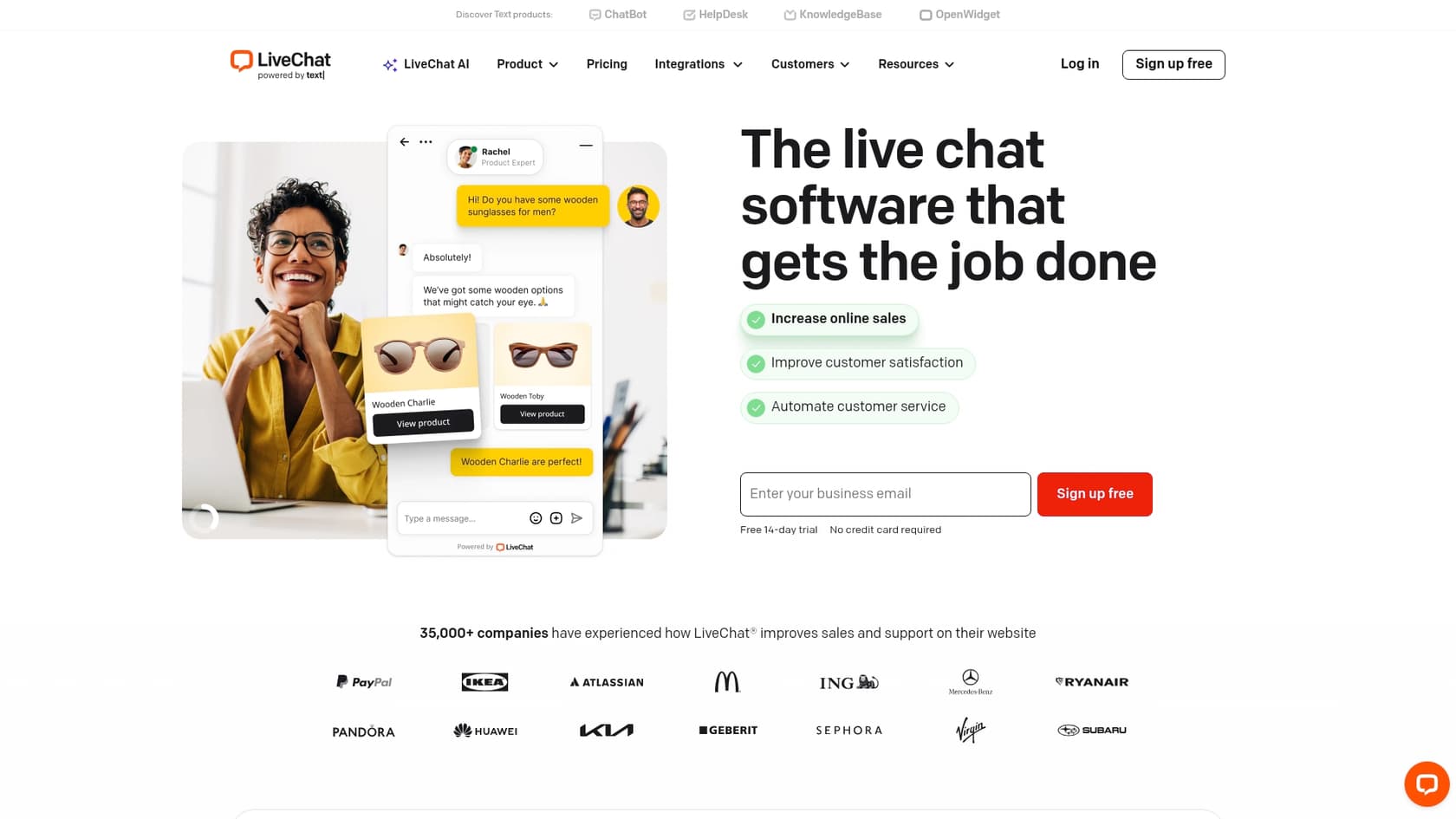
LiveChat uses a set of AI features called "Text Intelligence" to help chat agents be more productive. As a veteran in the live chat game, its AI tools are nicely integrated into the real-time chat experience.
The key features include AI-powered reply suggestions, one-click chat summaries, and sentiment analysis to help agents gauge a customer's mood. If you need more automation, they also offer an integration with their separate ChatBot product.
Limitations: These features are all about live chat. If you need AI tools for email, social media, or internal helpdesks, you'll probably find it a bit limited compared to AIs that are designed to work across all support channels.
Pricing: AI features like reply suggestions and summaries are available on the Team plan, which is $49 per agent/month when billed annually.
How to choose the best AI productivity tools for your team
Picking the right tool can feel like a big decision, but it doesn't have to be complicated. Here are a few questions to ask yourself.
What are you already using? The best AI tool is usually one that works with your current setup, not one that forces you to start over. Look for platforms that plug right into the helpdesk and software your team already uses every day.
What's your main goal? Are you trying to lower your response times? Stop answering the same five questions over and over? Or just give your internal team instant access to information? Figure out your biggest headache and find a tool designed to fix it.
Can you test it first? You should never let an AI talk to your customers without testing it. Look for platforms that have a solid simulation mode or a free trial. This lets you see how well it works and figure out your potential return on investment before you sign a contract.
What's the pricing model? Be careful with per-resolution pricing. It can lead to unpredictable bills and basically punishes you for having a successful AI. Flat, predictable monthly or annual fees are almost always a safer bet and much easier to budget for.
Give your team a boost with the best AI productivity tools
AI productivity tools are no longer some sci-fi concept; they're a practical and necessary part of a modern support team's toolkit. They act as a force multiplier, automating the boring stuff so your team can focus on building relationships and solving the really tough problems.
The "best" tool for you will depend on what your team needs. Industry leading solutions like Freshdesk are an excellent pick as they provide a mature, reliable, and enterprise-grade platform that powers thousands of companies. Flexible AI layers like eesel AI also offer a complementary way to connect to all of your knowledge within your existing workflow, including your Freshdesk setup.
Ready to see how an AI Copilot could change your team's productivity? You can connect eesel AI to your existing helpdesk and knowledge sources in just a few minutes. Start a free simulation and see for yourself how much time you could save.

Frequently asked questions
These tools leverage artificial intelligence to automate repetitive tasks, streamline workflows, and help teams find information or draft replies quickly. They act as a smart assistant, freeing up human agents for more complex problem-solving.
By automating routine tasks like suggesting replies, answering common questions, and summarizing conversations, these tools drastically reduce manual effort. This allows agents to handle more complex inquiries and improve overall response times and consistency.
Look for tools that offer a self-serve setup, integrate seamlessly with your existing helpdesk and knowledge bases, and provide clear controls over the AI's behavior. Additionally, prioritize straightforward pricing models without unpredictable per-resolution fees.
Yes, the most effective tools are designed to integrate with your current systems like Zendesk, Freshdesk, Confluence, and Google Docs. This prevents you from having to migrate all your information and ensures the AI has access to all relevant context.
Many top platforms offer simulation modes or free trials where you can test the AI against your past tickets to see its potential performance and resolution rate. This allows you to quantify the time and cost savings before making a financial commitment.
Many of the recommended tools emphasize a quick, self-serve setup process, allowing you to connect your helpdesk and knowledge sources and be operational in minutes. This avoids lengthy implementation projects or mandatory sales calls.
You'll typically find flat monthly or annual fees, which are generally more predictable and budget-friendly. Be cautious of "per-resolution" or "session-based" pricing, as these can lead to unexpected and higher costs.
Share this article

Article by
Stevia Putri
Stevia Putri is a marketing generalist at eesel AI, where she helps turn powerful AI tools into stories that resonate. She’s driven by curiosity, clarity, and the human side of technology.