What an outage actually does to your support queue
I work the support queue, so let me describe the shape of it rather than the theory. On a normal day, tickets trickle in across a wide spread of topics: a billing question here, a how-do-I there, a bug report every so often. You can triage as you go.
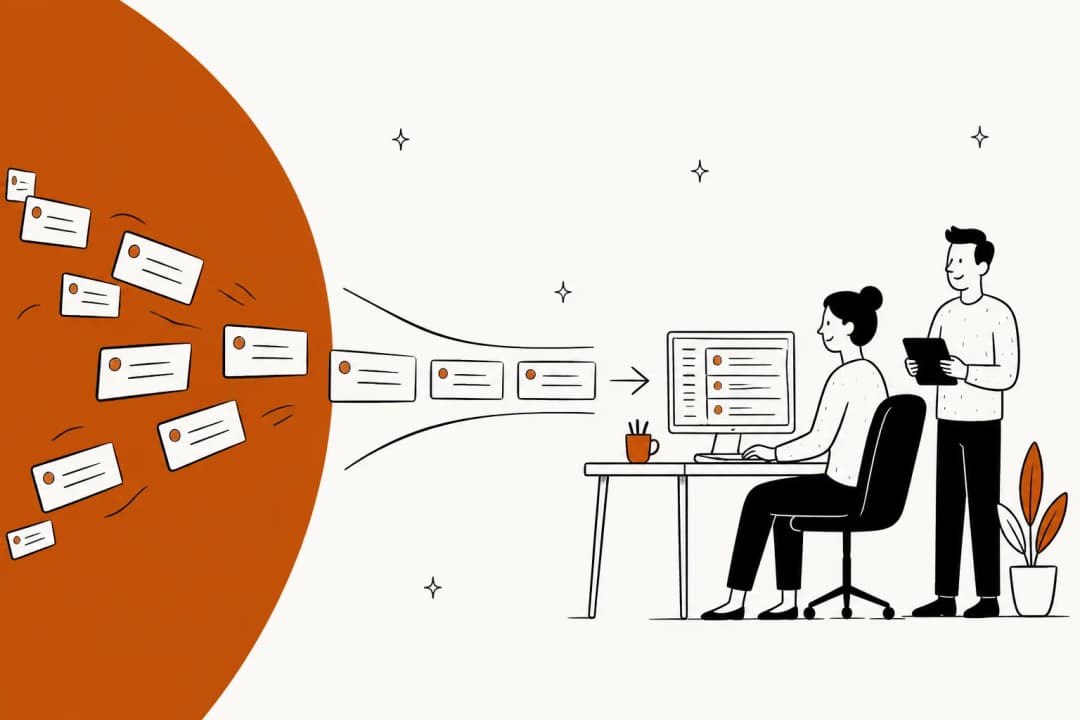
An outage collapses all of that into one topic. The moment something core breaks, the graph stops looking like a trickle and starts looking like a wall.
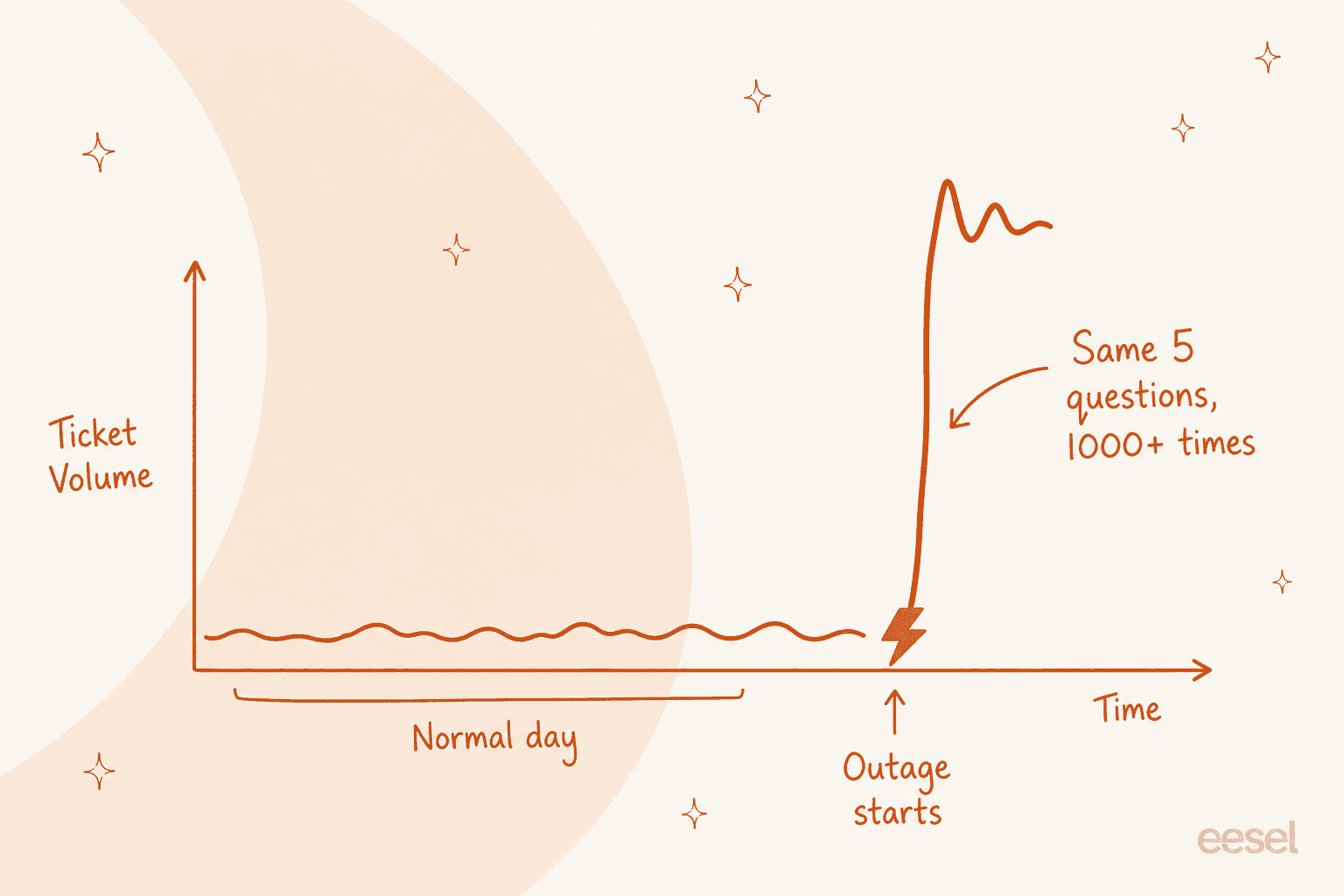
The cruel part is that it's almost all the same ticket. One multi-brand e-commerce operator I've seen the numbers on runs 500+ tickets a day of mostly repetitive refund, unsubscribe, and order-tracking queries even on a calm day. Drop an outage on top of a baseline like that and the repetition goes vertical: the same five questions, worded fifty different ways, a thousand times over.
A human team is uniquely bad at exactly this. Answering the identical question for the four-hundredth time is soul-draining, it's slow because every reply is still typed by hand, and while your agents are doing it, the one customer with a genuinely different, serious problem is stuck at position 812 in the queue.
Why the humans hit a wall first
Support teams are usually the smallest they can get away with, because ticket volume on an average day doesn't justify staffing for the worst day. That maths is fine until the worst day arrives.
I hear the same thing from support leads over and over: the team is overloaded and can't keep up, and what they actually need is for a machine to take the tickets a machine can obviously handle. One support manager at a bus-tracking service running 200 to 250 Zendesk tickets a month told us plainly that they wanted AI to handle 60% of tickets and, crucially, know when to pull a real person in. That "know when to escalate" clause is the whole game during an incident.
Because the failure mode isn't just slow replies. It's that your senior people, the ones who should be helping the incident channel figure out what broke, are instead heads-down copy-pasting "we're aware of the issue" for two hours. The outage costs you twice: once in the downtime, and again in every skilled person you pulled onto queue duty.
How AI support absorbs the flood
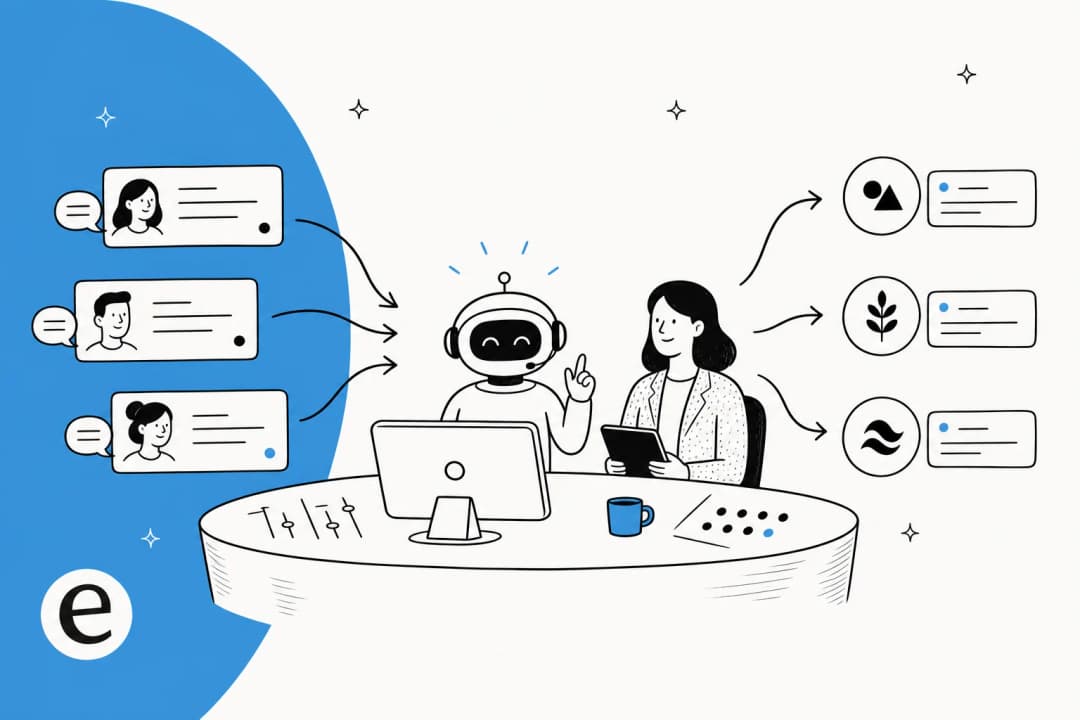
Here's the mental model I use. During an incident, tickets sort into two buckets: the flood (the same known issue, over and over) and the exceptions (everything that doesn't match). AI is very good at the first bucket and should stay out of the second.
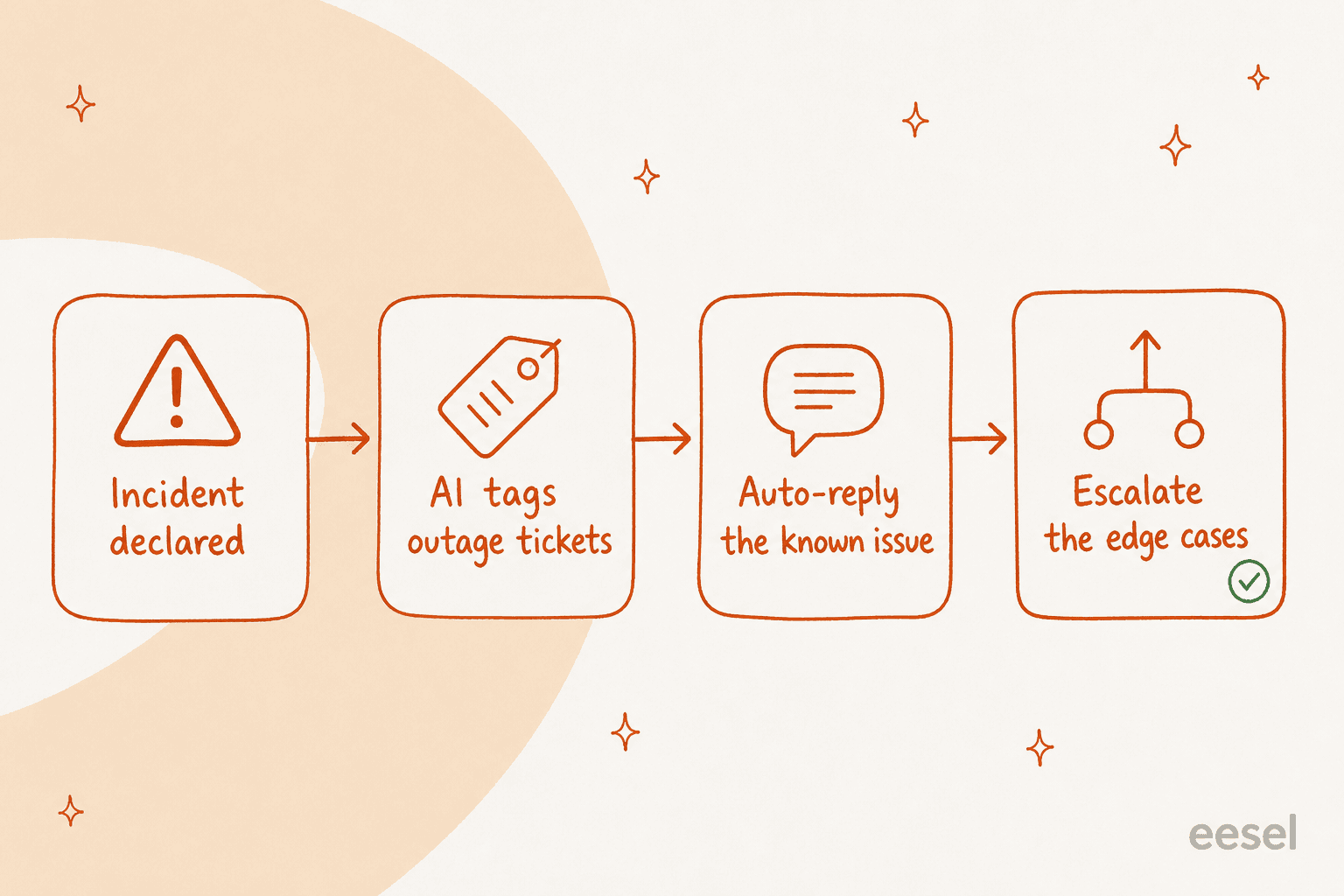
Walk it through:
- Recognise the pattern. Once you know what's broken, the incoming tickets describing it are easy to spot. The AI matches them against the known-issue description you've written.
- Reply, don't just deflect. A matched ticket gets a real answer: yes, we're aware, here's what's affected, here's the status page, we'll update you. That's a genuine resolution for that customer, not a dodge.
- Tag everything it touches. Every outage ticket gets tagged so that when the fix ships, you can bulk-close the lot with a single "this is now resolved" follow-up instead of reopening each thread.
- Escalate the exceptions. A ticket that mentions the outage and a charge dispute, or a ticket that looks nothing like the known issue, goes to a human untouched.
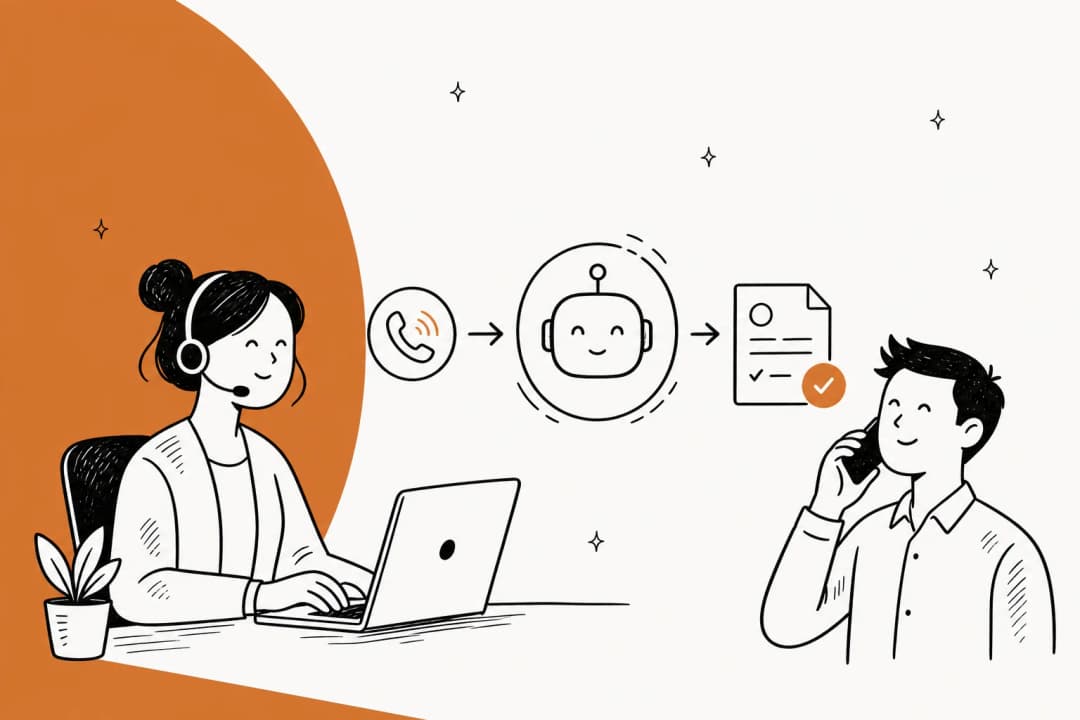
This is the exact split an AI helpdesk agent is built for. It plugs into the Zendesk or Freshdesk queue you already run (Gorgias and Help Scout too), joins it like a teammate, and takes the repetitive bucket off your team's plate.
Across eesel's own accounts, one customer, Gridwise, saw the AI resolve 73% of their tier-1 requests in the first month, and that's on ordinary days, not just incidents. During an outage, where the tickets are even more uniform, that share climbs.
The cost angle matters here too, and it's easy to miss. If your tooling bills per seat, a 10x ticket day costs you the same in software and a fortune in overtime, because the only way humans scale to a spike is more hours. Usage-based pricing flips that: eesel charges $0.40 per ticket with no per-seat or platform fee, so the AI can eat a two-hour flood and your bill reflects exactly that, nothing more.
Set up an incident mode before you need it
The worst time to configure any of this is mid-outage. Do it now, while it's boring. Here's the setup I'd want in place before the next incident.
- Write the known-issue macro in advance. You won't know the specific cause ahead of time, but you can pre-write the shape: "We're aware of an issue affecting [X]. Our team is on it. Track live updates at [status page]." During the incident you fill the blanks once, and the AI uses it for every matching ticket.
- Connect the helpdesk and the status page. The AI needs to read from your real help center and past tickets so its answers sound like yours, and it needs the status page URL to point customers somewhere authoritative.
- Scope automation by ticket type and confidence. Decide in advance which categories the AI is allowed to auto-close and which it must leave alone. Refunds, disputes, and anything legal-adjacent stay human, always.
- Simulate against past outages. This is the step people skip and regret. eesel runs the agent over your real historical tickets before it goes live, so you can see how it would have handled your last incident before trusting it with your next one. It's the closest thing to a fire drill support gets.
- Wire the escalation path. Confirm that an escalated ticket lands where a human will actually see it fast, not in a folder nobody checks until Monday.
If you run Slack as your incident channel, it's worth connecting that too, so the AI can post to the same place your engineers are coordinating and your support and eng sides aren't reading two different stories.
What AI should never do mid-outage
This is the part I'd tattoo on the wall. An outage is precisely when an over-eager AI does the most damage, because customers are already stressed and a confident wrong answer lands hard.
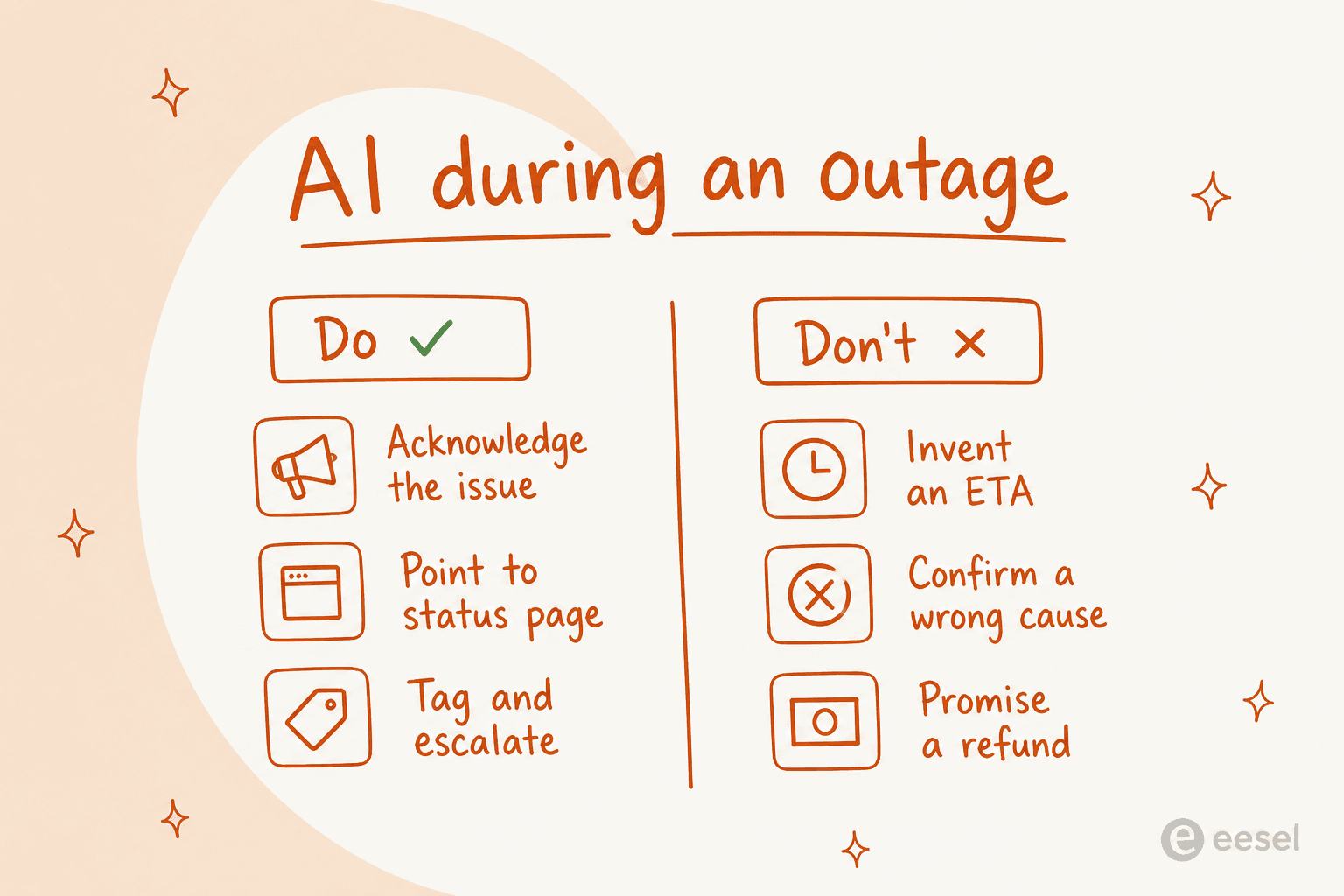
The don'ts are all versions of the same sin: guessing. An invented ETA becomes a promise you break. A confirmed root cause that turns out wrong is a public correction you now owe. A refund offered by a bot is money and precedent you didn't authorise. None of these are hypothetical, they're what happens when automation is scoped too wide and told to "be helpful" without limits.
The way you avoid it is control, not hope. One CX lead I'd anonymise as running a DTC supplements brand put the principle better than I could:
"The AI will never be able to answer 100% of the questions. I need an AI who is only handling the tickets that it's confident to handle and all the other ones, leave them alone."
That's the setting that makes AI safe during an incident: it does the confident, repetitive work, and it has the discipline to keep its hands off everything else. Confidence-based scoping isn't a nice-to-have here, it's the difference between the AI shortening the outage and lengthening it.
Try eesel for your next incident
If you want an AI helpdesk teammate that sits inside your existing queue, absorbs the known-issue flood, and escalates cleanly the second a ticket looks unusual, that's what eesel is built to do. It trains on your past tickets and help center so its outage replies read like your team wrote them, it scopes automation by ticket type and confidence so it never guesses on the tickets that matter, and it simulates against your real history so you can rehearse an incident before living through one.

And because it bills per ticket rather than per seat, it scales into a spike and back out without you staffing for the worst hour of the worst day. You can connect your helpdesk, point it at your knowledge, and start free, no credit card and no sales call. The next outage is coming whether you're ready or not, so the useful move is to have your incident mode built and simulated before it does.
Frequently Asked Questions
How does AI customer support handle a SaaS outage?
Should AI auto-reply to every ticket during an incident?
Can AI make an outage worse for customers?
How much does AI customer support cost when ticket volume spikes?
How do I set up an incident mode for AI support before an outage?


Article by
Riellvriany Indriawan
Riell is a designer and writer at eesel AI with about two years of experience researching CX platforms, AI chatbots, and helpdesk software. She combines her design background with a sharp eye for how these tools actually look and feel in practice — making her comparisons unusually visual and user-focused.