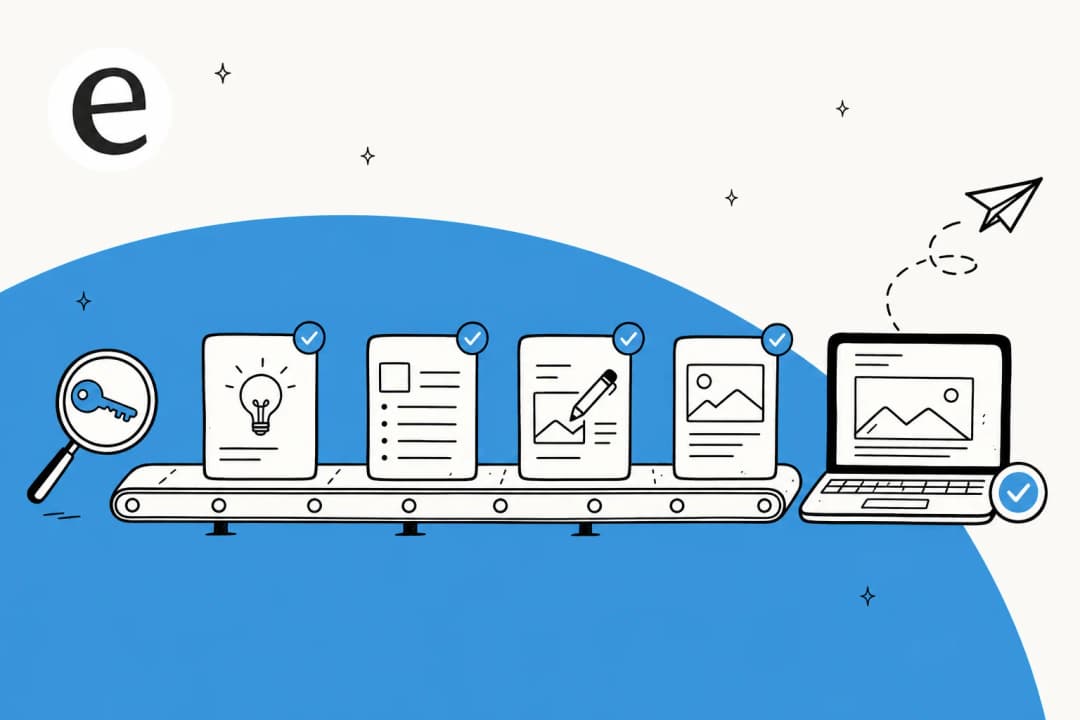
What an AI blog content pipeline actually is
A pipeline is not a chatbot you paste a topic into. It's the full set of stages a post moves through from idea to live URL, with AI doing the heavy lifting at each stage instead of just one.
The distinction matters because most "AI writer" tools are really just stage three (drafting) with a nice text box. You still do the keyword research in a spreadsheet, you still write the brief in your head, you still copy-paste into your CMS and fix the formatting by hand. That's not a pipeline. That's a draft button with extra steps.
A real AI content pipeline tool connects the stages so the output of one feeds the input of the next without you babysitting the handoff. Keyword in, published post out, with you reviewing at the points that matter.
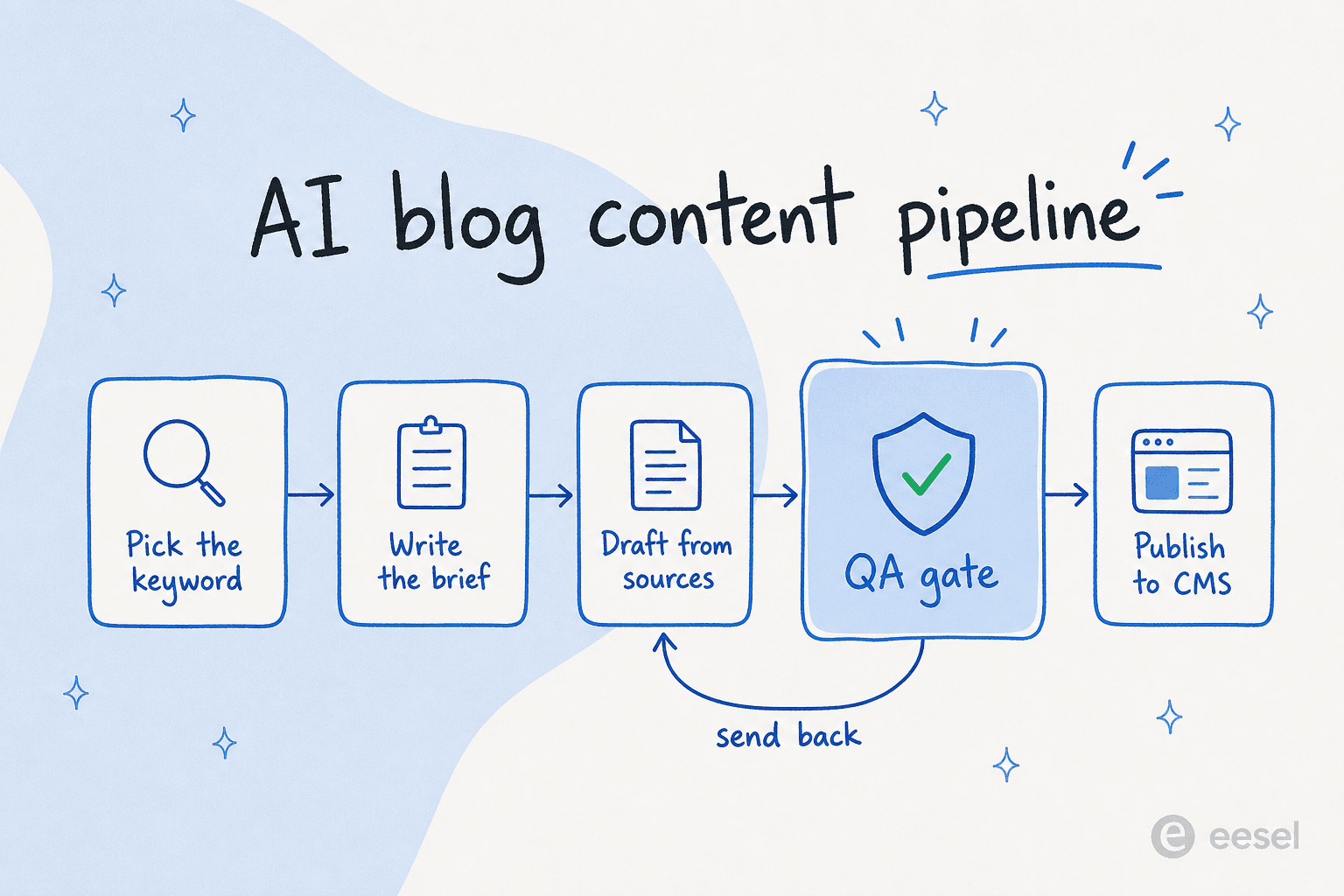
The stages are roughly:
- Plan which keyword and search intent the post is chasing.
- Brief the post: angle, audience, the sources it should pull from, the internal links it should hit.
- Draft the full piece from real sources, in your brand voice.
- QA the draft against a checklist: claims grounded, voice on, links present, formatting clean.
- Publish to your CMS, with metadata and schema intact.
The first and last stages are where most homemade pipelines leak, which is exactly why I'd build them first.
The part everyone automates is the part that was never slow
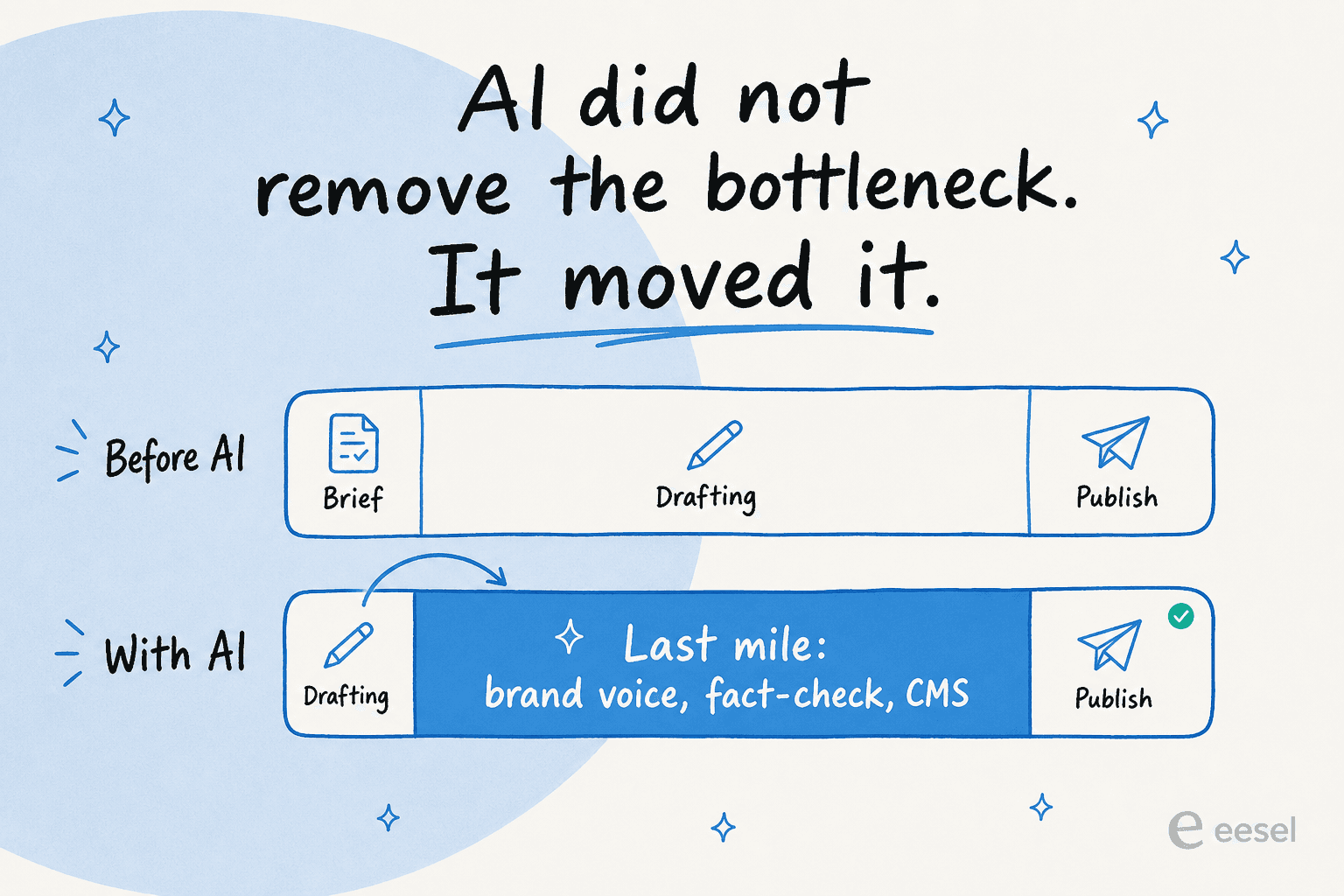
Here's the reframe that changes how you build this. Drafting was never your real bottleneck. A competent writer drafts a 2,000-word post in a few hours. The slow part was always everything around it: deciding what to write, checking it's true, making it sound like you, and getting it live.
So when a tool automates only the drafting and leaves you the rest, it hasn't compressed your timeline much. It's just moved where the time goes.
I've watched this play out from both sides. The most common failure I see isn't a bad draft, it's a good draft that can't get out the door. One licensed therapist I worked with had AEO-ready posts generated cleanly, then hit a wall: her CMS accepted no Markdown upload, no FAQ schema, no metadata fields. The pipeline produced great work that physically would not fit through the publish step. The post that can't be published is worth zero, no matter how good it reads.
That's why I'd judge a pipeline on its last mile. Does it fact-check what it writes? Does it keep your formatting through CMS integration? Can it auto-publish, or at least hand you clean Markdown to drop into WordPress? If the answer is "you'll paste it yourself," the pipeline ends one stage too early.
Give it a brand brief, not a tone slider
The single biggest difference between a pipeline that produces generic mush and one that produces your content is the brief. Generic input makes generic output, every time.
A tone slider set to "professional but friendly" tells the model nothing. What works is grounding it in your actual material: your existing posts, your product pages, your help docs, the rules you'd give a new hire on day one. That's the difference between a model guessing at your voice and a model writing from it.

The teams who get the most out of this treat the brief like a living document. One peptide retailer I watched iterated on a single reference post until it was exactly right, then told the pipeline "that is the North Star," and demanded every future post match its structure: the intro shape, the hero image, the FAQ format, the reading level. Once that template was locked, the per-post effort dropped to almost nothing, because the hard thinking happened once.
That's the move: spend your time on the brief and the brand voice training, not on rewriting each draft. If you want a starting structure, my notes on how to brief AI and maintaining brand voice with AI cover what to put in.
Run it on a schedule, then it's a factory
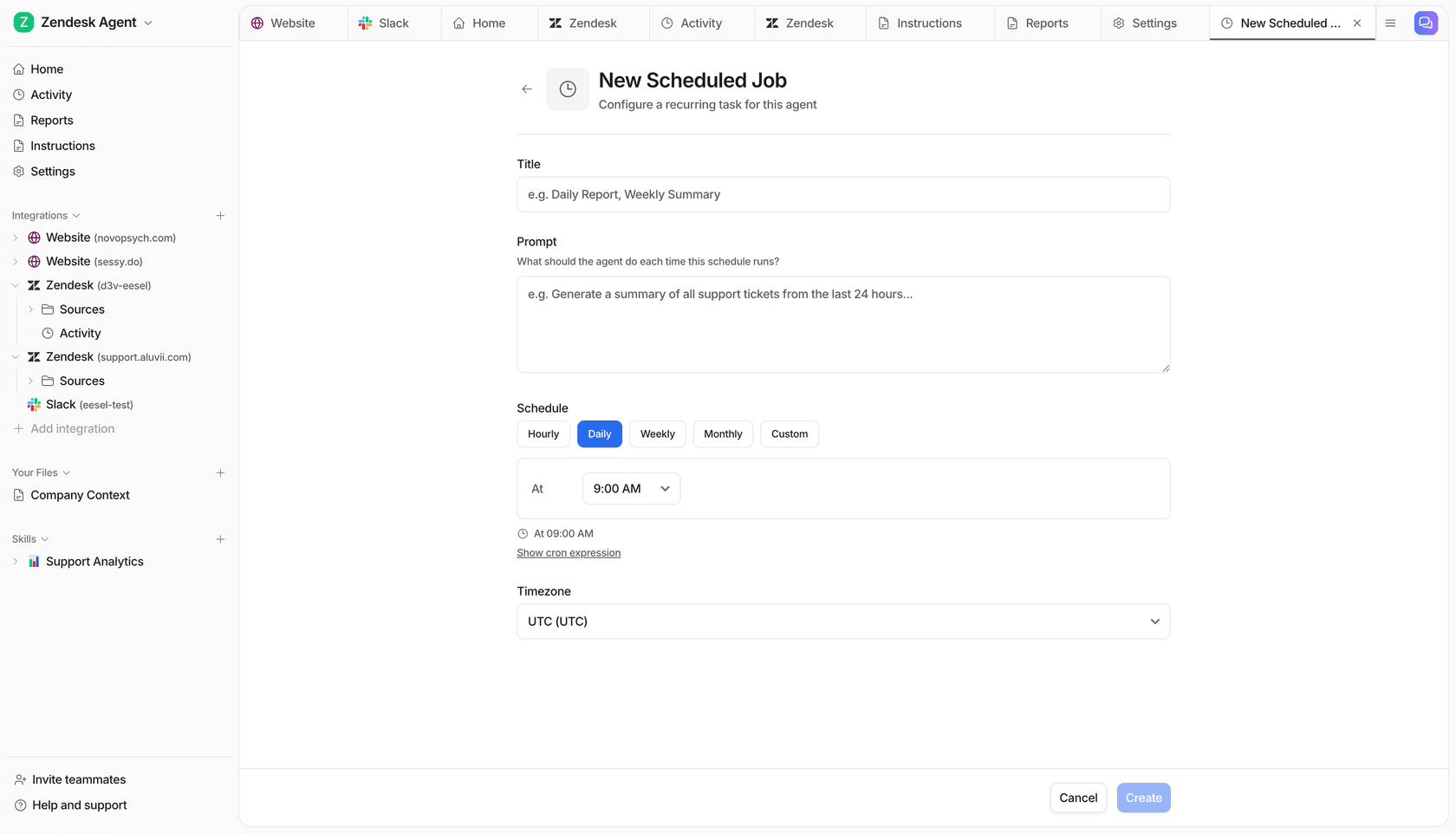
A pipeline you trigger by hand is a faster writer. A pipeline that runs on a schedule is a content factory. That's the step that turns "AI helps me write" into "my blog publishes without me in the loop for routine posts."
The mechanics are simple once the brief and QA gate are solid: point the pipeline at a keyword list, set a cadence, and let it work through the queue. Bulk review the output, edit what needs it, publish the rest.
This is where the volume numbers come from. The content lead I mentioned earlier runs exactly this setup on Webflow and scales to 360+ posts a month, around 12 a day, reviewing in bulk rather than one at a time. On the smaller end, I've seen a baby-textile ecommerce brand run the pipeline 15 times across a keyword list and get back 2,000 to 2,900-word SEO posts, each with a hero banner, infographics, FAQs, and internal links, in roughly 12 to 20 minutes per post.
The catch, and I'll be straight about this: scheduled volume only works if the QA gate actually holds. Auto-publishing thin content at 12 a day is the fastest way I know to get a whole site crawled and quietly ignored. Scale is a multiplier on whatever your quality bar is, including a low one. So pair the cadence with scaling SEO content safely and a real content calendar behind it, not just a firehose.
What an AI blog content pipeline actually costs
The price you should care about isn't per word or per credit. It's cost per published post, the ones that survive your QA gate and go live.
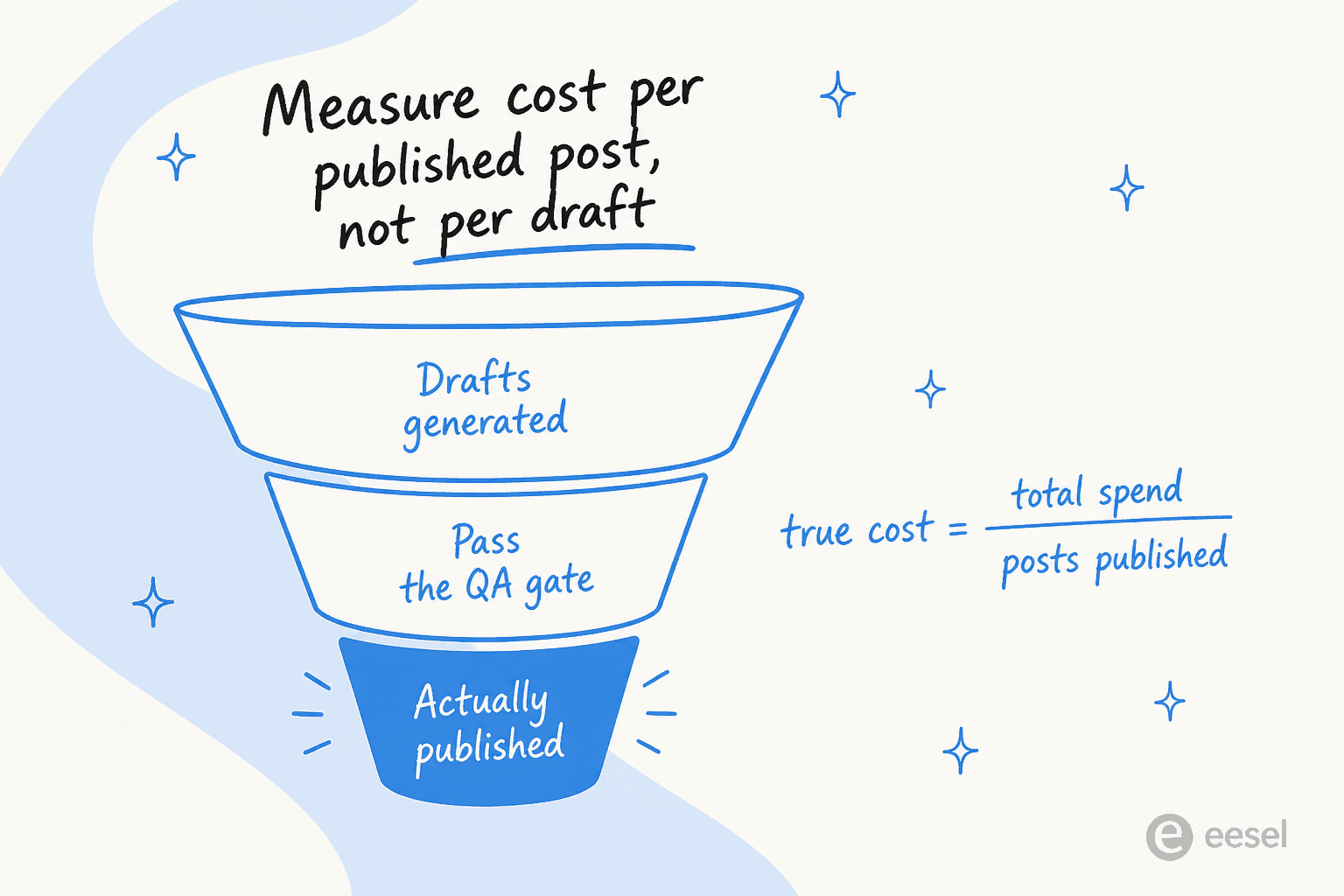
This matters because credit-based tools hide the real number. If you burn three drafts to get one keeper, your "cheap" per-draft price just tripled. A clear per-task model is easier to reason about. Here's how eesel's pricing breaks down, as one worked example:
| Task type | Examples | Price |
|---|---|---|
| Light | Dashboard questions, simple lookups | Free |
| Regular | Support ticket, chat session | $0.40 each |
| Heavy | Blog post draft | $4.00 each |
| Free trial | $50 of usage + 2 free blog generations | Free |
| Annual commit | Commit $300+/month | 25% off |
| Enterprise | Flat platform fee + usage | $1,000/month |
At $4 a draft, a 30-post month costs around $120 in generation, before you weigh in the review time you saved. The thing to watch is your own funnel: if a quarter of your drafts don't pass QA, your true cost per published post is closer to $5.30, not $4. That's still cheap against a freelance rate, but it's the honest number, and it's the one I'd budget against.
One more honest note, because I've seen it trip people up: trial limits and per-post pricing are two different things, and tools (ours included) haven't always made that obvious. Before you commit, get clear on what one finished post actually costs you end to end. My full breakdown of AI blog writer cost does the math at a few team sizes.
How I'd choose a pipeline for your stack
If you're comparing options, skip the feature checklists and ask three questions in order:
- Does it start before drafting? Real keyword planning and outline generation, not just a topic box.
- Does it finish after drafting? A QA gate, source-grounded claims, and a clean path into your CMS. This is the stage most tools skip, so it's the one I'd weight hardest.
- Does it sound like you at scale? Brand voice that holds across the 50th post, not just the demo one.
A tool that nails the middle and fumbles the ends will feel great in a demo and frustrating in production. The whole point of a pipeline is the ends. For a wider field, my roundup of the best AI blog writers and notes on what makes a good blog writer compare the contenders.
Try eesel for your blog content pipeline
If you want a pipeline that covers the ends, not just the draft, that's what we built eesel's blog writer to be. You give it a domain and a keyword, it researches from real sources, drafts in your brand voice with infographics and internal links baked in, and hands you a finished post, not a rough draft you have to dress up.
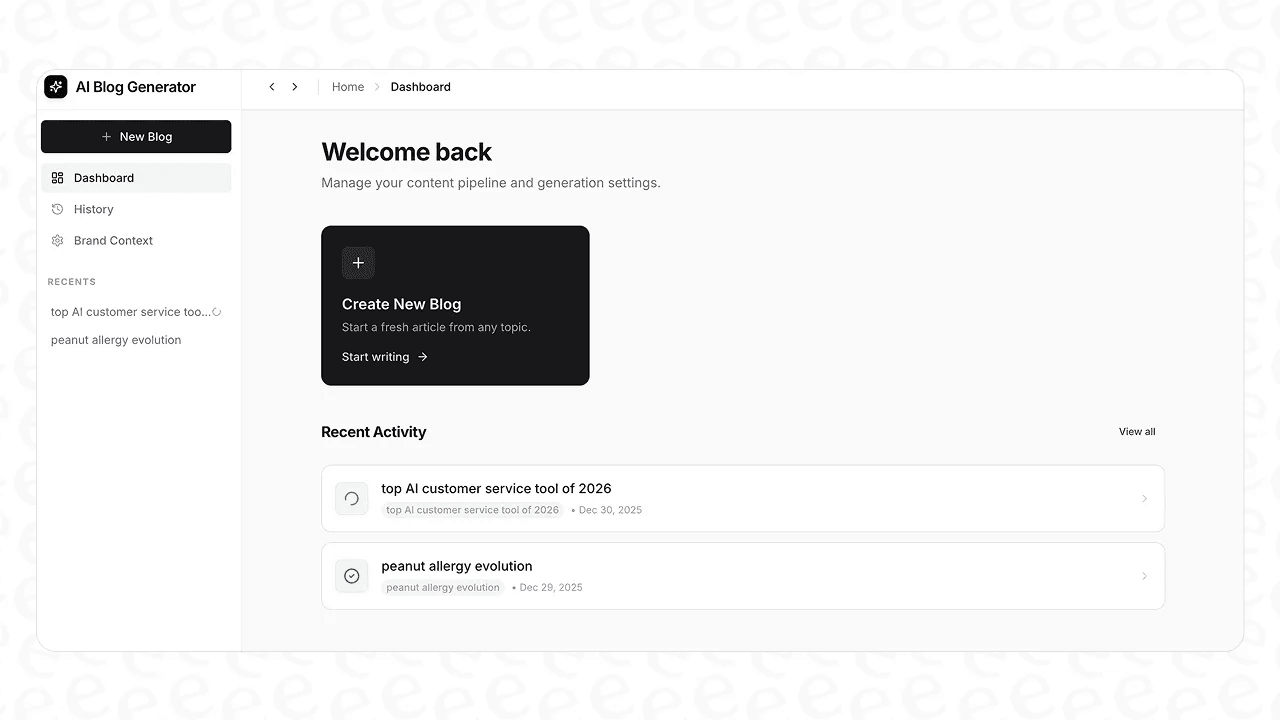
The differentiator is that last mile most pipelines drop: it researches and cites instead of guessing, holds your brand context across every post, and runs on a schedule when you're ready to treat content like a factory. It's free to try, with $50 of usage and 2 free blog generations, no credit card. Point it at a keyword and see what comes out the end of the pipeline.
Frequently Asked Questions
What is an AI blog content pipeline?
An AI blog content pipeline is the end-to-end system that takes a keyword and returns a published post: plan, brief, draft from real sources, QA, and publish. It's a whole production line, not a single chatbot bolted onto the drafting step. See how the stages connect in my breakdown of an AI content pipeline tool.
How do I build an AI blog content pipeline from scratch?
Start at the end. Define what a publish-ready post looks like, then wire the stages backwards: keyword research, a tight brief, AI drafting grounded in sources, a QA gate, and a clean push to your CMS. My guide to the AI blog writer workflow walks the order, and building an AI content pipeline covers the wiring in more depth.
Where does an AI blog content pipeline usually break?
Almost never at drafting. It breaks at the last mile: brand voice drifting off, claims that aren't grounded in a source, and formatting that dies on the way into a restrictive CMS. Plan the publish step before you scale the drafting step, and read up on CMS integration and fact-checking AI content first.
How much does an AI blog content pipeline cost?
The honest number is cost per published post, not per draft or per credit. eesel's blog writer runs on pay-as-you-go pricing at $4 per blog draft, with $50 of free usage and 2 free generations to start. I break down the math in my piece on AI blog writer cost.
Can an AI content pipeline keep my brand voice?
The good ones can, if you give them a real brief instead of a tone slider. Feed the pipeline your own pages, past posts, and rules, and it writes from your context. See brand voice training and how to maintain brand voice with AI.
Will posts from an AI blog content pipeline rank on Google?
They can, but thin auto-published content is the fastest way to get crawled and ignored. Posts that rank carry first-hand experience, citations, and dense internal links. If yours have stalled, start with why AI content isn't ranking, then build toward topical authority and EEAT-compliant content.
How many blog posts can an AI content pipeline produce?
A lot more than a human team, if the QA gate holds. I've watched one content lead run a keyword-to-publish pipeline to 360+ posts a month. Volume is only safe when each post still earns its place, so pair scale with scaling SEO content safely and a real bulk content generator.


Article by
Kurnia Kharisma Agung Samiadjie
Kurnia is a software engineer and writer at eesel AI with two years of SEO experience, writing about AI tools, helpdesk software, and customer support. He pairs a developer's understanding of how these products are built with search-driven research into what actually ranks and resonates with the people searching for them.