ChatGPT vs Grammarly: Which AI writing tool is right for you?

Katelin Teen
Katelin Teen
Last edited January 26, 2026
Picking between AI writing assistants can feel like choosing between a coffee and an energy drink. Both get the job done, but in very different ways. In the AI writing world, the two biggest names you'll hear are ChatGPT and Grammarly.
You've probably used one or both of them. They're everywhere. But the real question is, which one should you be using, and when? The main difference is pretty simple: ChatGPT is a generative AI, which is perfect for creating content from scratch. Think of it as a brainstorming partner that can whip up a first draft in seconds. Grammarly, which is trusted by 40 million people, is more like your personal AI editor, built to polish and refine text you’ve already written.
This guide will break down the ChatGPT vs Grammarly comparison, looking at their features, who they’re for, and what they cost. We'll help you figure out which tool fits your workflow. We’ll also look at a third option: tools that handle the whole content creation process from start to finish, like the eesel AI blog writer, which can turn a single idea into a fully researched, SEO-optimized post.
What is ChatGPT?
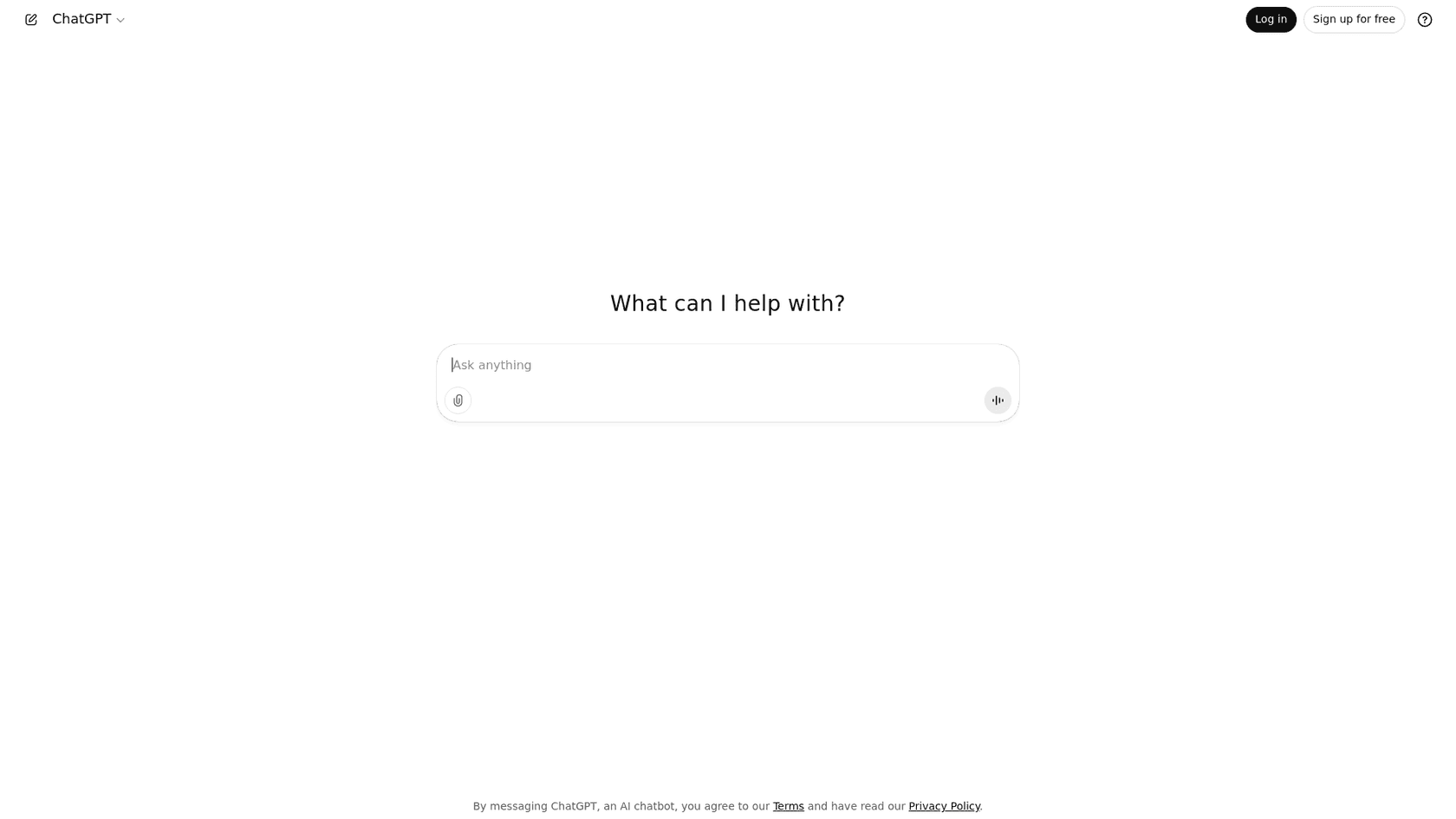
ChatGPT is an AI chatbot from OpenAI. You've likely seen its latest model, GPT-5.2, mentioned all over the place. At its core, it's a large language model (LLM) designed to understand your prompts and generate surprisingly human-like text, code, or even images in response.
Its main job is creation. You give it a prompt, and it gives you back almost anything. It's incredibly versatile. You can ask it to:
- Brainstorm ideas for a blog post
- Write a first draft of an email or article
- Summarize a long, complicated report
- Write snippets of code
- Analyze data from files you upload (a handy feature on the Plus and Enterprise plans)
The whole thing is built around a chat interface. It’s a back-and-forth conversation, which is great for exploring ideas. The only catch is that it's a standalone app, so you're usually copying and pasting text between your work and the ChatGPT window.
What is Grammarly?
Grammarly has been around for over a decade, and it has built a reputation as the go-to AI writing assistant for making your writing better. It’s not really about creating text from nothing; it’s about improving what’s already on the page.
It focuses on correctness, clarity, engagement, and tone. As you type, Grammarly offers real-time suggestions to fix grammar and spelling mistakes, rephrase clunky sentences, and make sure your tone is hitting the right mark.
Grammarly's biggest strength is how smoothly it fits into your daily workflow. It works across more than 1 million apps and websites, so you’ll see its little suggestions pop up whether you’re writing in Google Docs, Microsoft Word, Slack, or Gmail. It’s always there, helping you polish your writing without you having to switch tabs.
Key feature comparison
Content generation
This is where the two tools really go their separate ways.
- ChatGPT: This is its primary strength. If you’re staring at a blank page, ChatGPT can be very helpful. It can take a simple prompt like "write a blog post outline about the benefits of remote work" and give you a structured starting point in seconds. It’s fantastic for generating long-form content, creative stories, or just getting ideas down.
- Grammarly: While Grammarly has added some generative AI features, they’re designed to be more assistive. You can use it to compose a quick email or rephrase a paragraph, but it’s not built for creating a full article from scratch. Its generative AI use is also metered, with 100 prompts on the Free plan and 2,000 on the Pro plan.
The main catch with ChatGPT is that its output can sometimes sound a bit generic or robotic. It's a great first draft, but it almost always needs a human touch to add personality and make sure it aligns with a specific brand voice. Grammarly’s generative features are intentionally kept smaller in scope to help you refine, not replace, your writing.
Editing and rewriting
Here’s where the roles are completely flipped.
- Grammarly: This is its core functionality. Grammarly provides proactive, in-line suggestions with clear explanations, which actually helps you become a better writer over time. Its premium features, like automatic full-sentence rewrites and tone adjustments, are incredibly useful for taking a good draft and making it great.
- ChatGPT: You can use ChatGPT for proofreading. You just paste your text and ask it to "proofread this for grammar and clarity." It does a decent job, but the process is clunky. You don't get the same real-time, one-click suggestions that Grammarly offers, which makes for a much more manual editing experience.
Conversational LLM AIs like ChatGPT, not being specifically tailored for this task, have an annoying tendency to not being fully aware of what they even change (or, in some aspects, why). I can’t count how many times I asked ChatGPT for proofreading and, even with precise instructions as to what to do (and how) and what *not* to do, it kept doing things like rephrasing well enough to alter the tone and writing style...

Workflow and integrations
How these tools fit into your day-to-day work is a huge point of difference.
- Grammarly: It’s all about seamless integration. With its browser extensions and desktop apps, Grammarly works right inside the platforms you already use. It feels like a natural part of your writing process, not an extra step.
- ChatGPT: It's primarily a standalone web app. The standard workflow involves thinking of a prompt, switching to the ChatGPT tab, generating text, and then copying it back into your document. The ChatGPT Business plan is starting to close this gap with integrations for apps like Slack and Google Drive, but it’s not as deeply embedded as Grammarly.
Plagiarism detection
For anyone publishing content online, originality is a must.
- Grammarly: The Pro plan comes with a solid plagiarism checker. It scans your text against billions of web pages and ProQuest's academic databases to make sure your work is original.
- ChatGPT: It doesn't have a built-in plagiarism checker. The text it generates is technically new, but because it's trained on vast amounts of internet data, there's always a small risk it could sound very similar to existing content.
| Feature | ChatGPT | Grammarly |
|---|---|---|
| Primary Use Case | Content Generation & Drafting | Editing & Polishing |
| Real-time Suggestions | No (Prompt-based) | Yes (In-line) |
| Integrations | Limited (Standalone, Business plan apps) | 1M+ apps & websites |
| Generative AI Limits | Plan-based message caps | 100 (Free), 2,000 (Pro), Unlimited (Enterprise) |
| Tone Adjustment | Manual (via prompts) | Automatic Detection & 1-Click Adjustments |
| Plagiarism Checker | No | Yes (Pro Plan) |
| Best For | Brainstorming, first drafts, data analysis | Polishing final drafts, ensuring clarity & tone |
Pricing breakdown
Both tools have solid free versions, but you'll need to upgrade to a paid plan to unlock their best features. Here’s a look at the costs.
ChatGPT pricing
OpenAI offers a few different tiers for ChatGPT:
- Free: Gives you limited access to the flagship GPT-5.2 model. It’s great for trying it out, but you might hit usage caps during peak times.
- Go ($8/month): Provides expanded access to the flagship model and a higher message cap.
- Plus ($20/month): This is the most popular plan. You get priority access, faster response times, and access to advanced features like image generation and the Codex agent for code.
- Business ($25/user/month, billed annually): Includes everything in Plus, along with a secure workspace for your team, admin controls, and a promise that your data won't be used for training by default.
- Enterprise: Custom pricing for large companies that need advanced security, compliance features, and dedicated support.
Grammarly pricing
Grammarly also has a straightforward pricing structure:
- Free: Covers the basics with suggestions for grammar, spelling, and punctuation. You also get 100 generative AI prompts to try out.
- Pro ($12/member/month, billed annually or $30 monthly): This is where Grammarly really shines. It adds features like full-sentence rewrites, tone suggestions, and the plagiarism checker. It also bumps your generative AI limit up to 2,000 prompts per month.
- Enterprise (Custom pricing): Designed for large teams, this plan offers everything in Pro plus unlimited AI prompts, SAML single sign-on (SSO), dedicated support, and other advanced security features.
Who should use ChatGPT?
ChatGPT is the perfect tool for anyone who needs to create content from scratch. It’s ideal for:
- Content creators and marketers who need to generate blog post outlines, social media captions, or email newsletters quickly.
- Developers who want to write, debug, or document code more efficiently.
- Anyone experiencing writer's block. It’s a fantastic way to get past a blank page and start exploring different angles for a topic.
- Professionals who need to perform non-writing tasks like summarizing long documents or analyzing data from a spreadsheet.
Think of it as the tool for the drafting and brainstorming phase of your work.
Who should use Grammarly?
Grammarly is for anyone who needs their final written output to be as polished and professional as possible. It’s best for:
- Professionals, students, and academics who need to ensure their reports, emails, and papers are clear, concise, and error-free.
- Teams that want to maintain a consistent brand voice across all their communications. Grammarly’s style guide feature is a huge help here.
- Non-native English speakers who want an extra layer of confidence in their writing.
It’s the tool for the editing and polishing stage, designed to refine and perfect text you've already created.
An alternative workflow: eesel AI blog writer

This is where a tool like the eesel AI blog writer comes in. It's designed to be an end-to-end solution that takes you from a single keyword to a publish-ready blog post in one go.
It addresses the challenges of using separate tools by bringing the entire workflow together. Here’s how it’s different:
- It goes beyond drafting. Instead of just generating text, it performs deep, context-aware research and structures the entire post with SEO and AEO (Answer Engine Optimization) built-in from the start.
- It includes assets automatically. This is a huge time-saver. eesel AI generates and embeds images, infographics, and tables directly into the post. It even finds and integrates authentic social proof like relevant Reddit quotes and YouTube videos.
- The tone is designed to be human-like. The output is carefully refined to sound engaging and natural, so you don't get that generic "AI feel."
We built this tool for ourselves and used it to grow our own blog from 700 to over 750,000 impressions in just three months. It’s made for teams that want to scale content without juggling multiple tools.
To see these tools in action, this video provides a direct comparison of their features and user experience, helping you visualize which one fits your needs best.
Choosing the right tool for the job
The discussion about ChatGPT vs Grammarly isn't really about which tool is better, it's about which tool is right for the task at hand. They’re designed for different stages of the writing process, and for many people, the best workflow actually involves using both.
Here’s the simple takeaway:
- Use ChatGPT for ideation and first drafts. It’s your creative partner for getting words on the page.
- Use Grammarly for polishing and perfecting. It’s your editor for making sure your final piece is flawless.
But if you’re looking to scale your content production and want to skip the multi-step shuffle, a dedicated tool can make a world of difference. For teams that want to consolidate the entire workflow into a single click, the eesel AI blog writer offers a complete solution from research to final draft. It’s completely free to try.





