Choosing the right AI writing assistant can feel like picking between a world-class research librarian and a super-efficient personal assistant who already knows your business inside and out. On one side, you have Google Gemini, a conversational AI that can tap into the entire internet for information. On the other, there's Notion AI, which lives inside your team’s workspace and works with the context you've already created.
So, which one should you go with? It really boils down to your workflow. Are you a solo creator just trying to get ideas on paper? A content team looking to refine existing knowledge? Or are you trying to make your company-wide wiki a whole lot smarter?
This guide will walk you through the key differences to help you make the right call. We’ll look at what they can do, how they generate content, where they fit in your day-to-day, how much they cost, and even touch on privacy. We'll also introduce a specialized tool, the eesel AI blog writer, which is designed for scaling high-quality, publish-ready content to support organic growth.
What is Google Gemini?
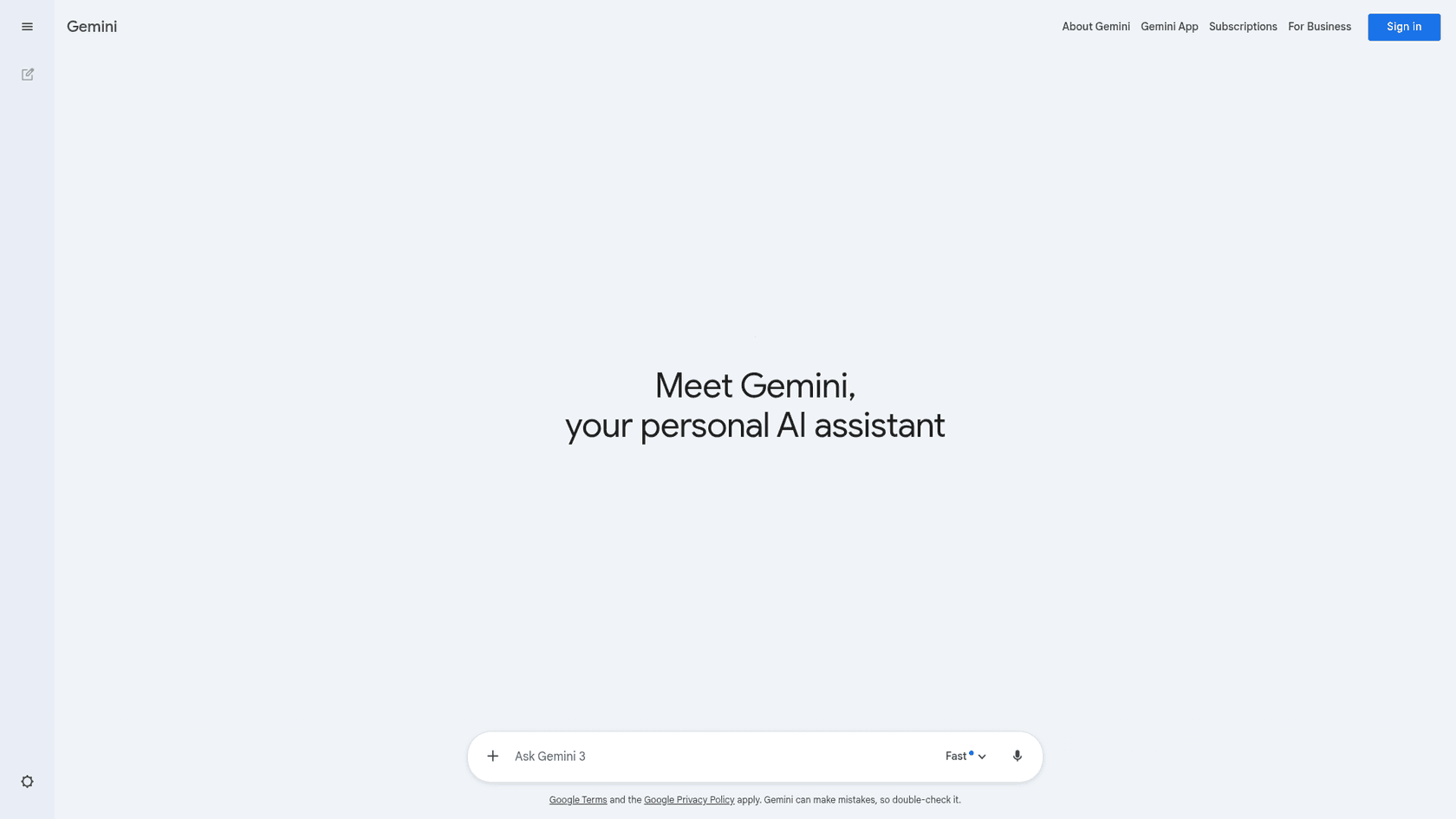
Google Gemini is the company's powerful conversational AI, built to be your sidekick for brainstorming, research, and creating content from a blank page. You can use it as a standalone app on the web or find it baked into the Google Workspace tools you probably use every day.
It's good to know that Gemini comes in two main versions, and they're not identical:
- For consumers (via Google One AI Premium): This is the fully-loaded version. It connects to more extensions like YouTube Music, Flights, and Hotels, and it gets Google's newest experimental features first. The trade-off? Your conversations might be used for profiling and model training, which could be a non-starter for some.
- For businesses (via Google Workspace): This version is designed with privacy as a priority. Your company’s data isn't used for training, which offers more peace of mind. However, it has fewer of those consumer-focused extensions and might be a little behind on feature rollouts compared to the Google One plan.
So, who is Gemini for? It’s a great fit for anyone who needs a powerful research assistant that’s plugged into the live web through Google Search. If you're starting a project from scratch or your business is already deep in the Google ecosystem, Gemini will feel like a natural extension of your workflow.
What is Notion AI?
Notion AI isn't a separate tool you open in another tab. It’s an intelligent assistant that lives right inside your Notion workspace. Its primary job is to enhance the work you’re already doing in Notion.
Think of it less as a brainstorming partner and more as the central brain for your entire workspace. It’s built to be a central knowledge hub that ties together all your documents, notes, and project plans. It can summarize meeting notes, draft new content based on existing pages, find information across connected apps like Slack and GitHub, and even transform a simple to-do list into a structured project plan.
Notion AI is made for teams and individuals who run their operations on Notion. If your company wikis, project trackers, and documentation are all housed there, it’s incredibly powerful. Its biggest advantage is its ability to stay in context. It pulls from your team's collective knowledge, making sure the answers and content it produces are based on your information, not just what it finds on the web.
Content generation: Gemini vs. Notion AI
Gemini's role in research
Gemini’s biggest strength is its direct line to the live internet via Google Search. This makes it highly effective for creating comprehensive first drafts on just about any topic. Need a detailed blog post outline about a new industry trend? No problem. Have to write a summary of a dense scientific paper? Easy. Trying to whip up some creative ad copy from scratch? Gemini can get you started in seconds.
A potential drawback, especially with the free version, is the workflow. Since it’s a standalone tool, the process often involves prompting, generating, then copying and pasting that content into your actual writing app, like Google Docs or a CMS. Of course, if you're a paying Workspace user, the integration into Docs and Gmail makes this much smoother, but for many, it’s an extra step.
Notion AI's role in refinement
Notion AI works differently. It really shines when it’s working with content that’s already inside your workspace. It’s designed to be a transformer, not just a generator.
From what I’ve seen, Notion’s AI is super convenient for *quick* summarizing, brainstorming, and rewriting right inside your docs. But it’s not great for deeper research or pulling in live info from the web.

For example, you can highlight a long research document and ask Notion AI to turn it into a clean blog post outline. You can take messy meeting notes and have it instantly identify the key action items and add them to a project board. Or you can write a paragraph and ask it to switch the tone from formal to casual.
Its key strength is using the context you've already built. The Q&A feature, for instance, gives you answers based on your wikis' content and even tells you which Notion pages it used as sources. This is a huge help for avoiding AI "hallucinations" and ensuring the information you get is reliable and relevant to your team.
Workflow integration differences
An AI tool is only useful if it actually fits into your team's daily routine. This is where the core differences between Gemini and Notion AI really stand out.
How Gemini fits into your workflow
For businesses paying for Google Workspace, Gemini’s integration is tight and seamless. You can get AI help directly within Gmail, Docs, and Meet, which is incredibly handy. You can summarize long email chains, get help writing replies, or have Gemini take meeting notes for you.
It's worth mentioning again that the consumer Google One AI Premium plan has more third-party extensions (letting you connect to your favorite apps), while the Workspace version focuses more on Google's own ecosystem (Calendar, Drive, etc.).
Collaboration with Gemini is a bit indirect. You don't really work together inside the Gemini app. Instead, the collaboration happens after the fact. You use Gemini to create a draft, paste it into a Google Doc, and then use the sharing and commenting features you already know to work on it with your team.
How Notion AI powers collaborative workflows
Notion is, at its heart, a collaborative platform, and Notion AI is built to make that even better. Its features are meant to be used by everyone on the team, right inside your shared pages and databases.
Imagine your whole team jumping into the same meeting notes page and using Notion AI to create a summary that everyone can see and edit. Or brainstorming ideas for a new project brief together, with Notion AI helping to structure the thoughts in real-time. It can also search across connected apps, like Slack, Jira, and GitHub, so anyone on the team can find an answer without having to bother three different people.
A key consideration is that this integrated model means your AI workflows are primarily within the Notion ecosystem. If your marketing team is all-in on Notion but your engineering team uses Jira and Confluence, it can create a bit of a disconnect.
A breakdown of Gemini vs. Notion AI pricing
The way these tools are priced says a lot about who they're designed for. Google offers separate plans for individuals and businesses, while Notion includes its AI features in its team-focused plans.
I'm confused about the Notion AI plans and their pricing, and it would be helpful if someone could clarify it for me. On the mobile app, there's an option called 'Plus & Notion AI,' which includes advanced AI features with unlimited storage, but there's no statement on limited or unlimited AI use. However, on Notion's website and desktop applications, it states that I need at least the Business Plan to have unlimited access to AI features.
Here’s how they compare:
| Plan / Platform | Google Gemini | Notion AI |
|---|---|---|
| Free Tier | Basic Gemini: Available for free consumer use. No AI features in free Google Workspace business accounts. | Free Plan: Offers a limited trial of AI features for teams to test. Unlimited for individual use. |
| Individual / Pro | Google One AI Pro ($19.99/mo): Includes Gemini in Google apps (Docs, Gmail) and access to more capable models for consumers. | Plus Plan ($10/user/mo): Does not include Notion AI. AI features are available on a limited trial basis. |
| Team / Business | Google Workspace Business Standard ($16.80/user/mo): Includes Gemini in Workspace apps and expanded access to the Gemini app. | Business Plan ($20/user/mo): Includes all Notion AI features, SAML SSO, and private teamspaces. |
| Enterprise | Custom Pricing: Tailored plans for large organizations with advanced security, compliance, and more AI capabilities. | Custom Pricing: Includes advanced security, workspace analytics, and a dedicated success manager. |
Looking at the table, a couple of things become clear. Notion AI is included in the Business plan, which makes it a straightforward all-in-one deal for teams already on that tier.
Gemini's pricing is a bit more split. The consumer-focused Google One AI Pro plan actually gives you more AI features, but the business-focused Workspace Business Standard plan is a little cheaper and comes with important data privacy protections. It’s a key trade-off that companies need to think about.
An alternative for scaling SEO content: eesel AI blog writer

The eesel AI blog writer is built for one thing: turning a single keyword into a complete, SEO-optimized, publish-ready blog post. We built it to solve our own problem, and it’s the same process we used to grow our traffic from 700 to 750,000 daily impressions in just three months.
It’s different from Gemini and Notion AI because it’s not made for brainstorming or summarizing notes. It’s a content production tool with features designed for marketing teams:
- Automatic asset generation: It doesn’t just write words. It creates a full post with AI-generated images, tables, and infographics to break up the text and make it easier to read.
- Authentic social proof: It automatically searches the web to find and embed relevant Reddit quotes and YouTube videos, adding a layer of human authority that complements AI-generated text.
- Context-aware research: It understands the kind of blog post you're trying to create. If you’re writing a comparison, it knows to look for pricing and feature data. A how-to guide? It will find step-by-step instructions.
A workflow infographic explaining how the eesel AI blog writer creates content, a key alternative in the Gemini vs Notion AI debate.
The best part? It's completely free to try. You can generate a full article and see the quality for yourself with no strings attached.
Gemini vs. Notion AI: Which AI writing assistant is right for you?
- Choose Google Gemini if: You need a powerful research partner to create first drafts from scratch. It’s perfect for digging into new topics where you need real-time information from the web. The consumer version is great for individuals who want all the bells and whistles, while the Workspace version is the obvious choice for businesses that put data privacy first.
- Choose Notion AI if: Your team already lives and breathes in Notion. It’s the undisputed champ of organizing, summarizing, and building on the knowledge that’s already in your shared workspace. It basically turns your internal documents into a smart, searchable, and interactive database.
However, if your main goal is to produce high-quality blog content designed to rank on Google and drive traffic, a specialized platform may be more suitable.
To see how these tools are evolving and even being used together, check out this video which explores the potential of integrating Gemini with Notion for a powerful, combined workflow.
If growing your organic presence is what you're after, give the eesel AI blog writer a try for free. See for yourself how fast you can go from a single keyword to a complete, optimized article that’s ready to hit publish.