Managing a support team means keeping track of hundreds (sometimes thousands) of customer conversations. Without a clear system, tickets slip through the cracks, agents waste time hunting for their next task, and managers lose visibility into team performance.
This is where Zendesk ticket views come in. Think of views as smart playlists for your support queue. Instead of scrolling through an endless list of tickets, your team sees organized lists based on criteria you define. New tickets waiting for assignment. High-priority issues about to breach SLA. Pending tickets that need a follow-up nudge.
For managers, well-designed views are the difference between reactive firefighting and proactive team oversight. This guide covers everything you need to build a view system that scales with your team.

What are Zendesk ticket views and why do they matter for managers?
A Zendesk ticket view is a saved filter that organizes tickets into lists based on conditions you set. Unlike searching (which is one-off and manual), views update automatically. When a ticket meets your criteria, it appears in the view. When it no longer matches, it disappears.
Here's why this matters for managers:
- Visibility: See exactly what your team is working on without asking for status updates
- Accountability: Ensure every ticket has an owner and nothing sits untouched
- Prioritization: Surface urgent issues before they become problems
- Scalability: Onboard new agents faster with clear, organized queues
Views work alongside your existing workflows. And when you're ready to add intelligence to your triage process, tools like eesel AI can analyze ticket content to automatically categorize by sentiment, urgency, and intent (working with your views, not replacing them).
Essential Zendesk ticket views for managers every manager should set up
Not all views are created equal. Here are the categories every manager needs:
The failsafe view: All unsolved tickets
This is your safety net. The All Unsolved Tickets view catches anything that falls through the cracks of your other views.
Configuration:
- Condition: Status less than Solved
- Order by: ID (ascending) or Request date (oldest first)
- Group by: (No group)
Why oldest first? If your view architecture has gaps (and eventually it will), this view shows you the oldest unhandled ticket at the top. A quick glance tells you whether tickets are slipping into a blackhole.
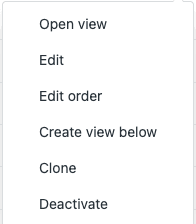
Team workload views
These views help you balance work across your team:
- Unassigned tickets: New tickets waiting for an owner. Condition: Assignee is ( )
- Your team's open tickets: Tickets currently being worked. Condition: Status is Open, Group is [Your Team]
- Pending tickets: Awaiting customer response. Condition: Status is Pending
Priority and risk views
Surface the tickets that need immediate attention:
- High priority/urgent: Condition: Priority is High or Urgent
- SLA at risk: Condition: Hours until next SLA breach is less than 4
- Escalated tickets: Condition: Tags contain "escalated" or Group is Tier 2/Tier 3
How to create and organize views in Zendesk
Accessing the Views admin page
To create or edit views, navigate to Admin Center > Workspaces > Agent tools > Views.
You'll see two types of views:
- Shared views: Available to all agents or specific groups. The first 100 shared views appear in the views list.
- Personal views: Individual agents create these for themselves. The first 10 personal views appear in the list.
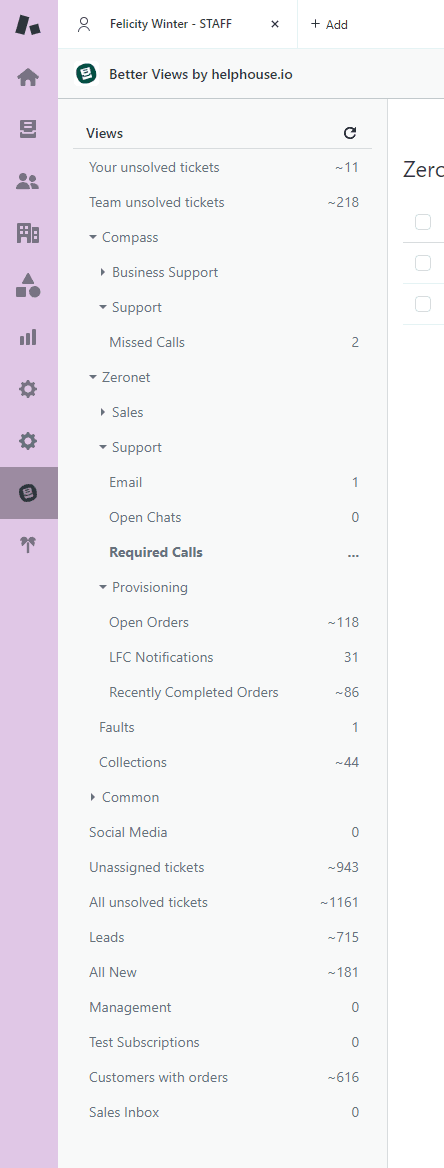
Building view conditions
Views use conditions to determine which tickets appear. You have two condition groups:
- Meet ALL of these conditions: Tickets must satisfy every condition
- Meet ANY of these conditions: Tickets can satisfy any one condition
Every view must include at least one of these properties in the "Meet all" section:
- Status
- Status category
- Type
- Group
- Assignee
- Requester
Common condition types for managers:
| Condition | Use Case |
|---|---|
| Ticket: Status | Filter by New, Open, Pending, Solved |
| Ticket: Priority | Surface High/Urgent tickets |
| Ticket: Group | Route to specific teams |
| Ticket: Assignee | Find unassigned or specific agent tickets |
| Ticket: Tags | Custom categorization |
| Hours since created | Find stale tickets |
| Hours until next SLA breach | Identify at-risk tickets |

Formatting and organizing views
Once conditions are set, customize how tickets appear:
- Columns: Choose up to 15 columns (Subject, Requester, Priority, etc.)
- Group by: Organize tickets by a field (e.g., Group by Priority)
- Order by: Sort within groups (e.g., Order by Request date, ascending)
Pro tip: Use emojis in view names to help agents scan faster. For example: "🔥 Urgent Tickets" or "⏳ Pending Customer Response".
Zendesk ticket view organization strategies that scale
The MECE principle for view design
Jude Kriwald, a Zendesk consultant, recommends the MECE principle: Mutually Exclusive, Collectively Exhaustive.
- Mutually Exclusive: Each ticket should appear in only one primary working view. If the same ticket shows up in "Unassigned" and "New Tickets," agents get confused about who should handle it.
- Collectively Exhaustive: Every ticket should appear in at least one view. If a ticket doesn't match any view conditions, it enters the dreaded "ticket blackhole."
This is why the All Unsolved Tickets failsafe view is essential. If your MECE views are working correctly, the sum of tickets in all your working views should equal the count in All Unsolved Tickets.
Organizational approaches
How you organize views depends on your team structure:
By status: Simplest approach. Views for New, Open, Pending, Solved. Works for small teams with low volume.
By team: Views for Customer Service, Technical Support, Billing. Best for growing organizations. New channels can be added to existing team views without changing the view structure agents see.
By channel: Views for Email, Chat, Social, Phone. Works when different teams handle different channels.
Hybrid: Combine approaches. Team-based views with status sub-views using the double colon syntax (e.g., "Support :: Open Tickets").
Managing view limits
Zendesk enforces view limits:
- First 100 shared views are accessible
- First 10 personal views are accessible
When you hit limits, agents see a "More" dropdown. To keep critical views visible:
- Deactivate (don't delete) seasonal or temporary views
- Audit views quarterly and remove unused ones
- Use naming conventions to group related views
Common Zendesk ticket view mistakes and how to avoid them
The ticket blackhole
The problem: Views are too specific, and certain tickets don't match any view conditions. They disappear from sight until a customer complains.
The fix: Always maintain the All Unsolved Tickets failsafe view. Check it daily.
View overlap
The problem: The same ticket appears in multiple views. Two agents might start working on it simultaneously, or agents waste time deciding which view to work from.
The fix: Apply the MECE principle. Review your conditions to ensure tickets route to exactly one primary view.
Performance issues
The problem: Views with complex conditions (multiple text field checks, "NOT" statements, null value checks) load slowly.
The fix: Zendesk recommends avoiding:
- Checking several text fields
- Checking for null values (e.g., "Assignee is ( )")
- Using broadly exclusionary "NOT" statements
Instead, use inclusive, specific conditions. Check for tags rather than words in descriptions.
Permission problems
The problem: Agents see views they don't need, cluttering their workspace.
The fix: Use the "Who has access" setting when creating views:
- Any agent
- Agents in specific groups
- Only you (for personal views)
Maintenance debt
The problem: Views accumulate over time. Old views from completed projects, former team structures, and abandoned experiments clutter the list.
The fix: Schedule quarterly view audits. Deactivate unused views. Delete views that have been inactive for 6+ months.
Enhancing Zendesk ticket views with automation and AI
Views are powerful on their own, but they become even more effective when combined with automation.
Triggers and macros
Use Zendesk triggers to automatically tag and route tickets to appropriate views:
- A trigger detects "refund" in the subject line
- The trigger adds the "refund_request" tag
- Your "Refund Requests" view shows any ticket with that tag
Macros can move tickets between views efficiently. An agent runs a macro that updates the tag, and the ticket automatically appears in the next team's view.
When to add AI
Views work with fixed rules. They're excellent for structure and consistency. But they can't understand context, sentiment, or intent.
That's where AI comes in. eesel AI works alongside your Zendesk ticket views to:
- Detect urgency in ticket language and automatically update priority
- Understand customer frustration and flag for immediate attention
- Categorize by topic (billing, feature request, bug report) without manual tagging
- Route based on sentiment and intent, not just keywords
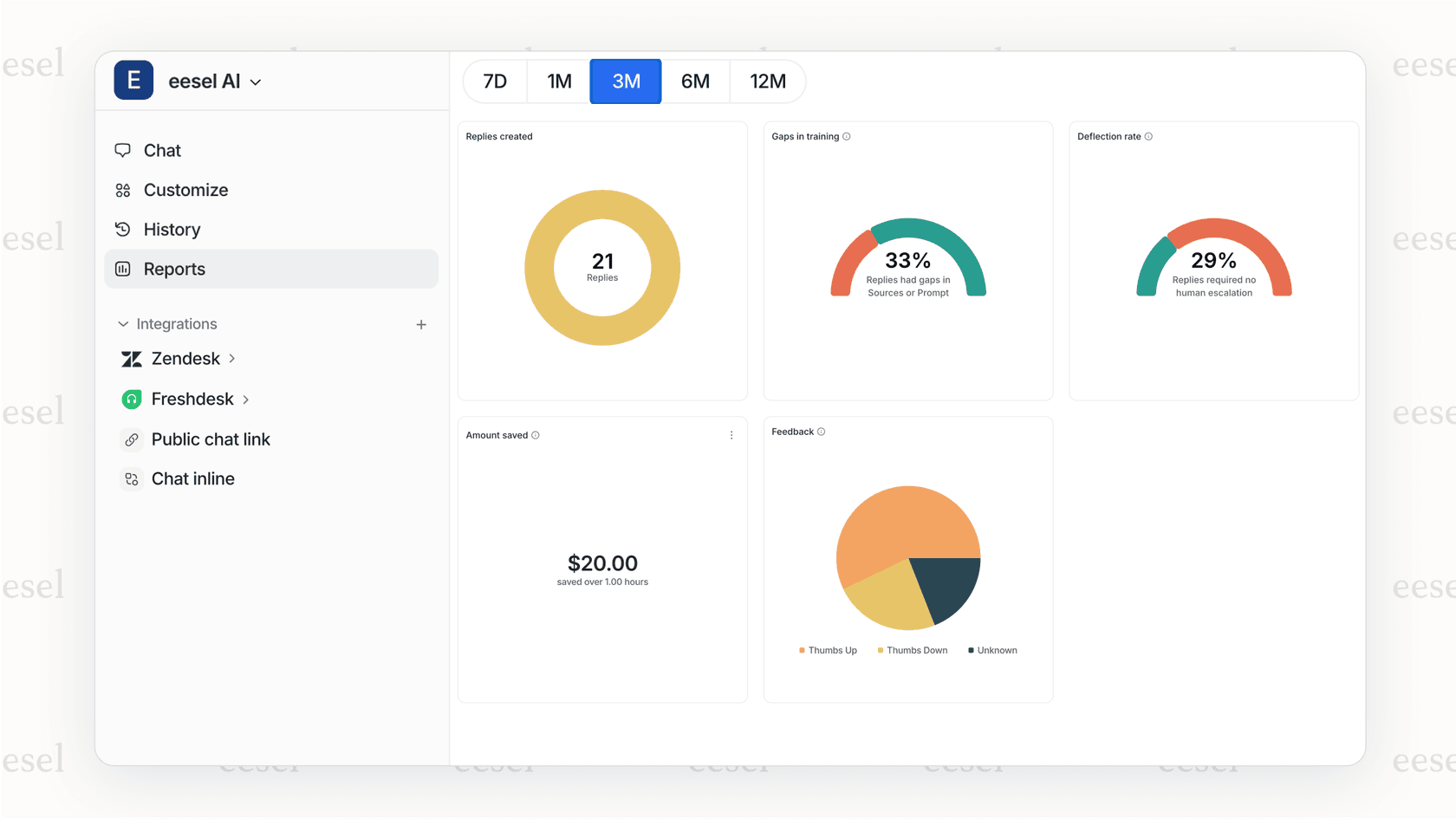
The key is that AI enhances your views without replacing them. Your views provide the organized structure. AI ensures the right tickets get to the right views faster.
Start optimizing your Zendesk ticket views today
If you only do one thing after reading this guide, set up the All Unsolved Tickets failsafe view. It's your insurance policy against ticket blackholes.
Then, audit your current views against the MECE principle. Are tickets appearing in multiple views unnecessarily? Are there tickets that don't appear in any view?
As your team grows, consider how automation can reduce manual view management. Triggers can handle routine routing. And if you're ready to add intelligence to your triage process, eesel AI integrates with Zendesk in minutes, analyzing ticket content to categorize by sentiment, urgency, and intent.
Well-designed views turn ticket chaos into organized workflows. Your agents know what to work on. You know what your team is handling. And nothing falls through the cracks.