Managing tenant communications, maintenance requests, and owner relations across a property portfolio is complex. Property management companies handle hundreds of interactions daily, from urgent repair calls to routine lease questions. Without a centralized system, messages get lost, response times slip, and tenant satisfaction suffers.
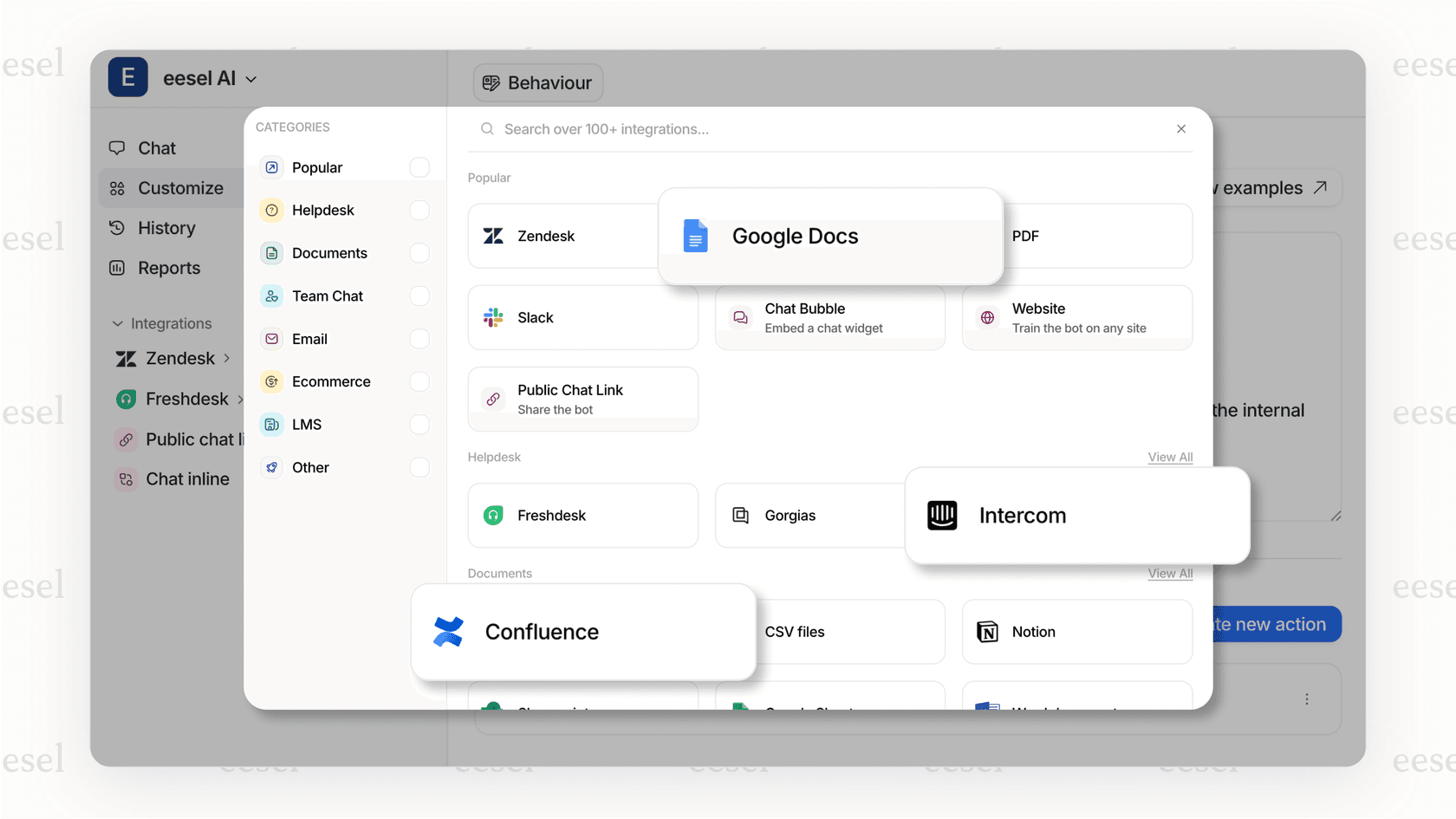
This is where Zendesk comes in. Originally built for customer support teams, Zendesk has become a go-to platform for property managers who need to organize communications, automate workflows, and maintain service standards across their operations. We integrate with Zendesk too via eesel's Zendesk integration, so you can add AI-powered automation to your existing setup without replacing what's already working.

What is Zendesk and how does it work for property management?
Zendesk is a customer service platform that centralizes all communications into a ticket-based system. Think of it as a shared inbox on steroids. Every email, phone call, chat message, or web form submission becomes a trackable ticket that can be assigned, prioritized, and monitored until resolution.
For property management, this means:
- Tenant requests (maintenance, lease questions, complaints) become tickets
- Owner communications (updates, financial reports, decisions) are tracked and searchable
- Vendor coordination (maintenance crews, cleaners, contractors) happens within the same system
- Internal team collaboration stays visible and accountable
Property management companies adopt Zendesk for several reasons. First, it replaces scattered email threads and sticky notes with a searchable record of every interaction. Second, it enables automation that routes urgent maintenance requests to the right person immediately. Third, it provides reporting that shows response times, resolution rates, and team performance (metrics that matter when you're managing service level agreements).
The key stakeholders in a Zendesk property management setup include:
- Tenants and guests who submit requests through email, web forms, or chat
- Property owners who receive updates and reports on their investments
- Maintenance teams who get assigned work orders with full context
- Property managers who oversee operations and ensure standards are met
We work alongside Zendesk as an AI teammate that learns from your past tickets and help center content. Once connected, we can draft responses, route tickets intelligently, and even resolve common questions automatically. This means your team spends less time on repetitive work and more time on complex issues that need a human touch.

Key features property managers use in Zendesk
Centralized communication hub
The core of Zendesk is its unified inbox. All tenant and owner communications flow into one place, regardless of channel. A tenant might email about a leak, call about a lockout, and submit a maintenance form, all related to the same property. Zendesk connects these interactions so your team sees the full picture.
Multi-channel support means you can meet tenants where they are. Email for detailed requests, phone for emergencies, chat for quick questions, and web forms for standardized submissions. Everything converts to tickets that can be organized by property, issue type, urgency, or any custom field you define.
Automation and workflow management
Zendesk's automation capabilities are where property managers see real efficiency gains. You can set up triggers that:
- Route maintenance requests to your facilities team automatically
- Escalate urgent issues (like no heat in winter) to senior staff
- Send acknowledgment emails to tenants within minutes
- Alert owners when their property has an open ticket past a certain age
SLA monitoring ensures you meet your commitments. If you promise owners a 24-hour response time, Zendesk tracks it. If you guarantee tenants same-day acknowledgment for urgent issues, the system enforces it. Breach alerts notify managers before deadlines pass, giving you a chance to intervene.
Reporting and performance tracking
Data drives improvement. Zendesk provides prebuilt dashboards showing response times, ticket volume by property, and agent performance. You can see which properties generate the most requests, which issues take longest to resolve, and which team members need coaching.
Customer satisfaction scoring (CSAT) lets tenants rate their experience after ticket resolution. This feedback loop helps identify training needs and process improvements. Property-level insights show owners how their investments are being managed, with concrete metrics to back up your service claims.
Our AI agent can enhance these capabilities by analyzing ticket patterns and suggesting improvements to your workflows. We identify common issues that could be deflected with better self-service content, and we highlight opportunities for automation that your team might have missed.
Real-world results: How Host Wise manages 350+ properties with Zendesk
Host Wise, a property management company based in Portugal, manages over 350 vacation rental properties. They implemented Zendesk to handle the high volume of guest communications, maintenance coordination, and owner relations that come with a portfolio that size.
The results speak for themselves:
- 7.14% improvement in guest ratings (from 4.20 to 4.50 average)
- 94.21% of technical issues resolved within 24 hours
- Sub-1-hour response time for guest inquiries
- Sub-24-hour response time for owner communications
How did they achieve this? Their internal IT team developed custom integrations that connect Zendesk with their operational tools. They built a Breezeway integration that lets support staff create maintenance and cleaning tasks directly from tickets. When a guest reports an issue, the team can immediately dispatch the right crew without switching systems.
They also automated checkout workflows. When guests inform the system of their departure time, Zendesk automatically notifies cleaning teams to coordinate turnover. Custom guest guides are automatically generated and sent to each booking, reducing repetitive questions and improving the guest experience.
SLA enforcement became systematic rather than aspirational. Zendesk tracks every ticket against their commitments, and managers get alerts before breaches occur. Individual agent performance is monitored, allowing for targeted coaching and consistent service quality.
This kind of transformation is possible when you combine the right platform with thoughtful implementation. We have customer stories showing similar results across different industries, and we can help you achieve comparable outcomes in property management.
Integrating Zendesk with property management systems
Major PMS integrations
Zendesk doesn't replace your property management system. It complements it. Through the Zendesk Marketplace, you can connect with major PMS platforms including MRI, Yardi Voyager, RentManager, ResMan, RealPage, and Entrata.
These integrations sync data between systems so your support team has context without switching tabs. When a tenant calls, the Zendesk ticket automatically shows their lease details, payment history, and unit information from your PMS. When a maintenance request comes in, it can be logged in both systems simultaneously.
The benefit is visibility. Your support team sees the full tenant relationship. Your property managers see support trends that might indicate operational issues. Your owners get reports that combine financial and service metrics.
Maintenance management integrations
Beyond PMS connections, Zendesk integrates with maintenance-specific tools. EZO CMMS, for example, links assets to tickets so technicians see equipment history, warranty information, and past work orders directly within the Zendesk interface. Breezeway integration enables task creation and tracking for cleaning and maintenance crews.
These connections mean faster resolution. When a tenant reports a broken appliance, the support agent sees it's still under warranty, checks availability of replacement parts, and schedules a technician, all without leaving Zendesk. The tenant gets faster service, and your team avoids the back-and-forth of checking multiple systems.
Real estate CRM capabilities
For property managers handling sales and leasing, Zendesk Sell adds CRM functionality to the support platform. Track leads from inquiry to lease signing. Manage prospect communications alongside tenant support. Analyze your sales pipeline with the same rigor you apply to service metrics.
This unified approach means prospects get the same responsive service as existing tenants. It also means your leasing team has visibility into support history, which can inform renewal conversations and identify at-risk tenants before they give notice.
We can connect to your CRM as well, giving you AI-powered assistance across both support and sales workflows. Our platform learns from your historical data to draft responses, suggest next steps, and automate routine tasks.
Zendesk pricing for property management
Zendesk pricing is per-agent, which means costs scale with your team size. Here's the breakdown:
| Plan | Monthly Price | Annual Price | Key Features for Property Management |
|---|---|---|---|
| Support Team | $25/agent | $19/agent | Email/ticketing, basic automations, 1000+ integrations |
| Suite Team | $69/agent | $55/agent | AI agents (Essential), messaging, 1 help center, phone support |
| Suite Professional | $149/agent | $115/agent | 5 help centers, SLA management, skills-based routing, CSAT surveys |
| Suite Enterprise | $219/agent | $169/agent | 300 help centers, sandbox, custom roles, approval workflows |
Add-ons to consider:
- Copilot (AI writing assistance): $50/agent/month
- Quality Assurance: $35/agent/month
- Workforce Management: $25/agent/month
- Advanced AI Agents: Contact sales
For property management companies, the Suite Professional plan typically makes sense. It includes SLA management (critical for owner agreements), multiple help centers (useful if you manage different property types), and skills-based routing (so maintenance requests go to facilities staff, not leasing agents).
A 10-person property management team would pay approximately $1,150/month annually for Suite Professional. Compare this to specialized property management software, which often charges per unit rather than per user. For a 500-unit portfolio, specialized PMS might cost $1,000-2,000/month, but Zendesk adds communication and service capabilities that pure PMS platforms lack.
When to choose Zendesk vs. specialized property management software
Zendesk excels in specific scenarios:
- You need customization. Property management workflows vary widely. Zendesk lets you build custom fields, triggers, and automations that match your exact process.
- You have complex communication needs. If you're handling high volumes of tenant inquiries across multiple channels, Zendesk's unified inbox is hard to beat.
- You're already using a PMS. Zendesk integrates with existing systems rather than replacing them.
- You have 50+ units. Below that threshold, the per-agent pricing might not justify the investment.
Specialized property management software might be better if:
- You want an all-in-one solution. AppFolio, Buildium, and similar platforms combine accounting, leasing, and maintenance in one system.
- You have a small portfolio. Under 50 units, the simplicity of an integrated PMS might outweigh Zendesk's communication advantages.
- Accounting integration is critical. While Zendesk integrates with some accounting tools, it's not a replacement for property management accounting software.
Many companies use a hybrid approach: specialized PMS for accounting and lease management, Zendesk for communication and service delivery. This gives you the best of both worlds without forcing compromises.
We offer an alternative approach that might fit your needs. Instead of complex configuration, we learn from your existing tickets, help center, and documentation. We plug into your help desk (whether it's Zendesk, Freshdesk, or another platform) and start providing value immediately. No lengthy setup, no workflow redesign. Just AI that understands your business and helps your team work faster.
Getting started with Zendesk for property management
If you're considering Zendesk for your property management operation, here's how to approach implementation:
Start with a trial. Zendesk offers a 14-day trial with full Suite Professional access. Use this period to test your most common workflows: maintenance requests, lease inquiries, owner communications.
Plan your data migration. If you're moving from email or another system, decide what historical data you need. Zendesk can import tickets, but you might choose to start fresh and only migrate active issues.
Train your team. The biggest implementation risk isn't technical, it's adoption. Invest time in training property managers, leasing agents, and maintenance coordinators on the new system. Show them how it makes their jobs easier, not harder.
Define your KPIs. Before you go live, decide what success looks like. Average response time? First-contact resolution rate? Tenant satisfaction scores? Having baseline metrics lets you measure improvement.
Iterate on workflows. Your initial setup won't be perfect. Plan to review and adjust triggers, automations, and routing rules after 30 days of real use.
We can accelerate this process. Our AI learns your communication patterns and suggests optimizations from day one. We draft responses to common questions, route tickets intelligently, and help your team resolve issues faster. If you're already using Zendesk, we integrate seamlessly. If you're evaluating options, we work across platforms to give you flexibility.
Property management is about relationships. The better you communicate with tenants and owners, the more successful you'll be. Whether you choose Zendesk, another platform, or a hybrid approach, the goal is the same: responsive service, efficient operations, and satisfied stakeholders.
Ready to see how AI can transform your property management support? Try eesel AI free or book a demo to see how we work alongside your existing Zendesk setup.