


Running a Shopify store is a juggling act. You’re trying to give every customer instant, helpful support while also figuring out how to, you know, actually sell more stuff. It's a lot, especially when your team is already wearing multiple hats.
This is usually the point where tools like Tidio enter the chat. It’s a popular platform that bundles live chat, chatbots, and AI to help ecommerce stores solve this exact problem. But is it the right tool for your store?
This guide will walk you through everything you need to know about the Tidio AI Shopify integration. We’ll get into its key features, how to set it up, what it costs, and where it might not be the best fit. By the end, you'll have a much clearer idea of whether it's the right move for your business.
What is Tidio AI Shopify?
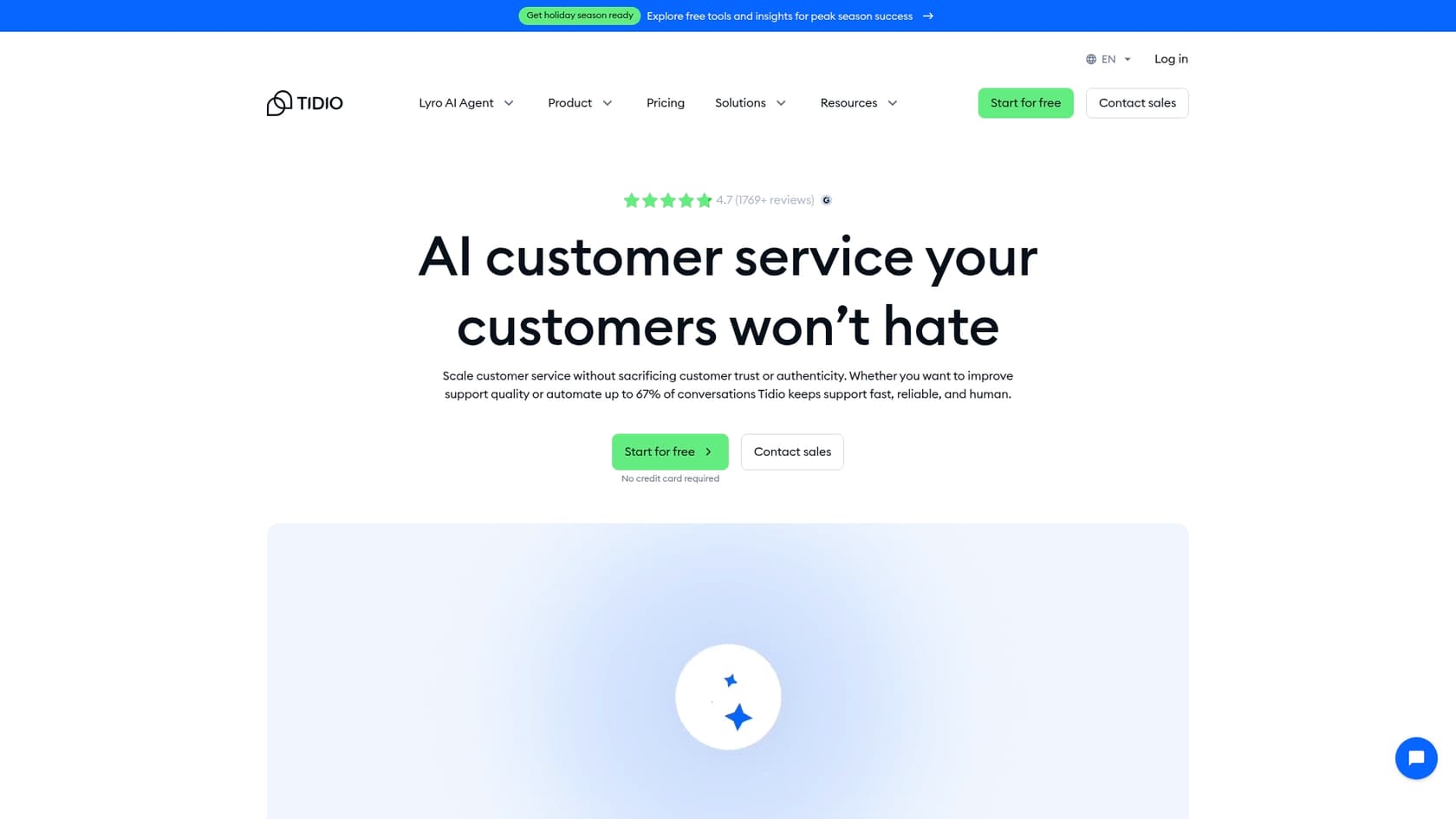
At its core, Tidio is a toolbox for talking to your customers. It gives you live chat, a help desk, and automation features, all with a heavy focus on ecommerce, which is why you see it on so many Shopify sites.
The AI part of Tidio is powered by "Lyro," its conversational AI engine. Think of Lyro as the brain behind the chatbot. It’s designed to answer customer questions, handle common requests, and sort things out without needing a human to jump in every time.
The real magic of the Tidio AI Shopify integration is how it connects Lyro to your store’s data. The AI can see your product catalog, check on orders, and access customer details to give automated support that’s actually helpful. The main goal is to automate those repetitive questions, nudge customers with abandoned carts, and recommend products to hopefully boost your sales.
Key features of the Tidio AI Shopify integration
The Tidio and Shopify connection really comes to life with a few features built specifically for online stores. Let's take a look.
Automated AI product recommendations
Lyro can basically act as a 24/7 sales assistant inside your chat widget. It listens to what a customer is asking for and pulls relevant products from your store to show them.
For instance, if a customer asks for a "warm jacket for winter," Lyro can pull up a few options. It can also find specific items by name, suggest alternatives if something is out of stock, or even recommend products that go well together if that info is in your product descriptions. This all happens by pulling data from your Shopify catalog in real-time, so the suggestions are always current.
In-chat order and cart management
Here’s a feature your support team will probably love: the ability to manage Shopify orders right from the Tidio dashboard. That means less time spent switching between tabs and quicker answers for your customers.
Here are a few things your agents can do right from the chat:
-
Pull up a customer’s complete order history and see what’s in their cart.
-
Cancel an order or process a refund on the spot.
-
Update a shipping address without having to log into the Shopify admin panel.
This tight link helps your support team resolve common issues way more efficiently, freeing them up for the trickier problems.
Pre-built automation flows for ecommerce
Tidio calls its automation tool "Flows," and they’re designed so you don't have to touch a line of code. These are simple, trigger-based workflows you can set up to handle common situations automatically. For Shopify stores, Tidio offers a bunch of handy templates right out of the box.
Some of the most common flows include:
-
Cart Recovery: If a visitor has items in their cart and looks like they’re about to leave, a flow can pop up with a message offering a discount to seal the deal.
-
Order Status Updates: You can set up a flow to automatically answer the classic "Where is my order?" question. This one alone can save your team a ton of time.
-
Lead Generation: A flow can offer a coupon code in exchange for an email address, helping you grow your marketing list.
Setting up and training your Tidio AI Shopify agent
Getting Tidio installed is pretty simple, but making the AI genuinely helpful takes a little bit of setup. It’s important to understand how it learns and where it gets its information.
Installation and activation
You’ve got two main ways to add Tidio to your Shopify store:
-
Shopify App Store: This is the easiest route. Just install the app from the store, and it handles most of the technical stuff for you.
-
JavaScript Snippet: If you already have a Tidio account and want to connect it to a new Shopify store, you can do it manually by adding a small piece of code to your theme.
Once it's installed, there's one last little step. You need to pop into your Shopify theme’s "App embeds" tab and flip the switch for the "Tidio Chat Widget." It's a small but crucial step, and you'll have to remember to do it again if you ever change your store's theme.
Training your Tidio AI Shopify with data sources
Tidio's Lyro AI learns from a few different places to answer questions. Here’s what you can feed it:
-
Website Content: You can give it URLs from your site, like your FAQ page, and it will scan the content for answers.
-
Manual Q&A: You can manually add question-and-answer pairs to teach it specific things about your business.
-
CSV Files: If you already have a spreadsheet of Q&As, you can upload it as a CSV file.
-
Zendesk Help Center: If you use Zendesk, it can connect to your public help center and pull in knowledge base articles.
-
Shopify Product Catalog: This is how it knows which products to recommend.
Where Tidio AI Shopify knowledge sources can be limiting
While these data sources are a good start, they often don't tell the whole story, especially as your business gets more complex. A lot of valuable company knowledge lives in internal documents, and Tidio doesn't natively connect to places like Confluence, Google Docs, or Notion. And while Lyro can turn individual solved chats into Q&A pairs, it won't ingest your whole back catalogue of past tickets as a knowledge source, so it can miss out on your brand's unique voice and the solutions that have worked before.
This can be a real headache for teams with knowledge scattered all over the place. A solution like eesel AI is built to solve this problem. It connects to over 100 sources, including your internal wikis and past support tickets, giving your AI a complete and accurate understanding of your business from day one.
Tidio AI Shopify pricing explained
Tidio has a free plan, which is great for trying it out, but to really use its AI and automation features, you'll need a paid plan. This is where the pricing can get a bit confusing.
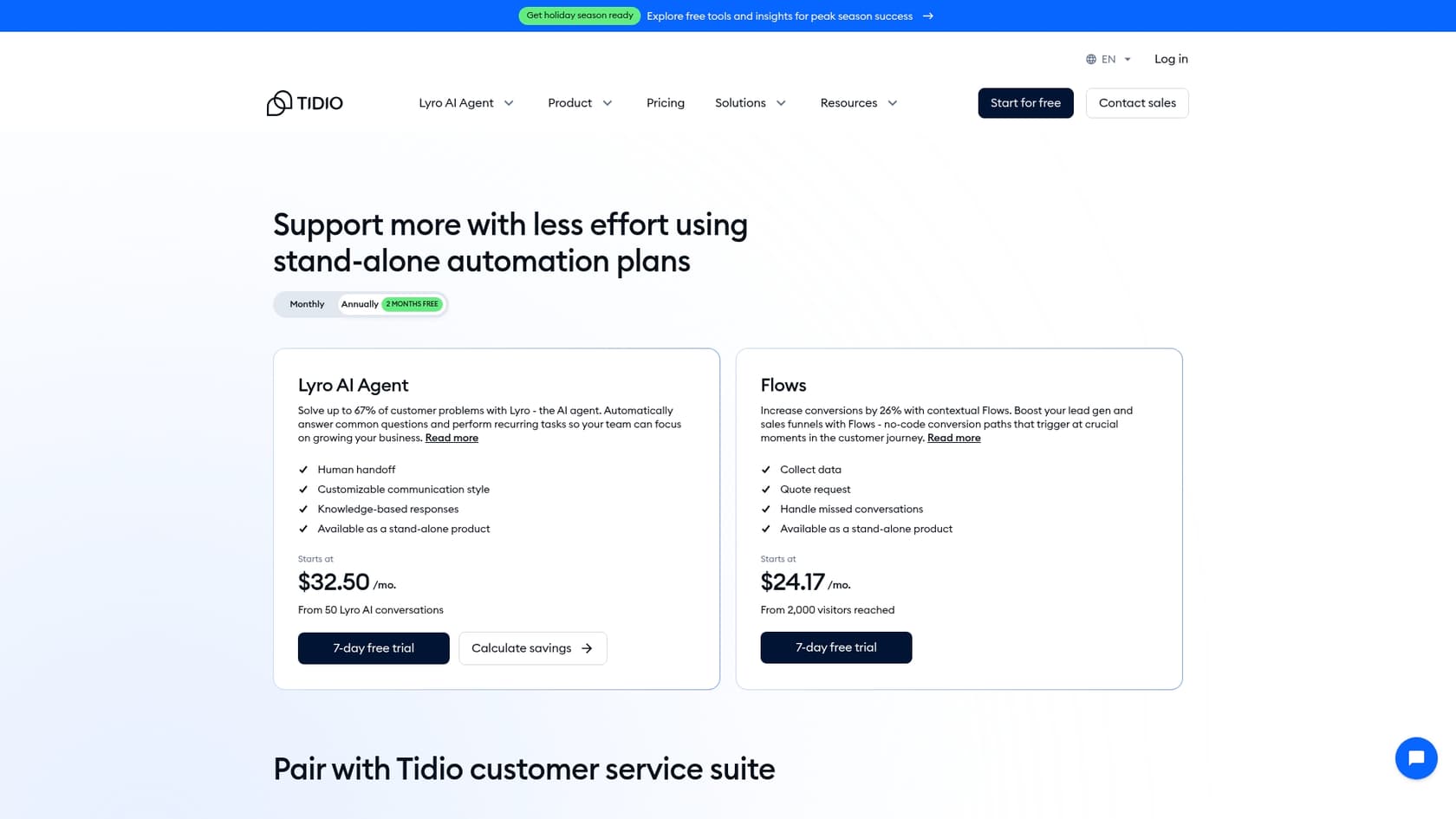
Here’s a quick look at the plans that matter most for a Shopify store:
-
Free: Gives you live chat for up to 50 billable conversations a month, 50 one-time Lyro AI conversations, and lets your Flows interact with up to 100 visitors. Not bad for getting started.
-
Starter (from $24.17/month) and Growth (from $49.17/month): Bump up your billable-conversation allowance and add more tools for your human agents, like detailed analytics and a list of live visitors on your site.
-
Flows (from $24.17/month): You'll need this add-on if you want to use automation for more than the free 100 visitors.
-
Lyro AI Agent (from $32.50/month, or $0.50 per conversation): This is the AI add-on that lets Lyro handle conversations automatically, much like a dedicated AI chatbot.
The tricky part is that if you want both powerful automation (the Flows add-on) and a capable AI agent (the Lyro add-on), you're stacking several line items on top of your base plan. This can make your monthly bill a bit unpredictable and can add up quickly as your chat volume increases.
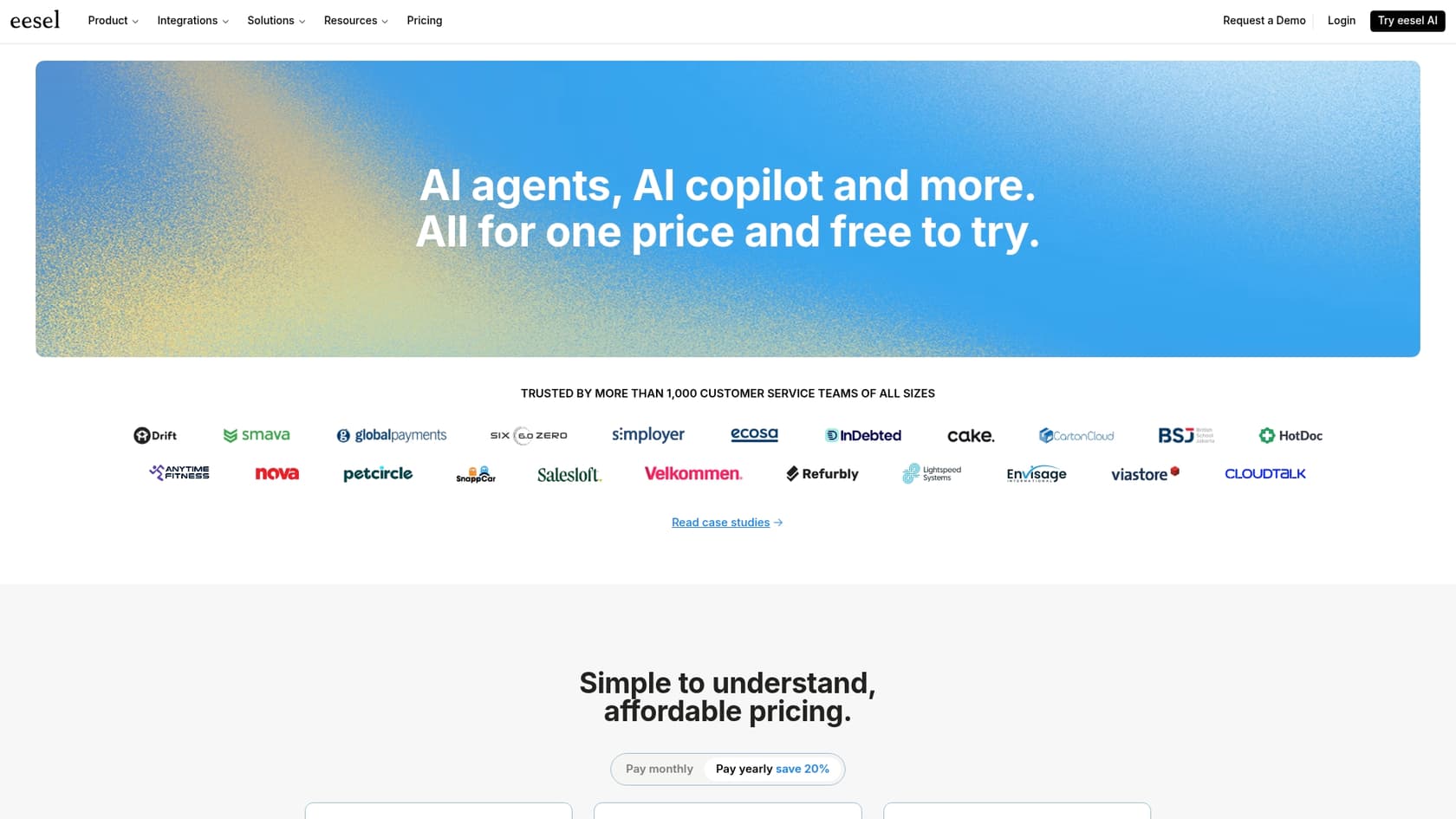
In contrast, eesel AI's pricing keeps things simple. All the main products, like the AI Agent, Copilot, and Chatbot, are included in one plan. You just pay for the number of AI interactions you use, so you don't get hit with surprise fees for needing different features.
Is Tidio AI Shopify the right AI for your Shopify store?
Tidio is a solid tool, no doubt. But whether it’s the best choice really depends on your store's size, complexity, and where you see it going in the future.
When Tidio AI Shopify is a good fit
Tidio really shines for small to medium-sized Shopify stores that want an all-in-one solution for live chat and some basic automation. If most of your company knowledge is on a public FAQ page or can be easily typed into a Q&A format, Tidio can get you up and running pretty fast.
Where Tidio AI Shopify might fall short
-
Growing Teams: As your business scales, so do your support needs. If your knowledge is spread across internal docs in Confluence or Google Docs, you’ll likely find Tidio’s training options a bit confining.
-
Advanced Customization: If you need to build more complex AI workflows that can pull data from other systems via API, you might hit the limits of what Tidio's pre-built flows can do.
-
Predictable Costs: For stores with a lot of customer chats, the multi-plan pricing can get confusing and potentially expensive.
An alternative for total control and unified knowledge: eesel AI
For Shopify stores that need a more powerful and flexible AI, eesel AI’s Sales Chatbot is a fantastic alternative. It's built from the ground up to handle the messy reality of a growing ecommerce business.
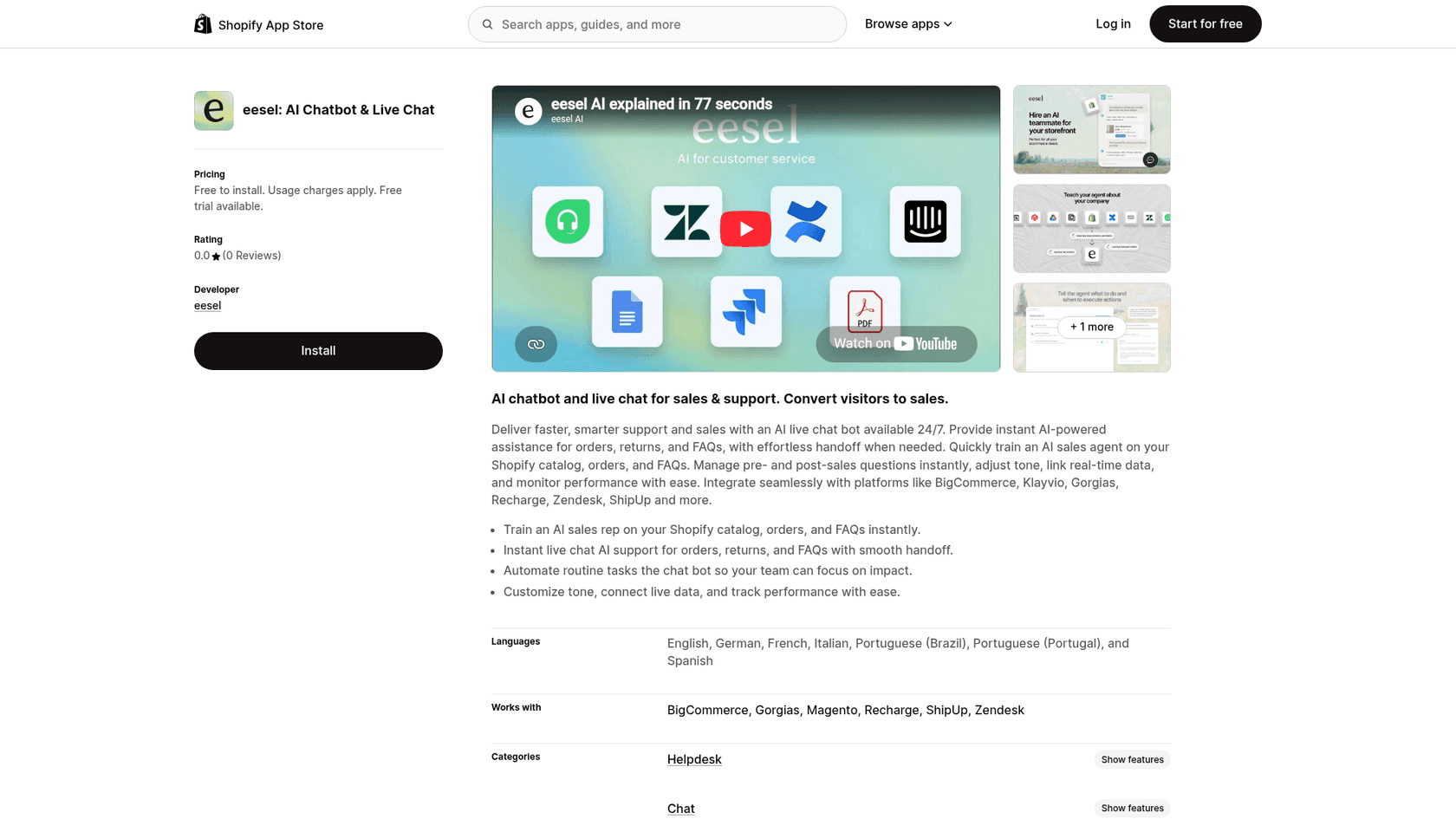
Here’s what makes eesel AI different:
-
Unified Knowledge: It instantly connects to your help desk, internal wikis, and past support tickets, so it learns everything about your business, not just what's on your FAQ page.
-
Total Control: You get a fully customizable workflow builder to define your AI’s personality, what it can do, and exactly when it should hand a conversation over to a human.
-
Risk-Free Simulation: You can test the AI on thousands of your past conversations to see how it would have performed before you even launch it.
-
Simple Pricing: One plan includes everything, and your bill is based on a predictable number of AI interactions.
| Feature | Tidio AI | eesel AI Sales Chatbot |
|---|---|---|
| Primary Knowledge Sources | Website URLs, Manual Q&A, Shopify Catalog | Pretty much everything: Confluence, Google Docs, past tickets & more |
| Setup Time | Quick setup via Shopify App | Go live in minutes, truly self-serve |
| Custom AI Actions | Limited to pre-built flow nodes | Fully customizable actions with API lookups |
| Pre-Launch Testing | Playground for manual testing | Lets you test it on your actual past conversations |
| Pricing Model | Multiple tiered plans by feature | Single plan based on AI interactions |
Making the right choice for your ecommerce automation
Tidio offers a feature-packed AI solution for Shopify that’s great for getting started with basic automation and product recommendations. For many stores, it's an excellent first step into AI-powered support.
However, as your business grows, its limitations around siloed knowledge, a complex pricing model, and a lack of deep customization can become real growing pains.
For Shopify stores ready to scale their support with an AI agent that's truly intelligent, unified, and controllable, eesel AI is the way to go. It's built to turn more of your customer chats into sales and grow right alongside your business.
Ready to see what a fully integrated AI can do? Install the eesel AI Sales Chatbot on Shopify and find out.
Frequently asked questions
What exactly is Tidio AI Shopify and how does it benefit an online store?
Tidio AI Shopify integrates live chat, chatbots, and AI (powered by Lyro) directly with your Shopify store data. Its main goal is to automate customer support by answering common questions, recommending products, and recovering abandoned carts, ultimately aiming to boost sales and improve efficiency.
How involved is the setup process for Tidio AI Shopify once it's installed?
Installation is straightforward, typically via the Shopify App Store. After installation, you activate the chat widget in your Shopify theme, then train the AI by feeding it data from website URLs, manual Q&As, CSV files, Zendesk, and your Shopify product catalog.
What specific customer service tasks can Tidio AI Shopify automate for my Shopify store?
Tidio AI Shopify can automate product recommendations based on customer queries, allow agents to manage orders and carts directly within the chat (e.g., cancel orders, process refunds), and implement pre-built automation flows for cart recovery, order status updates, and lead generation.
Can I use Tidio AI Shopify to access internal company knowledge like Google Docs or Confluence?
Currently, Tidio AI Shopify's knowledge sources include public website content, manually added Q&As, CSV or PDF uploads, a public Zendesk help center, and your Shopify catalog. It does not natively connect to internal documents or private knowledge bases like Google Docs, Confluence, or Notion.
What are the different pricing plans available for Tidio AI Shopify and what features do they include?
Tidio offers a free plan with basic chat, alongside paid base plans like Starter (from $24.17/month) and Growth (from $49.17/month) for agent tools, plus metered add-ons: Flows (from $24.17/month) for automation and the Lyro AI Agent (from $32.50/month, or $0.50 per conversation) for AI conversations. To use both automation and AI, you typically stack several add-ons on top of a base plan.
For which types of Shopify stores is Tidio AI Shopify typically the best fit?
Tidio AI Shopify is generally a good fit for small to medium-sized Shopify stores seeking an all-in-one solution for live chat and basic automation. It works well if most of your company's knowledge is easily accessible on public FAQ pages or can be manually structured into Q&A formats.