
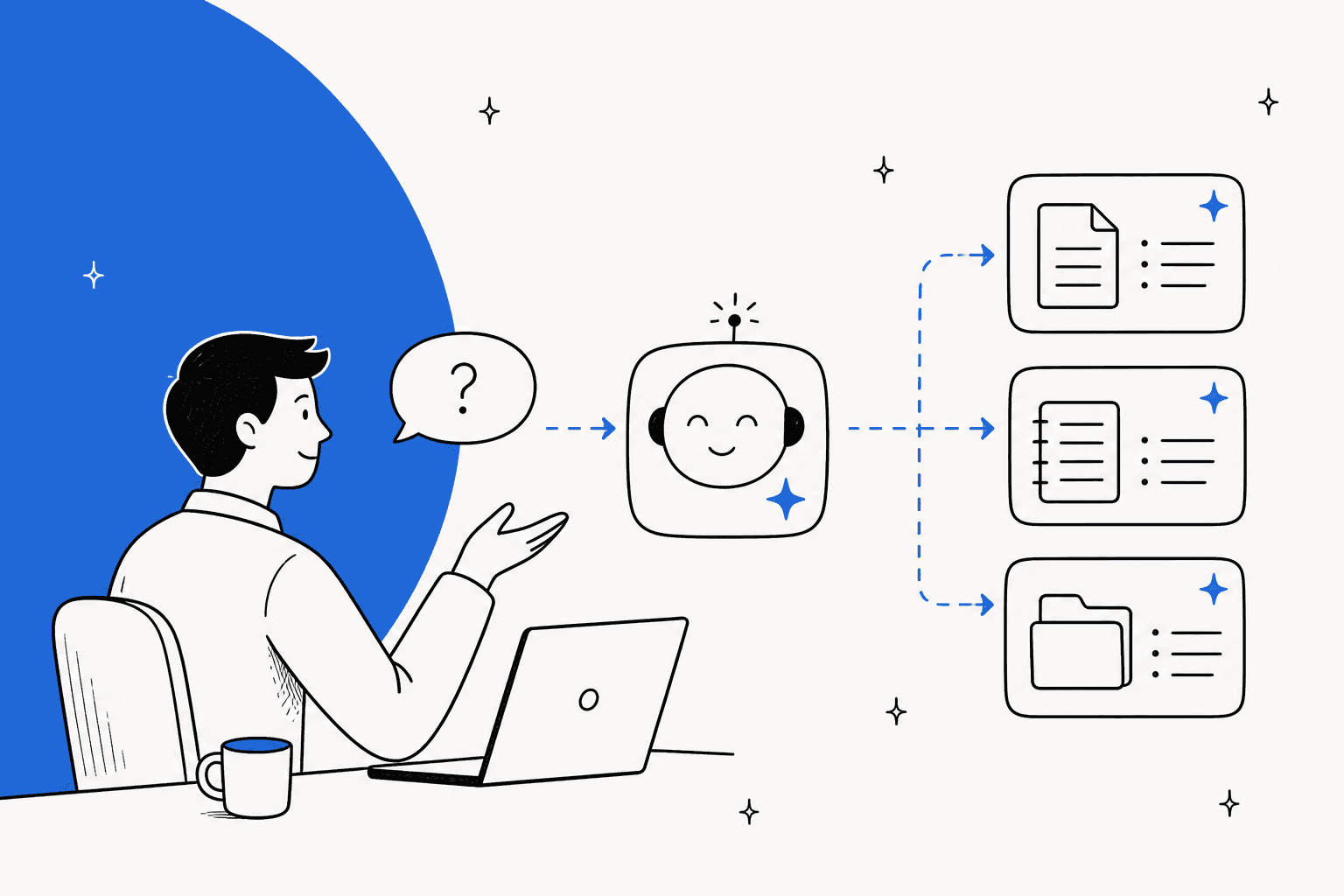
It seems like every productivity tool is rolling out its own AI assistant these days, and Notion AI is right in the mix. Notion AI is built to be a creative partner living right inside your workspace, which sounds great on paper. But like any tool, the real question is whether it’s the right one for the job you need to do.
This article gives you a straightforward, balanced look at the Notion AI assistant. We’ll cover what it is, what it’s genuinely good at, and where its limits start to show, particularly for specialized teams in customer support and IT. By the end, you'll have a much clearer idea of whether Notion AI fits your workflow or if you need something more specialized to get things done.
What is a Notion AI assistant?
At its heart, the Notion AI assistant is a set of AI features woven directly into the Notion platform. It's not a separate app you have to open; it’s designed to be a helper you can call on without breaking your stride. The main idea is to boost your productivity by helping you write faster, summarize information, brainstorm ideas, and find what you're looking for without ever leaving your Notion pages.
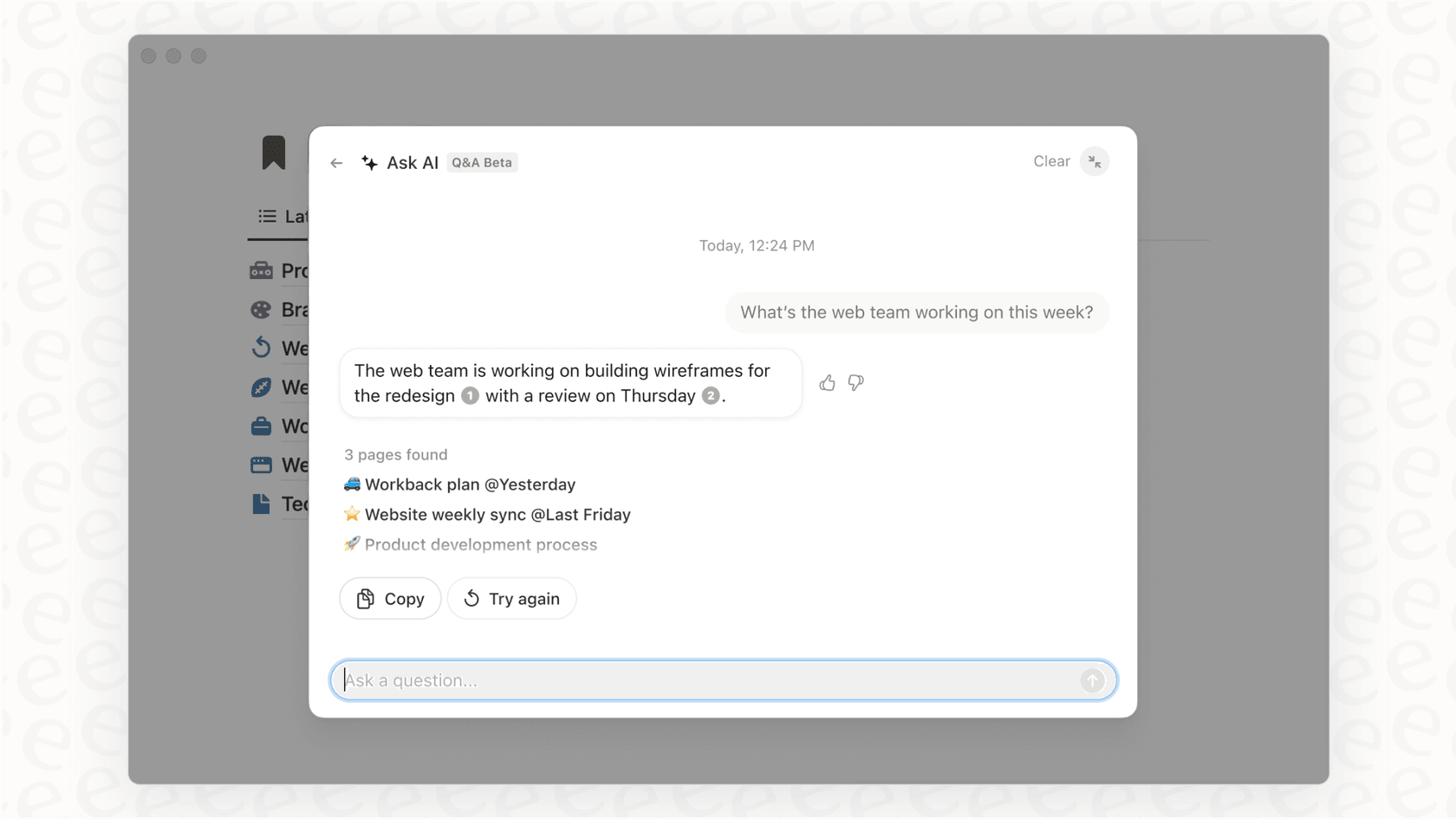
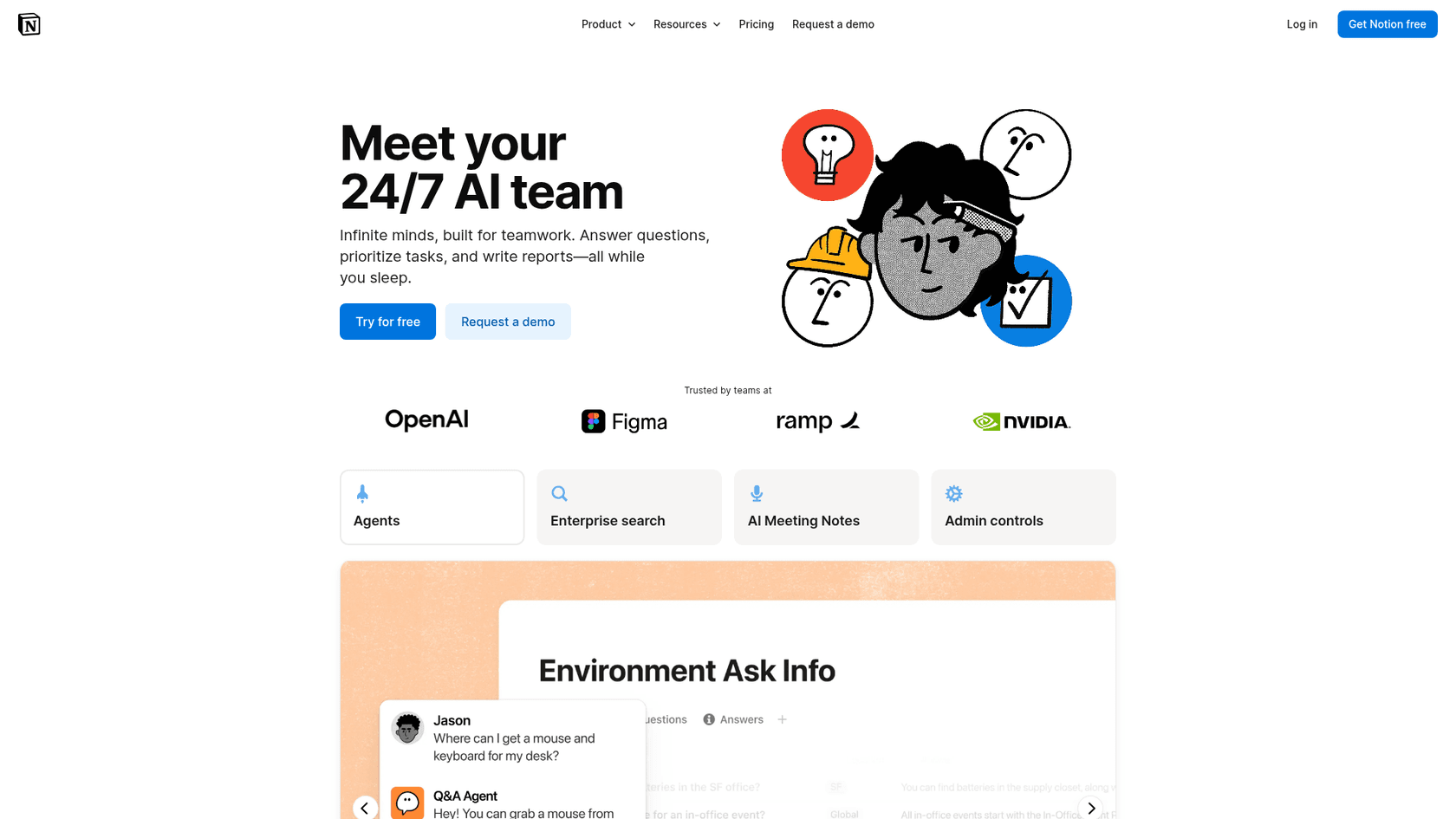
You can think of it as three tools rolled into one. First, there's a chatbot that can answer questions based on the content floating around in your workspace. Second, you get a writing assistant that helps you draft and edit content on the fly. And third, it adds AI-powered features to your Notion databases to help you organize information more effectively. It’s built to be a general-purpose booster for anyone who uses Notion as their main knowledge hub. Business and Enterprise plans now bundle Notion Agent, AI Meeting Notes, and Enterprise Search into that same assistant.
Key features of the Notion AI assistant
Notion AI packs a lot of different functions into its assistant. Let's break down the main features that make it a handy tool.
Content creation and transformation
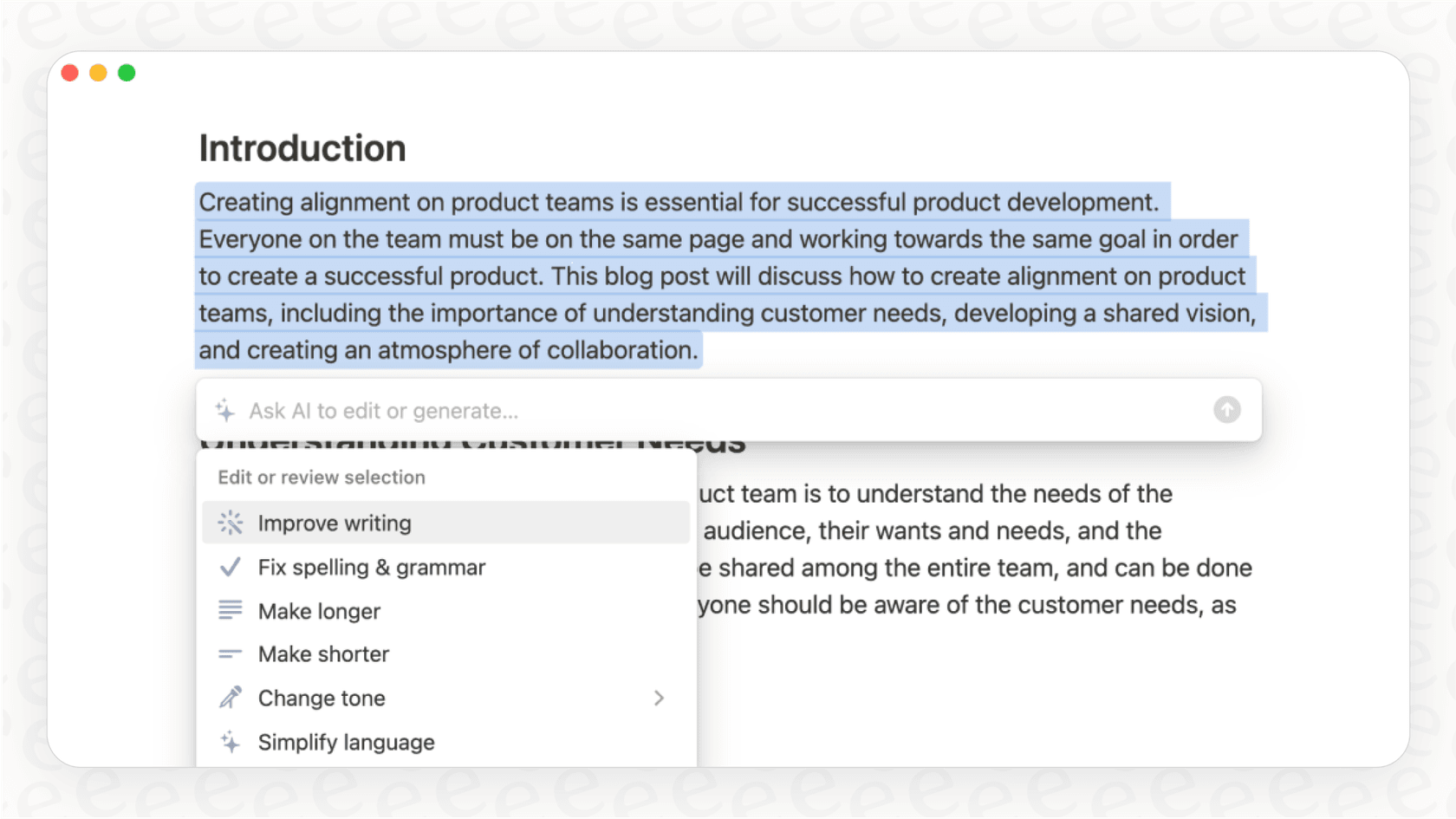
One of Notion AI’s biggest selling points is how it acts as a writing partner. You can stare at a blank page, give it a simple prompt, and watch it draft anything from a blog post to an email. But it’s not just for creating new stuff. You can highlight any text on a page and ask the AI to summarize it, translate it, or even just change its tone from formal to casual. For instance, a marketing team could take a messy project brief and ask the assistant to spin up a few social media captions, turning rough notes into publishable content in seconds.
Knowledge discovery and Q&A
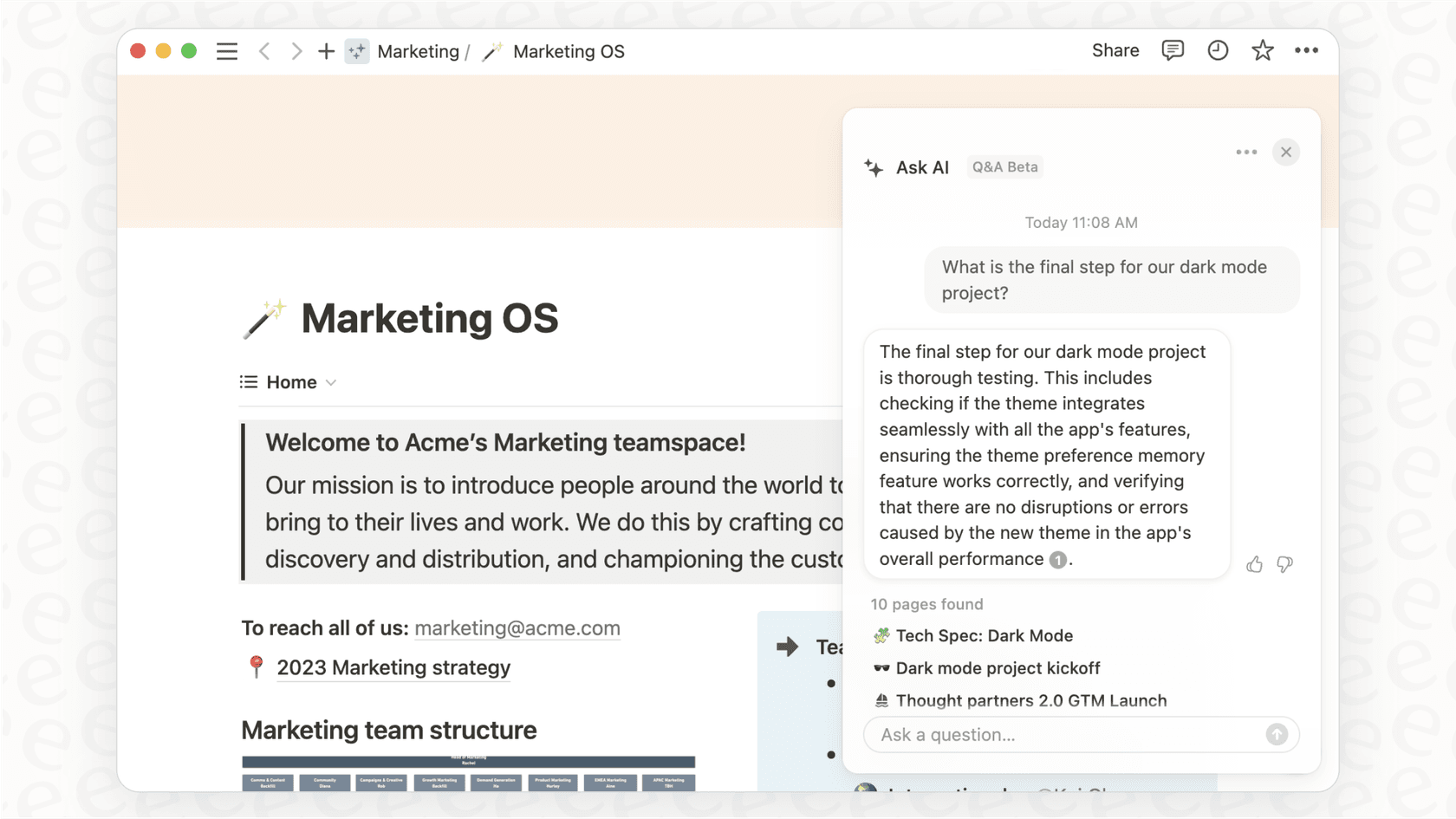
Tired of digging through endless pages to find that one specific detail? The Notion AI assistant acts like a search engine for your entire workspace. You can ask it a direct question, and it will scan all your Notion pages to pull out an answer. On Business and Enterprise plans, it can even search through connected apps like Slack and Google Drive using its "AI connectors" feature. A product manager could ask, "What was the final call on the Q4 roadmap?" and get a single, clear answer pulled from a project doc in Notion and a confirmation message from a Slack channel.
Database automation
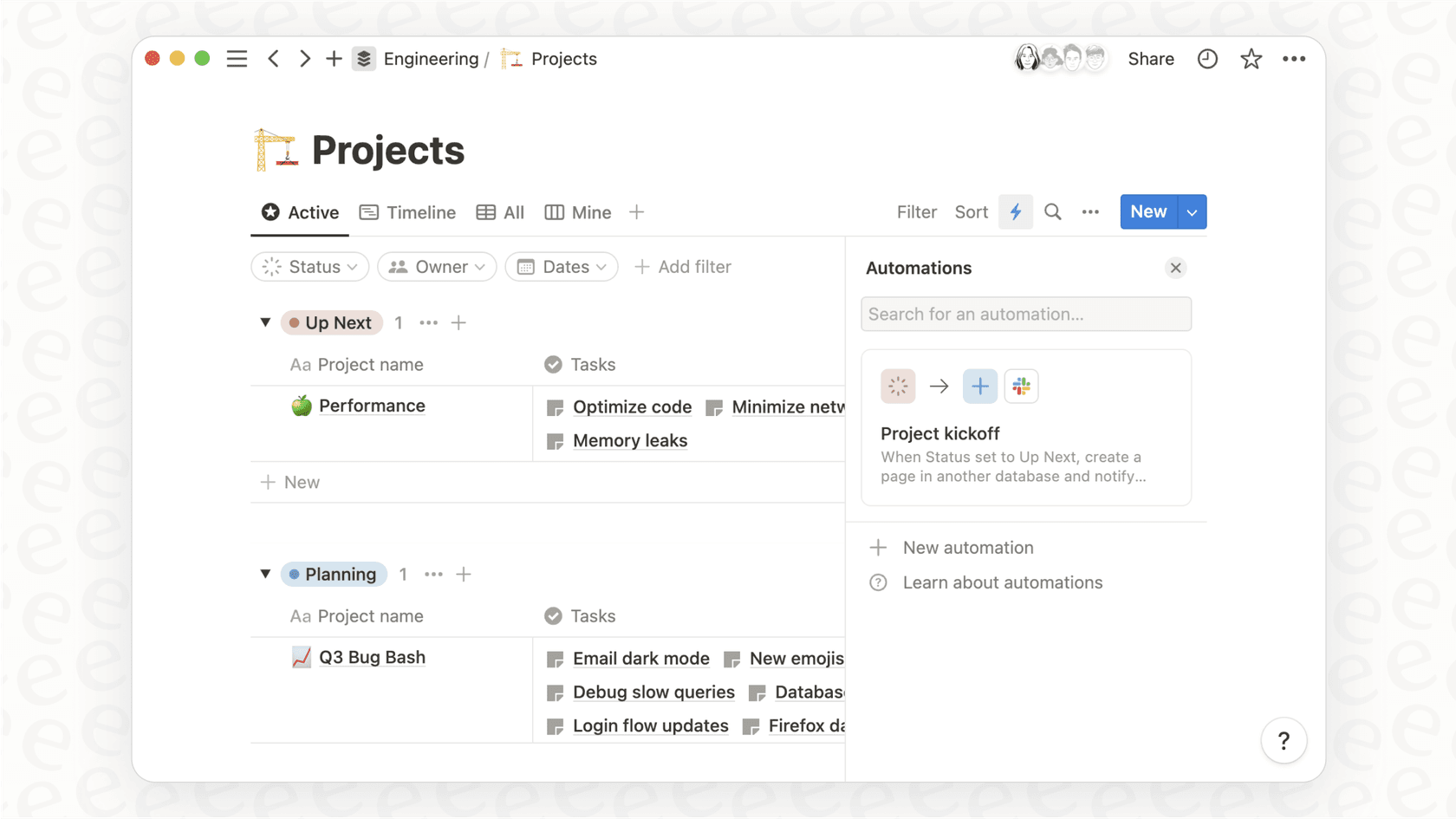
Notion AI also brings some clever automation to its databases. With the "AI autofill" property, you can tell a database to automatically generate summaries or pull key takeaways from the content on each page. An HR team, for example, could have a database of candidate profiles, and the AI could automatically write a one-sentence summary for each person, making it much easier to quickly scan through applicants. You can even just describe the kind of database you want in plain English, and the AI will build the basic structure for you, which saves a lot of time on manual setup.
Where the Notion AI assistant excels (and for whom)
So, who is the Notion AI assistant actually for? It really shines for individuals and teams who practically live inside Notion. If you're a content creator, marketer, student, or project manager who uses Notion for everything from brainstorming to final reports, you'll probably find it incredibly helpful. It’s great at closing the gap between raw ideas and polished, organized content, all within one app.
If your team’s main work revolves around writing and managing documents, planning projects, and keeping an internal wiki in Notion, the assistant is a convenient and powerful upgrade. It smooths out the creative process and makes your knowledge base feel more alive and accessible.
Pro Tip: For personal productivity, the Notion AI assistant is pretty slick. Use it to summarize long articles you’ve saved, help you plan a vacation itinerary from a jumble of ideas, or quickly draft that personal email you’ve been putting off.
Key limitations for support and IT teams
While Notion AI is a strong all-rounder, its one-size-fits-all approach starts to show some cracks when you use it for the specialized, fast-paced workflows of customer support and IT service management (ITSM). For these teams, efficiency isn't just about writing better; it's about solving problems quickly and correctly. Here's where a general-purpose assistant can fall short.
The AI assistant doesn't live inside your helpdesk
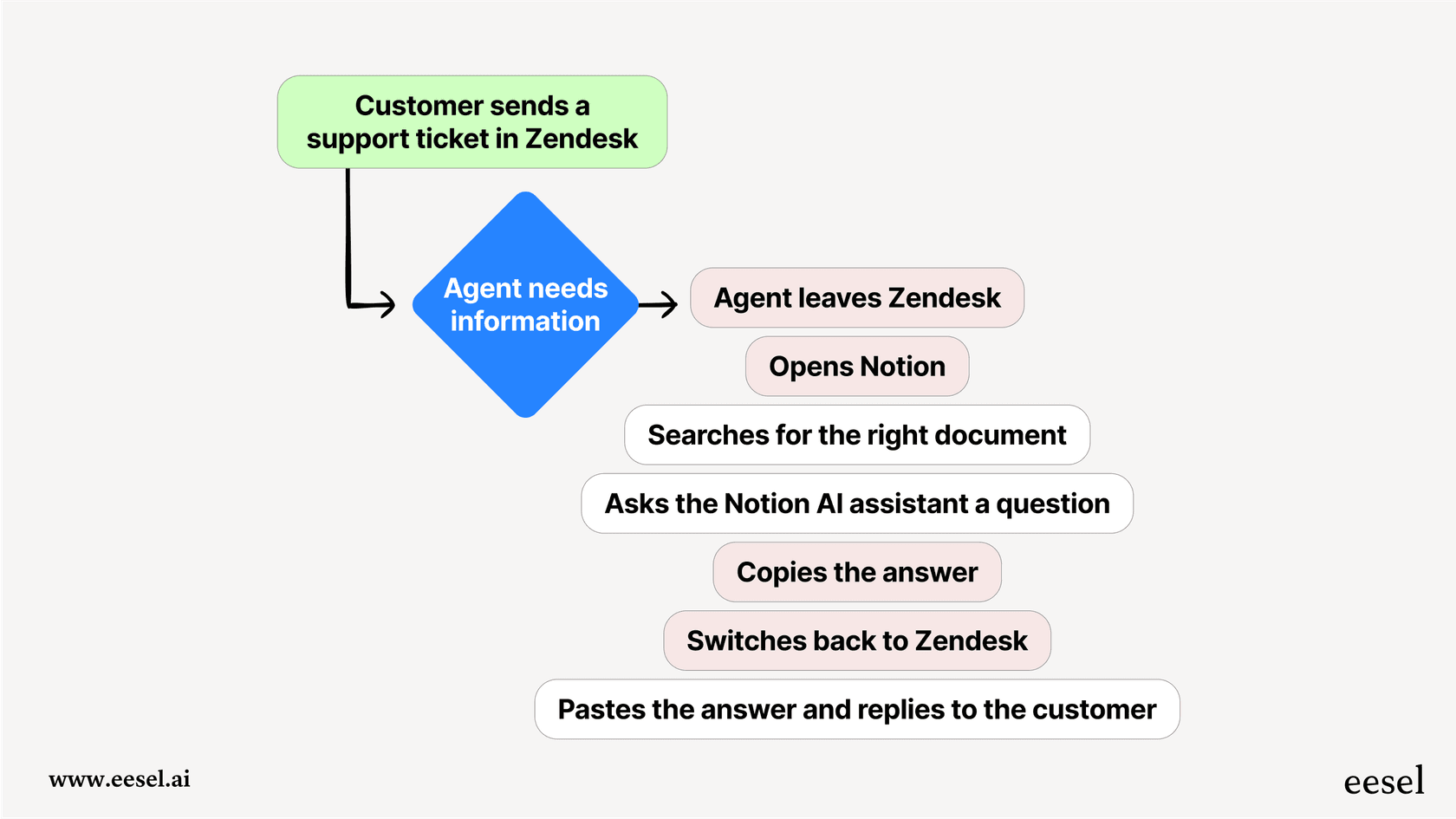
This is probably the biggest issue. The Notion AI assistant works great inside Notion, but your support agents are working in helpdesks like Zendesk, Freshdesk, or Intercom. For an agent to use it, they typically have to leave the ticket they're working on, switch over to Notion, find the right information, and then switch back. All that clicking back and forth is a huge time-waster and kills an agent's flow. A truly helpful AI needs to work right inside the agent's environment, suggesting solutions and drafting replies where they’re actually needed.
Limited ability to take action
The Notion AI assistant is good at finding information and writing text, and Notion Agent can also create and edit pages and databases and act in some connected apps, such as posting in Slack. Support automation needs actions like applying a "priority" tag to a ticket, escalating an issue to engineering, looking up a customer's real-time order status in Shopify, or automatically closing a ticket after it's been resolved. Those happen in the helpdesk and commerce tools, so the AI doing them has to be connected there and able to execute tasks, not only be a source of knowledge.
Training is limited to documents
Notion AI works from the text within your Notion pages, plus the apps you connect through AI connectors on Business and Enterprise plans, such as Slack, Google Drive, Jira, and GitHub. That's a good fit for summarizing documents, but the most valuable source of knowledge a support team has is thousands of past support tickets, and that history only reaches Notion AI if a connector brings it in. A tool trained on your helpdesk can learn your company's brand voice from real customer conversations, pick up the troubleshooting steps that actually fix problems, and see the details of successful resolutions. Without that context, answers can feel more generic.
eesel AI: The specialized alternative to a generic Notion AI assistant
When you're ready to go from just finding information to actually automating resolutions, you need a tool built for that specific purpose. This is where a specialized tool like eesel AI comes into the picture. It's designed to overcome the limitations of general assistants and give support and IT teams the power they need.
Unify all your knowledge, not just your Notion docs
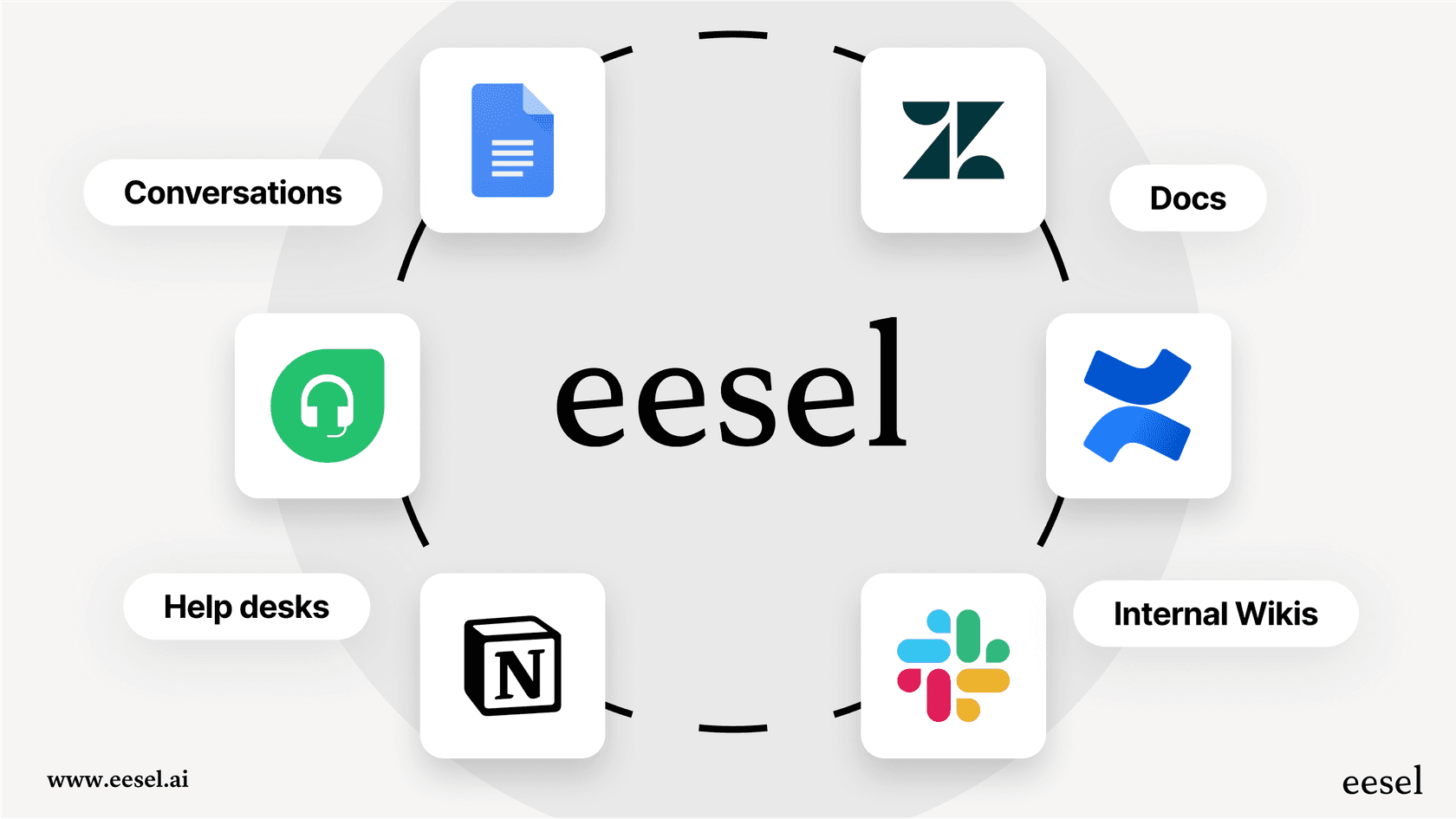
eesel AI picks up where Notion AI leaves off. It integrates with Notion, sure, but its real strength is connecting to all your knowledge sources. It can be trained on historical tickets directly from your helpdesk, so it learns the exact tone and solutions that work for your customers. It also connects to your help center articles, internal wikis on Confluence, and documents in Google Docs. It can even analyze successful ticket resolutions and automatically generate draft articles for your knowledge base, helping you fill information gaps with content your customers are already asking for.
Take action directly where your team works
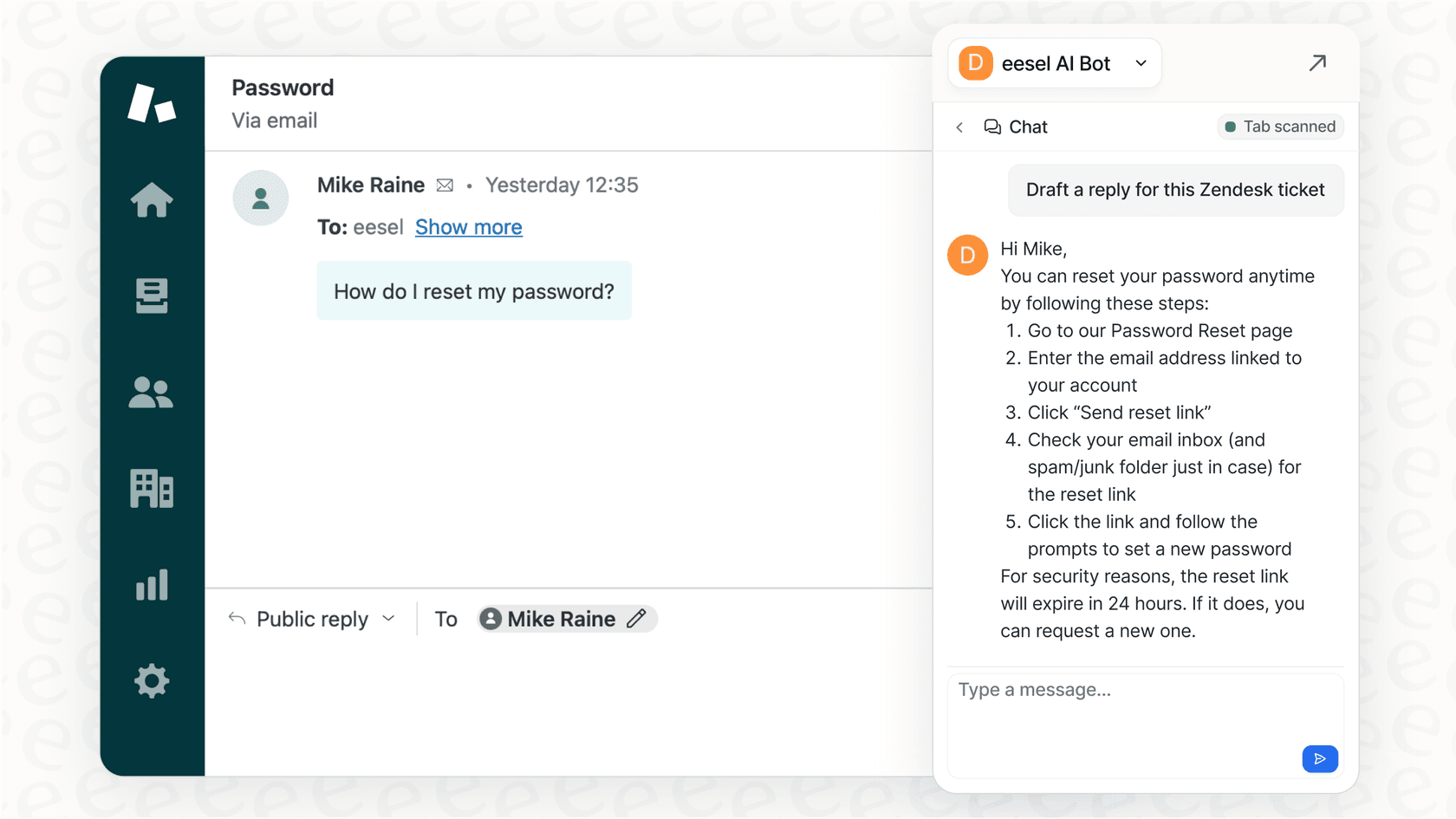
Unlike an assistant that lives in another tab, eesel AI embeds directly into the tools your team uses every single day. The AI Agent and AI Triage products work inside your helpdesk to autonomously answer common questions, apply the right tags, escalate tricky issues, and even make API calls to other systems to get real-time data like order details or subscription statuses. It’s an active partner, not just another window to check.
Go live in minutes and test with confidence
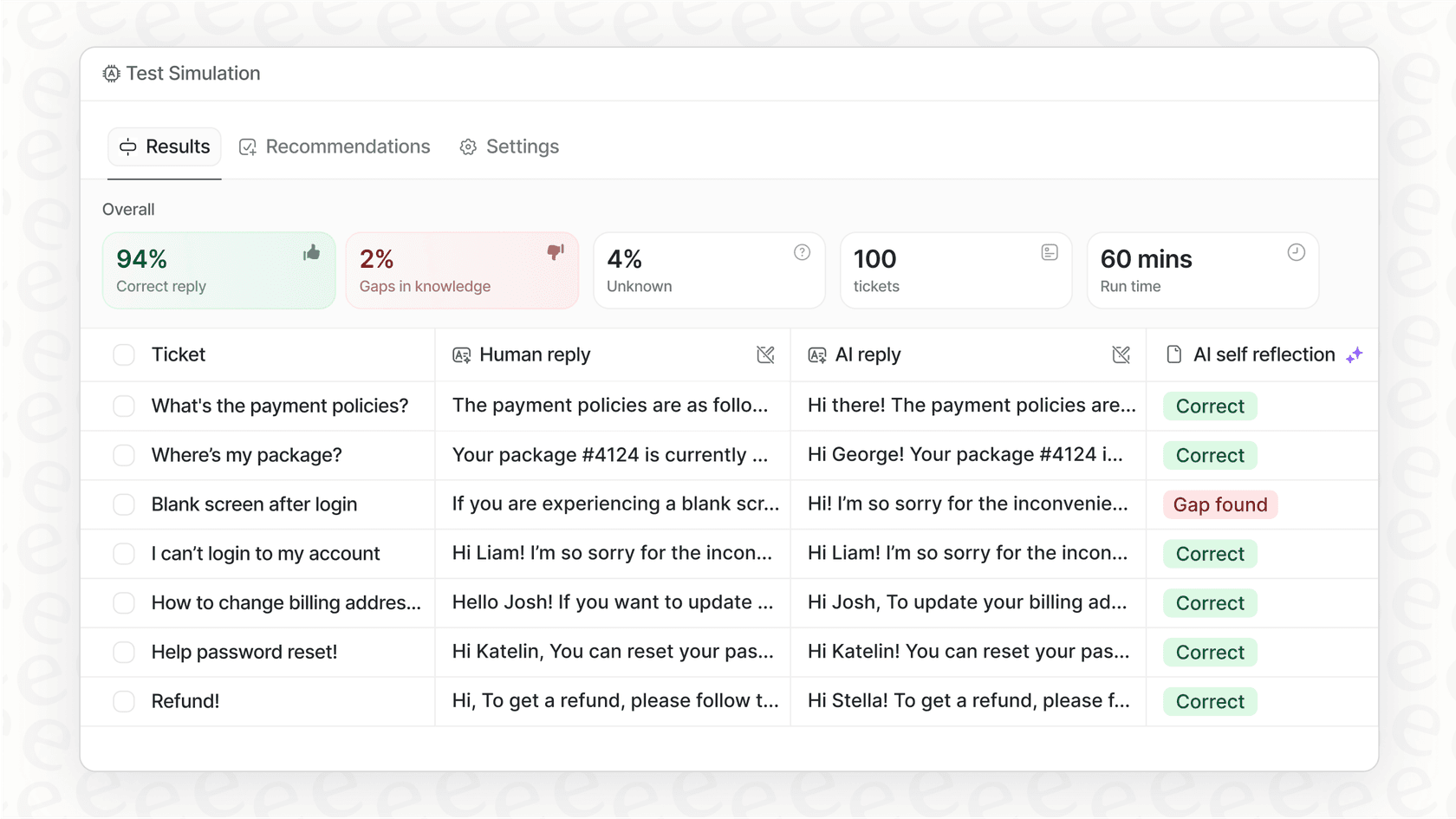
Getting started with enterprise AI shouldn't be a months-long project. eesel AI is designed to be self-serve, with one-click integrations that let you go live in minutes without needing to talk to a salesperson or bring in a team of developers. One of its most useful features is a simulation mode, which lets you safely test your AI setup on thousands of your past tickets. You can see exactly how it would have responded, forecast your automation rate, and feel confident before a single customer ever interacts with it, something general assistants just can't do.
Notion AI assistant vs. eesel AI for Support Teams
Here’s a quick breakdown of how the two assistants compare for support and IT workflows:
| Feature | Notion AI assistant | eesel AI |
|---|---|---|
| Helpdesk Integration | Works in Notion and connected apps, not inside the helpdesk | ✅ Yes (Zendesk, Freshdesk, Intercom, etc.) |
| Workflow Actions | Page and database actions in Notion, some app actions (like Slack posts) | ✅ Yes (tag, route, close, custom API calls) |
| Training on Past Tickets | Searches Notion content and connected apps | ✅ Yes (learns tone and solutions from tickets) |
| Simulation Mode | Not listed in Notion's AI docs | ✅ Yes (test on historical data before launch) |
| Primary Use Case | General Productivity & Documentation | ✅ Support, ITSM, and Internal Helpdesks |
Is the Notion AI assistant the right assistant for the job?
The Notion AI assistant is a genuinely powerful tool for boosting productivity within the Notion ecosystem. If your work is all about writing, brainstorming, and organizing knowledge, it can be a fantastic addition to your workflow.
But for the demanding, action-packed world of customer support and IT, a generalist tool just doesn't cut it. You need a specialized, integrated platform that doesn't just give you information but actively helps resolve issues. When the goal is to automate resolutions, free up your agents' time, and deliver faster, more accurate support, a tool built for that exact job is always the way to go.
Ready to see how a purpose-built AI assistant can transform your support workflows? Get started with eesel AI for free and go live in minutes.
Frequently asked questions
Is the Notion AI assistant an extra cost on top of my regular subscription?
Not on Business or Enterprise. Notion AI is included in those plans, and Notion no longer lists a separate AI add-on. Free and Plus plans only get a limited trial, so check Notion's official pricing page for the most current information on costs.
Can the Notion AI assistant search for information in our team's Slack or Google Drive?
It can, through a feature called "AI connectors" that allows it to search connected apps. However, its core strength and primary training source is the content located directly within your Notion pages.
For a support team, what is the main drawback of using the Notion AI assistant?
The biggest limitation is that it works mainly inside Notion and its connected apps rather than inside the helpdesk. Your agents may have to switch between their helpdesk (like Zendesk) and Notion to get answers, which can slow them down.
Can the Notion AI assistant actually do things, like escalate a support ticket for me?
Its documented actions center on Notion itself: Notion Agent can create and edit pages and databases, and it can act in some connected apps, such as posting in Slack. Ticket-level actions like tagging, escalating, or closing cases happen in the helpdesk, so the AI doing them has to be connected there.
What is the main difference between how the Notion AI assistant learns and how a tool like eesel AI learns?
The Notion AI assistant answers from your Notion pages, databases, and the apps you connect through AI connectors. A specialized tool like eesel AI can be trained on thousands of your team's past support tickets, allowing it to learn your specific company voice and effective solutions.