Trying to keep your writing sharp and clear can feel like a full-time job. We're all sending emails, Slack messages, and documents constantly, so getting a little help from AI just makes sense. Two of the biggest names you'll run into are Gemini and Grammarly. But here’s the thing: they aren't really designed to do the same job.
You can think of it this way: Gemini is your creative partner for getting ideas out of your head and onto the page. Grammarly is the meticulous editor who comes in after to polish that draft until it shines. So, which one do you actually need? This guide breaks down what each tool does, where they excel, and how much they cost, so you can pick the right assistant for your writing tasks.
But what if you need more than a drafter or an editor? Sometimes you need to go from a single idea to a completely finished blog post, and fast. That's where specialized tools like the eesel AI blog writer come into play, handling the entire content creation process from start to finish. We'll get to that in a bit.
What is Gemini?
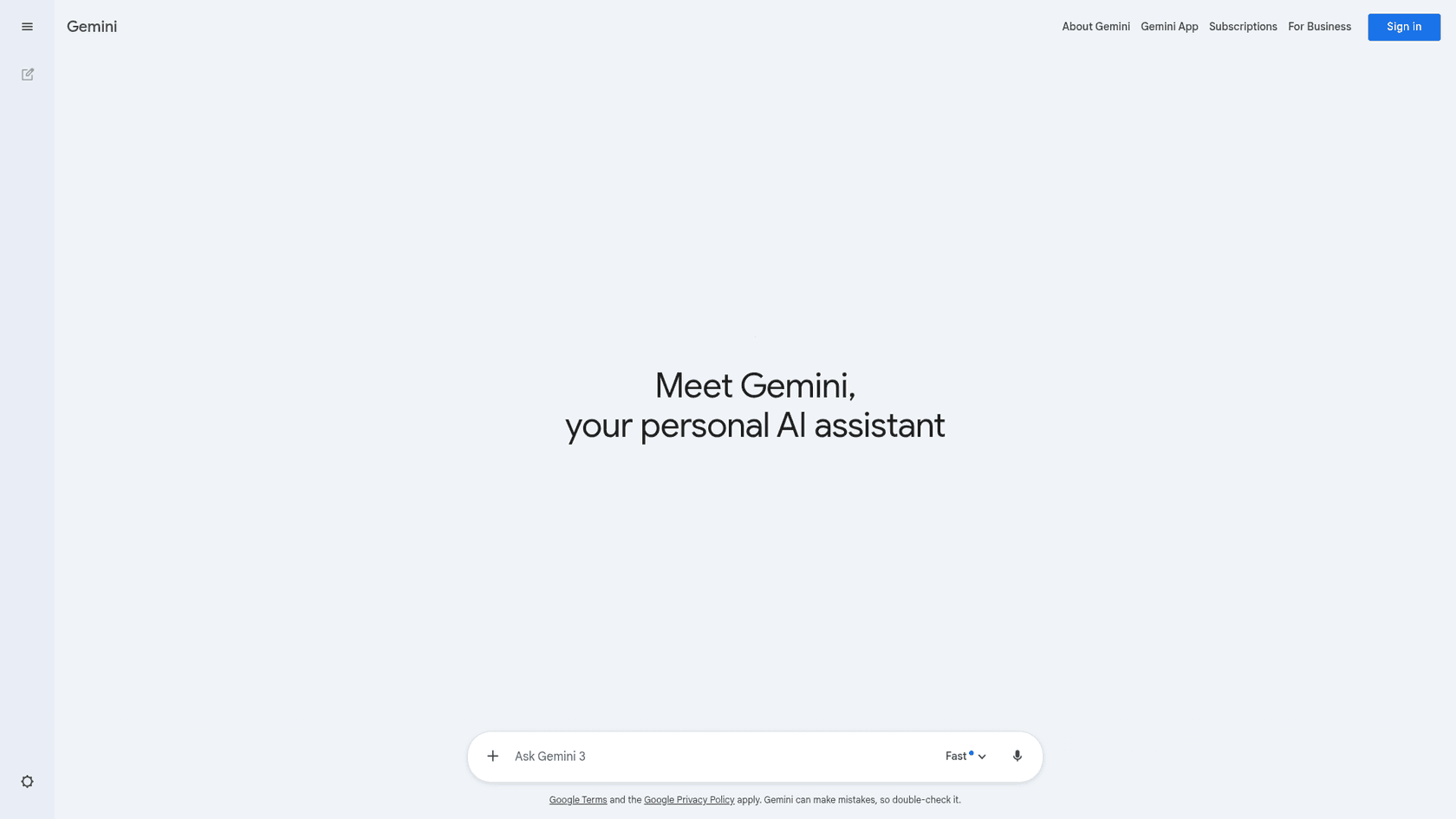
Google Gemini is a conversational AI that’s built to be an all-around assistant. It’s not just for writing; it can work with text, images, code, and more. Powered by Google's advanced Large Language Models (LLMs), Gemini is fantastic for answering questions, summarizing long articles, helping with code, or just brainstorming a few ideas.
Its real magic trick is what Google calls "Personal Intelligence." This allows Gemini to connect to your personal Google apps like Gmail, Drive, and Photos to give you answers that have real context. For instance, you could ask it to plan a trip based on flight confirmation emails in your inbox or find a specific document you know is buried somewhere in your Google Drive. Because it's so deeply integrated into the Google ecosystem, it's a seriously powerful tool if you live and work in Google Workspace.
What is Grammarly?
For over 15 years, Grammarly has been the go-to AI writing assistant, and for good reason. It was designed with one main goal: to make your existing writing better. It's the tool you use to check for grammar, spelling, and punctuation mistakes, but it also helps you improve your clarity, style, and tone.
While Grammarly has added generative AI features to its arsenal, its core strength is still enhancing and polishing what you've already written. For businesses, Grammarly provides enterprise-level security (it’s SOC 2 and ISO certified) and makes a clear promise not to sell user data. But its biggest advantage is that it works almost everywhere. With integrations across over a million applications and websites, it helps you maintain a consistent standard for your writing, no matter where you're working.
Gemini vs. Grammarly: Core functionality
Gemini's use cases
Think of Gemini as your creative brainstorming partner. It’s the tool you open when you’re staring at a blank page and need to get started.
Here’s where it really comes in handy:
- Brainstorming ideas: If you're stuck on a blog post topic, Gemini can spit out a list of ideas to get your wheels turning.
- Drafting copy: Need a quick first draft for an email or a social media post? Gemini can produce one in seconds.
- Summarizing content: Got a long report or a YouTube video you don't have time to watch? Gemini can give you the key takeaways.
- Conducting research: Thanks to its Personal Intelligence feature, Gemini can pull information from the web and your personal Google data to answer complex questions.
- Multimodal tasks: You can show Gemini an image and ask for a recipe, or give it a dataset and ask it to generate code for a chart. Its multimodal capabilities open up a lot of creative avenues.
I mean you can copy and paste your text into Gemini and ask it to correct any grammar. Even add tone.

Grammarly's use cases
Grammarly is the expert you bring in after the first draft is on the page. It’s designed to be your ever-present editor, making sure your communication is always professional and polished.
Here are its main uses:
- Error-free communication: From emails to reports, Grammarly catches mistakes in grammar, spelling, and punctuation.
- Consistent brand tone: With its Style Guides feature, you can make sure everyone on your team is writing with a consistent voice.
- Improved clarity: Tools like the paragraph rewriter can help you rephrase clunky sentences to make your message clearer and more effective.
- Plagiarism checks: For academic and professional writing, Grammarly can check your text against billions of web pages to ensure your work is original.
Essentially, Grammarly works alongside you to refine your writing, wherever you happen to be doing it.Grammarly is useful, but it has its limits. Don't trust AI for proofreading and editing. 'Suggestions' are messing up with my writing.
Gemini vs. Grammarly: Integrations and workflow
How an AI tool fits into your daily routine is just as important as its features. This is another area where Gemini and Grammarly have completely different philosophies.
Gemini's ecosystem integration
Gemini's power is most apparent when you're working inside Google Workspace. For paid users, it's built right into apps like Docs, Sheets, and Gmail. You can ask it to draft an email directly in your inbox or create a project plan in a Google Sheet.
Features like Deep Research take this even further, letting Gemini pull context from your Drive, Gmail, and Chat history to create incredibly detailed reports. However, if you or your team work across a lot of non-Google platforms (like Slack, Microsoft Office, or Salesforce), you'll find Gemini's best features are limited to Google's ecosystem.
Grammarly's platform-agnostic approach
Grammarly’s biggest selling point is its universal compatibility. It’s designed to work wherever you do. It offers:
- Browser extensions for Chrome, Safari, Edge, and Firefox.
- Desktop apps for both Windows and Mac.
- Mobile keyboards for iOS and Android.
- Plugins for Microsoft Office and Google Docs.
This means you get the same consistent writing support whether you're typing a message in Slack, updating a ticket in Jira, or writing a proposal in Microsoft Word. It provides a single standard for communication across your entire tech stack.
| Feature / Platform | Google Gemini | Grammarly |
|---|---|---|
| Web Browsers | Web App (gemini.google.com) | Chrome, Safari, Firefox, Edge extensions |
| Desktop Apps | No dedicated app; accessed via web | Windows & Mac apps |
| Mobile | Dedicated iOS & Android apps | iOS & Android keyboards |
| Microsoft Office | No direct integration | Yes (Word, Outlook) |
| Google Workspace | Deeply integrated (Gmail, Docs, Sheets) | Yes (via browser extension) |
| Third-Party Apps | Limited (via API) | Works in over 1 million apps and sites |
Gemini vs. Grammarly: Pricing and plans explained
Gemini's pricing model
- Free Version: You get standard access to Gemini models for general-purpose chat and brainstorming. It’s good for quick questions and simple tasks.
- Google AI Pro ($19.99/month): This plan gives you access to the more powerful Gemini 3 Pro model, integrates Gemini directly into Workspace apps (Gmail, Docs, etc.), and includes 2TB of cloud storage. This is the plan for heavy Google users who want AI embedded in their workflow.
- Workspace Business & Enterprise Plans: For businesses already on Google Workspace, Gemini features are now being rolled into these plans, making it an easy upgrade for teams.
Grammarly's pricing tiers
- Free Plan: This covers the basics, including checks for grammar, spelling, and punctuation. It also offers tone detection and 100 generative AI prompts per month, which is plenty for occasional use.
- Pro Plan ($12/member/month, billed annually): This unlocks all the advanced features, like full-sentence rewrites, tone suggestions, plagiarism detection, and a much higher generative AI limit of 2,000 prompts per month.
- Enterprise Plan (Contact Sales): Built for larger organizations, this plan adds security features like SAML SSO, a company-wide style guide to maintain brand voice, and unlimited generative AI prompts.
Need to produce blog content at scale? Try the eesel AI blog writer

That’s where a specialized tool like the eesel AI blog writer comes in. It’s designed specifically to turn a single keyword into a complete, SEO-optimized article that’s ready to publish.
It bridges the gap between drafting and editing with some unique features:
- Automatic Asset Generation: It doesn’t just write text. It creates relevant images, tables, and infographics to make your content more engaging.
- Social Proof Integration: It automatically finds and embeds real quotes from Reddit threads and relevant YouTube videos to add authority and human insight to your posts.
- Advanced SEO and AEO: The content is optimized not just for traditional search engines but also for AI Answer Engines like Google's AI Overviews, which is becoming critical for visibility.
We built this tool for ourselves and used it to grow our own blog from 700 to 750,000 impressions per day in just three months. You can try it for free and see the quality for yourself.
Gemini vs. Grammarly: Which tool is right for you?
At the end of the day, the choice between Gemini and Grammarly really comes down to what you need to get done.
- Choose Gemini if you need a versatile creative partner for brainstorming ideas, conducting research, and generating first drafts, especially if you spend most of your day in the Google ecosystem.
- Choose Grammarly if you need a reliable editor that works everywhere to make sure all your writing is clear, professional, and error-free.
The best tool depends on whether your main job is content creation or communication refinement.
And if your goal is to scale up your blog content production, a purpose-built tool like the eesel AI blog writer offers the fastest and most efficient path from a keyword to a published post.
For those who want to see a head-to-head comparison in action, this video provides a practical test, giving both Gemini and Grammarly grammatically incorrect sentences to see how each tool performs in real-time.