Managing a growing support queue feels like trying to sort mail during a hurricane. Tickets pile up, priorities get missed, and agents spend more time on administrative sorting than actually helping customers. This is where AI-powered ticket triage promises relief. Freshdesk's Auto Triage feature, powered by Freddy AI, aims to automate the classification and routing of incoming tickets so your team can focus on resolution rather than sorting.
This guide breaks down exactly how Freshdesk AI auto triage works, what it costs, and whether it's the right investment for your support team. We'll also explore how our approach at eesel AI offers a different take on AI-powered support automation.
What is Freshdesk AI auto triage?
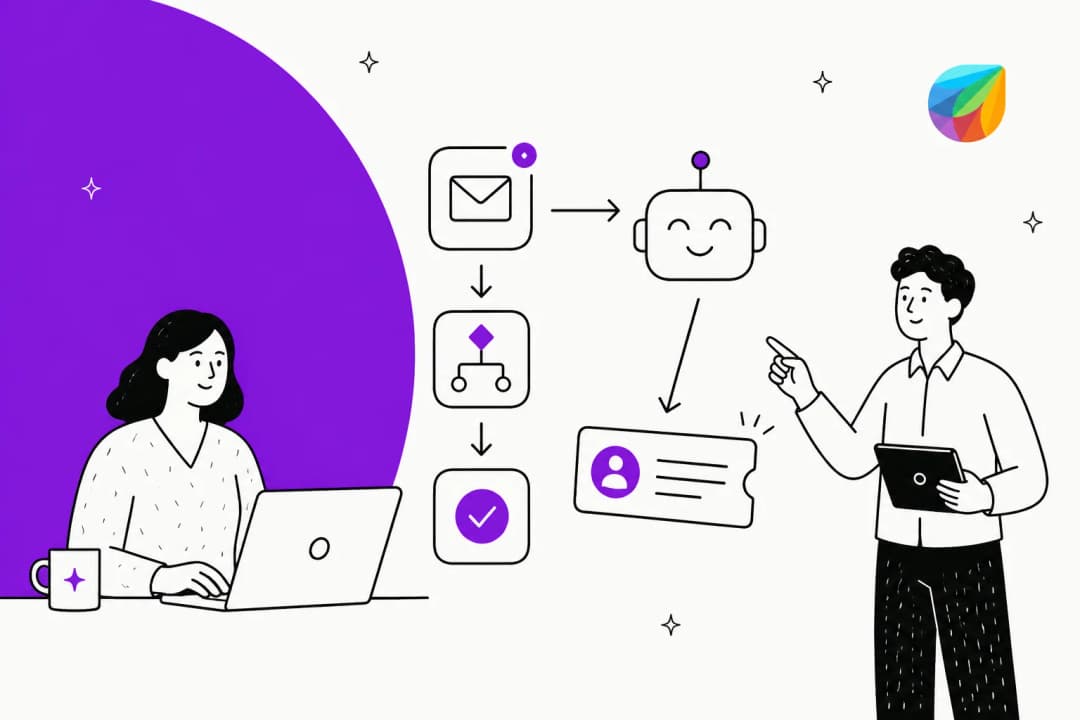
Freshdesk AI auto triage is a machine learning feature within the Freddy AI Copilot suite that automatically analyzes incoming support tickets and suggests appropriate field values. Instead of agents manually categorizing each ticket by priority, type, and group, the system reads the ticket content and makes intelligent recommendations.
Here's how it works in practice: when a new ticket arrives, Freddy AI scans the subject line and content, compares it against your historical ticket data, and suggests values for fields like Priority (urgent, high, low), Type (question, problem, feature request), and Group (which team should handle it). Agents see these suggestions in the ticket properties panel and can accept, modify, or reject them.
The system improves over time. Every time an agent accepts or rejects a suggestion, Freddy learns from that decision and refines future recommendations. It's a human-in-the-loop approach where AI handles the routine classification work while agents keep control over final decisions.

Key capabilities include:
- Auto-classification of incoming tickets based on content analysis
- Suggestions for Priority, Type, Group, and custom dropdown fields
- Optional automatic application of suggestions without manual intervention
- Continuous learning from agent feedback
- Integration with existing Freshdesk workflows
Freshdesk AI auto triage pricing and plans
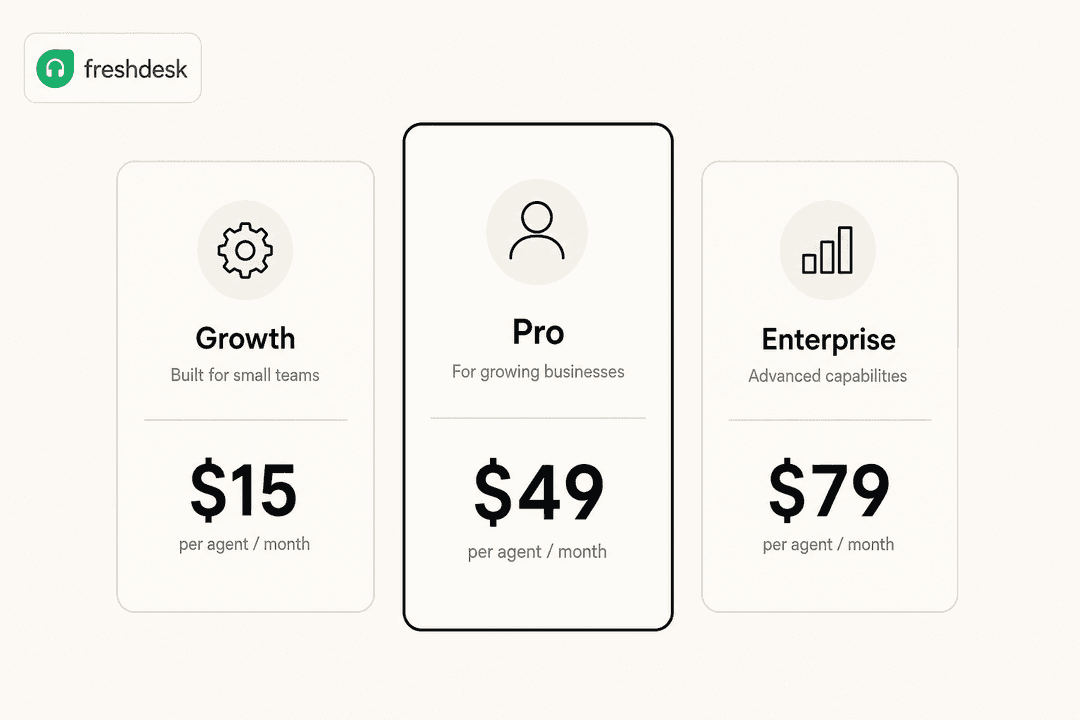
Here's where things get specific. Auto Triage isn't available on all Freshdesk plans. You need either Pro or Enterprise, plus the Freddy AI Copilot add-on.
Base plan requirements
| Plan | Annual Price | Auto Triage Access |
|---|---|---|
| Free | $0 | Not available |
| Growth | $19/agent/month | Not available |
| Pro | $55/agent/month | Available with Freddy Copilot add-on |
| Enterprise | $89/agent/month | Available with Freddy Copilot add-on |
Source: Freshdesk pricing
Freddy AI Copilot add-on
The Auto Triage feature lives inside the Freddy AI Copilot add-on. According to Freshdesk's pricing FAQ, Freddy AI Copilot is priced per agent and can be purchased for any number of agents on your team (you don't need to buy it for everyone). Pricing is available by contacting their sales team.
Total cost example
Let's say you have a 10-person support team on the Pro plan:
| Component | Monthly Cost (Annual Billing) |
|---|---|
| Freshdesk Pro (10 agents) | $550 |
| Freddy AI Copilot (10 agents) | Contact sales |
| Total | Base cost + add-on |
The per-agent pricing model means costs scale linearly with your team size. For larger teams, this can add up quickly. Freshdesk does note that Freddy AI Copilot can be assigned to specific agents only, so you could limit the add-on to your frontline team rather than purchasing for everyone.
How to set up Auto Triage in Freshdesk
Setting up Auto Triage involves a few steps, and there's an approval process you'll need to account for.
Prerequisites
Before you start, you'll need:
- Pro or Enterprise Freshdesk plan
- Freddy AI Copilot add-on subscription
- Sufficient historical ticket data (Freshdesk recommends 2000+ tickets for the AI to learn effectively)
Step 1: Request Auto Triage fields
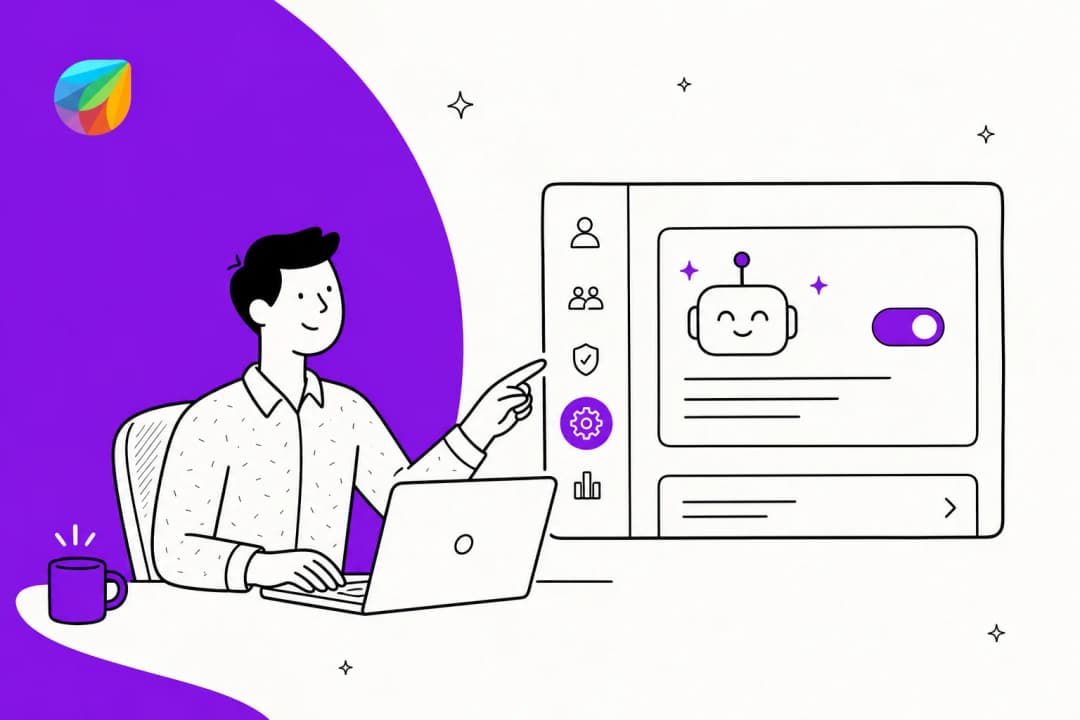
Navigate to Admin > Freddy > AI Copilot > Auto Triage in your Freshdesk account. You'll see default fields and any custom fields you've requested.
For Enterprise accounts, Priority suggestions are enabled by default. Type and Group suggestions become available automatically once your account has at least 2000 tickets. To enable additional fields:
- Click Request new
- Select the fields you want Auto Triage for
- Submit the request
Your request goes to Freshdesk's Data Science team for review. They check whether you have enough historical data for the AI to make accurate suggestions for those specific fields. You'll see one of three statuses:
- Requested: Freshdesk is reviewing your request
- Insufficient data: You need more ticket history for accurate predictions
- Ready: Approved and ready to enable

Step 2: Enable suggestions
Once a field shows "Ready" status, toggle it on to start receiving suggestions. You can also configure automatic updates if you want the system to apply suggestions without agent intervention:
- Click the three dots next to the field
- Select Settings
- Check Automatic update
With automatic updates enabled, Freddy applies its suggestions immediately. Without it, agents see suggestions and decide whether to use them.

Step 3: Train your team
Agents interact with Auto Triage through the ticket properties panel. They can:
- Accept suggestions: Click Apply to use Freddy's recommended values
- Modify suggestions: Change the suggested value before applying
- Reject suggestions: Select a different value entirely
Rejected suggestions are particularly valuable. When an agent chooses a different value than what Freddy suggested, the system learns from that correction and adjusts future predictions.
Benefits and limitations of Freshdesk AI auto triage
Like any tool, Auto Triage has clear advantages and constraints worth considering before you invest.
Benefits
- Faster response times: Tickets get routed to the right team immediately without waiting for manual triage
- Reduced agent workload: Agents spend less time on administrative classification and more time solving problems
- Consistent categorization: The AI applies the same logic across all tickets, reducing human inconsistency
- Continuous improvement: The system learns from every agent decision and gets more accurate over time
- Agent control: The human-in-the-loop design keeps agents in charge of final decisions
Limitations
- Plan restrictions: Only available on Pro and Enterprise plans with the Freddy Copilot add-on
- Data requirements: Needs substantial historical ticket data (2000+ tickets) for effective training
- Approval delays: The Data Science team review process can take time
- Per-agent pricing: Costs scale with team size, which can become expensive for larger organizations
- Not for smaller teams: Free and Growth plan users can't access this feature at all
Source: Freshdesk support documentation
How eesel AI approaches AI triage differently
At eesel AI, we take a different approach to AI-powered support automation. While Freshdesk's Auto Triage focuses on field classification within the Freshdesk ecosystem, we position our AI as a teammate that learns your entire business context.
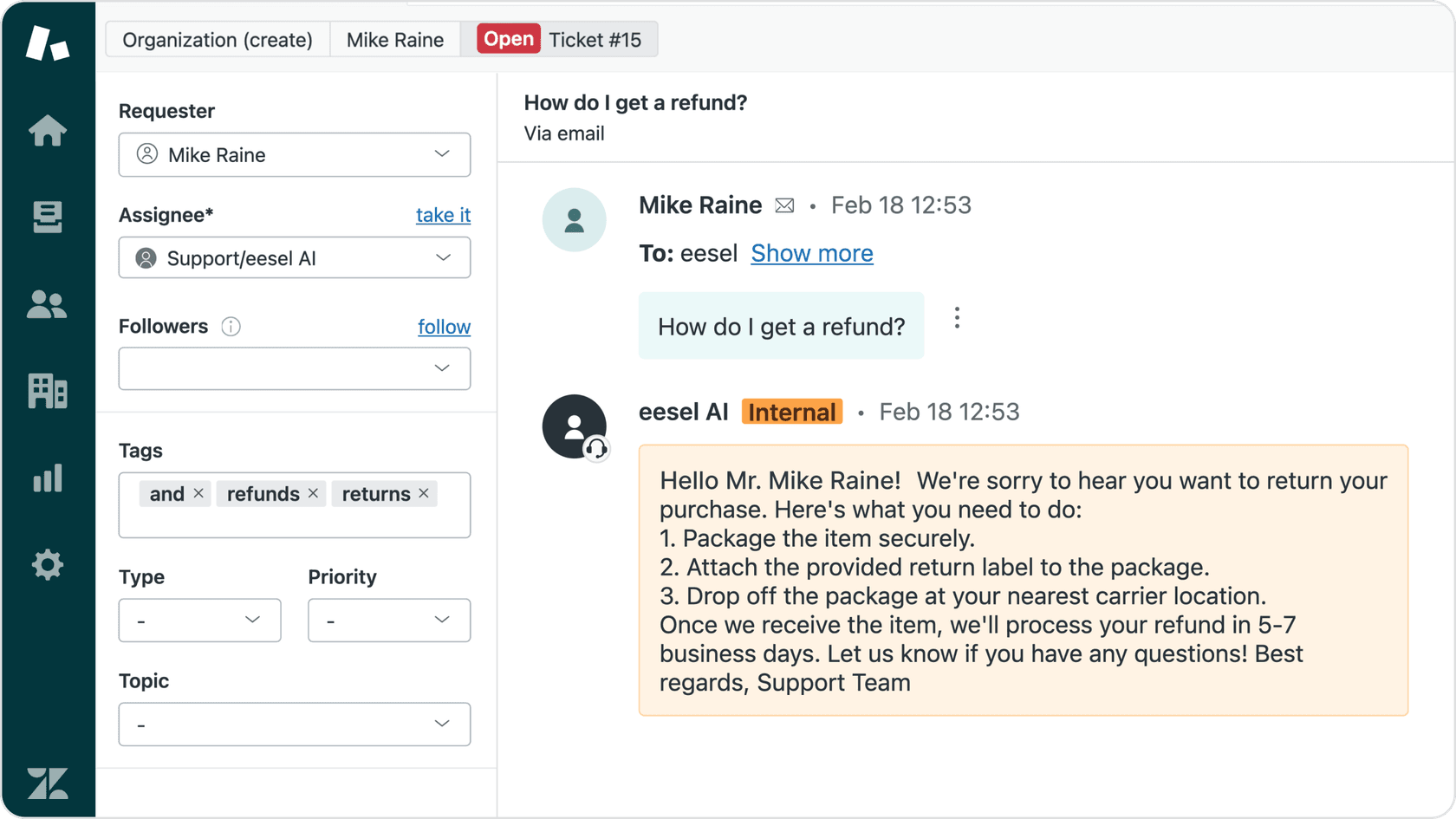
Here's what sets our approach apart:
Broader knowledge integration. Our AI doesn't just look at past tickets. It learns from your help center articles, saved macros, and connected documentation in Confluence, Google Docs, and Notion. This broader context helps with more nuanced routing decisions.
Progressive autonomy. We recommend starting with AI-drafted responses that agents review before sending. As the AI proves itself accurate, you can level up to fully autonomous responses for specific ticket types. You're always in control of the pace.
Plain-English configuration. Instead of complex rule builders, you define escalation logic in natural language. For example: "Always escalate billing disputes over $500 to the finance team" or "For VIP customers, CC the account manager on all responses."
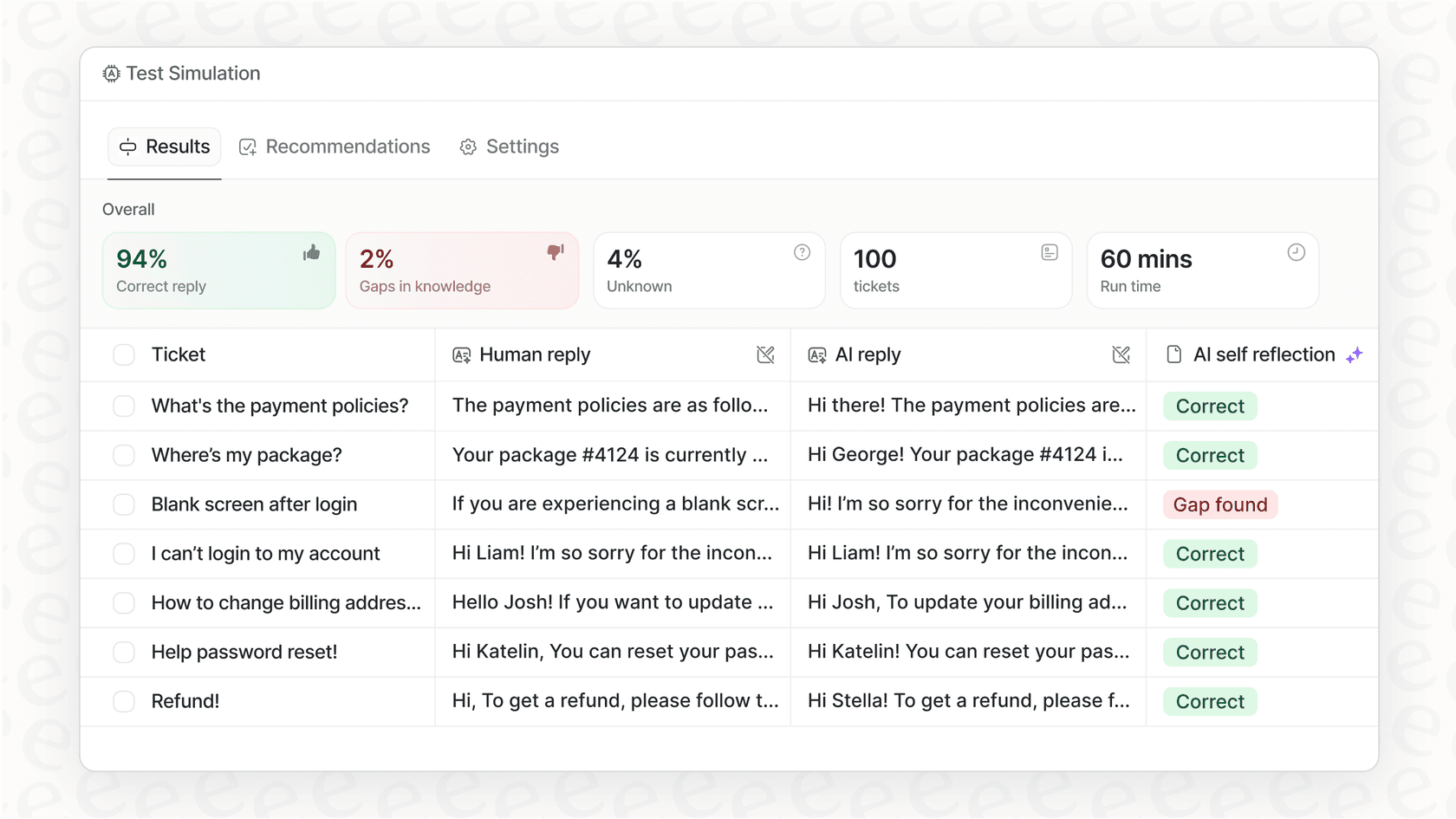
Simulation before deployment. You can test our AI on your historical tickets to see exactly how it would've performed before going live with customers. This removes the guesswork from implementation.
Different pricing model. We charge per AI interaction rather than per agent. For teams with fluctuating ticket volumes or seasonal staffing changes, this can be more predictable than per-seat pricing.
If you're looking for AI that extends beyond Freshdesk's native capabilities and learns from your broader knowledge ecosystem, our Freshdesk integration might be worth exploring.
Is Freshdesk AI auto triage worth the investment?
Whether Auto Triage makes sense depends on your specific situation.
It's a good fit if:
- You're already on Freshdesk Pro or Enterprise
- You have sufficient ticket volume (2000+ historical tickets)
- Your team spends significant time on manual ticket classification
- You want AI assistance without replacing your existing Freshdesk setup
Consider alternatives if:
- You're on Free or Growth plans (Auto Triage isn't available)
- You need more sophisticated intent recognition beyond field classification
- You want AI that learns from knowledge bases, docs, and other sources beyond tickets
- Per-agent pricing doesn't align with your budget model
To evaluate ROI, calculate the time your team currently spends on ticket triage and classification. If agents spend 30 seconds per ticket on manual classification and you process 500 tickets daily, that's over 4 hours of work every day. At that volume, automation pays for itself quickly.
Getting started with AI-powered ticket triage
If you're already using Freshdesk, start by checking your plan level and ticket volume. Do you have 2000+ tickets for the AI to learn from? Is your team on Pro or Enterprise? If yes, request a trial of Freddy AI Copilot and test Auto Triage on a subset of your tickets.
For teams exploring alternatives or looking for AI that integrates more deeply with their knowledge ecosystem, consider solutions that offer simulation modes. Being able to test AI performance on historical data before going live removes much of the risk from implementation. Learn more about eesel AI's approach to AI triage.
The key is starting with clear goals. Define what success looks like (faster response times? reduced misrouted tickets? less agent busywork?), measure your baseline, and track improvement after implementation. AI automation works best when you treat it as an ongoing optimization project rather than a set-it-and-forget-it solution.