
Choosing a business phone system isn't just about making calls anymore. It's about how your team connects with customers, closes deals, and scales communication as you grow.
Two platforms that keep coming up in these conversations are CloudTalk and Kixie. Both offer cloud-based calling with modern features, but they approach the problem differently. CloudTalk positions itself as a global phone system for sales and support teams. Kixie focuses specifically on sales productivity with aggressive power dialing capabilities.
Here's a breakdown of what each platform actually does, how they compare on features and pricing, and which one makes sense for your specific use case.
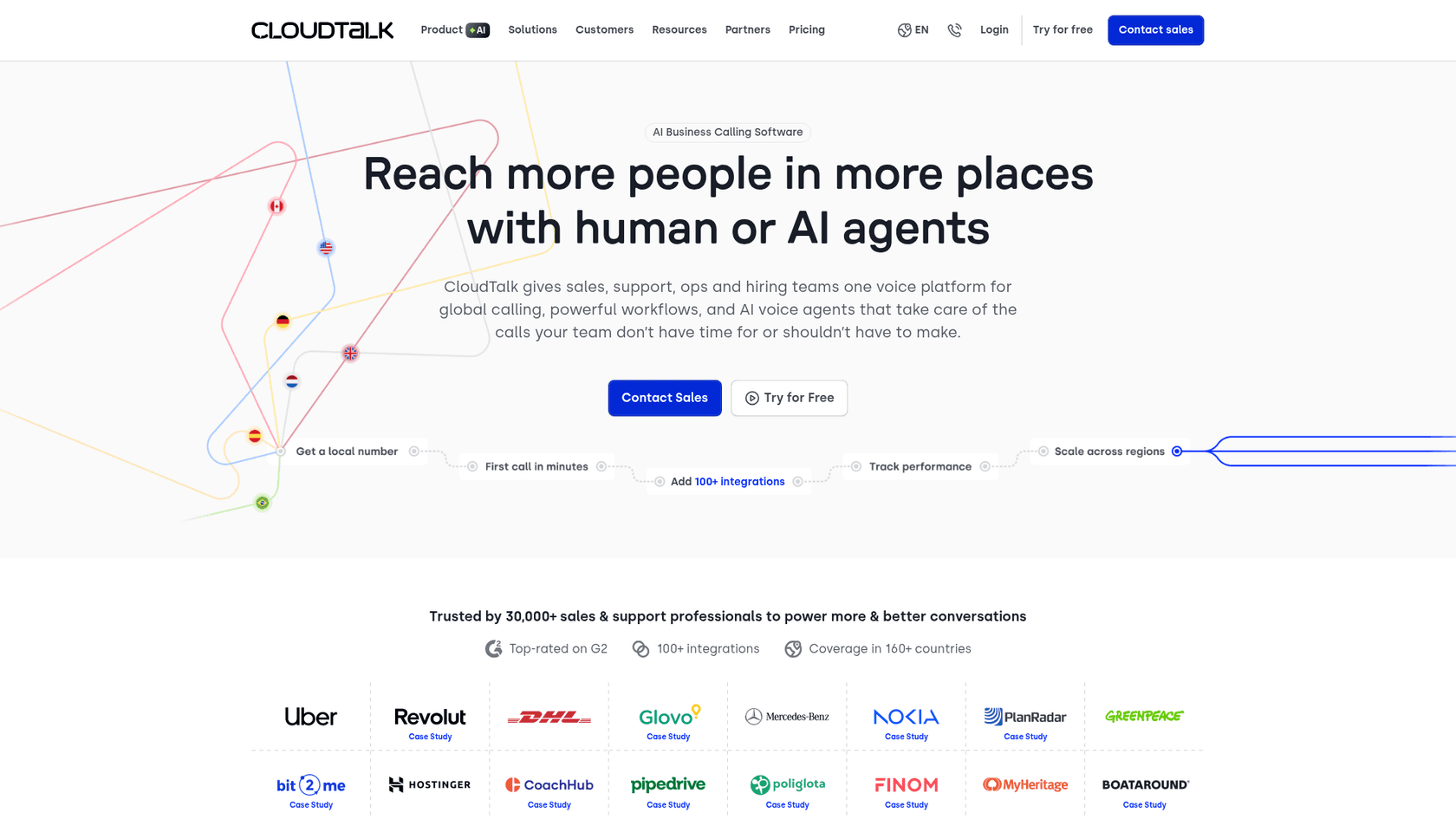
What is CloudTalk?
CloudTalk is an AI-powered business calling platform designed for sales, support, operations, and hiring teams. Founded in 2016 and headquartered in Prague, the company has grown to serve over 30,000 professionals globally.
The platform's core value proposition centers on global reach. CloudTalk provides local phone numbers in 160+ countries, which matters if you're running an international operation or supporting customers across borders. Their infrastructure promises 99.999% uptime with redundant carriers and multi-region backup.
CloudTalk's customer list includes recognizable names like Uber, Revolut, DHL, Glovo, Mercedes, Nokia, and Greenpeace. This gives some indication of the scale and use cases they handle.
Key capabilities include:
- Call center management with IVR, call queues, and skill-based routing
- AI conversation intelligence including transcription, sentiment analysis, and automatic call summaries
- AI voice agents that can handle inbound and outbound calls 24/7
- Power and parallel dialers for outbound sales teams
- 100+ integrations with CRMs, helpdesks, and productivity tools
CloudTalk works best for teams that need a full-featured phone system with international capabilities, whether that's customer support handling global inquiries or sales teams prospecting across multiple markets.
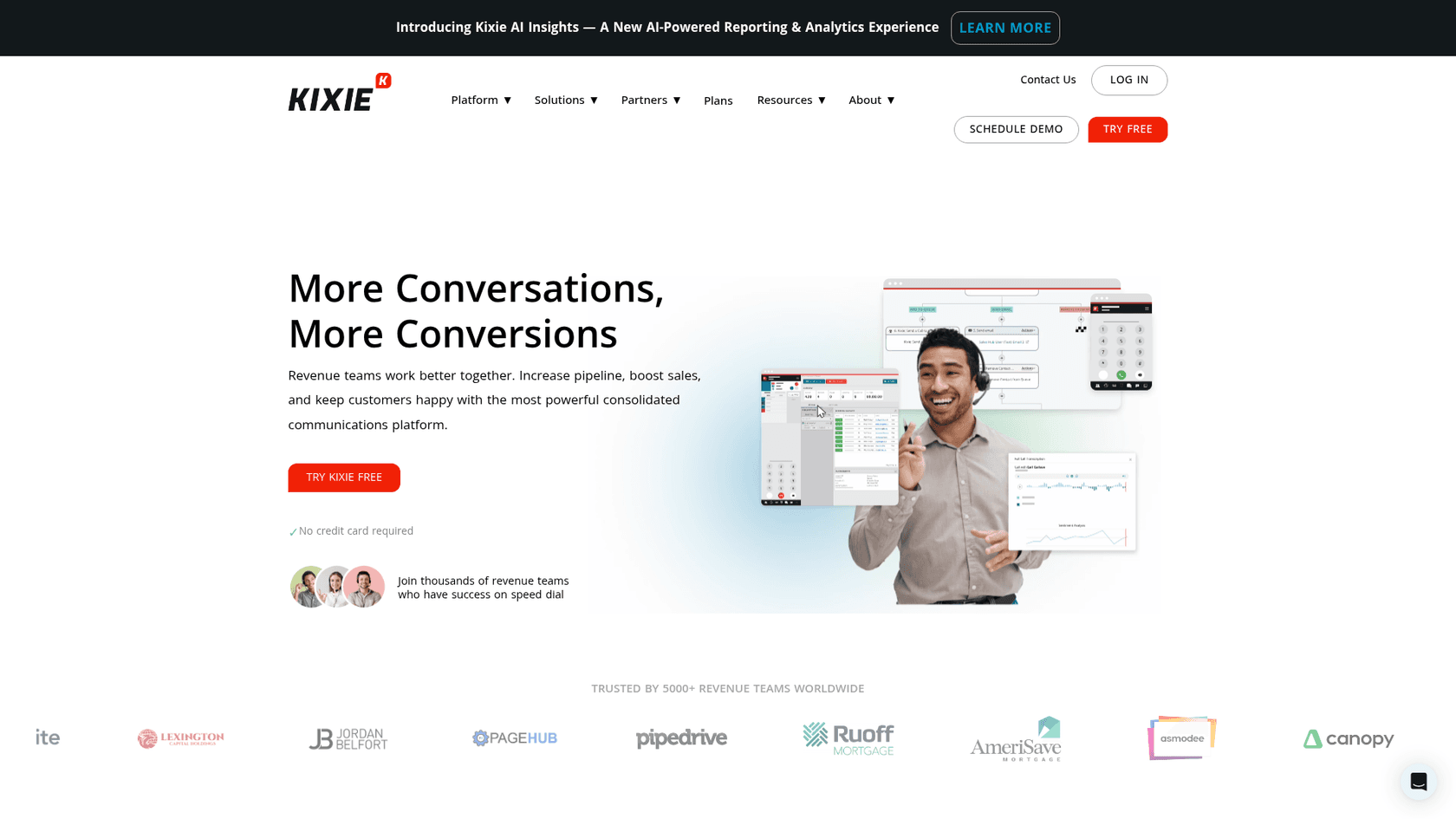
What is Kixie?
Kixie takes a different approach. Rather than positioning as a general phone system, Kixie markets itself as an "AI-powered sales platform" built specifically for revenue teams. Founded in 2012 and based in San Diego, the company focuses on outbound sales productivity.
The headline feature is the multi-line PowerDialer, which can dial up to 10 leads simultaneously while AI detection skips voicemails and IVRs. This is designed for high-volume sales environments where connection rate directly impacts revenue.
Kixie's Chrome extension is central to the experience. It embeds click-to-call and click-to-text directly into your CRM workflow, so sales reps never have to leave their primary workspace to make calls.
Key capabilities include:
- Multi-line PowerDialer (up to 10 lines) with AI human voice detection
- ConnectionBoost for AI-powered local presence dialing and spam prevention
- Team SMS with shared inboxes and internal notes
- Live call coaching for real-time guidance
- 100+ integrations including native CRM connections
Kixie serves over 5,000 revenue teams and has earned recognition as a G2 Leader in Auto Dialer and Best Results in Outbound Call Tracking. The platform is built for sales teams that prioritize outbound calling volume and connection rates over international phone system complexity.
CloudTalk vs Kixie: Feature comparison
Both platforms offer robust feature sets, but they prioritize different capabilities based on their target users. Here's how they stack up across key categories.
Calling features
Both platforms handle the basics: inbound/outbound calling, call recording, voicemail, and IVR. Where they diverge is in specialized capabilities.
CloudTalk emphasizes call routing sophistication. The Call Flow Designer lets you build visual workflows for how calls move through your organization. Skill-based routing sends callers to agents with specific expertise. VIP queues let high-priority customers skip the line. These features matter if you're running a structured support operation or complex sales organization.
Kixie focuses on outbound efficiency. The multi-line PowerDialer can call up to 10 numbers at once, connecting agents only to live humans. AI human voice detection (available as a premium add-on) automatically skips voicemails and phone trees. ConnectionBoost uses AI-powered local presence dialing to increase answer rates by displaying local numbers to recipients.
If your primary need is inbound call management with complex routing, CloudTalk has the edge. If you're running high-volume outbound sales campaigns, Kixie's dialer capabilities are more advanced.
AI and automation
Both platforms have invested in AI, but with different emphases.
CloudTalk's AI features span the entire call lifecycle:
- AI voice agents can handle calls independently for lead qualification, appointment scheduling, payment reminders, and customer feedback collection
- Call transcription in multiple languages with searchable transcripts
- Sentiment analysis tracks customer mood shifts during conversations
- Talk/listen ratio analysis helps coach agents on conversation balance
- AI call scoring automatically rates call quality
- Smart notes generate call summaries automatically
Kixie's AI focuses on sales productivity:
- AI human detection identifies live humans vs. voicemails/IVRs
- ConnectionBoost optimizes caller ID to reduce "spam risk" labels and increase connection rates
- Conversation intelligence (premium add-on) provides call analysis and insights
- Real-time reporting with live leaderboards for sales teams
CloudTalk's AI is broader and more suited to both sales and support use cases. Kixie's AI is laser-focused on the outbound sales workflow.
CRM integrations
Both platforms integrate with major CRMs, but their approaches differ.
CloudTalk offers 100+ built-in integrations covering CRMs, helpdesks, applicant tracking systems, and productivity tools. Native integrations include Salesforce, HubSpot, Pipedrive, Zoho, Zendesk, Freshdesk, Gorgias, Intercom, Slack, Microsoft Teams, and Gong. They also support Zapier and Make for custom workflows.
Kixie also offers 100+ integrations with a strong emphasis on CRM connectivity. Native CRM integrations include HubSpot, Salesforce, Pipedrive, Zoho, HighLevel, and ActiveCampaign. The Chrome extension provides bi-directional sync, meaning call data flows into your CRM and CRM data surfaces during calls.
Kixie also integrates with sales-specific tools like Outreach, Salesloft, and sales enablement platforms. For e-commerce, they connect with Shopify and BigCommerce.
If you live in Salesforce or HubSpot, both platforms work well. If you use sales engagement tools like Outreach or need e-commerce integrations, Kixie has more specialized options.
Mobile and accessibility
CloudTalk provides iOS and Android apps plus desktop applications for Windows and Mac. The web app works across browsers. This matters for teams that need full phone system functionality on mobile devices.
Kixie's approach centers on the Chrome extension for desktop workflows, supplemented by iOS and Android apps. The Chrome extension is the primary interface for many users, embedding calling directly into web-based CRMs and tools.
For teams that need robust mobile calling capabilities, CloudTalk's native apps are more comprehensive. For teams that primarily work from Chrome-based CRM workflows, Kixie's extension-based approach feels more integrated.
Pricing comparison
Pricing structures differ significantly between these platforms. CloudTalk uses transparent per-user pricing, while Kixie requires contacting sales for a custom quote.
CloudTalk pricing
CloudTalk publishes transparent pricing on their website with four tiers:
| Plan | Monthly Price | Annual Price | Key Features |
|---|---|---|---|
| Lite | €27/user | €19/user | Unlimited US/Canada calls, 1 ring group, basic call handling |
| Starter | €34/user | €25/user | 500 EU outbound minutes, unlimited ring groups, API access |
| Essential | €39/user | €29/user | Unlimited US/Canada calls, unlimited EU calls, 95+ integrations |
| Expert | €69/user | €49/user | Power dialer included, Salesforce integration, unlimited recording |
| Custom | Contact sales | Contact sales | Enterprise SLA, custom onboarding, unlimited outbound |
Source: CloudTalk Pricing
Add-ons include:
- Power Dialer: €15/user/month (annual)
- Parallel Dialer: €39/user/month (annual)
- AI Conversation Intelligence: €9/user/month (annual)
- AI Voice Agents: €350/month (1,000 minutes)
CloudTalk offers a 14-day free trial with no credit card required.
Kixie pricing
Kixie uses a three-tier structure:
| Plan | Features |
|---|---|
| Professional | Business phone, CRM integration, SMS, click-to-call, voicemail drop, live coaching |
| Single-Line PowerDialer | Professional features plus single-line power dialer, calling session management |
| Multi-Line PowerDialer | Professional features plus power dial up to 10 lines, AI human detection (premium add-on) |
Source: Kixie Pricing
All plans include unlimited minutes for US/Canada calls. Specific pricing requires contacting Kixie for a quote, which is common for sales-focused tools that customize pricing based on team size and volume.
Available add-ons:
- ConnectionBoost: Premium add-on for enhanced connection quality
- Conversation Intelligence: AI-powered call analysis
- DNC List Compliance: Automated Do Not Call registry compliance
- AI Human Detection: Premium add-on (+$30/month)
Kixie offers a 7-day free trial with no credit card required.
Value analysis
CloudTalk's transparent pricing makes it easier to budget and compare. You know exactly what you'll pay per user, and the annual discount is significant (roughly 30% savings). The add-on structure lets you pay only for advanced features you need.
Kixie's contact-for-pricing model is typical for sales tools but makes direct comparison harder. The value proposition centers on connection rate improvements. If Kixie's dialer increases your connect rates by 2-4x (as they claim), the ROI calculation favors their approach for high-volume sales teams.
For small teams or those with predictable calling needs, CloudTalk's transparent pricing is easier to work with. For large sales teams where connection rate directly impacts revenue, Kixie's value may justify the opaque pricing.
CloudTalk vs Kixie: User ratings and reviews
Third-party review platforms provide some insight into how actual users rate each platform.
| Platform | G2 Rating | Review Count | Recognition |
|---|---|---|---|
| CloudTalk | 4.4/5 | 1,733 | Top-rated on G2 |
| Kixie | 4.8/5 | 862 | G2 Leader (Auto Dialer), Best Results (Outbound Call Tracking) |
Kixie holds a higher average rating with fewer reviews, suggesting strong satisfaction among its sales-focused user base. CloudTalk's larger review volume indicates broader adoption across different use cases.
What users praise
CloudTalk users frequently mention:
- Easy setup and intuitive interface
- Smooth CRM integrations that "just work"
- International number availability for global operations
- Reliable call quality and uptime
- Helpful customer support team
Kixie users highlight:
- Power dialer efficiency and time savings
- Local presence features that boost connection rates
- Responsive US-based support team
- Chrome extension integration with CRM workflows
- Quick implementation and onboarding
Common complaints
CloudTalk users note:
- Mobile app lacks some desktop features
- Occasional glitches with call routing
- Add-on costs can add up for advanced features
- Learning curve for advanced call flow design
Kixie users report:
- Call routing issues in some configurations
- Limited international coverage compared to competitors
- Premium features require add-on costs
- Some users want more robust mobile app functionality
Who should choose CloudTalk?
CloudTalk makes the most sense for:
- Customer support teams needing international presence and sophisticated call routing
- E-commerce businesses with global customers requiring local numbers in multiple countries
- Companies wanting transparent pricing with predictable per-user costs
- Teams needing advanced call management like IVR, skill-based routing, and call queues
- Businesses prioritizing AI features like transcription, sentiment analysis, and voice agents
- Organizations with mixed sales and support needs that want one platform for both
If your calling needs span multiple countries, or you need a full-featured phone system that handles both inbound support and outbound sales, CloudTalk's broader capabilities fit better.
Who should choose Kixie?
Kixie is the better fit for:
- Outbound sales teams with high call volumes who need aggressive dialing capabilities
- Sales reps living in Chrome/CRM workflows who want calling embedded in their existing tools
- US-focused businesses prioritizing connection rates over international coverage
- Teams wanting AI-powered calling assistance specifically for sales productivity
- Revenue operations teams focused on sales metrics and live coaching
- Organizations where connection rate directly impacts revenue and justifies premium pricing
If your primary metric is outbound calls connected per hour, and you can tie that directly to revenue, Kixie's specialized dialer features likely deliver better ROI.
Making the right choice for your team
Here's the short version: CloudTalk is a global phone system that happens to work well for sales. Kixie is a sales productivity tool that happens to include phone capabilities.
Choose CloudTalk if you need a comprehensive business phone system with international reach, sophisticated call routing, and AI features that span sales and support. The transparent pricing and broader feature set make it easier to justify for general business use.
Choose Kixie if you're running a high-volume outbound sales operation where connection rate is the metric that matters most. The power dialer, local presence features, and CRM-centric workflow are purpose-built for this use case.
Both platforms offer free trials (CloudTalk: 14 days, Kixie: 7 days) with no credit card required. The best way to decide is to test each with your actual workflow and measure what matters to your business: connection rates, call quality, ease of use, or integration depth.


