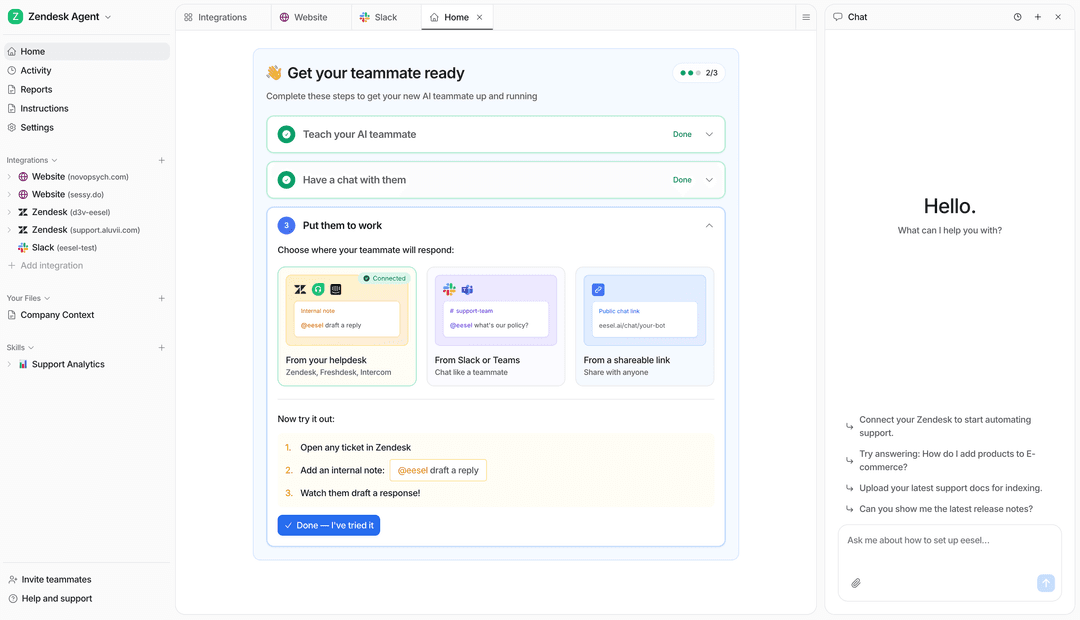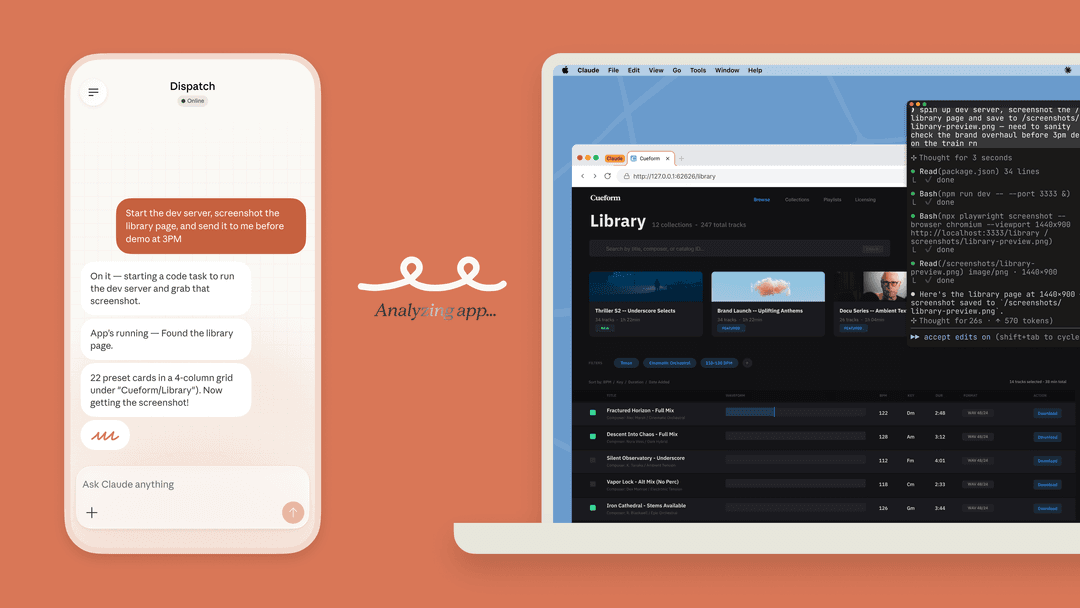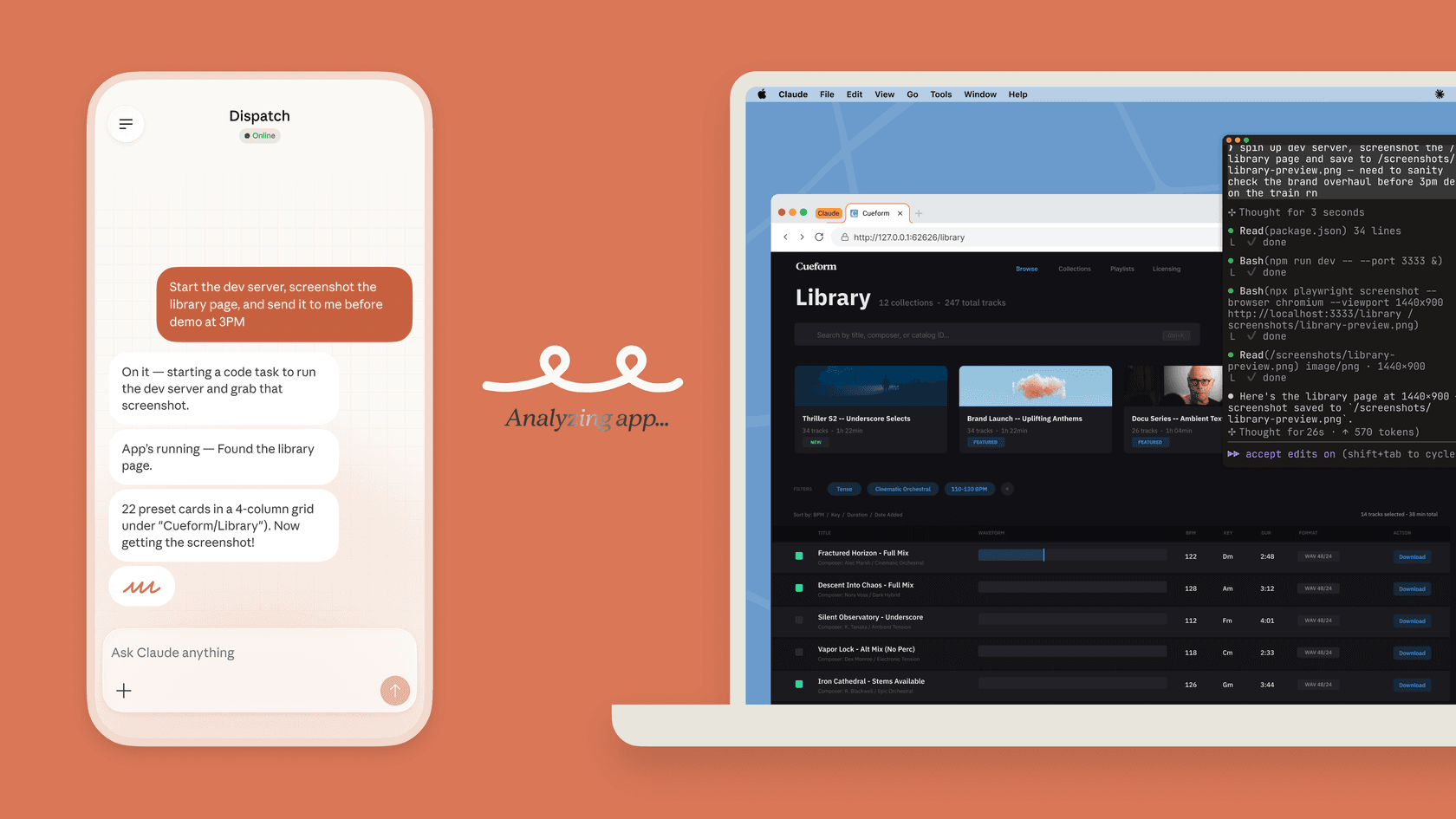
Start by naming the trigger and the boundary
“Automate this with Claude” leaves out the two decisions that matter most: what starts the job, and what the job is allowed to touch. A daily briefing, a pull-request event, and a formatter after every edit are different workflows. They need different configuration and different review.
For example, a product team might ask for a Friday digest of changes that affect its privacy-support policy. That is not a request to let an agent rewrite customer instructions or take customer actions. It is a request to collect evidence, identify a decision for the policy owner, and make that decision easier to review.
The sections below show the current Claude options, then turn that example into a safe, practical support-operations workflow.
Three native Claude automation methods
1. Cowork scheduled tasks for repeated knowledge work
Claude Cowork scheduled tasks run on an hourly, daily, weekday, weekly, or manual cadence. A task stores the prompt as its instructions, starts a fresh Cowork session each time, and can use the connectors, skills, and plugins available in Cowork. The results are available for review in the Scheduled view.
This is a good choice for the Friday policy digest: read an approved Drive folder and a connected Slack channel, summarize changes since the last run, and produce a list of questions for the policy owner. The owner should write the task prompt with a bounded source list and a defined output: “List the source URL, the exact policy change, and an owner question. Do not send messages or update documents.”
Remote Cowork tasks keep their cadence while the desktop app is closed, but they use account-saved files and connectors rather than a folder on a computer. If a task needs local files or apps, it runs locally instead. Paid Cowork plans include scheduled tasks, while Team and Enterprise access can be controlled by an organization owner.
2. Claude Code routines for autonomous code or event work
Claude Code routines are in research preview on paid Claude plans. They run with schedule, API, or GitHub triggers, on Anthropic-managed infrastructure or a configured organization self-hosted environment. A routine can clone selected repositories and use selected MCP connectors. A useful job is preparing a documentation change after a release.
That power deserves a careful setup. A routine runs without a permission-mode picker or approval prompts during a run. Its connector list includes all connected MCP connectors by default, and an included connector can expose write tools. Remove every connector it does not need. Scope its repositories, network access, variables, and branch-push setting as well. By default, its changes go to claude/-prefixed branches, which lets a person review a pull request before merging.
Create a scheduled routine conversationally with /schedule in Claude Code, or configure it at Claude Code Routines. API triggers and GitHub events are configured in the routine settings. An API trigger has a dedicated bearer token: keep it in a secret store, not a prompt or source file. Every run has its own session, so review its changes and logs rather than assuming a completed run was a correct one.
3. Claude Code hooks for deterministic lifecycle controls
Claude Code hooks fire at defined lifecycle events. A command hook can format a file after an edit, notify a developer when Claude needs input, or block a command before it runs. Unlike an instruction in a prompt, a matching command hook runs deterministically.
Hooks are configuration, not magic safety. Keep a project hook in .claude/settings.json when it should be shared with the repository; a hook in ~/.claude/settings.json is local to one machine. The /hooks browser lets a developer inspect what is configured. Prompt hooks make an LLM decision; agent hooks can inspect files and run tools but are experimental. For a production guardrail, Anthropic recommends a command hook where a deterministic check will do.
A concrete weekly support-policy workflow
Here is how the product-team example can work without turning “automation” into an unreviewed path to customer action.
-
The policy owner creates a Cowork scheduled task for Friday afternoon. Its connected sources are limited to the approved policy-change folder and
#privacy-updates. The task produces a report with three columns: evidence link, change summary, and owner decision needed. It does not edit a policy, contact a customer, or call a system with write access.Make that read-only scope real in the connected accounts and tool controls; the prompt alone is not a permission barrier. Check the task's approval mode and block unnecessary write tools before enabling the schedule. If the connection cannot provide that scope, use approved account-saved files instead. Review the first run before relying on the cadence.
-
The owner reviews the report. Suppose the approved support rule is to route deletion requests to the privacy team, never to claim data was deleted merely because a request was received. They specify three cases: a verified requester, an unverified requester, and a question about retention. This is an illustrative support process, not a statement of legal requirements. The responsible policy owner supplies the actual rules and approved retention information.
-
Before changing the eesel teammate, a developer or operations analyst reads the current workspace state through the eesel CLI. This is a review step, not an automated release:
# Node.js 18.17+; login opens a browser and stores credentials.
npx @eesel/cli login
npx @eesel/cli whoami
npx @eesel/cli agents

# Replace the value with the real name or ID returned by `agents`.
EESEL_AGENT="REPLACE_WITH_APPROVED_NONPRODUCTION_AGENT"
npx @eesel/cli instructions --agent "$EESEL_AGENT"
npx @eesel/cli integrations --agent "$EESEL_AGENT"
npx @eesel/cli integrations download list --agent "$EESEL_AGENT"
npx @eesel/cli automations --agent "$EESEL_AGENT"
npx @eesel/cli activity --agent "$EESEL_AGENT"
npx @eesel/cli approvals --agent "$EESEL_AGENT"
npx @eesel/cli billing --agent "$EESEL_AGENT"
The commands after login read existing state and return JSON. Supply the coding agent with the approved report and rule explicitly; Cowork does not automatically transfer them to eesel. Check the relevant source's readiness and content, compare instructions with the intended rule, and inspect automations for conflicting triggers. Activity shows what has happened; it is not the full automation configuration. Held approvals also do not describe every action's permission setting.
- The owner approves a narrow configuration change and reads it back from the selected nonproduction teammate. Then test the three cases using approved or fictional evidence. The verified requester should receive the approved route without a false deletion confirmation. The unverified requester should receive the required verification step without disclosure. The retention question should use the approved source or flag missing information, not invent a duration. Review each answer against the policy before a production pilot.
Set consequential actions to Disabled for these response tests using the actual Actions settings. eesel setup and observation are free, while chat tests are billed; approve their spend first, separately from Claude usage. A later production pilot can use Needs approval for a specific action and verify that it really waits for review. Do not execute deletion operations as part of this example. --dry-run previews a CLI write request without sending it; it does not test a support answer.
Budget for the kind of automation you enable
Code routines draw down subscription usage and also have a daily run cap. Available usage credits can allow metered overage; without them, additional runs may be rejected until limits reset. A one-off routine still consumes regular usage even though it does not count toward the daily routine cap. Check the routine usage rules and your account's remaining allowance. A separately built Claude API workflow has its own API billing; do not assume all Claude automation is API-only or that scheduled runs are free.
Which option should you choose?
| If the job is… | Use… | Review before it runs |
|---|---|---|
| A recurring summary from a small set of connected business sources | Cowork scheduled task | Prompt, source scope, cadence, approval mode, and past runs |
| A repository job triggered by time, GitHub, or an API | Claude Code routine | Repositories, environment, connector list, token storage, and branch permissions |
| A mandatory action at a Claude Code lifecycle event | Claude Code command hook | The exact event, matcher, command, and the project settings file |
| A customer-support response or action | eesel teammate workflow | Sources, instructions, real test cases, and each action’s Auto, Needs approval, or Disabled setting |
Claude is valuable in each of the first three lanes. The key is to be exact about the lane. A scheduled task can collect the material for a policy decision; it does not grant itself authority to change a customer-facing workflow. A Code routine can create a pull request; it does not make a merge safe. A hook can block a command; it does not validate a business policy.
Use eesel CLI to review the recurring support job
When the desired outcome is a reliable recurring support workflow, eesel gives the team a ready teammate instead of a pile of glue code. It works from the support sources and instructions the owner selects, and it gives the owner controls for each action. Claude can still help produce a focused report, build a test harness, or maintain a code integration around that workflow.
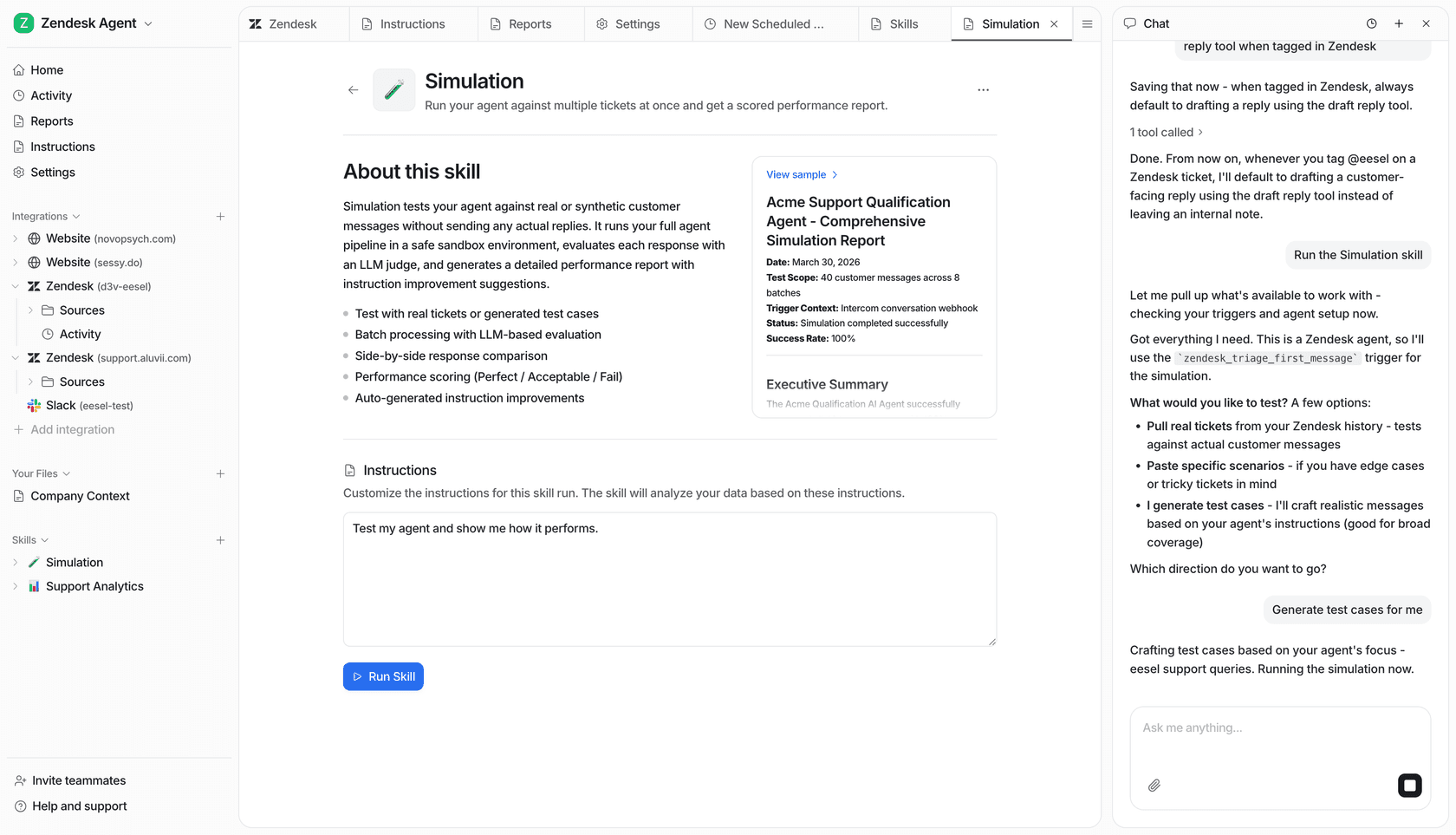
This example workspace is not evidence that the proposed policy cases were tested.
Try eesel when you need a support teammate the owner can inspect, test, and control—not merely a recurring script.
Frequently asked questions
What is Claude AI workflow automation?
It means configuring Claude to run a repeated job, either on a schedule, in response to an event, or at a Claude Code lifecycle point. The appropriate method depends on the job and the access it needs.
What is the difference between a Cowork scheduled task and a Claude Code routine?
Cowork scheduled tasks are recurring or on-demand Cowork sessions. Claude Code routines are autonomous cloud coding sessions with schedule, API, or GitHub triggers, repositories, an environment, and selected connectors.
Can Claude Code routines make changes without a prompt for approval?
Yes. A cloud routine has no permission prompts during a run. Limit its repositories, environment, connector set, and branch-push scope before enabling it.
When should I use a Claude Code hook?
Use a hook when a deterministic event should run a command, such as formatting after an edit or blocking a protected-file change. Agent hooks are experimental; the Claude Code documentation recommends command hooks for production workflows.
Can a coding agent manage eesel through the CLI?
Yes. People, scripts, Claude Code, Codex, and Cursor can use eesel CLI to inspect and configure the same teammate and workspace as the dashboard. Approve the exact change and test its results before enabling customer-facing work.