

Trying to keep up with creating good, SEO-friendly content is tough. It's more than just writing: you have to do the research, create an outline, find images, and get the formatting right. It all adds up to a lot of time. While AI can help, the output can sometimes be generic and require significant editing to connect with readers and rank well. You need something that does more than just churn out words.
That's what this article is about. We've gone through and tested the top AI blog WordPress plugins that can create genuinely useful content right inside your dashboard. These are tools that feel more like a partner than a simple assistant. We’ll cover everything from all-in-one generators to focused SEO tools. For instance, we used the eesel AI blog writer to take our own blog's search impressions from 700 to over 750,000 a day in just three months. The goal is to find the right tool that helps you grow without cutting corners on quality.
What is an AI blog WordPress plugin?
An AI blog WordPress plugin is a tool that brings artificial intelligence right into your WordPress dashboard to help you create content. You can think of it as having a writing assistant, researcher, and editor built into your website. These tools use language models (like GPT-4) to take your instructions and generate text, outlines, headlines, and more.
They usually come in a few flavors:
- Full-service generators: These are the most complete tools. You give them a keyword or a topic, and they create an entire blog post, often with headings, images, and other media included.
- Writing assistants: These plugins help with specific parts of your writing process. They can brainstorm headlines, write meta descriptions, rephrase paragraphs, or check for SEO opportunities.
- Integrated builders: Some plugins are built into existing WordPress themes or page builders, like Divi. These tools mix AI features into the website design process, helping with everything from writing copy to generating images.
The biggest advantage of using a dedicated WordPress plugin is that it simplifies your workflow. Instead of juggling your WordPress editor, a separate AI app, and a stock photo website, you can handle everything from one place, from the first idea to hitting 'publish'.
How we chose the best AI blog WordPress plugin options
To give you a straight-up comparison, we judged each plugin on a few key things. We focused on tools that deliver practical value for bloggers and marketers.
Here’s what we focused on:
- Content Quality: This was our number one priority. We looked at how well each plugin could write coherent, well-researched, and human-sounding content. The less editing needed, the better.
- Ease of Use: A good tool should be easy to figure out. We checked how simple each plugin was to install, set up, and use within the WordPress editor.
- SEO Features: Writing content is only half the job; it also needs to rank. We looked for built-in tools for keyword analysis, title and meta description generation, and proper content structure.
- WordPress Integration: We checked how well the plugin works inside WordPress. Does it get along with popular themes, page builders, and other plugins?
- Value for Money: We compared the pricing against the features. This included checking out any free plans or trials to see which tools give you the best bang for your buck.
AI blog WordPress plugin comparison table
For a quick overview, here’s how the top 5 plugins stack up against each other.
| Plugin | Best For | Key Feature | Pricing Model |
|---|---|---|---|
| eesel AI blog writer | Generating complete, publish-ready posts | Automatic asset generation and social proof integration | Free to try; Paid at $4 per blog post |
| AI Engine | Developers and advanced users | Flexible AI framework with chatbot and content tools | Free (requires own API key); Pro version available |
| GetGenie | All-in-one content and SEO workflow | 40+ content templates & integrated keyword research | Free plan; Paid plans from $19/month |
| AIOSEO | On-page SEO optimization | AI-powered title & meta description generator | Free version; Paid plans from $49.50/year |
| Divi AI | Divi theme and builder users | Integrated content, code, and image generation | Starts at $16.08/month (add-on for Divi) |
The 5 best AI blog WordPress plugins
Here is our detailed breakdown of the top plugins we tested, outlining their strengths, weaknesses, and who they're best for.
1. eesel AI blog writer
The eesel AI blog writer is a bit different from the other tools here. It’s not just an assistant for tweaking a sentence or brainstorming a title. It’s a full content platform that takes a single keyword and turns it into a finished, SEO-optimized article ready for you to publish. It creates a complete post with AI-generated images, infographics, relevant YouTube videos, and even real Reddit quotes for social proof. This focus on a finished product is how we managed to scale our own content so quickly. We went from spending hours on research, writing, and finding assets to getting a quality draft in minutes.

Its main advantage is this end-to-end automation. It saves a huge amount of time on the manual tasks that go into writing, like finding visuals and structuring the post. The content is also optimized for both traditional search engines (SEO) and modern AI Answer Engines like Google AI Overviews and Perplexity (AEO). The trade-off is that it’s built specifically for creating high-quality, long-form blog content. It’s not designed for short ad copy or quick social media updates.
Pricing:
- Free to try: You can generate your first blog post at no cost to test the quality for yourself.
- Paid: Posts are $4 each.
Why we chose it: It is a tool that automates the entire blog creation process. It delivers a draft that is ready to publish with minimal tweaks. Its context-aware research and ability to include rich media are key differentiators.
2. AI Engine
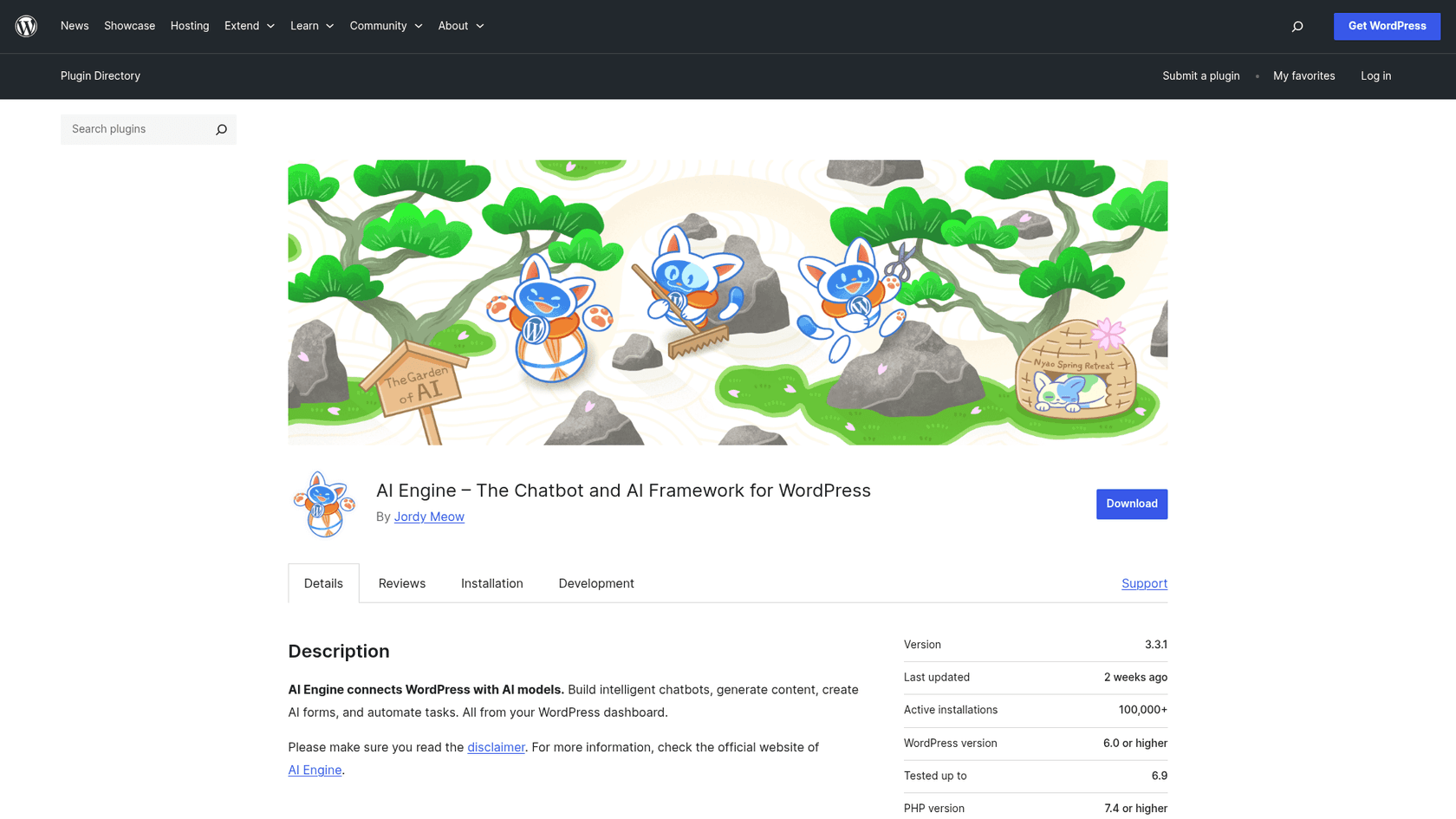
AI Engine is a powerful and flexible plugin that acts as a bridge between your WordPress site and different AI models like OpenAI, Claude, and Gemini. It’s less of a guided tool and more of a framework. This means you can build your own custom AI features, like chatbots, content generators, or an AI Copilot that works in the post editor. If you can dream up an AI feature, you can probably build it with AI Engine.
The main draw is its versatility. For developers or tech-savvy users, its internal APIs let you create custom AI solutions for your specific needs. But all that flexibility means it's more complicated to learn. Unlike the other plugins here, you need to bring your own API key from a service like OpenAI and set up the prompts yourself. The quality of what you get out depends entirely on how well you can write prompts, which can be tricky for newcomers.
Pricing:
- The core plugin is free to download and use.
- You pay for API usage directly to your chosen AI provider (e.g., OpenAI).
- A Pro version with advanced features like embeddings and AI forms is available.
Why we chose it: It’s the best choice for users who want maximum control and customization. If you're comfortable working with APIs and prompts, AI Engine is an excellent toolkit for integrating AI deeply into a WordPress site for a wide range of applications beyond just blogging.
3. GetGenie
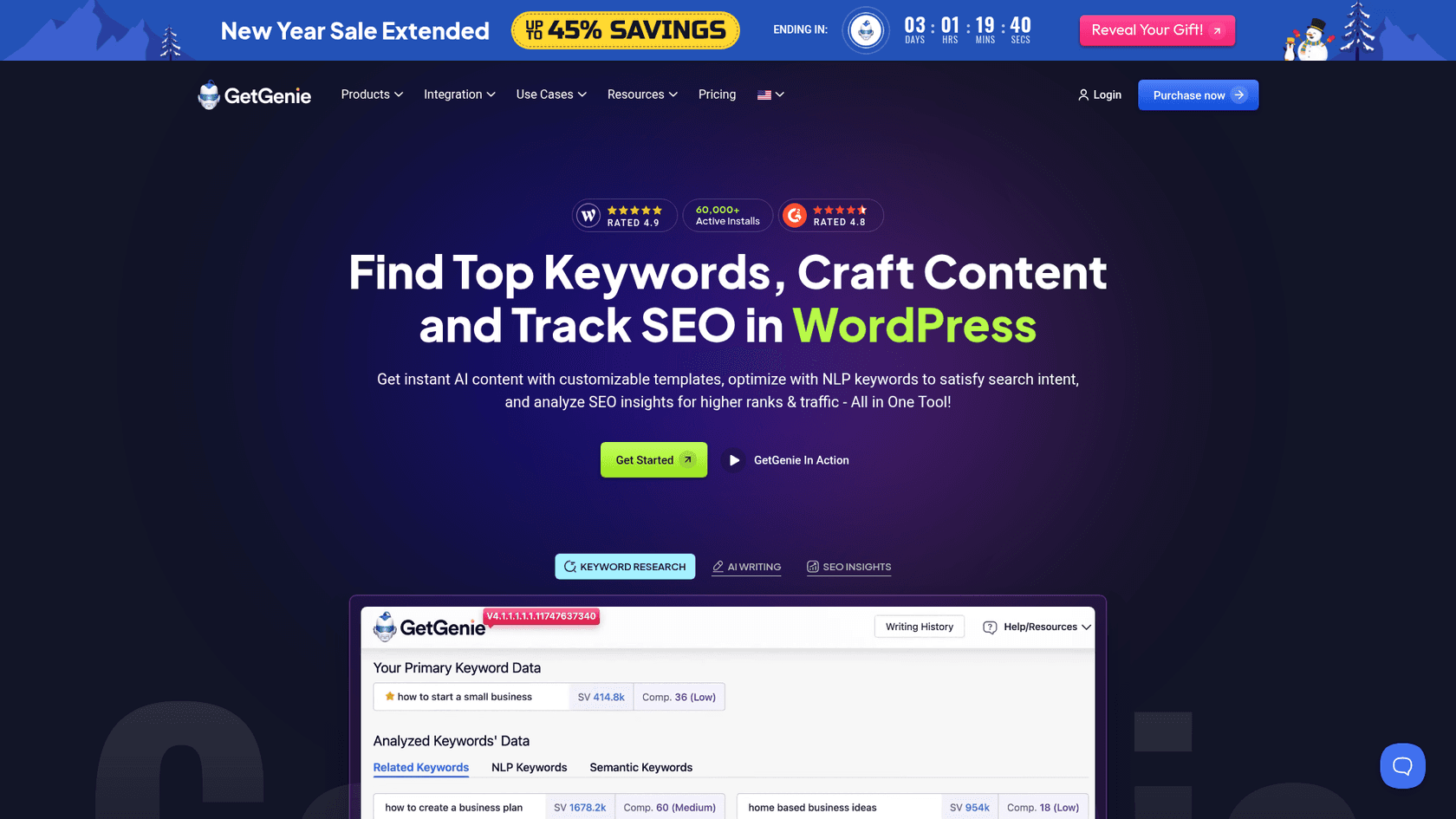
GetGenie tries to be the all-in-one AI content tool for marketers. It packs a lot into one plugin, with over 40 writing templates for everything from blog posts to social media updates. Its "Blog Wizard" is made for one-click post generation, and it also includes NLP-powered keyword research and competitor analysis right in the WordPress editor, which is handy for your SEO workflow.
GetGenie's huge library of templates is its biggest plus. It's useful for creating all sorts of content without leaving WordPress, like WooCommerce product descriptions or email copy. The one-click blog generator is good for getting a first draft out the door. The content generated is a solid starting point, though it may require human editing to refine the voice and flow for longer articles.
Pricing:
- A free plan is available with a 2,500-word monthly credit.
- Paid plans start at $19 per month for more words, features, and higher limits.
Why we chose it: GetGenie strikes a good balance between guided AI writing and built-in SEO tools. It’s a solid option for marketers who need to produce a diverse range of content types quickly and want to manage keyword research and writing from a single interface.
4. All in One SEO (AIOSEO)
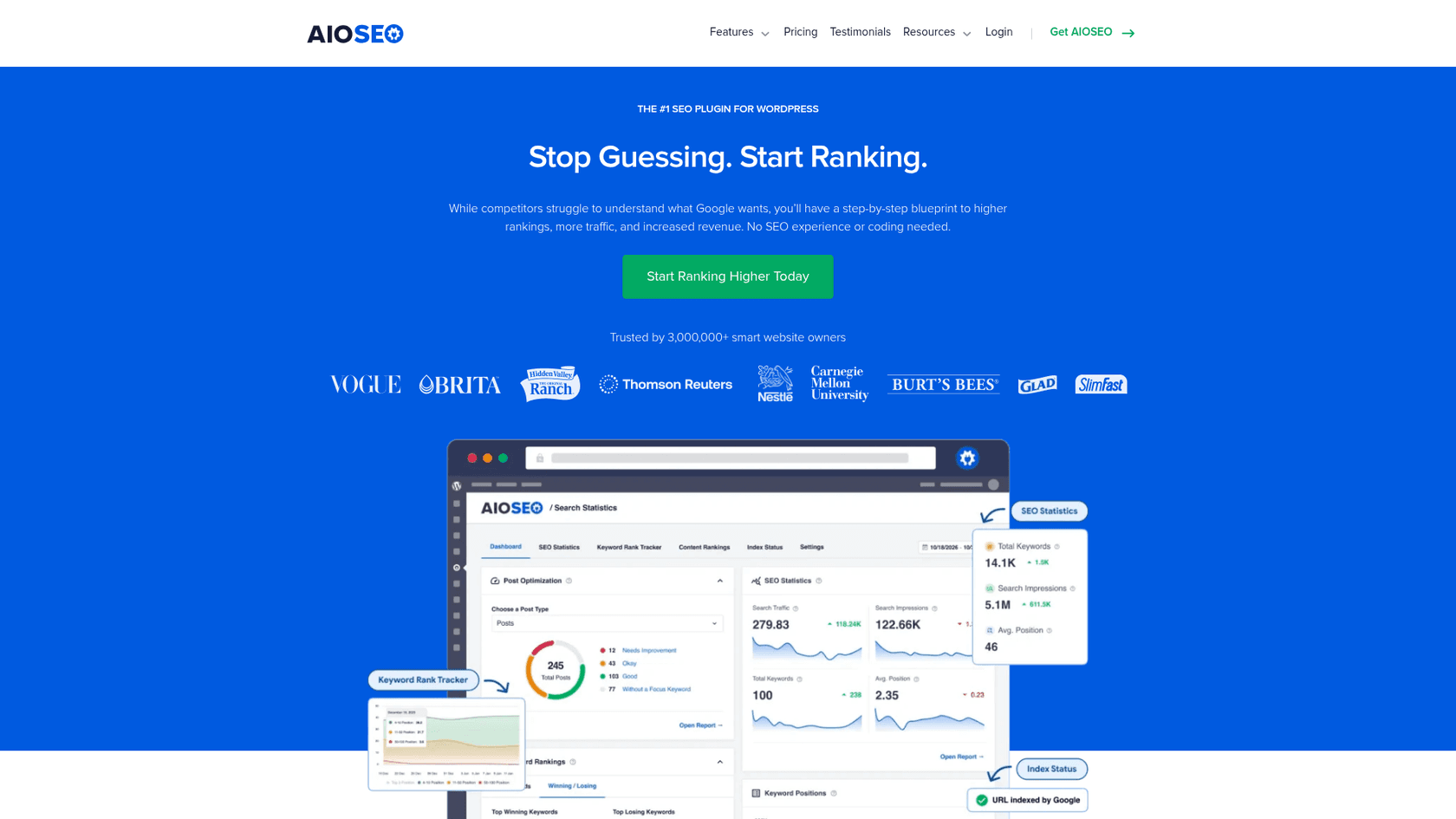
All in One SEO (AIOSEO) is one of the most popular SEO plugins for WordPress, and it has cleverly added AI to help with on-page optimization. Its best AI feature is the Title/Description Generator. It uses ChatGPT to look at your post's content and suggest several optimized SEO titles and meta descriptions with one click. This can save a ton of time on a small but important task.
The main benefit is how convenient it is. Instead of trying to come up with the perfect, keyword-stuffed title, you get several solid options right away. It's important to know that AIOSEO is an optimization tool, not a content writer. It helps you polish the content you've already written; it won't write the blog post for you. It's great at what it does but doesn't try to be a full article generator.
Pricing:
- A free version of the plugin is available with limited features.
- Paid plans, which include the AI Title/Description Generator and other advanced features, start at $49.50 per year.
Why we chose it: AIOSEO represents a practical and highly targeted use of AI. For bloggers who prefer to write their own content but want help ensuring it’s properly optimized to rank in search results, it's the perfect AI assistant.
5. Divi AI
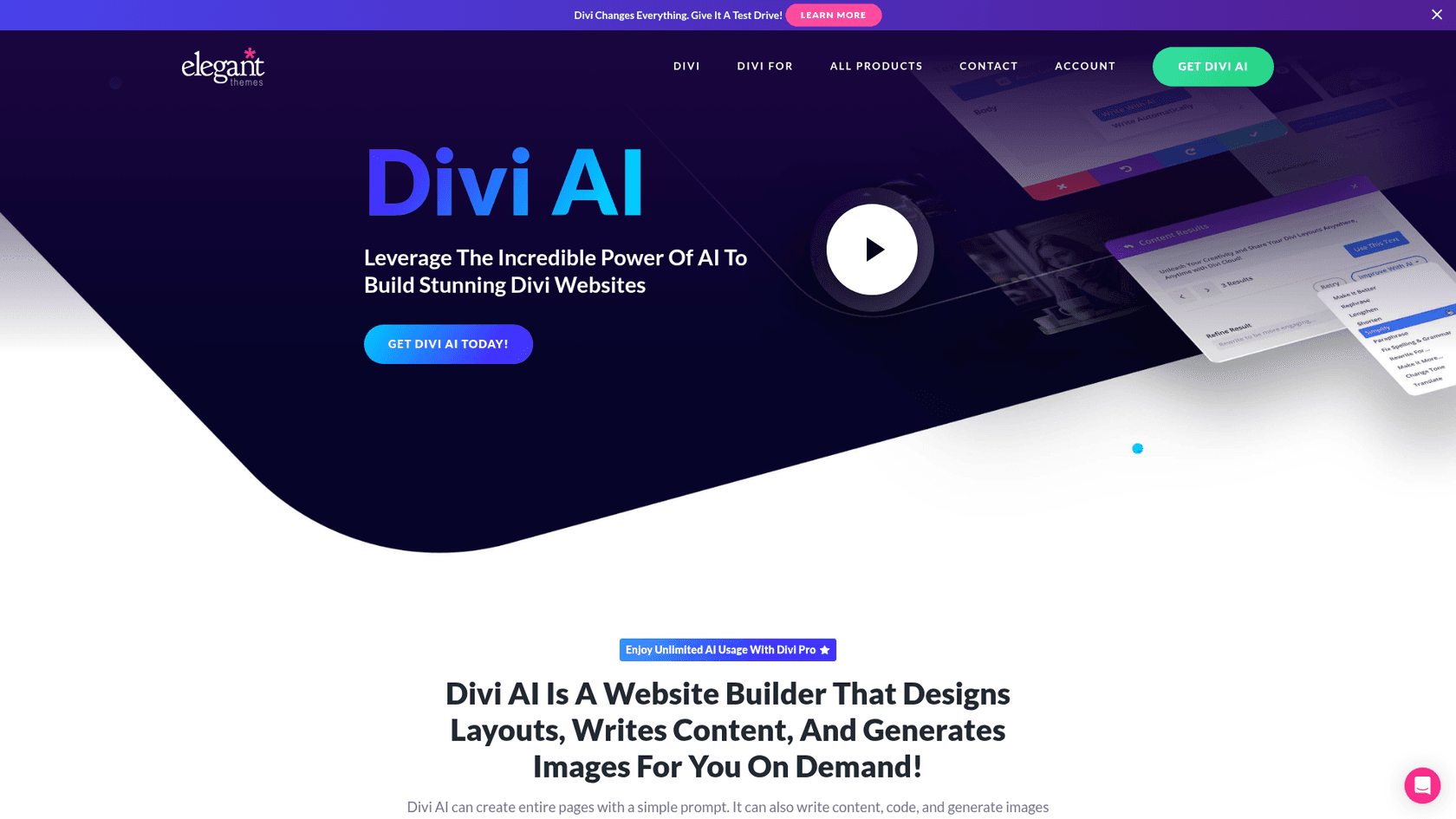
Divi AI is an AI toolkit built directly into the popular Divi theme and its visual page builder. It lets you generate text, create images, and even write custom code right inside the builder. One of its neatest tricks is its ability to learn from your existing website content, so it can generate new text that already matches your brand's voice. It can even build an entire multi-page website from a single prompt with its "Quick Sites" feature.
For anyone already using Divi, the smooth integration is a huge win. You don't have to jump between tools; the AI is right there when you need it. Being able to generate and tweak images and code on the fly is also a big deal for designers and developers. The only real downside is that Divi AI only works within the Divi ecosystem. If you use a different theme, this plugin isn't for you.
Pricing:
- Requires a Divi subscription (starting at $89/year).
- Divi AI is an add-on, with unlimited usage starting at $16.08/month (billed annually).
Why we chose it: It’s a prime example of how AI can be deeply embedded into an existing platform to enhance an established workflow. For the millions of people who build websites with Divi, it’s a powerful and convenient option.
Tips for getting the most from your AI blog WordPress plugin
- Provide detailed prompts: The quality of AI content comes down to the quality of your input. Don't just give it a keyword. Be specific about your topic, who you're writing for, the tone you want, and the key points to cover.
- Use AI as a partner, not a replacement: Even the best AI tools need a human touch. Always review, edit, and fact-check what it generates. Add your own unique stories, opinions, and examples to make the article yours.
Google doesn't outright penalize AI text, they care more about whether it's useful and original. At the end of the day, making sure posts answer real questions in your niche and don't duplicate what's already out there is going to matter way more for SEO than whether 20% or 40% was written with ChatGPT.
 Reddit
 - Choose tools with context awareness: Plugins that can learn from your existing content or pull in real-time info produce much better articles. For example, the eesel AI blog writer can analyze your site to automatically match your brand's voice.
- Start with the structure: A good way to use AI is to have it create a solid outline first. This makes sure the article flows logically and covers everything important before you generate the full text, which can save a lot of editing later.
For a visual walkthrough of some of the top AI plugins for WordPress and how they function within the dashboard, this video offers a great overview of the current landscape.
Final thoughts on choosing an AI blog WordPress plugin
AI blog WordPress plugins have grown from simple text spinners into genuinely helpful partners for creating content. They can save you time, help you get past writer's block, and make sure your content is set up for SEO success.
As we've seen, the "best" plugin depends on what you need. If you're a developer who wants total control, AI Engine is your playground. If you're a Divi user, Divi AI is an easy choice. For users whose main goal is to save time and publish high-quality, complete blog posts with as little fuss as possible, the eesel AI blog writer is a strong option. It is designed to handle the process from a single keyword to a publish-ready draft with research and visuals included.
Generate your first publish-ready blog post for free with the eesel AI blog writer.