Blog
Tips, guides, and insights on AI teammates, smarter support, and building better teams.
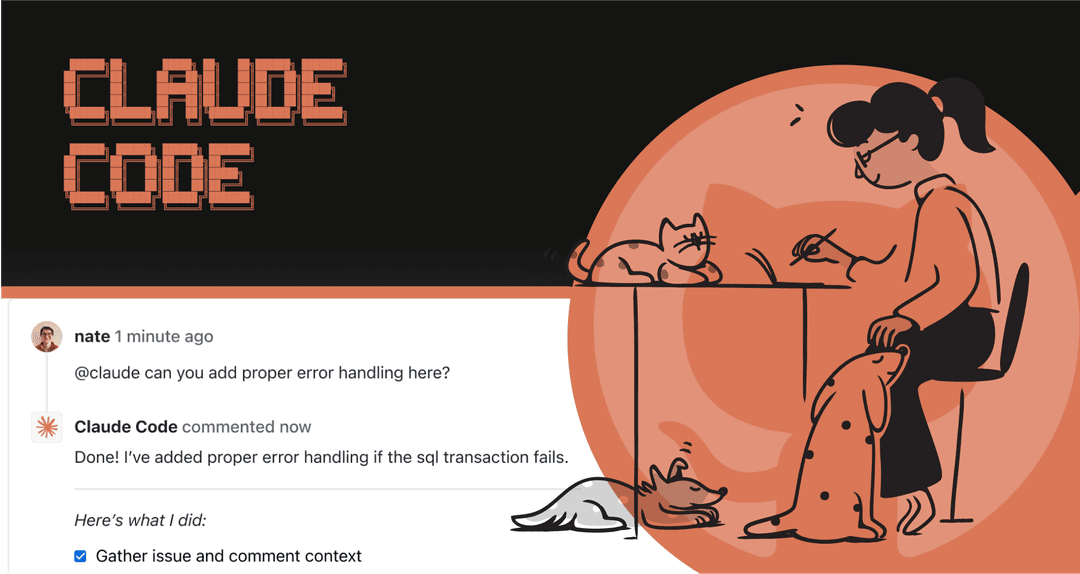
A practical guide to the Claude Code GitHub integration
How Claude Code works with GitHub through Actions and cloud routines, how to scope permissions, and how to turn a reviewed code fix into safe support guidance.
 Kenneth PanganSep 9, 2026
An ultimate Claude Code guide for developers and beyond
A practical Claude Code guide: install it, give it useful project context, choose permissions, test changes, and use its agentic tools without confusing output with approval.
 Stevia PutriSep 9, 2026
Claude Code Haiku: model selection, costs, and focused workflows
Use Haiku for a focused Claude Code task, check the actual model and costs, and connect a small instruction-review job to your eesel teammate through the CLI.
Kenneth PanganSep 9, 2026
Claude Code IDE integrations: VS Code, JetBrains, and safe local context
Use Claude Code in VS Code or JetBrains with selection context and native diffs, understand what each extension needs, and safely inspect a failed eesel knowledge sync.
Kenneth PanganSep 9, 2026
Claude Code JetBrains integration: setup, context, and review
Set up Claude Code in JetBrains, understand selection sharing, diagnostics, remote development, and safe review, then compare an approved source snippet with an eesel teammate.
Kenneth PanganSep 9, 2026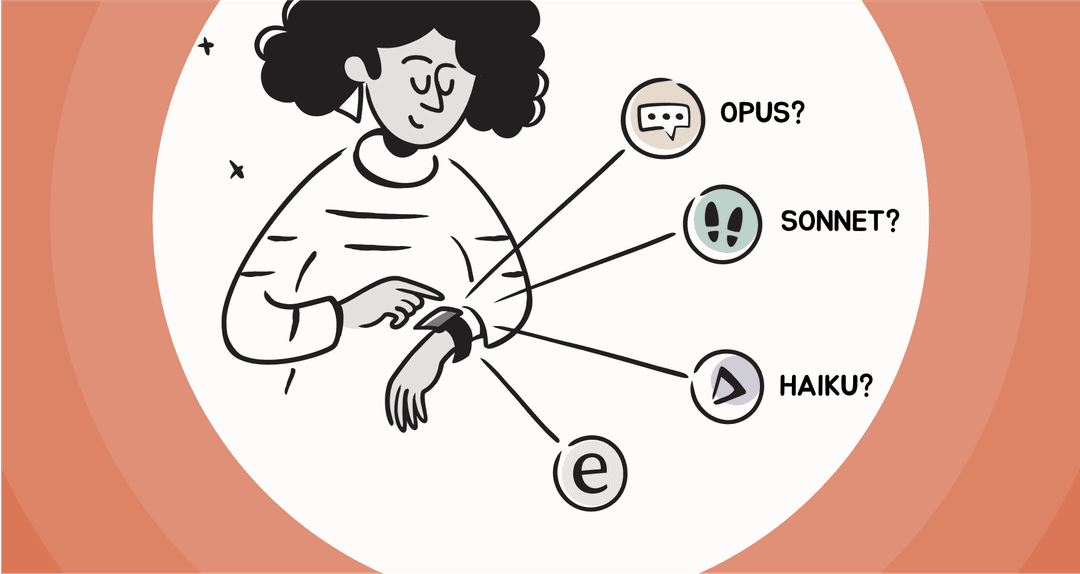
A practical guide to Claude Code model selection
Choose a Claude Code model by task, runtime, and provider, understand session versus saved defaults, and compare model explanations without changing your support teammate.
Kenneth PanganSep 9, 2026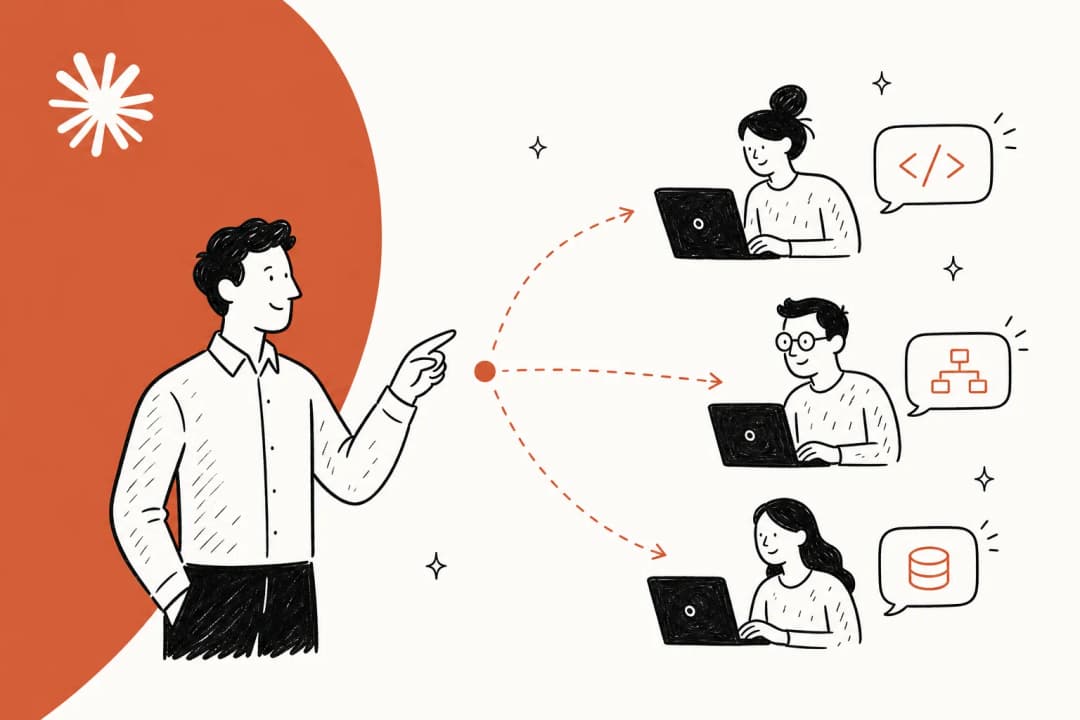
Claude Code multiple agent systems: Complete 2026 guide
A practical guide to Claude Code subagents and experimental agent teams: what they share, what they cost, how permissions work, and when a single session is better.
 Alicia Kirana UtomoSep 9, 2026
Claude Code Opus: a developer guide to deep reasoning and review
Learn where Claude Code with Opus 5 helps on deep repository work, how provider and permission boundaries shape it, and how to keep its evidence reviewable.
Kenneth PanganSep 9, 2026
Claude Code overview docs: how to navigate, configure, and verify work
Use Claude Code overview docs to find the right configuration, permission, and testing guidance, then review the same eesel workspace from a terminal.
Kenneth PanganSep 9, 2026Ready to hire your AI teammate?
Set up in minutes. No credit card required.