What a Claude Code multi-agent system is
Claude Code has more than one way to split work. They solve different problems:
| Option | What happens | Best fit |
|---|---|---|
| One Claude Code session | One conversation explores, edits, and checks work. | Sequential work or a change in the same files. |
| Subagents | A caller delegates focused work; the subagent has its own context and reports back. | Research, log reading, a narrow review, or a test investigation. |
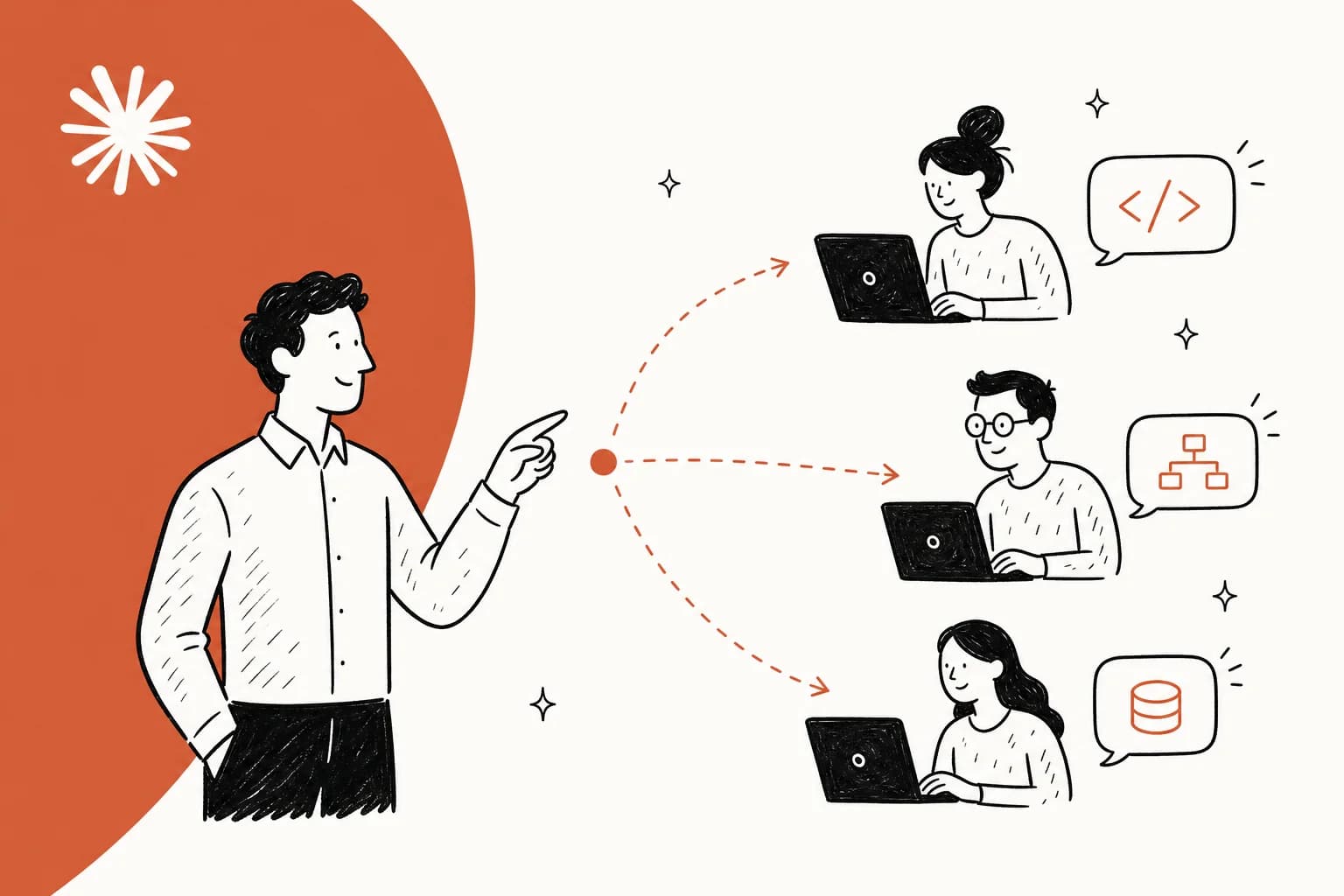
| Agent teams | A lead session coordinates separate teammates that share tasks and can message one another. | Parallel review, competing bug hypotheses, or independent parts of a feature. |
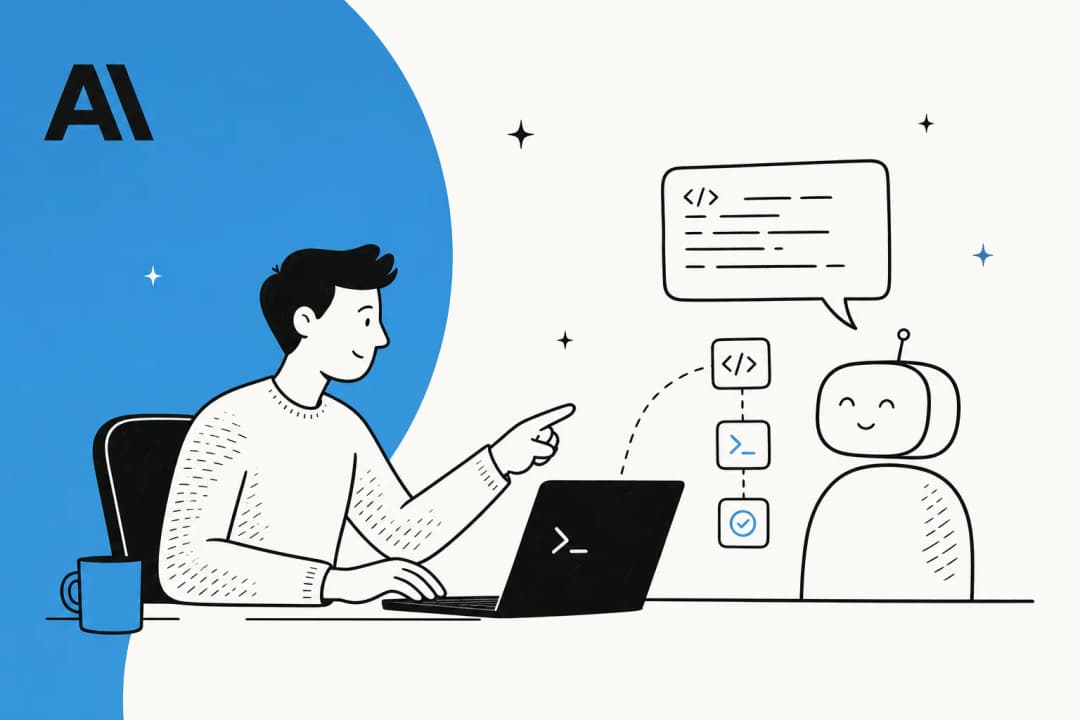
The subagent documentation describes a useful reason to delegate: keep search results, logs, and file contents that the lead will not need later out of its context. A subagent is not a second opinion by magic. It still needs a clear question, the right files, and limits on what it can do.
Agent teams combine independent sessions with messaging and shared tasks when Task tools are available. Named ordinary subagents can also message one another, so messaging alone is not the distinction. The agent-team guide recommends a single session or subagents for sequential tasks, same-file edits, and dependency-heavy work.
Start with subagents
For most people, a custom subagent is the first useful multi-agent tool. It is a Markdown file with YAML frontmatter and a focused prompt. A project definition belongs in .claude/agents/; a user definition in ~/.claude/agents/ is available across projects. Current Claude Code releases no longer use /agents as a creation wizard: ask Claude to create the file or write it directly.
Here is a deliberately limited reviewer:
---
name: api-reviewer
description: Review a proposed API change for auth, validation, and error handling.
tools: Read, Grep, Glob
model: sonnet
permissionMode: plan
---

Read only the files named in the task. Report concrete risks, missing tests,
and questions for the owner. Do not edit files or run commands.
The tool list removes editing and shell tools from this reviewer. It does not limit reads to the files named in the prompt: enforce any required path restrictions separately. Leave tools out and a custom subagent inherits every tool available to subagents. The official reference also supports disallowedTools, a model, a turn limit, hooks, skills, and isolation: worktree when an agent needs an isolated repository copy.
Give it a deliverable that can be checked: “Find whether this route accepts an unvalidated ID and name the file and line,” not “review the app.” The lead can then decide whether a claimed problem is real before changing code.
Use agent teams for independent work that needs coordination
Agent teams are a current experimental Claude Code feature, not the former community label “Swarms.” Enable them in settings.json or the shell:
{
  "env": {
    "CLAUDE_CODE_EXPERIMENTAL_AGENT_TEAMS": "1"
  }
}
They require an interactive session. In non-interactive -p and Agent SDK sessions, Claude does not spawn teammates even when the setting is enabled. With the feature enabled, naming a delegated subagent can turn it into a teammate even without an explicit team request. Turn it off when you want ordinary delegation only. To request a deliberate team, specify roles and evidence:
Spawn three teammates to review this pull request.
- security: authentication and data exposure
- performance: query count and hot paths
- tests: changed behavior and missing coverage
Do not edit files. Each reviewer should report file paths, evidence, and an
open question. Wait for all three before giving me a combined list.
The lead coordinates the work. Each teammate has its own context window, receives project context such as CLAUDE.md, configured MCP servers, and skills, but does not inherit the lead’s conversation history. Include the task details in the spawn prompt; “check the thing we discussed” is not enough.
In the default in-process display, teammates appear in the terminal’s agent panel. You can open one and message it directly. Split panes are optional and need tmux or iTerm2 with its CLI. A teammate panel is not proof that a team formed: Claude can also show ordinary subagents there. If the distinction matters, ask explicitly for an agent team and inspect the task list and teammate communication.
Shared tasks and messages do not remove human control
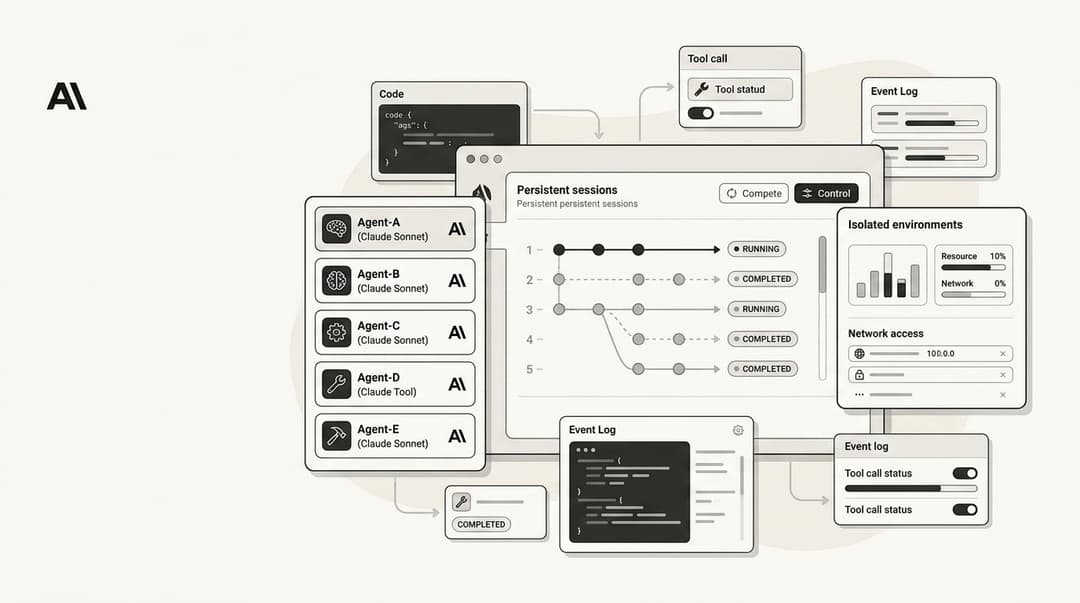
An agent team has a lead, separate teammates, a task list, and mailboxes. Teammates can claim work and message one another; the lead can synthesize the results. The session stores the team configuration under ~/.claude/teams/ and its task list under ~/.claude/tasks/. These are runtime records, not a project configuration you should hand-edit.
Every teammate starts with the lead’s permission settings. Its permission prompts appear in the lead session. A teammate cannot approve a command or supply consent for another teammate, and a relayed statement that someone approved something is treated as untrusted. Do not launch the lead with --dangerously-skip-permissions unless you intend every teammate to inherit that risk.
If you need a role repeatedly, a subagent definition can be used for a teammate. Its tool list limits the teammate, with coordination tools added for in-process teammates. Do not assume its permissionMode sets the teammate's starting mode: teammates start with the lead's permissions. Also distinguish a teammate's plan approval from tool consent. Claude Code grants the plan approval automatically in the lead session; subsequent edits and commands still follow the permission rules. A plan-approved event is not proof that a person reviewed the plan.
Costs, limits, and a sensible team size
Each agent team member is a separate Claude Code instance with its own context. Token use rises with the number of active teammates and how long they run. Anthropic’s cost guidance recommends Sonnet for coordination work, focused spawn prompts, and shutting down teammates when their work is finished. Its planning-mode estimate is about seven times the tokens of a standard session; treat that as a planning signal, not a quote for your bill.
Start with three focused teammates. The agent-team guide recommends three to five for many workflows, then scaling only where parallel work helps. Distinct questions make the reports easier to compare than several copies of “look for problems.” Check /usage for usage information. Its session dollar figure is a local estimate, not a subscription bill; use the Console for Anthropic API charges or the relevant provider's billing record.
Agent teams also have limits worth planning around:
- They are disabled by default and experimental.
- There is one team per session; teammates cannot spawn their own teammates.
/resumeand/rewinddo not restore in-process teammates.- Task status can lag and block dependent work until a person checks it.
- Shutdown waits for a teammate’s current request or tool call.
- Two agents editing the same file can overwrite each other. Assign file ownership or keep the work read-only.
That is why review and research make a good first use case. There is a clear output, agents can work independently, and a person can compare evidence before a write happens.
Put permissions in the design, not the final prompt
The most important permission choice happens before the lead creates a team. Teammates inherit the lead session’s permission settings, so a permissive lead makes a permissive team. Start a first team in a read-only shape: ask for reports, constrain the subagent type to Read, Grep, and Glob, and say which directories or files are in scope. If the review discovers a change, have the lead present the evidence and let a person decide whether to create a separate editing task.
This also avoids a common misunderstanding about team messages. A message can share a finding, but it cannot turn one agent’s assertion into your permission. If a teammate says “the owner approved it,” that is not an approval prompt. The lead must still follow the session’s rules, and the person at the lead session sees the prompt. That boundary matters when a team has a useful MCP server or shell access: shared coordination is not shared authority.
Hooks can enforce a quality gate around team events, such as preventing a task from being marked complete until a check runs. They are a backstop, not a replacement for a reviewable task. A good gate says what evidence is required: a focused test result, a diff, or a named reviewer’s report. A bad one only checks that an agent emitted a cheerful completion message.
What to do when a team gets stuck
Agent teams surface a few ordinary operational failures. An idle row can hide in the in-process panel even though the teammate remains addressable. Open the teammate transcript or message it by name before assuming it stopped. If a task is blocked, check whether the prerequisite work is actually done; the task status may simply be stale. If a teammate hit an API error, read the error before replacing it so the new worker does not repeat the same setup problem.
When a team is no longer useful, ask the lead to shut down a named teammate. It can finish its current request before exiting, so this is not an emergency-stop guarantee. Also remember that resuming the lead later does not bring back in-process teammates. Keep the final evidence in a commit, issue, or human-readable report instead of treating the team’s temporary mailboxes as the permanent record.
How to evaluate third-party multi-agent frameworks
Third-party orchestrators can add queues, worktree management, agent catalogs, cloud runners, or a dashboard across several coding tools. Those features can help a team that has already outgrown Claude Code’s built-in coordination. They also add another security boundary, another model-billing path, and another place where an instruction or credential can be copied.
Evaluate a framework with a real, bounded trial rather than star counts or agent-count claims. Ask these questions:
- Can a reviewer see the exact prompt, tool call, diff, and test output for each worker?
- Does it isolate edits in a worktree or another explicit workspace, and who resolves the final merge?
- Which credentials and MCP servers reach every worker by default?
- Can an owner cap concurrency, model choice, and spend before a large run starts?
- What survives a restart, and how does the system show an incomplete or failed task?
If the framework cannot answer those questions, it has made a simple review harder to audit. Built-in subagents are often enough. Use an agent team when teammates need to exchange findings. Add another orchestration layer only for a requirement that remains after those two options are working.
A workflow that does not need an agent team
Do not turn every review into an agent team. Suppose a developer needs a security check on one endpoint. A single read-only subagent can inspect the handler, its validation, and its tests, then report. The main session can ask one follow-up and make the smallest necessary change. A team would add coordination, permissions, and token cost without adding an independent line of inquiry.
Agent teams earn their cost when the questions are genuinely separate. A pull-request review across security, performance, and coverage is a good example. So is a bug where three plausible root causes need to be tested without anchoring on the first explanation. In either case, give every reviewer a non-overlapping question, a bounded file set, and a report format before spawning anything.
Let multiple reviewers inspect one eesel teammate without giving them write control
eesel CLI lets a person, script, or coding agent inspect the same eesel workspace and teammates shown in the dashboard. An authorized operator can collect one instruction snapshot, then let several Claude Code reviewers examine it from different angles without giving every reviewer credentials or shell tools.
For example, imagine an owner-approved fictional policy note: a damaged-delivery claim needs an order number and a photo; if the customer cannot provide a photo, route the case for human review rather than promising a replacement. Three reviewers check separate questions: does the current instruction request both items, does it accidentally promise a replacement, and does it explain the no-photo fallback? The support lead reviews their findings and decides any change. Claude Code coordinates those reviewers; eesel CLI supplies the eesel evidence.
First, the authorized operator signs in and confirms the workspace and target. npx @eesel/cli requires Node.js 18.17 or later and returns JSON by default.
npx @eesel/cli login
npx @eesel/cli whoami
npx @eesel/cli agents

MULTI_AGENT_REVIEW_TARGET="REPLACE_WITH_OWNER_APPROVED_TEAMMATE"
npx @eesel/cli status --agent "$MULTI_AGENT_REVIEW_TARGET"
npx @eesel/cli instructions --agent "$MULTI_AGENT_REVIEW_TARGET"
login changes authentication state. whoami should name the intended workspace, and the owner should replace the placeholder with the approved teammate rather than relying on a remembered default. For an owner-approved unattended environment, EESEL_API_URL and EESEL_API_TOKEN override stored credentials, while EESEL_AGENT_ID can pin the target.
The reviewers receive the returned JSON and the same approved note. Each produces a local observation, not a write: quote the relevant instruction if present, identify missing or conflicting wording, and state the owner decision. For example, the fallback reviewer should flag an absent no-photo route instead of inventing one. The lead reconciles overlapping findings; agreement among agents is not proof that the policy is correct. They do not upload the note, change the teammate, or claim it has learned anything.
If the owner later chooses to edit persistent instructions, inspect the supported command with --help, use --dry-run where available, approve the exact request, and read the instruction back. A dry run previews an eligible write; it does not prove future answers are correct. A separate paid response evaluation belongs on an owner-approved non-production teammate. Keep consequential connected actions Disabled in Actions and Approvals, test supplied scenarios in fresh conversations, and inspect the replies, activity, and held approvals.

Try eesel CLI when several reviewers need the same evidence
Claude Code agent teams help software workers divide a review. eesel CLI gives an owner and their reviewers a transparent view of one real teammate in the same workspace as the dashboard. The reviewers can compare the same instructions; the owner keeps the decision and any write.
Try eesel when you want that reviewable handoff before changing a live teammate.
Frequently asked questions
What are Claude Code multiple agent systems?
Claude Code offers subagents for focused work in separate context windows and agent teams for experimental, coordinated sessions with a shared task list and direct messaging.
What is the difference between Claude Code subagents and agent teams?
Subagents return results to the caller and suit bounded tasks. Agent teams let independent teammates message each other and claim shared tasks, but cost more and remain experimental.
How do I enable Claude Code agent teams?
Set CLAUDE_CODE_EXPERIMENTAL_AGENT_TEAMS=1 in settings or the environment, then use an interactive Claude Code session and explicitly ask for teammates.
How do permissions work for Claude Code agent teams?
Teammates start with the lead session's permission settings. Their permission prompts appear in the lead session, and one agent cannot grant consent on a person's behalf.
How expensive are Claude Code multiple agent systems?
Each teammate has its own context window, so token use grows with active teammates and runtime. Start with a small team, focused prompts, and a cheaper suitable model.
What are the limits of Claude Code agent teams?
Agent teams are experimental: in-process teammates do not return through resume or rewind, task status can lag, only one team runs in a session, and teammates cannot spawn their own teammates.
How does eesel CLI help a multi-agent support review?
An authorized operator can collect a named teammate's instructions as JSON, then give several coding-agent reviewers the same evidence. Each checks a different policy question. The owner reviews their findings before a persistent change; eesel CLI operates the same workspace as the dashboard, while Claude Code handles its own agent coordination.


Article by
Alicia Kirana Utomo
Kira is a writer at eesel AI with a Computer Science background and over a year of hands-on experience evaluating AI-powered customer service tools. She focuses on breaking down how helpdesk platforms and AI agents actually work so that support teams can make better buying decisions.