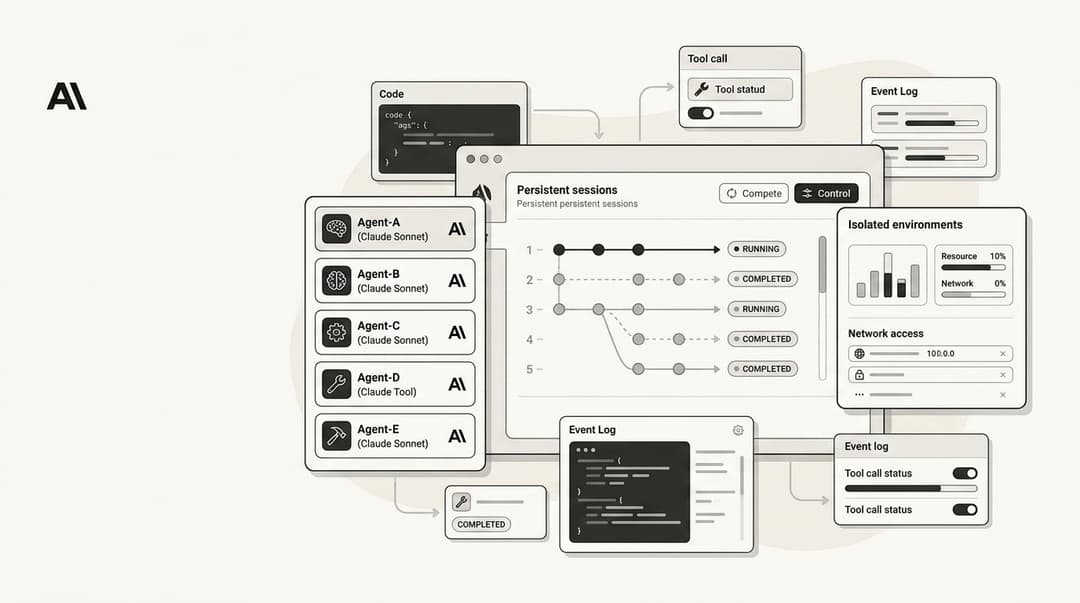
OpenAI's GPT 5.3 Codex is a big deal, but it's not the only AI coding agent out there. If you're looking for something that fits your team's specific needs a little better, this 2026 guide is for you.
Why look for GPT 5.3 Codex alternatives?
Let's be honest, OpenAI's Codex is powerful. Powered by the latest GPT models, it has become the standard for what an AI coding agent can do. It's smart, quick, and for a lot of developers, it was their first real taste of AI pair programming.
But being the standard doesn't mean it's the right fit for everyone. As more teams have started using these tools in their daily work, some real-world problems have surfaced. We're talking about hitting strict rate limits that break your concentration, dealing with capacity issues during busy hours, or having security needs that a one-size-fits-all tool can't meet. For some, it's about finding an agent that fits better into a specific workflow, and for others, it’s just about the cost.
These practical needs have created a market for more specialized tools. It points to a larger trend: the move toward specialized AI teammates. Just as developers need an AI that really gets their codebase, other teams need an AI that understands their specific knowledge and processes. The idea of a single tool for everyone is fading, making room for AI that’s built for the task at hand.
What are AI coding agents?
Their main purpose is to help with the heavy lifting, which includes things like:
- Getting a handle on entire codebases, dependencies included.
- Running complex refactoring jobs across multiple files.
- Generating complete unit tests from the ground up.
- Figuring out tricky bugs by analyzing code and suggesting fixes.
- Carrying out multi-step development tasks from plain English instructions.
What really separates them from a general LLM like ChatGPT is how deeply they're integrated into a developer's world. They operate within your IDE and terminal and are trained on massive code datasets. This makes them feel less like a chatbot and more like a real pair programmer who understands the details of software development.
Our criteria for selecting alternatives
To help you find the right tool, we put together a list based on what really matters when you're coding every day. We didn't just glance at feature lists; we focused on how these tools perform in the real world and whether they're ready for professional teams.
Here’s what we considered:
- Core Coding Capabilities: How well does it actually code? We checked its ability to generate, refactor, and debug code based on tasks developers actually do.
- Enterprise Readiness: Can it meet the needs of a serious business? This involved looking at security and compliance standards like SOC 2 Type II or ISO/IEC 42001, and whether it can handle large, messy legacy codebases.
- Workflow Integration: Does it fit into your existing setup? A good tool should feel like a natural extension of your current environment, whether that's VS Code, JetBrains, the terminal, or Git.
- Pricing and Value: Is it worth the money? We evaluated whether the price is justified by its features, performance, and any usage caps.
A comparison of the top alternatives
| Tool | Best For | Key Feature | Enterprise Security | Pricing Model |
|---|---|---|---|---|
| GitHub Copilot | Individuals & Microsoft Shops | Market-leading code completion & multi-model support | Enterprise tier available | Subscription (Free to Pro+) |
| Augment Code | Large Enterprises & Regulated Industries | Full codebase understanding via Context Engine | SOC 2 Type II, ISO/IEC 42001 Certified | Credit-based Subscription |
| Claude Code | Complex Problem Solving & Refactoring | Advanced reasoning for multi-step tasks | Anthropic enterprise features | Subscription with usage limits |
| Cursor | VS Code Power Users | AI-first IDE with native agent integration | SOC 2 Type II Certified | Subscription (Free to Ultra) |
| Aider | Terminal & Open-Source Enthusiasts | Git-native AI pair programming | Local deployment (BYO key) | Free (BYO API key) |
The 5 best alternatives for developers
Let's get into the details. Here’s our full breakdown of the best AI coding agents on the market in 2026.
1. GitHub Copilot
Everyone knows GitHub Copilot. With Microsoft's backing, it's the most established and widely used AI coding assistant available. It's deeply integrated into the developer ecosystem and is often the tool that others are compared against. If you've ever used an AI coding tool, you probably started with this one.
Pros: Its main strength is its seamless integration. It works perfectly with Visual Studio, VS Code, and, of course, GitHub. It supports a huge number of languages, and with multi-model access, you can switch between different AI engines (from Anthropic, Google, and OpenAI) to find the best one for your current task.
Cons: While it's great for line-by-line suggestions, some developers feel it struggles to understand the context of an entire project when compared to more specialized tools.
The free plan is also pretty limited, cutting you off at 2,000 completions and 50 chat requests per month.Neither Cursor or Copilot are great at linking the context of a question to earlier ones, but Cursor seems to be the worse of the two.

Pricing:
- Free: $0 with limited usage.
- Pro: $10 per month for unlimited standard completions and 300 premium requests.
- Pro+: $39 per month for 5x more premium requests and access to more models.
- Business & Enterprise: Custom pricing with centralized management and extra security features.
Why we chose it: It’s popular for a reason. Copilot is a solid, well-integrated tool that serves as a great entry point, especially for individuals or teams already working within the Microsoft and GitHub ecosystem.
2. Augment Code
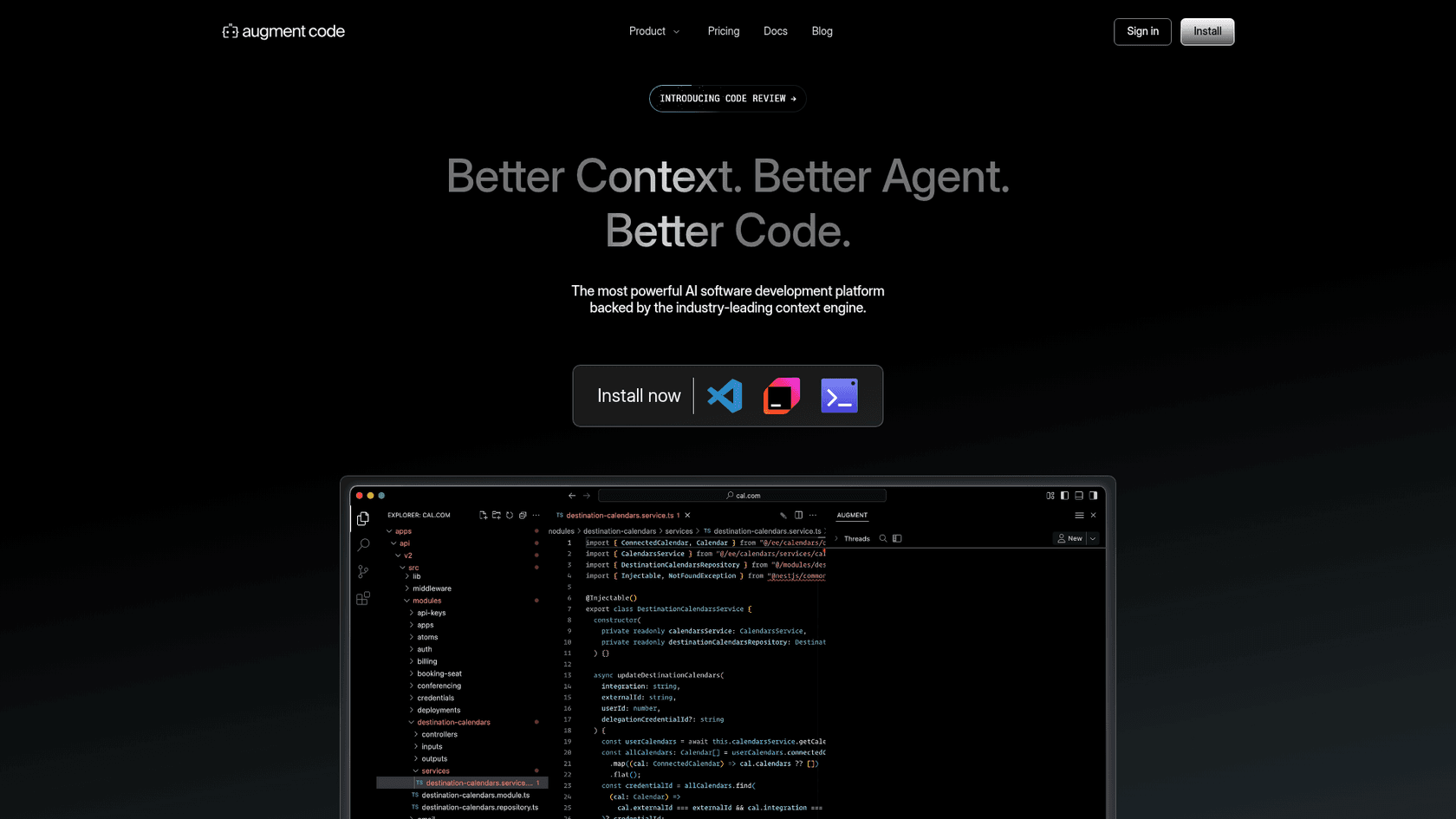
Augment Code is designed for teams that can't compromise on security, compliance, or data privacy. It's an enterprise-focused alternative built to handle the complexities of large organizations, including those with massive legacy systems. At its heart is a "Context Engine" that maps out and understands your entire codebase, not just small parts of it.
Pros: Security is where Augment Code really stands out. It’s the first AI coding assistant to be ISO/IEC 42001 certified and has a SOC 2 Type II attestation. It's built to understand complex, distributed systems and offers features like customer-managed encryption keys (CMEK), making it a reliable option for regulated industries like finance and healthcare.
Cons: This is a premium tool, and its pricing reflects that. The credit-based model is great for scaling but can make it harder for individual developers or small teams to predict their monthly costs compared to a simple flat-rate plan.
Pricing:
- Indie: $20 per month for 40,000 credits.
- Standard: $60 per month for 130,000 credits.
- Max: $200 per month for 450,000 credits.
- Enterprise: Custom pricing and credit packages for large-scale use.
Why we chose it: Augment Code directly addresses the biggest concerns for large companies: security, data privacy, and the ability to work effectively on the kind of complicated codebases that cause other AI tools to fail.
3. Claude Code
From Anthropic, Claude Code has built a reputation for its impressive reasoning skills. It's especially good at handling complex, multi-step coding problems from beginning to end. If you need an AI that can think through a problem instead of just suggesting the next line of code, Claude is a strong choice.
Pros: It's great at tough jobs like refactoring old code or generating extensive test suites. Many users appreciate its ability to handle a complex request correctly on the first try. It's also very accessible, available in the terminal, IDE, on the web, and even in Slack.
Cons: Its popularity is both a strength and a weakness. The platform has struggled with compute capacity, which led Anthropic to implement stricter usage limits to manage demand from "power users."
Even customers on paid plans often say they hit rate limits during long coding sessions, which can really disrupt your workflow.They all have limitations. Claude code and codex are basically the same in terms of usage at the $20USD tier.
Pricing:
- Pro: $20 per month with usage limits that change based on demand.
- Max: Starting from $100 per month for about 5x the usage of the Pro plan.
- Team & Enterprise: Per-seat pricing with higher limits and administrative features.
Why we chose it: Claude Code offers a different type of intelligence. It’s a powerful problem-solver and a direct competitor to Codex for developers who value raw reasoning ability, even if it means putting up with usage caps.
4. Cursor
Cursor takes a different path. Instead of being a plugin for an IDE, Cursor is the IDE. It's a version of VS Code that has been rebuilt with AI at its very core. This allows for a much deeper and more natural integration of AI features than you can get with a simple extension.
Pros: The native integration provides a very fast and smooth experience. It has unique features like agentic planning (where it outlines a task before starting) and a specialized "Tab" model for code completions. It's already used by developers at big companies like Salesforce and NVIDIA and is SOC 2 Type II certified, so it's ready for business.
Cons: Since it’s a fork of VS Code, it can sometimes fall behind the official release schedule, so you might have to wait for the newest VS Code features. Extension compatibility can also be hit or miss.
Using Cursor also means you're more locked into their specific platform and model choices.Something I haven't seen mentioned: Cursor is frustrating to use because they override VSCode default shortcuts.
Pricing:
- Hobby: Free with a limited number of requests.
- Pro: $20 per month for higher limits.
- Pro+: $60 per month for 3x the usage of Pro.
- Ultra: $200 per month for 20x the usage.
Why we chose it: Cursor offers a compelling look at the future of development. By building the editor around the AI, it shows what's possible when AI is a fundamental part of the environment, not just an add-on.
5. Aider
For developers who spend all their time in the command line, Aider is a perfect fit. It's an open-source AI pair programming assistant that works entirely in your terminal. It's built for a command-line-driven workflow and is known for its deep integration with Git.
Pros: Its tight connection with Git is a major advantage. Aider automatically commits changes as it works, which makes it very easy to review, test, and undo any changes the AI makes. As an open-source project, it gives you complete flexibility, letting you connect it to almost any LLM, including local models running on your own hardware. It also creates a "map" of your codebase to maintain better context.
Cons: This is definitely a tool for advanced users. You have to provide your own API keys, and you need to be comfortable working only in the terminal. The absence of a graphical user interface may not be suitable for all developers.
Pricing:
- Free: Aider itself is open-source and free.
- Users are responsible for the API costs of whichever LLMs they use, like Claude or OpenAI models.
Why we chose it: Aider is the clear winner for developers who want maximum control and a scriptable, terminal-first workflow. Its Git-native design is a smart way to keep the developer in control.
How to choose the right AI coding assistant
- For large enterprises with strict compliance needs: Don't gamble with security. Look for tools with verifiable certifications and features like customer-managed keys. Augment Code is built to meet these requirements.
- For teams heavily invested in the Microsoft ecosystem: If you live and breathe Azure, GitHub, and Visual Studio, start with GitHub Copilot. The native integration is hard to pass up.
- For developers who love VS Code: If you're a VS Code fan but wish the AI was more deeply integrated, Cursor is a great upgrade that feels both familiar and new.
- For terminal-first developers who want control: If you're a power user who prefers the command line and values flexibility, the open-source Aider is the obvious choice.
The best advice we can give?
Pro tip
Run a pilot program.
The future beyond coding: Specialized AI teammates
The main point here is that the AI coding assistant market has matured. We've moved past one-size-fits-all tools and into a diverse ecosystem of specialized agents designed for different teams and problems.
This isn't just happening in software development. Just as engineers need an AI teammate that gets code, customer service teams need one that gets tickets, and marketing teams need one that gets content strategy. The right AI teammate for the job changes everything.

Whether you're writing code or writing content, having the right AI teammate makes all the difference.
Try the eesel AI Blog Writer for free and see what a specialized AI can do for your content.
For a deeper dive into how these different models stack up, especially when it comes to practical coding challenges, it can be helpful to see them in action. The video below offers a direct comparison between two of the leading models, highlighting their strengths and weaknesses in real-world scenarios.
Frequently Asked Questions
What are the main reasons developers look for GPT 5.3 Codex alternatives?
Are there any free GPT 5.3 Codex alternatives available?
How do GPT 5.3 Codex alternatives handle enterprise security?
Can GPT 5.3 Codex alternatives work with my existing IDE?
What makes some GPT 5.3 Codex alternatives better for complex tasks?


Article by
Alicia Kirana Utomo
Kira is a writer at eesel AI with a Computer Science background and over a year of hands-on experience evaluating AI-powered customer service tools. She focuses on breaking down how helpdesk platforms and AI agents actually work so that support teams can make better buying decisions.