AI image generation has gone from a niche tech curiosity to a tool that’s pretty much everywhere. With platforms like OpenAI's DALL·E 3, anyone can create some seriously impressive visuals just by describing what they want. But the real magic for businesses happens when you connect that creative power to the apps you already use every day.
That’s what this guide is all about. We’re taking a practical look at what happens when you combine DALL·E 3 with an automation tool like Zapier. We'll cover how Zapier integrations with DALL·E 3 actually work, share some smart ways to use them in your business, break down the costs, and, most importantly, talk about their limits and what to do when you hit a wall.
What are DALL·E 3 and Zapier?
Before we get into connecting them, let’s quickly get on the same page about what each tool does by itself.
DALL·E 3: A powerful AI image generator
DALL·E 3 is OpenAI's latest and smartest model for turning text into images. Simply put, you give it a written description (a "prompt"), and it generates a unique image based on your words. What makes it special is how well it understands nuance. It creates images that are way more detailed and true to the prompt than older versions. Since it’s built into tools like ChatGPT, it’s also incredibly easy to use.
Zapier: The glue for your apps
Zapier is a no-code tool that acts as a bridge between thousands of different web apps (over 6,000, to be exact). It lets you build automated workflows, called "Zaps," that connect the software you use for work. A Zap has two main parts: a "Trigger" (something that happens in one app to kick things off) and an "Action" (a task that Zapier then does in another app). Think of it as setting up a series of digital dominoes to handle repetitive tasks for you.
How Zapier integrations with DALL·E 3 work
Connecting DALL·E 3 to your other tools through Zapier is a surprisingly simple idea. The whole point is that an event in one of your business apps can automatically trigger the creation of a brand-new AI image, which then gets sent wherever you need it to go.
Here’s what that flow usually looks like:
-
Something happens. This is your trigger. Maybe a new row is added to a Google Sheet, a message gets posted in a specific Slack channel, or a card is moved in Trello.
-
Zapier sees it. Zapier is always watching for that specific event. When it happens, the workflow kicks into gear.
-
A prompt is sent to DALL·E 3. Zapier grabs information from the trigger (like the text from the spreadsheet or the Slack message) and sends it over to DALL·E 3 as a prompt.
-
DALL·E 3 creates the image. The AI does its thing and makes an image based on the prompt it just received.
-
The image gets sent somewhere useful. Once the image is ready, Zapier can take it and do one last thing, like upload it to a Google Drive folder, post it back into Slack, or attach it to a Trello card.
It’s a simple but powerful sequence that lets you generate visuals without ever having to leave your existing workflows.
Common use cases for Zapier integrations with DALL·E 3
While it’s fun to ask an AI for "a Corgi programming on a laptop, synthwave style," the real value for businesses comes from practical, time-saving uses. Zapier integrations with DALL·E 3 make it possible to automate visual content creation in ways that used to be a manual headache.
Marketing and social media content
Let’s be honest, scrolling through stock photo sites for the perfect, non-cheesy image for your next blog post is a drag. This is one of the most popular ways to use this integration. You can automate the creation of unique hero images for articles, social media posts, and newsletters.
- Example workflow: Let's say you manage your content schedule in Airtable. You can set up a Zap so that adding a new blog post title to your calendar automatically tells DALL·E 3 to create a relevant image. The Zap can then save that image to a shared Google Drive folder and drop the link right back into your Airtable record, ready for your team.
Product and design ideation
Brainstorming often needs visual aids, but you don't always have a designer on standby for early-stage concepts. Automation can help your team see ideas come to life in seconds.
- Example workflow: Your team could submit ideas for a new app feature through a simple Google Form. A Zap can take the description from each submission, send it to DALL·E 3 to generate a quick UI mockup, and then post the image into a dedicated
#design-ideasSlack channel. Your team gets to see the concepts instantly and give feedback, which can really speed things up.
Internal communication and presentations
Most internal presentations could use a little visual help. Instead of relying on the same old clipart, you can create custom illustrations and diagrams for reports or onboarding docs without needing any design skills.
- Example workflow: Using the Zapier Chrome Extension, an employee writing a report can trigger a Zap right from their browser. They could type a prompt like, "a simple diagram showing how marketing, sales, and support work together," and DALL·E 3 will whip it up. The Zap then emails the image directly to them, ready to be dropped into their presentation.
Key limitations of Zapier integrations with DALL·E 3
The combination of Zapier and DALL·E 3 is fantastic for simple, one-off tasks. But when you get into more complex business functions like customer support, the cracks start to show. It’s a great tool, but it's not a complete, intelligent automation solution.
Lack of business context
DALL·E 3 has zero knowledge of your business. It only works with the text prompt it receives in that single moment. It doesn't know your brand's voice, what you've told customers before, or the details of your internal processes. This leads to generic visuals that might look nice but don't quite fit your brand or solve a specific problem. It's the difference between a generic picture of a "happy customer" and a genuinely helpful diagram illustrating a specific troubleshooting step.
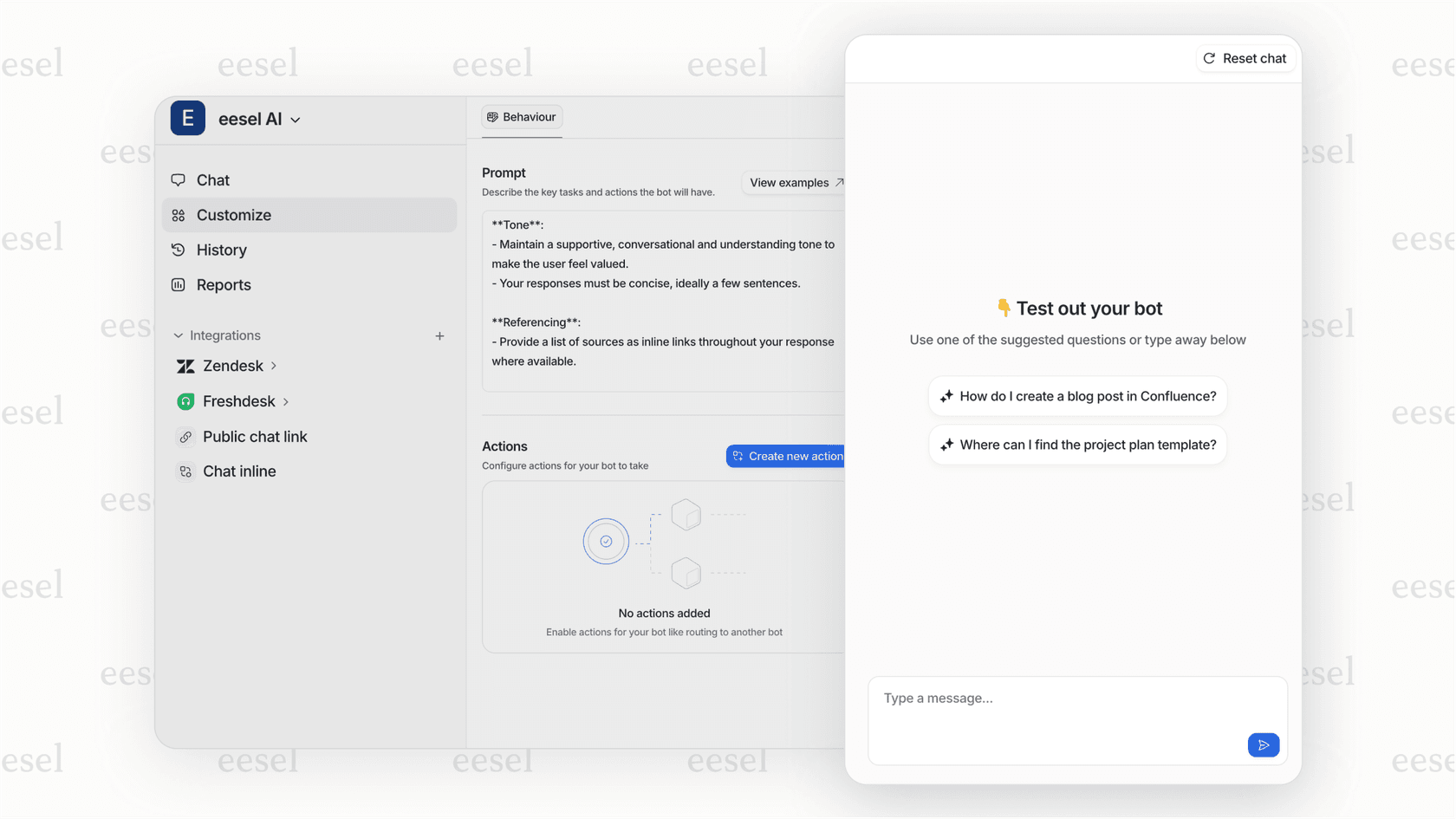
For tasks that need real business intelligence, you need a solution that learns from your actual company knowledge. An AI platform like eesel AI connects directly to your helpdesk, knowledge bases like Confluence and Google Docs, and even your past support tickets. It learns your specific context, so it can solve problems with precision, not just generate pictures.
Limited to image generation
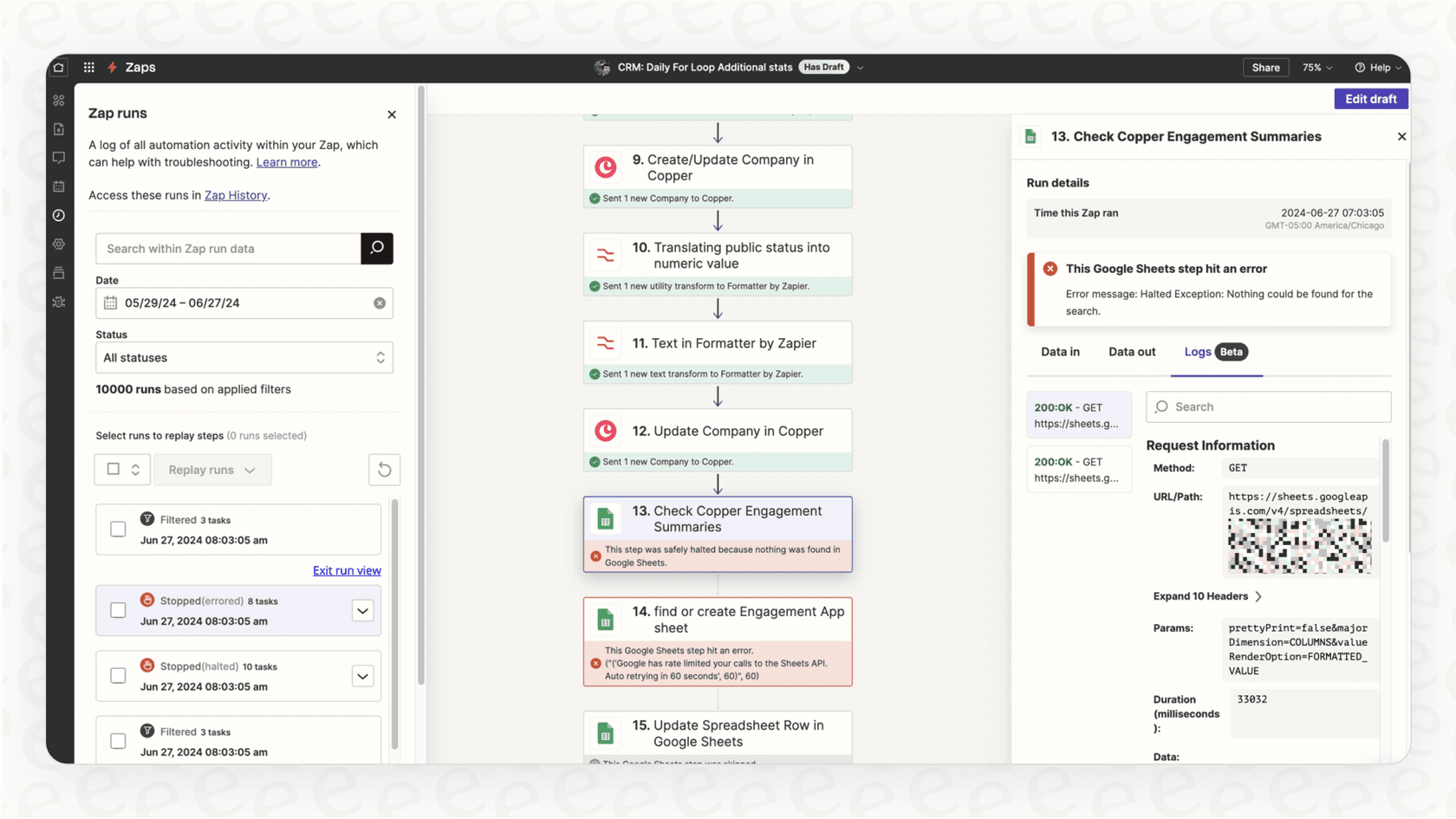
This integration does one thing and one thing only. It can't manage a multi-step, intelligent process. For example, it can't read a support ticket, understand the customer's problem, look up their order in Shopify, draft a personalized reply, and then generate a helpful visual if needed. You end up trying to piece together a clunky workflow with multiple Zaps, or you're stuck doing most of the work by hand anyway.
Instead of just automating single tasks, a true AI support platform handles the entire workflow. For instance, the eesel AI Agent can manage the complete ticket lifecycle within your existing helpdesk like Zendesk or Freshdesk. It can understand a request, perform custom actions (like checking an order status), and deliver a full resolution.
Quality control challenges
While DALL·E 3 is impressive, it can still produce weird, inaccurate, or just plain wrong images. A fully automated Zap that posts directly to a public social media page or a customer-facing channel is a bit risky. There's no built-in "are you sure this looks okay?" step. This makes it a poor fit for most automated, customer-facing workflows unless you have a human checking every single output, which kind of defeats the purpose.
You should never have to cross your fingers and hope your AI performs well. Confidence comes from testing. eesel AI was built with this in mind, offering a simulation mode that lets you test your AI agent on thousands of your own historical tickets. You get a clear forecast of how it will perform and can fine-tune its behavior in a totally risk-free environment before it ever interacts with a live customer.
Pricing for Zapier integrations with DALL·E 3
If you're looking to set up these automations, you'll need to account for the costs of both platforms. Your total spend will depend on how many images you generate and how complex your workflows are.
| Service | Plan/Access | Price (Billed Monthly) | Key Features for this Use Case |
|---|---|---|---|
| Zapier | Free | $0/month | 100 tasks/month, Single-step Zaps only |
| Starter | $19.99/month | 750 tasks/month, Multi-step Zaps | |
| Professional | $49/month | 2,000 tasks/month, Unlimited Zaps | |
| OpenAI | ChatGPT Plus | $20/month | Access to DALL·E 3 through the ChatGPT interface |
| API Access | Varies (e.g., ~$0.040 / image) | Pay-per-use for direct API calls in tools like Zapier |
Zapier integrations with DALL·E 3 are just the beginning
Connecting Zapier and DALL·E 3 is a great, accessible way for businesses to start automating visual content. For marketing, internal comms, and quick design brainstorming, it's a powerful combo that can save you a surprising amount of time.
But it’s important to see it as a first step. For core business functions like customer service or ITSM, where context, accuracy, and full resolutions are everything, you need a more intelligent, specialized platform. Automating one task is helpful, but automating an entire workflow can change how your team operates.
Go beyond simple automation with eesel AI
If you're ready to move from automating pictures to automating entire customer service and internal support workflows, eesel AI is built for that. Our platform connects to all your scattered company knowledge, learns from past support conversations, and deploys autonomous AI agents that can resolve complex issues from start to finish.
With a platform that's truly self-serve, you can be up and running in minutes, not months. See the difference that context-aware AI can make for your team and your customers. Start your free trial today.

Frequently asked questions
Zapier integrations with DALL·E 3 connect the AI image generator DALL·E 3 with your existing business applications via Zapier. This allows you to automate the creation of unique visuals based on triggers in your other apps, saving time on content generation for marketing, internal communications, and design ideation.
Generally, an event in one app (the trigger) is [detected by Zapier. Zapier then sends relevant information from that event as a prompt to DALL·E 3 to generate an image. Finally, Zapier takes the created image and performs an action, such as uploading it to cloud storage or posting it to a communication channel.
Practical applications include automating hero image creation for blog posts and social media, generating quick visual mockups for product and design brainstorming, and creating custom illustrations for internal presentations or reports. These uses streamline visual content production within existing workflows.
Key limitations include DALL·E 3's lack of inherent business context, meaning it can only create images based on the immediate prompt without understanding brand voice or past interactions. The integration also focuses solely on image generation, not multi-step intelligent workflows, and requires careful quality control due to potential inaccuracies.
The cost involves separate expenses for Zapier and OpenAI. Zapier offers various plans, from a free tier to professional options based on tasks per month, while OpenAI charges based on API usage for DALL·E 3 image generation, or a monthly fee for ChatGPT Plus which includes DALL·E 3 access.
While helpful for simple visual tasks, Zapier integrations with DALL·E 3 are not designed for complex, context-aware processes like customer support. They lack the ability to understand business context, manage multi-step workflows, or perform actions beyond image generation that are crucial for comprehensive issue resolution.
Share this article

Article by
Stevia Putri
Stevia Putri is a marketing generalist at eesel AI, where she helps turn powerful AI tools into stories that resonate. She’s driven by curiosity, clarity, and the human side of technology.