


We’ve all been there. A customer asks a simple question, and your support team suddenly kicks off a digital scavenger hunt. They're digging through old Slack threads, searching Zendesk tickets, checking your detailed Confluence spaces, and finally pinging an engineer, all while the customer is left waiting. Your own team members face the same grind, wasting good time trying to find that one document someone swore was in Google Drive.
This is the exact problem search bot AI tools are meant to solve. They promise to be a single, smart brain for your company, connecting all that scattered knowledge to deliver instant, accurate answers. But with so many options popping up, which ones actually deliver on that promise?
To cut through the marketing fluff, I rolled up my sleeves and spent weeks personally testing the top platforms out there. This is my honest, no-nonsense review of the 6 best search bot AI tools in 2026, designed to help you find the right fit for your team.
What are search bot AI tools?
At their core, search bot AI tools are apps that use artificial intelligence (specifically natural language processing, or NLP) to understand a question and pull the best answer from all your company's knowledge. Think of it as a super-powered, internal search engine for your entire business.
Instead of just matching keywords, these tools understand the intent behind a question. So, someone asking "my login isn't working" gets the same helpful info as someone searching for "password reset help." They can pull answers from help centers, internal wikis like Confluence or Notion, past support tickets, and even your shared Google Docs. It's a huge step up from a basic chatbot that just follows a script; a search bot actively finds and pieces together information to solve real problems.
How I evaluated the best search bot AI tools
To keep things fair, I graded each tool against the same five criteria. Here’s what I cared about most:
-
Setup and integration: How quickly could I get it up and running? Did I need a developer on standby or to sit through a three-week onboarding course just to connect our apps?
-
Knowledge sources: How many different apps and file types could it actually learn from? Was I stuck using its own little ecosystem, or could it tap into everything we already use?
-
AI search quality: Let's be real, this is the most important one. How good were the answers? Were they accurate, relevant, and genuinely helpful, or did they just spit back a link?
-
Customization and control: Could I tweak the AI’s personality? Could I set boundaries on what it was allowed to answer and what actions it could take?
-
Pricing: Was the pricing model clear and straightforward? Or was I going to get hit with a surprise bill after a busy month?
The 6 best search bot AI tools in 2026
After putting them all through their paces, these are the six tools that really stood out. I’ve included options for both customer-facing support and internal teams, so you should find something that fits your needs.
A quick look at the top search bot AI tools
| Tool | Best For | Key Feature | Starting Price |
|---|---|---|---|
| eesel AI | Teams that want a powerful, self-serve AI layer over their existing tools. | Risk-free simulation on past tickets. | From $299/mo (500 credits) |
| Zendesk | Companies looking for a mature, industry-leading support ecosystem. | Native integration with Zendesk ticketing. | $55/agent/mo |
| Help Scout | Small to mid-sized teams needing a simple, integrated help desk and knowledge base. | Docs AI for content generation and search. | $25/user/mo |
| Guru | Internal teams that need knowledge surfaced in their existing workflows. | Browser extension for universal search. | $5/user/mo |
| Confluence | Software and IT teams using the Atlassian suite for internal documentation. | Deep integration with Jira. | $6.05/user/mo |
| Notion | Small teams wanting a flexible, all-in-one internal workspace. | Notion AI for content creation and summarization. | $8/user/mo |
1. eesel AI
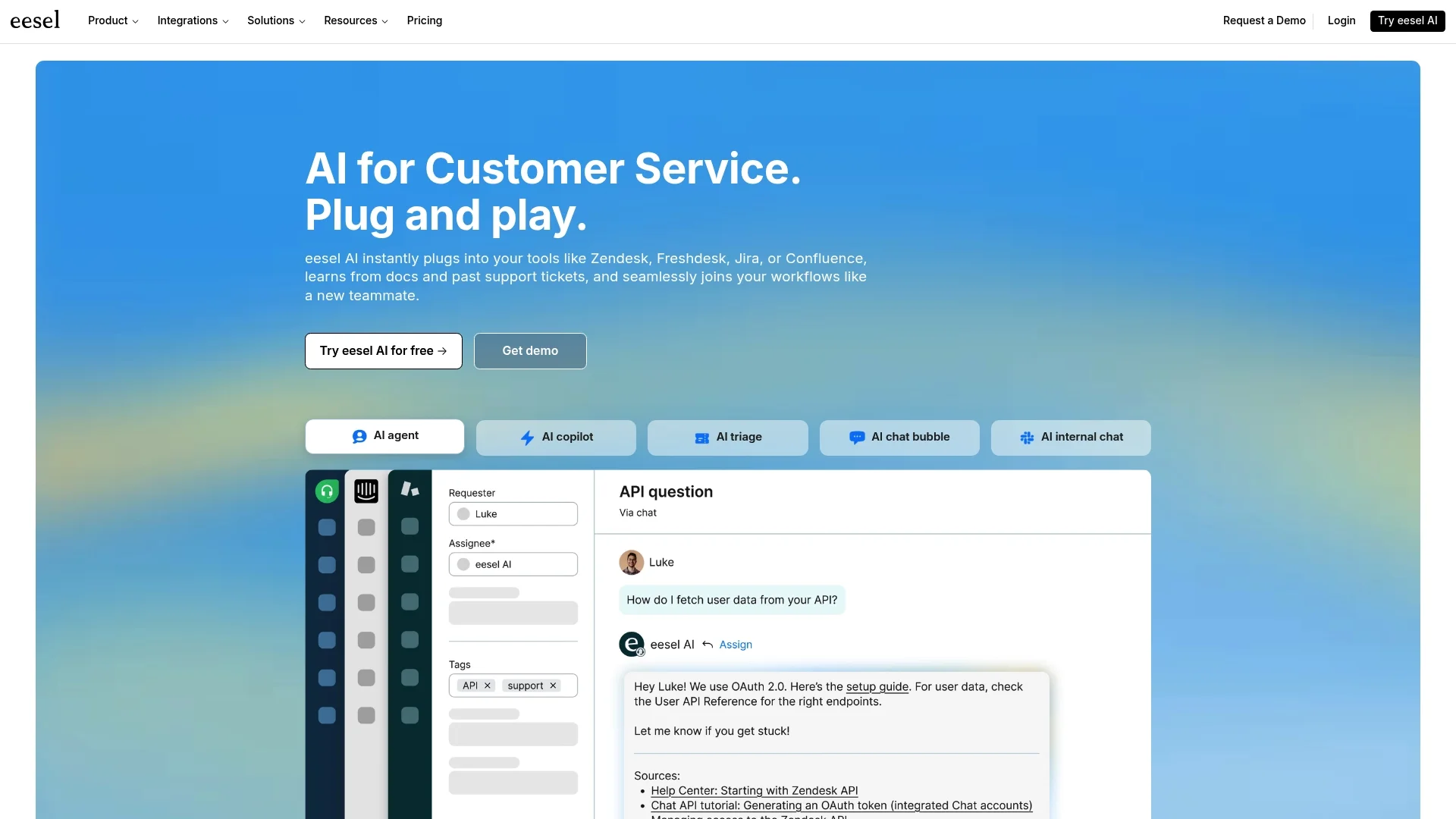
__ eesel AI is an AI platform built to plug right into the tools you already use, which means you don’t have to switch your help desk or move your documents. Its whole approach is about being incredibly simple to set up while still delivering some seriously powerful automation.
It pulls together knowledge from everywhere: your help center, past tickets from platforms like Zendesk, documents in Google Docs, and pages in Confluence. This is a great option for teams already using Zendesk who want to add an extra layer of analysis, as the AI learns your specific business context, tone, and common customer problems by analyzing past conversations.
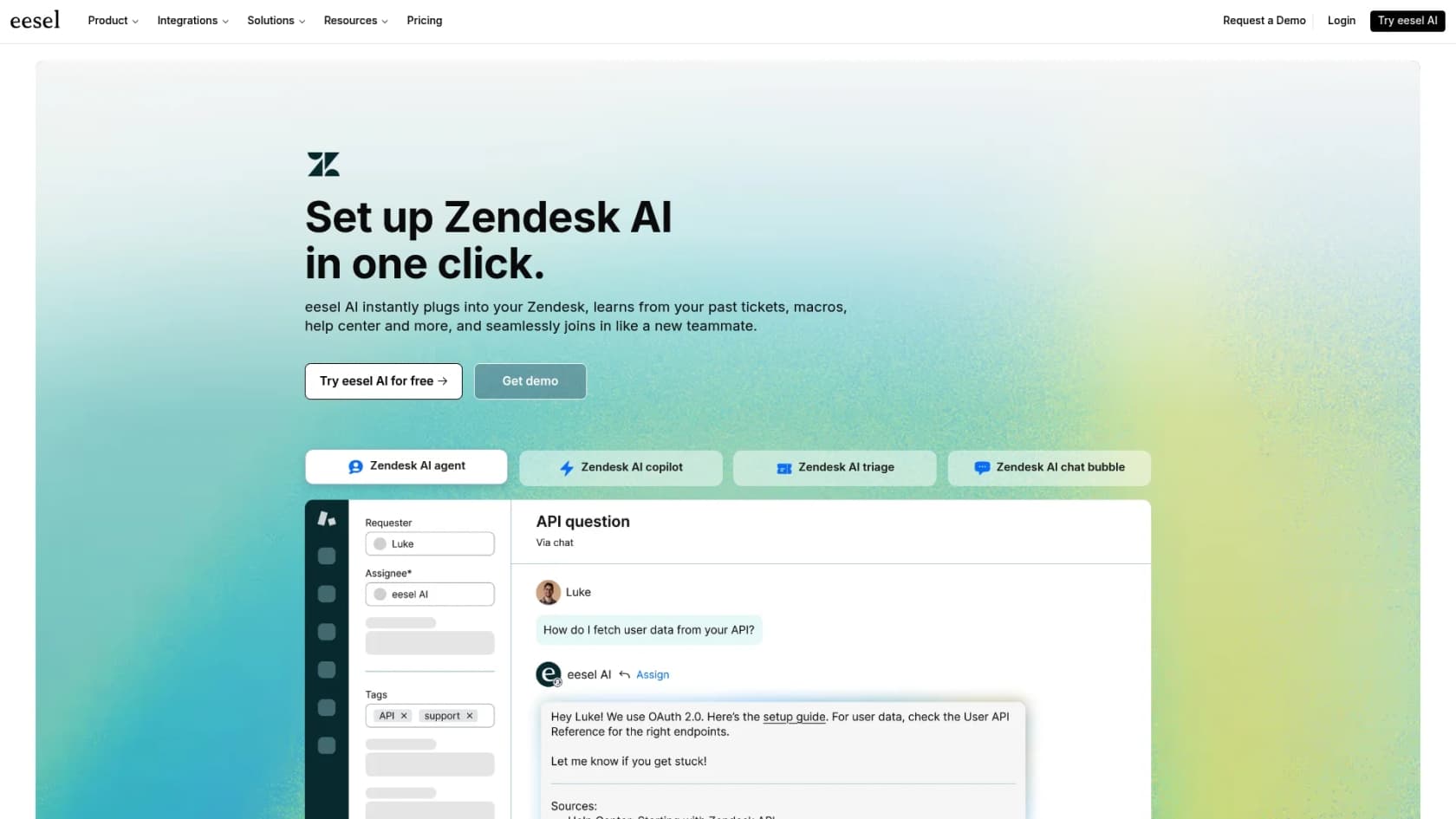
But the feature that really caught my eye was its simulation mode. Before the AI ever interacts with a real customer, you can run it against your old support tickets. It shows you exactly how it would have responded, what its resolution rate would have been, and where it got stuck. This gives you a great forecast of performance and lets you deploy it with confidence, starting small and scaling up when you're ready.
-
What I liked: It’s truly self-serve, and you can get it live in minutes without a sales call. It connects well to existing knowledge, especially past tickets. The simulation mode is a helpful way to test risk-free. Plus, the pricing is transparent with predictable monthly fees.
-
What to watch out for: As it's a newer name in the space, it doesn't have the same extensive history as a titan like Zendesk. However, its technology is a strong complement to established support setups.
-
Pricing: Starts at $239/month (billed annually) for the Team plan.
-
Best for: Teams who want a flexible AI search layer that works with their existing tools and provides a clear return on investment.
2. Zendesk
Zendesk is a titan in the customer service industry, and its AI-powered knowledge base is a central piece of its robust offering. The AI tools are built to surface relevant articles from the native Zendesk help center, helping customers find their own answers and helping agents solve tickets faster.
With Zendesk AI, you can analyze incoming tickets for article suggestions or even generate new knowledge base content from scratch. Its main advantage is just how tightly it's connected to everything else in the Zendesk platform. If your team is already using Zendesk for ticketing, voice, and chat, adding their knowledge base is a seamless and logical next step.
You really see its power when utilizing the full potential of its ecosystem. While it is optimized for its own help center, it also offers marketplace integrations and APIs for teams looking to centralize content from other sources. Zendesk offers tiered plans to match different team sizes, ensuring that businesses only pay for the features they need as they scale their AI capabilities.
-
What I liked: It's a completely seamless experience if you're already a Zendesk Suite user. The AI-powered tools for writing articles and helping agents are solid, and it has impressive enterprise-grade analytics.
-
What to watch out for: It provides a comprehensive, centralized ecosystem, which is most powerful for teams looking for a single, unified platform. Its flexible tiered pricing allows you to add advanced AI capabilities as your support volume grows.
-
Pricing: AI features are in the Suite Team plans, starting at $55 per agent/month. Advanced AI agent options are available through their sales team to ensure a tailored fit.
-
Best for: Companies of all sizes that want a mature, reliable, and industry-leading platform for their support operations.
3. Help Scout
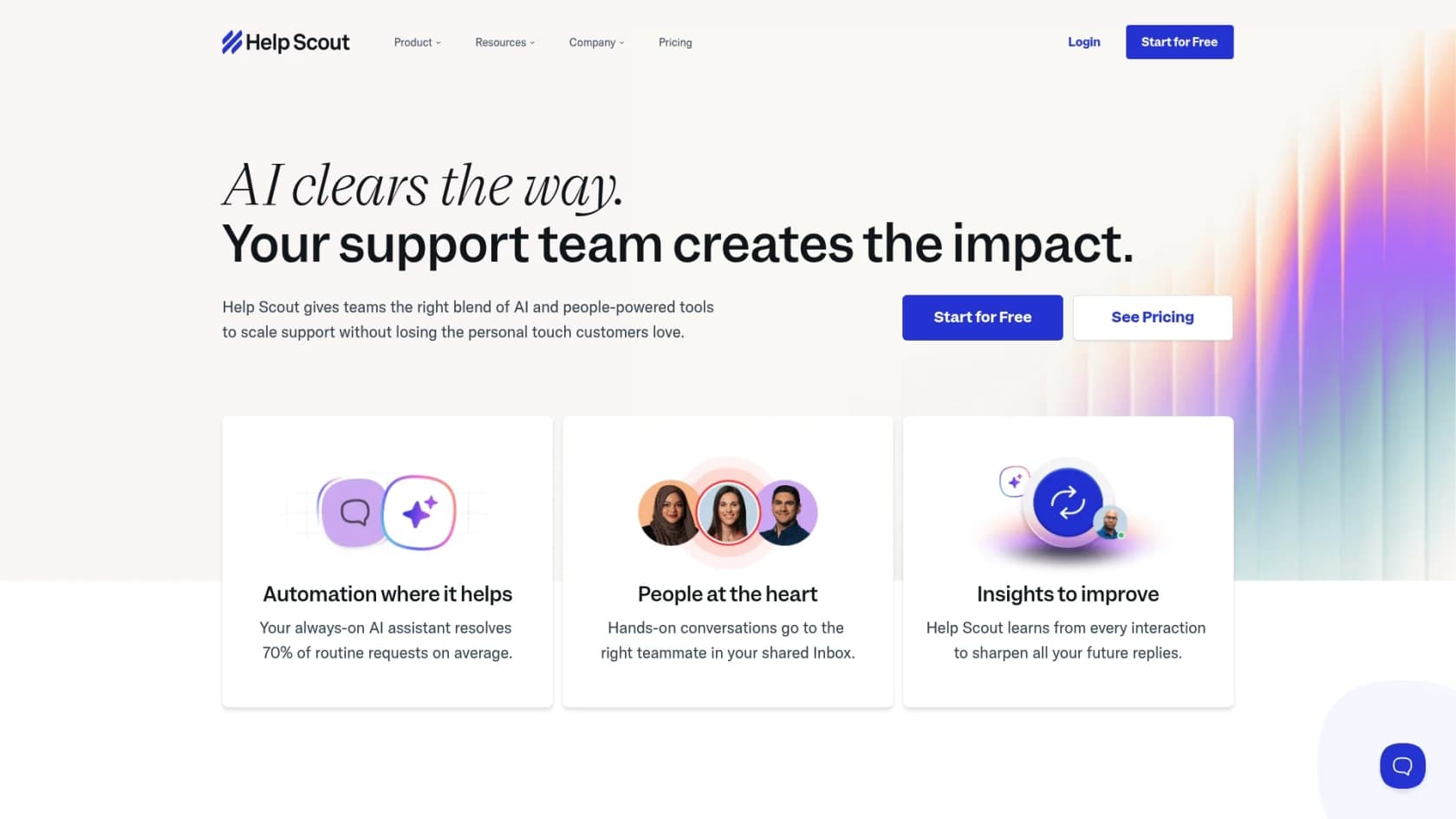
__ Help Scout offers an integrated knowledge base called "Docs" as part of its friendly, all-in-one customer communication platform. Everything about it is built for simplicity. You can create a great-looking, SEO-friendly help center in minutes, no coding required.
Their AI features are focused on helping agents write and polish articles, handle translations, and adjust the tone. For customers, the "Beacon" widget is a nice touch. You can embed it on your site, and it suggests relevant articles from Docs before a customer sends a message, which is handy for deflecting common questions.
But its simplicity also means it is a more focused system. It is primarily built to work with its own Docs knowledge base rather than searching through a wide range of external sources like Google Drive.
-
What I liked: It’s very easy to set up and manage a clean, professional help center. The Beacon widget is effective for self-service, and the pricing is affordable and straightforward.
-
What to watch out for: It’s designed as a focused solution for its own knowledge base. It may not have the same breadth of automation or simulation features found in more complex AI search layers.
-
Pricing: Included in the Standard plan, which starts at $25 per user/month.
-
Best for: Small to medium-sized businesses looking for an affordable, straightforward tool for email, chat, and a simple knowledge base.
4. Guru
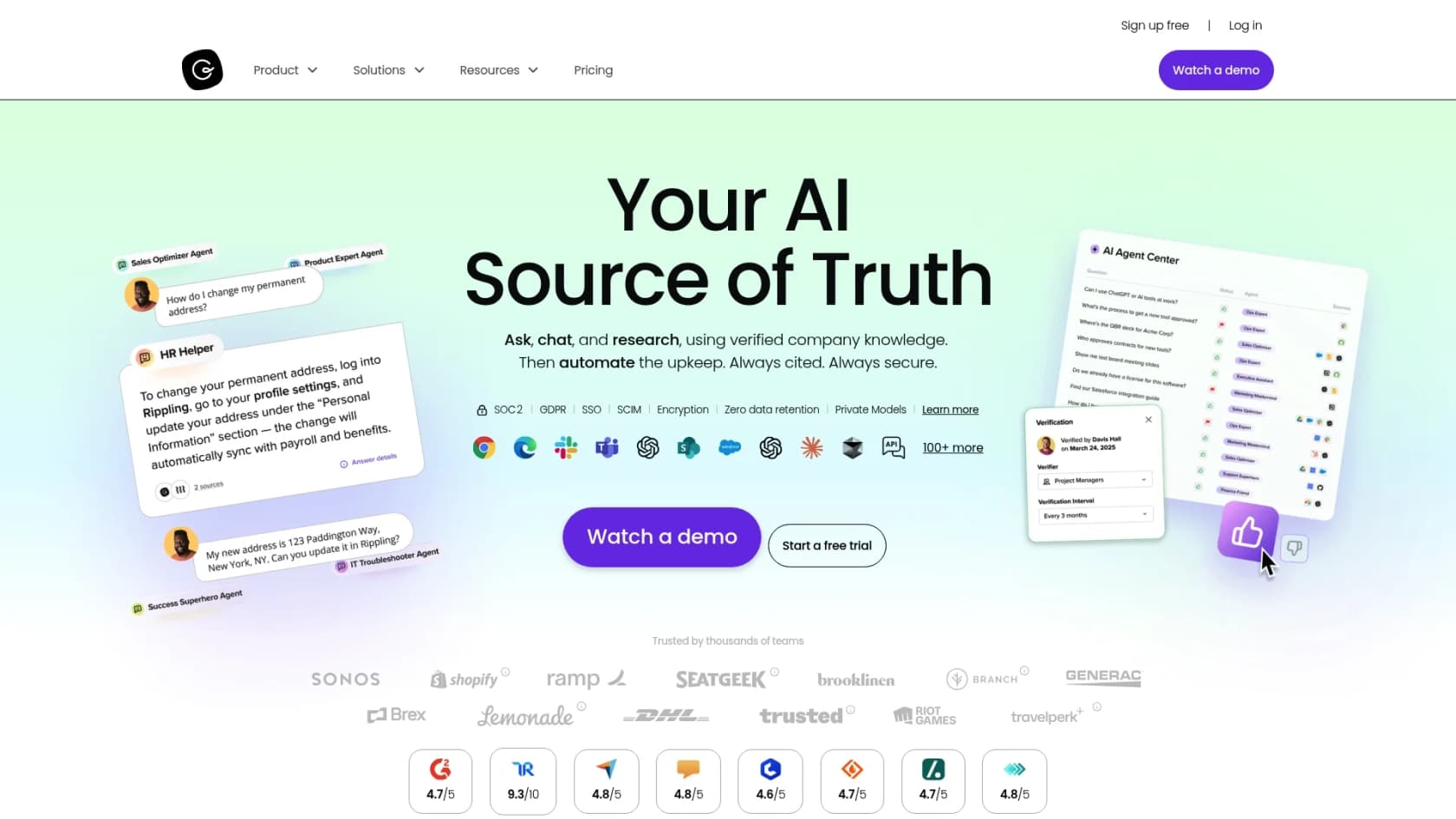
__ Guru is an AI search tool built specifically for internal teams. Its best feature is a browser extension that lets employees find company knowledge without leaving the app they're in. Whether they're in Salesforce, Gmail, or a help desk, they can search Guru and get answers on the spot.
Knowledge in Guru is organized into "Cards," small, digestible bits of information. It also has a clever verification system that periodically nudges experts to confirm their Cards are still up-to-date, which is a great way to prevent stale information. Its AI search can even reach into other apps like Slack, Google Drive, and Confluence.
The main thing to know is that Guru is for internal use only. It isn't built to be a public, customer-facing help center, and its per-user pricing model reflects its value as a specialized tool for internal knowledge management.
-
What I liked: It's fantastic at bringing knowledge directly into your team's workflow. The content verification system is a smart way to keep info trustworthy, and its AI search spans multiple apps.
-
What to watch out for: It’s not meant for customer-facing support. The per-user pricing represents an investment in internal productivity that scales with your headcount.
-
Pricing: Starts at $5 per user/month.
-
Best for: Sales and support teams that need quick, verified answers from internal docs without constantly switching tabs.
5. Confluence
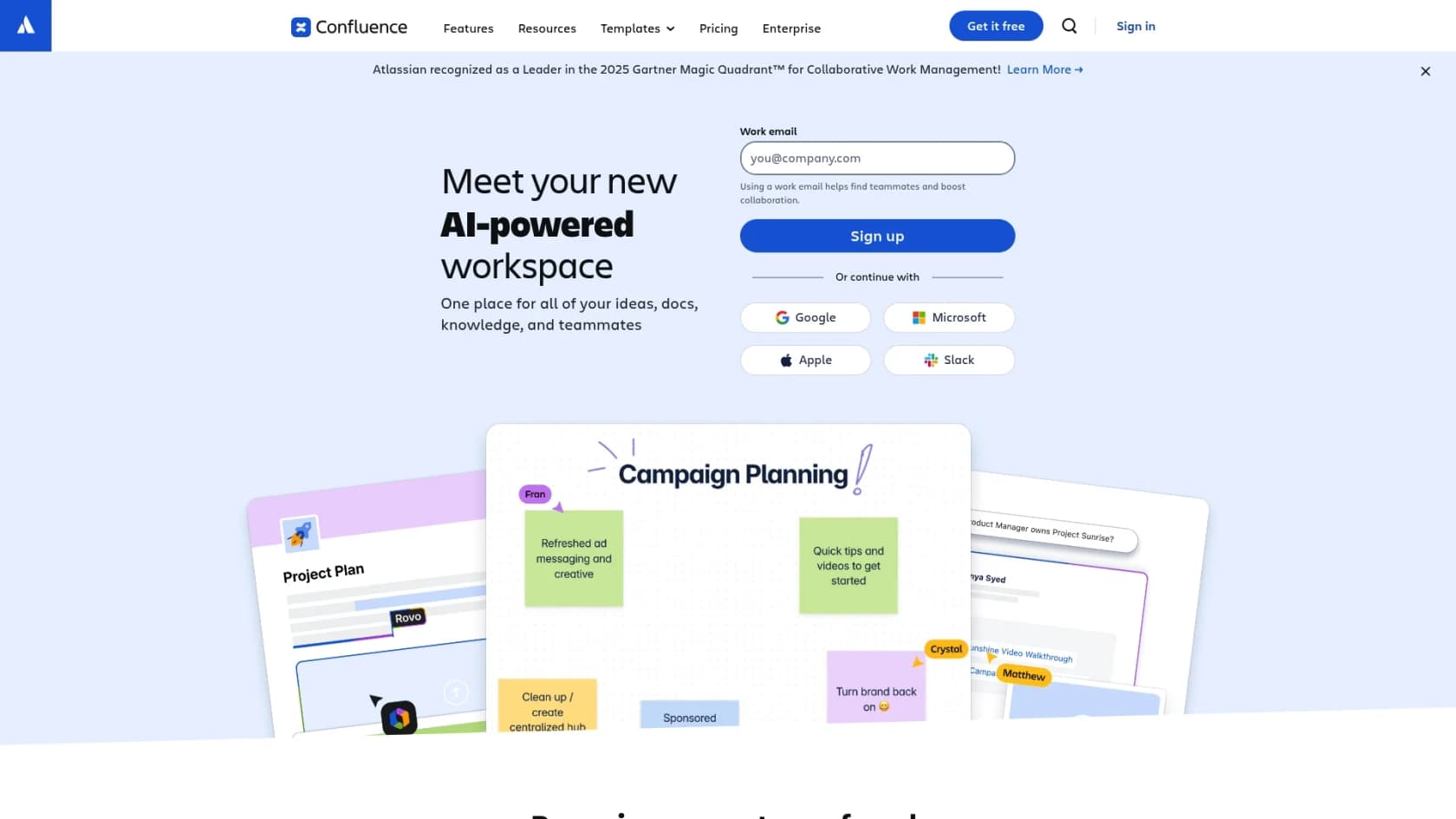
__ Confluence, by Atlassian, is a well-regarded platform for internal documentation for technical teams. It’s a collaborative wiki where teams can create, organize, and discuss their work. Its search is very effective within its own environment, and it comes with great templates for everything from project plans to technical specs.
With the addition of Atlassian Intelligence, Confluence can now summarize long pages, help with writing, and answer questions based on the info within a space. But its real strength is its deep, seamless integration with other Atlassian tools like Jira. For many software and IT teams, it’s a standard choice.
Confluence excels as a central internal hub, ensuring that complex company knowledge is secure, organized, and easily accessible for employees across the organization.
-
What I liked: The integration with the Atlassian suite (Jira, Trello) is excellent. It has strong structure for technical teams, and the AI features are helpful for content management.
-
What to watch out for: Confluence is a dedicated platform for internal documentation, focusing its strength on being a secure and reliable knowledge hub. It is highly optimized for the Atlassian ecosystem, making it a powerful internal partner to any customer-facing setup.
-
Pricing: Free for up to 10 users. The Standard plan starts at $6.05 per user/month.
-
Best for: Engineering, product, and IT teams that live in the Atlassian ecosystem and need a central hub for internal projects.
6. Notion
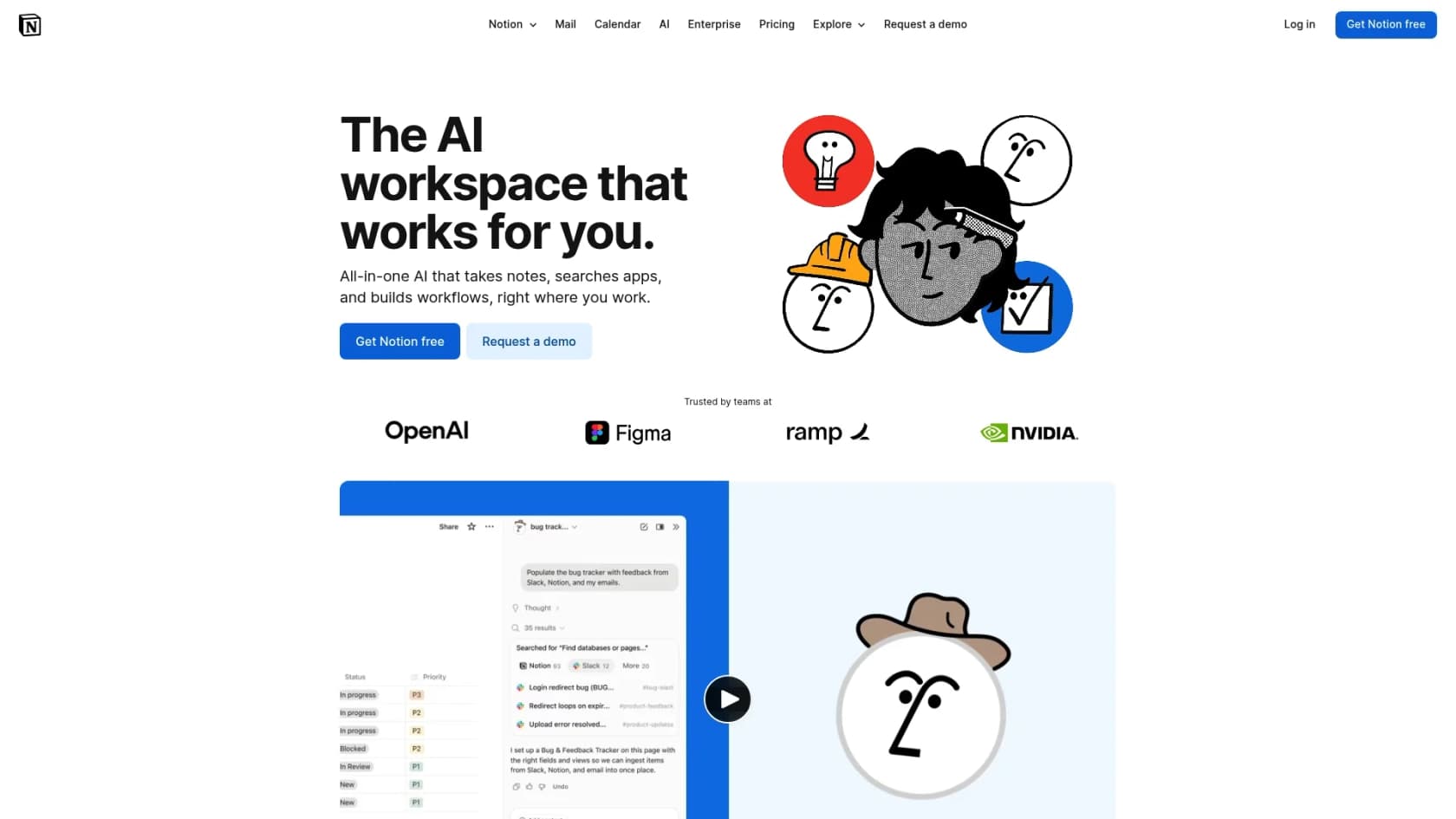
__ Notion is a flexible workspace, mixing notes, tasks, wikis, and databases into one clean interface. Teams love it because you can build almost anything, making it a playground for collaboration and documentation. Notion AI helps out by generating content, summarizing notes, and finding info within your workspace.
As a knowledge base, this flexibility is Notion's greatest strength. You can create beautiful, custom internal wikis. While the search is effective, it works best for teams that maintain a clear, structured workspace, as information can sometimes be harder to find once a workspace becomes exceptionally large and complex.
-
What I liked: It's extremely flexible and customizable for building beautiful internal knowledge bases. Notion AI is a solid writing assistant, and it combines docs with project management in one place.
-
What to watch out for: The search function works best when the workspace is well-organized. It's not built for customer support, so it doesn't integrate with ticketing systems like Zendesk does.
-
Pricing: Free for individuals. The Plus plan with AI starts at $8 per user/month.
-
Best for: Small, highly organized teams that want a single, flexible tool for internal documentation and project management.
How to choose the right search bot AI tools for your team
Feeling a bit swamped by the options? No worries. Here’s a simple, five-step guide to help you make the right call.
-
Figure out where your knowledge is hiding. Before you even look at a demo, get a real sense of where your team's information lives. Is it scattered across Google Docs, stored in your Zendesk tickets, or filed in a help center? Pick a tool that connects to your primary sources. A platform like eesel AI is designed to complement existing setups like Zendesk.
-
Test the search with real-world questions. When you’re in a free trial, don't just type in simple keywords. Throw it some curveballs. Ask the kind of hard, multi-part questions your customers or employees actually ask. See if it can understand what you mean and pull answers from different places to give you a complete picture.
-
Look for a risk-free way to get started. This is a big one. Look for tools that offer a simulation or sandbox mode. Being able to test how the AI handles your past data before it ever talks to a live customer is a great way to prove its value.
-
Choose a mature platform for your foundation. For your core support operations, choosing an industry leader like Zendesk ensures you have a reliable, enterprise-grade foundation that can grow with you. You can then add specialized AI layers on top to enhance specific workflows.
-
Find transparent pricing. Look for clear, predictable plans that help you understand your costs as you scale. Many top providers offer tiered options that make it easy to start at a level that fits your current budget.
The right search bot AI tools make knowledge work for you
At the end of the day, the best search bot AI tools don't just store information; they make it instantly useful for both your customers and your own team. The goal isn't just to have a knowledge base; it's to cut down on support tickets, get faster answers, and free up your people to focus on more important work.
While established platforms like Zendesk offer a powerful, industry-leading environment for support, adding a flexible AI layer can be a smart move to enhance specific parts of your workflow.
eesel AI lets you connect your knowledge sources and accurately simulate performance in minutes. You can see your potential resolution rate and cost savings alongside your current setup. Try it for free and see how it can enhance your support today.
Frequently asked questions
What exactly do search bot AI tools do that a regular chatbot doesn't?
Search bot AI tools utilize natural language processing (NLP) to understand the *intent* behind a question, not just keywords. Unlike basic chatbots that follow scripts, these tools actively pull and synthesize information from all your company's knowledge sources to provide comprehensive answers. They act as a smart, internal search engine across various platforms.
How quickly can I expect to see results after implementing search bot AI tools?
The speed of results can vary, but many modern search bot AI tools are designed for quick setup, often in minutes. Platforms like eesel AI offer a simulation mode to test performance on past data, giving you a predictive understanding of its effectiveness and ROI before live deployment. This allows for confident, incremental scaling.
Can search bot AI tools integrate with all our existing knowledge sources, like Google Docs and old Slack messages?
The integration capabilities of search bot AI tools differ significantly between providers. Platforms like Zendesk or Help Scout offer powerful, integrated native ecosystems, while also providing options for connecting external content through their marketplaces and APIs. Others, like eesel AI or Guru, excel at connecting to a wide array of document types out-of-the-box.
How can I ensure the answers provided by search bot AI tools are always accurate and up-to-date?
To ensure accuracy, look for tools that offer robust content verification systems, like Guru's card validation. Additionally, the quality of the AI's source material is crucial; if your knowledge base is well-maintained, the bot's answers will be better. Tools with simulation modes also help you identify and correct potential inaccuracies before they reach users.
What's the main difference between search bot AI tools for internal teams versus customer-facing support?
Search bot AI tools for internal teams (e.g., Guru, Confluence) focus on boosting employee productivity by making company knowledge easily accessible within internal workflows. Customer-facing search bot AI tools (e.g., eesel AI, Zendesk) aim to provide instant self-service options, deflect common customer inquiries, and reduce support ticket volume.
What kind of technical expertise is needed to set up and maintain search bot AI tools?
Many contemporary search bot AI tools are designed for self-serve setup and require minimal technical expertise, often allowing non-developers to get them live in minutes. Simpler, all-in-one platforms like Help Scout are particularly user-friendly. However, complex integrations or advanced customizations might occasionally benefit from some technical assistance.