Salesforce's AI tools, particularly platforms like Agentforce, are changing how businesses work. They can automate workflows, help out your teams, and create some pretty impressive customer experiences. It's a big step forward. But with that kind of power comes a whole new set of worries. All of a sudden, you’re not just thinking about efficiency; you’re thinking about risk, data privacy, and a tangle of regulations like GDPR, CCPA, and HIPAA.
It’s easy to feel like you have to pick one: move fast with AI or stay compliant. This guide is here to show you that you don’t have to choose. We’ll walk through a clear, practical overview of Salesforce AI Risk Compliance, breaking down the real challenges you'll face, taking an honest look at Salesforce's built-in tools, and laying out a modern way to stay secure and compliant without slowing down.
What is Salesforce AI Risk Compliance?
This isn't just another item on the IT checklist; it’s about protecting your customers, avoiding huge fines, and holding on to the trust you've worked so hard to build. Let's get on the same page about what "Salesforce AI Risk Compliance" actually means.
-
Salesforce AI: This is the whole family of artificial intelligence features built into the Salesforce world. The one getting a lot of attention right now is Agentforce, a platform for building autonomous agents that can handle tasks and interact with sensitive customer data on their own.
-
Risk: When we talk about AI risk, it’s not just about data breaches anymore. The threats have gotten smarter. We’re talking about things like data poisoning (where someone feeds your AI bad info to mess with its results), prompt injection attacks (tricking the AI into doing something it shouldn't), and the simple but scary risk of an AI agent accidentally leaking sensitive customer info.
-
Compliance: This is just about following the rules. It means sticking to data protection laws like GDPR in Europe and CCPA in California, plus any industry-specific ones like HIPAA for healthcare. It also means meeting international standards for AI management, like ISO 42001, which Salesforce itself is certified for.

The core challenges of managing Salesforce AI Risk Compliance
So, why is this so tricky to get right? It really comes down to a few problems that older security methods just weren't built to solve.
Navigating the 'black box' of AI decisions
One of the biggest headaches is that AI agents can do things on their own. They can reroute a support ticket, update a customer record, or even freeze a user’s account without a human ever getting involved. When it works, it’s fantastic. When it doesn’t, it’s a mess.
Imagine an AI agent wrongly flags a sensitive health record because it misunderstood what a customer wrote. Without a clear audit trail, it’s almost impossible to figure out why the AI made that specific choice. That lack of transparency is a major issue when you’re facing a compliance audit or just trying to fix an error.

The hidden risks in scattered knowledge
For an AI to be compliant, it needs a complete, up-to-date picture of your company's policies. The trouble is, that knowledge is almost never in one place. Your official data policy might be in Salesforce, but the latest update with key GDPR details could be in a Google Doc that the legal team just finished.
If your AI can’t see that external doc, it’s working with old information. An agent pulling from an outdated policy could give a customer the wrong advice about their data rights, which could lead to a serious compliance breach. Real compliance needs a single source of truth, but most company knowledge is spread all over the place.
Understanding the shared responsibility model
This is a big one that catches a lot of people off guard. Salesforce does a great job of securing its cloud infrastructure, but you are the one responsible for securing the data and managing who can access it within your setup. It's a classic shared responsibility model.
Think of it like this: Salesforce gives you a top-of-the-line bank vault (the infrastructure), but you’re the one who decides who gets the keys and what they can do inside (your data and access policies). Just assuming the platform handles everything is a common and expensive mistake.
How Salesforce natively addresses Salesforce AI Risk Compliance
Salesforce knows these challenges are real, and they provide a set of native tools to help. These tools are pretty powerful, but it’s important to know what they do well and where you might still have some gaps.
An overview of Salesforce Security Center and Privacy Center
Salesforce offers two main add-on products for this: Security Center and Privacy Center. Think of them as dashboards that give your admins a deep look into your Salesforce organization. They're designed to help you monitor what users are doing, spot threats, and manage data privacy policies for frameworks like GDPR and CCPA.
The catch? These are complex, enterprise-level tools. They often need special expertise to set up and manage, and they usually come with an enterprise-level price tag. They're not exactly a solution you can switch on and forget about.
The role of Salesforce's Trusted AI principles
Salesforce has also put together a strong ethical framework for its AI, based on trusted AI principles like Responsibility, Accountability, and Transparency. These guidelines are really important for making sure AI is used in a fair and ethical way.
But principles aren't the same as practical tools. A commitment to transparency doesn't magically create an easy-to-read audit log. An ethical framework is a great place to start, but it doesn't solve the day-to-day challenges of setting things up, testing them, and keeping an eye on them.
Limitations of the native-only approach
If you rely only on Salesforce's built-in tools, you might run into a few issues:
-
Complexity and Cost: Getting a solid compliance system in place often means buying expensive add-ons, hiring specialized staff to run them, and signing up for a long implementation project.
-
Ecosystem Lock-in: The native tools work best with data that's already inside Salesforce. They have a hard time connecting to all the critical knowledge your company keeps in external tools like Confluence or Google Docs.
-
Lack of Safe Testing: This is a big one. There's no simple, self-serve way to simulate how your AI will act with new compliance rules before you go live. You can't easily test it on thousands of your own past cases to see what it would do. This usually leads to a risky "launch and hope for the best" situation, where you only find problems after they’ve already impacted a customer.
A modern framework for ensuring Salesforce AI Risk Compliance
There’s a better way to handle this. A modern compliance framework isn't about buying one giant tool. It's about using a more flexible, layered approach that gives you full control and visibility right from the start.
Start with a unified and scoped knowledge base
Your AI can't be compliant if its knowledge is incomplete. The very first step is to break down those information silos and connect your AI to all of your company knowledge.
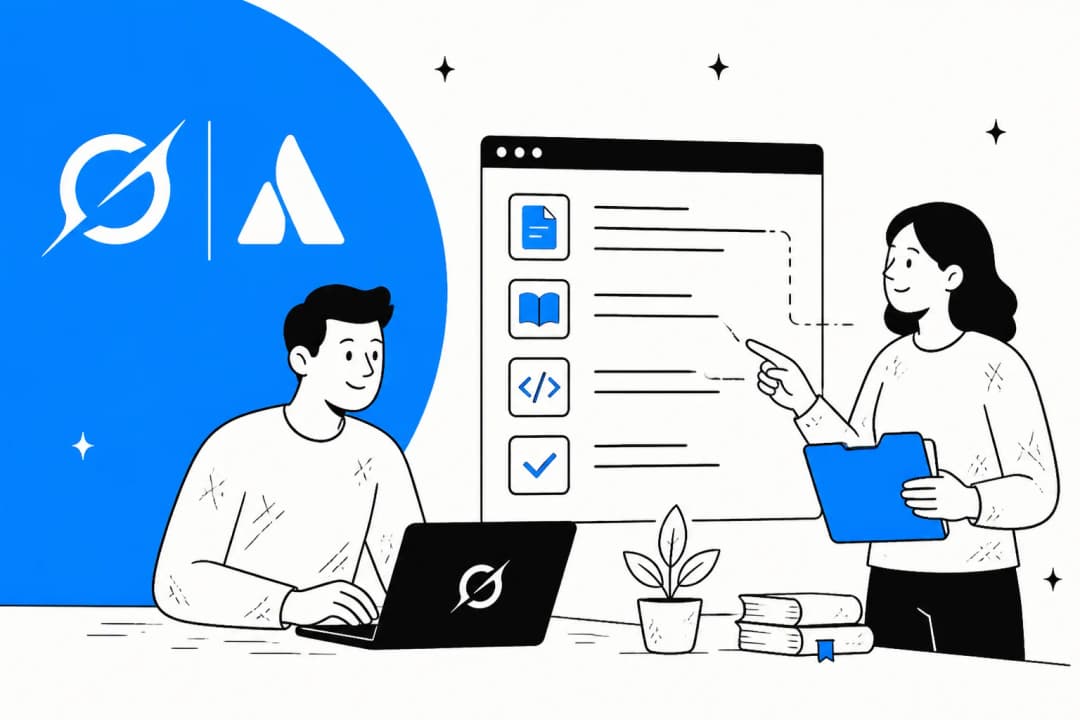
This is where platforms like eesel AI fit in. Instead of being stuck in one ecosystem, eesel AI can securely connect to all your knowledge sources in minutes, including Salesforce, Confluence, Google Docs, past support tickets, and more. Even better, you can then "scope" the AI to only use specific documents for certain questions. For example, you can tell your agent to only use documents from your "Verified GDPR Policy" folder when answering questions about data privacy, making sure it always gives the correct, approved answer.

Implement granular controls and selective automation
A "one-size-fits-all" approach to automation is just too risky when compliance is on the line. You need to be able to control exactly what the AI is allowed to do.
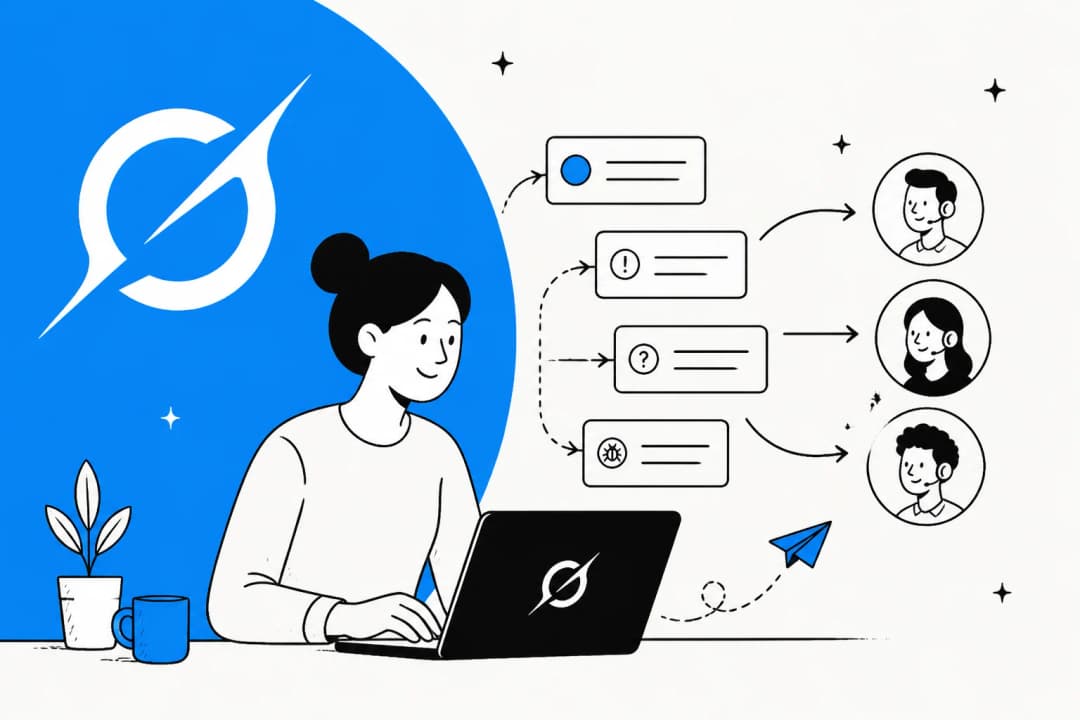
With a tool like eesel AI, you can set up very specific automation rules. You could start small by letting the AI handle simple, low-risk requests. For anything more sensitive, you can create a rule that automatically sends tickets with keywords like "privacy," "delete my data," or "GDPR request" straight to a human agent. This puts you in charge of your compliance workflow.

Test with confidence using simulation
Deploying new AI rules without testing them is a huge gamble. The smart move is to run simulations in a safe environment before the AI ever talks to a real customer.
This is another spot where a modern approach really helps. eesel AI's simulation mode is incredibly useful for managing risk. You can take your new compliance rules and test them against thousands of your own historical customer tickets. The platform will show you exactly how the AI would have responded, giving you an accurate preview of its performance and letting you adjust its behavior, all without any real-world risk.

Choosing the right tools for your Salesforce AI Risk Compliance stack
When you put the native Salesforce approach next to a more modern, flexible one, the differences are pretty clear. It's about choosing between a heavy, top-down project and a self-serve solution that puts the control in your hands.
This video from Salesforce provides an overview of applying the risk management process to artificial intelligence.
| Feature | Salesforce Native Tools (Security/Privacy Center) | eesel AI |
|---|---|---|
| Setup Time | Weeks to months; requires specialists and custom setup. | Minutes; truly self-serve with one-click integrations. |
| Knowledge Sources | Primarily focused on data inside the Salesforce ecosystem. | Instantly connects to Salesforce, Confluence, Google Docs, Slack, and 100+ others. |
| Automation Control | Broad, policy-based controls; less granular workflow rules. | Highly granular; you choose exactly which tickets to automate, escalate, or triage. |
| Pre-launch Testing | Limited; mainly relies on monitoring after you go live. | Powerful simulation mode to test on historical data before launch. |
| Pricing Model | Often complex, with add-on fees and quote-based pricing. | Transparent and predictable; no per-resolution fees. |
Take control of your Salesforce AI Risk Compliance
Salesforce AI offers a ton of power, but managing the risk and compliance that comes with it is a serious challenge that requires more than just the native tools. Piling on complex, expensive add-ons isn't always the best answer.
A modern approach, one that focuses on unified knowledge, fine-grained control, and risk-free simulation, is faster, safer, and more effective. It changes the game from a slow, top-down project to a flexible strategy that you control. Instead of getting stuck in long implementations and confusing costs, you can use tools that give you immediate visibility and confidence. With the right framework, you can innovate with Salesforce AI, knowing your compliance is sorted.
Ready to build a safer, more compliant AI workflow for Salesforce? eesel AI lets you go live in minutes, test with confidence, and stay in complete control. Start your free trial today.
Frequently asked questions
Q1: What exactly does Salesforce AI Risk Compliance entail?
A1: Salesforce AI Risk Compliance involves protecting customer data, avoiding fines, and maintaining trust when using Salesforce's AI features, like Agentforce. It addresses new threats such as data poisoning and prompt injection, ensuring adherence to regulations like GDPR, CCPA, and industry standards like ISO 42001.
Q2: Why is managing Salesforce AI Risk Compliance particularly difficult?
A2: It's challenging due to the "black box" nature of AI decisions, making it hard to audit why an AI made a specific choice. Additionally, company policies and critical knowledge are often scattered across different platforms, and many organizations misunderstand the shared responsibility model for cloud security.
Q3: How do Salesforce's native tools help address Salesforce AI Risk Compliance?
A3: Salesforce offers tools like Security Center and Privacy Center to monitor user activities, spot threats, and manage data privacy policies for frameworks such as GDPR. They also provide a strong ethical framework based on trusted AI principles to guide responsible AI use.
Q4: What are the main limitations if we rely solely on native tools for Salesforce AI Risk Compliance?
A4: Relying only on native tools can be costly and complex, often requiring specialized staff and long implementation projects. These tools are also primarily focused on data within the Salesforce ecosystem, struggling to integrate with external knowledge sources, and offer limited pre-launch testing capabilities for new AI rules.
Q5: How can a modern framework improve our approach to Salesforce AI Risk Compliance?
A5: A modern framework unifies dispersed knowledge bases, allowing AI to access all relevant company policies from various sources. It also enables granular controls for selective automation and provides powerful simulation tools to test AI behavior on historical data before deployment, minimizing real-world risks.
Q6: Is it possible to test new AI compliance rules safely before deployment to ensure Salesforce AI Risk Compliance?
A6: Yes, a modern approach, exemplified by tools like eesel AI, offers a simulation mode. This allows you to test new compliance rules against thousands of your own historical customer cases in a safe environment, giving you an accurate preview of AI performance and letting you adjust its behavior risk-free before it interacts with real customers.
Share this post

Article by
Stevia Putri
Stevia Putri is a marketing generalist at eesel AI, where she helps turn powerful AI tools into stories that resonate. She’s driven by curiosity, clarity, and the human side of technology.