A practical guide to Salesforce AI Data Cloud Insights

Kenneth Pangan
Written by

Kenneth Pangan

Reviewed by

Stanley Nicholas

Last edited November 24, 2025

Expert Verified

A practical guide to Salesforce AI Data Cloud Insights

Let's be real, "AI" and "unified data" are the buzzwords of the moment, and it's not hard to see why. The dream is to have all your customer information in one place, powering smarter, faster support. Whenever this topic comes up, you'll almost always hear the name Salesforce Data Cloud mentioned.

But what exactly are Salesforce AI Data Cloud Insights? It's a seriously powerful feature, but the marketing materials don't always show you the full picture, especially the complexity involved. This article is a straightforward, no-fluff guide to what these insights are, how they work, and the practical side of actually using them. We'll break it down so you can decide if this powerful (but complicated) tool is what you really need right now.

What are Salesforce AI Data Cloud Insights?

Let's start with a simple definition, minus the jargon. Salesforce Data Cloud is the company's big effort to help businesses pull all their customer data together. Just think about it, you’ve got data in your CRM, help desk, e-commerce platform, website analytics, and who knows where else. Data Cloud is built to bring all of that into one single, clean view of each customer.

"Insights" are the specific metrics you calculate from all that combined data. These aren't just basic data points like an email. They're complex calculations that help you answer questions like:

  • What's a customer's total lifetime value (LTV)?

  • How much do they usually spend per order?

  • Which product category do they buy from the most?

The whole idea is to transform huge, messy piles of data into something useful for powering AI, building smarter marketing lists, and creating personalized experiences. It’s about turning raw data into actual intelligence. The thing is, creating these insights usually requires a team of data engineers and a whole lot of time and resources.

The two main types of Salesforce AI Data Cloud Insights

Salesforce splits its insights into two main categories, depending on whether the data is crunched after the fact or as it’s happening. Getting the difference is pretty important for understanding what you can and can't do.

Calculated insights: Analyzing the past

Calculated Insights are all about running complex queries on the historical data you have stored in Data Cloud. Think of it as a way to look back at everything you know about your customers to spot patterns and calculate key metrics.

Some common ways people use calculated insights are:

  • Figuring out a customer's total spend over the last year.

  • Pinpointing customers with an average order value over $100.

  • Counting how many support tickets a customer has opened in the last three months.

  • Building RFM (Recency, Frequency, Monetary) scores to find your best customers.

But here’s the catch: making these insights happen isn't a simple point-and-click affair. You usually need someone who knows their way around Structured Query Language (SQL) to write the calculations. Salesforce does offer a Visual Builder to help out, but it’s still a technical tool that assumes you know your data model inside and out. It’s not exactly something a support manager can dive into on a Tuesday morning.

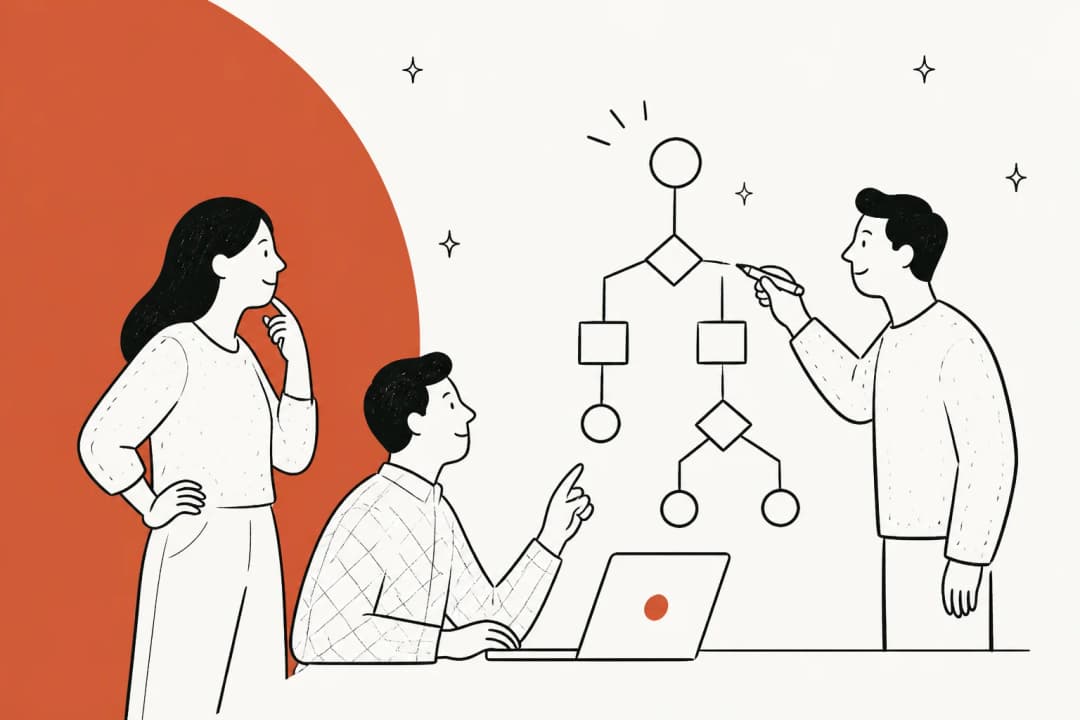
Analyzing the past by making a new calculated insight.

Another thing to keep in mind is that these insights run on a schedule, maybe every 6, 12, or 24 hours. They’re fantastic for strategic planning and building segments for a marketing campaign, but they aren’t designed to trigger actions in the heat of the moment.

Streaming insights: Acting on the now

Streaming Insights are the opposite; they're all about real-time data. They run queries on information as it streams in from sources like your website or mobile app (using Salesforce’s own SDKs).

A classic example from the Salesforce documentation is triggering an action when a customer walks into a geofenced area around a store for the first time in months. The system picks up the real-time location data and immediately does something, like sending a push notification with a special offer.

The main limitation here is that Streaming Insights are built for these kinds of automated "data actions." You can't really use them to build marketing segments or for your big-picture analytics. The setup is just as technical as Calculated Insights, and you're stuck with the specific data sources that Salesforce supports for real-time streaming.

This video demonstrates how to create a Calculated Insight within the Salesforce Data Cloud platform.

Calculated vs. streaming insights: A quick comparison

This little table breaks down the key differences pretty clearly:

FeatureCalculated InsightsStreaming Insights
Data SourceHistorical data (profile & engagement)Real-time streaming data (engagement only)
ProcessingBatch (runs on a schedule)Near real-time
Primary Use CaseSegmentation, personalization, analyticsData actions, real-time triggers, alerts
ComplexityHigh (often requires SQL)High (requires SQL and specific setup)

This setup is great if you're a huge company with a data team on standby. But what if you're not? What if you just want to figure out your most common support issues without writing a bunch of SQL? That's where a different approach comes in. A tool like eesel AI, for instance, just analyzes your past support tickets automatically. It learns your brand’s voice and common fixes instantly, and uses that knowledge to power its AI without any data engineering degree required.

The reality of implementing Salesforce AI Data Cloud Insights

There's a saying that floats around the Salesforce world: "Data Cloud will punish you if you don’t do all the planning correctly." It sounds a bit dramatic, but it gets to the core of a big truth. Before you can even dream of creating your first insight, you're looking at a pretty massive, foundational data project.

Here’s a taste of what that involves:

  • Data Ingestion & Modeling: You can't just drag and drop your data from different systems into Data Cloud. It takes setting up connectors, mapping hundreds of data fields, and building a solid data model. This is a serious data architecture project that can easily take months.

  • Identity Resolution: Once your data is in, you have to teach the system how to know that "jenny.smith@email.com" from your e-commerce site and "Jen Smith" from your CRM are the same person. This process, called identity resolution, is tricky and can cause a lot of headaches if it's not set up just right.

  • Connecting Knowledge: Salesforce can connect to external data platforms like Snowflake and Databricks, but this isn't a simple toggle switch. It requires enterprise-level agreements and special technical integrations called zero-ETL connectors.

This heavy, upfront work is a huge hurdle for a lot of companies. A more modern, lightweight approach skips all of this. Tools like eesel AI connect directly with the platforms you already use. You can link your help desk with one click, and then pull in knowledge from scattered sources like Confluence, Google Docs, and Notion just as easily. You get a unified knowledge base for your AI in minutes, not months.

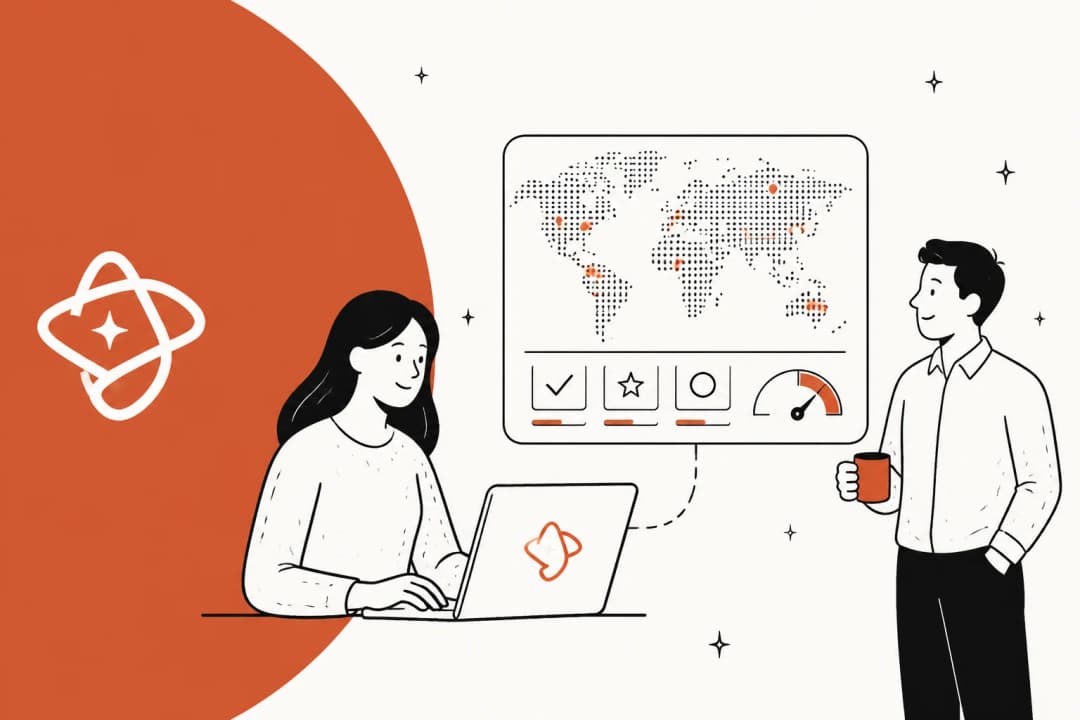
This infographic illustrates how eesel AI quickly unifies knowledge from various sources like help desks and documents, offering a simpler alternative to the complex data modeling required for Salesforce AI Data Cloud Insights.

From insights to action: How to get value, safely

Creating an insight is one thing. Actually using it to power an automation that talks to your customers is a whole other ball game. How can you be sure your AI is ready to go live without risking a cringeworthy customer experience?

In a system as big as Salesforce, it's incredibly hard to test how an insight-driven action will actually play out in the real world. You often have to build it, launch it, and cross your fingers, which is a stressful way to work. And on top of all that, figuring out Salesforce's pricing can feel like navigating a maze. Data Cloud is one of many products, and getting a clear picture of the total cost usually means getting on the phone with a sales rep.

This is where a tool built for a specific purpose can make a huge difference. For example, eesel AI was designed to tackle these exact problems:

  • Risk-free simulation: Before the AI ever interacts with a customer, you can run it in a simulation mode over thousands of your past support tickets. You get a clear, accurate report on its potential resolution rate and performance, so you can go live feeling confident.

This screenshot shows eesel AI

  • Gradual rollout: You don't have to flip a switch and automate everything at once. You can start small by letting the AI handle just one simple ticket type, like password resets. Once you're comfortable, you can slowly give it more to do. This kind of granular control lets you roll out AI at your own pace.

  • Transparent pricing: With eesel AI's pricing, what you see is what you get. The plans are based on usage, and you’re not charged per resolution, so you won’t get hit with a surprise bill after a busy month.

A view of eesel AI
A view of eesel AI

Are Salesforce AI Data Cloud Insights right for you?

Salesforce AI Data Cloud Insights is an incredibly capable, enterprise-level solution. If you're a large corporation with the budget, time, and dedicated data engineers to tackle a massive data project, it can unlock some seriously deep intelligence.

For most teams, though, the complexity, long setup times, and technical hurdles are just too high. If your goal is to lower ticket volume, help your agents be more efficient, and provide better support now, you probably don’t have six months to spend on a data modeling project.

For teams that need to see value quickly, a more direct and self-serve solution is a much better place to start. The insights you need are probably already sitting in your help desk and documentation, just waiting to be put to work.

Ready to get actionable AI insights without the data engineering project?

Your support data is a goldmine. eesel AI connects directly to your help desk and knowledge sources to provide instant answers, automate resolutions, and draft replies for your agents from day one.

Forget about writing SQL queries and waiting through month-long implementations. Simulate your AI's performance on your own past tickets and go live in minutes.

Start your free trial today or book a demo to see just how fast you can get up and running.

Frequently asked questions

Salesforce AI Data Cloud Insights are advanced metrics and calculations derived from all your consolidated customer data within Salesforce Data Cloud. They help businesses transform raw, scattered data into actionable intelligence, answering complex questions about customer behavior, value, and preferences.

Calculated Insights analyze historical data for strategic segmentation and analytics, running on a schedule. Streaming Insights process real-time data for immediate actions and triggers, but aren't suitable for broad analytics.

Implementing and using Salesforce AI Data Cloud Insights typically requires significant technical expertise, including SQL knowledge for writing calculations and a deep understanding of data modeling. The platform also offers a Visual Builder, but it still assumes a strong technical foundation.

The initial setup involves extensive data ingestion, modeling, and identity resolution, which can be a substantial data architecture project taking several months. This foundational work is crucial before you can even begin creating specific insights.

To get value and safely deploy actions, thorough planning and testing are crucial. For complex systems like Data Cloud, testing how an insight-driven action will perform can be challenging, often requiring careful rollout strategies to minimize risk.

Salesforce AI Data Cloud Insights are best suited for large enterprises with dedicated data engineering teams, ample budget, and significant time for a foundational data project. For most teams needing to quickly lower ticket volume or improve agent efficiency, a more direct, self-serve solution that bypasses extensive data modeling might be more appropriate.

Share this post

Kenneth undefined

Article by

Kenneth Pangan

Writer and marketer for over ten years, Kenneth Pangan splits his time between history, politics, and art with plenty of interruptions from his dogs demanding attention.