I tested 5 of the best tools for roundup blog writing in 2026 (here’s my verdict)

Amogh Sarda
Last edited January 20, 2026
Roundup posts are one of the best tools in a content marketer’s playbook. They pull together expert opinions or curate the best content on a topic, which can bring in a ton of traffic, build your authority, and help you connect with influencers. The only catch? They can take forever to create. Between finding experts, sending outreach emails, formatting all the responses, and promoting the final piece, it's a mountain of manual work.
It doesn't have to be that way, though. The right tools can automate and streamline the whole process, turning what could be a week-long headache into a day's work. Using a few key platforms together makes a huge difference. Modern AI tools like the eesel AI blog writer can generate the entire post structure for you, so you can focus on curating top-notch insights. We used it to grow our daily impressions from 700 to 750,000 in just three months. This guide will walk you through the best tools for getting roundup posts done right.
What is a roundup post?
Before we get into the tools, let's make sure we're on the same page. A roundup post is a curated article that gathers information from different sources around one central theme. They usually come in two flavors:
-
Expert roundup: This is where you feature quotes and thoughts from multiple experts on a specific topic. You come up with a good question, reach out to knowledgeable people in your field, and compile their answers into a single, authoritative article. This is a great way to build credibility and tap into your contributors' audiences for promotion.
-
Content roundup: This type of post lists the best articles, resources, or examples on a certain topic. Think "Top 10 Marketing Articles of the Month" or "Best DIY Projects for the Holidays." Instead of new quotes, you're curating and summarizing content that's already out there, acting as a trusted filter for your readers.
Both types save your readers time by putting valuable information in one spot, which is why they tend to do so well. The biggest mistake you can make is getting lazy and just creating a simple list of links with no extra value. A good roundup post adds context, gives it some structure, and offers a fresh perspective.
Our criteria for selecting the best tools
To find the best tools for creating roundup posts, we looked for platforms that solve specific problems in the workflow. A good roundup isn't just about the writing; it's also about research, outreach, organization, and promotion. Here’s what we looked for:
- Efficiency: Does the tool actually cut down on the manual work at any stage?
- Functionality: Does it have features specifically for finding experts, tracking emails, or formatting content?
- Ease of use: Is it easy to pick up, or is there a big learning curve?
- Value for money: Is the price worth the time you save and the quality you get?
- Integration: Does it play nicely with other tools in a typical content marketing setup?
We wanted a mix of tools that could work together to make the whole process, from idea to promotion, feel seamless.
A quick comparison of roundup writing tools
Here’s a quick look at how the tools stack up against each other.
| Tool | Best For | Key Features | Pricing |
|---|---|---|---|
| eesel AI blog writer | Generating publish-ready, SEO-optimized content | Complete blog posts with assets, Reddit/YouTube embeds, AEO optimization | Free to try, then $99 for 50 blogs |
| Buzzsumo | Finding experts and popular content | Influencer search, content analysis, trend monitoring | Starts at $199/month (billed yearly) |
| Tasty Roundups | Formatting roundups in WordPress | WordPress block editor integration, automatic content pulling, flexible styling | Starts at $49/year |
| Google Sheets | Organizing and tracking outreach | Customizable spreadsheets, collaboration features, free | Free with a Google account |
| Google Programmable Search Engine | Sourcing content from approved sites | Creates a search engine for specific websites | Free for 100 queries/day |
The 5 best tools for roundup blog writing
Here’s a detailed look at the five tools that can change how you create your roundups.
1. eesel AI blog writer
The biggest time-drain when creating a roundup post is often writing all the surrounding content: the intro, conclusion, headings, and transitions. The eesel AI blog writer automates this step. Just give it a keyword or topic, and it generates a complete, SEO-optimized blog post with a logical structure, ready for you to drop in your expert quotes or curated links.

It excels at creating a high-quality "container" for your roundup in just a few minutes. It automatically adds assets like AI-generated images and tables, pulls in relevant Reddit quotes and YouTube videos for social proof, and takes care of the on-page SEO. This frees you up to focus on the more important tasks of outreach and curation. It's also optimized for AI Answer Engines (AEO), so your content is ready for the next wave of search.
Pros:
- Generates a full, publish-ready blog post from a single keyword.
- Automatically creates assets like images, tables, and charts.
- Embeds social proof from Reddit and YouTube to add credibility.
- The research is context-aware, providing helpful, not generic, content.
Cons:
- It is designed for generating the blog post itself, but it isn't designed for outreach or influencer research. You'll want to pair it with other tools on this list for finding and contacting experts.
Pricing:
- You can generate your first blog completely free to test the quality.
- Paid plans start at $99 for 50 blog posts.
2. Buzzsumo
Buzzsumo is a popular tool for the research part of any roundup. It helps you find the most shared content in your niche with its Content Analyzer, which is great for a content roundup. Additionally, its influencer search feature lets you find key people to contact for an expert roundup. You can look for authors, journalists, and influencers on platforms like Twitter and YouTube to build a solid outreach list.
Pros:
- Provides detailed data for finding popular topics and content.
- Its influencer search helps you build targeted outreach lists fast.
- Helps you find credible experts.
Cons:
- It's a premium tool with a price to match, which might be too much for solo bloggers or small teams. Its main job is research, so it won't help with actually writing or organizing the post.
Pricing:
- Plans start at $199 per month when billed yearly.
3. Tasty Roundups
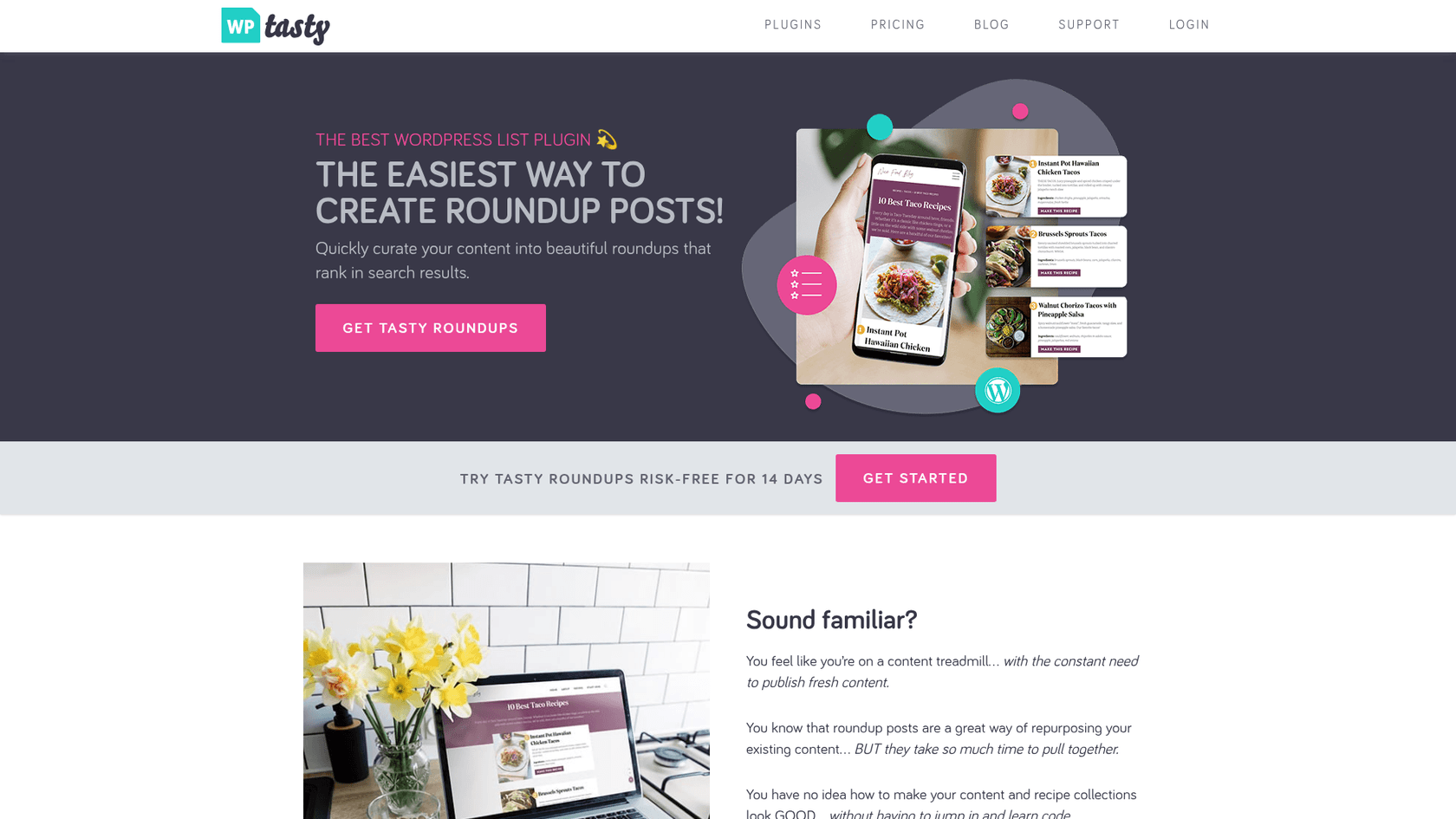
If your blog is on WordPress, Tasty Roundups is a helpful plugin for creating clean, organized roundup posts. It adds a custom block to the editor that lets you easily search for your own posts or paste in external links. It then automatically pulls the post title, featured image, and description, formatting it all into clickable cards.
Pros:
- Saves time on formatting and managing links.
- Automatically pulls in images, titles, and descriptions.
- The styling options are flexible and give you a professional look without needing to code.
Cons:
- It only works for WordPress users and you have to use the block editor, not the Classic Editor. If you're on a different CMS, you'll need another option.
Pricing:
- A single license costs $49 per year.
4. Google Sheets
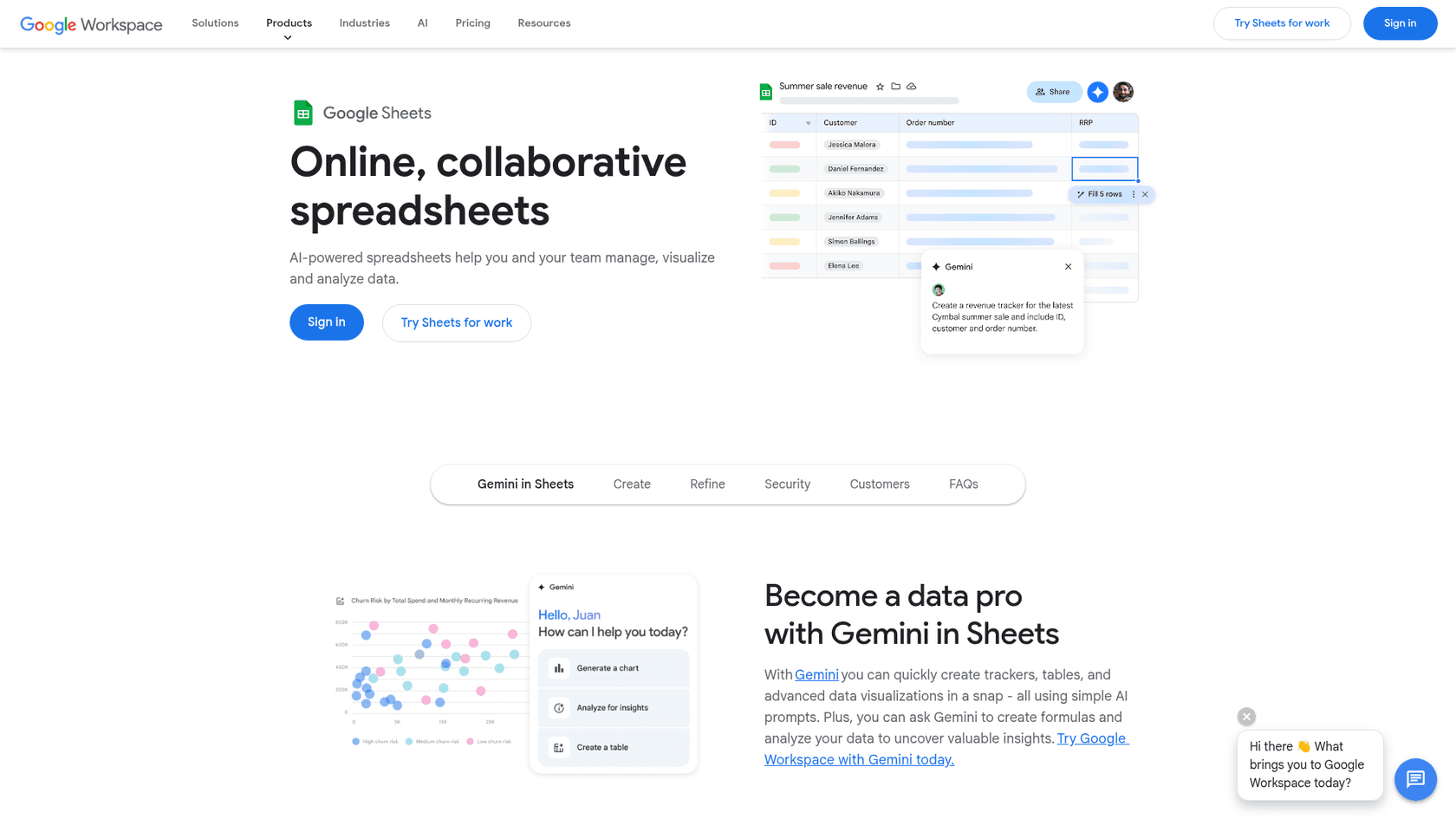
A simple tool can be very effective. For managing outreach, a well-organized Google Sheet is a great option. You can create columns for the expert's name, website, email, outreach date, response status, and their final quote. This spreadsheet becomes a central hub for the entire project.
Pros:
- It's completely free, you can customize it however you want, and it's collaborative.
- You can easily share it with team members and update it in real-time.
- Gives you a clear overview of your progress and keeps you organized.
Cons:
- It's completely manual. You have to set up the structure and enter all the data yourself. It doesn't automate any part of the outreach; it just helps you keep track of it.
Pricing:
- Free with a Google account.
5. Google Programmable Search Engine
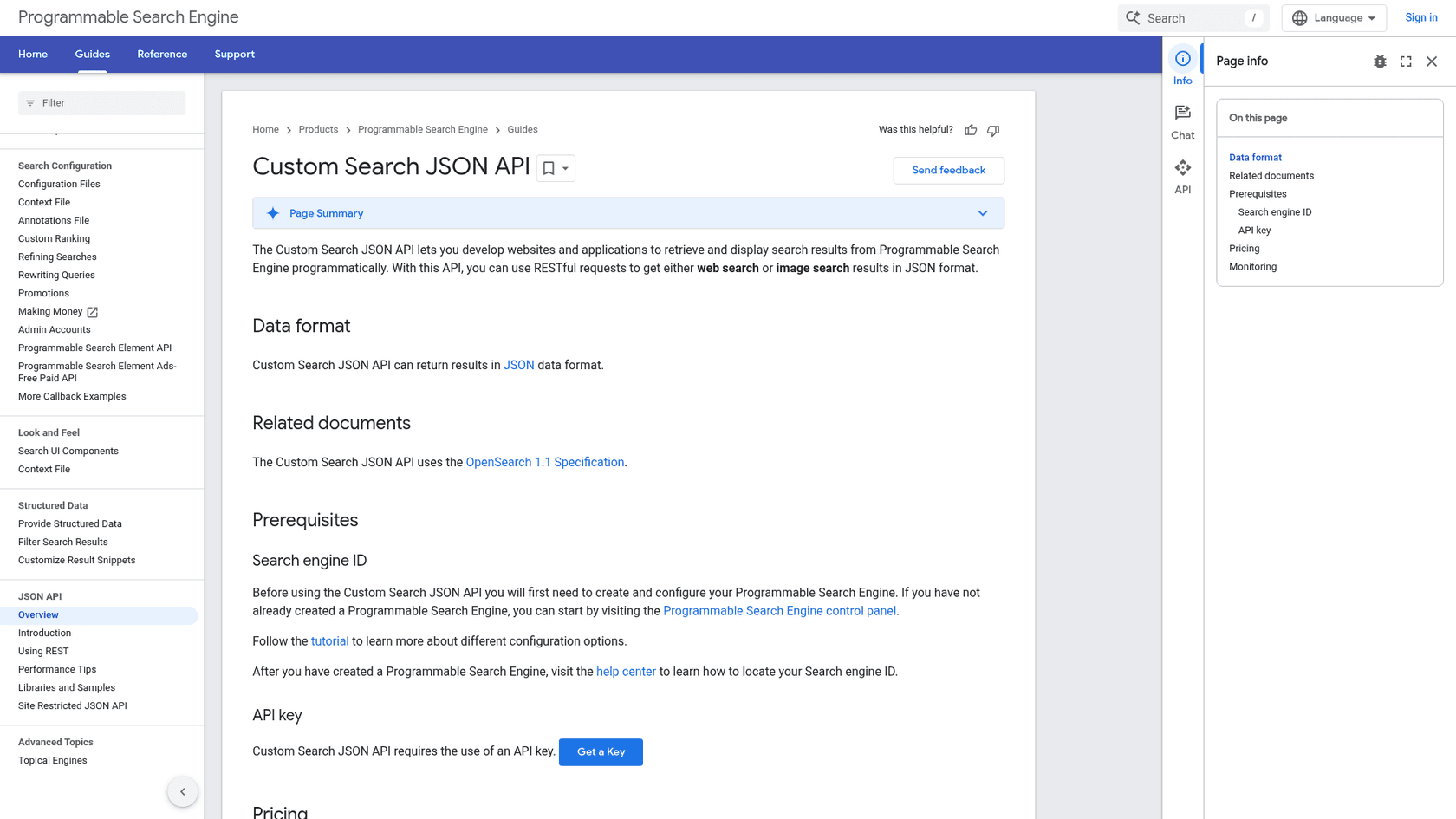
This is a useful technique for content roundups. Google lets you create your own custom search engine that only searches a list of websites you approve. Once you have a list of blogs you trust, you can add them to your Programmable Search Engine. Then, when you need content on a specific topic, you can search just those sites.
Pros:
- Saves time finding relevant content from sources you trust.
- Helps ensure the quality and consistency of your content roundups.
- It's a useful resource that you can build on over time.
Cons:
- It takes some time upfront to build and maintain your list of approved sites.
- You're limited to 100 free queries per day before you have to pay.
Pricing:
- Free for 100 search queries per day. Additional requests cost $5 per 1000 queries.
Best practices for an effective roundup post
Tools are only part of the equation. The success of your roundup post also depends on execution. Here are a few best practices:
- Ask a great question. For expert roundups, avoid generic questions. Get specific, be a little controversial, or ask for a unique take. A question like "What's one common piece of advice in our industry that you think is completely wrong?" will get you much more interesting answers.
To hit the jackpot and get thousands of tweets and social media shares on your expert roundup blog post, you need to create something outstanding - something that will leave industry/niche influencers jaw-dropped.

For more visual tips on creating compelling roundup posts, check out this video that breaks down how to make content your readers will love.
Streamline your roundup writing process
Roundup posts are an effective way to grow your blog's traffic and authority. By using the right tools, you can cut down on the manual work and focus on creating a valuable resource for your readers.
Pairing a powerful content generator like the eesel AI blog writer to build the frame with specialized tools for research, outreach, and formatting gives you an efficient workflow. You get the speed of AI without losing the human touch that's needed for curation and building relationships.
Ready to see how fast you can create the foundation for your next roundup post? Generate your first blog for free and see the difference for yourself.

Frequently Asked Questions
Share this article

Article by
Amogh Sarda
CEO of eesel AI. Amogh Sarda is obsessed with making the ultimate AI for customer service teams. He lives in Sydney, Australia and has previously worked at Atlassian and Intercom. Outside of work he’s usually surfing or on stage doing improv.



