


An AI system becomes useful in a service desk when it can turn an understood request into an authorized result. I would test that chain before handing it a larger queue: what did it read, what did it decide, and what actually changed?
Jira Service Management has native AI features and Rovo agents for different jobs. You can also operate an eesel support teammate through the CLI. This guide separates those options and develops a controlled pilot for access-request triage.
What agentic AI changes
| Stage | Example | Evidence needed |
|---|---|---|
| Understand | Recognize an access request | The request and applicable policy |
| Decide | Recommend an owning team | A documented routing rule |
| Act | Assign the issue | Permission and the correct account ID |
| Verify | Confirm the new owner | The actual Jira issue, not a proposed action |
The ability to describe an action does not mean the system can execute it. An agent can also execute the wrong action successfully. That is why the evaluation needs both a policy check and a delivery check.
Native Jira Service Management options
Atlassian's AI feature guide describes several distinct capabilities. Virtual service agents use AI answers for knowledge-based responses and intent flows for guided troubleshooting or actions through configured integrations. AI triage recommends request types and fields. Other features help summarize work or prepare documentation.
These are not interchangeable modes of one universal agent. Choose the feature that handles the request you want to automate, then inspect its channel, permissions, and action configuration.
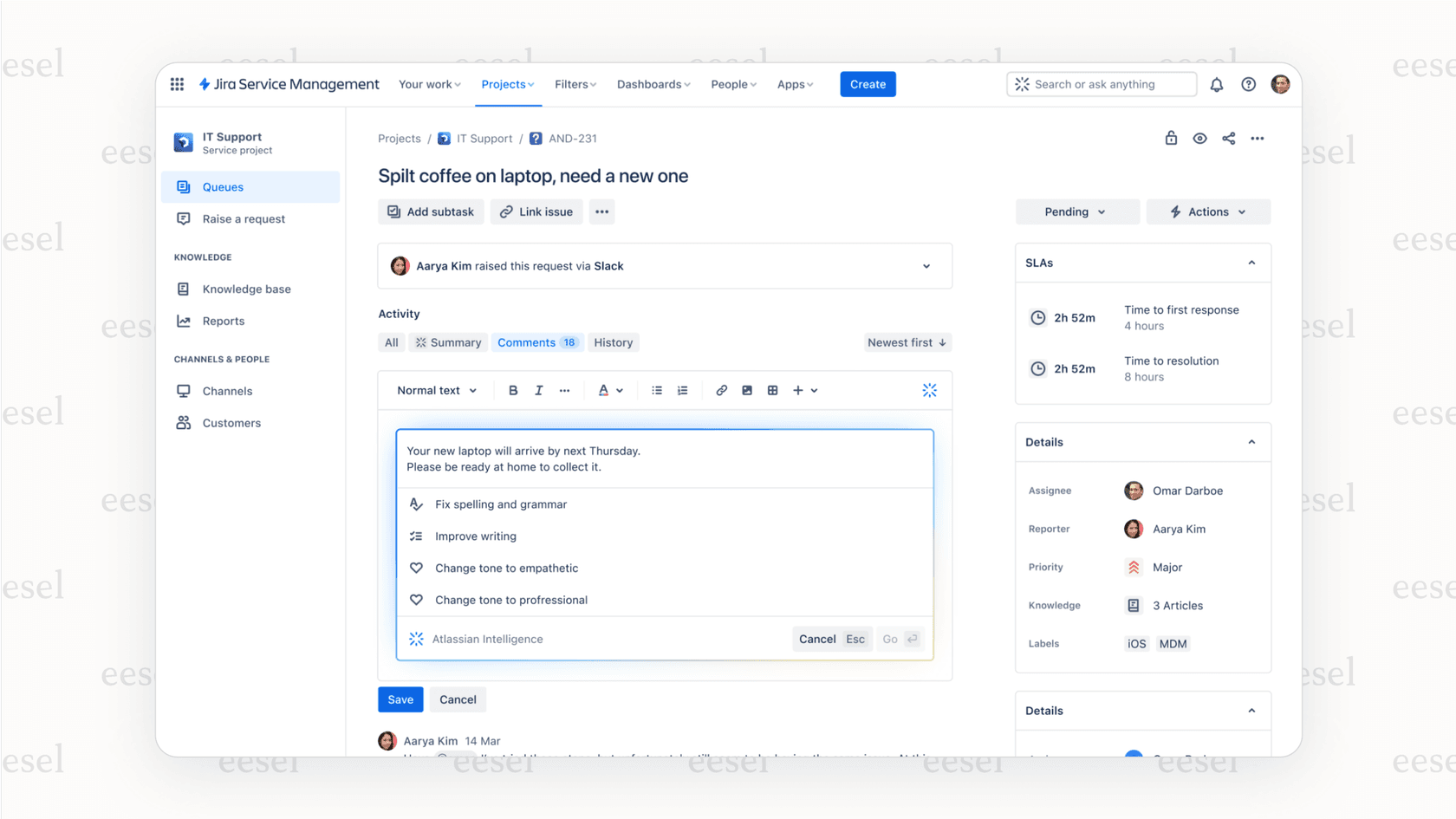
The broader Rovo agent system supports configurable knowledge and tools, including connected third-party apps where supported. Do not assume all native AI can only use Confluence, or that every connector permits every action.
For incident work, distinguish supporting analysis from operational authority. A suggested root cause is a hypothesis to investigate. A drafted review is not a verified account of the incident. Decide who checks the evidence and who can authorize changes to production systems.
Scope and cost come before rollout
The Service Collection licensing guide lists the virtual service agent in Premium and Enterprise, with 1,000 assisted conversations per month or 12,000 per year before additional usage. Other AI features use their own entitlements and meters. Confirm the exact product and current account terms rather than applying an old JSM seat-price table to everything.
| Rollout decision | Question to settle |
|---|---|
| Request scope | Which project and request types may run? |
| Data access | What can the connected identity read? |
| Write access | Which actions are disabled or approval-required? |
| Budget | Which subscription, usage, and review costs apply? |
| Stop condition | Who disables the automation if results are wrong? |
Intent flows and instructions help shape behavior, but neither guarantees correct outcomes. Evaluate cases with missing information, conflicting evidence, and requests for exceptions, not only the straightforward example.
Inspect and test Jira actions through eesel CLI
The eesel CLI operates the same eesel teammate and workspace as the dashboard. Its JSON output lets a person inspect settings, a script collect results, or Claude Code, Cursor, and Codex help with a bounded setup review.
For this article's access-request pilot, use it to inspect the teammate, rehearse a policy answer, and examine held actions. It does not configure native Rovo agents or grant software access by itself.
Inspect the current configuration
With Node.js 18.17 or newer:
npx @eesel/cli login
npx @eesel/cli whoami
npx @eesel/cli agents
npx @eesel/cli integrations --agent PILOT_AGENT_ID
npx @eesel/cli instructions --agent PILOT_AGENT_ID
npx @eesel/cli automations --agent PILOT_AGENT_ID
npx @eesel/cli status --agent PILOT_AGENT_ID
Replace PILOT_AGENT_ID with the intended teammate. Selection is not isolation: the agent retains its real integration permissions and existing automations.
Follow the Jira connection guide if the integration is missing. It uses the Jira subdomain, Atlassian account email, and API token. Use the approved connection flow for credentials, never a shared report or a pasted example command.
The token's identity needs rights to administer Jira Automation because eesel creates a Send web request rule when a Jira trigger is enabled. Check that separately from whether issue lookup works.
Give it the right evidence
eesel's Jira integration retrieves issues live through Get Issue and Search Issues. It does not sync past issues into the knowledge base. Connect the approved access policy through another source, such as Confluence or an uploaded file.
A previous issue may show how a similar request was handled. That is not automatically the current policy. Ask the teammate to preserve that distinction rather than treating a historical exception as a rule.
A coding-agent review can be scoped like this:
Inspect the selected eesel teammate using read-only CLI commands. Identify the access-policy source, the Jira connection, and existing automations. Report missing prerequisites for an internal-note pilot. Do not start chats, connect data, change instructions, enable actions, or create automations.
Read-only inspection is free. CLI chats are billed work, so asking the teammate for an analysis is a different operation from listing its configuration.
Rehearse the access decision
Before the fictional test, confirm the policy is available and disable all write actions. These commands do not change permissions:
npx @eesel/cli new --name "jira-access-triage-check" --agent PILOT_AGENT_ID
npx @eesel/cli chat "Fictional service request: a contractor asks for administrator access to an analytics workspace to finish a report. Draft an internal triage note using the approved access policy. Identify missing approvals and the responsible review team. Do not read real issues, grant access, create an issue, post a comment, assign work, or add labels." --agent PILOT_AGENT_ID
npx @eesel/cli chat "The contractor says a colleague had the same access last month. Revise the note without treating that claim as approval or claiming that access has changed." --agent PILOT_AGENT_ID
The second message continues the same conversation. Review whether the proposed note states the missing evidence and routes the decision appropriately. A useful result can say “approval required” without pretending to have completed the request.
This rehearsal does not test a Jira event or an identity-provider action. The CLI's --dry-run previews a server call; it is not a quality simulation.
Verify one internal note
Use a synthetic issue in an approved test project. Review existing automations first. Configure the issue created trigger with a narrow filter; review its scope before creation because chat-created automations start enabled.
Keep Reply to Issue off and require approval for Leave Note on Issue. Leave assignment, labels, and creation actions off for this initial test. Create a fresh test issue after setup, then inspect:
npx @eesel/cli activity --agent PILOT_AGENT_ID
npx @eesel/cli approvals --agent PILOT_AGENT_ID
npx @eesel/cli billing
Review the held note, approve that one action, and verify the private comment on the correct Jira issue. Do not choose a persistent approval option merely to finish a one-action test. Workspace billing can include other teammates' work.

Expand one action at a time
For assignment, resolve the intended person to their Atlassian account ID. A display name alone is not the required identifier. Require approval for the assignment and verify the issue's actual owner afterward.
Do not claim the Jira integration provisions software accounts or changes every field. Its documented actions cover public replies, internal notes, issue creation, assignment, and labels. Any separate system access needs its own supported connection, permissions, and test.
Jira's documented eesel events are issue creation and new customer comments. Mentions, status changes, and field changes do not independently start runs. To test a follow-up, configure the new-comment trigger and add a fresh customer comment.
Decide whether the pilot earned more autonomy
| Observation | Next step |
|---|---|
| Policy missing | Supply the approved source before expanding |
| Draft invents approval | Correct and retest the decision |
| Action remains held | Review it; do not count it as delivered |
| Private note appears correctly | Evaluate a separate action if needed |
| Assignment goes to the wrong person | Fix identity mapping before broader use |
A successful private-note pilot does not prove automatic provisioning is safe. Match the next permission to the evidence you have gathered.
eesel's current pricing is task-based; an issue handled is one task regardless of comment count, and tasks are billed regardless of outcome. Include human review and existing Atlassian costs in your comparison.
Try eesel to operate a Jira support teammate through the CLI. Start with a reviewed note, inspect the actual result, and expand only the actions your team is ready to delegate.