What IT Ticket Automation Actually Covers
When people say "IT ticket automation," they usually mean one of three different things, and mixing them up leads to buying the wrong tool or expecting the wrong outcome.
The first is workflow automation: rules that trigger when a ticket matches certain conditions. SLA timer fires? Route to on-call. Ticket tagged "VPN issue"? Assign to the network team. This has existed since the mid-2000s and requires no AI.
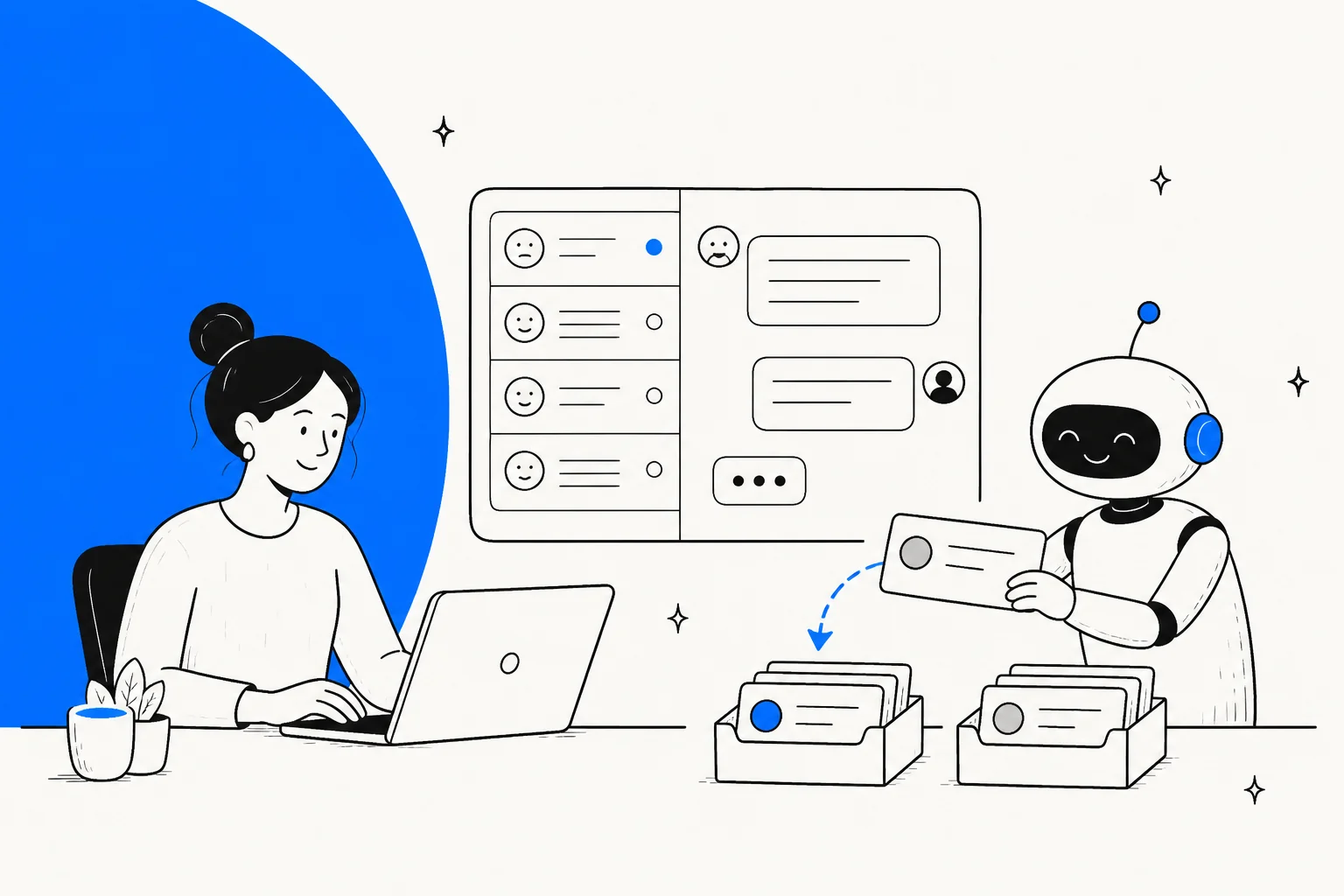
The second is AI classification and routing: natural language understanding that reads an incoming ticket and decides what it is, how urgent it is, and where it should go, without the requester picking from a dropdown. This is genuinely newer and meaningfully reduces miscategorization and routing lag.
The third is AI resolution: the AI actually answers or fulfills the request end-to-end. Password reset completed. Software license provisioned. Access request approved and synced to Active Directory. The ticket closes without a human agent touching it.
Most "AI IT ticketing" marketing conflates all three. Most organizations are only doing the first one.
Here's the scope of what modern IT ticket automation can cover:
- Auto-classification: reading the ticket, assigning category, subcategory, and priority without the requester selecting anything
- Intelligent routing: sending the ticket to the right team or queue based on content, not just the requester's department
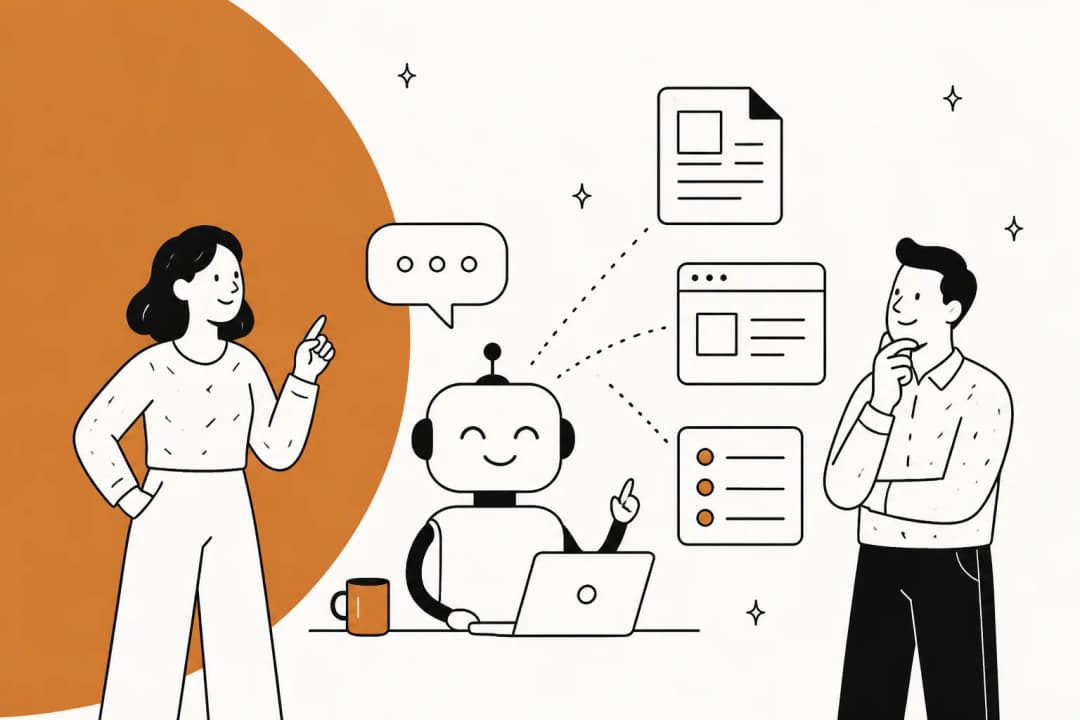
- First-touch deflection: offering a KB article or chatbot response before the ticket even enters the queue
- Auto-resolution: completing common fulfillment requests (password resets, access provisioning, software installs) without agent involvement
- SLA breach alerting and escalation: proactively surfacing tickets at risk of breaching SLA before they breach
- Ticket summarization: giving agents a one-paragraph summary of a long thread when they pick up a ticket
- Post-incident report (PIR) drafting: generating a first-draft incident review from timeline data, Slack threads, and change records
- Knowledge gap detection: identifying recurring ticket topics with no KB article, then drafting a new one
The honest scope check: categories 1-4 directly reduce ticket volume and resolution time. Categories 5-8 reduce agent cognitive load and documentation overhead. Both matter; they just show up differently on a dashboard.
The Three Automation Tiers

Where is your service desk right now? And where should it aim?
Level 1: Rules-based automation
This is keyword routing, SLA triggers, and assignment rules. A ticket containing "printer" goes to the Hardware queue. A ticket marked P1 pages the on-call engineer. These are fast to configure, deterministic, and fragile at scale: they break when requesters phrase things differently or when ticket volumes diversify.
Most organizations with any ITSM tool are already here, even if they don't call it automation.
Level 2: AI classification and routing
A language model reads the full ticket text, not just subject-line keywords, and assigns category, priority, and team. It catches "my mouse is giving me grief" as a hardware issue without a "mouse" keyword rule. It routes "I can't access the VPN from home" to the network team even when the subject says "working from home problem."
JSM's automation rules engine at the Standard tier handles conditional routing across 15+ configurable conditions including request type, reporter group, and custom fields. Freshservice's Freddy AI Copilot adds skill-based routing: the AI analyzes ticket context and assigns to the most suitable agent based on expertise, not just availability.
This tier meaningfully reduces misrouting and the back-and-forth cost of tickets landing in the wrong queue.
Level 3: Full AI resolution
The AI fulfills the request without human touch. The employee types "I forgot my password" in Slack. The bot confirms identity via MFA, resets the password in Active Directory, and closes the ticket. The whole loop takes under 90 seconds.
According to the InformationWeek IT Resource Drain Study via TeamDynamix, 47% of ITSM queries are about password resets, 43% are onboarding or offboarding requests, and 42% are credential management issues. These three categories (all strong Level 3 candidates) make up the majority of most service desk queues.
Reaching Level 3 reliably requires good integrations (the AI needs to actually reach your AD/IdP/provisioning system, not just acknowledge the request), a well-maintained knowledge base, and enough historical data to train or fine-tune classification.
Five Use Cases in Depth
Auto-classify and route incoming tickets
Every ticket that lands in the queue wrong wastes time twice: once when the wrong team reads it, and once when they re-route it. At scale, this is significant: a 1,000-ticket/month desk with a 20% misroute rate is generating 200 unnecessary handoffs.
Modern ITSM platforms use NLU to read ticket body text and assign category, priority, and routing at submission. ServiceNow's Virtual Agent uses "issue auto resolution" to identify user intent and start a resolution conversation. Freshservice's Freddy AI Copilot identifies related historical tickets and suggests field values, so even when a human agent handles the ticket, the categorization is pre-filled and accurate.
For Slack-native teams, eesel reads the message in your IT support channel, classifies it, and either resolves it or creates a routed ticket in your connected helpdesk, without the requester ever leaving Slack.
Deflect known issues with KB articles
The classic Level 2 use case. Before the ticket enters the queue, the AI surfaces a relevant KB article and asks "did this solve your problem?" If yes, no ticket is created. If no, the context carries forward to the agent.
Freshservice's Freddy AI Agent reports a 66% average ticket deflection rate across its customer base. JSM's Virtual Service Agent (Premium tier) delivers always-on Tier 1 support via Slack, surfaces Confluence article excerpts conversationally, and routes to the right team with pre-gathered context when escalation is needed. The 1,000 assisted conversations per month included in Premium tier gets consumed quickly at scale; overage runs $0.30 per assisted conversation with volume discounts.
The deflection rate depends almost entirely on knowledge base quality. Teams with sparse, outdated documentation see 10-20% deflection. Teams with curated, regularly updated KB articles see 50-70%.
Auto-resolve common requests (password resets, access requests)
This is where the ROI math becomes obvious. HDI benchmarking data shows the average North American service desk spends $15.56 per ticket when labor, tech, and overhead are factored in, and that number climbs sharply for walk-up and voice channels. Automating a password reset costs a fraction of that. At 400 password resets per month, automating them saves roughly $6,000/month versus manual handling.
Password resets and access provisioning work well because they are:
- High volume and repetitive
- Well-defined fulfillment steps (the same AD action every time)
- Low risk if the identity verification step is solid
ServiceNow ITSM Prime tier includes the L1 Service Desk AI Specialist, which "autonomously diagnoses and resolves common IT support requests end-to-end using enterprise knowledge bases, historical incident data, and proactive remediation workflows." At scale, ServiceNow reports their own internal Autonomous Workforce handles 90%+ of employee IT requests.
For teams not on ServiceNow, eesel's AI agent connects to your existing helpdesk and executes fulfillment steps without replacing your ITSM platform, starting at $0.40 per resolved ticket.
SLA breach alerting and escalation
SLA management is the unglamorous backbone of IT service delivery. Breach SLA on a P1 and you have a stakeholder conversation. Breach SLA on a P3 enough times and you have a CSAT problem.
Level 1 automation handles the basics: alert the assignee at 75% of SLA window. Level 2 adds prediction: the AI identifies tickets trending toward breach based on complexity and assignee workload, and escalates proactively before the timer hits.
Freshservice's SLA Management supports custom SLA policies per department and group. JSM includes SLA tracking in every plan including Free, with escalation rules configurable through its automation engine. Freddy AI Insights goes further: it monitors the service desk for anomalies and provides root cause analysis before issues escalate, and supports conversational analytics ("Why did CSAT dip this week?") for service leads.
Post-incident report generation
Post-mortem documentation is consistently the most hated part of incident response. It gets skipped when teams are exhausted, filled in incompletely when rushed, and reviewed inconsistently. The result is incomplete institutional memory and repeated incidents.
JSM's Advanced AIOps (Premium and above) auto-generates draft PIR documents from incident timeline data, pulling from ticket records, alert history, change records, and Slack incident threads. Atlassian Intelligence also generates concise incident summaries and full timelines directly in Slack channels, reducing the time stakeholders spend reconstructing what happened.
ServiceNow's Now Assist for ITSM covers similar ground: summarization of incident threads, AI-generated resolution notes, and knowledge article drafting from resolved tickets.
Tools That Do IT Ticket Automation Well
ServiceNow
ServiceNow positions itself as "the AI control tower for business reinvention" and is the dominant platform for large enterprise ITSM. Its automation stack includes:
- Virtual Agent: GenAI-powered conversational chatbot with multi-turn conversations, NLU intent recognition, issue auto-resolution, live agent handoff, and integrations with Slack and Teams. Available at all three ITSM tiers.
- Now Assist for ITSM: GenAI summarization, reply suggestions, knowledge article generation, and AI search. Tier-specific variants (Foundation/Advanced/Prime).
- L1 Service Desk AI Specialist (ITSM Prime only): autonomous end-to-end resolution of common IT requests, introduced February 2026 as part of the Autonomous Workforce launch.
- Moveworks for ITSM: bundled at each tier following ServiceNow's December 2025 acquisition of Moveworks. Provides conversational AI that resolves common IT requests and finds answers instantly.
ServiceNow ITSM is sold in three named tiers (Foundation, Advanced, and Prime) with no dollar figures published on the pricing page. Every tier terminates in a "Get Custom Quote" CTA. Third-party consultancies estimate ITSM at $70-$200 per fulfiller per month, but those figures are not published by ServiceNow.
Best for: Enterprises with existing ServiceNow investment or those replacing fragmented ITSM tooling with a single platform.
Real limitation: The AI and intelligence features are promising, but as one G2 reviewer noted, they "can feel limited unless they are properly configured and licensed." Full automation capability lives in the Prime tier.
Freshservice
Freshservice is the mid-market alternative to ServiceNow. It is ITIL-aligned, faster to implement, and with a published pricing structure that makes it easier to plan a budget. Its AI suite is called Freddy, split into three products:
- Freddy AI Agent: 24/7 conversational AI across Slack, Teams, Microsoft 365 Copilot, and the service portal. Supports 40+ languages. Deflects 66% of incoming tickets on average.
- Freddy AI Copilot: reply suggestions, ticket summarization, smart field recommendations, skill-based routing (Early Access). Reduces average resolution time by 77%.
- Freddy AI Insights: proactive anomaly detection, conversational analytics for IT leaders.
| Plan | Price | AI Included |
|---|---|---|
| Starter | $19/agent/month | None |
| Growth | $49/agent/month | None |
| Pro | $99/agent/month | None |
| Enterprise | Custom | Full Freddy AI suite (1,200 sessions/year) |
The AI gating is the main friction point. Freddy AI Agent requires the Enterprise tier or a separate add-on. For teams on Pro or below, Freshservice ticket deflection typically requires pairing Freshservice with an external AI layer.
Best for: IT teams that want a modern, ITIL-aligned platform with solid built-in automation at a lower total cost than ServiceNow.
Jira Service Management
JSM is the developer-native choice, particularly strong for organizations where IT and engineering share Atlassian tooling. Its AI automation spans several layers:
- Virtual Service Agent (Premium+): intent-based automation for common request types, AI answers from Confluence knowledge base, intelligent routing with pre-gathered context. 1,000 assisted conversations/month included; $0.30/conversation overage.
- AIOps suite (Premium+): AI alert grouping, AI incident creation, PIR generation, Slack incident summaries.
- Atlassian Intelligence (Standard+): triage, ticket summarization, knowledge gap detection, AI-drafted runbooks and articles. Powered by Rovo AI.
- Automation rules engine (all tiers): conditional routing across 15+ trigger conditions, emoji-based Slack actions, auto-channel creation for incidents.
| Plan | Price | AI Highlights |
|---|---|---|
| Free | $0 | None |
| Standard | $20/agent/month | Rovo AI (25 credits/user), automation rules, 5,000 Assets objects |
| Premium | $51.42/agent/month | Full Rovo AI (70 credits/user), Virtual Service Agent, full AIOps, change management |
| Enterprise | Contact sales | 150 credits/user, up to 150 sites, 500,000 Assets objects |
The Atlassian Teamwork Graph, which connects Confluence, Jira, Bitbucket, Slack, and Splunk, gives JSM's AI real context without heavy integration work. That's a genuine differentiator for teams already on Atlassian.
Best for: Engineering-aligned IT teams, DevOps-heavy orgs, and companies already using Confluence and Jira Software.
eesel: the Slack-native AI layer
eesel takes a different architectural approach. Rather than replacing your ITSM platform, it sits on top of it as an AI agent layer, resolving requests in Slack or your existing helpdesk without requiring migration.
The primary value proposition for IT teams: employees submit requests in Slack the way they already do, and eesel handles classification, knowledge retrieval, and resolution before the ticket ever hits the agent queue. When it can't resolve, it creates a routed ticket in the connected platform (Zendesk, Freshservice, JSM, etc.) with full context.
Key capabilities for IT ticket automation:
- Confidence-based routing: high-confidence responses go out automatically; low-confidence drafts queue for human review
- Knowledge sources include past support tickets, Confluence, Google Drive, Notion, SharePoint, and website content
- Simulation mode: test the AI against thousands of past tickets before going live, get data-driven deflection forecast
- 80+ language support, automatic language detection
Pricing is usage-based with no per-seat fees:
| Task type | Price |
|---|---|
| Dashboard questions | Free |
| Support tickets / chat sessions | $0.40 each |
| Heavy tasks (long-form content) | $4.00 each |
Free trial: $50 in credits, no credit card required. Enterprise platform fee: $1,000/month (includes dedicated solutions engineer, SSO, HIPAA, BAA).
For a 1,000-ticket/month service desk routing 60% to the AI, that's $240/month, a fraction of the agent time it displaces.
Best for: Teams that want AI-powered ticket automation without switching ITSM platforms, or teams running Slack as their primary IT support channel.
eesel as the Slack-Native Layer
Most ITSM platforms built their Slack integration as an afterthought. ServiceNow's Slack integration requires a ServiceNow System Administrator to configure OAuth, install an update set, and assign custom permission roles, and the end result is notification delivery and incident creation shortcuts, not AI-powered resolution.
JSM's Atlassian Assist does better: it syncs bidirectionally with Jira tickets and supports emoji-based actions, but the Virtual Service Agent is Slack-only and requires the Premium tier at $51.42/agent/month.
eesel is built for the reality that most IT support requests happen where employees already are. When someone types "I need access to the design team's Google Drive folder" in your #it-support Slack channel, eesel can:
- Classify the request as an access provisioning ticket
- Check the connected knowledge base for the approval workflow
- If the workflow allows auto-approval for this request type, execute it and close the ticket
- If human approval is needed, create a routed ticket in the connected helpdesk and notify the approver via DM
The eesel ITSM + Slack guide covers the full implementation. For teams on Freshservice, the Freshservice ticket deflection guide is the fastest path to adding AI resolution without touching the Freshservice configuration.
Implementation: How to Start Without Disrupting the Team
The teams that fail at IT ticket automation usually make one of two mistakes: they try to automate everything at once, or they automate before auditing what's actually coming in.
Audit first
Before touching any automation settings, spend a week categorizing your ticket backlog by type. Most IT desks find that the top 5 categories account for 60-70% of total volume. Password resets, VPN access, software license requests, onboarding provisioning, and hardware requests are the most common across enterprise IT.
InformationWeek's IT Resource Drain Study found that 58% of IT organizations report repetitive requests consume more than five hours per week per person. That's where your automation ROI lives.
30-day plan: automate your top category
Pick the single highest-volume ticket type. Build and test the KB article set or automation flow for that one category. Deploy in draft mode first: the AI suggests a response, an agent reviews and sends it. Measure deflection rate versus manual resolution rate for that category.
For Slack-native teams: set up eesel to handle only that category, with all other tickets routing to agents as before.
60-day plan: expand to top 5 categories, measure deflection
Roll out automation to the next four categories on your list. At this point you should have enough data to calculate your actual deflection rate and cost-per-ticket savings. Compare against your pre-automation baseline.
Gartner estimates that 40% of enterprise apps will feature task-specific AI agents by end of 2026, up from less than 5% in 2025. Teams that establish their automation baseline now will be ahead of the curve when AI capabilities expand further.
90-day plan: enable full auto-resolution for eligible categories
For categories where draft-mode accuracy is above your threshold (typically 85%+), enable full autonomous resolution with no human review before sending. This is where the cost savings become material.
Track four metrics throughout:
- Deflection rate: tickets resolved without human touch / total tickets
- MTTR: mean time to resolution, automated vs. manual
- Cost per ticket: total monthly service desk spend / ticket volume
- AI CSAT: satisfaction scores specifically for AI-resolved tickets
If AI CSAT drops below human CSAT by more than 10 points, the knowledge base needs work before you expand further.
What Not to Automate
Not everything should be automated, and the cost of getting this wrong is higher than the cost of leaving some tickets manual.
Security incidents: anything touching a potential breach, unauthorized access, or data exposure. These require human judgment about containment, legal notification, and escalation. An AI that auto-closes a "suspicious login" ticket because it finds a KB article about VPN configuration has caused a security incident, not resolved a support request.
Novel issues: if the AI has never seen this category of issue and there's no KB article, automation will hallucinate a response or produce a confident-sounding wrong answer. eesel's confidence-based routing handles this by sending low-confidence responses to draft review rather than auto-sending.
VIP escalations: C-suite and executive-tier requests carry relationship risk that a template response can damage. Flag these for senior agent handling regardless of category.
Anything requiring impact assessment: major changes, service disruptions affecting multiple teams, incidents where the blast radius is unclear. These need a human to evaluate before action.
Regulatory or compliance-sensitive requests: GDPR deletion requests, SOX-related access changes, HIPAA-adjacent data questions. These require documented human review, not AI resolution.
The pattern: automate what is well-defined, repetitive, and low-stakes. Keep humans on anything where a wrong decision has legal, security, or relationship consequences.
Pulling It Together
IT ticket automation is not a single product decision. It is a progression: from keyword routing (Level 1) to AI classification (Level 2) to AI resolution (Level 3). Most organizations are somewhere in the first half of that journey.
The practical path forward:
- Audit your ticket categories: find the top 20% by volume that drives 80% of repetitive work
- Choose your approach: native automation in your ITSM (Freshservice, JSM) or an AI layer on top (eesel for Slack-native teams)
- Start in draft mode: build confidence in accuracy before enabling full autonomous resolution
- Measure and expand: use deflection rate and cost-per-ticket as your north stars
For IT teams already living in Slack, the fastest path to meaningful deflection is adding an AI layer that works in the channel employees are already using. Native ITSM chatbots require employees to go to a portal; eesel meets them where the request actually happens.
The teams with the best outcomes treat automation as a rolling practice, not a one-time rollout. Audit quarterly, add categories gradually, and keep the knowledge base fresh. That approach compounds: deflection rates that start at 20% in month one can reach 60%+ by month six if the maintenance discipline is there.
Sources
- ServiceNow ITSM Plans and Packages
- ServiceNow Virtual Agent
- ServiceNow Autonomous Workforce + EmployeeWorks announcement (Feb 2026)
- Freshservice AI ITSM
- Freshservice Pricing
- JSM AI Features
- JSM Pricing
- eesel Pricing
- HDI Cost per Ticket benchmark
- InformationWeek IT Resource Drain Study via TeamDynamix
- Gartner 40% AI agents prediction via DI.net.au
- Gartner 40-60% recurring ticket analysis via LinkedIn
Frequently Asked Questions
Share this article

Article by
Amogh Sarda
CEO of eesel AI. Amogh Sarda is obsessed with making the ultimate AI for customer service teams. He lives in Sydney, Australia and has previously worked at Atlassian and Intercom. Outside of work he’s usually surfing or on stage doing improv.