How to use eesel AI’s copilot to boost your support team

Kenneth Pangan
Written by

Kenneth Pangan

Last edited January 4, 2026

Expert Verified
How to use eesel AI’s copilot to boost your support team

Support teams spend a lot of time writing and rewriting replies. eesel AI’s copilot makes this easier by suggesting drafts based on your real help docs, past tickets, and internal notes.

Your team can review, adjust, and send without starting from a blank screen or jumping between tabs. Replies stay accurate and consistent, and new agents can get up to speed faster.

It’s a simple way to save time and keep your support quality high, while still keeping the human touch.
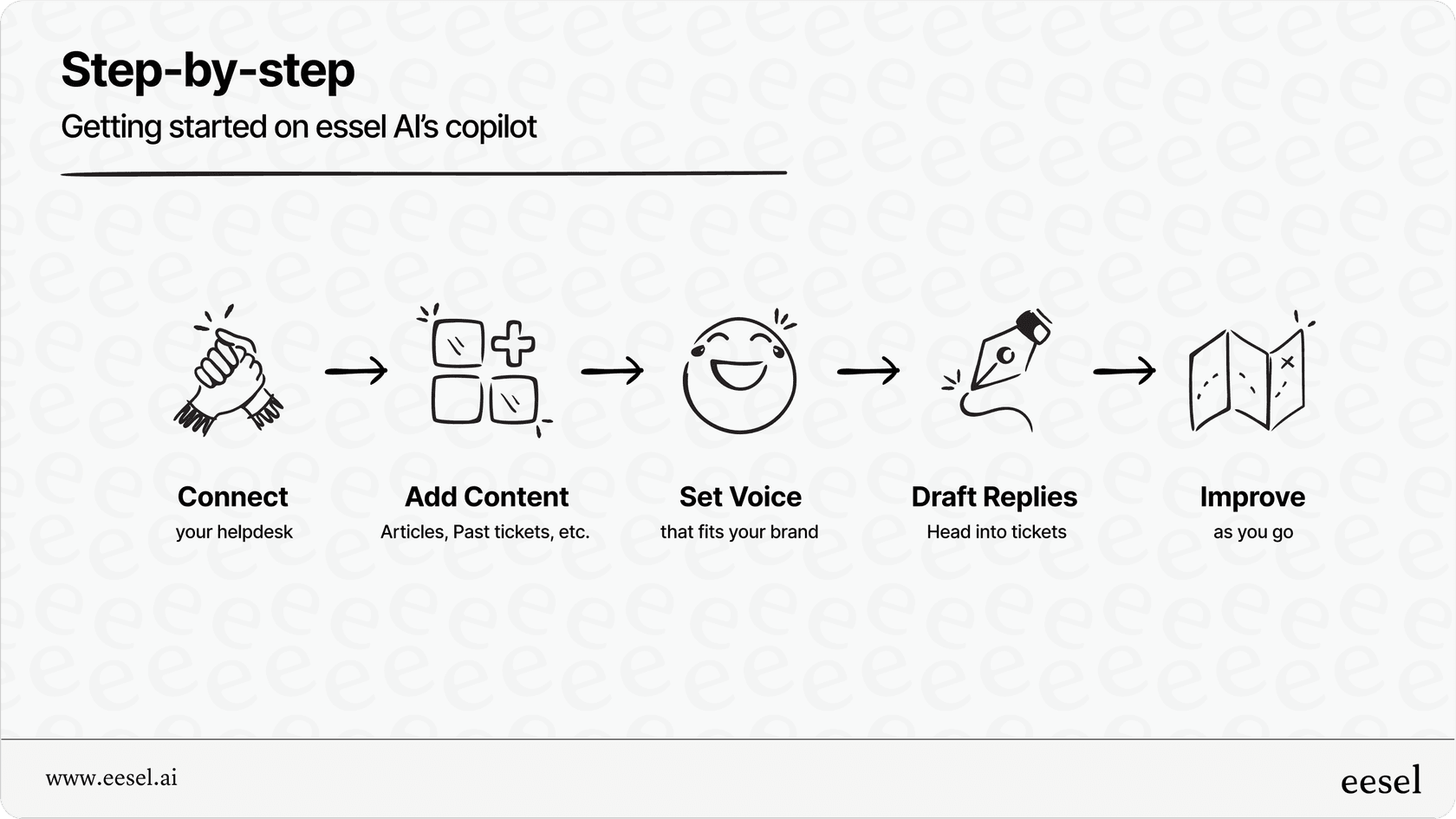
Get started in minutes

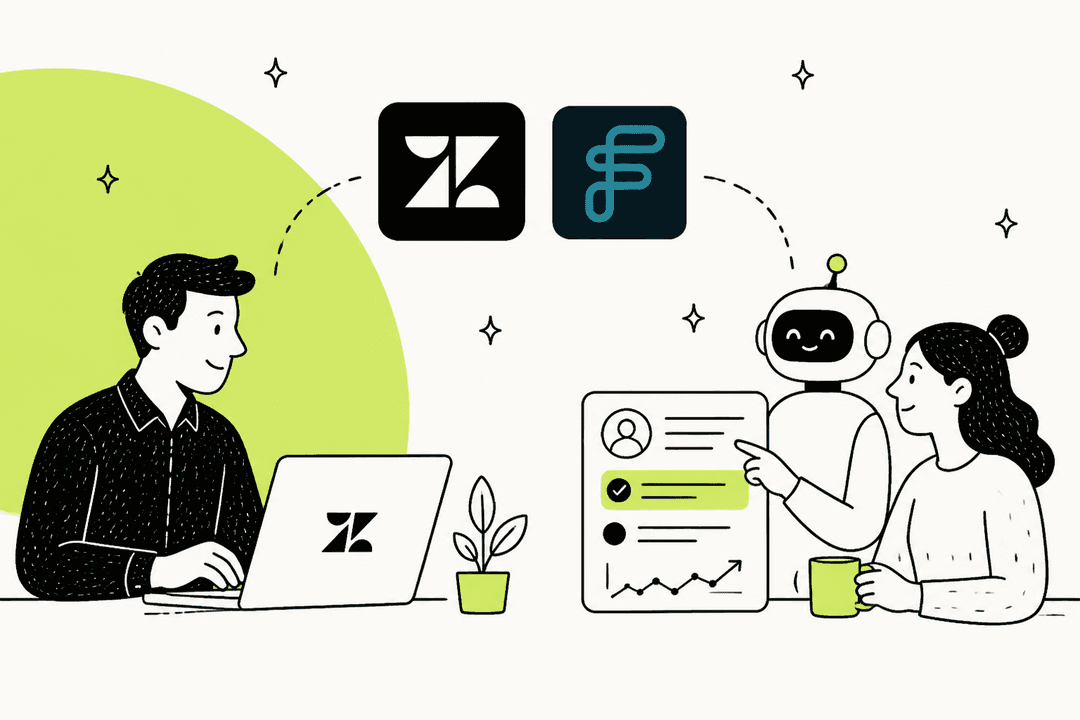
  1. Connect your help desk: Link Zendesk, Freshdesk or any other supported platform. No need to switch systems or upgrade to expensive AI plans.

  2. Add your content: Bring in help center articles, past tickets, and docs from places like Google Drive, Notion, or Confluence. This is what the copilot uses to draft replies that feel real and reliable.

  3. Set your voice: Choose the tone and style that fit your brand. Every draft reflects your unique way of speaking to customers.

  4. Start drafting: Head into a ticket, and you’ll see a suggested reply. You can edit, adjust, or ask for more context before sending.

  5. Improve as you go: Every agent edit helps refine the copilot, making future drafts even better.

Why it works

  • Speeds up replies without losing quality

  • Reduces manual work for agents

  • Keeps brand voice consistent across your team

  • Helps new agents ramp up faster

Start using eesel AI’s copilot today

eesel AI’s copilot makes it easier for your team to deliver faster, more consistent, and more confident support without adding extra complexity or losing the personal touch.

If you’re ready to save time, keep your replies on-brand, and help your agents work smarter, give eesel AI’s copilot a try.

Start a free trial or email hi@eesel.app to learn more.

Share this article

Kenneth Pangan

Article by

Kenneth Pangan

Writer and marketer for over ten years, Kenneth Pangan splits his time between history, politics, and art with plenty of interruptions from his dogs demanding attention.

Related Posts

All posts →
Serval AI: A buyer's guide from the eesel AI team
Guides

Serval AI: A buyer's guide from the eesel AI team

A buyer's guide to Serval, written by the team at eesel AI. Sourced features, pricing, and deployment model, with how an integration-first alternative compares.

Rama Adi NugrahaRama Adi NugrahaMay 2, 2026
Top 5 Jira AI plugins to boost team productivity
Guides

Top 5 Jira AI plugins to boost team productivity

These five AI tools help make Jira faster and easier to use, from sorting tickets to finding the info you need.

Kenneth PanganKenneth PanganMay 25, 2025
5 best apps for Slack AI integration to boost team productivity
Guides

5 best apps for Slack AI integration to boost team productivity

Looking to bring AI into your Slack workspace? These five tools can help your team move faster, communicate better, and spend less time jumping between apps.

Kenneth PanganKenneth PanganMay 26, 2025
Illustration of a person writing with a pencil
Guides

ChatGPT Atlas vs Copilot Pro after Atlas

Atlas is discontinued. Compare the former browser with today’s Microsoft Copilot options, then choose a supported workflow for the job at hand.

Kenneth PanganKenneth PanganOct 26, 2025
OpenAI logo surrounded by illustrated dollar bills
Guides

ChatGPT group chat review: is it ready for your team?

ChatGPT group chats are being retired. This review explains the verdict, what evidence changed, and how to assess a durable team alternative.

Kenneth PanganKenneth PanganNov 18, 2025
Two illustrated people beside a pie chart, a phone with a dollar sign, a bird, and an AI icon
Guides

ChatGPT Team review (2026): Business seats, shared work, and buying checks

A current review of the plan formerly called ChatGPT Team: Business seats, shared Projects, Company Knowledge, workspace agents, and the checks to run before rollout.

Kenneth PanganKenneth PanganSep 3, 2025
Mistral Vibe interface on an orange grid background with a task input and suggestions to summarize unread emails, structure a SaaS model, and build a CLI tool.
Guides

ChatGPT vs Mistral: which AI workspace fits your team?

Compare ChatGPT and Mistral Vibe for everyday work, models, deployment choices, pricing, and the governance checks teams still need to own.

Kenneth PanganKenneth PanganSep 26, 2025
Illustration of a green ChatGPT conversation beside a blue Writesonic article editor with an SEO score gauge and content preview
Guides

ChatGPT vs Writesonic: which content tool fits your team?

Compare ChatGPT and Writesonic for drafting, AI search visibility, pricing, and the source-review work content teams still need to own.

Stevia PutriStevia PutriJan 15, 2026
Illustration of a support worker and AI assistant with LiveAgent branding
Guides

LiveAgent AI agent: setup, controls, and an eesel CLI pilot

Understand LiveAgent's native AI agents and compare a support-policy workflow through eesel CLI, with permissions and delivery tested separately.

Rama Adi NugrahaRama Adi NugrahaJun 18, 2026

Ready to hire your AI teammate?

Set up in minutes. No credit card required.

Get started free