

Whitepapers have been a B2B marketing staple for what feels like forever, and for good reason. They’re a great way to build authority, dive deep into a topic your audience cares about, and generate high-quality leads. But creating one is a mountain of work. The research, writing, and structuring can take weeks or even months to produce a single, polished document.
This is where AI steps in and really shakes things up. Suddenly, you can tackle these complex, research-heavy documents much more efficiently. The goal is to go from a topic to a finished whitepaper in a fraction of the time.
But there’s a catch. The real challenge isn’t just using AI; it’s using it to produce something that sounds human and offers real value. Nobody wants to read generic, robotic filler. You need a whitepaper that stands out, not one that sounds like it was written by a calculator. Tools like the eesel AI blog writer are designed to solve this problem, blending the speed of AI with deep, context-aware research to create content that’s genuinely ready to publish.

What is an AI whitepaper generator?
What is an AI whitepaper generator? Think of it as a specialized tool using AI to help research, write, and structure those in-depth, authoritative documents. It’s not just a fancy spell-checker. Its main job is to take a topic, a prompt, or a pile of data and turn it into a well-organized paper that clearly presents a problem, explores a solution, and backs it all up with solid evidence.
You might be thinking, "Can't I just use a general AI writer for this?" You could, but specialized generators have a few advantages. They're often trained specifically on long-form, technical content, which means they're better at handling complexity and nuance. Plus, they usually come with features designed for whitepapers, like advanced formatting, data visualization tools, and the ability to apply your company’s branding. It’s the difference between a generalist and a specialist, and for a high-stakes document like a whitepaper, you want the specialist.
The core process for creating AI whitepapers
Here’s the thing about using AI to create a whitepaper: it’s not a magic button. A great AI-generated whitepaper still needs a solid, human-led strategy. Think of the AI as an incredibly powerful tool that executes your vision, not as something that creates the vision from scratch. When you pair your expertise with the AI’s efficiency, that’s when you get great results.
Step 1: Define your topic, audience, and objective
Before you write a single word (or prompt), you need to know why you're creating this whitepaper. Is it to generate new leads for your sales team? To establish your company as a thought leader? Or is it a sales tool to help close deals? Nailing this down from the start is a must.
Next, who are you talking to? Technical decision-makers need a different level of detail than C-suite executives. As the folks at Venngage note, your audience determines everything from the tone of voice to the depth of the content.
Pro tip
Don’t just keep this info in your head. Feed your objective and audience persona directly into your AI tool’s context fields. This gives the AI guardrails, helping it produce output that’s much more relevant and targeted from the start.
Step 2: Outline key sections and gather unique data
Most AI generators are pretty good at whipping up a logical outline based on a topic. Your job is to take that outline and make it better. Review it, refine it, and make sure it tells a compelling story that flows from one section to the next.
If you're writing one, it helps to have a clear structure. Most of mine follow this flow: What’s the problem, Why it matters, What’s a good solution, Why our solution works, Some proof (data, examples, or results)

This is also where you bring in your unique, proprietary information. If you only feed the AI generic info from the web, you’ll get a generic whitepaper back. To make it stand out, give it your internal data, customer case studies, or quotes from your in-house experts. This is what turns a decent document into an invaluable resource. Some tools even let you import your own documents or PDFs to infuse the content with your unique knowledge.
Step 3: Generate the draft
Now for the fun part. With your refined outline and unique data in hand, it’s time to let the AI do its thing. Input all your materials into the tool and give it clear, specific instructions.
The quality of your prompt directly impacts the quality of the output. A vague prompt like "write a whitepaper about AI" will get you a vague, uninspired draft. Instead, try something specific and actionable, like: "Generate a white paper on the impact of AI on digital marketing for B2B SaaS companies. The target audience is VPs of Marketing. Include sections on industry trends, a case study based on the provided data, and future predictions for the next five years." The more guidance you give, the better the result.
You can use AI to generate white papers, but you're first gonna have to present an issue/purpose and then argue with it on its proposed suggestions and solutions while also having it understand the context behind your issue and company (without feeding it sensitive info) before it can generate a decent result. I've had this happen when experimenting with ChatGPT and CoPilot to where the amount of prompt writing and correcting probably took about as much time as I could've spent just writing the paper lol.
Step 4: Personalize, download, and share
Once the AI has generated the first draft, it’s back in your court. This is the human-touch stage. Go through the content and adjust the tone to match your industry and brand. Add visuals like charts and infographics to break up the text and make complex data easier to digest. Most importantly, make sure the entire document aligns with your company's unique positioning and point of view.
After a final fact-check, you’re ready to download and share it. Put it behind a form on a landing page to generate leads, share snippets in your email campaigns, or promote it across your social media channels. You’ve done the work, now it’s time to get it in front of the right people.
Choosing the right AI whitepaper tools
Not all AI whitepaper tools are the same. The best one for you really depends on what you're trying to achieve. Are you focused on creating deeply researched text? Designing a visually stunning document? Or building an interactive web experience? Here’s a breakdown of some of the top options.
eesel AI blog writer
If your main goal is to produce deeply researched, authoritative text that’s ready to go, the eesel AI blog writer is a strong option. While its name suggests a focus on blogs, its capability for generating high-quality, long-form content makes it well-suited for creating the core text of a whitepaper.
-
Key Features:
- Context-Aware Research: eesel AI performs in-depth research on a topic to produce nuanced content that aligns with search intent, providing detailed analysis.
- Automatic Asset Generation: It automatically creates and embeds relevant assets like infographics, charts, tables, and screenshots right into the content. This saves a massive amount of time and makes your whitepaper more engaging.
- Social Proof Integration: To boost credibility, it can pull in real quotes and insights from Reddit discussions and embed relevant YouTube videos, adding authentic voices to your content.
- SEO & AEO Optimized: The content is automatically structured to rank on search engines and is optimized for AI Answer Engines like Google AI Overviews and Perplexity, giving your thought leadership maximum reach.
-
Pricing: You can generate your first piece free to see the quality for yourself. Paid plans start at $99 for 50 generations.
-
Best for: Teams looking to scale thought leadership with deeply researched, visually rich content that is optimized for organic discovery.
Venngage
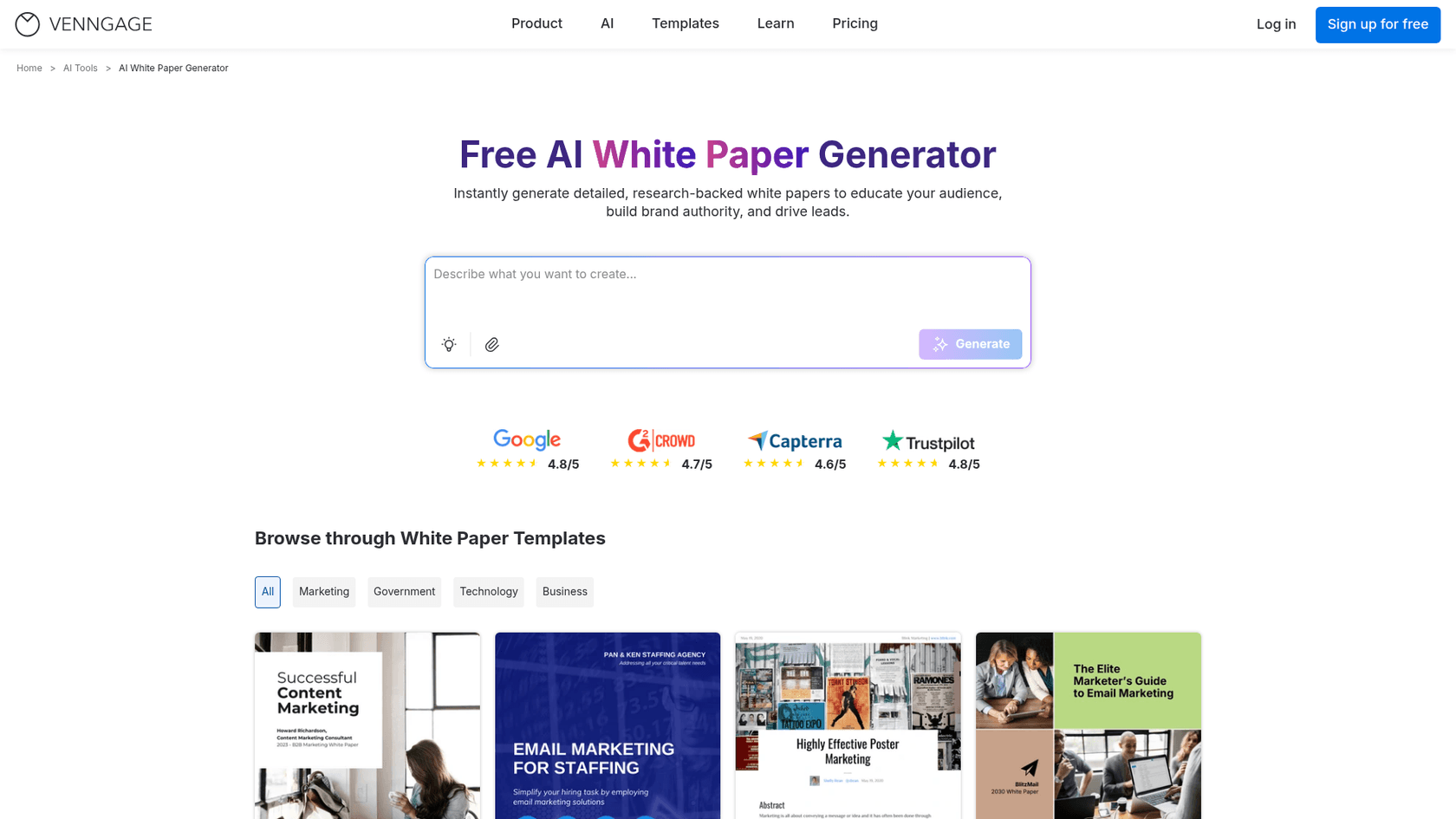
Venngage comes at the problem from a design-first perspective. If you want your whitepaper to look great and have a library of professional templates at your fingertips, this is a solid choice.
- Key Features: Its main strength is visual design. Features like AI Branding Automation let you instantly apply your company's logos and color schemes to any template. It has a massive library of templates tailored for different industries, from marketing to government.
- Limitations: While it includes an AI writer, its core focus is on design and layout. The content it generates might need more hands-on editing compared to a tool dedicated to writing. It's best suited for teams who already have their text finalized and need an easy way to make it look professional.
- Pricing: A free plan is available that lets you try out the AI features. Premium and Business plans are needed to unlock more advanced capabilities like private sharing.
Storydoc
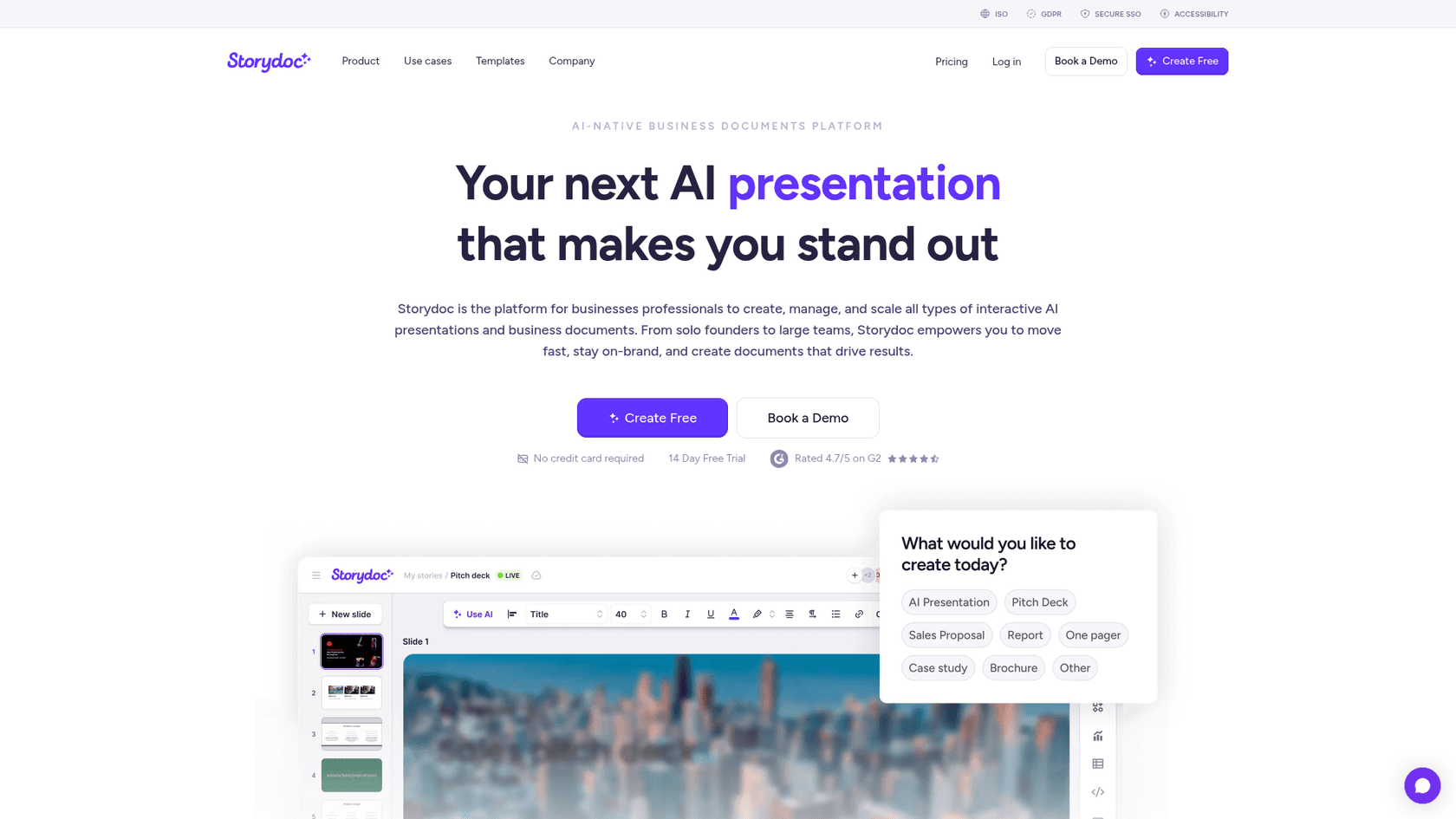
Storydoc takes a completely different approach. Instead of creating static PDFs, it helps you build engaging, scroll-based whitepapers that live on the web. It's all about creating an interactive experience for the reader.
- Key Features: Storydoc lets you build interactive documents with embedded media like videos and charts, along with clickable tabs and other engaging elements. A key feature is its built-in analytics, which lets you track reader engagement metrics like scroll depth and time spent on each page. It also offers integrations with CRMs to pass lead data seamlessly. Storydoc claims this format leads to 70% higher reader engagement than old-school PDFs.
- Limitations: The non-traditional web-based format isn't for everyone. If your audience is in a more formal sector like government or academia, they might still expect a traditional, downloadable PDF.
- Pricing: It offers a 14-day free trial, and paid plans start at $40/month (when billed annually).
Narratize
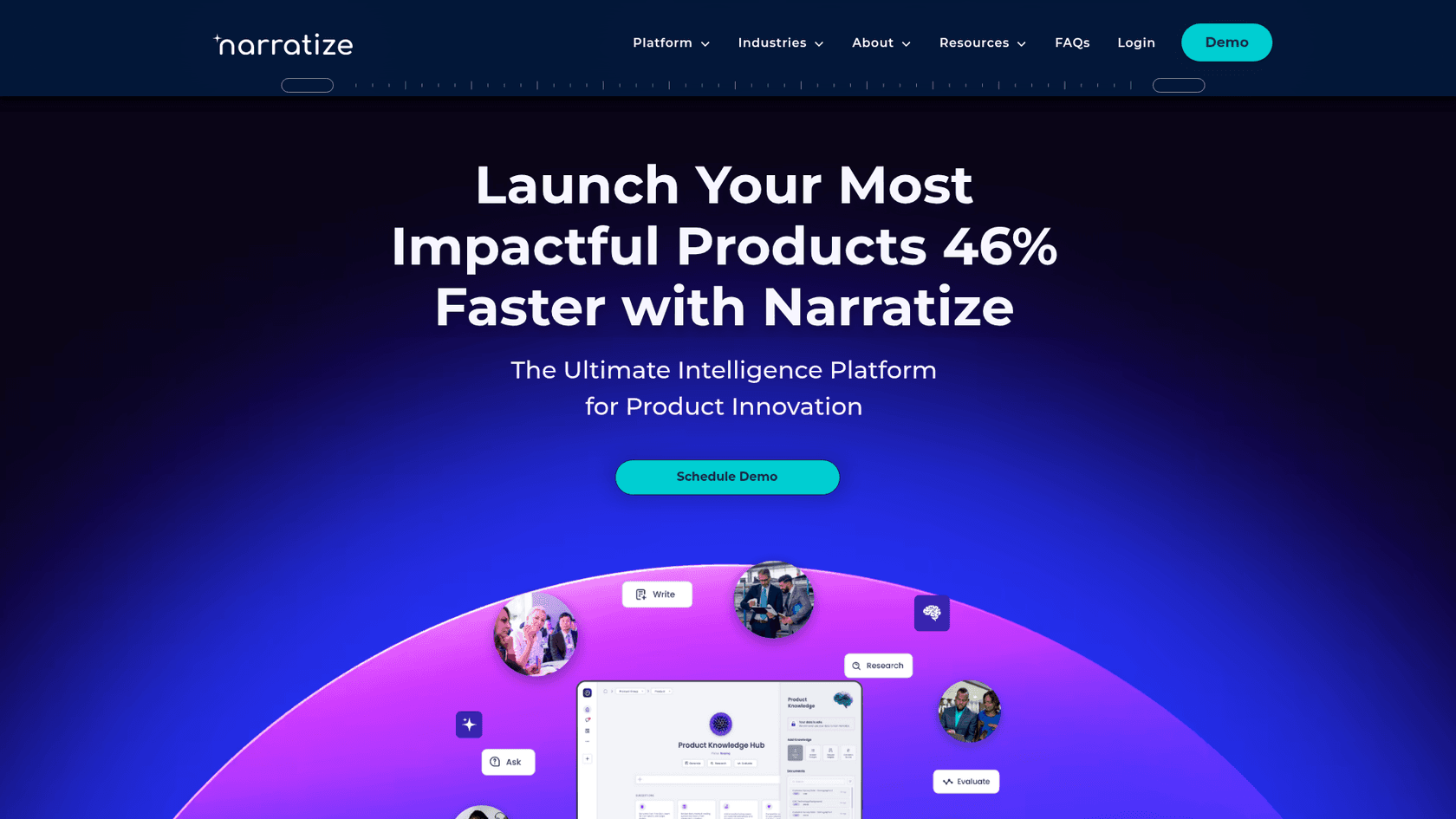
Narratize is a high-end, specialized platform designed for creating accurate, scientific, or highly technical documents. It calls itself an "Intelligence Platform for Product Innovation."
- Key Features: It uses what it calls a "Human-Led AI™" methodology, which relies on centralizing your knowledge in "Product Knowledge Hubs™" to ensure technical accuracy. It’s purpose-built for R&D, engineering, and product teams to help automate complex documents like Product Requirements Documents (PRDs). Narratize even claims it can help teams launch products 46% faster.
- Limitations: This is not a simple "one-click" solution. It requires significant input and collaboration from subject matter experts. It’s an enterprise-focused platform with a workflow that’s more about augmenting expert knowledge than automating content from scratch.
- Pricing: Narratize is priced per user and hub, positioning it as a premium solution for large organizations.
Best practices for creating and publishing AI whitepapers
Getting that first draft from an AI tool is a huge win, but the work isn't done yet. The final 10% of effort is what separates a good whitepaper from a great one. Here are a few best practices to keep in mind during the final stretch.
Human editing: A critical step
No AI is perfect. A human expert must always review the generated content. You’re looking for factual accuracy, subtle nuances in tone, and overall flow. AI tools can sometimes "hallucinate", meaning they might invent facts, stats, or sources. It’s your job to be the gatekeeper of quality and verify every single data point and citation before you hit publish.
It’s not perfect. You still gotta tweak it, add real examples, clean up the language check facts and add your own details. But it saves time. And it has templates that already look clean, so you’re not messing with layout stuff... no tool replaces knowing.
Adding your brand voice
This is where you really make the whitepaper your own. The AI has done the heavy lifting, and now you can focus on infusing the draft with your company's unique perspective. Add specific examples from your own experience, share anecdotes that bring the data to life, and weave in a point of view that only your brand can offer. This is what transforms the document from an informational piece into true thought leadership. Considering that teams often spend over 12 hours a week on documentation, using AI for the first draft frees up a lot of time for this kind of strategic work.
Designing for impact
Finally, make sure the document looks professional. Apply your branding, like logos and colors, and ensure the layout is clean and easy to read. A well-designed document is simply more credible and enjoyable to consume.
Once it's ready, think strategically about distribution. Use it as a lead magnet on a dedicated landing page, share key insights in your email nurturing campaigns, or create a series of social media posts to promote it. The goal is to get your hard work in front of as many relevant eyeballs as possible.
For a visual walkthrough, the video below demonstrates how to use an AI tool to craft a whitepaper, integrating your own knowledge and ensuring a high-quality final product.
The future of thought leadership: Human-led and AI-powered
AI has definitely changed how whitepapers are made. The process is now faster, more data-driven, and more accessible than ever before. You can go from an idea to a polished, in-depth document in a fraction of the time it used to take.
But the key takeaway is that the best results don't come from letting AI run the show on its own. They come from a smart partnership between human expertise and AI efficiency. You bring the strategy, the unique insights, and the final polish. The AI handles the heavy lifting of research, drafting, and structuring.
By embracing these tools, you can scale your thought leadership, build authority in your space, and drive real business results. For teams seeking a tool that combines deep research with asset creation, the eesel AI blog writer is a comprehensive option to consider.




