Customer service has shifted quite a bit lately. We have moved away from those frustratingly long wait times and toward instant, automated answers that keep customers happy and support teams from burning out. It is all about being efficient and showing up for your customers 24/7. One of the platforms making a name for itself in this space is HelpCrunch, which is an all-in-one customer communication tool that has recently added some clever automation to its toolkit.
So, what is the actual deal with HelpCrunch AI chatbots? Are they going to be the right fit for your specific team? This guide is here to give you a straight-up, detailed look at how they work, what they can actually do for you, what you will pay, and, most importantly, the potential hurdles you should know about before you sign up.
What exactly are HelpCrunch AI chatbots?
When you look under the hood, the automation here isn't just a single tool. It is actually a combination of two different parts: their classic, rule-based builder (which they call Chatbot Flows) and their newer, smarter AI Agents.
Think of it like a theater production. The Chatbot Flow is the director, setting the stage and guiding the conversation through a specific script. The AI Agent is the lead actor who can improvise, understand what the customer is really asking, and deliver the right lines based on the information you have provided. They work together to make sure customer questions get answered without a human needing to step in every time.
The two-part system: Chatbot flows and AI agents
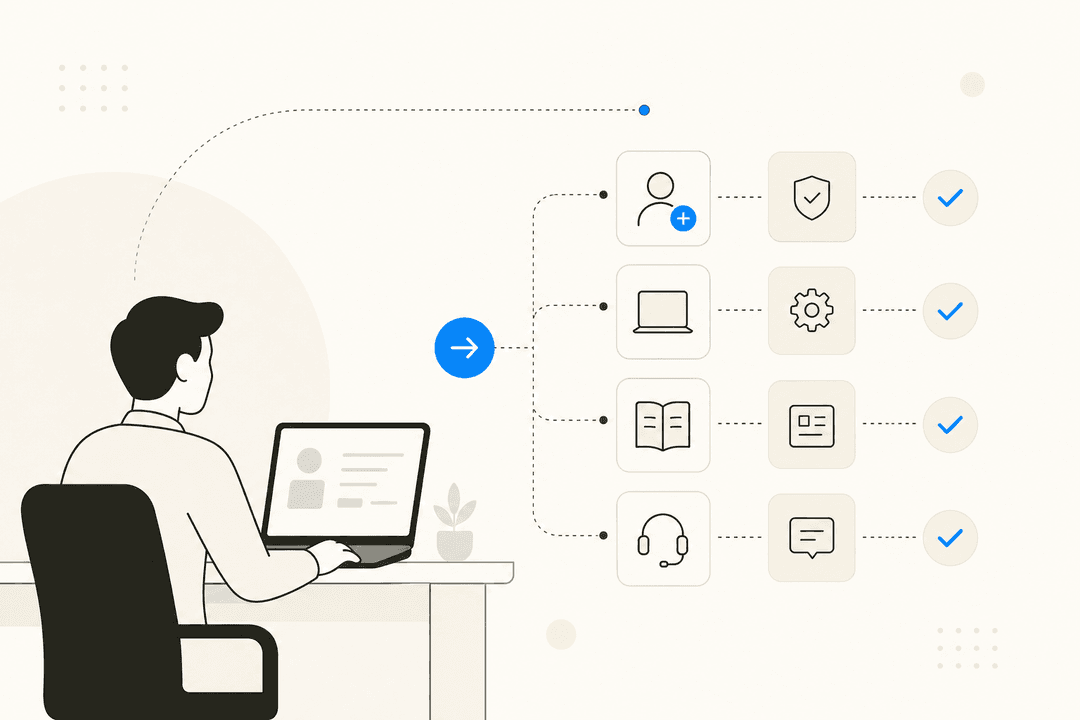
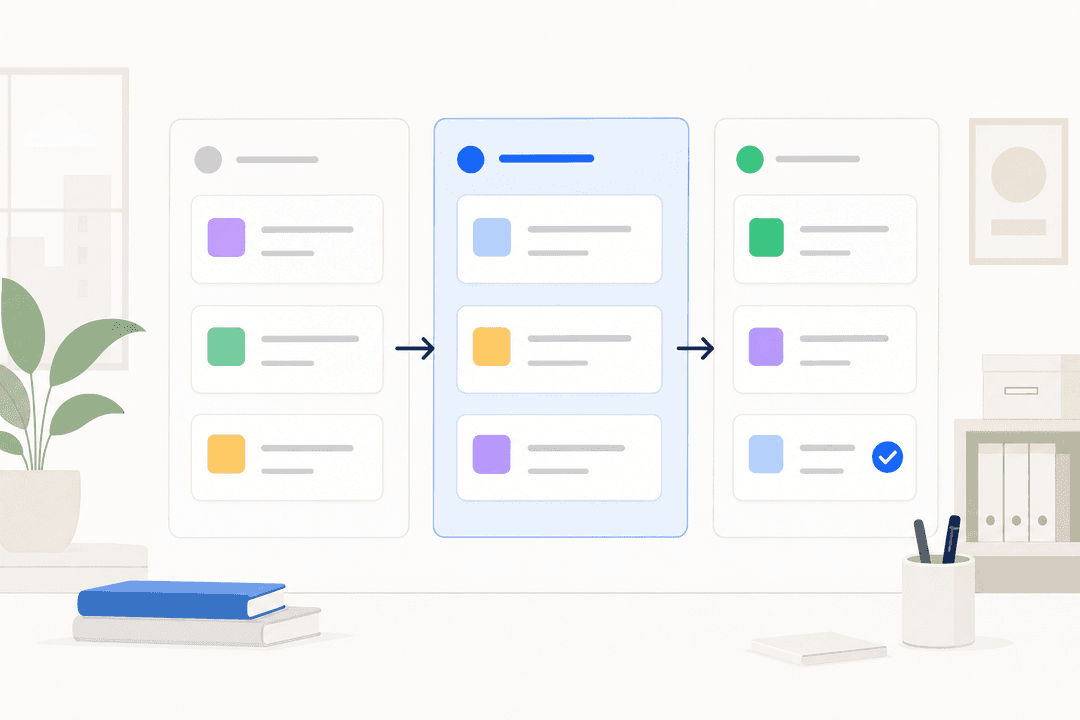
You build your Chatbot Flows using a visual, no-code editor. It is a simple drag-and-drop system where you map out a conversation path. If a customer clicks a certain button, the bot responds with a specific message. This is perfect for very structured tasks like qualifying leads or making sure a chat gets sent to the right department. It is a very predictable, "if-this-then-that" kind of setup.
AI Agents, on the other hand, are the brains. This part uses natural language processing to figure out what a customer actually wants. Instead of just following a rigid script, the AI Agent can understand a question typed in plain English and find an answer, which makes the whole interaction feel a lot more natural.
How they learn: Knowledge bases and custom answers
Here is a really important piece of the puzzle: these agents do not learn from your past customer conversations automatically. Instead, they are trained on content you provide.
-
Knowledge Base: Your main source of truth is your existing HelpCrunch knowledge base. The AI scans your help articles to find answers.
-
Custom Answers: You can also create a list of specific question-and-answer pairs for the AI to memorize.
that startup plan price jump is a classic, sorry you had to go through that. It's a tough trade-off between a good UI and a price that doesn't make your eyes water tbh that's why we started looking at tools that just layer on top of your helpdesk instead of making you switch everything. we use eesel AI which just plugs into whatever you're using. it lets you stick with a cheaper helpdesk but add the ai power you'd get from the more expensive platforms

This brings up a challenge right away. The AI is only as good as the documentation you give it. To get any real value, you need a complete, well-written, and up-to-date knowledge base before you even start. If your documentation is a bit thin, you have a lot of writing to do before the bot can help anyone.
Key features of HelpCrunch AI chatbots
HelpCrunch gives you a mix of visual flow-building and AI smarts to automate a bunch of different customer service jobs. While the AI handles the Q&A, the chatbot builder makes sure the conversation stays on track and actually gets things done.
Building conversations with a visual no-code editor
The drag-and-drop interface is pretty intuitive for most people. You can build out your flows using different building blocks, like sending a message, offering multiple-choice replies, or asking for an email address. This visual style is great if you aren't a technical person but still want to map out exactly how a customer moves through a chat.
Automating tasks like routing and tagging
Inside the editor, you can use "action" blocks that let the bot handle admin work behind the scenes. This is a huge time-saver for your team because the bot can handle the boring stuff. For example, the bot can automatically:
-
Assign a chat to the right department, like Sales or Support.
-
Tag a customer based on their question, like "billing-issue."
-
Change a chat's status to "closed" once it has been resolved.
By handling these small steps, the bot cuts down on repetitive tasks that usually slow down a support team.
Creating specialized agents for different departments
You aren't stuck with just one bot that tries to do everything. You can create multiple, distinct AI Agents for different purposes. For instance, you could have a "Sales Agent" trained on your pricing pages and a separate "Support Agent" that only knows about technical troubleshooting. This keeps the answers clean and relevant so your sales bot isn't accidentally trying to fix technical bugs.
Multichannel deployment
You can put your bots to work wherever your customers actually hang out. They can be deployed on your website's live chat, in your mobile app, and across several messaging apps like WhatsApp, Instagram, Telegram, and Viber. This lets you offer a consistent, automated experience across all your channels without having to build a new bot for every single one.
How to set up HelpCrunch AI chatbots and what to watch out for
While the platform has some solid features, the way it is designed comes with a few strings attached. You should definitely think about these points before you commit your budget.
The challenge of relying on pre-built knowledge
As we mentioned, the AI is only as smart as the documents you give it. This creates a "cold start" problem. If your company doesn't already have a huge, well-organized knowledge base, you are going to spend a lot of time building one just to get the AI off the ground. The AI cannot simply learn from the thousands of successful conversations your human agents have already had in the past.
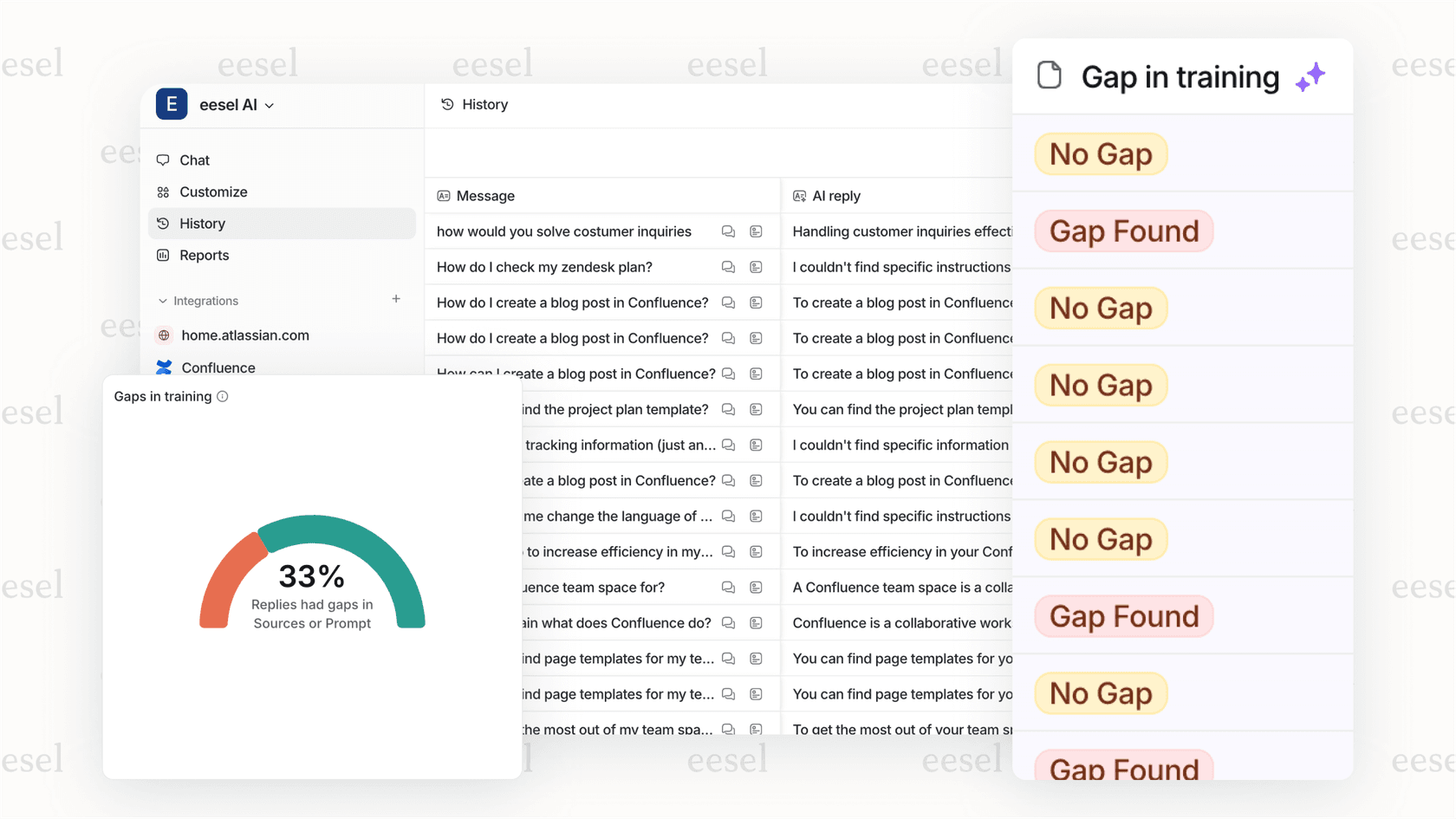
This is a big contrast to more modern platforms. For instance, an AI teammate like eesel AI can train on your past tickets right from your helpdesk. It learns your team's real tone and solutions from day one, so you don't have to spend weeks writing a manual knowledge base from scratch.
A setup that requires some manual work
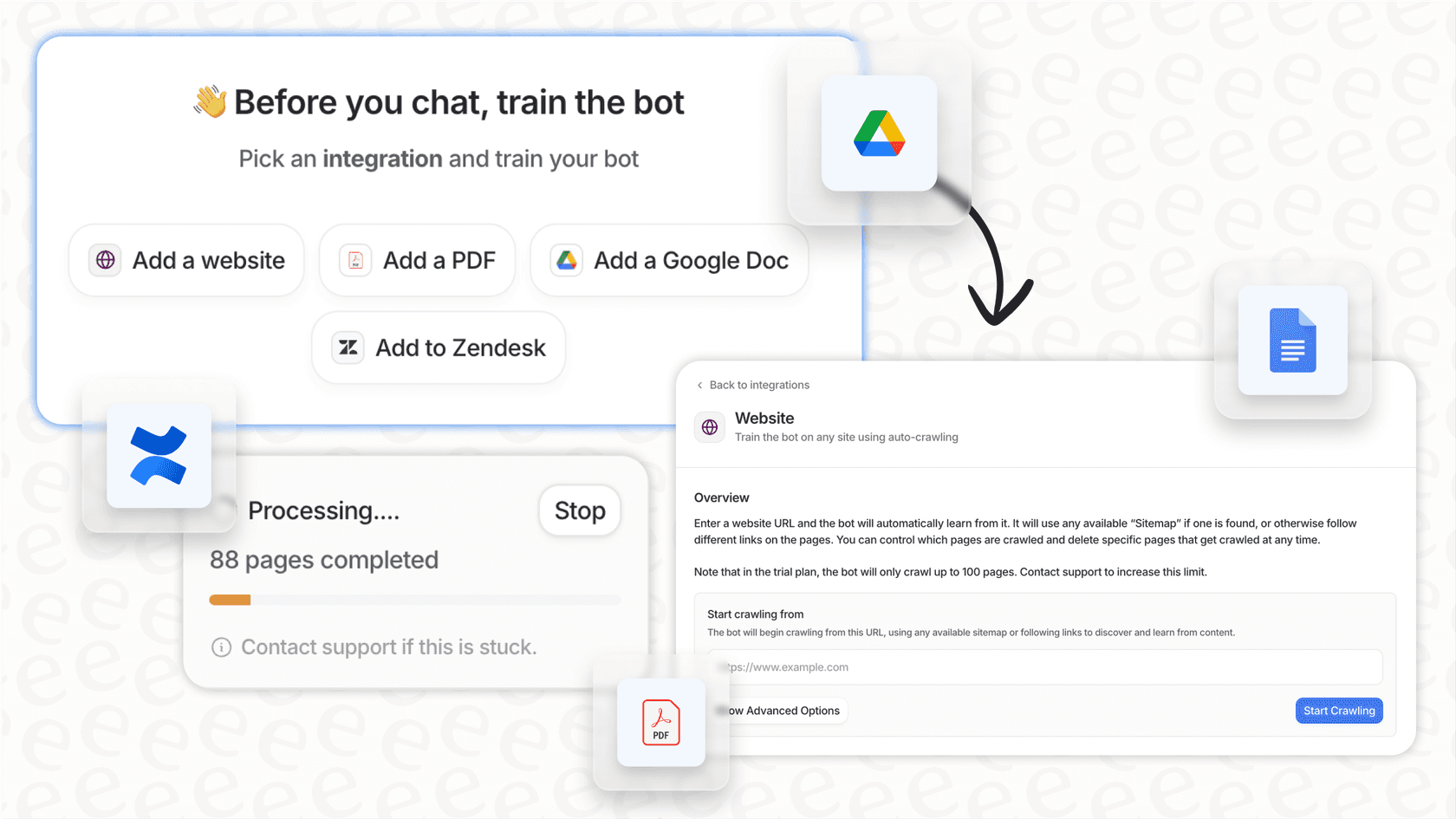
Getting a bot live isn't exactly a one-click process. It is a multi-step setup that requires a fair bit of configuration. Based on their own documentation, the workflow looks like this:
-
First, you create your data sources by writing and publishing articles.
-
Next, you create a new AI Agent and link it to those sources.
-
Then, you have to build a new Chatbot Flow from scratch or a template.
-
Finally, you add the AI Agent as a specific step inside that flow.
This is a much more involved process than a true plug-and-play solution. An "AI teammate" approach, like the one offered by eesel AI, simplifies this quite a bit. You just invite it to your helpdesk, and it starts learning and drafting replies immediately.
Accuracy comes with a tradeoff
HelpCrunch points out that its AI is "safe from hallucinations," which means it won't just make up answers. That is obviously great for accuracy.
However, there is a tradeoff here. If the answer isn't explicitly written in your knowledge base, the bot gives up and immediately passes the chat to a human. While that is a safe approach, it can limit how many chats you actually deflect. If your documentation isn't perfect or doesn't use the exact same words as your customers, you will see a lot of conversations getting passed back to your team.
Pricing for HelpCrunch AI chatbots
HelpCrunch offers a 14-day free trial, but there is no forever-free plan. It is also important to note that the chatbot and AI features are not available on the Basic plan. You have to be on the Pro or Unlimited plan to get access to these tools.
Here is a breakdown of how the plans stack up for automation.
| Feature | Basic Plan | Pro Plan | Unlimited Plan |
|---|---|---|---|
| Price (Billed Monthly) | From $15 / user / month | From $25 / user / month | $495 / month (unlimited users) |
| Chatbot Flows | 0 | 15 | Unlimited |
| AI Agents | 0 | 5 | Unlimited |
| Included AI Conversations | 0 | 50 / month | 100 / month |
| Included AI Data Sources | 0 | 200 | 500 |
| HelpCrunch Branding | Yes | No | No |
Understanding the add-on costs for AI conversations
Take a close look at the "Included AI Conversations" line in that table. Having only 50 on the Pro plan is a pretty small number for any team with even a moderate amount of chat volume. This means most businesses will need to buy add-ons to handle their queries.
According to their pricing page, here are some of the monthly add-on costs:
-
100 extra conversations: $29/month
-
500 extra conversations: $125/month
-
1,000 extra conversations: $200/month
These costs can add up fast as you grow. It is worth noting that other pricing models might be a better fit for some. For example, eesel AI's pricing is based on the number of AI interactions your bot has, rather than the number of human agents on your team. This can be a more scalable way to pay as you expand.
An alternative that learns like a new hire
HelpCrunch is a capable all-in-one platform, but its AI is built on a manual setup that can be a bit rigid. It is a tool you have to build, piece by piece. There is a different way to think about AI, though, and that is as an "AI Teammate." Instead of a tool you build, it is more like a new hire you onboard.
that startup plan price jump is a classic, sorry you had to go through that. It's a tough trade-off between a good UI and a price that doesn't make your eyes water tbh that's why we started looking at tools that just layer on top of your helpdesk instead of making you switch everything. we use eesel AI which just plugs into whatever you're using. it lets you stick with a cheaper helpdesk but add the ai power you'd get from the more expensive platforms
This is the approach eesel AI takes. It is different in a few key ways:
-
It learns from your history: eesel reads your past support tickets to understand your brand voice and common solutions instantly.
-
It starts safely: From day one, it works in the background by drafting replies for review.
-
You promote it when it's ready: You control how much autonomy it has and can gradually let it handle more tasks as you build trust.
-
You can test with confidence: You can use a simulation mode to see how it would have handled thousands of past tickets before it ever goes live.

This human-in-the-loop approach lets you get value immediately without the risk of the bot saying something wrong to a customer.
To see some of these features in action, the official HelpCrunch tutorial provides a visual walkthrough of the chatbot editor and its capabilities, which can help you decide if it's the right fit for your team.
Are HelpCrunch AI chatbots right for you?
HelpCrunch AI chatbots are a solid option for businesses that are already using the HelpCrunch ecosystem and have a great knowledge base ready to go. Its real strength is how well it ties into the platform's other tools, like email marketing and popups. It works well if you prefer a very structured, flow-based system for your automation.
But if your team needs an AI that can learn on the fly and start helping out from the moment you turn it on, you might want to look at a true AI teammate platform. It is a great next step for teams that want AI to feel less like a complicated configuration project and more like a helpful member of the team.
If you are looking for an AI that onboards in minutes and learns directly from your team's expertise, invite eesel AI and see what a dedicated AI teammate can really do for your workflow.

Frequently asked questions
They use a mix of pre-set Chatbot Flows and AI Agents. The flows guide the user through specific paths, while the AI Agents scan your knowledge base to find answers to typed questions.
Yes, they are trained exclusively on the content you provide. You need to have a well-documented knowledge base or a list of custom answers for the AI to pull from.
Absolutely. You can deploy these chatbots on your website, within your iOS or Android mobile apps, and across various messaging platforms like WhatsApp.
No, these features are only available on the Pro and Unlimited plans. You will also need to consider add-on costs if you exceed the monthly AI conversation limit.
While HelpCrunch requires manual setup and a pre-written knowledge base, eesel AI learns automatically from your past support tickets and drafts replies for human review first.
Share this article

Article by
Kenneth Pangan
Writer and marketer for over ten years, Kenneth Pangan splits his time between history, politics, and art with plenty of interruptions from his dogs demanding attention.