The buzz around AI is impossible to ignore. Your boss keeps mentioning an "AI strategy" in meetings, and you're nodding along, picturing a clunky chatbot driving your customers up the wall. We've all been there, stuck in a support loop with a bot that doesn’t get it, repeating ourselves until we’re just typing "HUMAN!" in all caps. The fear that you'll sink a ton of money into a tool that makes everyone's life harder is completely valid.
But what if it didn't have to be that way?
This guide is here to cut through the noise. We’re going to give you a clear, practical look at what "help desk AI automation" actually is, what to look for when you’re choosing a tool, and how to roll it out without losing your mind (or your customers).
What is help desk AI automation?
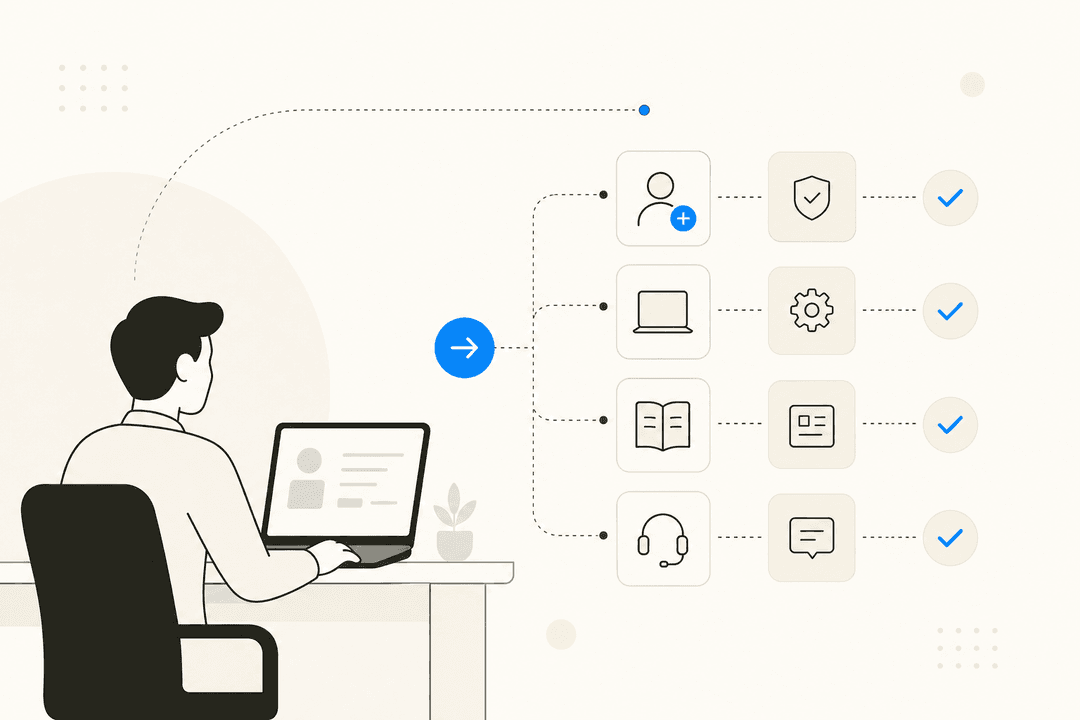
Forget the sci-fi fantasies about robots taking over. At its core, "help desk AI automation" is about giving your support team a super-efficient teammate to handle all the boring, repetitive tasks. This frees them up to focus on what people do best: solving tricky problems and building relationships.
It's powered by a couple of key technologies that are pretty easy to grasp:
-
Natural Language Processing (NLP): This is how the AI understands what a customer is actually trying to say. It picks up on nuance, tone, and intent, not just a few keywords.
-
Machine Learning (ML): This is how the AI gets smarter over time. It learns from your past support tickets, agent responses, and help articles to better understand your business and your customers.
When you put them together, a modern AI can take on four key jobs that every help desk is drowning in:
-
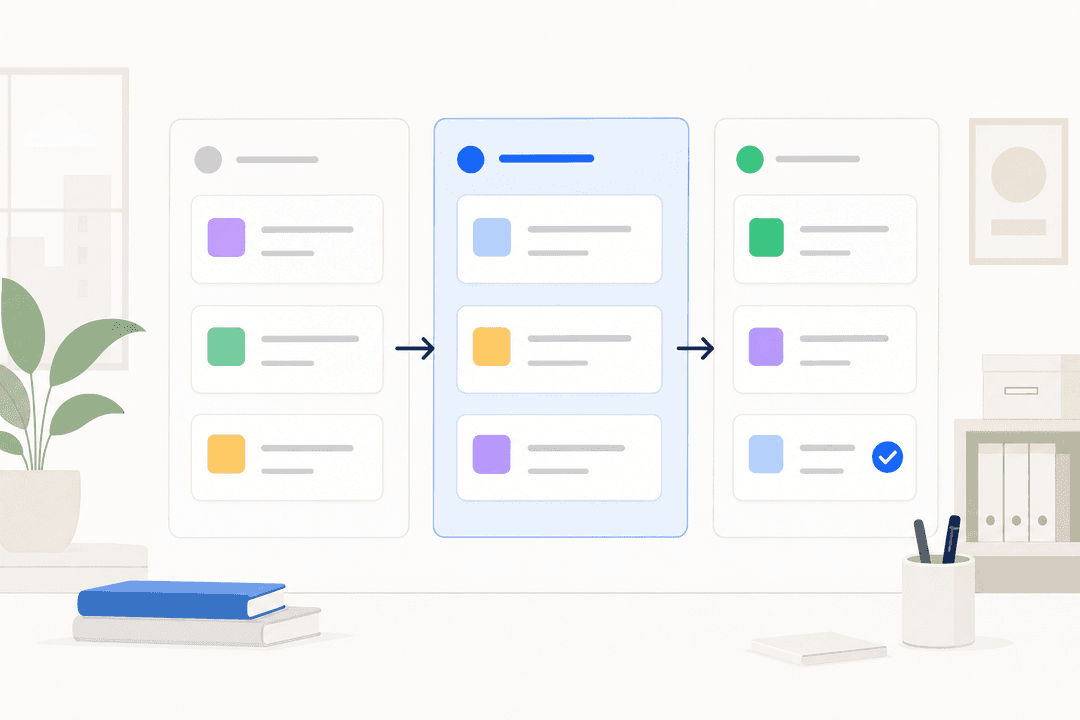
Triage: Instantly reading, sorting, and routing incoming tickets to the right person or team. No more manual queue-sorting.
-
Drafting: Helping your agents by preparing high-quality, on-brand reply drafts for them to quickly review, edit, and send.
-
Resolution: Autonomously handling common questions 24/7, like "Where's my order?" or "How do I reset my password?"
-
Analysis: Spotting trends in what your customers are asking about, identifying gaps in your help center, and giving you insights to improve your whole operation.
The best way to think about it is this: you’re not just installing software. You’re hiring a new teammate that you train, collaborate with, and promote as it proves itself.
The core components of modern help desk AI automation
When you start looking at different tools, you'll see a lot of shiny feature lists. But they all boil down to a few core capabilities. Here’s a breakdown of what really matters and what to watch out for.
Automated ticket management and triage
This is usually the first, easiest win. Instead of an agent spending their morning sorting through an inbox, AI can read every incoming ticket and automatically categorize it by topic ("billing issue"), sentiment ("frustrated customer"), and urgency.
This immediately frees up your team to start solving problems instead of doing admin work. The catch? Many older platforms still rely on rigid, keyword-based rules. If a customer says "my payment failed" instead of "billing issue," the rule breaks, and the ticket gets sent to the wrong place.
Modern tools have moved way beyond that. For example, eesel AI's Triage learns from the entire context of thousands of your past tickets. It understands intent, not just words. This makes its routing and tagging far more accurate, and it can even be trusted to automatically close out spam or simple "thank you" messages, keeping your queue clean.
AI-powered responses and resolution
This is where things get really powerful, but it’s also where most teams get nervous. There are two main ways AI can help with responses:
-
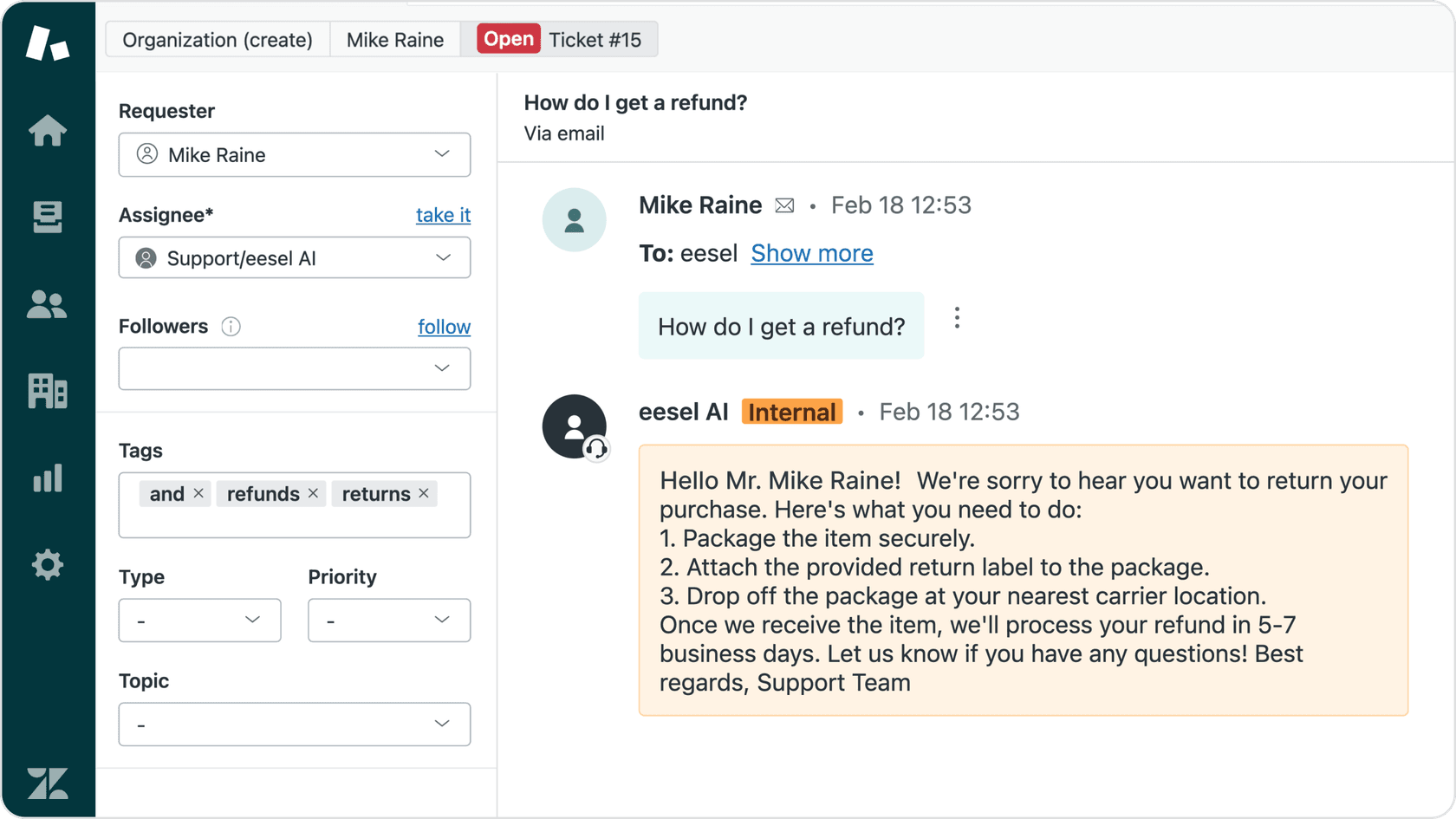
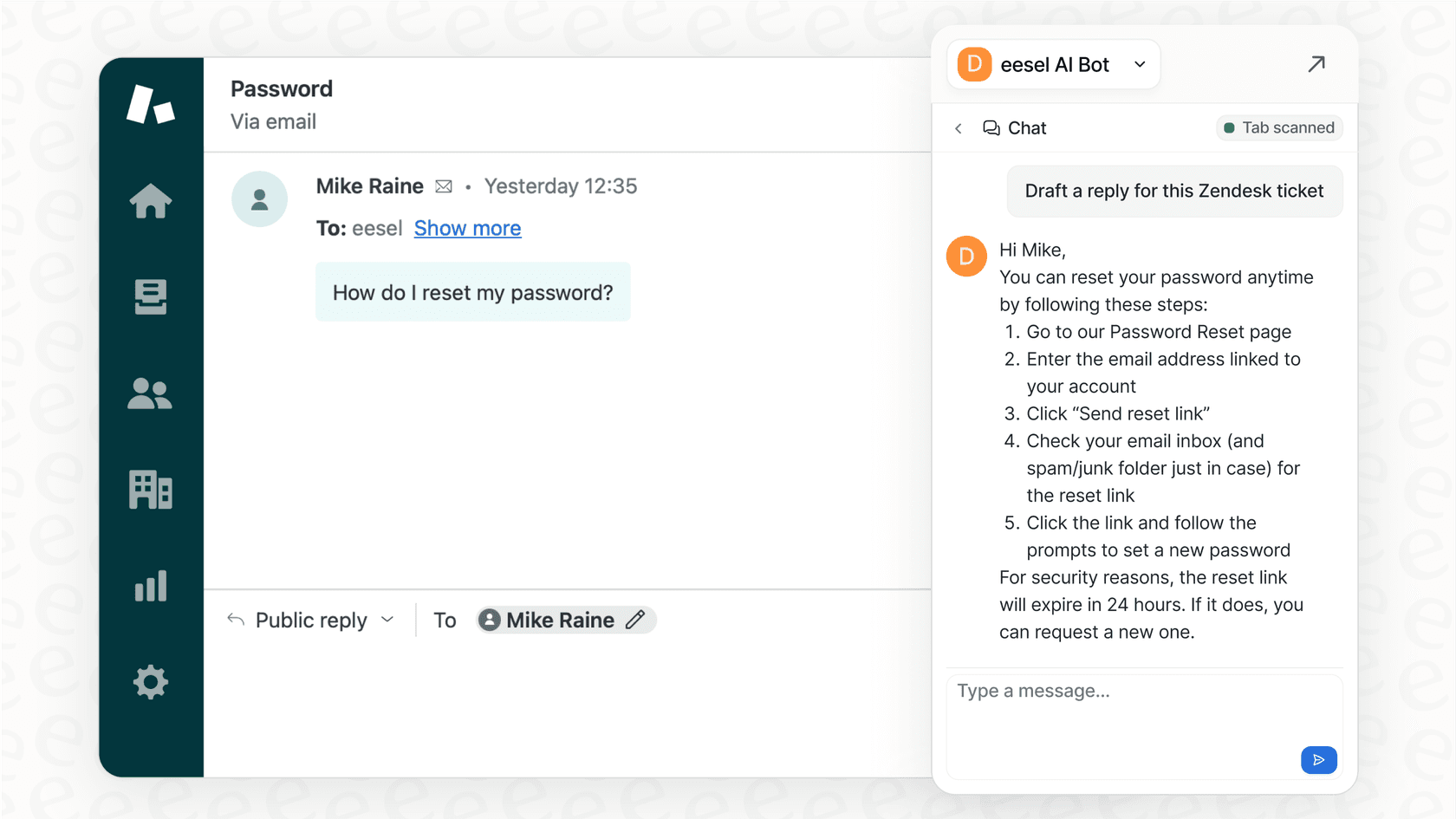
Copilots: These are AI assistants that work alongside your human agents. When an agent opens a ticket, a tool like eesel AI's Copilot has already drafted a full reply. The agent can then review it, tweak it if needed, and send it in seconds. It’s a massive speed boost and a great way to keep your brand voice consistent.
-
Autonomous Agents: This is the next level, where an AI like eesel AI's Agent handles the entire conversation from start to finish without any human touch. It’s perfect for those repetitive, high-volume questions, but a bad AI response here can seriously damage customer trust.
A major problem with many tools is that they force you into an all-or-nothing choice. You either turn the bot on and hope for the best, or you don't use it at all. It's a high-stakes gamble.
The smarter approach is a gradual rollout. With a platform like eesel AI, you can start with the AI only drafting replies for your team to approve. It's a completely safe, human-in-the-loop process. As your team sees how good the drafts are and you gain confidence, you can "promote" the AI to handle certain types of tickets all on its own. It's a controlled, safe way to adopt automation.
Self-service and knowledge management
A huge part of reducing ticket volume is helping customers find their own answers. AI is great at this, connecting to your knowledge base, help center, and other docs (like Confluence or Google Docs) to power a 24/7 self-service portal. Mature platforms like Zendesk and Help Scout have offered versions of this for years, providing a reliable foundation for customer self-service.
But what happens when the answer isn't in your knowledge base? Most AI systems just give up and tell the customer to contact support. The AI is only as good as the documentation you feed it.
This is where advanced platforms can make a real difference. They don’t just read your knowledge base; they help you improve it. For instance, eesel AI can analyze your successfully resolved tickets, identify common questions that don't have a help article, and then automatically draft a new article based on the agent's winning reply. It helps you find and plug the gaps in your knowledge, using real customer conversations as the source of truth.
Common pitfalls of help desk AI automation (and how to avoid them)
We’ve all heard the horror stories. Let's tackle the common fears head-on and talk about how to get this right.
The "big bang" rollout
The biggest mistake teams make is trying to automate everything at once. They flip a switch, and suddenly an AI is handling all their frontline support. It inevitably performs poorly, customers get angry, and within a week, the team disables the expensive new tool they just bought.
Solution: Start small and be strategic. A phased approach is always better.
-
Begin with internal tasks like tagging and routing tickets. It’s low-risk and delivers immediate efficiency gains.
-
Next, move to agent-assist drafts where a human is always in the loop.
-
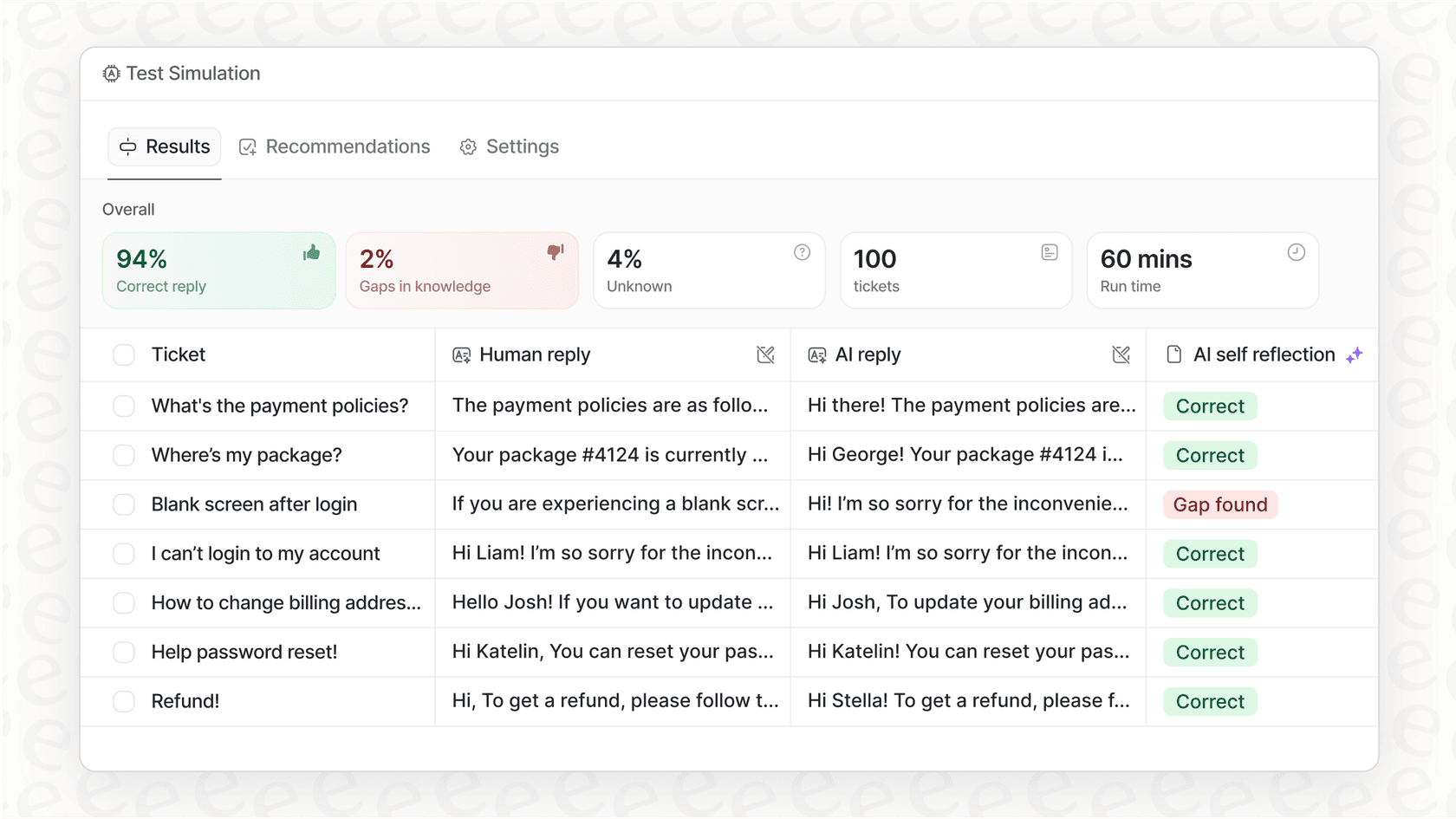
Look for a tool that lets you test things safely. For example, eesel AI has a simulation mode that lets you run the AI on thousands of your past tickets. You can see exactly how it would have responded in a safe environment before it ever talks to a real customer.
The hidden costs of complexity and maintenance
Many "AI solutions" look great in a demo but turn out to be a nightmare to implement. They require weeks of configuration, developer time to connect APIs, and a team of specialists to maintain complicated workflows.
Solution: Look for a platform that’s genuinely self-serve. You shouldn’t need an engineering degree to get started. The best tools today are plug-and-play. You should be able to connect your help desk and knowledge sources in a few clicks and see value on day one. With a tool like eesel AI, it starts learning from your past tickets and help center the moment you connect it, delivering value in minutes, not months.
Confusing and unpredictable pricing
Nothing kills a project faster than a surprise bill. Be very wary of pricing models that are hard to predict.
Established platforms like Zendesk offer tiered, per-seat pricing models that scale with your team, providing a predictable cost structure for organizations that value enterprise-grade features and reliability. This approach ensures that as your support team grows, every agent has access to a consistent, professional toolset.
Solution: Opt for transparent pricing that fits your specific needs. For some, a flat fee based on interactions might be easier to budget for. For instance, eesel AI's pricing is based on a monthly bucket of interactions, with no per-seat or per-resolution fees. This allows you to provide AI capabilities to your whole team while keeping your costs manageable as your interaction volume changes.

A look at pricing for popular help desk AI automation tools
Pricing can be all over the place, so let’s break down a few of the big players to see how they stack up.
Zendesk AI
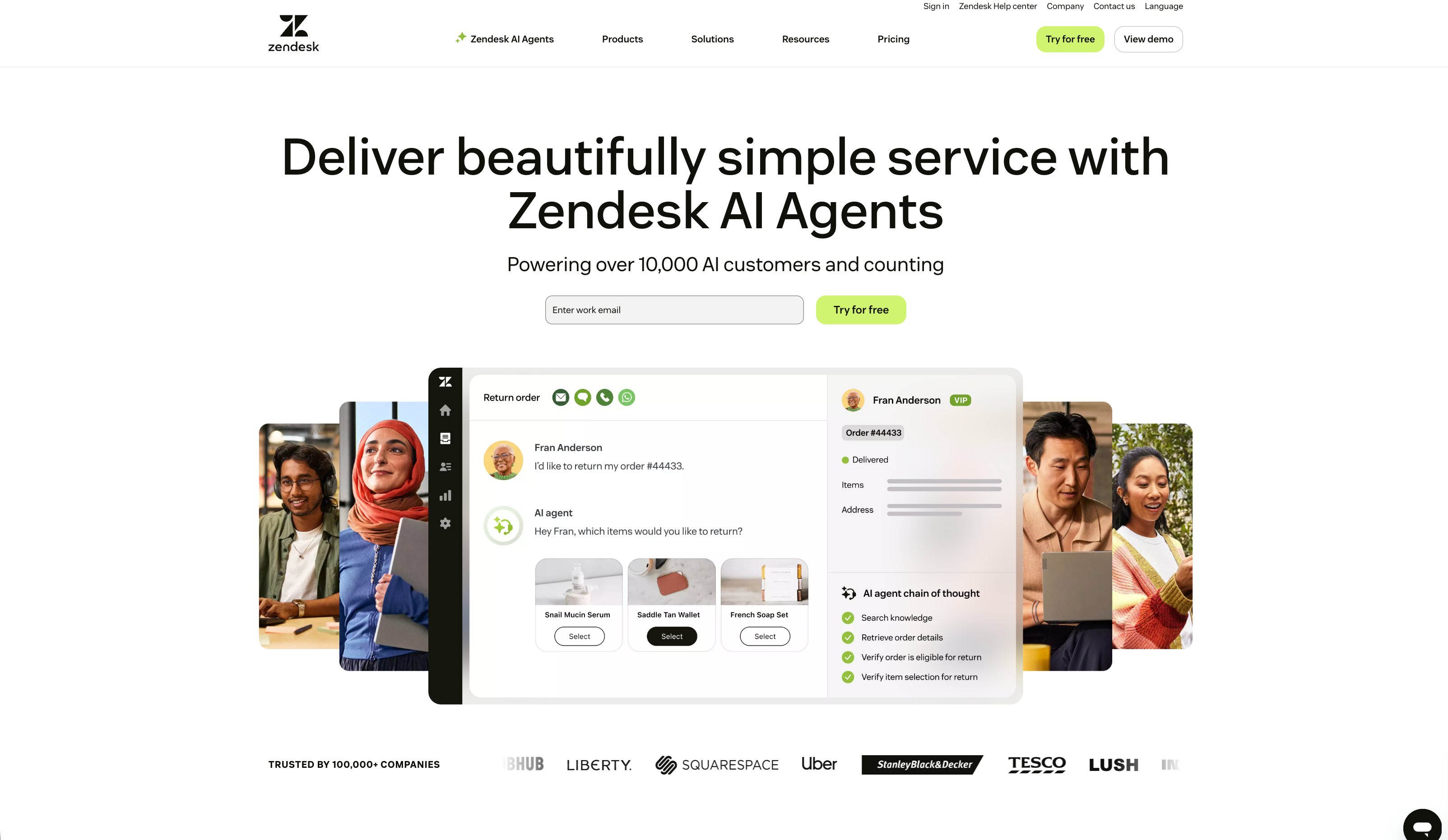
Zendesk offers its AI capabilities as a specialized add-on designed to integrate seamlessly with their comprehensive service plans. This ensures that teams can leverage advanced automation within a platform they already trust.
-
Their "Suite Team" plan starts at $55 per agent/month (billed annually).
-
The "Advanced AI" add-on provides an impressive suite of tools for an additional $50 per agent/month.
This structured approach allows businesses to access industry-leading AI features while benefiting from Zendesk's mature ecosystem and legendary reliability. For teams looking for a robust, enterprise-ready solution, Zendesk remains a premier choice.
Help Scout
Help Scout is known for its straightforward per-user pricing, and their AI follows a similar model.
-
Their "Standard" plan is $22 per user/month (billed annually).
-
Their AI chatbot feature, AI Answers, is an add-on priced at $0.75 per resolution.
While affordable, their AI features are currently more focused on pointing customers to knowledge base articles rather than providing fully autonomous ticket resolution or advanced agent assistance.
eesel AI

We designed our pricing to be simple, scalable, and transparent, without penalizing you for growing your team. All our core products are included in every plan.
| Plan | Monthly Price (billed annually) | AI Interactions/mo | Key Features |
|---|---|---|---|
| Team | $239 | Up to 1,000 | Train on docs, Slack integration, AI Copilot |
| Business | $639 | Up to 3,000 | Train on past tickets, AI Agent, AI Actions, Simulation |
The key difference is that our pricing is based on usage (interactions), not seats. You can roll out AI Copilot and other tools to your entire team as a complementary addition to your existing Zendesk setup without paying extra for every single person.
Treat your help desk AI automation as a teammate, not just a tool
Successful "help desk AI automation" isn't a magic bullet you buy off a shelf. It's a strategic process that requires the right tool and, more importantly, the right approach.
The best way to succeed is to start small, keep your humans in full control, and choose a platform that is built to learn and collaborate with your team. By doing this, you can avoid common pitfalls while building a highly efficient support operation. Mature platforms like Zendesk provide a strong, reliable foundation for this journey, offering the scalability and enterprise-grade features that modern teams need.
To get a better sense of how these concepts come together in the real world, it's helpful to see how industry experts are thinking about the future of the service desk.
At the end of the day, the goal isn't just to deflect more tickets. It's to deliver better, faster, and more consistent service to your customers. The best AI doesn't feel like a clunky robot; it feels like your most helpful new hire.
That’s exactly why we built eesel AI as an AI teammate you can onboard in minutes to enhance your current workflow. It starts by learning from your team's best work, your past ticket resolutions, and earns its autonomy over time by proving itself under your direct supervision. It’s a smarter, safer, and more collaborative way to bring AI to your help desk ecosystem.
Ready to hire your first AI teammate? You can run a free simulation on your past tickets today and see exactly how it would perform for your business.

Frequently asked questions
The primary benefit is freeing up your human agents from repetitive tasks like sorting tickets and answering common questions. This allows them to focus their expertise on solving more complex customer problems, which boosts both team morale and customer satisfaction.
Look for a tool that is easy to set up, offers transparent pricing, and allows for a gradual, controlled rollout. The best platforms let you start with low-risk tasks and test the AI's performance in a safe environment before it ever interacts with a customer.
It doesn't have to be. While older systems often required extensive developer time, modern tools are designed to be plug-and-play. You should be able to connect your help desk and knowledge bases in a few clicks and start seeing value almost immediately.
No, the goal isn't replacement, it's collaboration. Think of AI as a teammate that handles the high-volume, simple queries, which empowers your human agents to provide higher-value support for nuanced and complex issues.
The biggest mistake is the "big bang" rollout, where you try to automate everything at once. This approach often leads to poor performance and customer frustration. A phased, strategic implementation is always the safer and more effective path.
You can measure return on investment through key metrics like reduced first response time, faster ticket resolution times, and higher customer satisfaction (CSAT) scores. You can also track the percentage of tickets autonomously resolved by the AI, which directly translates to time saved for your team.
Share this article

Article by
Stevia Putri
Stevia Putri is a marketing generalist at eesel AI, where she helps turn powerful AI tools into stories that resonate. She’s driven by curiosity, clarity, and the human side of technology.