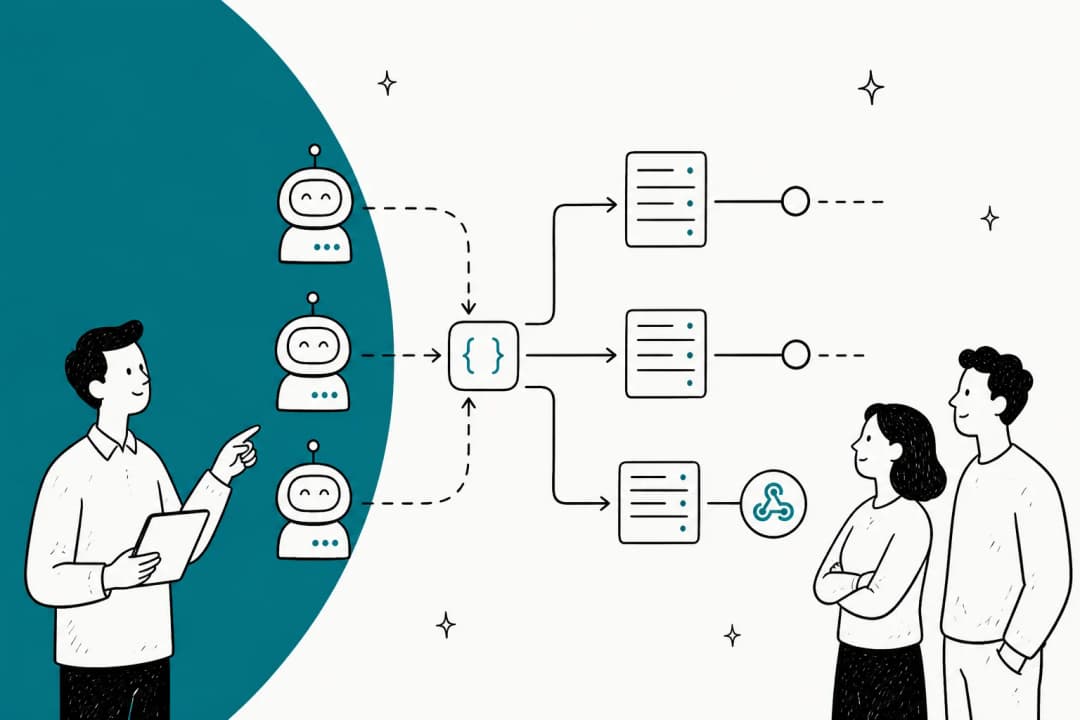
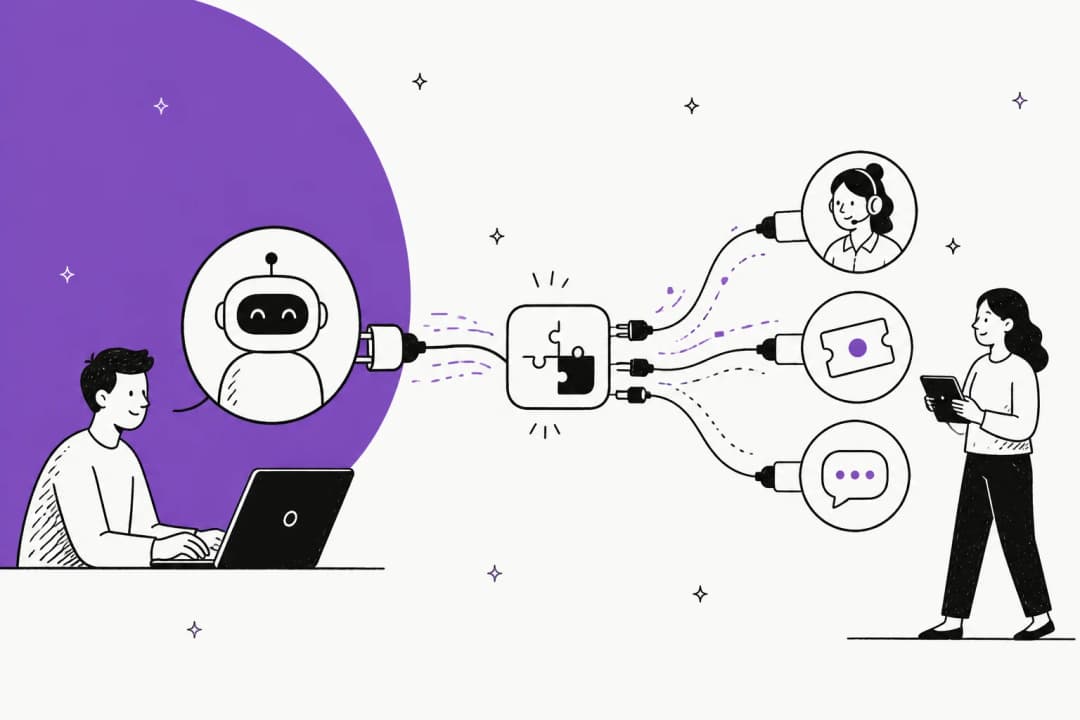
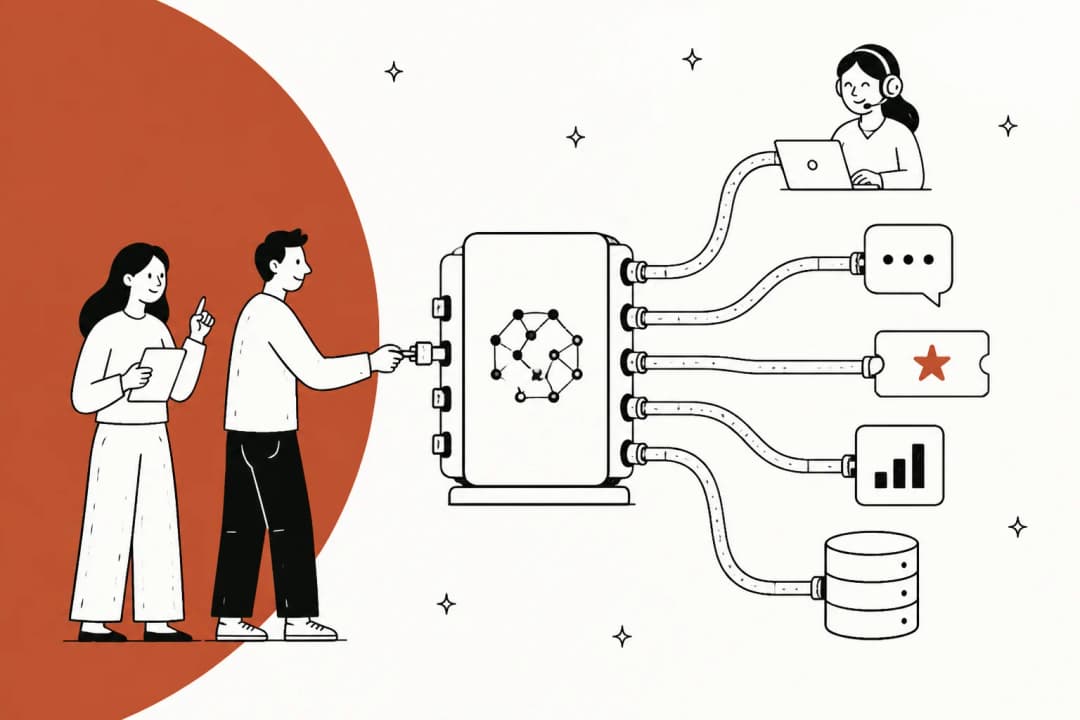
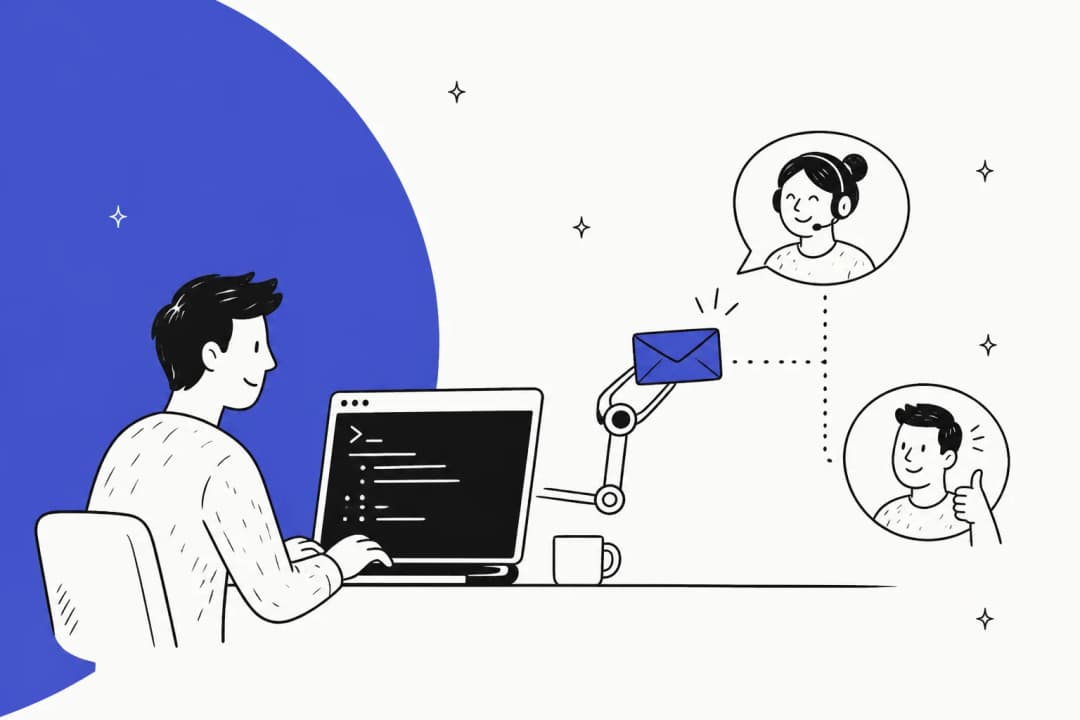
What is a generative AI service desk and how does it actually work?

Stevia Putri
Written by

Stevia Putri

Reviewed by

Katelin Teen

Last edited December 23, 2025

Expert Verified

What is a generative AI service desk and how does it actually work?

The truth is, IT service desks are often the unsung heroes of any company. They keep the lights on and the laptops running, but they are also frequently buried under a mountain of repetitive tickets. Think about the last time you saw an IT queue. It is usually filled with password resets, software access requests, and the classic "my Wi-Fi is acting up" messages. It all adds up quickly, leading to backlogs, delays, and frustrated employees who just want to get their work done without waiting three days for a simple fix.

Reddit
AI is essentially at a place now that it can deflect low hanging requests. In many cases for a business that represents at least 30% of requests. I’d argue much higher.

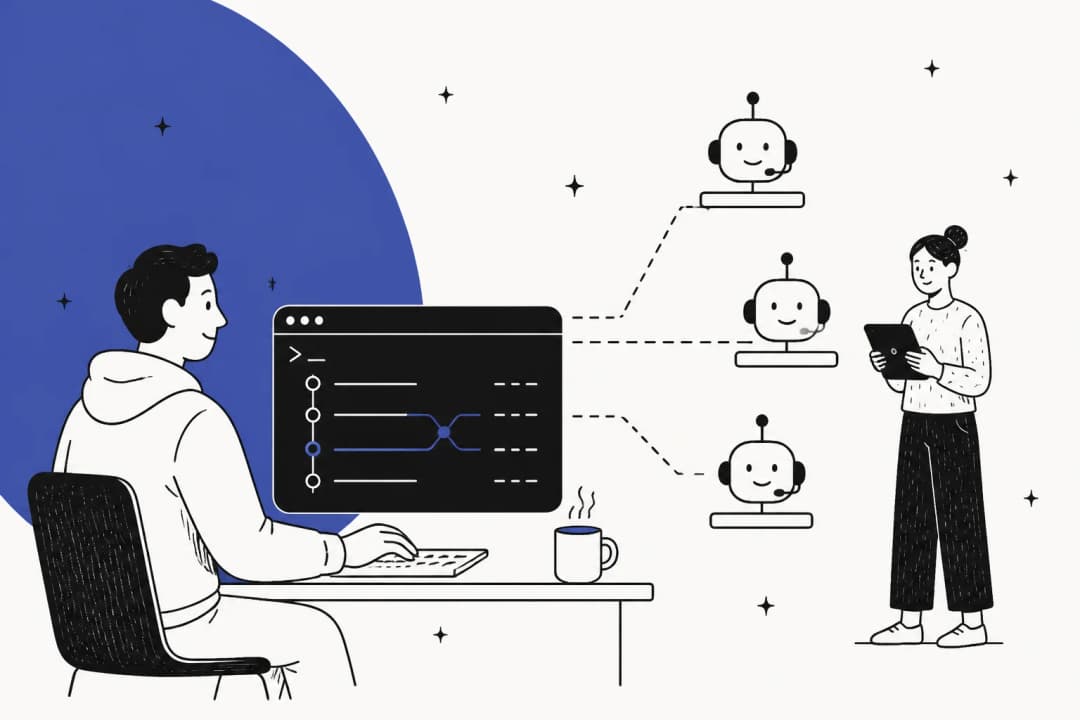
What if you could change that dynamic entirely? The conversation around AI in the workplace has moved way beyond those simple, clunky chatbots that just give you a link to a dead FAQ page. We are now talking about a generative AI service desk. This is a solution that does not just follow a rigid script. Instead, it acts like a true AI teammate for your IT department, learning as it goes and handling the heavy lifting so your humans do not have to.

In this guide, we will break down what a generative AI service desk actually is, pull back the curtain on how it works, cover its key features, and flag some common hurdles to watch out for when you are looking for the right platform.

Defining the generative AI service desk

A generative AI service desk is an IT support system that uses generative artificial intelligence and large language models (LLMs) to understand, automate, and resolve support requests in a surprisingly human-like, conversational way. It is designed to bridge the gap between a cold, automated response and a helpful conversation with a colleague.

This is not your old-school, keyword-matching bot that gets stuck if you do not phrase your question in a very specific way. Instead of relying on rigid, pre-programmed flows that break the moment a user goes off-script, a generative AI service desk understands the context, intent, and even the mood behind an employee's message. It can handle nuance and complexity, making the support experience feel much more natural and a lot less like you are talking to a brick wall.

An infographic comparing old keyword-matching bots to a modern generative AI service desk, which can understand context and provide personalized solutions. An infographic comparing old keyword-matching bots to a modern generative AI service desk, which can understand context and provide personalized solutions.

The real magic happens when it connects to the internal knowledge sources of your organization. This includes things like wikis, help center articles, and even the history of past tickets. By doing this, it provides answers that are not just generic "internet advice," but are actually accurate and grounded in the specific processes of your company. Think of it less like installing another piece of software and more like hiring an AI teammate that learns from the past work of your team and collaborates with them to make everyone's life easier.

How a generative AI service desk works under the hood

You do not need a degree in computer science to understand how this technology works. It really boils down to a few key steps that turn a messy, complex employee request into a quick and accurate resolution. It is about taking raw data and turning it into helpful action without needing a human to intervene at every single turn.

A flowchart showing the process of a generative AI service desk, from ingesting knowledge and understanding a request to taking action and resolving the ticket. A flowchart showing the process of a generative AI service desk, from ingesting knowledge and understanding a request to taking action and resolving the ticket.

Knowledge sources for a generative AI service desk

An AI is only as smart as the information it can access. A powerful generative AI service desk gets its intelligence by plugging into all the places where the knowledge of your company lives. This includes the usual spots like your official help center, Confluence pages, and internal wikis. But crucially, it should also learn from the richest source of information you have, which is your history of past support tickets. Those tickets contain the "tribal knowledge" that often never makes it into an official help center.

This is where a lot of platforms can get a bit annoying. They often require you to migrate all your documents into their specific system or spend weeks "training" the model. A better approach is a tool that offers one-click integrations. This allows the AI to learn from your existing Google Docs, Notion pages, Slack conversations, and historical tickets without any heavy lifting on your part. It just reads what is already there and gets to work immediately.

Understanding requests in a generative AI service desk

The "generative" part of the name comes from the Large Language Models (LLMs) that power these systems. In simple terms, an LLM is a type of AI that has been trained on a massive amount of text data, allowing it to understand and generate human-like language. It understands the "why" behind a question, not just the words used.

This is a total shift for support teams. An old bot might see a ticket that says, "my laptop is super slow and I cannot open Zoom for my 10 AM call," and get stuck on the keyword "Zoom," offering a generic article about video conferencing. An LLM-powered service desk understands the real problem is performance, not just the app. It grasps the context, like the slowness and the urgency of the meeting, and can provide relevant troubleshooting steps for the actual issue. It feels like the AI actually "gets it."

Taking action with a generative AI service desk

Once the AI understands the request, its job is to find the best answer and, if possible, solve the problem on the spot. It scans all of its connected knowledge sources in an instant to find the most relevant information and then generates a clear, step-by-step solution for the employee. It does not just point to a document; it explains what to do.

But modern platforms go beyond just providing answers. They can also take action. This could mean automatically routing a complex hardware issue to the right specialist, updating ticket fields, or even closing out spam and "thank you" replies to keep the queue clean. This is where capabilities like AI-powered triage come in. It automates the tedious administrative work that eats up so much of an IT agent's day, allowing them to focus on things that actually require a human brain.

eesel
eesel

Key features of a modern generative AI service desk

A truly useful generative AI service desk is not a single-trick pony. It should be able to take on several different roles within your IT support workflow. It needs to be versatile enough to handle frontline requests while also helping your human team work faster and smarter.

Autonomous ticket resolution and deflection

This is the most visible feature of the system. It is an AI agent that can handle common, repetitive Tier 1 requests from start to finish. Think of all those tickets for software access, password resets, VPN troubleshooting, and equipment requests. An AI can resolve these instantly, any time of day or night, without a human ever touching them.

The benefit here is massive for everyone involved. You get 24/7 support for your employees, they get instant answers, and your human agents are finally freed up to focus on the complex, high-impact problems that actually require their expertise. A well-trained AI Agent can be incredibly effective. In fact, some teams see it resolve up to 81% of conversations autonomously, which is a huge weight off the team's shoulders.

The AI Agent from the eesel generative AI service desk resolving a common employee IT request autonomously.

Agent assistance and co-pilots

The AI does not have to work in a vacuum. It can also act as a powerful sidekick for your human agents. An AI co-pilot can draft replies in seconds, summarize long and complicated ticket threads so an agent can get up to speed quickly, and instantly find the right knowledge base article to share. It is like having a research assistant who has read every single document in the company.

This helps agent efficiency and ensures responses are consistent and accurate across the entire team. It is also a fantastic tool for onboarding new hires. They can learn the ropes by seeing how the AI handles common issues, essentially giving them a personal trainer from day one. An AI Copilot becomes an indispensable part of the toolkit for the whole team.

The AI Copilot feature of the eesel generative AI service desk suggesting a draft reply to help a human agent work faster.

Automated knowledge creation

This is one of the most powerful, yet often overlooked, features. A smart AI service desk does not just use your knowledge base; it helps build it. It can identify when a human agent successfully resolves a ticket for an issue that is not documented yet. It then automatically generates a draft article based on that resolution for the team to review.

This creates a virtuous cycle for your documentation. The more tickets you resolve, the smarter your knowledge base becomes, which in turn helps the AI deflect even more tickets in the future. It is a proactive way to close knowledge gaps and ensure your documentation is always up-to-date with content that has been proven to solve real-world problems.

Intelligent ticket triage and routing

Before an agent can even start working on a ticket, it needs to be categorized, prioritized, and assigned to the right person. This manual triage is often tedious and takes up way too much time. A generative AI service desk can automate this entire process by analyzing the content of each new ticket to determine its topic, urgency, and sentiment.

It can then route the ticket to the correct team, tag it for reporting, close out obvious spam, and update any necessary fields in your CRM or help desk. This keeps your queues organized and ensures that critical issues get in front of the right eyes immediately. No more tickets sitting in the wrong queue for six hours because someone mislabeled them.

Actionable reporting and analytics

A modern AI service desk does not just act; it provides insights that help you manage the team. It should give you a clear view of what your employees are actually asking about, not just what they are being tagged as by a tired agent. By analyzing conversation trends, it can identify recurring issues that might point to a larger underlying problem, like a buggy software update or a confusing internal process.

It can also highlight gaps in your knowledge base. If the AI sees a lot of questions about a specific topic but cannot find a good answer in your docs, it will let you know. This gives you a data-driven roadmap for what documentation to create next, rather than just guessing what people need help with.

Challenges when choosing a generative AI service desk

While the promise of a generative AI service desk is exciting, not all platforms are built the same way. Jumping in without knowing what to look for can lead to frustration, wasted resources, and a project that never actually gets off the ground. You want to avoid the "shiny object" syndrome and look for real utility.

The pain of a long and technical setup

Many enterprise AI platforms look great in a demo but hide a bit of a nasty secret. They often require weeks, or even months, of implementation. You are often looking at a process that involves lengthy scoping calls, dedicated developer resources to wrangle APIs, and a ton of time spent manually configuring complex, rigid workflows. This creates a huge barrier to entry and means you will not see any value from your investment for a long time.

The alternative is a platform designed to be truly self-serve. Look for a solution where you do not have to "build" or "configure" the AI in the traditional sense. Instead, you just invite it to your helpdesk, and it starts learning from your existing help center and past tickets within minutes. The faster it is live, the faster your team gets relief.

The risk of an "all-or-nothing" rollout

One of the biggest fears for any IT manager is turning on a new AI and having it immediately start giving bad, or just plain wrong, answers to employees. It erodes trust and can create more work than it saves. Unfortunately, many tools force you into this binary choice where the AI is either fully on or fully off.

A much safer and more effective approach is a controlled, gradual rollout. The best platforms are designed for this, allowing you to start the AI in a "human-in-the-loop" mode. In this stage, the AI only drafts replies, and a human agent must approve, edit, or reject them before anything is sent to the user. This allows you to build trust and let the AI learn safely. Once you are confident in its performance, you can "promote" it to handle certain ticket types autonomously.

The frustration of rigid configuration and poor learning

Some AI tools feel less like an intelligent partner and more like a piece of stubborn, old software. They require you to manually build complicated logic trees or write prompts that feel more like coding than instructing. When a policy changes or you introduce a new system, you have to dig through confusing settings to update the behavior of the AI.

A better model is one based on continuous learning, where the AI improves by working alongside your team. You should be able to teach it the same way you would teach a human. With eesel AI, for example, you can correct its responses directly in Slack or leave it internal notes on tickets. It learns from feedback on the job, without needing a formal retraining cycle or a data scientist.

The confusion of complex and unpredictable pricing

AI pricing can be all over the map, and it is easy to get locked into a model that ends up costing way more than you expected. Some vendors charge per agent or "seat," which can get expensive as your team grows. Others use a "per-resolution" model, which sounds appealing but can be dangerously unpredictable. For instance, some models can add up quickly with a $0.99 fee for every single resolution, leading to surprise bills at the end of the month.

Look for a platform with a clear, predictable pricing model. A transparent, interaction-based plan with no hidden per-resolution fees is crucial for budgeting. It ensures you know exactly what you are paying for and can scale your support without fear of a massive bill if you have a busy month.

Comparing a generative AI service desk with other platforms

To help you get a sense of the landscape, here is a quick look at a few options on the market. It is important to remember that features and pricing can vary widely, so this is just a starting point for your research.

PlatformKey AI FeaturesStarting Price (Annual)Best ForPotential Limitation
eesel AIAI teammate (Agent, Copilot, Triage), self-serve setup, HITL default, continuous learning, trains on past tickets.$239/monthTeams wanting immediate value and a collaborative, easy-to-use AI.Newer player in the market compared to legacy giants.
ZendeskAI agents, AI copilot, intelligent routing, advanced analytics.$55 per agent/month (Suite Team)Businesses already in the Zendesk ecosystem looking for native AI tools.AI features often require higher-tier plans; setup can be quite complex.
FreshdeskAI agents, AI copilot, custom ticket fields and workflows.$15 per agent/month (Growth)Teams that need highly customizable workflows.AI for knowledge management may still require manual oversight to identify gaps.
Zoho DeskAI assistant (Zia), sentiment analysis, AI-powered knowledge management.$7 per user/month (Express)Small to medium-sized businesses needing an affordable, all-in-one solution.Advanced AI features like AI Agents are only in the $40/user/month Enterprise plan.

Visualizing how these systems operate can make their benefits even clearer. Understanding the practical application of a generative AI service desk helps illustrate how it moves beyond simple automation to become an integral part of the IT support workflow.

This video explains how generative AI is transforming IT service desks by enhancing incident diagnosis and remediation.

Why a generative AI service desk is your next teammate

Ultimately, a generative AI service desk represents a fundamental shift in how IT support operates. It is more than just another automation tool to add to your tech stack. It is a strategic asset that can function as an intelligent, adaptable, and tireless member of your support team. It changes the role of the IT agent from a ticket-processor to a system-manager.

When you are choosing a solution, the most important factors are not just the bells and whistles. It is about finding a platform that offers a quick and painless setup, a safe and controlled rollout path, the ability to learn continuously from your team, and a pricing model that won't give you a headache. You want something that works with you, not something that requires you to work for it.

The decision you are making is not just "which software should we buy?" It is "which AI teammate should we hire to help our team thrive?"

Invite your first AI teammate today

If you are tired of the idea of complex setups, risky rollouts, and unpredictable costs, consider an AI that is designed to work with you from day one.

eesel AI plugs directly into your existing tools in minutes, not months. It learns from the actual work of your team and starts by safely drafting replies under human supervision, so you are always in control of what your employees see.

See how it works for yourself. Run a free simulation on your past tickets and discover just how much of your service desk workload you can automate, risk-free.

Frequently asked questions

Pricing varies by provider, but a generative AI service desk typically uses either a per-agent, per-resolution, or interaction-based model. For example, eesel AI offers transparent, interaction-based plans starting at $239/month without hidden per-resolution fees.

Yes, a modern generative AI service desk often features deep integrations with Slack and Microsoft Teams. This allows employees to get instant support directly where they already work, rather than having to log into a separate portal.

It depends on the platform. Some enterprise tools take weeks to configure, but a self-serve generative AI service desk like eesel AI can be set up in minutes by connecting to your existing knowledge bases and past tickets.

No, it is designed to act as an AI teammate. A generative AI service desk handles repetitive Tier 1 tasks like password resets, which frees up human agents to focus on more complex, high-value projects that require human judgment.

Reputable generative AI service desk platforms prioritize security by using encrypted connections and ensuring that your data is used only to train your specific instance. Always check for SOC2 compliance and data privacy policies when choosing a vendor.

The primary benefit is the ability to provide 24/7 instant support and high deflection rates. A generative AI service desk can resolve up to 80% of common queries automatically, significantly reducing the workload on your IT staff.

Share this post

Stevia undefined

Article by

Stevia Putri

Stevia Putri is a marketing generalist at eesel AI, where she helps turn powerful AI tools into stories that resonate. She’s driven by curiosity, clarity, and the human side of technology.