What conversational AI actually means
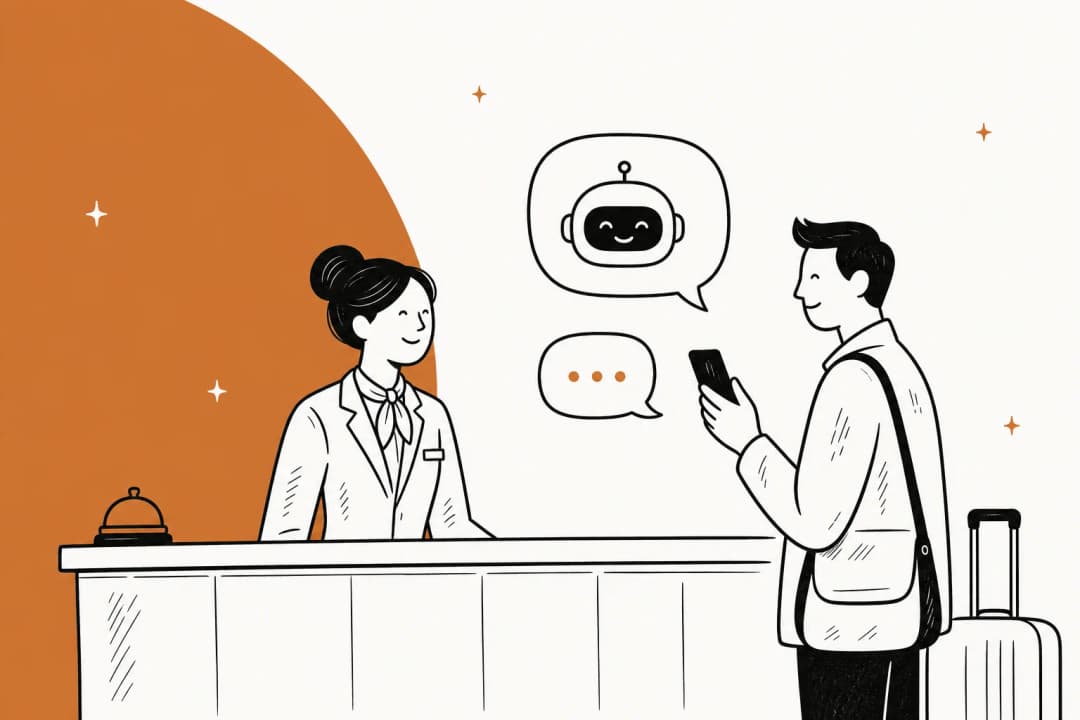
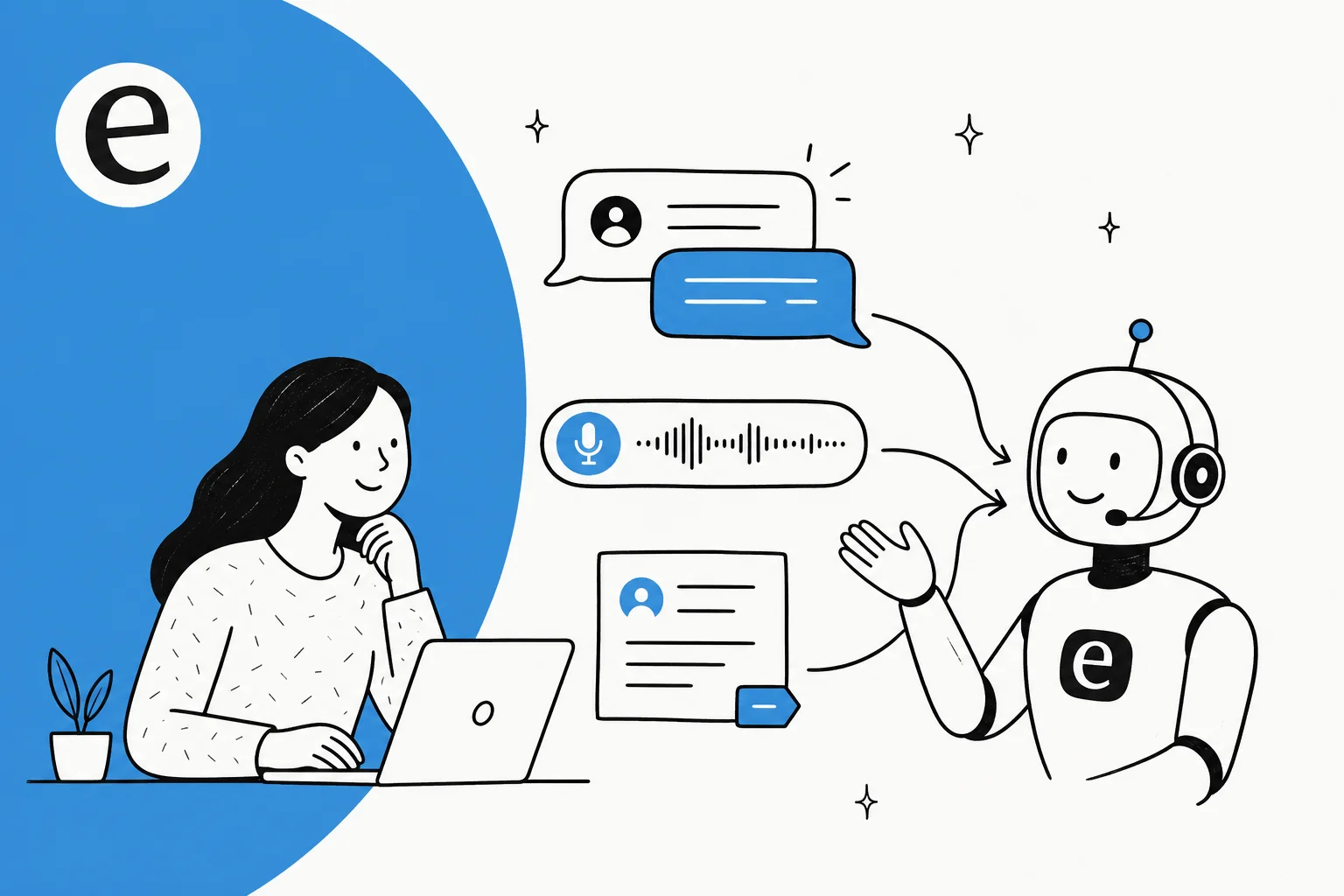
Strip away the marketing and conversational AI is software that does three things in sequence: it reads what a person says in natural language, works out the intent behind it, and produces a relevant response or action. The response can be text in a chat window, a spoken reply on a phone call, or a real action like issuing a refund or updating a ticket.
The word doing the heavy lifting is conversational. A traditional chatbot is a decision tree: press 1 for billing, press 2 for shipping, and if your question does not fit a branch, you hit a dead end. Conversational AI skips the tree. It handles the question you actually asked, in the words you actually used, even if nobody scripted that exact phrasing.
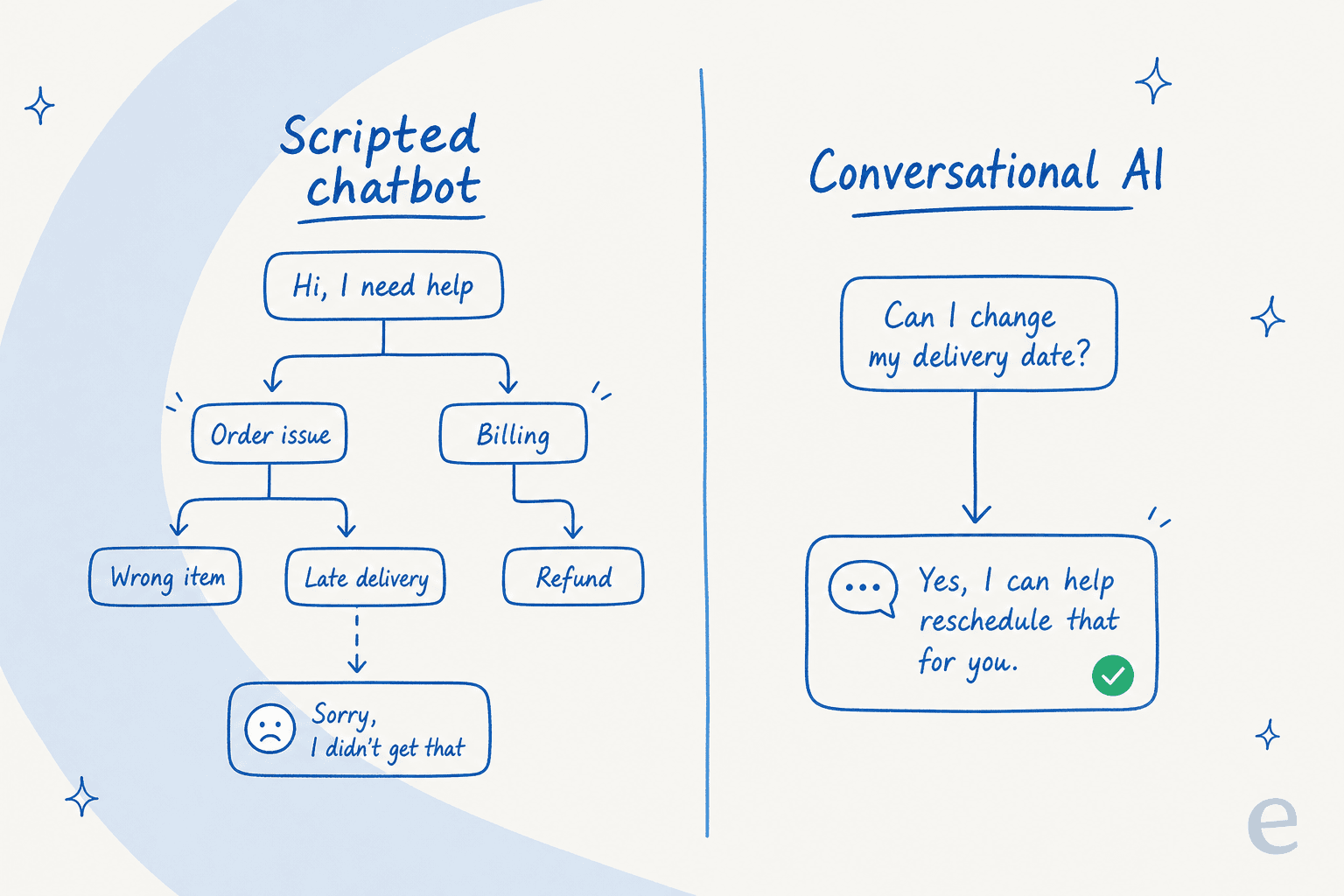
That difference is why so many older bots frustrated people and why the new ones don't. It is also the reason a bot can answer incorrectly: if the model is left to improvise instead of reading your real docs, it will confidently invent an answer. The good examples below all solve that by grounding the AI in a company's own knowledge.
How the good examples actually work
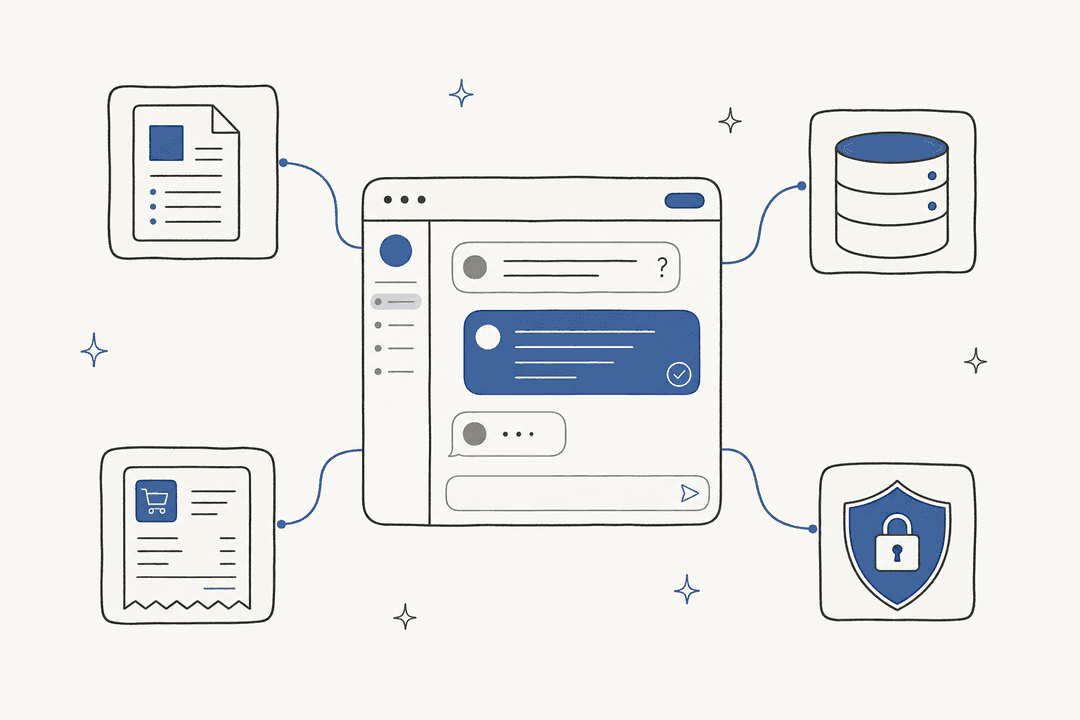
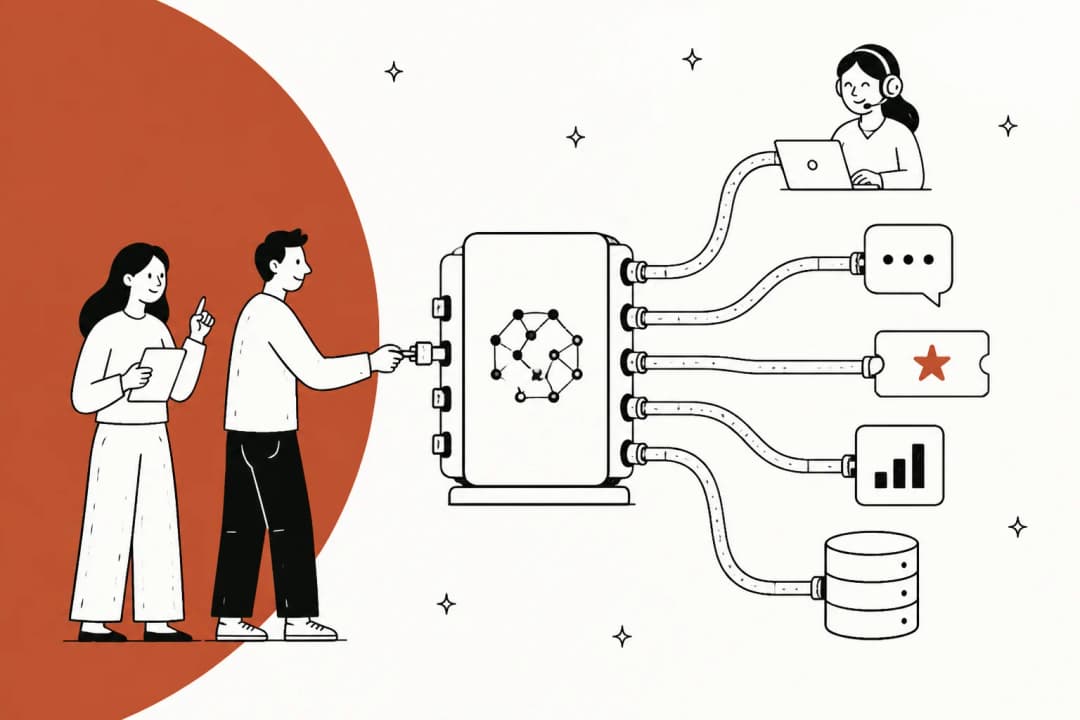
Every conversational AI example worth copying runs the same loop under the hood. A customer asks something in plain language. The AI figures out the intent. It searches the company's knowledge, its help center, past tickets, internal docs, for the real answer. Then it either replies or takes the action, and escalates to a human when it is not confident.
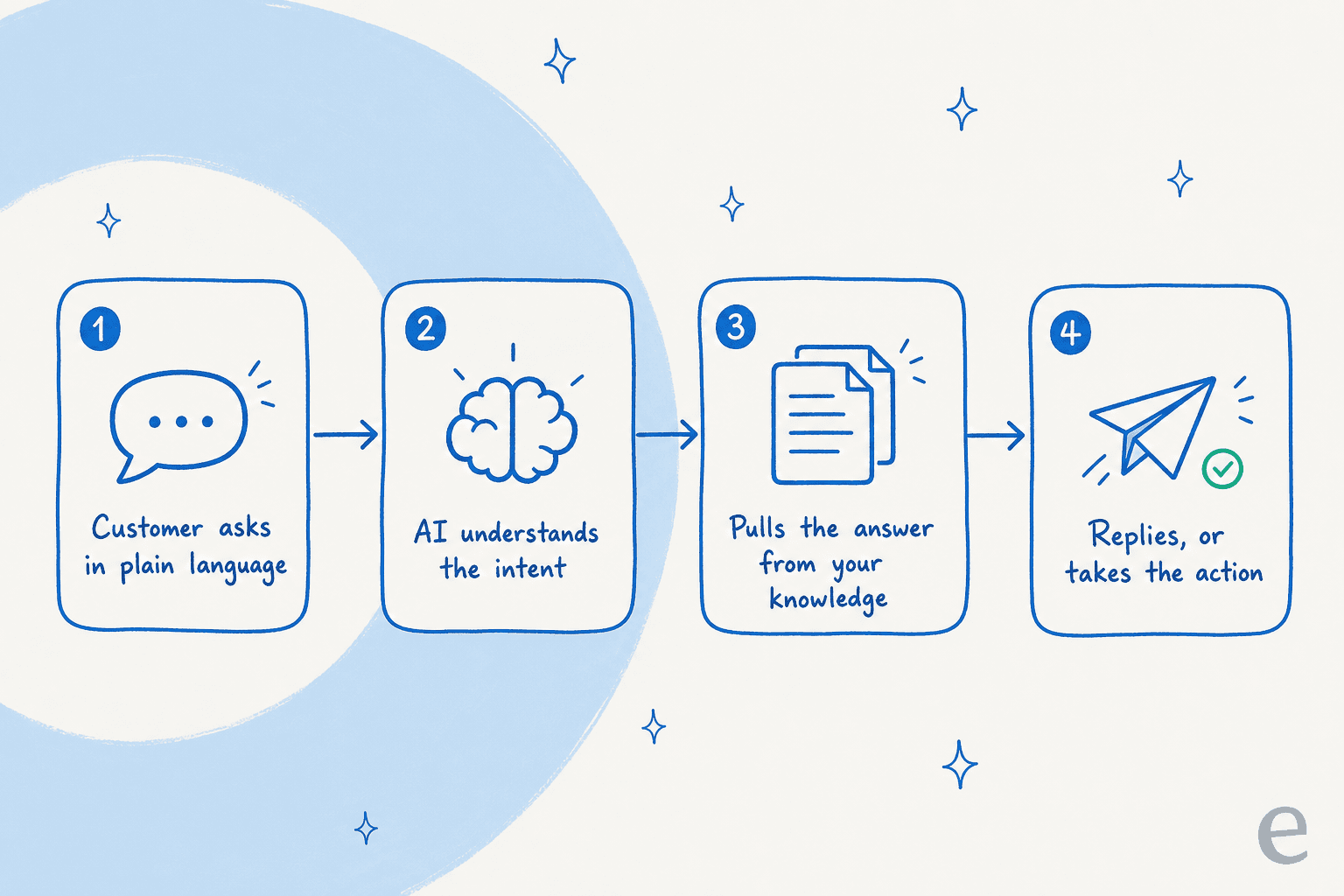
The step people underrate is the third one. An AI that reasons beautifully but has nothing accurate to reason from is the one that hallucinates. This is where retrieval and a solid knowledge base do the real work, and why the examples that survive contact with real customers are the ones plugged into real, current documentation rather than a model's training data.
Conversational AI examples across support
Support is where conversational AI has landed hardest, because the work is high-volume, repetitive, and already text-based. Here are the patterns I see most, and where each one earns its keep.
1. The customer-facing chatbot that deflects then hands off
The headline example: an AI live chat widget on your site or in your product that answers common questions instantly and only pulls in a human for the tricky ones. Done well, it clears the repetitive "where is my order," "how do I reset my password," "what's your return policy" volume that eats a support team alive.
The number that matters is the resolution rate, not the deflection rate, and it is very real when the setup is right. A gig-economy driver-analytics app on Zendesk saw eesel resolve 73% of tier-1 requests in its first month after a 7-day trial. The trick is the clean handover: when the bot is not confident, it passes the conversation to a person with the full context, so the customer never feels stuck. That escalation logic is worth designing deliberately rather than bolting on.

2. The agent copilot that drafts replies
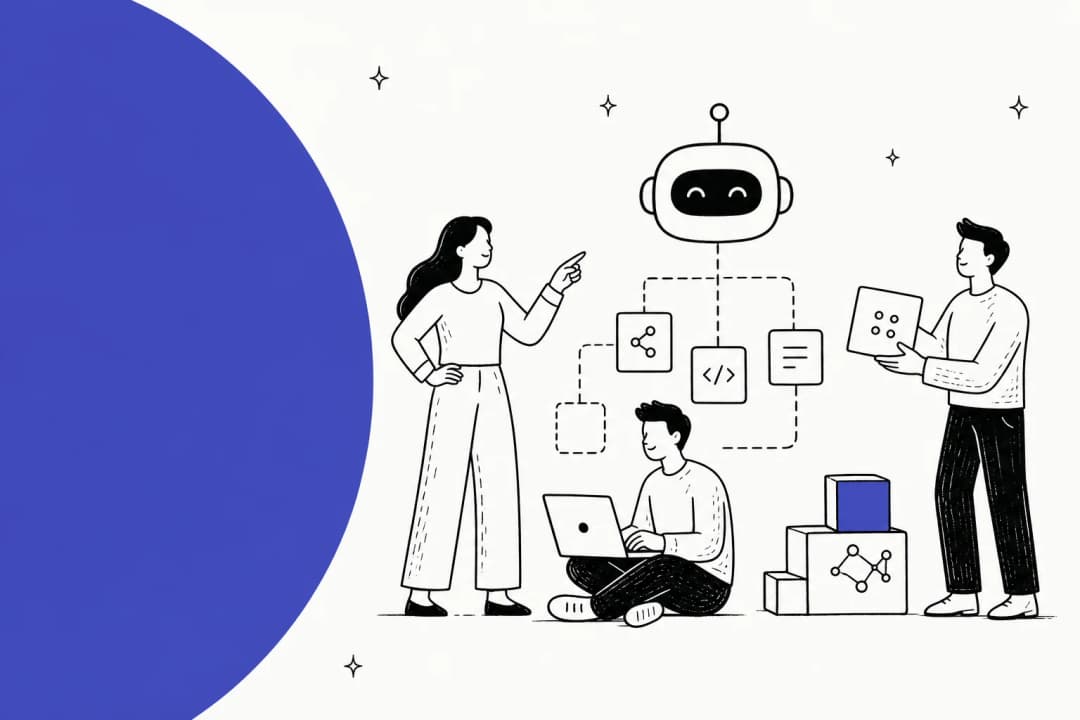
Not every team wants the AI talking directly to customers on day one, and that is fine. The copilot pattern keeps a human in the loop: the AI drafts a reply, cites its sources, and the agent reviews, edits, and sends. It is the lowest-risk way to start, and it is often where a nervous team gets comfortable before switching the bot to fully automatic.
The productivity gain is concrete. One D2C team told us their agents can instantly draft replies instead of digging through Notion, Google Docs, and the help center for every answer. A financial-services customer reported up to 80% time savings onboarding staff and finding answers this way.
3. The voice agent that answers the phone
Conversational AI is not only text. Voice agents now take calls, understand spoken questions, and respond in a natural voice, often across dozens of languages. One AI phone-support startup reports its own agent handling around 73% of incoming calls across 40+ languages. Platforms like Retell and native tooling like Zendesk voice AI agents are pushing this into mainstream support.
Voice is harder than text, the AI has to handle interruptions, accents, and background noise, so the bar for "good enough" is higher and the safe examples still lean heavily on clear escalation to a human.
4. The internal IT and HR helpdesk bot
Some of the best examples never touch a customer. Employees ask the same questions over and over, how do I reset my VPN, what's the PTO policy, where do I file an expense, and a conversational AI plugged into internal docs answers them in Slack or an AI helpdesk.
"We use it to be the first responder to our Helpdesk tickets in Jira. It essentially acts just like an agent would."
Jason Loyola, Head of IT, InDebted
That internal helpdesk started at 15% deflection and is targeting 55% on its Jira Service Management queue. Internal support is a quietly perfect fit: the knowledge is stable, the questions repeat, and the stakes of a small mistake are lower than with a paying customer.
5. The messaging and WhatsApp bot
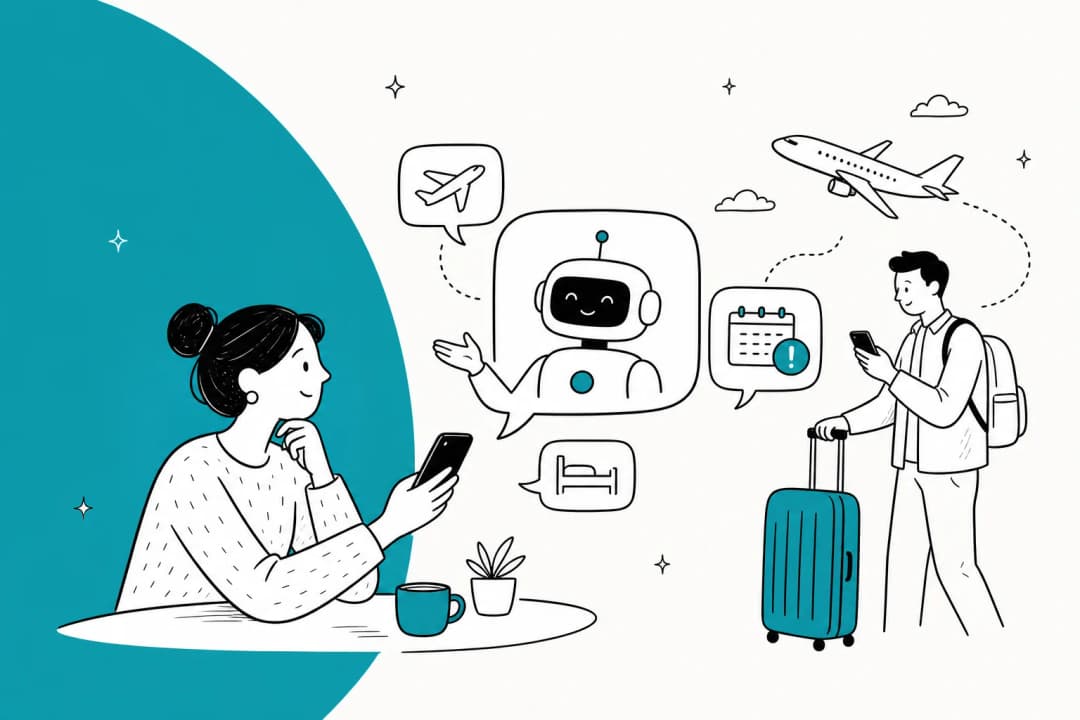
Customers increasingly want support in the apps they already use. Conversational AI on WhatsApp, Instagram DMs, or SMS handles order tracking, delivery updates, and quick questions in the channel the customer opened. For e-commerce especially, an order-tracking bot on messaging deflects a huge slice of "where's my package" volume without a human ever touching it.
6. The triage and tagging layer behind the scenes
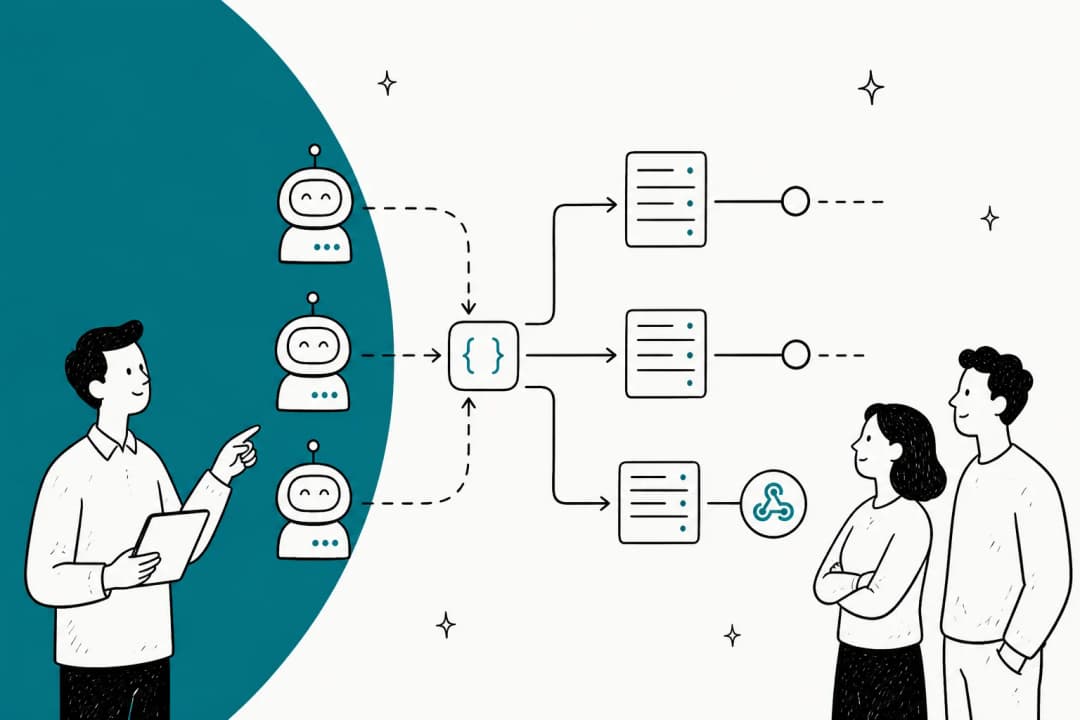
The least flashy example is often the most valuable: an AI that reads every incoming ticket, tags it, routes it to the right team, and drops a suggested reply as an internal note. Nobody sees it, but it shaves minutes off every single ticket. In one real-traffic trial, eesel hit 93% triage accuracy and caught 100% of spam with zero false positives. This is ticket triage done at machine speed.
Here is how the main support examples stack up:
| Example | Channel | What it does | Who it's best for |
|---|---|---|---|
| Deflect-and-handover chatbot | Web / in-app chat | Answers common questions, escalates the hard ones | Any team with repetitive ticket volume |
| Agent copilot | Inside the helpdesk | Drafts cited replies for humans to send | Teams nervous about full automation |
| Voice agent | Phone | Answers spoken calls, escalates when unsure | High call volume, multilingual |
| Internal helpdesk bot | Slack / service desk | Answers staff IT and HR questions | IT, HR, ops teams |
| Messaging bot | WhatsApp / SMS / DMs | Order tracking and quick questions | E-commerce, D2C |
| Triage layer | Behind the scenes | Tags, routes, drafts internal notes | Teams drowning in unsorted tickets |
Find the example that fits your team
Not sure which pattern is yours? Pick where you want the AI to live and see the closest real-world example.
Where conversational AI shows up
Zoom out and the examples sort neatly along two axes: text versus voice, and customer-facing versus internal. Most teams end up running more than one at once.
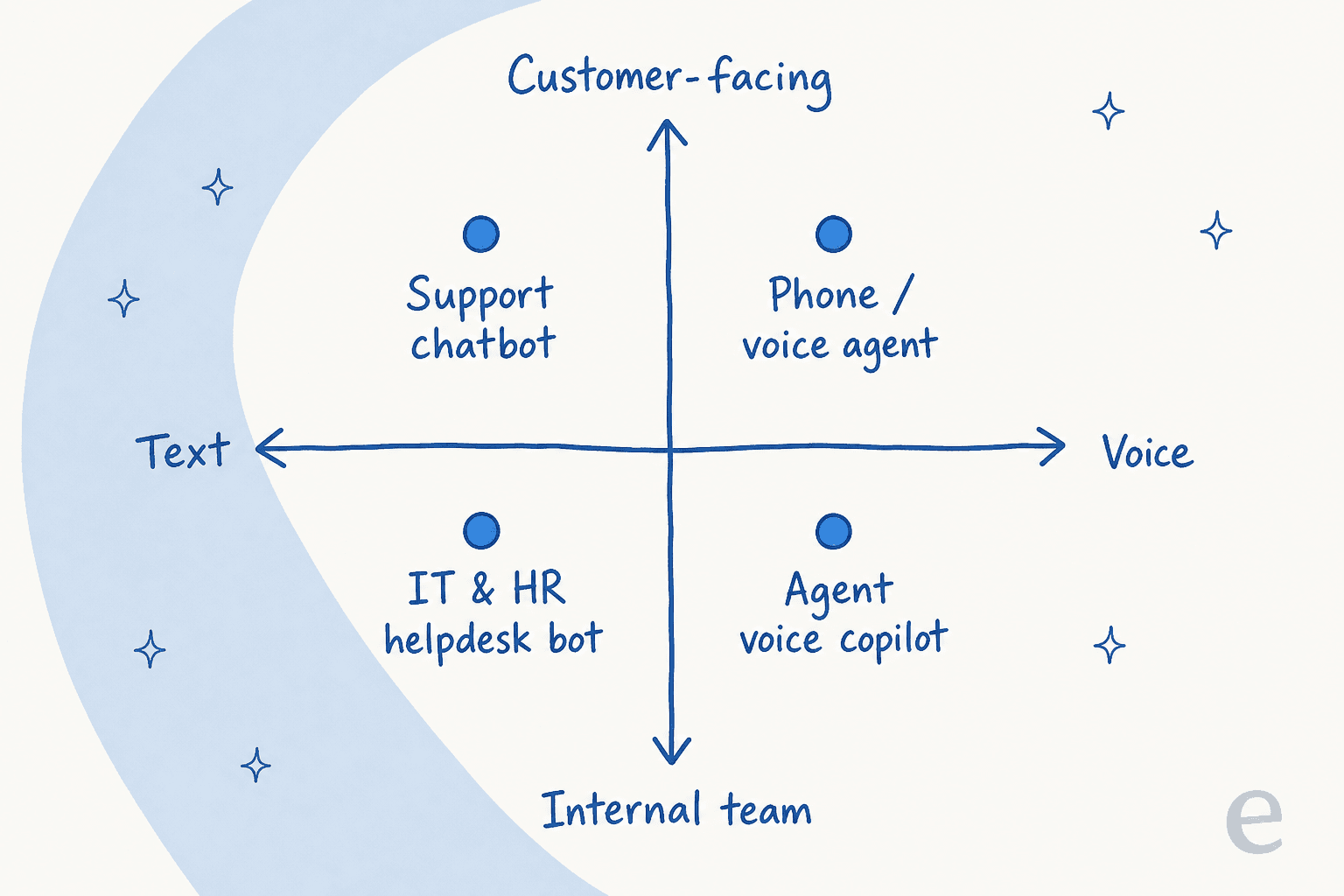
The point of the map is that "conversational AI" is not one product you buy. It is a capability that shows up wherever people ask questions, which is why the conversational AI platforms market is so sprawling, and the right example for you depends entirely on which quadrant your volume lives in.
What separates a working example from a demo
Here is the part most roundups skip. Every one of these examples demos beautifully. The gap between a good demo and a deployment you can trust is where teams get burned, and after three-plus years putting AI agents on live support queues, I can tell you exactly where the cracks show.
The biggest one is overconfidence. An AI that answers everything with the same certainty, including the things it is wrong about, is more dangerous than one that answers less. The teams that get this right insist on the opposite behavior. As one DTC supplements support lead put it to us, the AI will never answer 100% of questions correctly, so what you actually want is an AI that only handles the tickets it is confident about and leaves the rest alone. That is a feature, not a limitation.
"It feels like a partnership, rather than a vendor relationship. eesel AI was flexible enough for us to get started quickly and iterate... Recently, a new customer success hire joked that our eesel AI bot was their best friend during onboarding."
Jon Miron, Director of Support & Operations, Yellowdig
So how do you tell them apart before you commit? Three checks:
- Is it grounded in your knowledge? A working example reads your help center, past tickets, and internal docs. A demo runs on generic training data and will answer wrong the moment a question gets specific to your business.
- Can you set limits? You should be able to say "only handle these ticket types" and "escalate anything below this confidence." Without that control, you are gambling on every reply.
- Can you test it on your own history first? This is the single most important one. The safest examples let you simulate against thousands of your real past tickets and see the actual resolution rate and cost before a customer ever talks to it. If a vendor cannot show you that, the demo is all you are getting.
That last point is why the cost math matters too. Some tools charge per resolution, which means your bill spikes exactly when you are busiest, and it changes the whole AI agent vs human cost calculation. Predictable per-interaction pricing is the difference between a tool you can plan around and one that surprises you.
Try eesel
If the examples above describe work your team is doing by hand, that is exactly what eesel is built for. It is an AI teammate you plug into your existing helpdesk, Zendesk, Freshdesk, Gorgias, Jira, or a chat widget, and it starts handling tickets from day one, grounded in your help center and past conversations. The differentiator I would point to is the simulation: before it answers a single live ticket, you can run it against your historical tickets to see the real resolution rate and cost, so there is no leap of faith.

You keep control the whole way: start as a copilot drafting replies, set which ticket types it handles, tune the confidence threshold, and only flip to full automation when the numbers earn your trust. Try eesel free and simulate it on your own tickets in a few minutes.
Frequently Asked Questions
What is a simple example of conversational AI?
What is the difference between a chatbot and conversational AI?
What are examples of conversational AI in customer service?
How much does conversational AI cost for support?
How do I know if a conversational AI example will work for my team?


Article by
Kira
Kira is a writer at eesel AI with a Computer Science background and over a year of hands-on experience evaluating AI-powered customer service tools. She focuses on breaking down how helpdesk platforms and AI agents actually work so that support teams can make better buying decisions.