
It’s always a letdown when a tool you rely on starts to feel off. I’ve been seeing the Reddit threads, and it looks like a lot of us who used Captions AI are feeling the burn from recent updates. The good news? The search for a replacement is a perfect excuse to see what else is out there.
The whole "AI content tool" space has gotten pretty wild. Video editing is obviously a huge part of it, but AI can now handle all sorts of content creation, from chopping up videos for social media to answering customer questions on the fly.
In this guide, I’ll walk you through some direct Captions AI alternatives for all you video creators, plus a few AI content writer angles. But I'm also going to throw a curveball: a powerful option for businesses that want to automate a different, and honestly, maybe more critical, type of content.
What is Captions AI?
First, a quick refresher. Captions AI is a tool made for social media creators. Its main job is to take some of the pain out of video editing using AI.
That means things like AI-assisted editing, automatically generating subtitles, providing a teleprompter for recording, and even translating your voice into other languages. It’s really built for people churning out short-form videos for TikTok, Instagram Reels, and YouTube Shorts.
Why look for Captions AI alternatives?
So, why the sudden exodus? From what I've seen and personally run into, it comes down to a few key issues:
-
Bugs and performance problems: Recent updates have made the app unstable for a lot of users. We're talking slow performance and export times that feel like they take forever. Nothing kills the creative vibe faster than a tool that just won't cooperate.
-
It’s a bit of a one-trick pony: While it’s good at captions, it feels a little barebones compared to other platforms. Many alternatives have better editing features, larger stock footage libraries, and actual collaboration tools.
-
The price doesn't feel right anymore: For some, the subscription just isn’t providing the same value it once did. It makes you start to wonder if that money could be better spent on a different kind of AI tool entirely.
-
You have a totally different content problem: This is the big one. What if your company’s real bottleneck isn't making marketing videos, but answering the same five customer questions a dozen times a day? This is where the whole idea of an "alternative" gets a lot more interesting, and where customer support automation comes in.
How I chose the best Captions AI alternatives
To make this list actually helpful, I had a mental checklist for each tool. I wasn't just looking for copycats; I wanted solid tools that solve real-world problems.
-
Does the AI actually work? How good is the tool at its main promise? Is it accurate, and does it genuinely save me time and headaches?
-
Is it easy to use? Can I sign up and start getting things done right away, or do I need a PhD in video editing? A simple, get-it-done setup is a huge win.
-
What is it really for? What’s the tool’s specialty? Is it for making viral clips, chopping up podcasts, or automating support tickets?
-
Is it worth the money? Is the pricing fair and easy to understand? Does the tool provide a good return on investment for its target audience?
Comparison of the best Captions AI alternatives in 2026
For those of you who just want the cheat sheet, here’s a quick rundown of the tools I looked at. I re-verified every price against the vendor's live pricing page in June 2026.
| Tool | Primary Function | Best For | Free Plan? | Starting Price |
|---|---|---|---|---|
| eesel AI | Customer support automation | Businesses scaling customer service | 100 free credits | From $299/mo (500 credits) |
| Submagic | Viral video creation | Social media creators & marketers | Trial only | $19/month |
| OpusClip | Long-form video repurposing | Podcasters & YouTubers | Yes | $15/month |
| Descript | Text-based video & audio editing | Podcast creators & interviewers | Yes | $16/month |
| Veed.io | All-in-one cloud video editor | Teams needing collaboration | Yes | $12/month |
| CapCut | Free mobile video editing | Beginners & TikTok creators | Yes | Free (Pro ~$9.99/mo) |
The top 6 Captions AI alternatives for content automation
Alright, let's get into the nitty-gritty. Here’s a closer look at each tool, what it does best, and who should consider it.
1. eesel AI

Okay, I’ll say it upfront: this is not a video editor. But if you’re a business owner looking at AI to make things run smoother, eesel AI is an alternative you should seriously consider. It automates your support content instead of your video content, which for many growing companies is a much bigger time-drain. I help build it, and after years of putting AI agents on live support queues, I've watched plenty of confident-sounding bots quietly give wrong answers, which is exactly why the product simulates every rollout against your historical tickets first.
How it works: eesel AI connects to your help desk (like Zendesk or Freshdesk) and instantly starts learning from all your company knowledge: your Confluence pages, Google Docs, and even your team's past conversations. It then uses all that info to handle frontline support questions, picking up your brand voice and processes automatically.
What I liked:
-
You can be live in minutes. It's truly self-serve. You can sign up and get it running without ever talking to a salesperson, which is almost unheard of for this kind of software.
-
It pulls from all your existing knowledge. You don't have to spend weeks building a knowledge base. It learns from the docs and support tickets you already have.
-
You're in complete control. You decide which tickets the AI handles. There’s even a simulation mode where you can see how it would have answered past tickets before you let it talk to real customers.
What to keep in mind:
-
It's not for making videos.
-
The pricing is designed for businesses looking for a return on investment, not for individual creators.
Pricing: eesel AI’s pricing is one fixed monthly price sized to your volume, with no platform fee and no per-seat fees. 1 credit covers one ticket or chat, however long it runs.
| Plan | Price | Key Features |
|---|---|---|
| Free | 100 credits | No credit card, every feature unlocked. |
| Teammate | From $299/month (500 credits) | 1,000 credits $499, 2,500 credits $999, 5,000 credits $1,899. Pay a year upfront, get two months free. |
| Add-ons | SSO and MFA from $199/month | Priority support from $299/month, data residency $500/month. |
To make that concrete: 100 tickets a month fits the free plan, 500 tickets is $299, and 1,000 tickets is $499. The Chief Innovation Officer at Global Pay, an eesel customer, reports up to 80% time savings finding answers this way.
2. Submagic
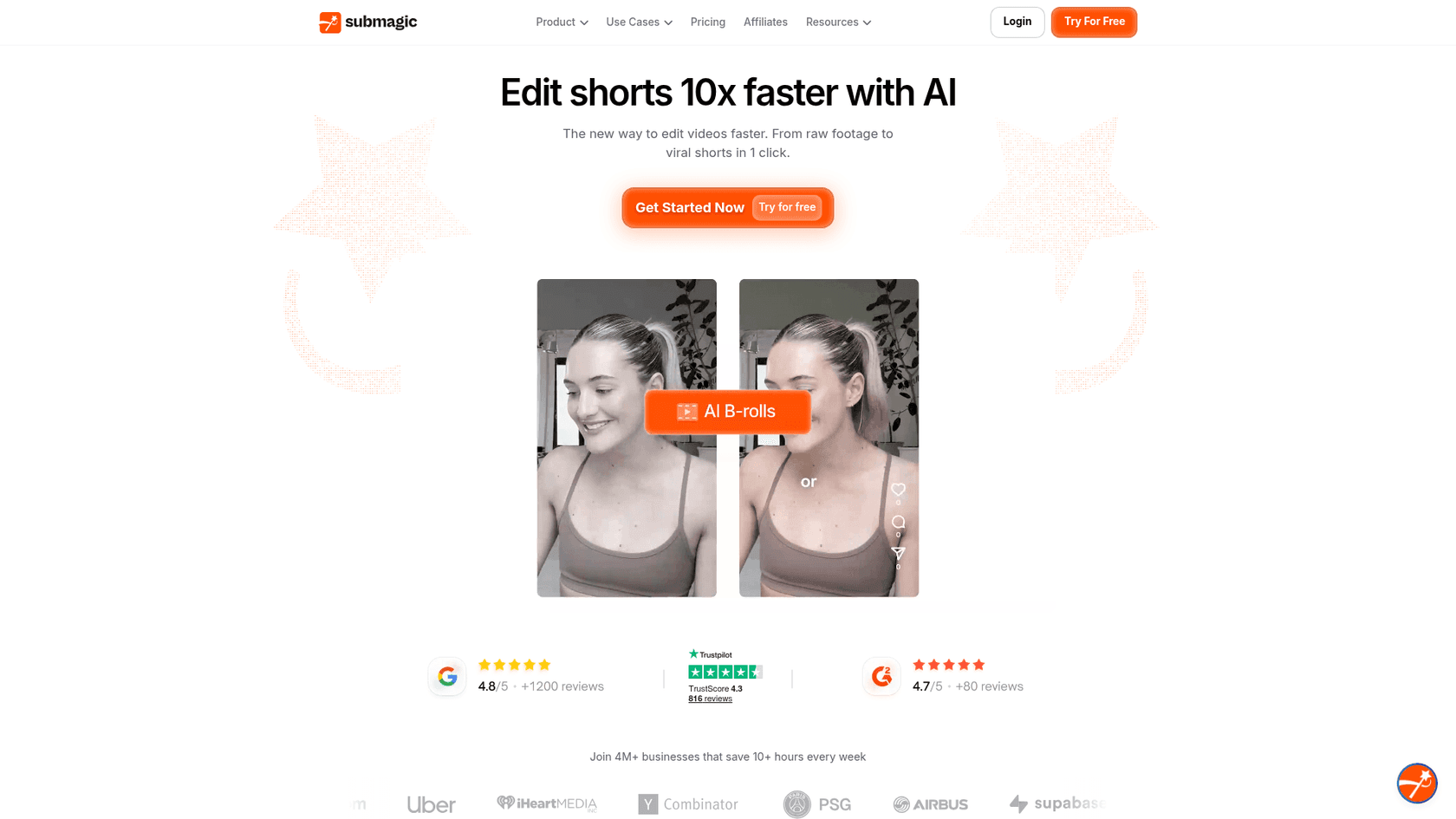
If you’re just looking for a straight-up replacement for Captions AI, Submagic is probably your best bet. It’s completely focused on creating those trendy, high-energy captions that are all over social media.
How it works: You toss your video in, and the AI does its thing. It spits out auto-captions with highlighted keywords and emojis, adds relevant stock footage with its "Magic B-Rolls," and uses automatic zooms to keep the visuals interesting.
What I liked:
-
It’s perfect for making clips look polished and engaging for TikTok and Reels, the kind of content that powers influencer marketing.
-
It's incredibly fast and simple to use.
-
Supports over 50 languages for captions.
What to keep in mind:
-
It's more of a tool for adding finishing touches than a full-blown video editor.
-
The cheaper plans have some feature limits.
Pricing: Submagic has a few plans, priced per member/month on the annual billing.
| Plan | Price (Billed Annually) | Key Features |
|---|---|---|
| Starter | $19/month | Auto captions AI, 1080p export. |
| Pro | $39/month | AI translate captions, premium templates, brand kit. |
| Business + API | $69/month | Team scale, API access, higher limits. |
3. OpusClip
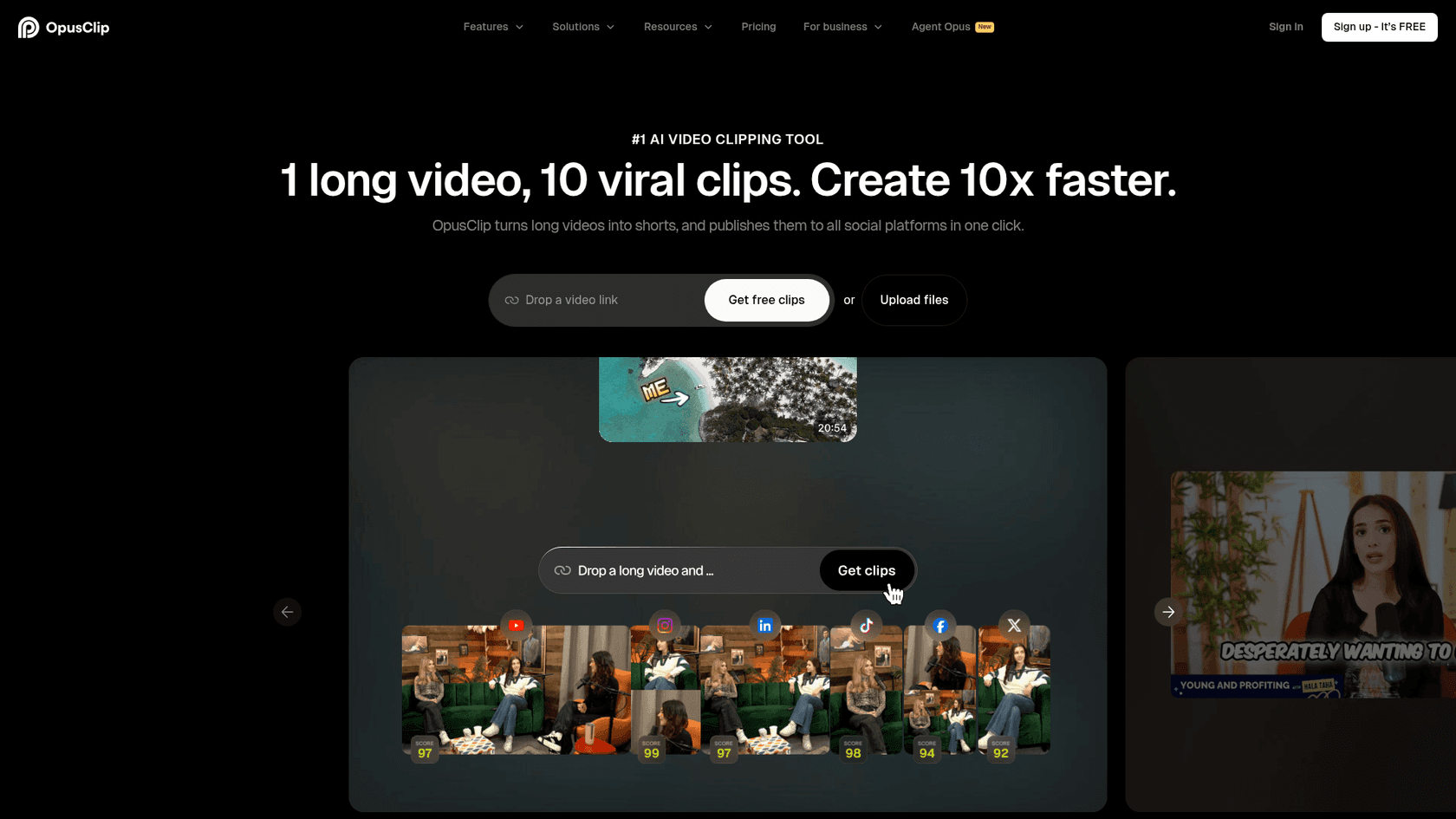
For anyone creating podcasts, webinars, or long YouTube videos, OpusClip is a massive time-saver. It automates the painful process of turning one long video into a dozen short, shareable clips.
How it works: You just feed it a YouTube link or upload a file. Its AI watches the whole video, finds the most interesting or "viral" bits, and automatically chops them up into short clips, captions and all.
What I liked:
-
Saves an enormous amount of time in post-production.
-
The AI "virality score" is a cool little feature that helps you guess which clips might perform best.
-
You can set up brand kits to keep all your clips looking consistent.
What to keep in mind:
-
The AI can sometimes lose track of a speaker if they move around a lot.
-
You might need to do a few manual adjustments to get the caption timing perfect.
Pricing: OpusClip has a free plan so you can post a clip a day at no cost.
| Plan | Price (Billed Annually) | Key Features |
|---|---|---|
| Free | $0 | Watermarked exports, regular processing. |
| Starter | $15/month | Watermark-free export, faster processing. |
| Pro | $29/month | AI + stock B-Roll generator, virality score, brand templates. |
| Business | Custom Pricing | For teams and agencies with bigger needs. |
4. Descript

Descript is a whole different way of thinking about editing. It’s made for people who are more comfortable with a word processor than a complicated video timeline. It’s a surprisingly intuitive way to work.
How it works: Descript transcribes your video or audio file for you. Then, you just edit the video by editing the text. Delete a sentence from the transcript, and Descript snips out that part of the video. It’s really that simple.
What I liked:
-
It’s so efficient for editing interviews, podcasts, and any kind of talking-head video.
-
The AI-powered tool that removes all your "ums" and "uhs" is a true gift.
-
It's great for working with a team, since people can just leave comments on the transcript.
What to keep in mind:
-
It's not the right tool for highly visual, action-packed videos where you need that classic timeline control.
-
It can feel a bit constrained for really complex video projects.
Pricing: Descript's pricing has a plan for just about everyone, including a free version. Paid plans are priced per person/month on the annual billing.
| Plan | Price (Billed Annually) | Key Features |
|---|---|---|
| Free | $0 | 1 hour of transcription, watermarked exports. |
| Hobbyist | $16/month | Export 1080p, watermark-free. |
| Creator | $24/month | Export 4K, unlimited royalty-free stock media. |
| Business | $50/month | Brand templates, priority support, more seats. |
5. Veed.io
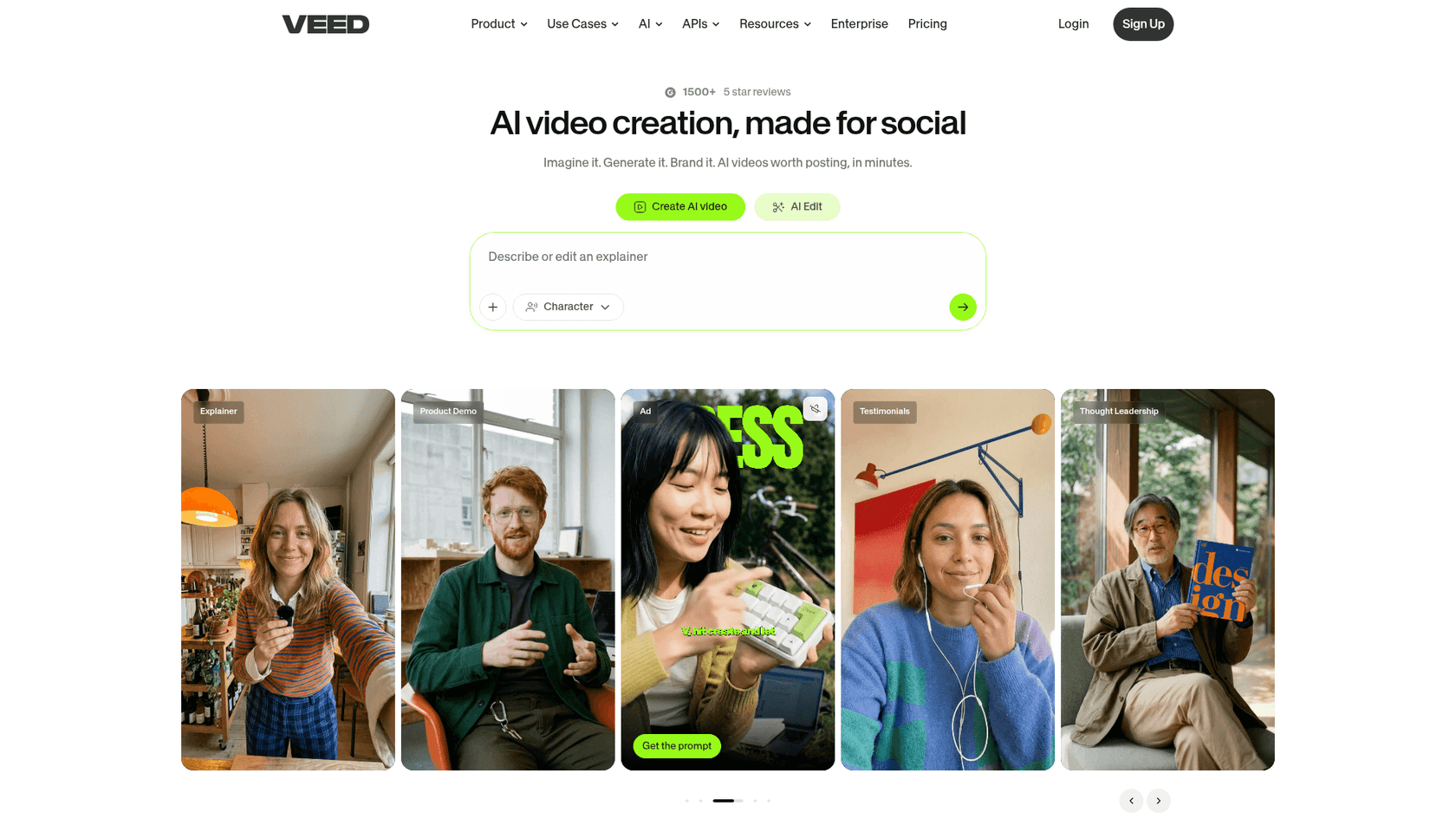
Veed.io is a surprisingly robust video editor that works entirely in your web browser. No software to download, which makes it a great pick for teams that need to work together on projects from different locations.
How it works: Veed gives you a pretty complete set of editing tools online. You get a standard timeline editor, automatic subtitles, screen recording, and access to stock media, all in one spot.
What I liked:
-
You can log in and work on your projects from any computer.
-
The interface is clean and easy to navigate.
-
The collaboration features are solid, making it simple to get feedback from a team.
What to keep in mind:
-
Since it’s browser-based, it can sometimes get a little sluggish with really big video files.
-
Its AI features are good, but maybe not quite as specialized as what you'd find in a tool like OpusClip or Submagic.
Pricing: Veed.io restructured its plans in 2026, now priced per user/month on the annual billing (a free plan is still available).
| Plan | Price (Billed Annually) | Key Features |
|---|---|---|
| Creator | $12/month | No watermark, unlimited auto subtitles, 15+ AI tools. |
| Pro | $22/month | Multiple brand kits, translate to 50+ languages. |
| Studio | $39/month | Custom templates, higher AI voice and translation limits. |
6. CapCut
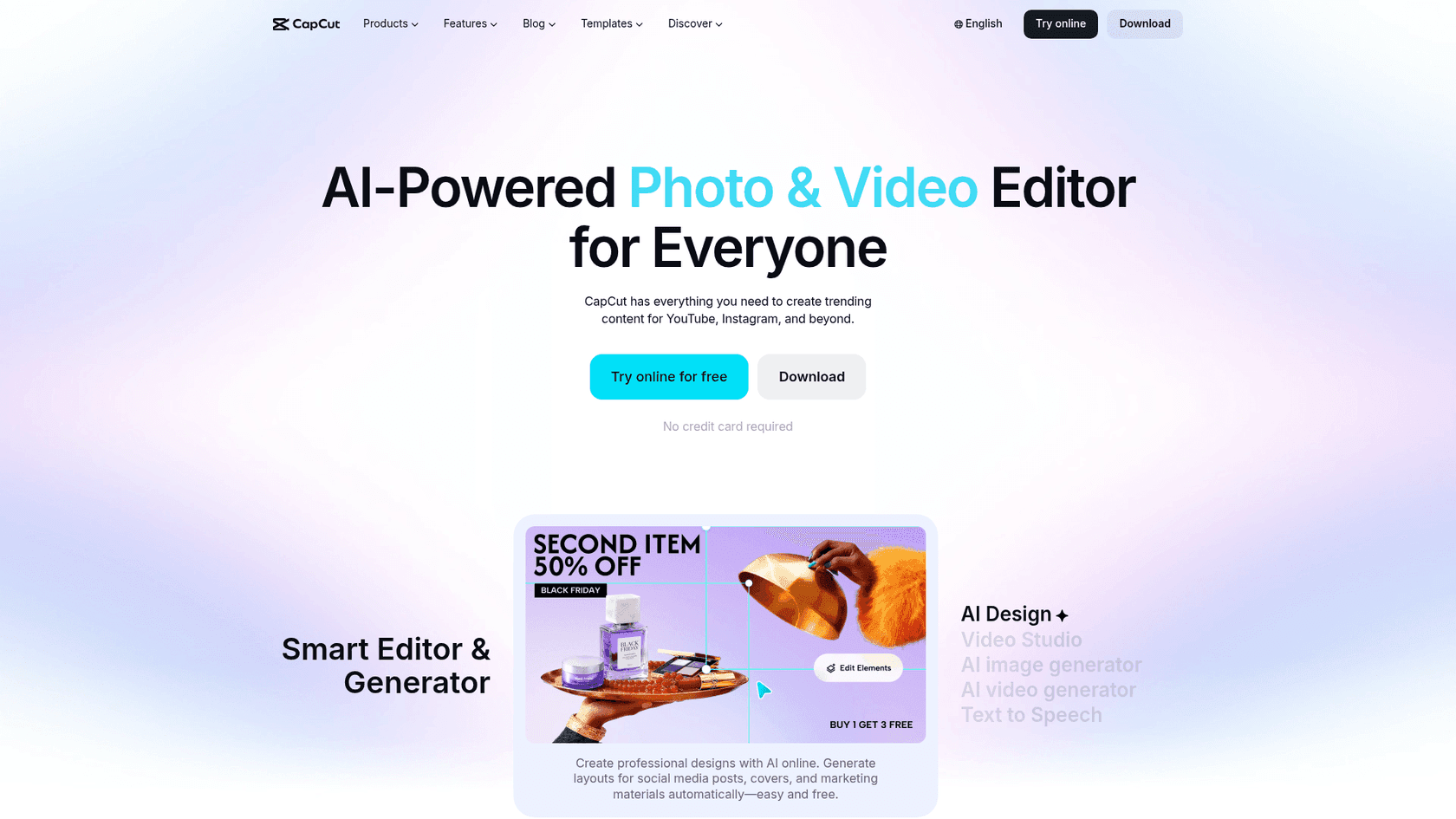
If you make most of your content on your phone, you probably already know about CapCut. It's one of the most popular mobile video editors on the planet, and for good reason.
How it works: As a mobile-first app, CapCut is all about its intuitive, touch-friendly interface. It has a giant library of trending sounds and effects and, of course, works perfectly with TikTok.
What I liked:
-
It’s completely free to use, and they don't slap a watermark on your videos.
-
It's incredibly easy for beginners to figure out.
-
It's always being updated with new templates, filters, and features.
What to keep in mind:
-
It's not going to replace desktop software for complicated edits.
-
You're limited to videos that are 15 minutes or shorter.
-
Syncing projects between your phone and computer can be a little clunky sometimes.
Pricing: CapCut is famous for being free, but they do have a Pro version. There's no official public pricing page, but the Pro subscription typically costs around $9.99/month and gets you more effects, templates, and cloud storage.
Beyond video clips: Automating content with Captions AI alternatives
All those tools are great for creating marketing content, but let’s go back to that bigger question. For most businesses, the biggest day-to-day headache isn't pumping out another Reel, it's dealing with the never-ending flood of customer questions.
This is where AI can be a true multiplier. In the same way OpusClip turns one long video into ten short ones, eesel AI turns your team's collective knowledge into an AI agent that can handle thousands of customer conversations, the way the top AI agents do. It’s the same idea of automation, just pointed at a more central part of your business.
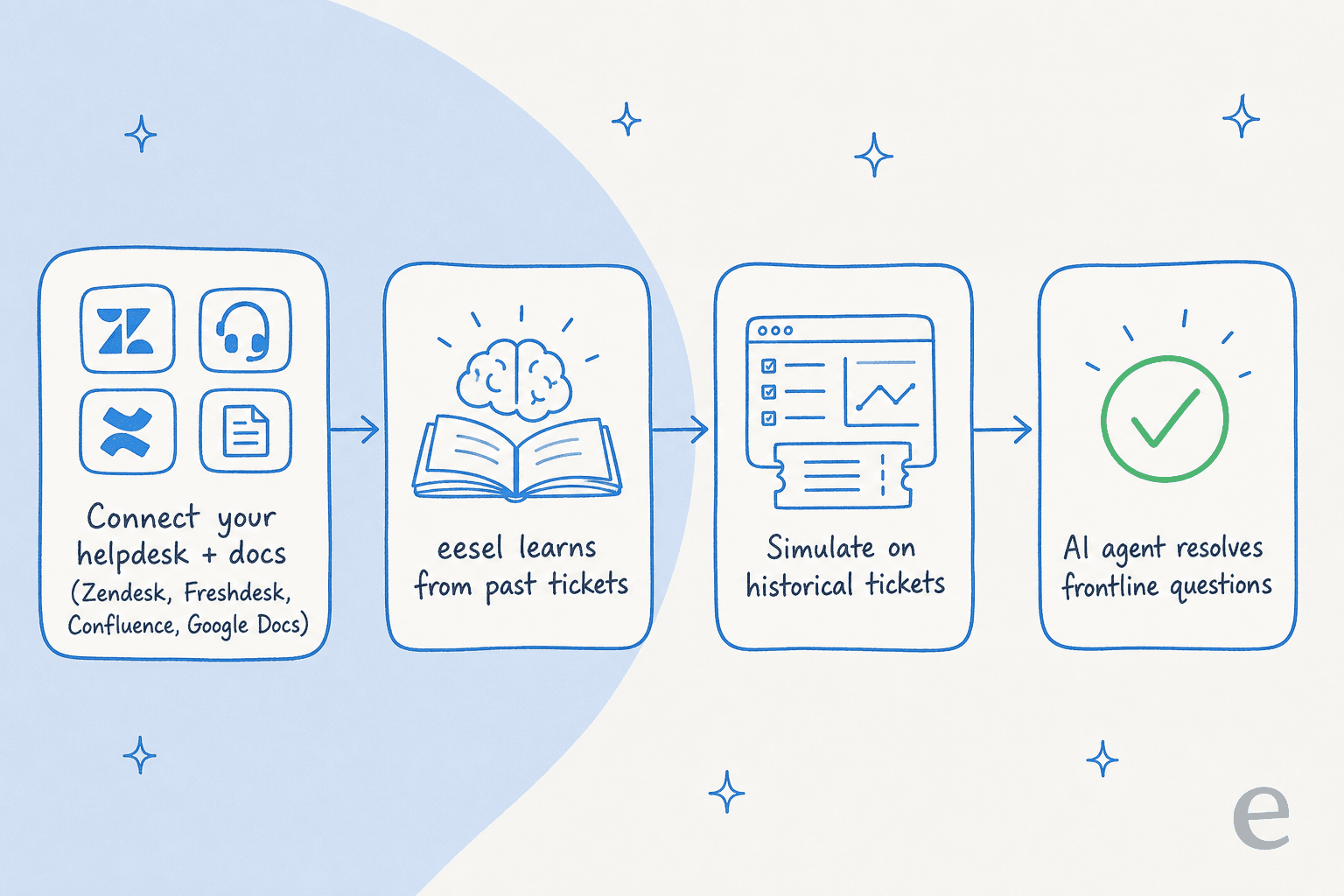
What makes that approach different is how simple it is:
-
You can do it yourself. You can sign up and have a working AI agent in a few minutes. Most competitors make you sit through sales calls and demos just to get a peek at the product.
-
You can test it risk-free. The simulation mode is brilliant. You can see exactly how the AI would have answered thousands of your past tickets, giving you real data on how well it works before it ever interacts with a live customer. It's the same discipline that separates a reliable AI helpdesk from a risky one.
-
It learns from what you already have. eesel AI connects to everything from old support tickets to random Google Docs, creating a single source of truth for your support AI without you having to do any manual work. That's also what powers smarter ticket triage down the line.
Which of these Captions AI alternatives is for you?
After playing with all these tools, where does that leave us? It really comes down to the problem you're trying to fix.
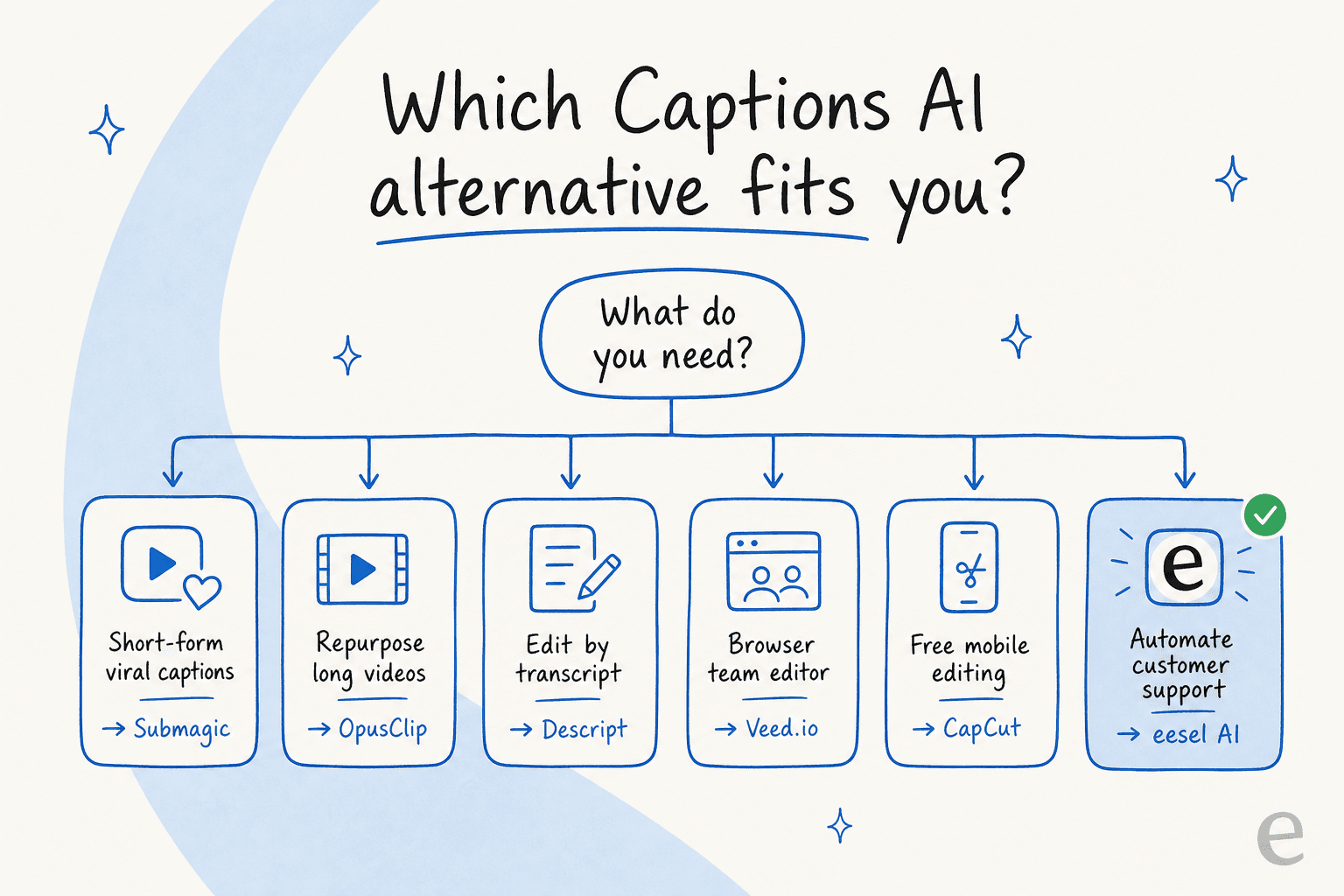
For video creators, the path is pretty clear. If you need those trendy, viral-style captions that grab attention, Submagic is a great choice. If you’re a podcaster or YouTuber trying to get more mileage out of your long-form content, OpusClip is a no-brainer. And for quick, easy, and free editing on your phone, CapCut is still king.
But if you’re running a business, your goal isn't just to make content. It’s to run more efficiently, reduce support costs, and keep your customers happy. If that's you, then the best "alternative" might be one that automates your biggest content headache, the same way the best AI customer support tools do.
Instead of just making more content, maybe it’s time to automate conversations. See how eesel AI could change your approach to customer support. You can book a demo or Try eesel for free to see it for yourself.
Frequently asked questions
I'm a solo creator primarily making short-form content for TikTok and Reels, which of these Captions AI alternatives would you recommend most for quick, engaging videos?
For quick, engaging short-form videos, Submagic is an excellent choice among Captions AI alternatives due to its focus on viral-style captions, B-rolls, and auto-zooms. Alternatively, CapCut offers a free, mobile-first experience with trending effects. If you also want to repurpose those clips into marketing content, it's worth lining the tools up side by side first.
For businesses, why is eesel AI highlighted as one of the key Captions AI alternatives, even though it doesn't do video editing?
eesel AI is presented as a crucial option because it solves a different, often bigger, content problem: customer support. Instead of automating video creation, it automates answering repetitive questions with an AI agent that learns from your existing knowledge. That frees up your team and cuts support costs, the same kind of leverage video tools give creators.
Do any of these Captions AI alternatives offer a completely free option, or are they all paid subscriptions?
Yes, CapCut is famously free to use, offering robust mobile editing without watermarks, making it one of the most accessible Captions AI alternatives. Descript, Veed.io, and OpusClip also provide free plans, though they come with limits like watermarked exports or reduced monthly media hours. For support automation, eesel AI's pricing starts with a free plan of 100 credits, then plans from $299/month.
If my main goal is to repurpose long-form YouTube videos and podcasts into shorter clips, which of the Captions AI alternatives is best suited for that specific task?
OpusClip is specifically designed for repurposing long-form content, making it the ideal choice among Captions AI alternatives for podcasters and YouTubers. Its AI automatically identifies "viral" moments and chops them into shareable clips with captions, significantly saving post-production time. It's one of the more focused AI tools in this roundup.
I'm looking for Captions AI alternatives that prioritize collaborative features for a small team working on video projects. Which tool would you suggest?
For teams needing collaborative features, Veed.io is a strong contender among Captions AI alternatives, as it's a cloud-based editor allowing multiple users to work and provide feedback seamlessly. Descript also offers excellent collaboration by letting team members comment directly on the video transcript. Support teams looking for the same shared workflow often pair these with an AI helpdesk agent.
Beyond just captions, do any of these Captions AI alternatives offer more comprehensive video editing capabilities, like stock footage libraries or advanced effects?
Yes, several Captions AI alternatives offer more than just captions. Veed.io provides a full browser-based editor with access to stock media, while CapCut offers a vast library of trending sounds and effects for mobile editing. Submagic also includes "Magic B-Rolls" to enhance videos with relevant stock footage. The right pick depends on whether your bottleneck is creation or, like many businesses, customer support automation.


Article by
Kurnia Kharisma
Kurnia is a software engineer and writer at eesel AI with two years of SEO experience, writing about AI tools, helpdesk software, and customer support. He pairs a developer's understanding of how these products are built with search-driven research into what actually ranks and resonates with the people searching for them.