AI video generation is one of the most exciting corners of tech right now, and tools like Kling AI are promising to turn a few lines of text into something that looks like it came from a movie studio. It’s easy to get swept up in the cool demos and long feature lists.
But if you’ve ever actually relied on a piece of software, you know the truth: what it can do is only half the story. The other half is about reliability, getting help when things break, and whether the company behind it treats you fairly.
That's why I'm digging past the hype. I’ve sifted through tons of real user Kling AI reviews from places like Reddit and Trustpilot to give you the full picture. I’ll talk about its impressive tech, but I'm also going to get into the inconsistent performance, confusing pricing, and the one thing that’s a total dealbreaker: its customer support.
What is Kling AI?
Kling AI is an AI model that creates videos from text prompts and images. It comes from Kuaishou, a big name in China's tech world and the company behind a major TikTok competitor. The main idea behind Kling AI is to let creators generate high-quality video without needing a camera crew or complicated editing software. The model line has moved on since this review was first written: Kling's homepage now leads with Kling 4.0 for video and Kling Image 3.0 for stills, so some older complaints below describe earlier model versions.
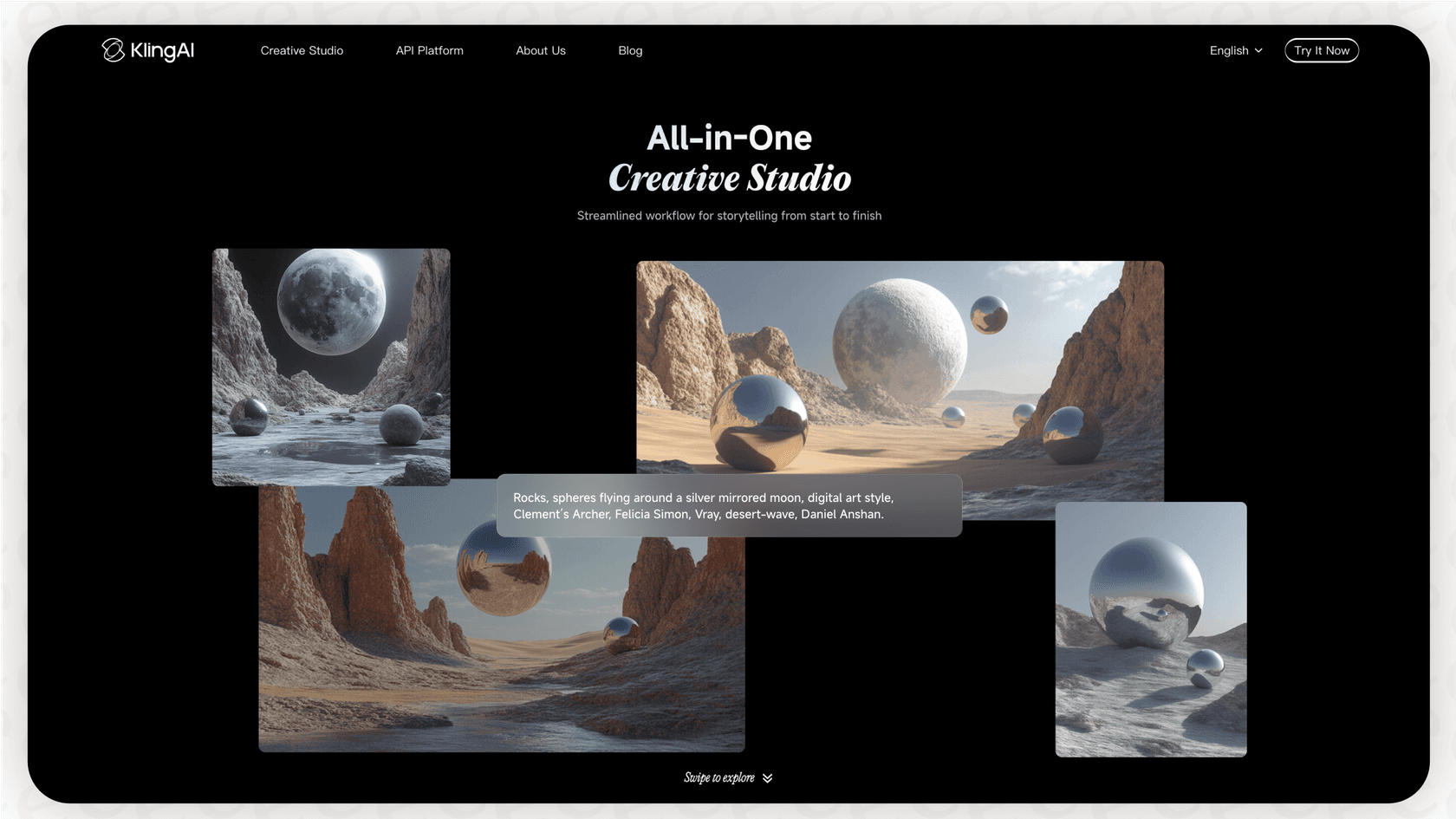
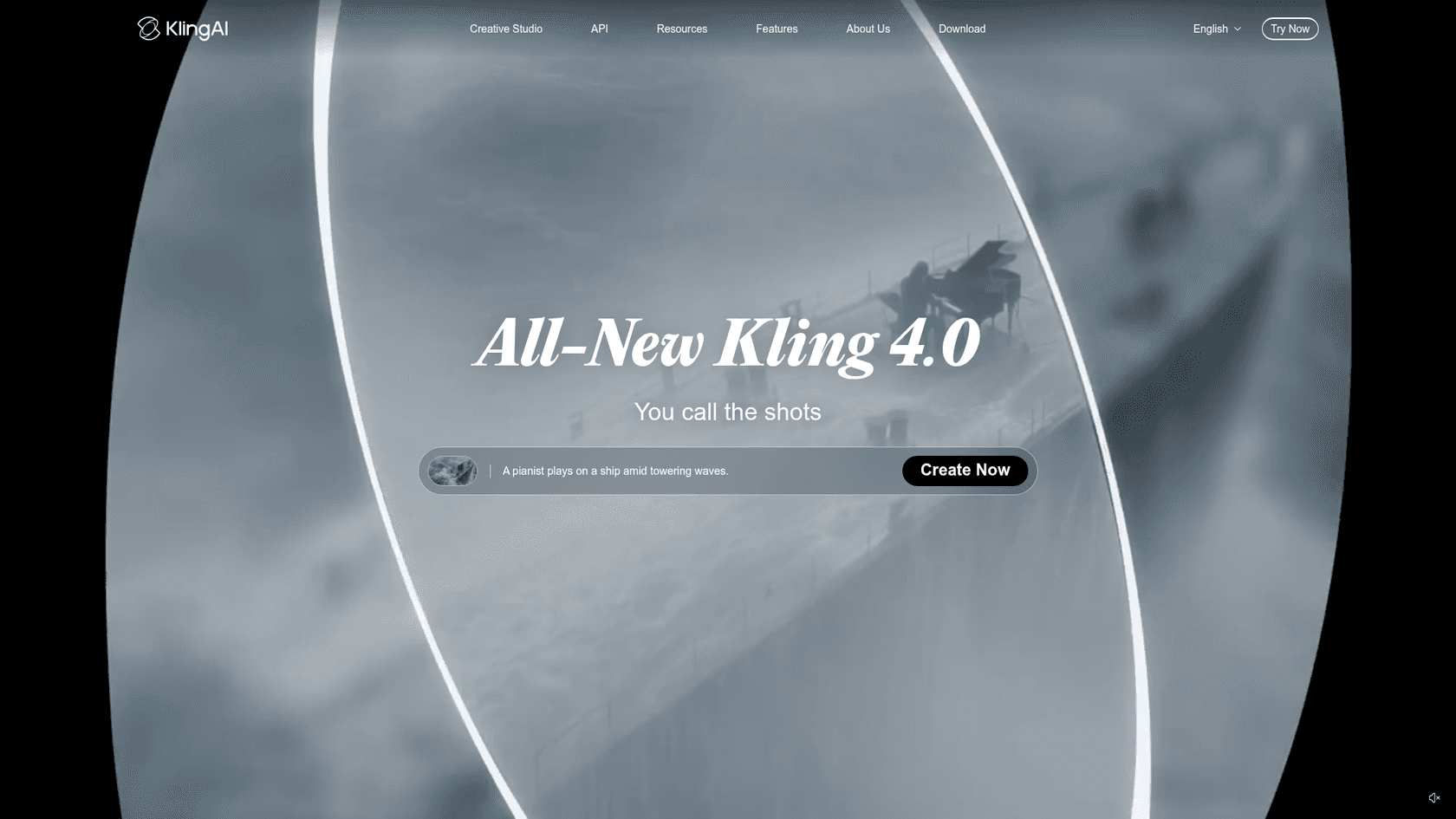
The platform's big promise is its ability to create 1080p videos at a smooth 30 frames per second, and some of the paid plans even let you make clips up to three minutes long. It's built on some pretty advanced technology that helps keep the video frames consistent and simulates realistic motion and physics. Basically, it’s designed to go head-to-head with other well-known AI video tools like OpenAI's Sora and Runway.
A breakdown of Kling AI’s features
On paper, Kling AI gives you a whole toolbox of features that should offer a ton of creative control. It’s pretty clear they want to empower people to tell both simple and complex visual stories.
A little intro text to help break things up and provide more context. This makes the content more skimmable and readable.
Core video and image generation
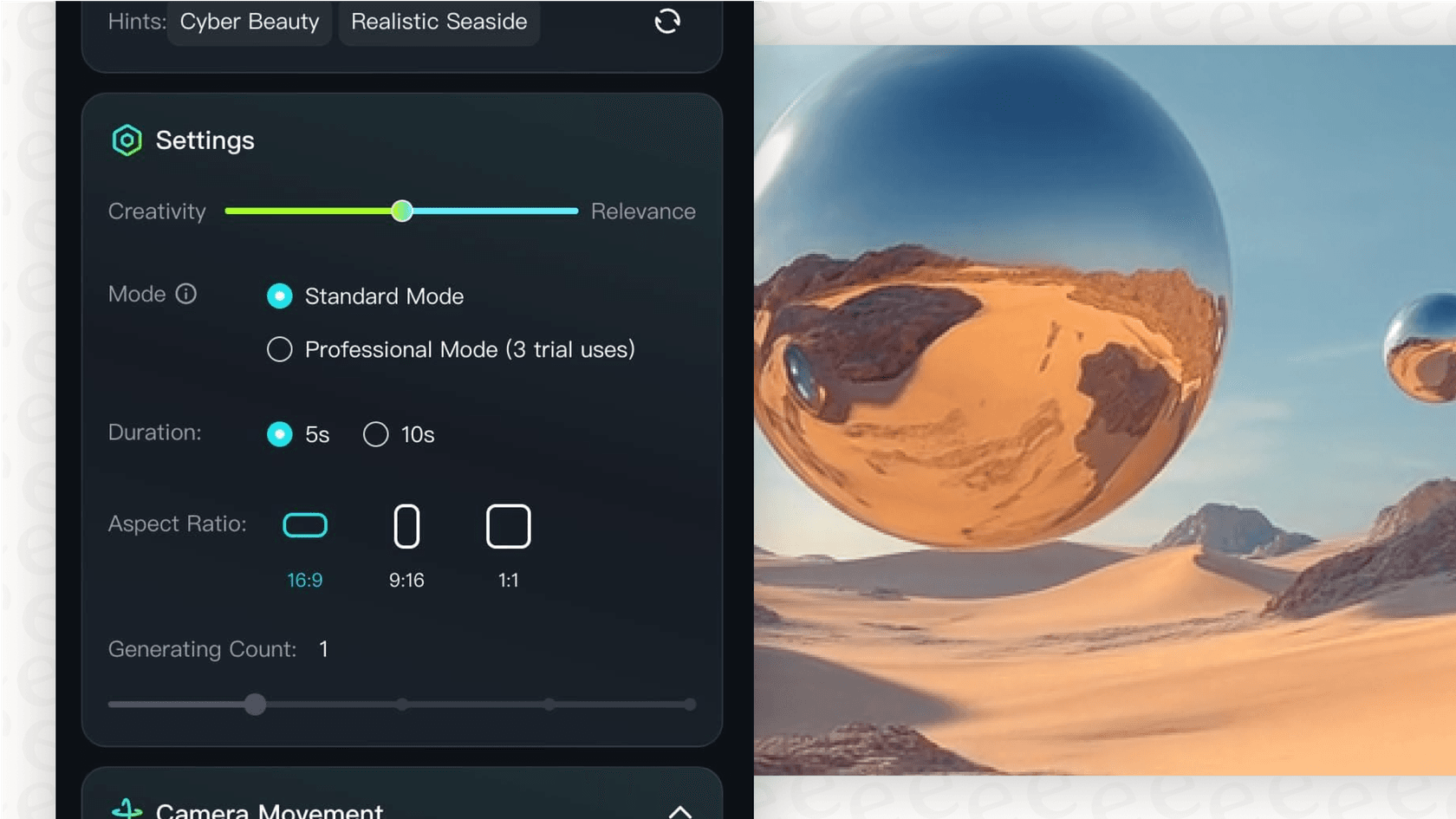
At its heart, Kling AI does two main things: Text-to-Video and Image-to-Video. You can either type out a detailed description or upload a picture, and the AI will spit out a short video clip. It also supports different aspect ratios, like square (1:1) for Instagram, widescreen (16:9) for YouTube, or vertical (9:16) for TikTok, which is super handy.
Advanced creative controls
Beyond just making a basic clip, Kling AI has a few extra tricks up its sleeve to help you get more polished and realistic results.
-
Making people look like people: The tool has tech for 3D face and body reconstruction. This is meant to create more lifelike human movements and expressions, so you can hopefully avoid the weird, distorted limbs and jittery motions that show up in a lot of AI videos.
-
Lip syncing: If you want to have characters talking in your video, there's a lip-syncing feature that can match mouth movements to an audio track. This is a must-have for creating any scene with believable dialogue.
-
More detailed inputs: To give you finer control, you can use multiple images to guide the AI. You can also use "negative prompts," which let you tell the AI what you don’t want to see. This is great for getting rid of unwanted objects or styles in your final video.
Real-world performance vs. promises
While that feature list sounds great, the gap between what Kling AI promises and what you actually get is where a lot of people get frustrated. The performance is, to put it nicely, a bit of a mixed bag.
The hits: When Kling AI actually works
To be fair, Kling AI can produce some genuinely amazing stuff. Some users, particularly those on paid plans, have shared some beautiful, high-quality clips that show just how powerful the tool can be. The image-to-video function seems to get more love than text-to-video for complex scenes, probably because giving the AI a visual starting point helps a lot. When it works, the motion is smooth and the visuals are pretty incredible.
The misses: Where it all goes wrong
Unfortunately, for every cool video you see, there seem to be a dozen stories of failure. Digging through user reviews, it’s clear that using the tool often feels like a gamble.
-
It just doesn't listen: A really common complaint is that the AI completely ignores the prompt. People describe getting static videos that are basically just still images, even when their prompts describe clear actions. Others get low-quality, blocky, or distorted junk that’s completely unusable.
-
The waiting game: The time it takes to generate a video is another huge headache. Paid users might wait a few minutes, but free users report waiting for hours, sometimes even days, for a single five-second clip. This makes it almost impossible to experiment or tweak your ideas.
-
The dreaded 99% freeze: Maybe the most infuriating bug of all is when the generation process gets stuck at 99% and then just fails. After waiting forever, the process errors out at the very last second, costing you not only your time but your credits, too.
The business behind the tech: Pricing and support issues
This is where Kling AI's problems go from annoying to serious. You can forgive a powerful tool for being a bit buggy, but a company with shady business practices and zero support is a massive red flag.
A confusing and expensive pricing model
Kling AI uses a credit system, which can be confusing and feels pretty misleading. People constantly complain about spending credits on generations that fail or produce garbage results, with no way to get a refund on those credits.
The absolute worst part, though, is the expiring credits. Many users have reported that their paid credits simply disappear if they aren't used within a certain timeframe, a practice many reviewers on Trustpilot and Reddit call a scam. Kling's own pricing page explains the mechanics: subscription credits expire at the end of each billing month with no rollover, while separately bought credit packs stay valid for two years. If you pay for something you expect it to be yours until you use it, so the monthly-expiry rule catches a lot of light users off guard.
And if it messes up, too bad, you just lost 60 credits and waited 6 hours for nothing.

The customer support black hole
This is, without a doubt, the biggest failure of Kling AI. Across Trustpilot, Reddit, and app store reviews, the most consistent and damaging complaint is the complete and utter lack of customer service. The list of support-related failures is long:
-
Emails and support tickets go completely unanswered.
-
It's incredibly difficult to cancel a subscription, with many users saying they were charged for months after trying to cancel.
-
A strict no-refund policy is enforced even when the platform doesn't work or when there are clear technical errors on their end.
This kind of failure is a cautionary tale for any tech company. When people have urgent issues with billing or a broken product, meeting them with silence is a surefire way to destroy trust and ruin your reputation. This is exactly the problem that modern AI-powered customer service platforms like eesel AI are designed to solve. An AI agent could instantly handle common requests like subscription cancellations, process refunds based on company policy, and answer billing questions 24/7. It would prevent the exact kind of widespread anger you see in the Kling AI reviews.
Kling AI pricing plans
For total transparency, here’s a look at Kling AI's pricing. Given the support complaints and the monthly credit expiry, you really need to weigh the cost against the risk of being left high and dry if something goes wrong.
| Plan/Purchase | Price | Credits | Key Features |
|---|---|---|---|
| Free | $0 | Daily login credits that expire in 24 hours | Up to 540p, watermark, no commercial use, 3 Professional Mode trials |
| Standard | $10/month ($6.99 first month; $79.20/year) | 660 credits/month | 1080p, no watermark, commercial use, fast-track generation, video extension |
| Pro | $37/month ($25.99 first month; $293.04/year) | 3,000 credits/month | Everything in Standard + priority processing, full batch generation |
| Premier | $92/month ($64.99 first month; $728.64/year) | 8,000 credits/month | Everything in Pro + high-priority processing |
| Ultra | $180/month ($127.99 first month) | 26,000 credits/month | Everything in Premier + highest priority, 500 elements |
| Credit packs | From $5 for 330 credits to $200 for 16,000 | Valid for 2 years | Top-up option when monthly credits run out |
Prices are USD list prices from the international site as I last captured them in June 2026. Kling's pricing page loads dynamically and runs first-month promotions, so check the live page before you buy.
The final verdict
Kling AI is a tool with a ton of technical promise. It shows flashes of being able to create truly stunning and creative visuals, and its advanced features prove that the team behind it understands what creators need.
However, all that potential is completely sunk by fundamental business failures. The platform is unreliable, the pricing feels designed to take advantage of people through expiring credits, and customer support is non-existent. This combination makes it an incredibly risky tool to build a workflow around.
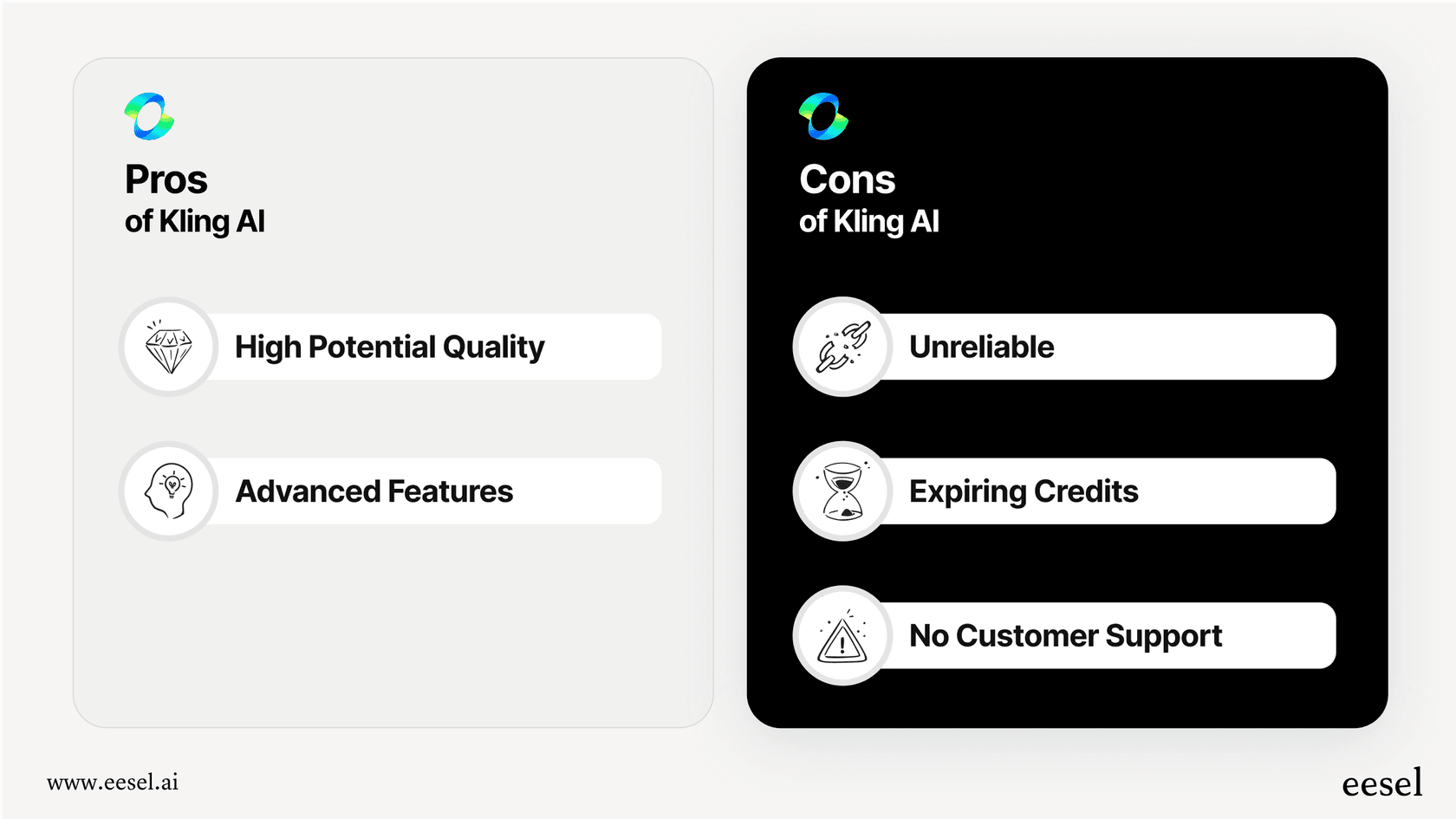
For most people, especially businesses or serious creators who need a tool they can depend on, Kling AI is just too risky to recommend right now. The frustration, wasted time, and potential to lose money far outweigh the creative perks it might offer on the rare occasion it works perfectly. A great AI tool isn't just about the output; it's about the entire experience. And on that front, Kling AI has a lot to fix.
Lessons from Kling AI reviews: The importance of customer support
The overwhelmingly negative Kling AI reviews teach a very clear lesson: even the most amazing technology will fail if it isn't backed by solid customer support. If your users are frustrated with billing errors and glitches and have no one to turn to, they won't stick around, no matter how cool your product is.
For businesses building their own innovative tools, customer trust is everything. Don't let support backlogs and unanswered tickets become your downfall. eesel AI provides a fully customizable AI support agent that plugs right into your helpdesk and connects to all of your knowledge sources. You can go live in minutes to automate frontline support, answer user questions 24/7, and make sure your customers always feel heard.
Try eesel AI for free and build a customer experience that’s as good as your product.
Frequently asked questions
Based on the Kling AI reviews, how reliable is the platform for video generation?
Kling AI's reliability is highly inconsistent according to user feedback. While it can produce impressive results sometimes, many Kling AI reviews report issues like ignored prompts, static videos, low-quality output, and common failures at 99% completion, making it challenging to depend on for consistent results.
What do Kling AI reviews say about customer support and resolving issues?
The Kling AI reviews consistently highlight a complete lack of customer support. Users report unanswered emails and support tickets, extreme difficulty in cancelling subscriptions, and a strict no-refund policy, even for technical errors or failed generations. This is a major red flag for users needing assistance.
Do Kling AI reviews offer insight into the pricing model and credit system?
Yes, Kling AI reviews frequently criticize the pricing model, particularly the credit system. Users are frustrated by spending credits on failed generations with no refunds, and many report that paid credits expire if not used within a specific timeframe, which is widely seen as a misleading practice.
From the Kling AI reviews, what are the common complaints about video generation speed?
A recurring complaint in Kling AI reviews is the extremely long generation times. While paid users might wait a few minutes, free users often report waiting hours or even days for a single five-second video clip, which severely hinders experimentation and workflow.
What's the overall sentiment in Kling AI reviews regarding its suitability for serious creators?
The overall sentiment in Kling AI reviews suggests it's too risky for serious creators or businesses. Despite its technical potential, the combination of unreliability, confusing pricing with expiring credits, and non-existent customer support makes it an undependable tool for professional workflows.
Are there any positive aspects frequently mentioned in Kling AI reviews?
Yes, when Kling AI works, some Kling AI reviews mention its ability to produce genuinely high-quality, smooth, and visually stunning video clips, especially with its image-to-video function. Its advanced features for 3D face/body reconstruction and and lip-syncing also show significant promise.


Article by
Kurnia Kharisma
Kurnia is a software engineer and writer at eesel AI with two years of SEO experience, writing about AI tools, helpdesk software, and customer support. He pairs a developer's understanding of how these products are built with search-driven research into what actually ranks and resonates with the people searching for them.