Zendesk first-touch channel: A complete guide to FCR metrics

Stevia Putri
Last edited March 5, 2026
When a customer reaches out for help, they want their issue solved quickly. No one enjoys repeating their problem to multiple agents or waiting days for a resolution. That's where first-touch resolution comes in. It's one of the most important metrics in customer support, yet many teams struggle to measure it accurately, especially when supporting multiple channels.
This guide breaks down everything you need to know about tracking first-touch resolution in Zendesk. We'll cover how the metric works differently across email, chat, and voice channels, walk through setting up proper reporting in Zendesk Explore, and share practical strategies for improvement. Whether you're just starting to track FCR or looking to optimize your existing setup, you'll find actionable steps to get better visibility into your support performance.

How Zendesk first-touch channel metrics differ
Here's where things get tricky. The definition of a "one-touch" resolution varies depending on which channel the customer used. What works for email doesn't work for voice calls, and chat has its own quirks.
Email and asynchronous channels
For email, web forms, and other asynchronous channels, the measurement is straightforward. A one-touch ticket has exactly one public agent reply that solves the issue. The agent reads the ticket, writes a response, marks it solved, and that's it.
In Zendesk Explore, this shows up as Agent replies = 1. You can filter the Support - Tickets dataset for tickets where the agent replies metric equals one and the status is solved.
The challenge with email isn't the measurement, it's the expectation. Customers might take days to respond, and what seems like a resolution might get reopened when the customer asks a follow-up question. That's why many teams measure FCR on closed tickets rather than just solved ones, giving customers time to reopen if needed.
Voice and Talk channel
Voice calls are where most teams get confused. When an agent resolves an issue during a phone call, there's no public reply added to the ticket. The call itself is the interaction. So in Zendesk Explore, a one-touch Talk ticket actually has Agent replies = 0.
This trips people up because they try to measure Talk FCR using the Talk dataset, which only holds call-level data. To accurately track one-touch Talk tickets, you need to use the Support - Tickets dataset and filter for tickets where the channel is Voice and agent replies equals zero.
Chat and messaging
Live chat sits somewhere between email and voice. Like email, it generates a public reply that you can count. But like voice, agents often handle multiple concurrent conversations, and the interactions tend to be shorter and more focused.
According to Zendesk's own advocacy team, chat is often their most efficient channel. Agents can typically handle three to five chats simultaneously, and chat tickets tend to have simpler questions that resolve quickly. However, the volume is usually higher than email, so the overall impact on your FCR rate depends on your specific mix.
Channel comparison
| Channel | One-Touch Definition | Dataset to Use | Typical FCR Range |
|---|---|---|---|
| Agent replies = 1 | Support - Tickets | 65-75% | |
| Voice | Agent replies = 0 | Support - Tickets | 70-80% |
| Chat | Agent replies = 1 | Support - Tickets | 75-85% |
The key takeaway: always use the Support - Tickets dataset for FCR reporting, regardless of channel. The Talk dataset and Chat dataset don't include the agent replies metric you need for accurate measurement.
Setting up FCR tracking in Zendesk Explore
Now let's walk through the practical steps to start measuring first-touch resolution in your Zendesk account.
Using the Support Tickets dataset
First, navigate to Explore → Report Builder and select the Support - Tickets dataset. This is the only dataset that contains the agent replies metric across all channels.
The Tickets dataset gives you ticket-level metrics that work consistently whether you're analyzing email, voice, or chat. It includes attributes like Ticket channel, Ticket status, and the crucial Agent replies metric that powers FCR calculations.
Creating a custom FCR metric
Zendesk doesn't provide FCR as a default metric, so you'll need to create a custom calculated metric. Here's how:
- Click the Calculator icon in the report builder
- Choose Standard calculated metric
- Enter a name like "% One-touch tickets"
- Use this formula structure:
COUNT(One-touch tickets) / COUNT(Solved tickets) * 100 - Change the display format to Percentage
If you want to break this down by channel, add a filter using the Ticket channel attribute. You can create separate metrics or use the same metric with different filters applied in your reports.
True one-touch Talk tickets setup
For voice specifically, you'll need a slightly different approach since one-touch Talk tickets have zero agent replies. Create a calculated metric with this logic:
IF (Agent replies = 0 AND Ticket Channel = Voice) THEN 1 ELSE 0
Then divide by your total solved Talk tickets to get the percentage.
Geckoboard offers pre-built custom metrics for this if you want to save time. Their True One-touch Talk Tickets metric handles the formula for you.
Validation tips
Before you trust your FCR numbers, do some spot checks:
- Compare your one-touch count against the total solved tickets to make sure the ratio makes sense
- Look at individual tickets with zero or one reply to confirm they're categorized correctly
- Test across different time periods to ensure consistency
- For Talk tickets specifically, verify that tickets with zero replies are being counted as one-touch
FCR benchmarks and what good looks like
So you've got your FCR metric set up. Now what numbers should you aim for?
According to the SQM Group, the industry standard for a good FCR rate falls between 70% and 79%. This means about 30% of your tickets require more than one interaction to resolve. That's not a failure, it's just reality. Some issues are genuinely complex and need follow-up.
A first contact resolution rate of 80% or higher is considered "world-class." But here's the thing: only about 5% of call centers actually achieve this. So if you're sitting at 75%, you're doing well.
The Klaus 2023 Customer Service Quality Benchmark Report placed the average FCR benchmark at around 70%. So that's your baseline. Below 70% suggests there's room for improvement in your processes, training, or knowledge management.
The business impact
The SQM Group's research shows some compelling correlations:
- For every 1% improvement in FCR, operating costs drop by 1%
- For every 1% improvement in FCR, customer satisfaction rises by 1%
- Employee satisfaction rises at the same rate as FCR (sometimes higher)
- Customer referrals and retention correlate positively with FCR
But there's a caveat. Very high FCR can actually indicate problems:
- It might mean your self-service resources are lacking, so customers contact you for simple issues that should be deflected
- Agents might be applying "band-aid fixes" rather than solving root causes, leading to repeat contacts later
- Near-100% FCR can indicate customers are dropping out due to frustration rather than getting real resolutions
That's why you should always measure FCR alongside CSAT and other quality metrics. High FCR with low satisfaction means something's wrong.
For more on Zendesk performance metrics and how they work together, check out our detailed guide.
Common challenges and how to solve them
Even with proper setup, FCR measurement isn't always clean. Here are the most common issues teams face.
Measuring FCR accurately
The biggest challenge is handling reopened tickets. A customer might respond to a solved ticket with a completely unrelated question. Technically, the original issue was resolved in one touch, but the ticket gets reopened and now looks like a multi-touch resolution.
The solution? Measure FCR on closed tickets rather than just solved tickets. Zendesk automatically closes tickets after a set period (usually a few days), giving customers time to reopen if needed. Only count tickets toward your FCR calculation once they've reached closed status.
You can also set time-based cutoffs. For example, if a customer contacts you within 24 hours about the same issue, consider it part of the same resolution attempt. After 24 hours, count it as a new ticket.
Channel migration tracking
Another real-world problem: customers who can't reach you on one channel switch to another. They try calling, get frustrated with hold times, and send an email instead. Now you have two tickets for the same issue, and your FCR calculation gets messy.
Unfortunately, Zendesk Explore doesn't have a native report for tracking channel migration. As noted in Zendesk community discussions, "there isn't a simple native option to report on tickets that have switched channels within Explore at the moment."
The workaround is to use the Updates history dataset and look at the Update channel attribute. This shows you when a ticket's channel changed during its lifecycle. You can create custom reports to identify customers who created tickets through multiple channels within a short timeframe.
Distinguishing true resolution from customer dropout
High FCR paired with low CSAT is a red flag. It suggests customers are getting single responses that don't actually solve their problems, so they give up rather than continue the conversation.
Common causes include:
- Wall-of-text responses that overwhelm customers
- Technical answers that assume too much knowledge
- Closing tickets prematurely before confirming resolution
Always review tickets with one reply that received low satisfaction scores. Look for patterns in what went wrong and adjust your approach.
Strategies to improve first-touch resolution
Now that you're measuring FCR accurately, how do you actually improve it? Here are proven strategies that work across industries.
Agent training and empowerment
Many FCR failures happen because agents don't have the confidence or knowledge to provide complete answers on the first try. Invest in:
- Role-playing exercises for common scenarios that should resolve in one interaction
- Internal knowledge base with call scripts, troubleshooting guides, and video training
- Emotional intelligence training for handling stressed or frustrated customers
The goal is to reduce "let me check on that" responses. Every time an agent has to research during a conversation, FCR drops.
For more on improving Zendesk agent performance, see our comprehensive guide.
Better customer context
According to Zendesk's CX Trends Report, 71% of consumers expect companies to share their information internally so they don't have to repeat themselves. Yet agents often say "let me look into that" because they can't access customer history quickly.
CRM integration is essential. Agents should see:
- Previous tickets and resolutions
- Account details and subscription status
- Recent product usage or errors
- Past interactions across all channels
When agents have this context upfront, they can provide complete answers without the back-and-forth.
Self-service optimization
Paradoxically, one of the best ways to improve FCR is to reduce the volume of tickets that should never reach an agent in the first place. Analyze your one-touch tickets to identify deflection opportunities:
- Which simple questions are agents answering repeatedly?
- What issues could be solved with better documentation?
- Where are customers getting stuck in your help center?
Zendesk's advocacy team uses one-touch solve data to identify gaps in their Help Center content. If an issue consistently resolves in one agent reply, it probably could have been deflected with a good article.
Quality assurance programs
Implement QA processes focused on first-contact completeness:
- Review multi-touch tickets to identify root causes
- Categorize failures: insufficient information, need for escalation, complex issues, follow-up questions
- Create targeted training for each category
- Recognize and reward agents with high FCR rates
QA isn't just about catching mistakes. It's about identifying systemic issues that prevent one-touch resolutions.
How AI can improve your Zendesk first-touch rates
Even with great training and processes, agents still struggle with one-touch resolutions when they can't find the right information quickly. That's where AI can help.
The core challenge is knowledge access. Agents need to:
- Search through hundreds of help center articles
- Find relevant past tickets with similar issues
- Remember which macros apply to specific situations
- Keep up with policy changes and product updates
Doing this in real-time during a customer conversation is hard. AI makes it easier.
With eesel AI Copilot, agents get real-time assistance that improves first-touch rates:
- Drafts complete responses grounded in your help center, past tickets, and macros
- Surfaces relevant knowledge automatically based on ticket content
- Suggests next steps and escalation paths before agents commit to a response
- Reduces back-and-forth by ensuring the first reply includes all necessary information
Unlike generic AI writing tools, eesel AI learns your specific business. It understands your products, your policies, and your tone. When an agent opens a ticket, eesel AI has already analyzed it and is ready with suggestions drawn from your actual knowledge base.
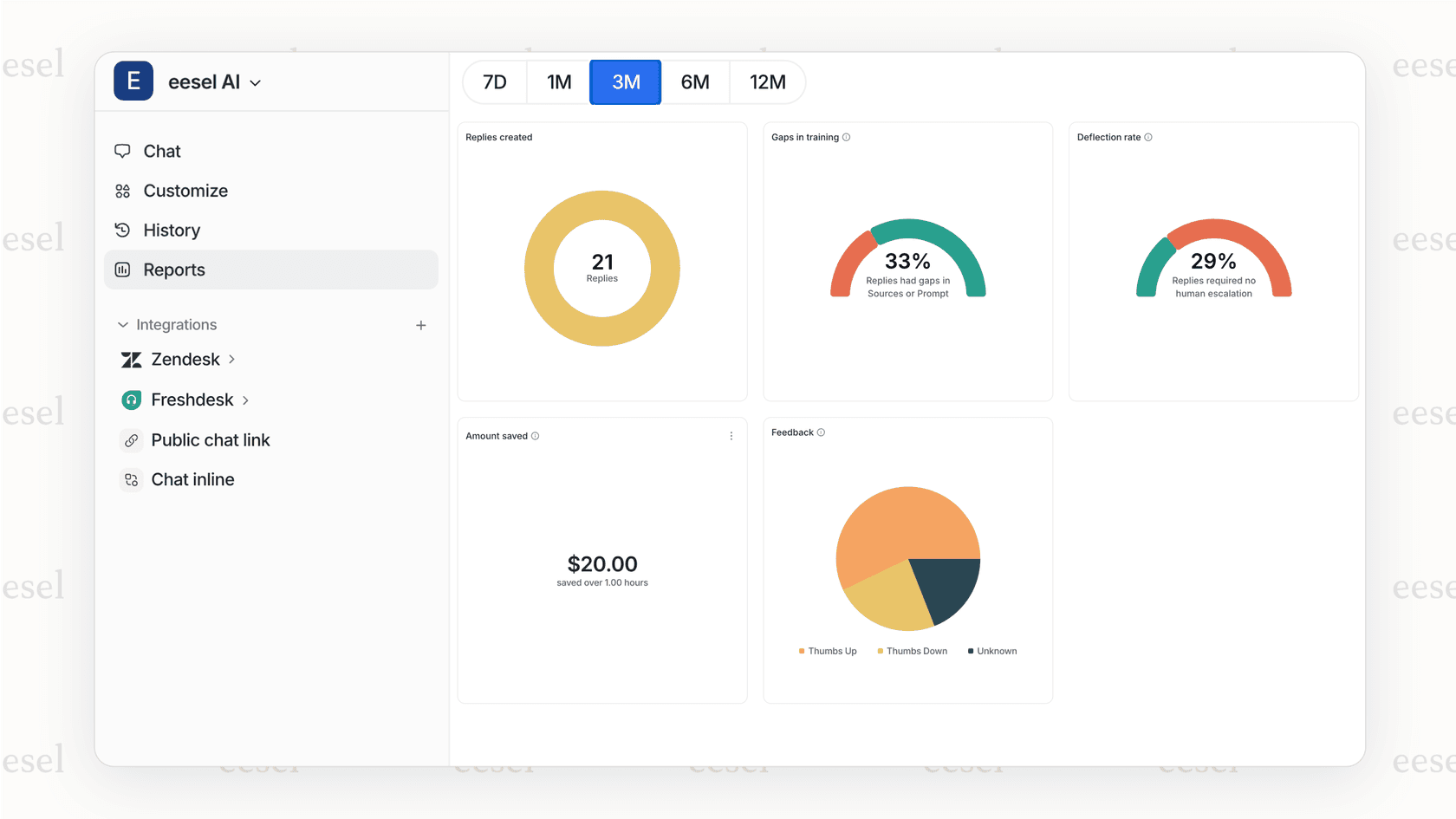
For teams ready to go further, eesel AI Agent can handle frontline support autonomously, resolving common issues without human intervention. This lets your human agents focus on the complex cases that truly need their expertise.
Our Zendesk integration works seamlessly with your existing setup. No need to replace your help desk, just invite eesel AI to your team and start seeing improvements in your first-touch metrics.
Start improving your Zendesk first-touch metrics today
First-touch resolution is one of the clearest indicators of support efficiency and customer satisfaction. When you resolve issues in a single interaction, customers are happier, agents are less stressed, and your operational costs go down.
The key takeaways from this guide:
- Channel differences matter. Email, voice, and chat each have different measurement approaches in Zendesk Explore.
- Use the Support - Tickets dataset for all FCR reporting. The Talk and Chat datasets don't include the agent replies metric you need.
- Measure on closed tickets, not just solved, to account for reopen windows.
- Benchmark realistically. 70-79% is good, 80%+ is world-class, and anything below 70% has room for improvement.
- Always pair FCR with CSAT. High FCR with low satisfaction indicates problems.
Your immediate next steps:
- Audit your current FCR setup. Are you using the right dataset? Measuring on the right ticket status?
- Identify channel-specific gaps. Does your voice FCR reporting actually capture one-touch calls correctly?
- Review multi-touch tickets for patterns. What categories of issues consistently need follow-up?
- Consider how AI could help. If agents struggle to find knowledge quickly, tools like eesel AI can bridge that gap.
If you're interested in seeing how AI can boost your first-touch resolution rates, try eesel AI free or book a demo. We'll show you how teams using our AI Copilot and AI Agent see measurable improvements in their FCR metrics within weeks of implementation.


Frequently Asked Questions
Share this article

Article by
Stevia Putri
Stevia Putri is a marketing generalist at eesel AI, where she helps turn powerful AI tools into stories that resonate. She’s driven by curiosity, clarity, and the human side of technology.



