

If you have a WordPress site, you've probably heard two names pop up constantly when it comes to SEO: Yoast and All in One SEO (AIOSEO). They're the big players, and trying to pick one can feel a little overwhelming.
This post is here to cut through the noise. We're going to dive deep into the Yoast vs AIOSEO debate, comparing them head-to-head so you can figure out which one is the right fit for your site.
What are WordPress SEO plugins and why do they matter?
Let's be clear: you don't need to be a coding whiz to handle SEO. WordPress SEO plugins exist to simplify all the technical stuff that goes on behind the scenes. They help you with on-page SEO (like tweaking titles and meta descriptions) and technical SEO (like creating sitemaps and adding schema markup so Google can better understand your content).
But here’s the thing: these plugins are tools to optimize your site, but they can't create the most important ingredient—your content. A perfectly tuned site with bland content won't get you very far. The real secret to driving organic traffic is consistently publishing high-quality, genuinely helpful content.

Our criteria for comparing Yoast vs AIOSEO
To keep this comparison fair, we’re looking at both plugins through the same lens. We're not just picking a favorite; we're breaking them down based on what actually matters when you're using them every day.
Here’s what we’re judging them on:
- Ease of use and setup
- On-page content optimization
- Technical SEO and schema
- Advanced features and ecosystem
- Pricing and overall value
A side-by-side comparison of Yoast vs AIOSEO
| Feature | Yoast SEO | All in One SEO (AIOSEO) | Winner |
|---|---|---|---|
| Setup Wizard | Guided setup process that helps configure site settings. | Very beginner-friendly wizard that offers to import settings from other plugins. | AIOSEO |
| On-Page Analysis | Iconic "traffic light" system for SEO and readability analysis. | "TruSEO" score out of 100 with a detailed checklist and content highlighter. | Tie |
| Free Schema Markup | Generates over 50 schema types automatically, including FAQ and HowTo blocks. | Includes essential Dynamic Schema Markup in the free version. | Yoast SEO |
| WooCommerce SEO | Requires the dedicated Yoast WooCommerce SEO bundle ($178.80/year). | Includes Essential WooCommerce SEO features in the free version. | AIOSEO |
| Redirect Manager | Included in Yoast SEO Premium ($118.80/year). | Redirect monitoring is available starting in the Basic plan ($49.50/year). | AIOSEO |
| Pricing Model | Higher single-site cost with features grouped into bundles. | More affordable tiered plans that scale well for multiple sites. | AIOSEO |
A detailed look at top WordPress SEO tools
While the Yoast vs AIOSEO showdown is the main event, a modern SEO toolkit has more to it than just one plugin. The biggest challenge isn't just optimizing; it's creating enough quality content to make a real impact. So, we're starting our list with a tool designed to solve that exact problem.
1. eesel AI blog writer
First things first: an SEO plugin can't optimize content that doesn't exist. The biggest hurdle for any SEO strategy is the sheer amount of time it takes to research, write, and create high-quality blog posts. The eesel AI blog writer is built to tackle this head-on. It’s not just another AI writer that gives you a rough draft; it turns a single keyword into a complete, publish-ready blog post.
We used this exact tool to take our own site from 700 to 750,000 daily impressions in just 3 months by publishing over 1,000 blogs. It's the engine that powers our content strategy.
- Pros: It completely automates the most tedious parts of content creation. You get a fully structured post with AI-generated images, charts, and tables. It even pulls in real Reddit quotes and relevant YouTube videos to add credibility and keep readers engaged. Plus, it’s optimized for AI Answer Engines (AEO), so your content is ready for new search experiences like Google’s AI Overviews.
- Cons: It's a content generation platform, not a technical SEO plugin. It creates the content, but you'll still want a tool like Yoast or AIOSEO to handle sitewide technical settings, XML sitemaps, and other on-site health checks.
- Pricing:
- It's completely free to try.
- Paid plans start at $99 for 50 blog credits.
- Why we chose it: It solves the #1 problem in SEO: scaling content production. Instead of spending days on a single blog post, you can go from a keyword to a polished, optimized draft in minutes. It gives your SEO plugin the perfect raw material to work with, right from the start.
2. All in One SEO (AIOSEO)
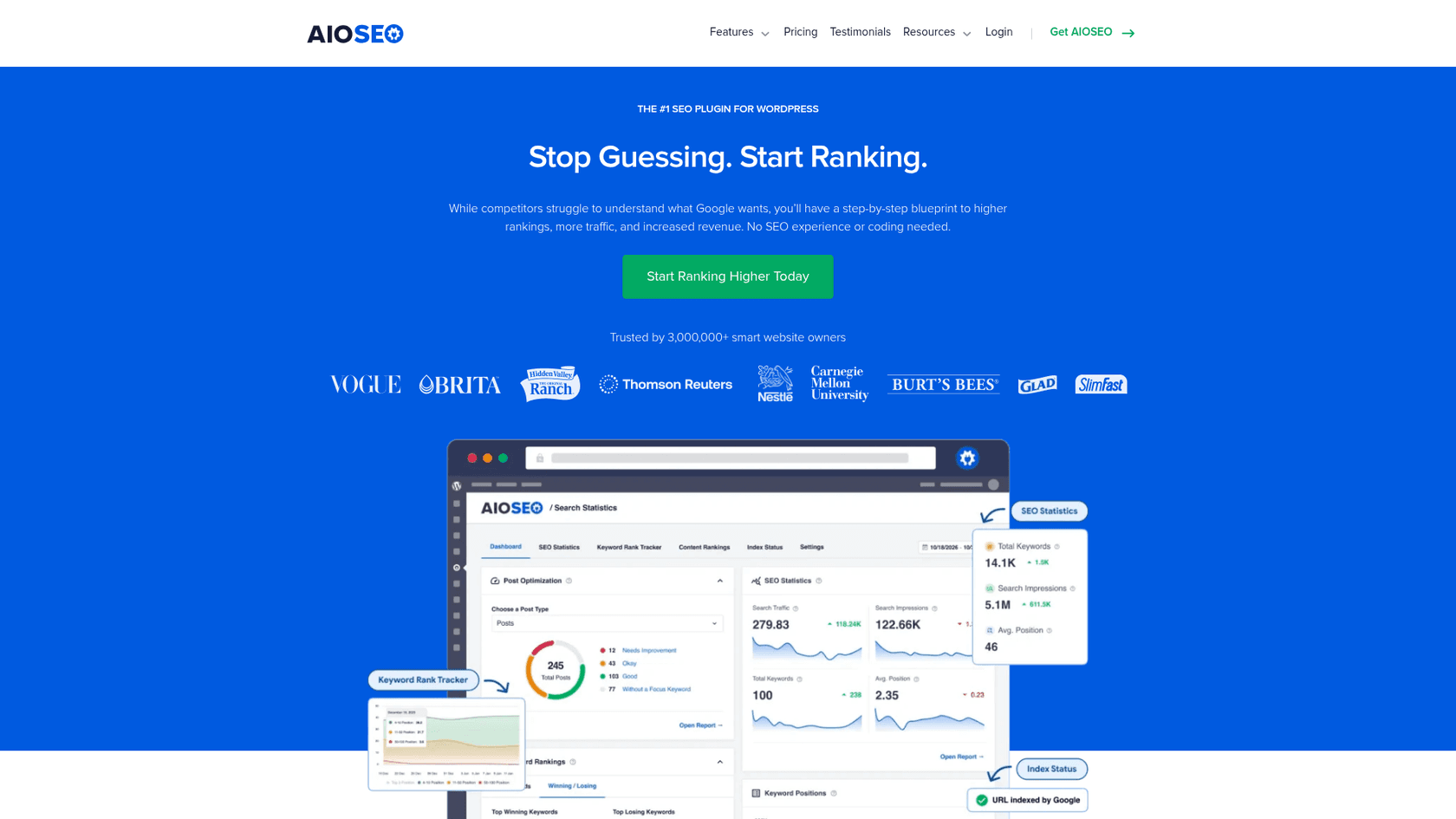
With over 3 million active installations, AIOSEO has earned its spot as a top contender. It’s known for its clean, modern interface and for packing a ton of value into its plans. Many of the features you’d have to pay extra for with other plugins come standard in AIOSEO’s more affordable tiers.
AIOSEO hands down. It has a lot of handy features that others simply don't have and some that even replace expensive SaaS subscriptions.
- Pros: The setup wizard is fantastic for beginners, making it super easy to get started. AIOSEO is a powerhouse when it comes to value—you get basic WooCommerce SEO, redirect monitoring, and schema markup even in the free and entry-level paid plans. The AI-powered Link Assistant (available in the Pro plan) is incredibly helpful for building internal links. And if you manage multiple sites, its agency plans are way more affordable than the competition.
- Cons: Some of its best features, like the Keyword Rank Tracker and advanced SEO Statistics, are locked behind the most expensive Elite plan.
- Pricing:
- Free version: Available on WordPress.org.
- Basic: $49.50/year for 1 site.
- Plus: $99.50/year for 3 sites.
- Pro: $199.50/year for 10 sites.
- Elite: $299.50/year for 100 sites.
- Why we chose it: AIOSEO hits the sweet spot of features, usability, and price for most users. Whether you're a small business, a growing agency, or just someone managing a few different websites, it’s hard to beat the value here.
3. Yoast SEO
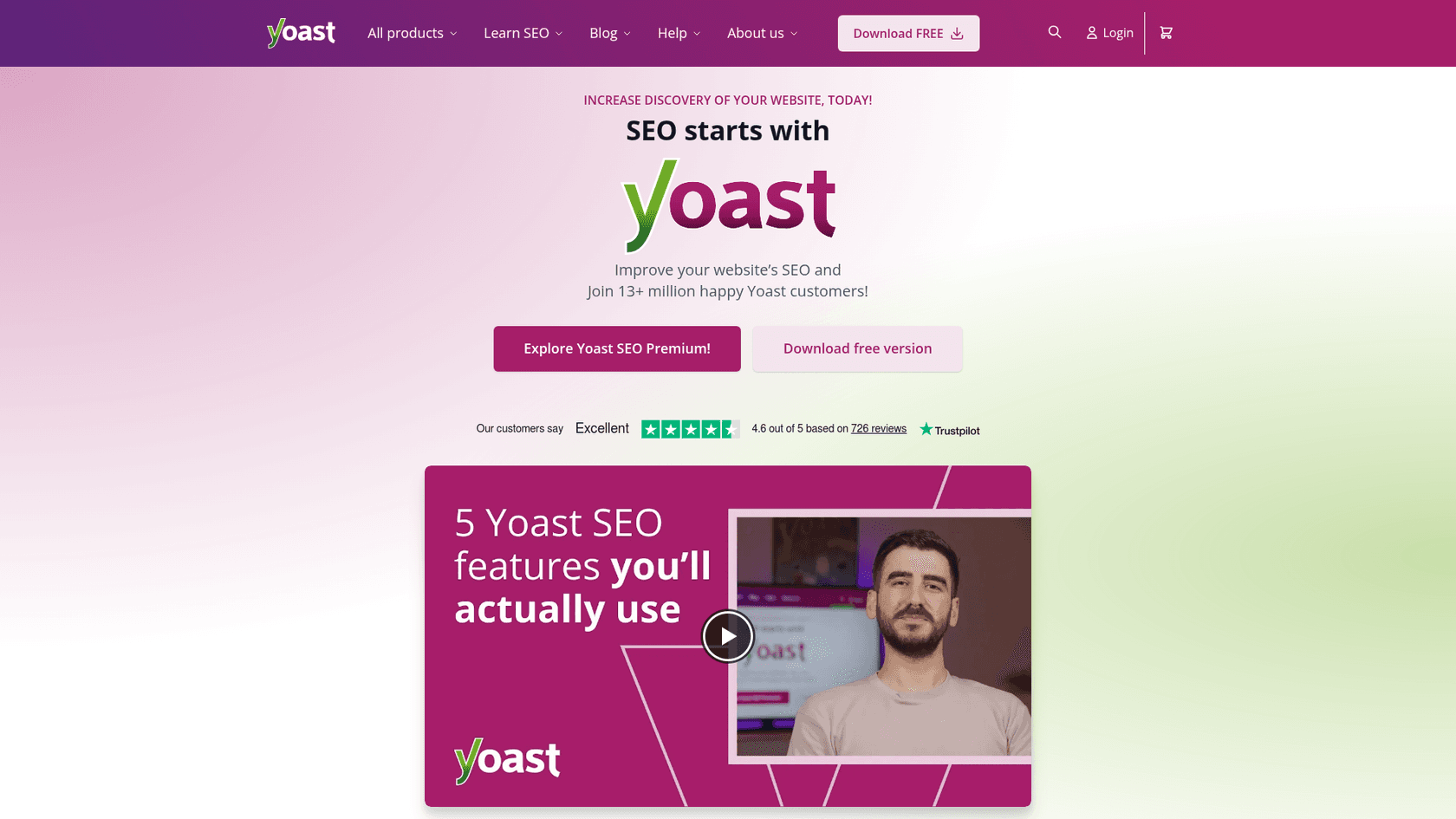
Yoast SEO is pretty much the original WordPress SEO plugin. With over 13 million users, it's been the go-to choice for website owners since 2010. It’s famous for its simple red-yellow-green traffic light system, which makes on-page optimization feel intuitive and straightforward.
- Pros: Yoast’s free version is incredibly generous. It gives you fantastic on-page analysis, readability checks, and automatically adds over 50 types of schema markup to your site without you having to lift a finger. Their educational content, like the Yoast SEO Academy and blog, is top-notch and a great resource for learning SEO. The premium version now bundles Local, Video, and News SEO, which used to be sold separately.
- Cons: The premium features can get pricey on a per-site basis compared to its rivals. If you have an online store, you’ll need to shell out for a separate, more expensive WooCommerce SEO bundle. The dashboard occasionally displays notifications and promotional messages.
- Pricing:
- Free version: Available on WordPress.org.
- Yoast SEO Premium: $118.80/year for 1 site (includes Local, Video, & News SEO).
- Yoast WooCommerce SEO: $178.80/year for 1 site.
- Why we chose it: Yoast is a trusted name with an unbeatable free plugin. It's the perfect starting point for new bloggers and website owners who want reliable guidance without an initial investment.
- yoast is a bloated mess in the backend
 Reddit
4. Rank Math
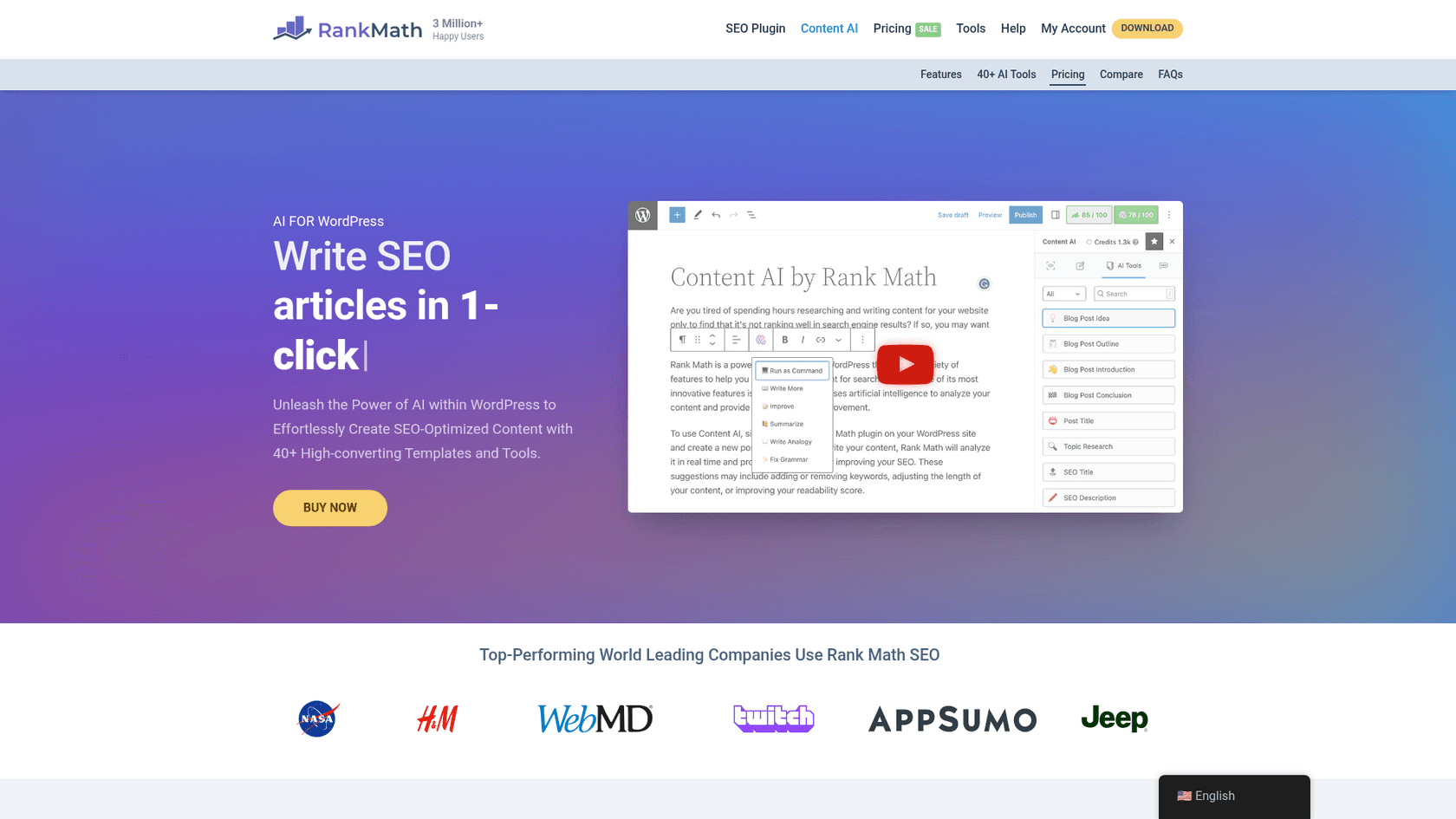
Rank Math showed up and quickly became a fan favorite by offering a massive list of features for free—many of which were locked behind a paywall elsewhere. It uses a modular approach, so you can turn on only the features you need, keeping your dashboard clean and tidy.
Rankmath hands down
- Pros: The free version is ridiculously powerful. It includes things like basic redirection, 404 monitoring, support for over 20 Schema types, and a detailed SEO analysis tool. The Pro plan is a great deal too, giving you a keyword rank tracker and letting you use it on unlimited personal sites.
- Cons: It can be a little quirky. To use the PRO version, you actually need to have both the free and PRO plugins installed and activated, which isn't the most intuitive setup. The sheer number of settings can also be a bit much for absolute beginners.
- Pricing:
- Free version: Available on WordPress.org.
- Pro: Starts at $7.99/month (billed annually) for unlimited personal sites.
- Why we chose it: Rank Math is a fantastic choice if you want premium features on a budget. If you're comfortable with a bit of a learning curve, it offers incredible bang for your buck.
5. The SEO Framework
For those who prefer a lightweight plugin without ads or notifications, The SEO Framework is an excellent alternative. It’s designed to be fast, clean, and completely ad-free. It’s an un-intrusive plugin that comes pre-configured to follow Google’s best practices right out of the box.
- Pros: It's incredibly fast and won't slow your site down. You won't find any ads or upsells cluttering your WordPress dashboard. It intelligently generates critical SEO meta tags for you automatically, making it a great "set it and forget it" tool for those who don't want to tinker with settings all day.
- Cons: The interface is more functional than flashy. It's less visual than Yoast or AIOSEO, so it might not be as intuitive for beginners who prefer a more guided experience. More advanced features for local SEO or news sites require paid extensions.
- Pricing:
- Free version: Available.
- Pro: Starts at $7/month (paid yearly) for 2 sites.
- Why we chose it: This is the plugin for performance junkies and developers. If you want a powerful, no-fluff SEO solution that just works without getting in your way, The SEO Framework is a perfect choice.
Wow, I installed SEO Framework and deactivated Yoast, and my site is insanely fast now. Yay. Thanks!!
Reddit
How to choose the right plugin
Okay, so which one should you actually pick? It really depends on who you are and what you need.
- For new bloggers: Start with Yoast SEO's free version. Its on-page guidance is a fantastic learning tool, and the free schema features give you a solid technical foundation from day one.
- For small businesses and store owners: AIOSEO is the clear winner on value. The free version includes basic WooCommerce SEO, and the paid plans offer essential features like local SEO and redirect management for a much lower price than Yoast's bundles.
- For agencies and power users: AIOSEO's multi-site plans are incredibly cost-effective. Rank Math's Pro plan is also a great option if you manage a lot of personal sites. And if you're a developer who values speed and a clean codebase, The SEO Framework is your best bet.
Remember, an SEO plugin is just one piece of the puzzle. The best plugin in the world can't make up for a lack of quality content. Your success ultimately comes down to creating a consistent stream of content that people actually want to read.
The final verdict on Yoast vs AIOSEO
When it comes down to the Yoast vs AIOSEO fight, both are excellent choices. You really can't go wrong with either. However, if we have to pick a winner based on overall value, AIOSEO edges out the competition. It generally offers a more complete and affordable package for the average user, especially if you have an online store or manage more than one site. That said, Yoast's free version is still an absolute powerhouse and a fantastic place to start.
For a more visual breakdown, check out this detailed video comparison that walks through the features and user interfaces of both Yoast and AIOSEO.
But let's bring it back to what really moves the needle: driving traffic. An SEO plugin is like a well-tuned car engine, but it needs fuel to run. That fuel is your content. The next, and most important, step is figuring out how to scale your content production without sacrificing quality.
Now that you've picked your plugin, it's time to create the content that will actually rank. Try the eesel AI blog writer for free and see how you can turn a keyword into a publish-ready post in minutes.