Choosing the right CRM can feel like picking between a sports car and an SUV. Both will get you where you need to go, but they excel in completely different scenarios. Pipedrive and Salesforce sit at opposite ends of the CRM spectrum: one prioritizes simplicity and speed, the other offers depth and customization at enterprise scale.
Here's what each platform actually delivers so you can make an informed decision for your business.
What is Pipedrive?
Pipedrive is a sales-focused CRM built around one core philosophy: activity-based selling. Founded by salespeople who were frustrated with clunky CRM systems, Pipedrive designed its platform to mirror how sales actually happens. The visual pipeline interface shows deals moving through stages like cards on a Kanban board.
The platform serves over 100,000 companies across 179 countries, with a clear sweet spot for small to medium businesses (roughly 10-200 employees). Pipedrive's value proposition centers on getting sales teams up and running quickly without consultants or extensive training. The interface is intentionally simple, focusing on the actions that close deals rather than overwhelming users with features they'll never use.
What sets Pipedrive apart is its commitment to the activity-based selling methodology. Instead of just tracking deals, it emphasizes the specific actions (calls, emails, meetings) that move deals forward. This approach resonates with sales teams who want a CRM that reinforces good selling habits rather than just storing contact data.
What is Salesforce?
Salesforce is the undisputed market leader in CRM, offering a comprehensive platform that extends far beyond sales into marketing, customer service, commerce, and analytics. The company pioneered cloud-based CRM and has maintained its position through continuous innovation, particularly in AI through Einstein and Agentforce.
Salesforce's ecosystem is massive. The AppExchange marketplace hosts thousands of integrations, and the platform serves everyone from small businesses to Fortune 500 companies. However, Salesforce's true strength emerges at enterprise scale, where its deep customization options, advanced automation, and multi-department capabilities shine.
The platform's value proposition centers on being a single source of truth for customer data across an entire organization. While this power comes with complexity, companies with dedicated Salesforce administrators can build highly tailored systems that match their exact business processes.
Feature comparison: Pipedrive vs Salesforce
Sales pipeline management
Pipedrive approaches pipeline management through its signature visual interface. Deals appear as cards that you drag and drop between stages. The platform includes deal rotting alerts that notify you when deals have been stagnant too long, helping prevent opportunities from slipping through the cracks. For sales teams that think visually, this approach feels intuitive and requires minimal training.
Salesforce offers multiple pipeline views including list views, Kanban boards, and detailed opportunity records. The platform excels at advanced forecasting and territory management, making it easier for larger organizations to manage complex sales operations across regions or product lines. Pipeline inspection tools let managers drill into deal health with AI-powered insights about which opportunities need attention.
Bottom line? Pipedrive wins on simplicity and visual appeal. Salesforce wins on depth and forecasting accuracy for complex sales operations.
Automation and workflows
Pipedrive's automation builder focuses on simplicity. You can create trigger-based workflows without coding, using pre-built templates for common scenarios like follow-up reminders or deal stage updates. The platform recently added AI capabilities through its AI Sales Assistant, which provides personalized recommendations about which deals to prioritize.
Salesforce offers significantly more powerful automation through Process Builder and Flow Builder. These tools can handle complex, multi-step automations that span multiple objects and departments. The platform's AI capabilities are more extensive, with Einstein providing predictive lead scoring, opportunity insights, and now Agentforce for autonomous sales actions.
If you need simple "if this, then that" automation, Pipedrive handles it well. If you need enterprise-grade workflow orchestration across departments, Salesforce is the clear choice.
Reporting and analytics
Pipedrive includes 25 template dashboards covering common sales metrics like pipeline value, conversion rates, and team performance. The AI-powered report generator lets you create custom reports by describing what you need in plain English. For most SMB sales teams, this covers the essential metrics without overwhelming users with options.
Salesforce's reporting capabilities are significantly deeper. Customizable reports, real-time analytics, and predictive insights through Einstein give enterprises the data granularity they need. The platform can correlate sales data with marketing campaigns, customer service interactions, and other touchpoints for a complete customer view.
The trade-off is clear: Pipedrive gives you the metrics you need without complexity. Salesforce gives you unlimited analytical depth if you have the resources to configure it.
Integrations and ecosystem
Pipedrive connects with 500+ apps through its Marketplace, covering the essential categories: email (Gmail, Outlook), communication (Slack, Zoom), finance (QuickBooks), and productivity tools. The RESTful API allows for custom integrations when needed. For most small businesses, this covers their integration needs adequately.
Salesforce's AppExchange hosts thousands of apps, creating an ecosystem that extends the platform into virtually any business function. The depth of integrations is unmatched, with enterprise tools often building Salesforce-native versions of their products first. However, accessing the full API capabilities requires additional fees on lower-tier plans.
Pricing breakdown
Pipedrive pricing plans
| Plan | Annual Price | Monthly Price | Key Features |
|---|---|---|---|
| Lite | $14/user/mo | $24/user/mo | Lead/deal/contact management, 500+ integrations, AI-powered reports |
| Growth | $39/user/mo | $49/user/mo | Full email sync, automations, subscriptions/forecasts, live chat support |
| Premium | $59/user/mo | $74/user/mo | Lead generation/routing, custom scoring, AI email tools, e-signatures |
| Ultimate | $79/user/mo | $99/user/mo | Security rules, data enrichment, sandbox testing, extended phone support |
Pipedrive offers a 14-day free trial with no credit card required. Annual billing saves approximately 42% compared to monthly billing.
Source: https://www.pipedrive.com/en/pricing
Salesforce pricing plans
| Plan | Price | Key Features |
|---|---|---|
| Free Suite | $0 | Basic CRM for up to 2 users, email marketing, Slack integration |
| Starter Suite | $25/user/mo | Unlimited users, sales flows, lead routing, AI sync |
| Pro Suite | $100/user/mo | Customization, automation, forecasting, AppExchange access |
| Enterprise | $175/user/mo | Advanced pipeline, Einstein AI, conversation intelligence, API |
| Unlimited | $350/user/mo | Predictive AI, sales engagement, Premier Success Plan, sandbox |
| Agentforce 1 Sales | $550/user/mo | Full AI suite, unmetered Agentforce, Tableau Next, Slack Enterprise+ |
Salesforce offers a 30-day free trial. Most plans require annual contracts.
Source: https://www.salesforce.com/sales/pricing/
Hidden costs to consider
Pipedrive's base pricing is straightforward, but several valuable features require add-ons:
- LeadBooster (lead generation): Starting from $32.50/month
- Smart Docs (document management): Starting from $32.50/month
- Campaigns (email marketing): Starting from $13.33/month
- Web Visitors (tracking): Starting from $41/month
Salesforce's hidden costs can be substantial:
- Implementation consultants: $2,000+ for proper setup
- Premier Success Plan: 30% of your license fees annually
- API access: Additional $25/user/month on Pro Suite
- Developer sandboxes: Additional fees on lower tiers
When calculating total cost of ownership, factor in implementation time and ongoing administration. Pipedrive typically requires minimal ongoing investment beyond subscription fees. Salesforce often requires dedicated administrative resources, whether internal or contracted.
Ease of use and implementation
Setup complexity
Pipedrive lives up to its reputation for quick setup. Most teams can get started within hours, importing contacts and customizing pipeline stages without external help. The self-serve onboarding walks you through essential configuration, and the intuitive interface means users often need minimal training.
Salesforce implementations typically span weeks to months. The platform's power comes from its configurability, but that flexibility requires expertise to harness effectively. Most organizations hire Salesforce consultants for initial setup, with costs ranging from a few thousand dollars for basic configurations to tens of thousands for complex enterprise deployments.
Learning curve
Pipedrive's interface earns descriptions like "baby's first CRM" for good reason. The visual pipeline makes sense immediately to anyone who has managed deals. New users can start logging activities and moving deals within minutes of logging in.
Salesforce has a steep learning curve. The platform's terminology (opportunities, accounts, contacts, campaigns) and extensive navigation can overwhelm new users. Companies typically invest in formal training programs, either through Salesforce's Trailhead platform or paid training sessions.
Support options
Pipedrive offers tiered support based on your plan. All plans include chatbot and knowledge base access. Live chat support starts with the Growth plan, while phone support requires the Ultimate plan. The company maintains a 97.6% customer satisfaction rate with an average 1-minute chat response time.
Salesforce provides Standard Success Plan (email support, documentation, Trailhead access) with all licenses. Phone support requires the Unlimited plan or Premier Success Plan add-on. Premier Success costs 30% of your license fees annually and includes faster response times and dedicated guidance.
Who should choose Pipedrive?
Pipedrive fits organizations that prioritize speed and simplicity over customization depth. Consider Pipedrive if you:
- Run a small to medium business (10-200 employees)
- Want a sales-focused CRM without service or marketing complexity
- Need to get started quickly without consultants
- Have limited technical resources for CRM administration
- Prefer visual, intuitive interfaces over feature depth
- Want predictable pricing without surprise add-ons
Sales teams that live in their CRM daily often prefer Pipedrive's streamlined approach. The activity-based selling methodology reinforces good habits without requiring process changes to fit the software. For teams focused purely on closing more deals, Pipedrive provides the essential tools without the overhead.
If you're looking to augment your sales process with AI assistance, tools like eesel AI's sales assistant can complement Pipedrive by handling repetitive communication tasks.
Who should choose Salesforce?
Salesforce makes sense for organizations that need a unified platform across multiple departments. Consider Salesforce if you:
- Operate a large enterprise (200+ employees)
- Need CRM capabilities spanning sales, service, marketing, and commerce
- Require deep customization to match complex business processes
- Have dedicated Salesforce administration resources
- Want advanced AI capabilities and predictive analytics
- Need enterprise-grade security and compliance features
Companies with complex sales processes, multiple product lines, or global operations often find Salesforce's depth necessary. The ability to customize virtually every aspect of the platform means it can adapt to almost any business requirement, given sufficient investment in configuration.
For teams already using Salesforce looking to add AI capabilities, eesel AI integrates with Salesforce Service Cloud to provide intelligent automation within your existing workflows.
An alternative approach: AI-powered sales assistance
Not every business needs a full CRM replacement. Some teams want AI assistance that works alongside their existing tools rather than replacing them entirely.
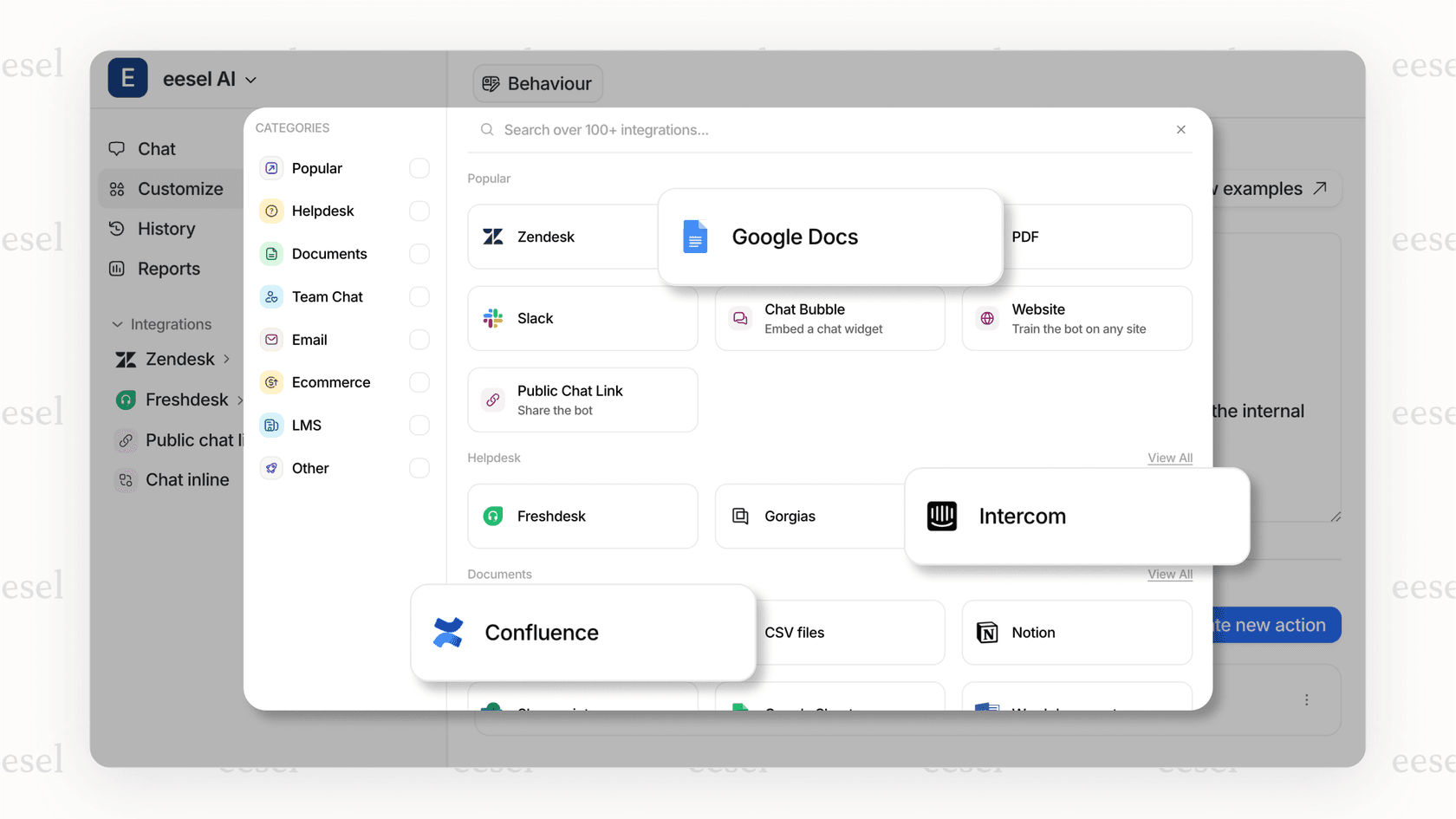
At eesel AI, we take a different approach. Instead of requiring you to migrate to a new CRM, our AI tools augment your existing sales process. Our AI Copilot drafts replies to prospects, summarizes long email threads, and helps prioritize leads based on your criteria. For teams ready for more automation, our AI Agent can handle initial prospect conversations autonomously while escalating complex situations to human reps.
This approach works particularly well for teams that:
- Are happy with their current CRM but want AI capabilities
- Need AI assistance without the complexity of enterprise platforms
- Want to test AI augmentation before committing to full CRM migration
- Prefer tools that integrate with their existing stack
Our pricing is straightforward, starting at $299/month for the Team plan with no per-seat fees, making it predictable as you scale.
Making your CRM decision
The choice between Pipedrive and Salesforce ultimately comes down to your organization's size, complexity, and resources.
Choose Pipedrive if: You want a sales-focused CRM that your team can start using today without consultants or extensive training. The visual pipeline and activity-based approach work well for SMBs that need to move fast.
Choose Salesforce if: You need an enterprise platform that can serve as a single source of truth across sales, service, and marketing. The investment in implementation and administration pays off for complex organizations with dedicated resources.
Before committing, take advantage of both platforms' free trials. Pipedrive offers 14 days, Salesforce offers 30 days. Import some real data, have your team test daily workflows, and see which interface feels natural.
Remember that switching CRMs gets harder as you accumulate data and customize workflows. Choose the platform that fits not just your current needs but your anticipated growth over the next 2-3 years.
Frequently Asked Questions
Is Pipedrive or Salesforce better for small businesses?
Can Pipedrive scale to enterprise size?
How much does Salesforce implementation actually cost?
Does Pipedrive have AI features like Salesforce Einstein?


Article by
Riellvriany Indriawan
Riell is a designer and writer at eesel AI with about two years of experience researching CX platforms, AI chatbots, and helpdesk software. She combines her design background with a sharp eye for how these tools actually look and feel in practice — making her comparisons unusually visual and user-focused.