

Ever get that Sunday evening dread, staring at a blank screen and thinking, "What on earth are we going to post this week?" We've all been there. The pressure to consistently churn out quality content can be a lot. When you're just posting whenever you have a spare moment, it feels less like a strategy and more like a mad scramble. That kind of approach leads to burnout, inconsistent results, and a blog that never quite gets off the ground.
The solution? A blog calendar. This isn't just a fancy spreadsheet; it's the single biggest difference between a hobby blog and a content engine that actually generates traffic, builds authority, and brings in leads. It’s your roadmap.

What is a blog calendar and why you need one
So, what exactly is a blog calendar? Think of it as a schedule that outlines what content you're going to publish and when. It’s the command center for your entire content strategy, turning vague ideas into a concrete plan.
If you're still on the fence, here are a few reasons why a blog calendar isn't just a "nice-to-have." It's a must for any serious blog.
- Saves time and frees up your team: Planning your content in batches stops the daily "what should I write?" panic. Instead of scrambling for ideas every morning, you can dedicate blocks of time to planning, writing, and editing. This frees up so much mental space and time for other work.
- Maintains a consistent posting schedule: Consistency is everything. Publishing on a regular schedule keeps your audience engaged and coming back for more. It also signals to search engines like Google that your site is active and a fresh source of information, which can give your SEO a nice boost.
- Ensures quality and protects your brand: When you're rushing to meet a last-minute deadline, mistakes happen. A calendar gives you the breathing room to properly research, write, review, and edit every post. This helps you catch typos and prevent mistakes before they can damage your brand's credibility.
- Streamlines collaboration: If you have writers, editors, designers, and marketers all working together, a shared calendar is a lifesaver. It creates a single source of truth where everyone can see what's in the pipeline, who's responsible for what, and where each piece is in the workflow. No more messy email chains or missed deadlines.
- Improves SEO performance: A blog calendar allows you to be strategic with your content. You can plan posts around specific target keywords, build out topic clusters to establish authority in your niche, and capitalize on seasonal trends to attract more organic traffic.
An infographic showing the five key benefits of using a blog calendar, an important part of knowing how to create a blog calendar.
Key elements of a blog calendar
A good blog calendar is more than just a list of titles and dates. To be truly useful, it needs to act as a dashboard for your entire content operation.
Here are the core components every blog calendar should include, presented in a handy table:
| Element | Description | Why It's Important |
|---|---|---|
| Publish Date & Time | The exact day and time the post will go live. | Consistency helps build an audience and allows you to target peak engagement times. |
| Topic / Headline | The working title or main idea of the blog post. | Provides a clear focus for the writer and ensures content aligns with strategy. |
| Content Owner | The person responsible for writing and managing the post. | Clarifies responsibilities and prevents tasks from falling through the cracks. |
| Status | The current stage of the post (e.g., Idea, In Progress, Editing, Scheduled). | Gives the entire team a quick overview of the content pipeline at a glance. |
| Target Keyword | The primary SEO keyword the post is targeting. | Ensures every piece of content has a clear SEO purpose and contributes to organic growth. |
| Target Audience | The specific reader persona the post is intended for. | Helps the writer tailor the tone, style, and depth of the content for maximum impact. |
| Call-to-Action (CTA) | The desired next step for the reader (e.g., sign up, read another post). | Guides the reader through your marketing funnel and helps achieve business goals. |
Depending on your team's workflow, you might also want to add other fields like "Content Type" (e.g., guide, listicle, case study), "Approval Status," and "Associated Campaign" to make it even more powerful.
How to create a blog calendar: A 5-step process
Step 1: Define your goals and audience
A calendar without clear goals is just a schedule. Before you even think about topics, ask yourself: what are we trying to achieve with this blog? Are you looking to increase website traffic, generate qualified leads, establish your brand as an industry authority, or something else entirely?
Your goals will dictate the kind of content you create.
- Lead generation? You’ll need posts with strong calls-to-action (CTAs) that point to demos, free trials, or downloadable resources.
- Building authority? You should focus on creating in-depth, cornerstone content like comprehensive guides and original research.
At the same time, get crystal clear on who you're writing for. Defining your target audience or buyer personas will ensure that every topic you choose actually resonates with the people you want to reach.
Step 2: Conduct a content audit
Don't start from scratch. Take a look at the content you've already published. A quick content audit can reveal which posts are driving the most traffic, what topics get the most engagement, and which older posts could be updated or repurposed for a quick win.
Next, do a little recon on your competitors. See what's working for them. What topics are they ranking for? What kinds of content formats are they using? This isn't about copying them; it's about identifying content gaps you can fill and finding opportunities to cover popular topics more thoroughly or from a unique angle.
Step 3: Brainstorm content ideas
Now for the fun part: brainstorming. Start by defining your content pillars (sometimes called content buckets). These are the 3-5 broad, high-level topics your blog will focus on. For example, a marketing software company might have pillars like "SEO," "Content Marketing," and "Social Media." Focusing on pillars helps you build topical authority, which is a huge factor for SEO.
With your pillars in place, start generating specific post ideas. Here are a couple of great places to look:
- Keyword Research: Use SEO tools to find out what questions your audience is typing into Google. This is a goldmine of proven topics.
- Audience Questions: Check out forums like Reddit and Quora, or even sift through your own customer support tickets. The problems and questions people are already asking are perfect fuel for your content calendar.
I just use a shared google sheet with tabs. Topics get placed, one color assigns to writer to start. Then it changes colors when ready for edit, then another when ready to publish. They turn green when live on the blog. I assign a batch each week and the writer has flexibility knowing our aim is ready to edit by Friday. Simple and works great.

Step 4: Determine your posting frequency
It can be tempting to aim for publishing a new post every single day, but for most teams, that's a recipe for burnout. Remember, quality and consistency are far more important than sheer quantity.
Choose a posting cadence that you can realistically stick to over the long term. It's much better to publish one high-quality, well-researched post per week, every week, than to publish five mediocre posts one week and then nothing for a month. Start with a manageable schedule, like once or twice a week, and you can always scale up as you grow.
Step 5: Schedule key dates and fill in the gaps
Start by plugging in any time-sensitive content. This includes posts related to major holidays, industry events, seasonal trends, or your own product launches. These are your non-negotiable anchor points.
Once those fixed dates are on the calendar, you can start filling in the remaining slots with the evergreen content ideas you brainstormed earlier. Try to maintain a good balance between your different content pillars to ensure you're covering all your strategic bases.
Choosing the right tools for your blog calendar
The perfect tool for managing your blog calendar really depends on your team's size, your workflow's complexity, and your budget. The key is to find a system that makes your life easier, not more complicated.
Using eesel AI to execute your calendar
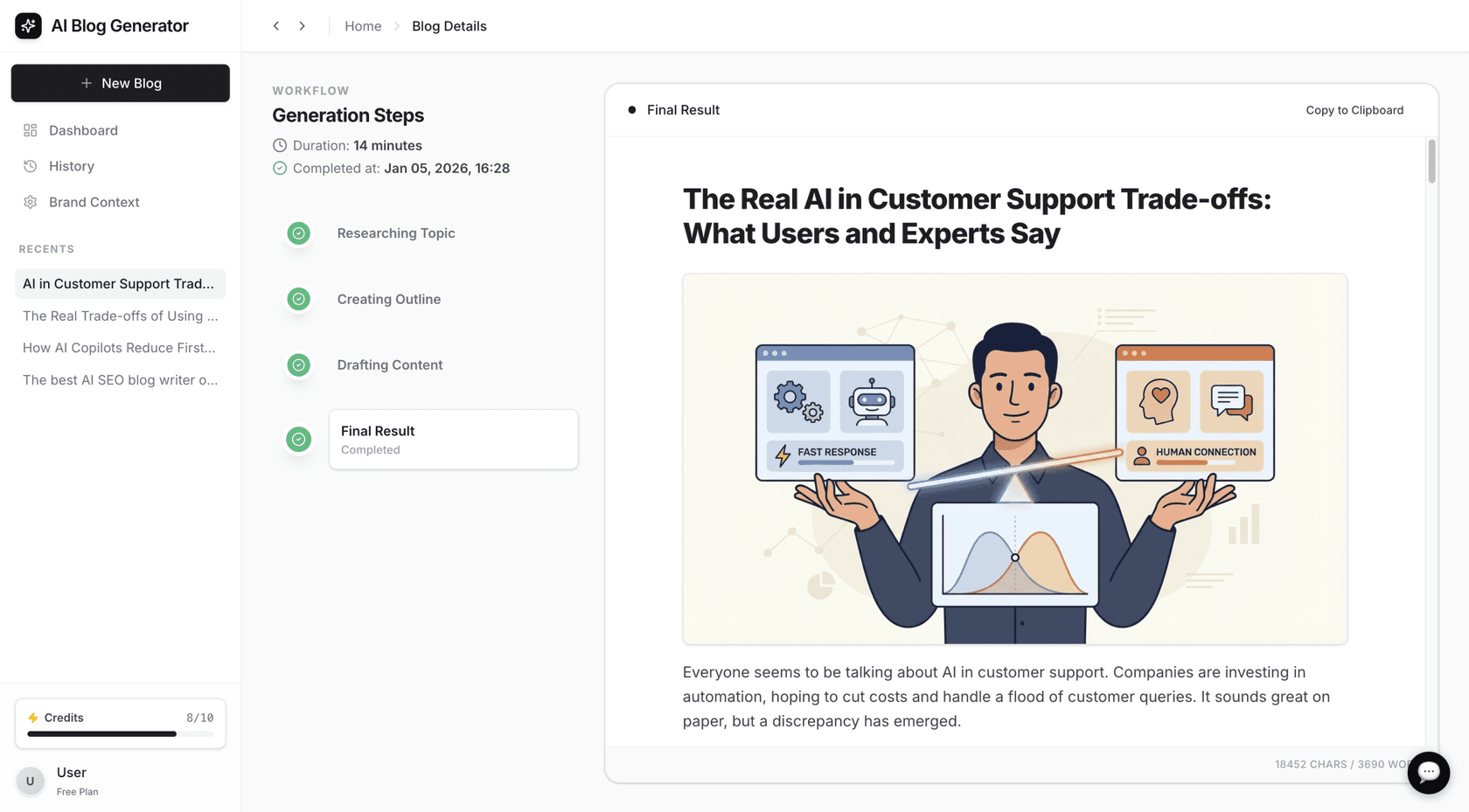
Here’s how it tackles the core challenges of content planning:
- From keyword to draft in minutes: Instead of just adding a title to your calendar, you can generate a complete, publish-ready blog post from a single keyword. This cuts down content creation time from hours or days to just a few minutes.
- Automatic assets and research: eesel AI doesn't just write text. It performs context-aware research and automatically includes assets like AI-generated images, tables, relevant YouTube videos, and even authentic Reddit quotes to add social proof and credibility.
- Optimized for modern search: Every post is automatically structured for traditional SEO best practices. Plus, it's optimized for AI Answer Engines (AEO), ensuring your content is visible in new search experiences like Google AI Overviews.
Manual planning tools
If you prefer a more hands-on approach to planning, there are plenty of excellent tools available to help you stay organized.
-
Spreadsheets (Google Sheets, Microsoft Excel)
- Pros: They're free, completely customizable, and familiar to almost everyone. Google Sheets allows for real-time collaboration, which is great for teams.
- Cons: It's an entirely manual process. There are no automated notifications, no built-in workflows, and it can become cluttered and prone to errors as it grows.
-
Project Management Tools (Asana, Trello, Notion)
- Asana: A powerful, list-based tool that's perfect for creating detailed workflows. You can build out templates for your content process and track each post from idea to publication. Its free plan supports up to 10 users, and paid plans with advanced features start at $10.99 per user/month.
- Trello: A simple and highly visual Kanban-style tool. It's incredibly intuitive for tracking the status of posts as you drag and drop cards across different columns. The free plan is limited to 10 boards, and key features like a Calendar view require a Premium plan ($10 per user/month).
- Notion: A super flexible, all-in-one workspace that you can customize to build the exact content calendar you want. The downside is that it requires a significant amount of initial setup, and its free plan has a block limit for teams.
-
Dedicated Social Media Schedulers (Sprout Social)
- Pros: Platforms like Sprout Social offer robust, interactive content calendars with advanced features like approval workflows, asset management, and optimal send time suggestions.
- Cons: These tools are built primarily for managing social media, not long-form blog content. They are also quite expensive, with plans starting at $199 per seat/month, which is often overkill if you're just looking for a way to manage your blog.
For a more visual guide, watching an expert walk through the process can be incredibly helpful. The video below offers a clear, step-by-step tutorial on building an editorial calendar from scratch, covering many of the principles we've discussed.
From planning to publishing
Creating a blog calendar is a non-negotiable step in turning your blog from a random collection of posts into a strategic business asset. By setting clear goals, understanding your audience, planning your content strategically, and choosing the right tools, you can build a content engine that consistently drives results.
But remember, a calendar is just a plan. The biggest challenge is often the time and effort it takes to research, write, and produce the content. This is where AI-powered tools can help execute the plan you've built. Instead of just organizing topics, they can help create the content itself, turning a calendar entry into a publish-ready draft.
Try the eesel AI blog writer for free to see how it can help fill your content calendar.
Frequently Asked Questions
What is the first step in how to create a blog calendar?
What essential elements should a blog calendar include?
How often should I post on my blog?
Are spreadsheets good enough for a blog calendar?


Article by
Kurnia Kharisma Agung Samiadjie
Kurnia is a software engineer and writer at eesel AI with two years of SEO experience, writing about AI tools, helpdesk software, and customer support. He pairs a developer's understanding of how these products are built with search-driven research into what actually ranks and resonates with the people searching for them.


