How to add AI to Shopify customer support: A 2025 guide

Kenneth Pangan
Written by

Kenneth Pangan

Reviewed by

Katelin Teen

Last edited October 20, 2025

Expert Verified

Pump up

If you run a Shopify store, you know the feeling. You're trying to focus on growing the business, sourcing new products, running marketing campaigns, but your inbox is just a constant stream of the same questions. "Where is my order?" "What's your return policy?" "Do you ship to Canada?" It’s like being stuck on a hamster wheel, and it's pulling you away from the work that actually grows your store.

What if you had a team member who could answer all of those questions instantly, 24/7, without ever needing a coffee break? That's the idea behind AI. But let's be real, figuring out how to add AI to Shopify customer support can feel like another giant project you just don't have time for.

This isn't just another post telling you to install a chatbot. We're going to walk through what a good AI solution actually looks like, how to get it running without creating chaos for your team, and what common mistakes to avoid along the way.

What is an AI support agent for Shopify?

Let's clear something up. When we talk about an "AI support agent," we're not talking about those old, clunky chatbots that follow a rigid script and just frustrate customers with "I don't understand." If a customer has to rephrase their question three times, you've probably already lost them.

Today's AI agents are built on Large Language Models (LLMs), the same technology that powers tools like ChatGPT. This means they can understand normal, conversational language, figure out what a customer is really asking, and respond in a way that feels natural.

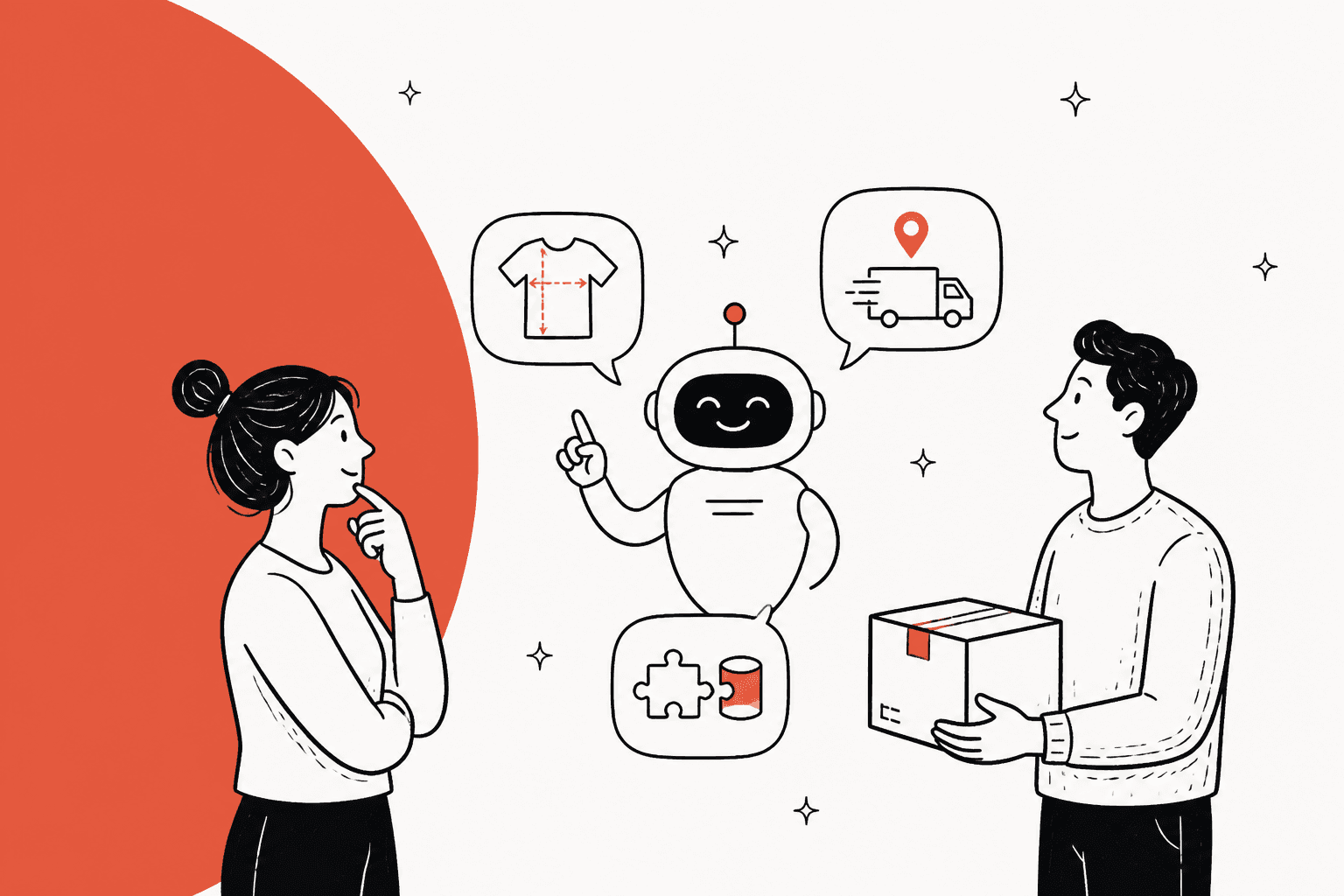
The real magic, though, happens when an AI agent connects directly to your Shopify store's backend. It can look up a customer's order status in real-time, check your product catalog for sizing info, and quote your shipping policy word-for-word. It isn't just guessing; it's pulling live, accurate information. The whole point is to give a genuinely helpful answer on the first try, turning your support from a robotic hurdle into an instant problem-solver.

Key features your AI tool must have

Not all AI tools are built the same. When you're looking to add an AI agent to your Shopify store, there are a few features that are absolute must-haves.

Deep Shopify integration

This is the big one. An AI agent is pretty useless if it can't access the information it needs to answer questions. It needs a live connection to your Shopify data so it can:

  • Check Order Status: Pull up tracking numbers and delivery estimates on the spot.

  • Understand Your Product Catalog: Answer detailed questions about materials, dimensions, and stock levels without getting confused.

  • Know Your Store Policies: Confidently explain your return and shipping rules without needing to be manually programmed with every detail.

Just as important is how it plays with your team's existing tools. A good AI solution should plug right into the helpdesk you already use, whether that's Gorgias, Zendesk, or [REDACTED]. The goal is to make your current workflow smarter, not force your team to learn a whole new system from the ground up. You should be skeptical of any tool that requires you to ditch the platforms you rely on every day.

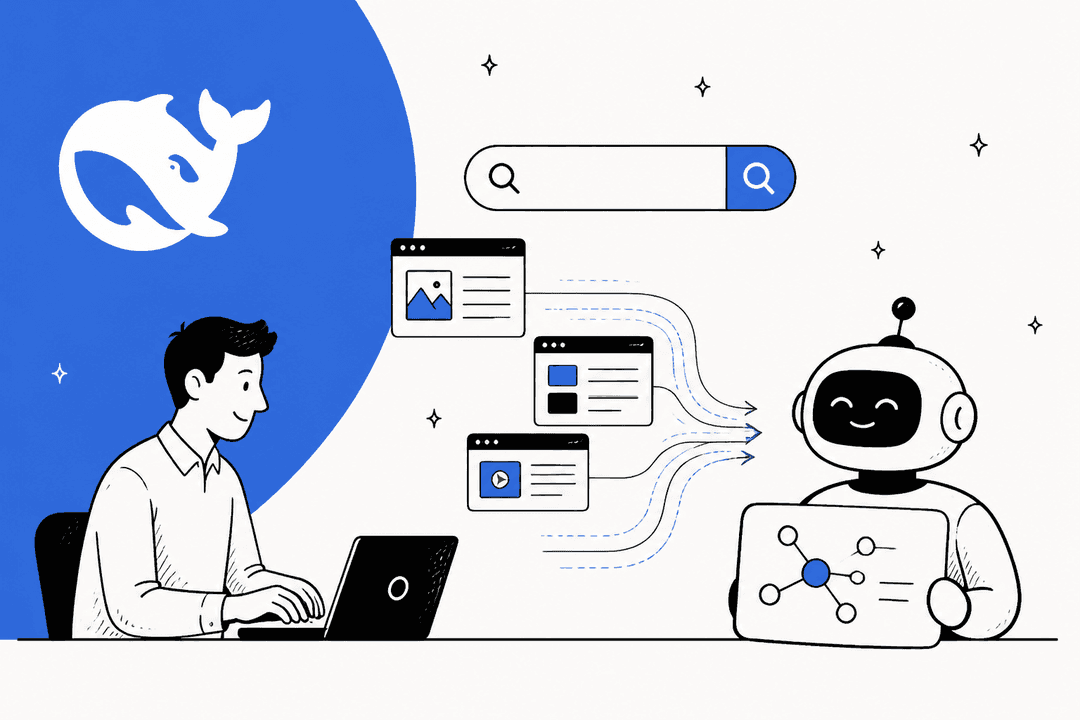
An illustration of how an AI solution can integrate with your existing helpdesk to streamline support workflows.

Learning from knowledge sources

A smart AI doesn't just rely on a single FAQ page you wrote six months ago. The best tools can pull knowledge from all the different places your team stores information. This means it should be able to learn from:

  • Your public help center and website pages.

  • Internal documents in Notion or Google Docs.

  • Your most valuable (and often overlooked) source of knowledge: your past support tickets.

That last one is so important. Your historical support conversations contain everything the AI needs to learn your brand's voice, understand common customer problems, and see how your best agents handle tricky situations. Some tools, like eesel AI, can analyze thousands of your past tickets automatically, training the AI on your unique business context from day one.

This infographic shows how a modern AI tool learns from various sources like your website, internal docs, and past tickets.

Granular control

The fear of an AI going rogue and saying the wrong thing to a customer is real. That's why you need a tool that puts you in complete control of what it can and can't do. Look for these key features:

  • Selective Automation: You should be able to decide exactly which types of questions the AI can handle. You could start with the easy stuff, like order tracking, and create rules that immediately pass more sensitive issues to a human agent.

  • Custom Persona: The AI is a part of your brand. You should be able to define its tone of voice, whether you're quirky and fun or more formal and professional.

  • Custom Actions: A truly useful AI doesn't just talk; it does things. Look for the ability to set up custom actions, like tagging tickets, updating customer info in your helpdesk, or routing an issue to a specific person on your team.

A screenshot showing the interface for setting up granular controls and custom rules for an AI agent.

How to implement AI support: A smart plan

Jumping in headfirst with a new AI tool is a recipe for disaster. It's much better to be methodical, test everything, and roll it out in a way that gives you and your team confidence.

Start with a simulation

Would you hire a new support agent without interviewing them? Of course not. So why would you let an AI start talking to your customers without testing it first? Many platforms ask you to just turn it on and hope for the best, which can lead to some pretty embarrassing (and costly) mistakes.

The best platforms offer a simulation mode. This lets the AI run on your past support tickets in a safe, offline environment. You can see exactly how it would have responded to thousands of real customer questions without any risk. This lets you:

  • Get an accurate idea of its resolution rate.

  • Review its draft responses and make tweaks.

  • Find gaps in your knowledge base before a customer does.

This is where a platform like eesel AI really shows its value. Its simulation mode lets you see exactly how the AI would have performed on your past tickets, giving you the confidence you need before you activate it for a single live customer.

The eesel AI simulation mode allows you to test the AI

Roll out gradually

Once you're happy with how the AI performs in the simulation, don't just flip a switch and turn it on for everyone. A gradual rollout is a much smarter move. You could start by:

  • Activating it on just one channel, like your website's chat widget.

  • Limiting it to answering only one or two common questions, like "Where is my order?"

  • Turning it on only during your off-hours to handle the overnight queue.

As you go, keep a close eye on your analytics dashboard. You need to be able to track its performance, understand what kinds of questions customers are asking, and see where it might be getting stuck. This data will be your guide for making improvements over time.

Common mistakes to avoid

It's easy to fall into a few common traps when adopting AI. Here’s what to watch out for.

Trap #1: Changing your helpdesk

Many "AI solutions" are actually entire helpdesk platforms that want you to migrate your whole support operation over to their system. This is a massive headache. It's disruptive, expensive, and forces your team to learn a new tool from scratch.

  • How to avoid it: Look for an AI layer that integrates with your existing tools. It should enhance the helpdesk and workflows you already have in place, not replace them.

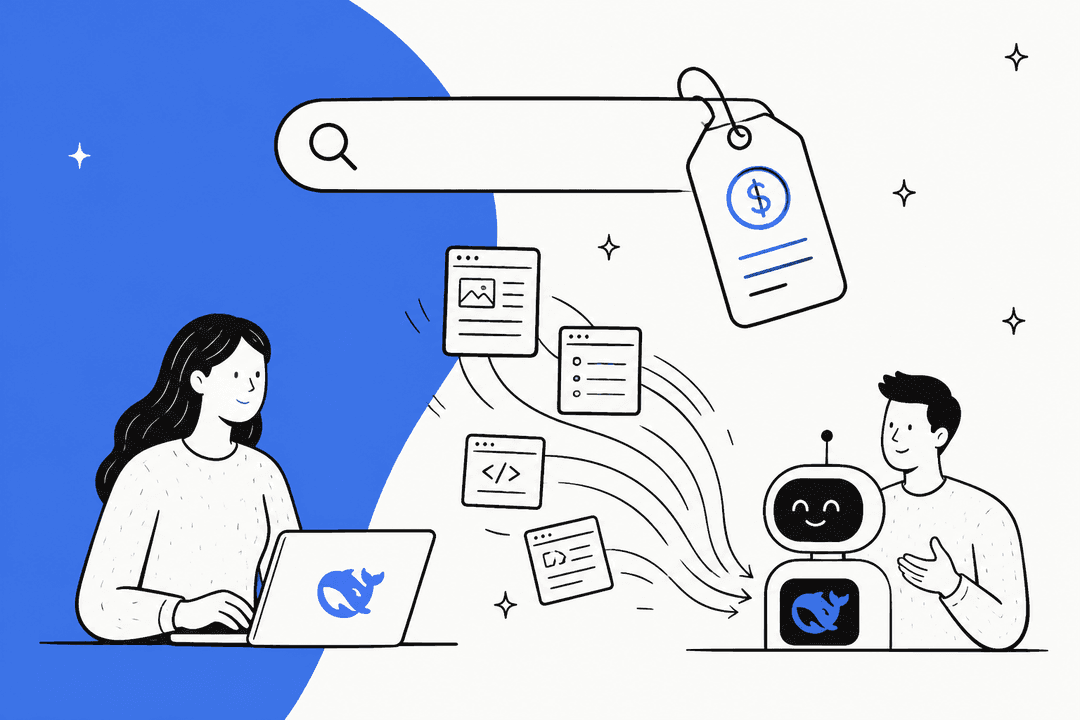
Trap #2: Unpredictable pricing

This is a sneaky model where you get charged every time the AI successfully resolves a ticket. It sounds good at first, but it punishes you for growing. As your store gets busier and your ticket volume increases, your AI bill can shoot up without warning.

  • How to avoid it: Find a platform with transparent, flat-rate pricing. This gives you predictable costs that don't penalize you for being successful.

Trap #3: Underestimating setup time

A lot of platforms market themselves as "no-code" but quietly require weeks of manually building rules, uploading content, and mapping out conversation flows to get them working properly.

  • How to avoid it: Find a truly self-serve platform that automates most of the training. For instance, eesel AI lets you connect your data sources and can be ready to go in minutes, not months.

Finding the right AI pricing model

Understanding pricing is key to avoiding nasty surprises down the road. Most AI support tools use one of these three models:

  • Per-Resolution/Per-Ticket: As we mentioned, this is unpredictable and can get very expensive as you scale.

  • Per-Agent Seat: This model charges you based on the number of human agents on your team. It doesn't always make sense, especially if only a few agents are using the AI features heavily.

  • Flat-Rate/Tiered: This is usually the most transparent model. You pay a predictable monthly fee based on your expected volume of AI interactions. You know exactly what your bill will be, which makes budgeting a whole lot easier.

For most Shopify stores, a flat-rate model gives you the best mix of predictability and value.

PlanMonthly PriceAI Interactions/moKey Feature
Team$299Up to 1,000Train on website/docs, Slack integration.
Business$799Up to 3,000Everything in Team + train on past tickets, AI Actions, bulk simulation.
CustomContact SalesUnlimitedAdvanced actions, custom integrations.

The fastest way to get started

Getting started with AI doesn't have to be some complicated, months-long project. The right tool should fit into your workflow, give you full control, let you test with confidence, and have a pricing model that makes sense for a growing business. With a modern, self-serve platform, you can have a powerful AI agent up and running in a single afternoon.

eesel AI was built for exactly this. It connects to all your knowledge, plugs into the tools you already use, and gives you a risk-free way to test its performance before going live. It’s the quickest path to automating your repetitive support tickets so you can get back to growing your business.

Ready to stop answering the same questions over and over? Try eesel AI for free and see how much time you can get back.

Frequently asked questions

Learning how to add AI to Shopify customer support allows your store to automate repetitive inquiries, freeing up your human team for more complex issues. It provides instant 24/7 customer assistance, boosting satisfaction and enabling your business to focus on growth.

When you consider how to add AI to Shopify customer support, prioritize deep integration with your Shopify store and existing helpdesk, the ability to learn from various knowledge sources (especially past support tickets), and granular control over automation rules and the AI's persona.

A smart strategy for how to add AI to Shopify customer support involves starting with a simulation using your historical support tickets to safely test performance. Afterwards, roll it out gradually, perhaps on a single channel or for specific questions, while closely monitoring analytics.

Yes, when figuring out how to add AI to Shopify customer support, avoid solutions that force you to switch your current helpdesk. Be cautious of unpredictable per-resolution pricing models, and don't underestimate the setup time for platforms claiming to be "no-code" but require extensive manual configuration.

To ensure the AI agent matches your brand's tone after you learn how to add AI to Shopify customer support, look for tools that offer granular control over its "persona" and tone of voice settings. This allows you to customize its responses to align perfectly with your brand's identity.

When budgeting for how to add AI to Shopify customer support, a transparent, flat-rate or tiered pricing model is generally the most predictable and valuable. This allows you to forecast costs reliably, unlike per-resolution models which can quickly escalate with increased ticket volume.

Share this post

Kenneth undefined

Article by

Kenneth Pangan

Writer and marketer for over ten years, Kenneth Pangan splits his time between history, politics, and art with plenty of interruptions from his dogs demanding attention.