Groove vs Front AI: Which help desk platform wins in 2026

Amogh Sarda
Last edited April 2, 2026
There's an important distinction to make upfront. When people search for "Groove vs Front AI," they might accidentally stumble across Groove.ai, which is an AI marketing tool completely unrelated to help desk software. This article focuses on GrooveHQ, the customer support platform, and how it compares to Front, the AI-powered customer service platform.
Both promise to streamline your support operations, but they approach the problem from different angles. Groove positions itself as the simple, no-fuss option for growing teams. Front markets itself as the AI-powered solution for complex customer operations. Let's break down what actually differentiates them.
What is Groove?
Groove is a ticketing system built for teams that want powerful customer support without the complexity of enterprise tools. The company emphasizes "everything you need, nothing you don't," targeting growing businesses that have outgrown email but aren't ready for heavy-duty help desk software.
Groove serves 130,000+ support experts according to their website, with notable customers including Shopify, Unsplash, and AppSumo. The platform centers around a shared inbox that brings together customer emails and messages into one collaborative space where teams can assign, tag, and respond to tickets.
The core feature set includes ticket management with Smart Folders and custom fields, automation rules for repetitive tasks, a native knowledge base, live chat widgets, and mobile apps for iOS and Android. Groove also offers AI-powered features, but only on their Plus and Pro plans. These include conversation summarization, sentiment analysis, and a writing assistant for agents.
What is Front?
Front markets itself as a customer service platform powered by AI, designed for what they call "complex customer operations." The company targets mid-market to enterprise teams that need more than basic ticket management. Think cross-functional coordination, multi-step workflows, and sophisticated automation.
Front serves 9,000+ companies and emphasizes its ability to handle complex requests that other platforms escalate to humans. The platform combines email management with omnichannel support (SMS, social media, WhatsApp, live chat) in a single collaborative workspace.
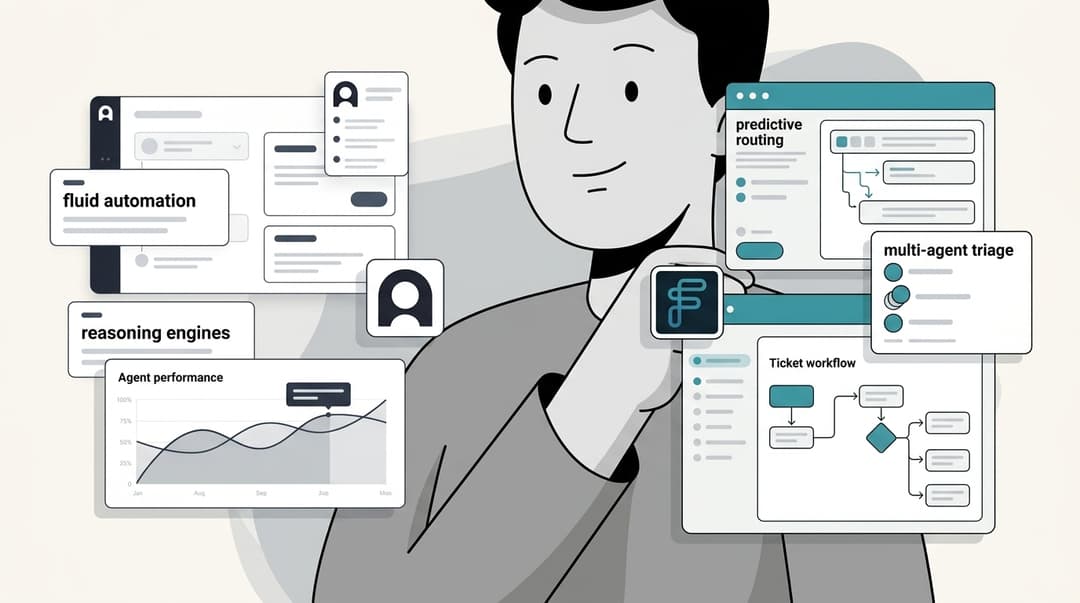
Front's AI capabilities are more extensive than Groove's. The platform offers Topics for auto-analyzing contact reasons, Copilot for AI-drafted responses, Autopilot for automated resolutions, Smart QA for quality assurance scoring, and Smart CSAT for inferring customer satisfaction without surveys. However, there's a catch: many of these AI features are add-ons or only available on higher-tier plans.
Groove vs Front AI: Feature comparison
When comparing Groove vs Front AI capabilities, the differences become clearer. Let's look at specific areas where these platforms diverge.
AI capabilities
Groove's AI features focus on agent assistance rather than automation. Their AI summarizes long conversations, detects sentiment to help prioritize tickets, suggests tags automatically, and provides writing assistance for agents. These are useful productivity boosters, but they're limited to the Plus and Pro plans.
Front takes a more comprehensive approach to AI. Their Copilot drafts responses for agents, Compose helps refine message tone and grammar, and Summarize generates conversation overviews. For teams wanting full automation, Front offers Autopilot, an AI agent that can resolve routine inquiries without human intervention. Front also provides Smart QA for automated quality scoring and Smart CSAT for tracking satisfaction without surveys.
Here's the reality check: Front's advanced AI features come at a cost. Copilot, Smart QA, and Autopilot are either add-ons ($10-20 per seat per month) or only included on the $105/seat Enterprise plan. On Starter and Professional plans, Copilot is limited to just 10 suggested replies per seat per month.
Another limitation worth noting: Front's AI Copilot only works in shared inboxes, not individual inboxes. If your agents handle personal follow-ups outside the shared queue, they won't get AI assistance for those conversations.
Knowledge base integration
Both platforms can learn from your existing content, but with different limitations.
Groove relies primarily on its native knowledge base. While you can build a help center within the platform, it doesn't natively connect to external documentation sources like Confluence, Google Docs, or Notion.
Front can learn from public help centers, past conversations, and its native knowledge base. However, Front can't sync with password-protected internal wikis or documentation platforms. If your team keeps processes in Confluence or Google Docs, Front's AI won't be able to access that information. This is a significant limitation for teams with extensive internal documentation.
Collaboration and workflow
Groove keeps things straightforward. You get assignment rules, tagging, custom fields, and basic automations. The platform integrates with tools like Slack, Shopify, Stripe, Salesforce, and HubSpot through its 40+ native integrations.
Front offers more sophisticated collaboration features. You get mentions, shared drafts, internal comments, and advanced workflow automation with unlimited rules on Enterprise plans. Front also boasts 160+ integrations, including deeper CRM connections and telephony integrations like Aircall and Dialpad.
| Feature | Groove | Front |
|---|---|---|
| AI drafting | Writing assistant | Copilot (add-on/limited) |
| Summarization | Yes | Yes (200/day on lower tiers) |
| Sentiment analysis | Yes | Via Topics |
| Auto-tagging | Yes | Yes |
| Automation agent | No | Autopilot (add-on) |
| QA automation | No | Smart QA (add-on) |
| Omnichannel | Email, chat | Email, SMS, social, WhatsApp, chat |
| Integrations | 40+ native | 160+ |
Pricing breakdown: Groove vs Front
Pricing is where these platforms diverge significantly, especially when you factor in AI features.
Groove pricing
Groove uses a per-seat model billed annually. They offer three tiers:
| Plan | Est. Price | Key Features |
|---|---|---|
| Standard | ~$20-25/user/mo | 2 shared inboxes, standard automations, 40+ integrations |
| Plus | ~$35-40/user/mo | 5 shared inboxes, AI features (summarize, sentiment, writing), advanced automations |
| Pro | Custom pricing | 25 shared inboxes, skill-based routing, enterprise security |
Groove offers a 30-day free trial. AI features are included on Plus and Pro plans at no extra cost.
Front pricing
Front also uses per-seat pricing with three main tiers:
| Plan | Price | Key Features |
|---|---|---|
| Starter | $25/seat/mo | Single channel only, basic analytics, 10 automation rules |
| Professional | $65/seat/mo | Omnichannel, advanced analytics, SSO/SCIM, 20 automation rules |
| Enterprise | $105/seat/mo | Unlimited rules, custom roles, AI features included |
Front's AI add-ons carry additional costs:
| AI Feature | Price |
|---|---|
| Copilot (unlimited) | $20/seat/mo |
| Smart QA | $20/seat/mo |
| Smart CSAT | $10/seat/mo |
| QA + CSAT Bundle | $25/seat/mo |
| Autopilot | Contact sales |
Front offers a 14-day free trial with no credit card required.
Total cost comparison
Let's look at what a 5-person team would actually pay for AI-enabled support:
| Platform | Monthly Cost for 5 Users |
|---|---|
| Groove Plus (AI included) | ~$175-200 |
| Front Starter + Copilot | $225 |
| Front Professional + Copilot | $425 |
| Front Enterprise | $525 |
For smaller teams wanting AI assistance, Groove comes in significantly cheaper. Front's pricing escalates quickly once you add AI features and move beyond the single-channel Starter plan.
Who should choose Groove?
Groove makes sense for specific types of teams:
-
Small teams just starting with formal support. If you're moving from a shared Gmail account to your first help desk, Groove's simplicity is a feature, not a limitation.
-
Teams prioritizing ease of use over advanced features. Groove's interface mimics email, which reduces the learning curve for new agents.
-
Budget-conscious teams that need basic AI assistance. Groove includes AI features on Plus plans without the add-on costs that Front charges.
-
Teams with straightforward support needs. If you primarily handle email and occasional chat, Groove's feature set covers the essentials without overwhelming you.
A G2 reviewer summarized it well: "GrooveHQ allows us to provide a unified voice for customer support." The platform's simplicity is its main selling point.
Who should choose Front?
Front is better suited for different scenarios:
-
Teams needing true omnichannel support. If your customers reach out via email, SMS, social media, and WhatsApp, Front brings these together in one place.
-
Mid-size teams ready to invest in AI. Front's AI capabilities are more advanced than Groove's, assuming you're willing to pay for them.
-
Organizations with complex collaboration needs. If multiple departments touch customer conversations (sales, support, success), Front's collaboration features shine.
-
Teams already embedded in the Front ecosystem. If you've built workflows around Front, the platform's depth rewards continued investment.
One Front user noted: "The AI is very helpful for composing emails, allowing me to sound more professional, confident, or friendly." The AI assistance does work when you're willing to pay for it.
eesel AI: A flexible alternative to consider
Both Groove and Front have a fundamental limitation: they lock you into their platforms. If your knowledge lives in Confluence, Notion, or Google Docs, neither platform can fully leverage that content for AI responses. And with Front specifically, you pay extra for AI features that Groove includes by default.

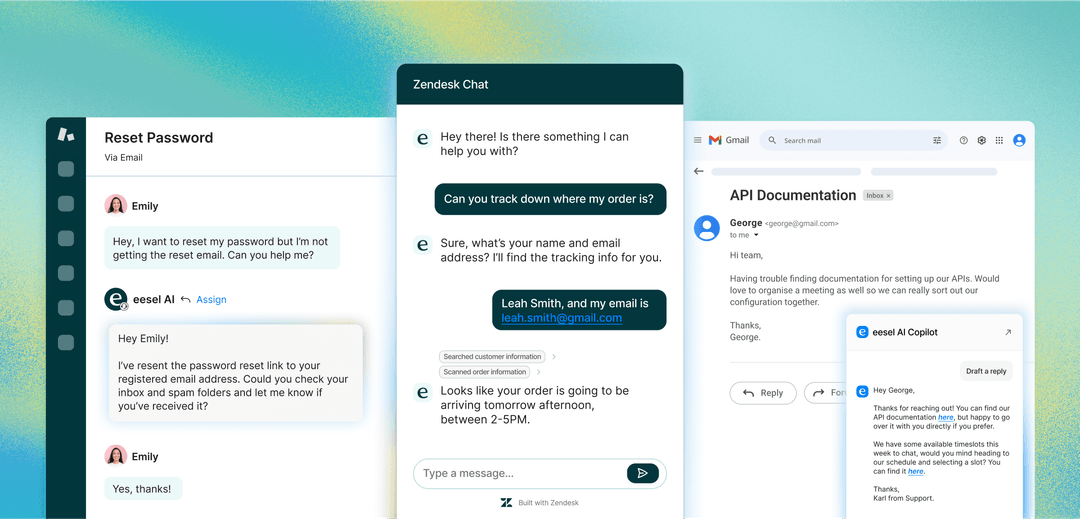
This is where a different approach can help. Instead of replacing your entire help desk, eesel AI works alongside the tools you already use. It's designed for teams that want AI capabilities without platform lock-in or per-seat pricing that punishes growth.
Connect all your knowledge sources
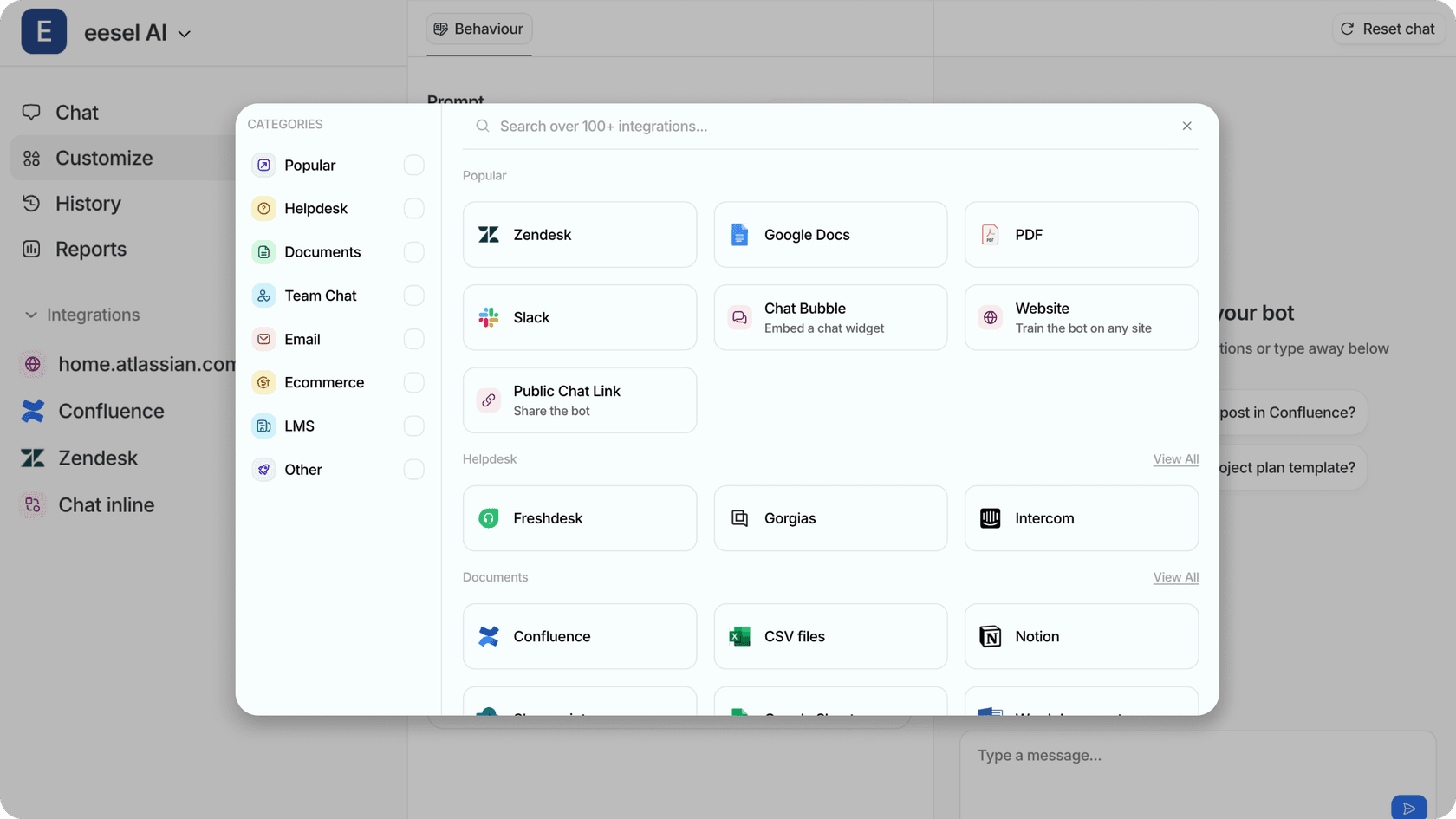
Unlike Front, which can't access password-protected internal documentation, eesel AI connects directly to where your team's knowledge actually lives. This includes Confluence, Notion, Google Docs, and even private Slack conversations. Your AI learns from your complete knowledge ecosystem, not just public help centers.
Test before you go live
Front requires a 24-hour warmup period after connecting knowledge sources. eesel AI offers a simulation mode where you can test the AI on thousands of your past tickets before it ever talks to a customer. This lets you measure quality and tune behavior with zero risk.
Pricing that scales with use, not headcount
Front charges per seat plus AI add-ons, meaning your costs nearly double if you want full AI capabilities. eesel AI uses an interaction-based model. You pay for how much you use the AI, not how many people have access. For growing teams, this often means more predictable costs that don't penalize you for adding agents.
| Cost Factor | Front | eesel AI |
|---|---|---|
| Base pricing | $25-105/seat/mo | Per interaction |
| AI features | $10-20/seat/mo add-ons | Included |
| Knowledge sources | Public + native only | 100+ integrations including internal docs |
| Platform requirement | Must use Front | Works with Zendesk, Freshdesk, your existing help desk |
For teams that have already invested in a help desk but want better AI capabilities, eesel AI offers a middle path that doesn't require ripping out your existing setup.
Making the right choice for your Groove vs Front AI decision
So which platform should you choose? Here's a practical framework:
Choose Groove if:
- You're a small team (under 10 agents)
- Budget is a primary concern
- You want AI features without add-on costs
- Your support is primarily email-based
- You value simplicity over advanced features
Choose Front if:
- You need omnichannel support (SMS, social, WhatsApp)
- You have 20+ agents and complex workflows
- Cross-team collaboration is essential
- You're willing to pay premium prices for premium features
- AI automation is worth the additional investment
Consider eesel AI if:
- You want AI capabilities without replacing your help desk
- Your knowledge lives in Confluence, Notion, or Google Docs
- Per-seat pricing with AI add-ons doesn't fit your budget model
- You want to test AI extensively before going live
- You prefer flexible pricing based on actual usage
The bottom line? Groove offers better value for smaller teams who want straightforward support with basic AI assistance. Front delivers more sophisticated AI and omnichannel capabilities, but at a significantly higher price point. And if neither platform's tradeoffs work for you, eesel AI provides a flexible alternative that works with your existing tools rather than replacing them.
Want to see how AI assistance could work with your current setup? You can try eesel AI free and test it against your actual tickets before making any platform decisions.

Frequently Asked Questions
Share this article

Article by
Amogh Sarda
CEO of eesel AI. Amogh Sarda is obsessed with making the ultimate AI for customer service teams. He lives in Sydney, Australia and has previously worked at Atlassian and Intercom. Outside of work he’s usually surfing or on stage doing improv.