Modern IT teams don't work in isolation. Your service desk needs to talk to your communication tools, your identity management system, your development platforms, and your HR software. Freshservice integrations bridge these gaps.
Freshservice, the IT service management platform from Freshworks Inc., connects with over 1,000 apps through its marketplace. Whether you need to automate employee onboarding, sync assets from Azure AD, or get Slack notifications when critical tickets come in, there's likely an integration for it.
Let's break down what Freshservice integrations can do and which ones matter most for your IT team.
What are Freshservice integrations?
Freshservice integrations are connections between your ITSM platform and other tools in your tech stack. They let data flow between systems automatically, reducing manual work and keeping information in sync.
You can set up integrations in three ways:
- Marketplace apps Pre-built integrations you install with a few clicks. These cover popular tools like Microsoft Teams, Slack, and Jira.
- Connector Apps Low-code workflow automations for more complex integrations. These use consumption-based pricing and work well for enterprise systems like Workday.
- REST API Custom integrations built using Freshservice's API for specific requirements.
The Freshworks Marketplace hosts these integrations, with apps organized by category and use case. Most marketplace apps are free to install, though some require specific Freshservice plans to function fully.
Communication and collaboration integrations
Your IT team probably lives in Microsoft Teams or Slack. These integrations bring Freshservice into the tools your employees already use.
Microsoft Teams
The ServiceBot for Microsoft Teams acts as a virtual agent within Teams. It uses natural language processing to understand employee queries and can provide solutions or create service requests directly in chat.
Key capabilities include:
- Conversational support Employees chat with ServiceBot to get assistance (Enterprise plan only)
- Ticket deflection The bot suggests knowledge base articles before creating tickets (Enterprise plan only)
- One-click access Users view their tickets and approvals without leaving Teams
- Instant updates Teams get notified when tickets are assigned to their group
- Faster approvals Managers approve requests directly in Teams
The integration has a 4.0/5 star rating with over 7,200 installs. It's free and works across all Freshservice plans, though AI-powered features require Enterprise.
Slack
The ServiceBot for Slack offers similar functionality for Slack workspaces. Employees can create tickets, check status, and receive notifications without switching contexts.
Features include:
- Home tab access Users fetch, filter, and track incidents from Slack's home tab
- Channel notifications Freshservice groups map to Slack channels for ticket updates
- Approval workflows Requesters and agents handle approvals within Slack
- Conversational AI Natural language ticket creation (Enterprise plan only)
The Slack integration has 1,900+ installs and a 3.3/5 rating. Note that for Freshservice for MSPs customers, only one-click access and instant updates are supported.
Identity and access management integrations
Connecting your identity provider to Freshservice automates user management and asset discovery.
Azure Active Directory
The Azure AD integration serves two main purposes. First, it discovers virtual assets and syncs them into Freshservice's CMDB, giving you a complete view of your infrastructure. Second, it handles user provisioning through SCIM, automatically creating and updating user accounts based on your Azure AD directory.
Key features:
- Automatic user provisioning and deprovisioning
- Asset discovery for virtual machines and cloud resources
- Group synchronization for ticket routing
- Single sign-on support
Active Directory
For on-premises environments, the Active Directory integration lets you perform operations on users, groups, and computers through Freshservice's Workflow Automator. This works well for hybrid environments where some resources remain on-premise.
Intune
The Microsoft Intune integration syncs mobile and computer devices managed in Intune to Freshservice. This gives your service desk visibility into device compliance, configuration status, and inventory without manual data entry.
IT operations and development integrations
IT and development teams need to stay aligned. These integrations bridge the gap between service management and development workflows.
Jira Software
The Jira integration by Konnectify syncs development work with IT service management. When a Freshservice ticket requires development work, the integration can create linked Jira issues and keep statuses in sync.
Capabilities include:
- Bidirectional status sync When a Jira issue status changes, the linked Freshservice ticket updates automatically
- Comment synchronization Comments flow between both platforms so teams stay informed
- Attachment control Choose whether to sync attachments or keep them separate
- On-prem and cloud support Works with both Jira deployment options
The integration requires specific Jira permissions including project access, issue management, and webhook creation.
Jira Service Management
Atlassian's own Jira Service Management integration takes a different approach. It forwards Freshservice alerts to JSM for on-call scheduling and escalation management.
When a ticket is created in Freshservice, an alert automatically appears in Jira Service Management. JSM then handles notification routing based on on-call schedules, sending alerts via email, SMS, phone calls, or mobile push notifications.
This integration is bidirectional, so actions taken in JSM can update Freshservice tickets. It's available on Jira Service Management Premium and Enterprise plans.
Device42
For organizations needing comprehensive asset management, the Device42 integration syncs configuration management database (CMDB) data between platforms. This ensures your IT asset inventory stays accurate across systems.
HR and enterprise system integrations
Employee lifecycle management often spans HR and IT systems. These integrations automate the handoffs.
Workday
The Workday Connector App connects your HR system of record with IT service management. It requires Pro or Enterprise Freshservice plans.
Available recipes (pre-built workflows) include:
- Freshservice User Sync Keeps requester data synchronized with Workday worker data
- Onboarding automation Creates Freshservice onboarding requests when new hires appear in Workday
- Offboarding automation Triggers offboarding workflows when employees leave
- Reverse workflows Can update Workday based on Freshservice journey requests
- Workday Widget Displays real-time employee information within Freshservice tickets
Setting up the Workday integration requires OAuth credentials, tenant information, and appropriate permissions in both systems. The real-time trigger initiates workflows when employee records are created or updated in Workday.
Security and remote support integrations
TeamViewer
The TeamViewer integration enables remote assistance directly from Freshservice tickets. When an employee reports an issue that requires hands-on help, agents can initiate remote sessions without switching tools.
The integration provides cross-platform remote access and screen control, with a 4.4/5 star rating from users.
SecPod SanerNow
For security-conscious organizations, the SecPod integration syncs vulnerability scan data and patch management information into Freshservice. This helps IT teams track security posture alongside service requests.
How to set up Freshservice integrations
Getting started with integrations follows a consistent pattern:
- Access the Marketplace Navigate to Admin → Apps → Get More Apps in your Freshservice instance
- Find your integration Search for the app by name or browse by category
- Review requirements Check which Freshservice plans support the features you need
- Install and configure Click Install and follow the authentication steps for the external service
- Set up workflows Configure notification rules, sync preferences, and automation triggers
For Connector Apps like Workday, you'll also need to purchase task credits based on your automation volume. These work on a consumption model rather than flat pricing.
Connector Apps vs. Marketplace Apps
Understanding the difference helps you choose the right approach:
| Type | Best For | Pricing | Complexity |
|---|---|---|---|
| Marketplace Apps | Popular tools with standard integrations | Usually free | Simple |
| Connector Apps | Enterprise systems, complex workflows | Consumption-based | Moderate |
| Custom API | Unique requirements, proprietary systems | Development cost | High |
eesel AI: An alternative approach to IT service automation
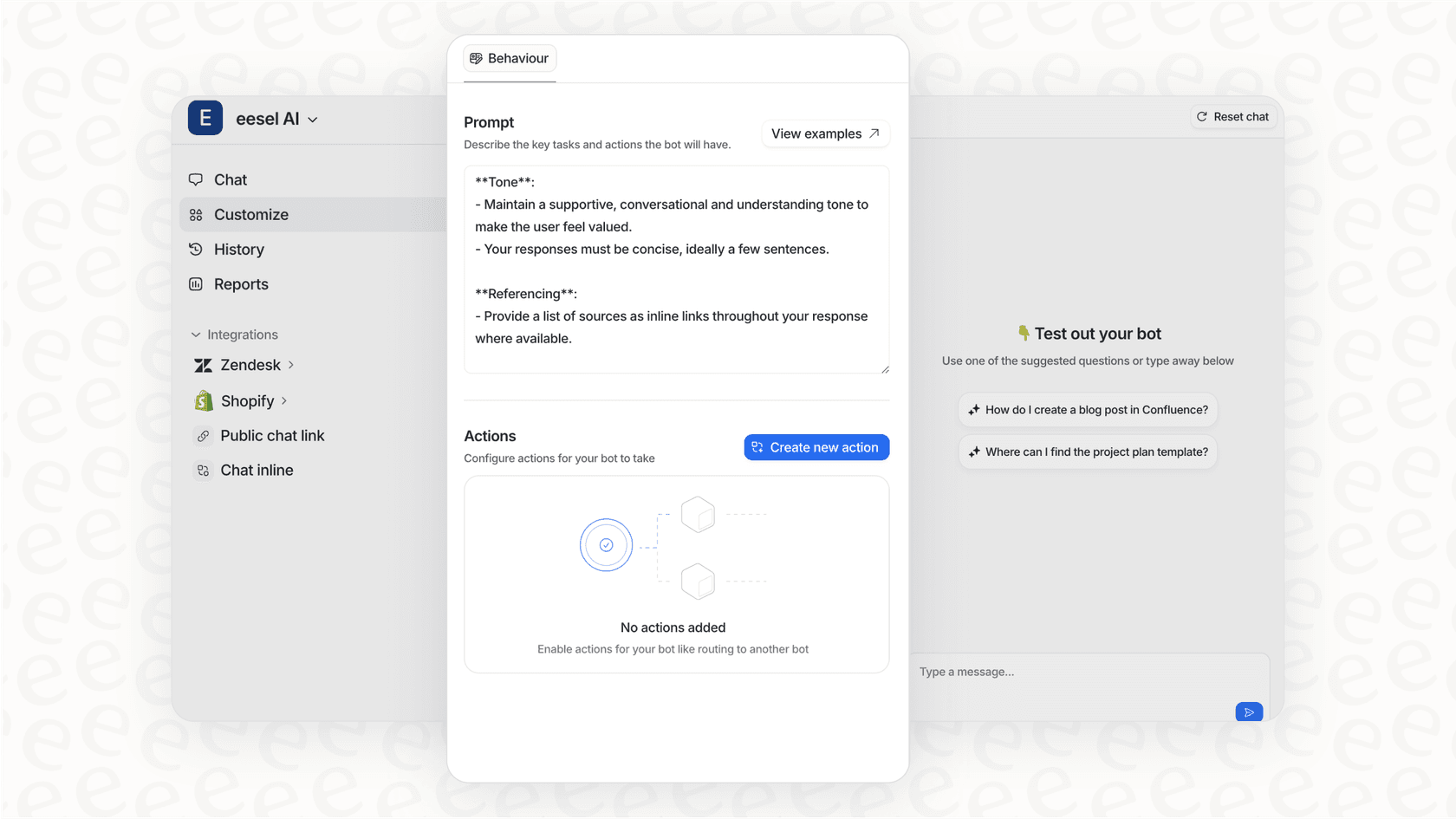
While Freshservice integrations extend your ITSM platform's reach, they still require human agents to handle most interactions. We take a different approach.
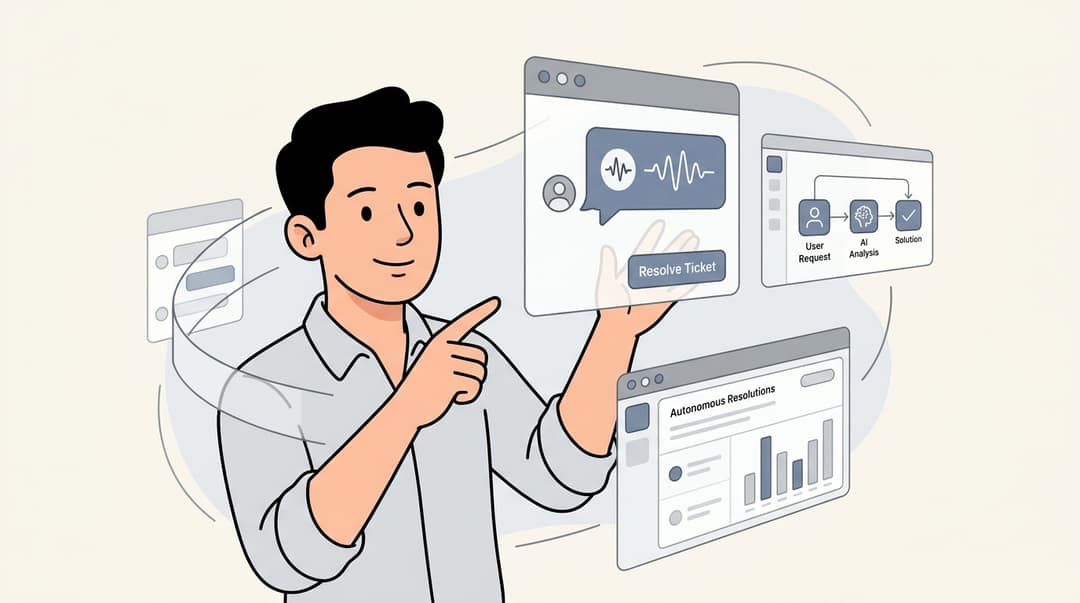
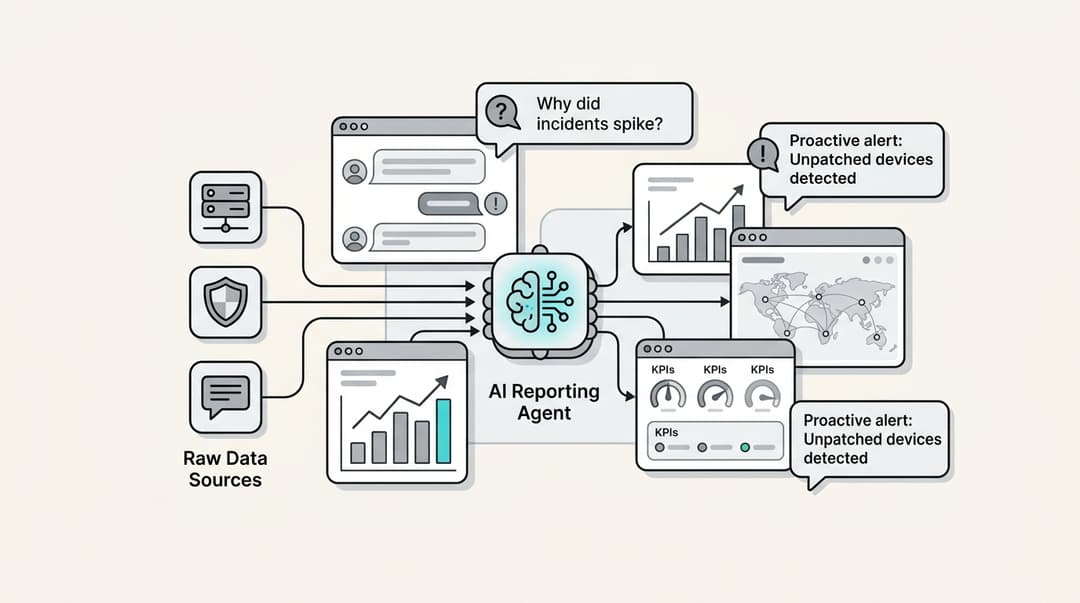
At eesel AI, we build AI teammates that handle frontline support directly. Instead of just connecting systems, our AI agents resolve tickets autonomously.
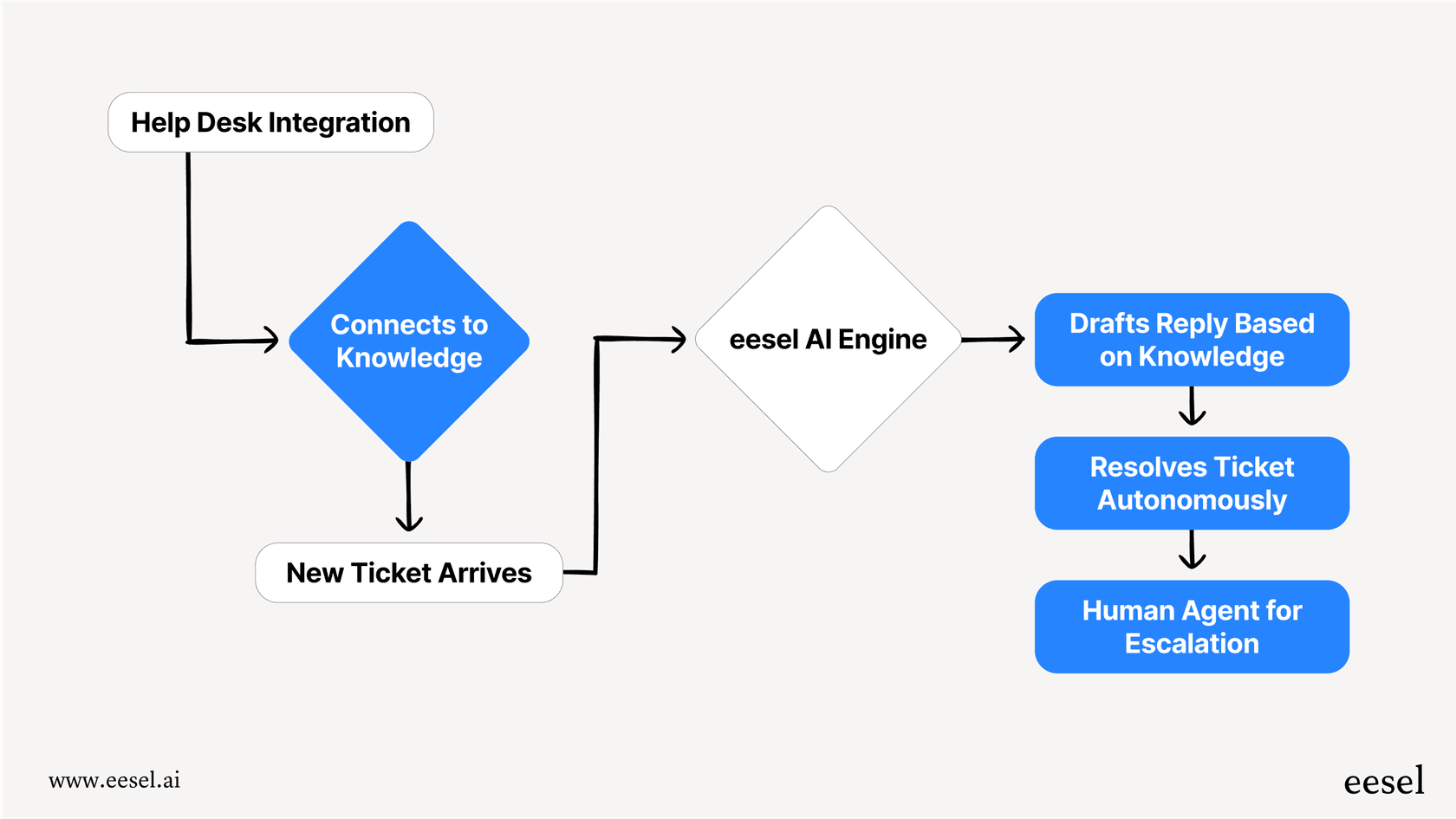
Here's how it works: You connect eesel AI to your help desk (including Freshdesk, Zendesk, and others). It learns from your past tickets, help center articles, and connected documentation in minutes. Then it starts handling tickets, either drafting responses for review or resolving them directly based on your confidence level.
The key difference is progression. You start with eesel AI drafting replies that agents review before sending. As it proves itself, you expand its scope until it handles full frontline support. Mature deployments achieve up to 81% autonomous resolution with payback periods under two months.
Unlike traditional integrations that just move data between systems, eesel AI actually resolves the tickets. It can look up orders, process refunds, update ticket fields, and escalate only what you define as edge cases.
If you're evaluating Freshservice integrations to improve IT efficiency, consider whether you need better connections between tools or whether an AI teammate could handle the workload directly. Both approaches have their place, and they can even work together: eesel AI integrates with help desk platforms while Freshservice handles the ITSM infrastructure.
Choosing the right Freshservice integrations for your team
With 1,000+ options available, focus on integrations that solve specific pain points:
- Start with communication Teams or Slack integration gives immediate visibility benefits
- Automate user management Azure AD or Active Directory integration reduces manual account work
- Connect development workflows Jira integration keeps IT and dev teams aligned
- Consider HR automation Workday integration pays off for larger organizations with frequent onboarding/offboarding
- Evaluate security needs Remote support and vulnerability management integrations depend on your compliance requirements
Most integrations are free to try, so test them during your Freshservice trial period to see which ones deliver real value for your workflows.

Frequently Asked Questions
Share this article

Article by
Stevia Putri
Stevia Putri is a marketing generalist at eesel AI, where she helps turn powerful AI tools into stories that resonate. She’s driven by curiosity, clarity, and the human side of technology.