A complete guide to Freshdesk phone integration in 2026

Stevia Putri
Written by

Stevia Putri

Reviewed by

Stanley Nicholas

Last edited January 16, 2026

Expert Verified

A complete guide to Freshdesk phone integration in 2026

Let’s be honest, even in our world of emails and chatbots, a phone call is often where the most critical customer issues get handled. Freshdesk provides a powerful environment to manage these interactions, but you might be looking for ways to further streamline follow-up work for your agents. The go-to answer is a "Freshdesk phone integration", and this technology has evolved to include sophisticated AI-powered automation.

This guide will walk you through the basics of traditional Computer Telephony Integration (CTI), explore how to build on its strengths, and show you how modern AI is turning voice support into an even more intelligent, automated process that supports your team’s productivity.

What is a Freshdesk phone integration?

Simply put, a "Freshdesk phone integration" uses something called Computer Telephony Integration (CTI) to connect your phone system (like a VoIP service) to your business software, which in this case is Freshdesk.

Think of it as a supercharged caller ID for your support team. When a call comes in, it doesn’t just show a name and number. It pulls up that customer's entire support history right on your agent's screen within the reliable Freshdesk interface.

Its main job is to let agents make and take calls without ever leaving the Freshdesk platform. This automatically ties call details, recordings, and notes to the right customer tickets, creating a single, clean record of every conversation. No more flipping between tabs or forgetting to log a call after a long day.

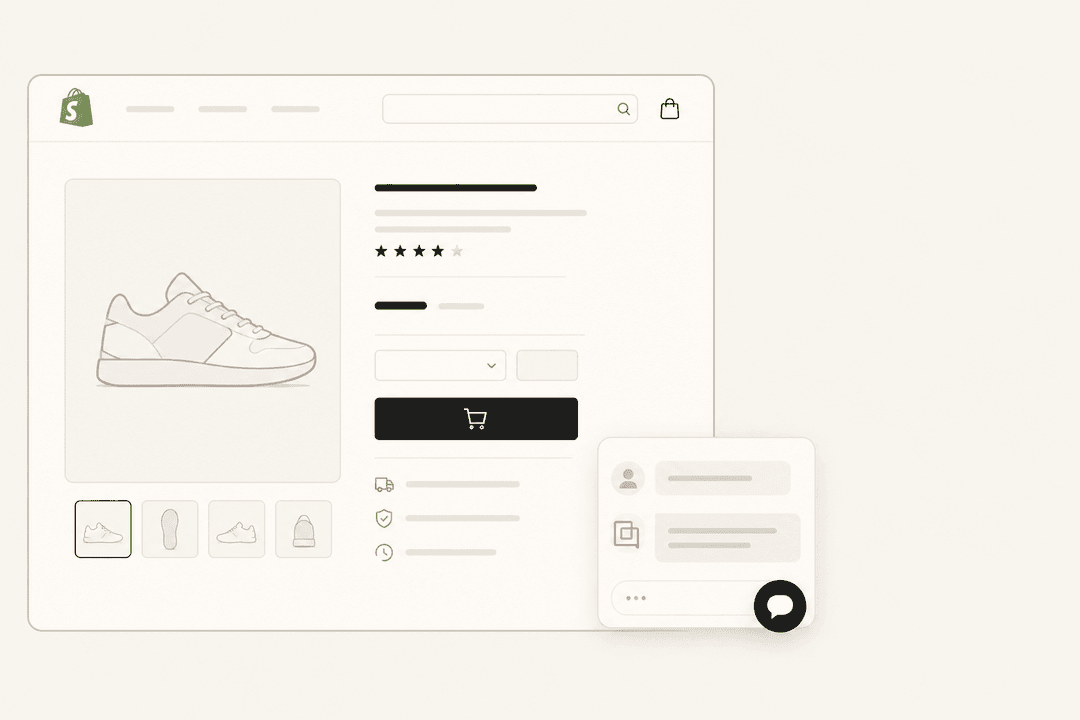
A view of the Freshdesk ticket dashboard, where a Freshdesk phone integration helps manage customer calls.

Core features of a traditional Freshdesk phone integration

These are the foundational features you'll find in most VoIP and call center tools that plug into Freshdesk. They're the basic building blocks for getting your phone support organized inside your help desk.

Click-to-call

This one is exactly what it sounds like. An agent can start a call just by clicking a phone number inside a Freshdesk ticket. This is a great feature because it cuts out the tedious task of manually dialing, which saves time and eliminates those little typos that could send you to the wrong number.

Automatic call logging

With this feature, the system automatically creates a new ticket or adds a note to an existing one for every single call, in or out. It guarantees a complete history of all customer conversations is sitting right there in Freshdesk, reducing the need for manual data entry. The log typically includes things like call duration, the timestamp, the agent's name, and a link to the recording.

Screen pop features

When a customer you know calls in, their contact details and ticket history "pop" onto the agent's screen before they even pick up. This gives the agent instant context, so they can greet the customer by name and get right to the heart of the issue with all the information Freshdesk provides. It’s a professional touch that makes for a much smoother conversation.

graph TD A[Customer Call Received] --> B{CTI Identifies Caller's Number}; B --> C[CTI Searches for Match in Freshdesk]; C --> D[Customer Record Found]; D --> E[Customer's Ticket History "Pops" on Agent's Screen]; A --> E;

Contact synchronization

This feature keeps your customer lists in sync between your phone system and Freshdesk. It makes sure that customer info is always consistent in both places, so agents are always working with the most up-to-date details.

Advancing beyond standard Freshdesk phone integration features

While the features above are excellent for organization, many teams look for ways to further enhance their workflows. By adding layers of intelligence, you can reduce the manual effort involved in post-call administration.

Streamlining post-call tasks in Freshdesk

Logging a call is a great start. Once the agent hangs up, they often proceed to summarize the conversation, tag the ticket with the right category, and determine the next steps. While a standard integration tracks that a call occurred, adding AI can help identify what the call was about. This allows you to automate the more time-consuming administrative tasks, letting your team focus on high-value interactions.

graph TD A[Agent Finishes Call] --> B[Manually Summarize Conversation in Ticket]; B --> C[Manually Add Relevant Tags]; C --> D[Manually Create Follow-up Tasks]; D --> E[Ticket Updated];

Enhancing call insights with AI

Advanced integrations can help identify customer sentiment, highlight important keywords, or extract action items from longer troubleshooting sessions. This ensures that a call about a significant technical matter is prioritized effectively. By adding intelligence to your Freshdesk setup, you unlock the valuable insights contained within your audio recordings.

Unifying your knowledge sources

A traditional phone integration connects your phone and Freshdesk. To empower your agents even further, you can connect these calls to your other knowledge hubs, like a Confluence wiki, internal Google Docs, or solutions from previous tickets.

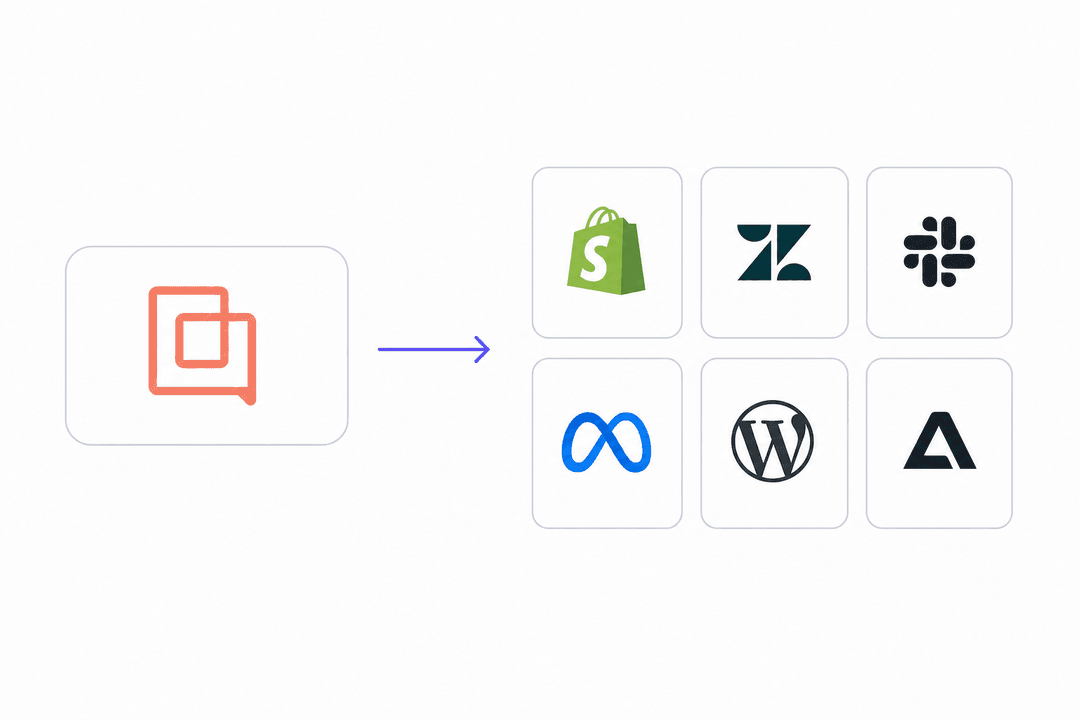
This is where a comprehensive AI platform can be a valuable addition. Instead of just logging a call, an AI system can analyze the transcript and automate the post-call routine. A complementary solution like eesel AI bridges this gap by connecting all your company knowledge into a single, smart engine that works right alongside Freshdesk.

graph TD subgraph Integrated Support System A[Phone System] B[Freshdesk]; end subgraph External Knowledge C[Confluence] D[Google Docs] E[Past Tickets] end B-.-> C; B-.-> D; B-.-> E; style B fill:#f9f,stroke:#333,stroke-width:2px style C fill:#ccf,stroke:#333,stroke-width:2px style D fill:#ccf,stroke:#333,stroke-width:2px style E fill:#ccf,stroke:#333,stroke-width:2px

The next evolution: AI-powered Freshdesk phone integration

AI goes beyond just connecting systems: it brings more intelligence and automation to your voice support. It’s about understanding calls and helping your team take the next best action.

From call logging to automated summaries

Modern AI can automatically transcribe phone calls and generate a clean, accurate summary of the conversation the moment it ends. This can save agents significant time after every call, ensures consistent notes, and keeps a perfect record of discussions within your Freshdesk tickets.

Intelligent ticket routing and tagging

By analyzing the call transcript, AI can identify the customer's needs. It then automatically tags the ticket with relevant labels like "billing-issue" or "urgent" and routes it to the correct team. This is a key part of tools like eesel AI's AI Triage, which supports Freshdesk by handling ticket organization so your team can focus on solving problems.

Real-time agent assistance

During or after a call, AI can analyze the situation and draft a complete follow-up email or suggest the next steps for the agent. It can also surfaces helpful articles or macros in real time. eesel AI does this by pulling information from your entire knowledge ecosystem to assist within Freshdesk. It provides agents with quick access to company knowledge, which helps speed up follow-up times.

An AI-powered Freshdesk phone integration suggesting a reply to a customer query within the Freshdesk interface.

Proactive knowledge gap identification

If an agent solves a unique issue on a call, AI can flag that conversation and create a draft for a new knowledge base article based on the solution. Platforms like eesel AI help you turn successful phone calls into a knowledge base that grows stronger every day, supporting your long-term support strategy.

graph TD A[Agent Solves New Issue on a Call] --> B{AI Analyzes Call Transcript}; B --> C[AI Identifies Novel Solution]; C --> D[Automatically Drafts New Knowledge Base Article]; D --> E[Team Reviews and Publishes Article];

Comparing popular Freshdesk phone integration providers

Many options are VoIP providers that offer a CTI connector for Freshdesk. Additionally, modern AI platforms offer complementary ways to enhance these connections.

FeatureAircallCloudtalkRingovereesel AI
Primary FunctionVoIP Phone SystemVoIP Phone SystemVoIP Phone SystemAI Automation Platform
Core IntegrationClick-to-call, Call Logging, Screen PopClick-to-call, Call Logging, Screen PopClick-to-call, Call Logging, Screen PopAI Summaries, AI Tagging, AI Routing, AI Reply Drafting
Knowledge SourcesFreshdesk FocusFreshdesk FocusFreshdesk FocusFreshdesk, Confluence, Google Docs, Past Tickets & 100+ more
Setup TimeDays to weeksDays to weeksDays to weeksMinutes
Key DifferentiatorStrong core phone system featuresWide range of international calling featuresSales-focused dialer and analyticsLearns from your data to automate any workflow

Pricing for Freshdesk phone integrations

  • Aircall: Plans start at $30 per user/month (billed annually) for their Essentials plan, which covers the basic CTI features.

  • Cloudtalk: The Starter plan kicks off at $25 per user/month (billed annually), with more advanced integrations on higher-tier plans.

  • Ringover: Starts at $21 per user/month and focuses on providing unlimited calling to over 110 countries.

Freshdesk's ecosystem allows you to choose the pricing model that best fits your team's needs, whether you prefer per-user plans or other structures.

A complementary layer: AI platforms

Platforms like eesel AI are designed to work alongside your existing tools, including Freshdesk. They act as an intelligence layer to automate work across multiple channels: email, chat, or phone call transcripts.

eesel AI's pricing is based on usage. The Team plan is $299/month for up to 1,000 AI interactions and gives you access to products like AI Agent, Copilot, and Triage. This model offers predictable costs as you grow your support capabilities.

With eesel AI, you get automation that learns from your business knowledge to enhance your Freshdesk setup. You can set it up quickly and use its simulation mode to test it on past tickets, giving you confidence before you roll it out to your team.

Move beyond a basic Freshdesk phone integration to intelligent automation

A "Freshdesk phone integration" is a solid step for any modern support team. Freshdesk provides a mature and reliable platform that powers customer service for thousands of companies. You can gain a further advantage by using AI to understand and automate the work that results from your voice conversations.

By building on Freshdesk's strengths, you can turn your calls into automated actions that support your team and enhance customer satisfaction.

Get started with an AI-powered Freshdesk phone integration

Ready to see how AI can complement your Freshdesk workflows? eesel AI integrates with Freshdesk and your other knowledge sources to deliver powerful automation.

Sign up and build your first AI agent in minutes.


Frequently asked questions

A basic Freshdesk phone integration automates core tasks like click-to-call, automatic call logging, and screen pops. This helps agents save time by eliminating manual dialing, ensures all call details are recorded, and provides immediate customer context, keeping all communication history within Freshdesk.

An AI-powered integration transcribes calls and generates automated summaries, routes tickets intelligently, and can even draft replies or suggest next steps. It analyzes the content of calls to automate post-call routines and enrich your knowledge base, turning conversations into actionable data.

While traditional integrations log calls, you can further enhance efficiency with AI. AI-powered Freshdesk phone integrations can analyze call transcripts to automatically summarize conversations and apply relevant tags, significantly cutting down on post-call administrative tasks.

Traditional CTI integrations involve connecting a VoIP system to your helpdesk. AI platforms like eesel AI can be set up in minutes, as they act as an intelligence layer connecting to your existing tools and knowledge sources.

Standard Freshdesk phone integrations typically pull data from within Freshdesk to provide context. AI-powered platforms are designed to connect to your entire knowledge ecosystem, including Confluence, Google Docs, and past tickets, providing agents with a comprehensive view of company knowledge.

Traditional VoIP integrations often use tiered pricing models, which allow teams to select a plan that matches their specific scale. AI platforms like eesel AI typically use usage-based pricing for AI interactions, offering flexible options regardless of team growth.

Share this post

Stevia undefined

Article by

Stevia Putri

Stevia Putri is a marketing generalist at eesel AI, where she helps turn powerful AI tools into stories that resonate. She’s driven by curiosity, clarity, and the human side of technology.