With the growing interest, many are curious about its capabilities. This guide provides an overview of Clawdbot, including its features, setup process, and important security considerations.
What is Clawdbot?
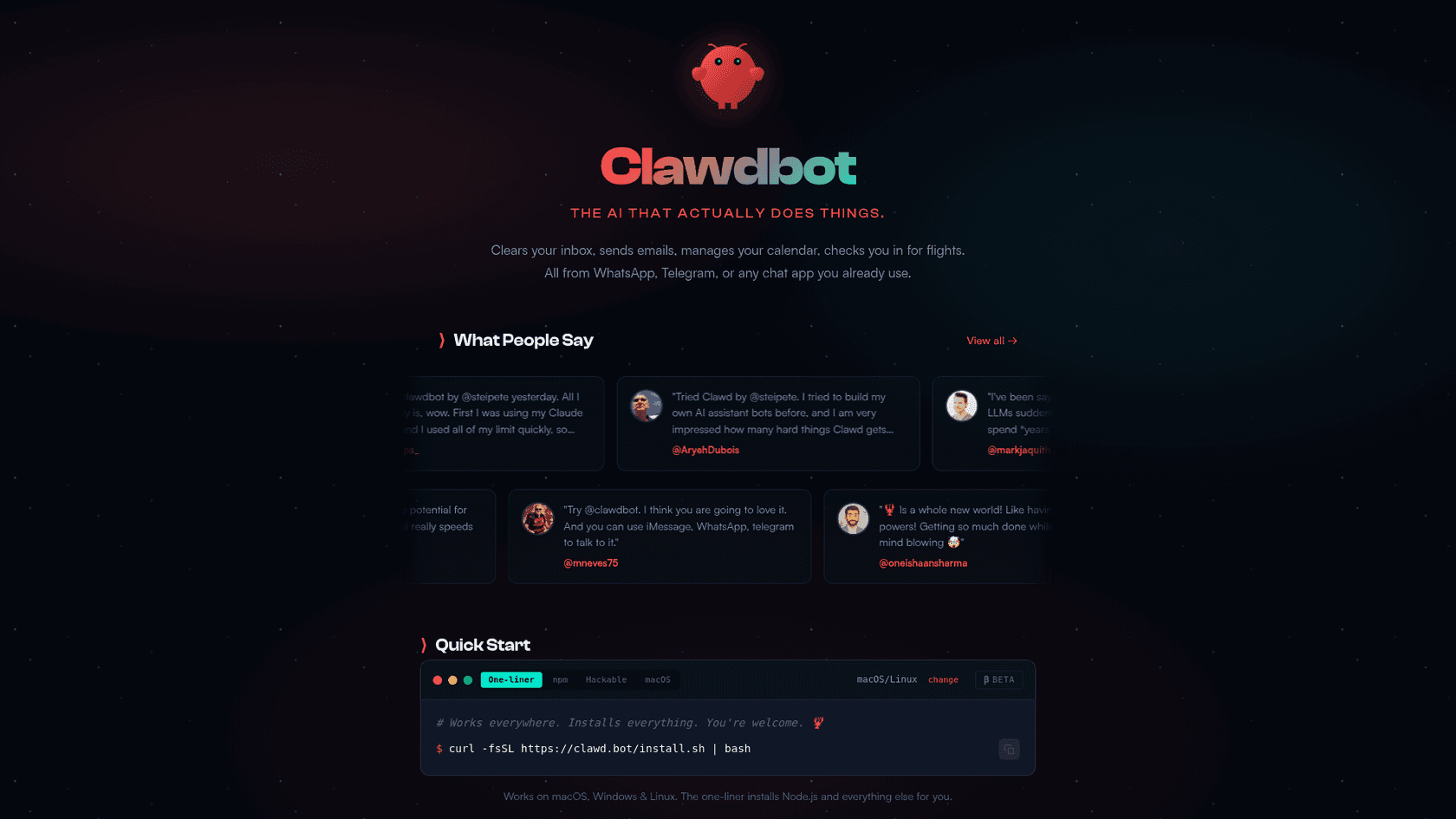
It is also designed to allow the AI to take real actions on your computer. That idea is what has attracted attention from the developer community, earning it over 44,000 GitHub stars.
The main appeal is having a personal AI assistant that's completely yours. It runs locally, is always available, and can even send you proactive messages like a daily briefing or custom alerts. It represents an approach to personalized AI where the user is in control.
Core features and capabilities
The interest in Clawdbot stems from a few key features that differentiate it from many cloud-based assistants.
Local control and data privacy
Many AI services send your data to their servers for processing. Clawdbot, on the other hand, saves your conversation history and its "memory" in simple Markdown files on your hard drive. This gives you total ownership and privacy, which is a significant factor for users concerned about data handling by third parties.
Multi-channel communication
It connects with an impressive list of services, including WhatsApp, Telegram, Discord, Slack, Signal, iMessage, and Microsoft Teams. This allows you to interact with your AI without switching applications, making the experience feel more integrated and natural.
Proactive and autonomous actions
Clawdbot is what's called an "agentic" AI, which means it doesn't just respond to prompts. It can take initiative and perform tasks autonomously. You can set it up to:
- Run commands and scripts on your computer.
- Read, write, and move files around on your hard drive.
- Control your web browser to handle online tasks.
- Send you messages on its own, like a morning brief with your schedule and the weather, or any other alerts you configure.
Also gave it access to my notes/Todo lists and it reviews them daily and sends me a morning message of a thought out plan to try to execute on them

This ability to perform actions, not just provide information, makes it feel more like an assistant than just a tool.
Extensible skills and model flexibility
You're not limited to a single AI model. Clawdbot is built to be flexible, letting you connect it to different LLM providers, such as:
- Anthropic (the Claude family of models)
- OpenAI (GPT-3.5, GPT-4, etc.)
- Google (Gemini models)
- Locally-hosted models running on your own hardware using tools like Ollama or LM Studio.
An infographic illustrating Clawdbot's ability to connect with various LLM providers and its extensible skills system.
On top of that, Clawdbot has a "skills" system. The community can create and share new abilities for the agent through the ClawdHub registry, so it's highly customizable. If you can define a task for your AI, you can likely build a skill for it.
The setup process: What's really involved?
The features are impressive, but what is required to get Clawdbot running? This is a tool for people who are comfortable in a command-line terminal. There is no one-click installer.
Spent most of the day figuring out that you need to get your Claude Code key (Oauth) on another machine and paste it for use on whatever machine you are setting up Clawdbot on.
clawdbot onboard. It guides you through the process, but there are a few steps to be aware of.
First, you have to pick an LLM and connect it. This means either logging in with a subscription like Claude Pro or generating an API key from a provider, which may require familiarity with developer tools. Connecting to local models like Ollama can also be complex, often requiring you to work with configuration files.
Second, for Clawdbot to be consistently useful, it needs to be on a computer that's always on. This has led many users to either use a dedicated machine like a Mac Mini or run it on a small cloud server (a Virtual Private Server, or VPS). A VPS can cost around $5 a month, which adds another layer of cost and complexity.
Security considerations for a self-hosted agent
When you run Clawdbot, you are installing a privileged piece of software on your network. As with any self-hosted application, this requires careful security management to prevent potential vulnerabilities.
As a security pro, a piece of software with unfettered access to your system is a nightmare with that big attack surface area. I would be highly cautious and suggest putting this on a sandbox and experiment.
An exposed gateway can lead to several security issues. If an attacker gains access to your Clawdbot instance, they could potentially:
- Steal your API keys, bot tokens, and other secrets from your config files.
- Read all of your private conversations with the AI.
- Run any command they want on your computer.
- Impersonate you by sending messages through your connected WhatsApp, Slack, or other accounts.
This exposure can happen because of simple setup mistakes, like misconfiguring a reverse proxy, which can trick the system into thinking malicious traffic is coming from a trusted local source. While Clawdbot has some sandboxing features to limit what it can do, the user is ultimately responsible for securing it.
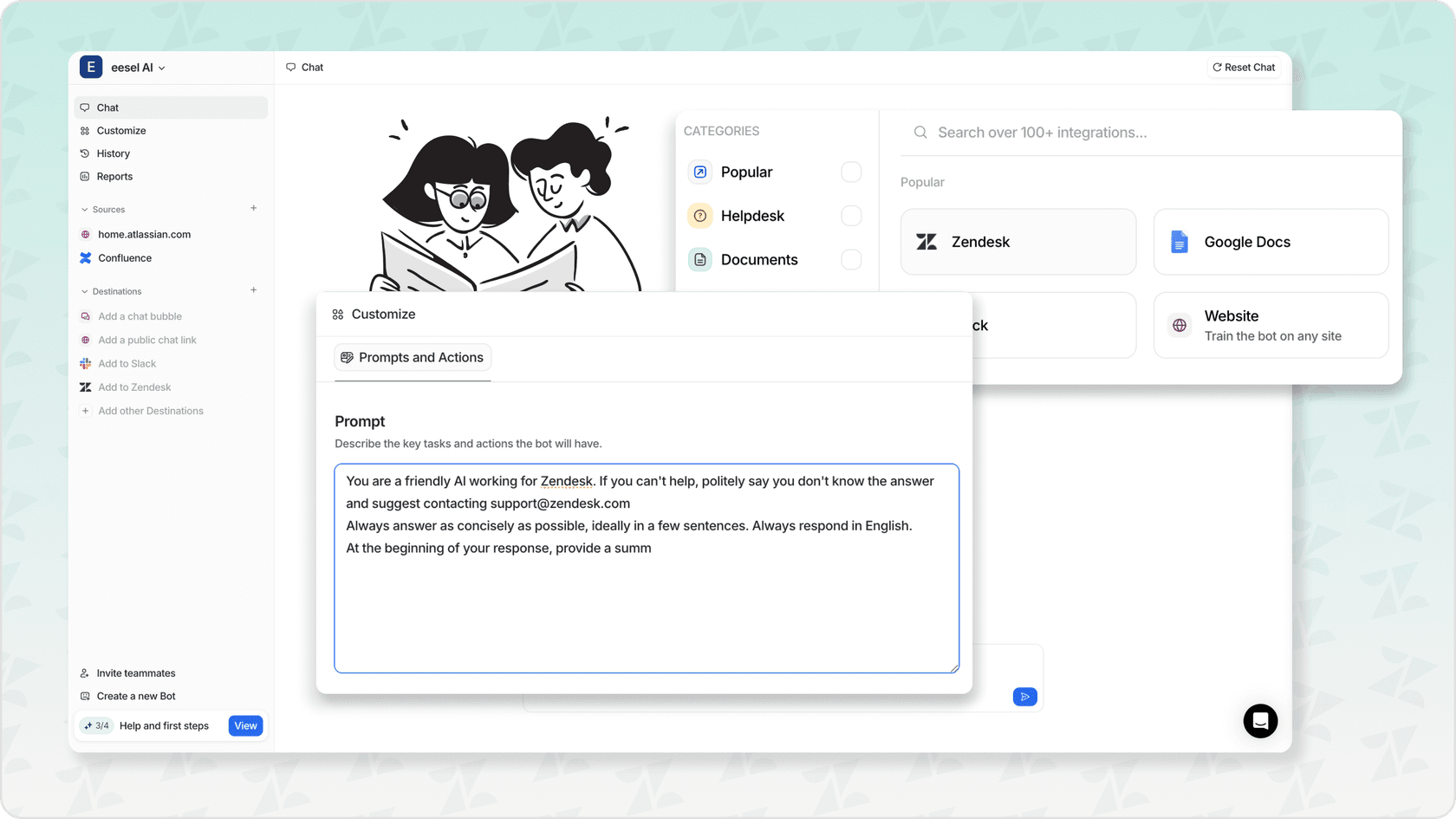
For businesses handling sensitive customer data, these security responsibilities are a primary consideration. Managed solutions, such as eesel AI, are often designed with these security considerations in mind. For example, eesel provides security features like SOC 2 compliance and a data privacy policy stating that customer data is not used for training. This approach shifts the security management responsibility from the user to the provider.
Pricing: Is it really free?
One of the main draws for Clawdbot is that it's "free." The software is open-source under the MIT License, so you don't pay for the code itself. However, "free software" doesn't always mean zero cost.
Wow $2400 USD a year is insane pricing model. I tried $30 a month and I’m about to ask for a refund because you get like 10x prompts before your out for 5 hours which is insane.
The actual costs come from two main areas: the AI model and the hosting.
- LLM Cost: You need an AI model to power Clawdbot. That might be a monthly subscription like Claude Pro, or it could be pay-as-you-go API fees from a provider like Anthropic or OpenAI. These usage-based costs can be variable and may become significant with frequent use.
- Hosting Cost: As mentioned, you need an always-on computer. That's either the cost of electricity for a machine running 24/7 at home or the monthly fee for a VPS, which starts around $5 but can increase depending on your needs.
An infographic breaking down the true costs of running Clawdbot, including LLM access fees and hosting costs, despite the software being free.
When you add it all up, the total cost is not zero. While this may be suitable for a personal project, businesses often require more predictable expense models.
In contrast, some managed AI services offer different pricing models. For instance, eesel AI's pricing is based on the number of interactions, which provides a predictable monthly cost without separate API or server fees.
Who is Clawdbot for?
After looking at the features, the setup, and the security implications, it's clear that Clawdbot is a powerful tool well-suited for a specific type of user.
Who it's for: Clawdbot is a great option for developers and tech hobbyists. If you want total control over your personal AI, value absolute data privacy, and are comfortable managing your own server and security, then this is a project worth exploring. It allows you to build a custom AI assistant tailored to your needs.
Who might look for alternatives: Businesses, particularly those in customer-facing roles, may find the technical setup and security management of a self-hosted tool like Clawdbot to be a significant consideration. Teams that require a more user-friendly interface for non-technical members or a managed security environment might explore other solutions.
For those interested in a more hands-on look at setting up Clawdbot, especially with local models, the following video provides a detailed step-by-step guide.
Clawdbot provides a look at the potential of personal AI agents. For businesses seeking similar automation capabilities within a managed platform, AI teammates like eesel AI offer an alternative that packages automation with features for security, reliability, and ease of use for professional teams.
Final thoughts
Clawdbot is an impressive open-source project. It's pushing the boundaries of what a personal AI can be, giving users a great deal of power and control.
It offers a trade-off: users gain significant customization and privacy in exchange for taking on the responsibility of technical setup and security management. It is a powerful tool for users with the appropriate technical skills, while others may prefer a managed solution.


Frequently Asked Questions
Share this article

Article by
Stevia Putri
Stevia Putri is a marketing generalist at eesel AI, where she helps turn powerful AI tools into stories that resonate. She’s driven by curiosity, clarity, and the human side of technology.