

AI assistants have evolved significantly from rule-based chatbots to powerful agents integrated into daily workflows. In recent years, there has been a surge in open-source projects that allow users to run their own AI, providing complete control over data and functionality.
One of the most discussed projects in this space is OpenClaw, also known by its original name, Clawd Bot. It’s a privacy-first personal AI assistant that has captured the attention of developers and tech enthusiasts alike.
This article provides a comprehensive overview of OpenClaw, focusing on its popular WhatsApp integration. We will explore its features, capabilities, and limitations, particularly for business or team environments.
What is OpenClaw and the Clawd Bot WhatsApp integration?
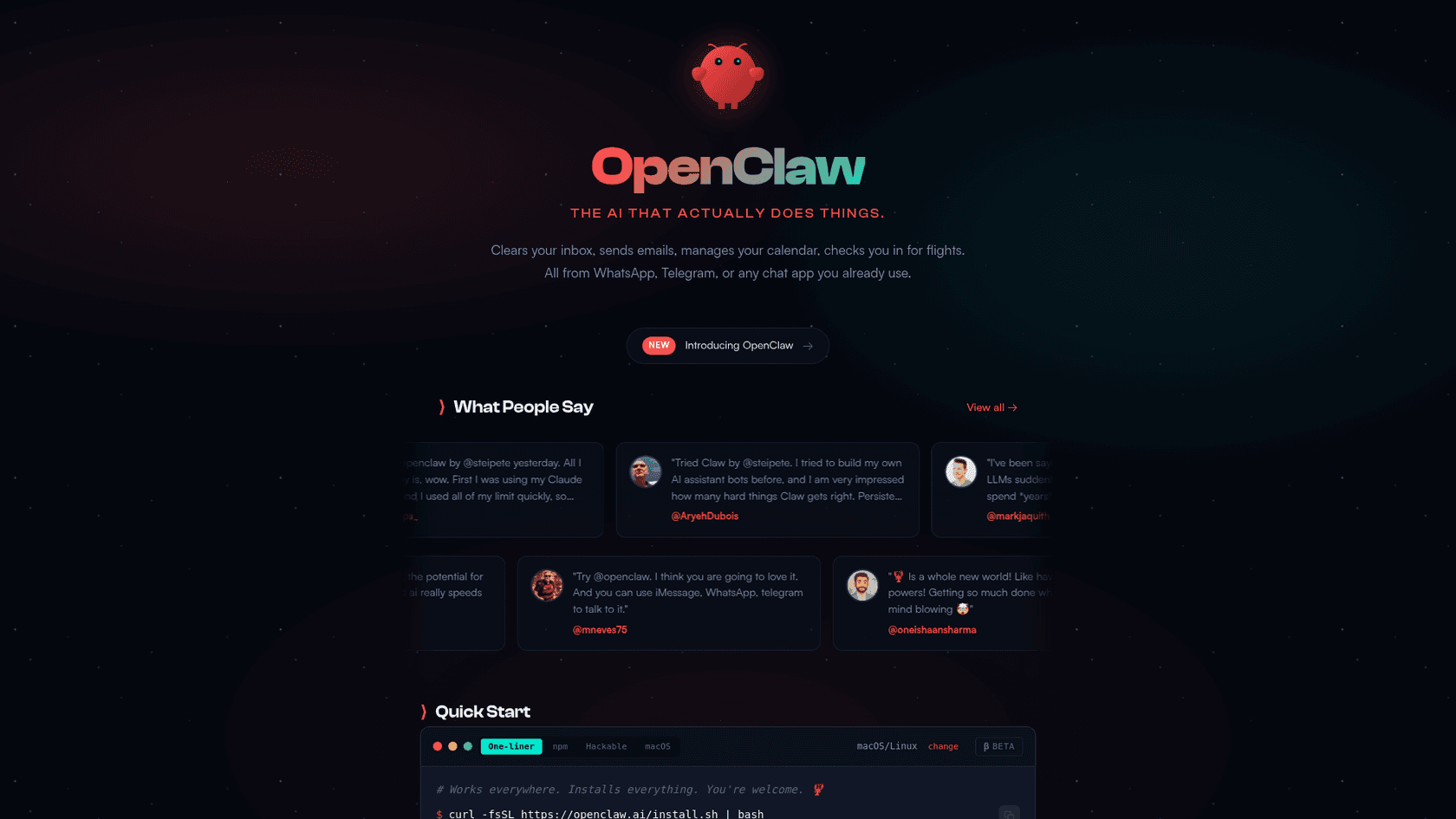
OpenClaw is an open-source, self-hosted personal AI assistant that appeared in late 2025, created by developer Peter Steinberger. Its primary value proposition is privacy. Instead of data residing on a company's server, OpenClaw runs on your own hardware, such as a computer running macOS, Windows (via WSL2), or Linux. This ensures all conversations and data remain private.
As to what ClawdBot actually is; it's essentially a self-hosted AI assistant agent. Instead of just talking to an LLM in a browser or what have you, you run this on your own machine (Mac, Linux, or Windows/WSL2) and it hooks into messaging apps (WhatsApp, Telegram, Discord, Signal, etc)... It’s built with TypeScript/Node.js and is designed to be 'local-first,' meaning you keep control of the data and the gateway, but you can still access your agent from anywhere via the messaging integrations.
It is built with several key components that work in tandem:
- The Gateway: This acts as the central nervous system. It is a program that runs continuously in the background, connecting messaging apps like WhatsApp to the AI agent.
- The Brain: This is the AI model you choose to power the assistant. You are not locked into one option. It supports various popular models, including Anthropic's Claude 4.5 series, OpenAI's GPT-5, and Google's Gemini 2.5 Pro. You can also use local models you run yourself with tools like Ollama or LM Studio.
- The Skills: This is a plugin system that gives the assistant its capabilities. Skills are what allow it to communicate with other apps and services to perform tasks.
Now, let's discuss the Clawd Bot WhatsApp integration. This is one of its most popular features. It connects to your personal WhatsApp account by having you scan a QR code, similar to linking WhatsApp Web on a new computer. It uses a library called Baileys to enable this connection.
Once linked, you can chat with your AI assistant directly in WhatsApp. You can send it commands, ask questions, and receive responses, giving you remote control over your AI from almost anywhere. While WhatsApp is a popular choice, it also works with many other chat apps like Telegram, Discord, Slack, Signal, and iMessage.
Core capabilities of the Clawd Bot WhatsApp integration
OpenClaw is more than just a chatbot; it's an assistant that can perform impressive tasks.
Contextual memory and personalization
A key feature of OpenClaw is its ability to remember your conversations. The Gateway manages "sessions" and keeps transcripts, allowing it to learn your preferences and personal facts over time.
Unlike a stateless chatbot that forgets everything once the conversation ends, OpenClaw can recall details from previous chats. This makes interactions feel more natural and personalized.
Full machine and web access
OpenClaw's capabilities extend to performing tasks directly on its host computer. You can ask it to find a file or run a script.
It also has browser control features that let it browse the web, fill out forms, and extract data from websites. It performs these actions in a dedicated, isolated browser profile to maintain security.
Here are a few real-world examples of its use:
- File management: "Find my Q4 report PDF and email it to my accountant."
- System commands: Running shell commands to check disk space or generate a quick report.
- Web automation: Interacting with websites to perform various web automation tasks like ordering groceries or managing a 3D printer remotely.
Proactive automation features
Most AI assistants are reactive, performing actions only when prompted. OpenClaw can be proactive.
- Heartbeats: You can configure it to perform checks at regular intervals. For example, it could scan your inbox every 15 minutes for emails marked "urgent" or check your calendar for upcoming meetings.
- Cron Jobs: It can run tasks on a schedule. You could have it send you a "morning briefing" every day at 8 AM with the weather forecast, top news headlines, and your first few appointments.
An ecosystem of custom skills
"Skills" are plugins that teach your assistant new abilities. They can be bundled with the app, stored in a shared folder, or kept in a specific workspace for a single agent.
To facilitate finding and sharing these skills, there is ClawdHub, the official public registry. It serves as a marketplace where the community can upload and download skills. You can find popular integrations for tools like Trello, Slack, Caldav Calendar, and even a Bitcoin Wallet. This growing library means your assistant can become more capable over time.
The self-hosted model: Setup, costs, and security
Running a powerful AI on your own terms is appealing, but it requires some technical know-how. Let's examine the practical aspects of running OpenClaw.
The technical setup process
You also need to decide where it will run. You have a few options:
- Your main computer: This is the simplest way to start, but it only works when your computer is on and awake.
- A dedicated home server: A Mac Mini, Raspberry Pi, or an old laptop can function as an always-on server at home.
- A cloud VPS: For 24/7 reliability, you can rent a virtual private server from a provider like Hetzner.
For OpenClaw to function as a reliable assistant, it requires a dedicated, always-on machine.
Understanding the costs of the "free" integration
OpenClaw itself is free and open-source, but running it incurs costs. There are a couple of recurring expenses to consider.
- API Costs: This is a significant recurring expense. You have to pay for the AI model you use. For example, Anthropic's Claude Sonnet 4.5 model costs around $3 to $15 per million tokens. With moderate daily use, this could amount to $20-$50 per month. For heavy users or those opting for a more powerful model like Opus 4.5 ($5/$25 per million tokens), the bill could exceed $150.
- Hardware/Hosting Costs: If you choose the cloud VPS route, you are looking at another $5+ per month. If you buy dedicated hardware, there is an upfront cost to consider.
'Cost $20/month claude subscription. free AWS server.' This is 100% against Anthropic's Terms Of Service they are confirmed banning for this, check X and the anthropic discord. Do not advise people to do this. Use an API key not the subscription oAuth token! make sure your KEY starts with 'sk-ant-api03-****' NOT 'sk-ant-oat'
 Reddit
Security considerations and user responsibility
This is a critical point. Granting an AI full shell access to your computer is a significant security risk if not managed carefully. A compromised agent could potentially access all your private files, run malicious commands, or cause other issues.
As a security pro, a piece of software with unfettered access to your system is a nightmare with that big attack surface area. I would be highly cautious and suggest putting this on a sandbox and experiment.
OpenClaw does offer some security measures, like the ability to run certain sessions in a Docker sandbox by changing a setting ("agents.defaults.sandbox.mode: "non-main""). However, this adds another layer of complexity and might limit what some skills can do.
Ultimately, you are 100% responsible for securing the system. This is a major difference between a self-hosted project and a managed SaaS platform.
Limitations for business use
OpenClaw is a powerful tool for personal automation, but its design philosophy makes it a challenging fit for most business environments. Here is why.
- It's a single-player tool: At its core, OpenClaw is a personal assistant. It's built for one person to control their own digital environment. It does not include features like multi-user management, shared inboxes, or workflows for team collaboration.
- No native business system integrations: While the skill system is flexible for developers, it doesn't come with one-click integrations for core business platforms like Zendesk, Freshdesk, or Shopify. If you want it to check an order status or update a support ticket, you would have to build that skill yourself.
- Lack of "AI teammate" features: Businesses often need more than just a tool; they need a collaborator. OpenClaw lacks key features essential for a team environment. There's no way for a manager to review or approve an agent's actions, no central dashboard for analytics, and no native way to onboard it onto your team's knowledge, like thousands of past support tickets.
- Security and compliance risks: The self-managed security model is often unsuitable for businesses that must adhere to standards like GDPR or SOC 2. These regulations require audited security controls and guarantees that a self-hosted setup cannot provide.
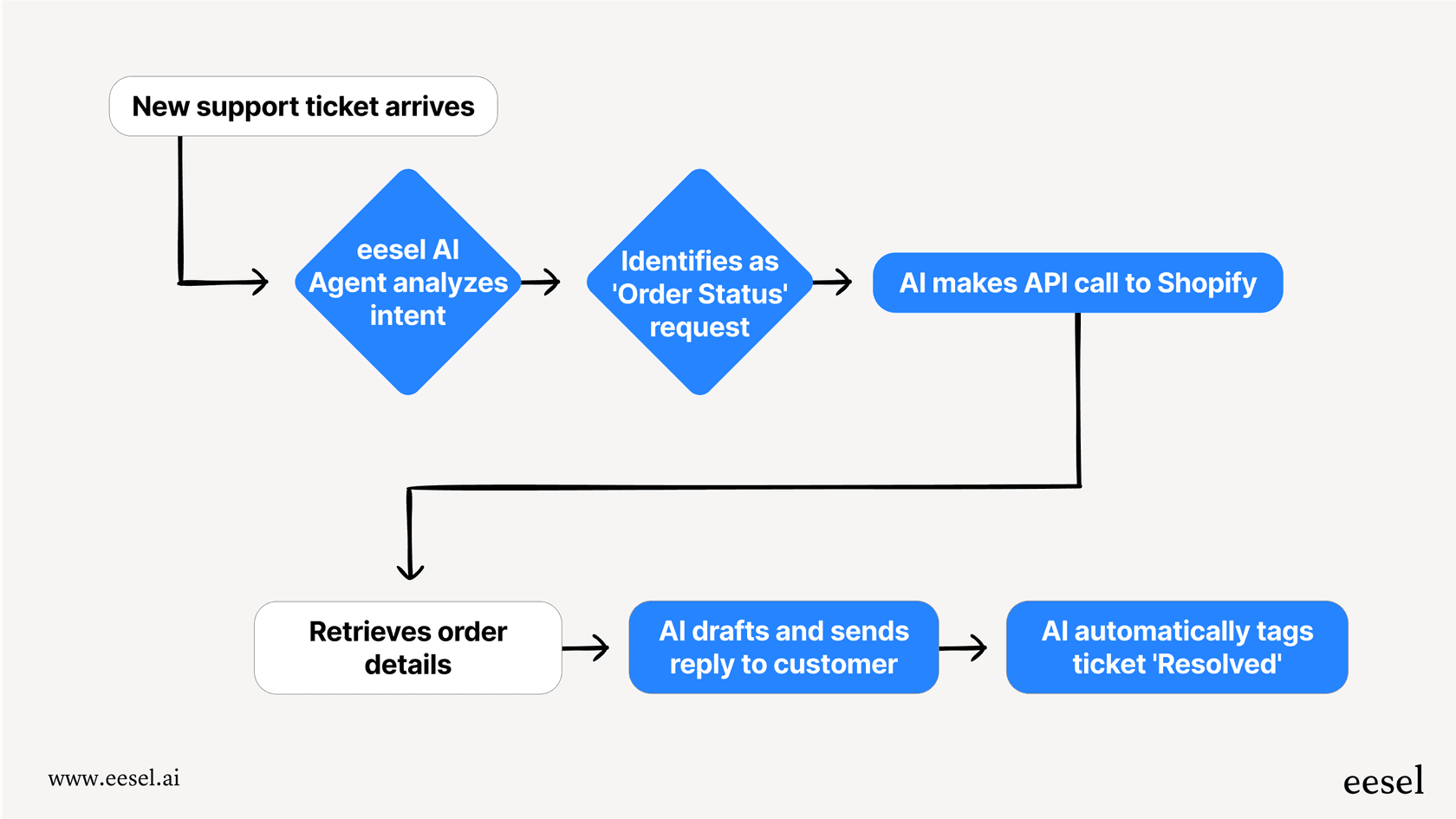
| Feature | OpenClaw (Clawd Bot) | eesel AI |
|---|---|---|
| Primary Use Case | Personal automation & tasks | Team-based customer support & internal knowledge |
| Setup | Technical CLI setup, requires server hosting | No-code, connects to help desk in minutes |
| Integrations | Community skills (GitHub, Trello, etc.) | Native business integrations (Zendesk, Intercom, Shopify) |
| Collaboration | Single-user, personal focus | Designed for teams with review and approval workflows |
| Security | User's responsibility (self-hosted) | Managed, with enterprise-grade compliance (GDPR, SOC 2) |
| Onboarding | "openclaw onboard" wizard & manual config | Automatic learning from past tickets & help center data |
To see a real-world demonstration of how the Clawd Bot WhatsApp integration works and what it's capable of, check out the video below. It provides a hands-on look at setting up the assistant and using it to automate daily tasks directly from your phone.
Choosing the right tool for your needs
OpenClaw (Clawd Bot) is a notable project for developers, privacy advocates, and anyone who wants ultimate control over their personal AI. Its power comes from being self-hosted with direct access to your system, and the Clawd Bot WhatsApp integration makes that power highly accessible.
However, that same architecture creates its biggest limitations for business use. The system is fundamentally built for an individual, not a team.
Choosing the right tool comes down to the job you need to do. If you're looking for a powerful, customizable project for personal automation, OpenClaw is a fantastic choice. But if your goal is to automate customer service, make your agents more productive, or manage your team's internal knowledge, a dedicated platform is the more effective, secure, and scalable solution.
If empowering your team is the goal, see how eesel AI can join as your new AI teammate. It gets up to speed in minutes, learning from your existing knowledge to start resolving tickets on its own.