There's a lot of chatter about personal AI assistants that can actually do things, not just answer questions. A really interesting one is OpenClaw (you might have heard of it as Moltbot or Clawd Bot). It's a powerful, open-source project that lets you control your computer and automate tasks from anywhere using apps like WhatsApp or Telegram.
It’s a pretty neat idea, right? So neat that people naturally wonder how to get it working on other platforms. That's probably why you're here, looking for a Clawd Bot LINE integration.
You've landed in the right spot. This guide will walk you through the what, why, and how of connecting OpenClaw with LINE. We will also explore the security considerations, potential costs, and why this approach may have limitations for business use. We'll also look at some practical, business-ready alternatives that provide similar capabilities.
What are OpenClaw (Clawd Bot) and LINE?
First off, let's make sure we're on the same page about the two main components here.
What is OpenClaw (formerly Clawd Bot)?
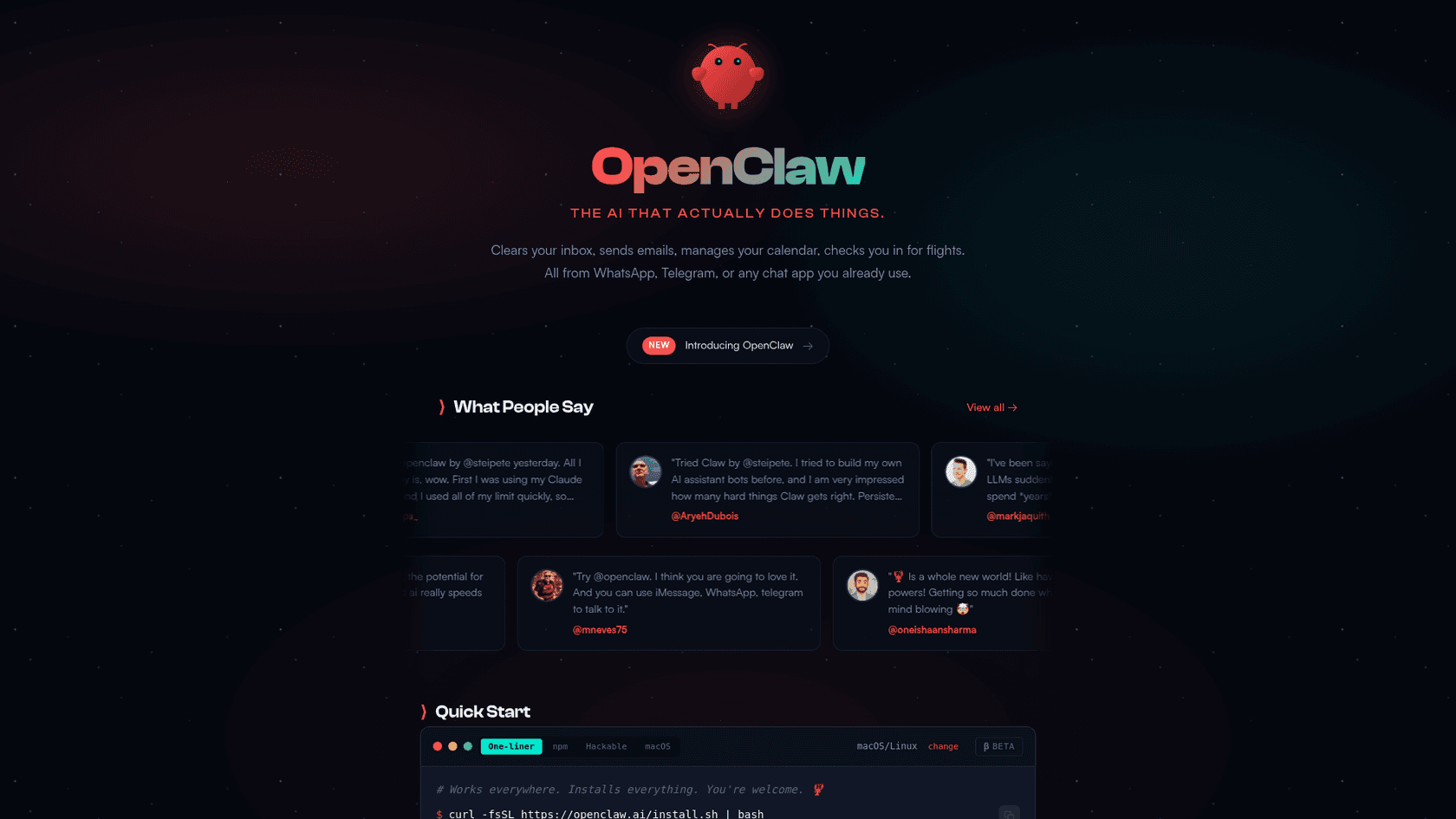
OpenClaw is a powerful, open-source personal AI assistant that you host yourself. Its creator, Peter Steinberger, has been upfront that it's a young hobby project and not really meant for people who aren't tech-savvy.
What sets it apart from cloud-based chatbots is its direct access to your local computer. It can read and write files, run system commands, and even control your applications. It keeps a persistent memory in local files, so it learns about you over time. It can even be proactive, like sending you an email summary without you asking. Officially, it works with WhatsApp, Telegram, Discord, and iMessage.
The project has switched names a few times, from Clawd Bot to Moltbot, and now OpenClaw. This has created some confusion and even led to security problems with fake extensions popping up.
What is LINE?
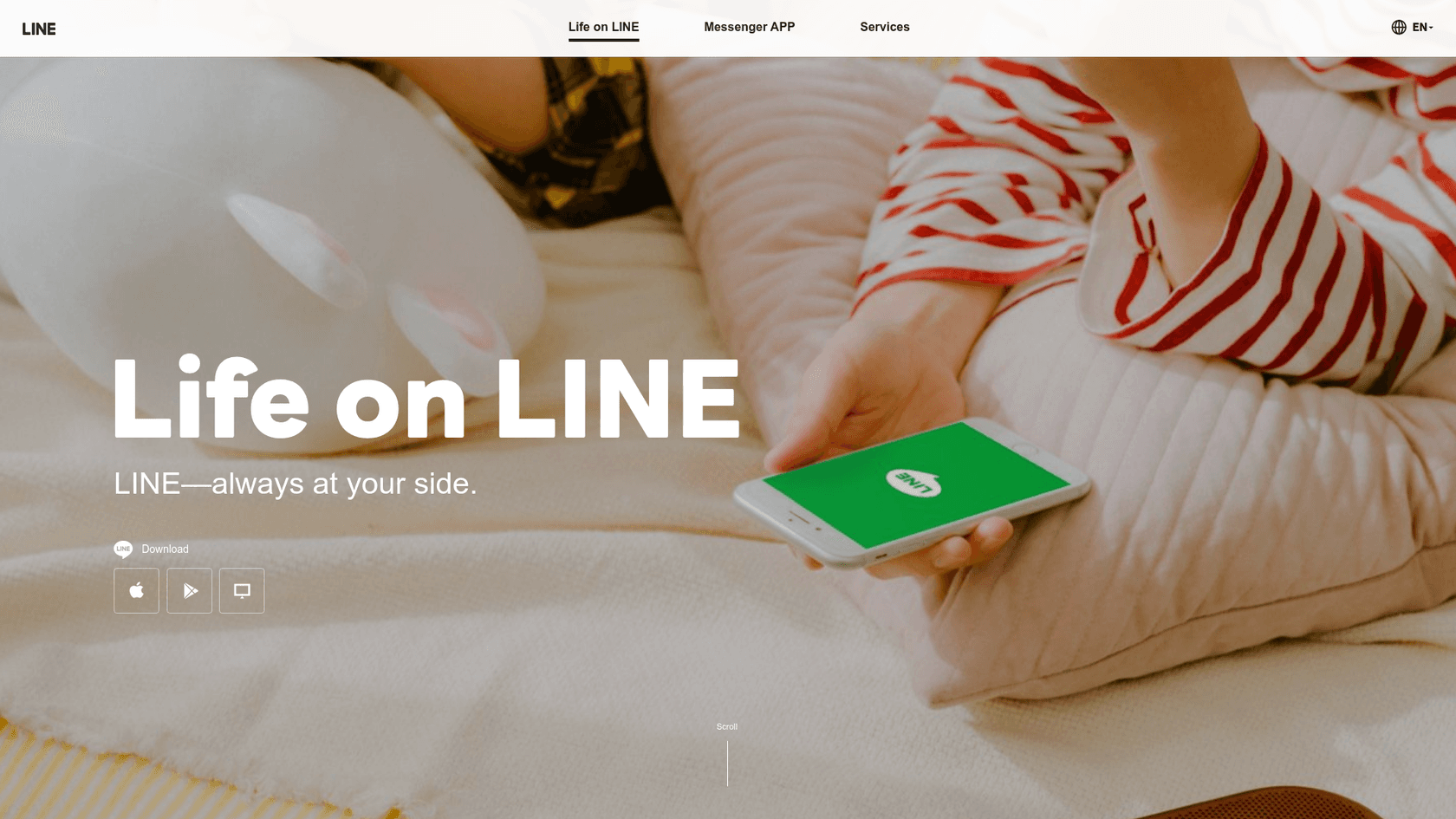
LINE is a popular global messaging app, particularly across Asia. It's much more than a simple chat tool. It offers voice and video calls, a news feed, a music streaming service, and a built-in digital wallet. For millions, it's the main hub of their digital life, which makes it an appealing place to integrate a personal AI assistant for getting stuff done on the move.
Benefits and challenges of a Clawd Bot LINE integration
To really grasp the challenge of a LINE integration, you have to understand what makes OpenClaw compelling, and what risks are involved.
What makes a Clawd Bot LINE integration so compelling?
People are excited about this tool for a few solid reasons:
- Total System Control: Since OpenClaw runs on your own hardware (a dedicated Mac Mini is a common choice), you have complete ownership and control over your data and what the AI can do.
- Persistent, Local Memory: The assistant's "memory" is just a bunch of local files. It builds a deep, personal understanding of you over time without sending that info to a third-party cloud. It even has a
soul.mdfile you can edit to shape its personality. - Real-World Task Automation: Users have reported using it to organize messy folders, manage large media uploads, automate research on X (formerly Twitter), and run scheduled tasks with cron jobs.
- Extensibility through "Skills": It's open-source, so developers can write custom "skills" to connect it to almost any API or local script. This means its potential is nearly limitless, but this is also where some of the biggest issues crop up.
Important security considerations for a Clawd Bot LINE integration
However, the same features that make OpenClaw powerful also introduce security considerations. Security researchers at Cisco and Vectra AI have noted that an incorrect setup could create potential vulnerabilities, such as becoming a "covert data-leak channel" or a "digital backdoor" into your system.
As a security pro, a piece of software with unfettered access to your system is a nightmare with that big attack surface area. I would be highly cautious and suggest putting this on a sandbox and experiment.

It needs high-level system permissions to function, and the official documentation states bluntly, “There is no ‘perfectly secure’ setup.” There have been documented instances of security issues:
- Leaked Credentials: There are reports of OpenClaw leaking plaintext API keys that can be easily found.
- Malicious Skills: A vulnerable third-party skill, humorously named "What Would Elon Do?", was shown to be a vector for data exfiltration, quietly sending a user's data to an external server.
- Supply Chain Attacks: Because of the name changes, attackers have published fake VS Code extensions to trick people into installing malware.
The common recommendation from the community and security experts is to avoid installing it on a primary computer. The recommended approach is to use a completely isolated machine, which adds hardware costs to the "free" software.
| Capability | Documented Security Risk |
|---|---|
| Full file system access | An ambiguous command could lead to accidental deletion of critical files. |
| Execute any system command | Command injection via malicious skills could run destructive commands without user awareness. |
| Extensible with skills | Third-party "skills" could potentially be used to exfiltrate user data or bypass safety guidelines. |
| Control applications and browser | An attacker with access can steal credentials from apps like Slack or access sensitive internal communications. |
| Remote control via chat | An unsecured or misconfigured gateway can allow unauthenticated remote access to your entire computer. |
The reality of a Clawd Bot LINE integration
With all that in mind, what would it actually take to get this working with LINE?
Is there an official Clawd Bot LINE integration?
Based on the official OpenClaw GitHub repository, there is no official or community-developed integration for LINE. The main supported platforms are WhatsApp, Telegram, Discord, and iMessage. If you want to use it with LINE, you or a developer would have to build it from the ground up.
How a custom Clawd Bot LINE integration could work
This is a hypothetical project for a skilled developer, not a simple setup. Building a custom integration would involve using the LINE Messaging API.
This isn't just a few clicks. It demands coding knowledge, setting up and securing a public-facing server (a webhook) to receive messages, managing authentication tokens, and constantly maintaining the code as both the OpenClaw project and the LINE API evolve.
From a Clawd Bot LINE integration to business-ready AI automation
It's clear that the motivation behind wanting a tool like OpenClaw is to be more efficient. You want to automate tasks through a simple chat interface. In a business setting, this could mean automating customer support, fielding internal IT questions, or even handling sales inquiries.
The gap between a hobbyist project and an enterprise AI teammate
This is where the differences between a self-hosted tool like OpenClaw and an enterprise-focused platform become clear. For business applications, several factors need consideration:
- Security & Compliance: Businesses often require platforms that come with guarantees like GDPR compliance, data encryption, and clear privacy policies.
- Scalability & Reliability: OpenClaw is built for one person. It isn't designed for a team. There's no official support line to call when it goes down, no uptime guarantee, and all the maintenance is on you.
- Integration & Control: Businesses often need managed, one-click connections to the tools they already use, like help desks (Zendesk, Intercom) and knowledge bases (Confluence, Notion). They may also need the ability to test how an AI will behave in a safe environment before it ever interacts with a real customer.
A secure alternative: A business-grade AI teammate

Here’s how eesel bridges that gap:
- Secure by Design: eesel is built for enterprise security. Your data is never used to train third-party models, it’s encrypted end-to-end, and the platform supports compliance programs like GDPR. It’s a tool your IT department can actually approve.
- Effortless Onboarding: You just connect eesel to your existing tools like Zendesk, Freshdesk, or Slack. It reads your past support tickets, help center articles, and internal docs, learning your business in minutes, not weeks.
- Safe, Controlled Rollout: You don't have to just flip a switch and hope for the best. You can start with eesel as an AI Copilot, drafting replies that your human agents review before sending. You can even run simulations on thousands of past tickets to see exactly how it would have responded, giving you complete confidence before it ever talks to a live customer.

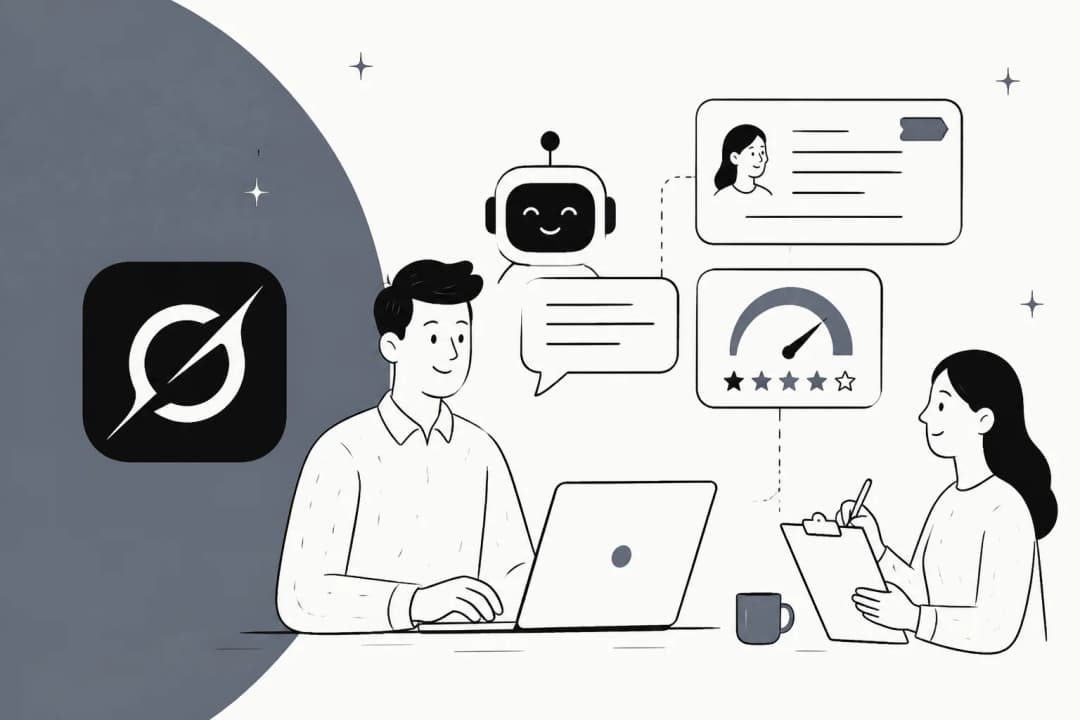
Eesel's AI Copilot assisting a human agent, a secure alternative to a DIY Clawd Bot LINE integration.
Comparing cost models: Open source vs. commercial platforms
One of the big attractions of open source is that it's "free." But the total cost of ownership for a tool like OpenClaw can be more complex.
Potential costs of a self-hosted Clawd Bot integration
While the software itself is free, running it can have associated costs.
- Hardware: You’ll need a dedicated machine like a Mac Mini or a cloud server. A basic cloud instance might run you $4–$12 per month, but that’s just the beginning.
- API Fees: The AI models that power OpenClaw charge per request. Costs can vary significantly based on usage. For example, one user reported spending $170 in just 6 hours using a powerful model. Heavy users on Reddit report costs in the $300-$750 per month range for API fees alone.
- Time & Maintenance: Your time is valuable. The hours spent on setup, security hardening, debugging, and ongoing maintenance require deep technical skill and add up quickly.
Wow $2400 USD a year is insane pricing model. I tried $30 a month and I’m about to ask for a refund because you get like 10x prompts before your out for 5 hours which is insane. For $1 I can run a $80,000 server for an hour. But $1 Claude gets you like half an hour usage. Sad.
eesel AI's predictable and transparent pricing
In contrast, eesel AI's pricing model is built for businesses that need predictable, transparent costs.
The Team plan starts at $299/month for 1,000 AI interactions, and the Business plan is $799/month for 3,000 interactions. There are no surprise API bills or hidden fees. The cost is based on a set number of interactions (an AI reply or action), which makes it easy to calculate your return on investment and budget effectively.
For a deeper dive into how Clawd Bot works and how to get it set up, this video provides a helpful walkthrough of the local installation process.
Choosing the right tool for your needs
OpenClaw is a fascinating and powerful project for developers and tech enthusiasts who want to tinker with the future of personal AI automation. It’s an incredible learning tool and a peek at what’s possible.
However, trying to build a Clawd Bot LINE integration is a complex, custom-development project with no official support. It’s a path that requires careful management of security and costs, making it a different type of solution compared to commercial platforms.
For businesses looking to automate workflows, whether in customer support, IT, or sales, a dedicated, secure, and easy-to-use platform can be a more practical and reliable option. Instead of a DIY project, you can use a trainable AI teammate that’s ready to safely join your team and start adding value from day one.
Explore AI teammates for your business
See how eesel AI can autonomously resolve up to 81% of your support conversations and answer internal questions instantly. Start your free trial today.