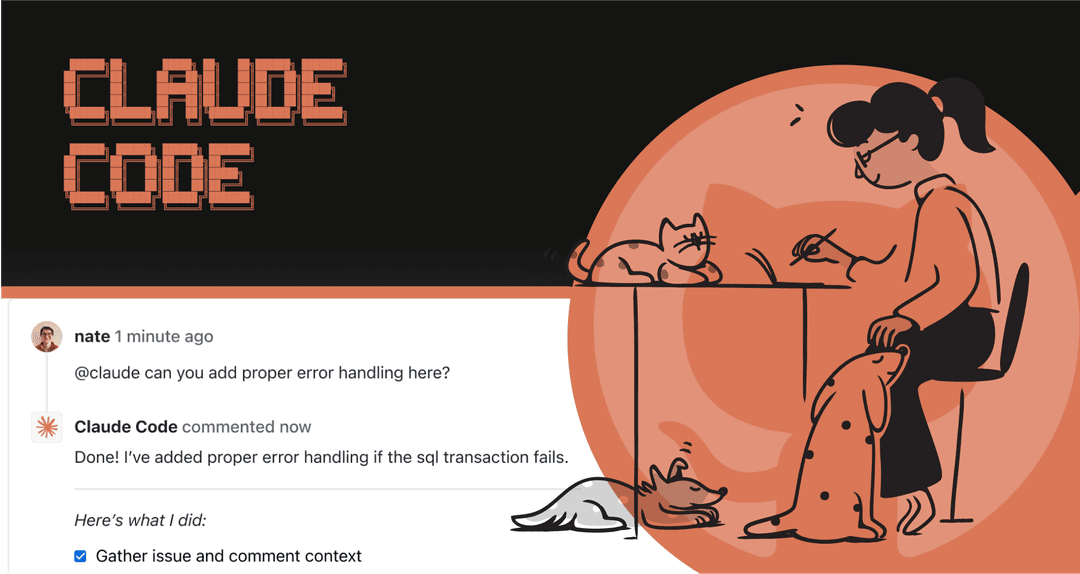
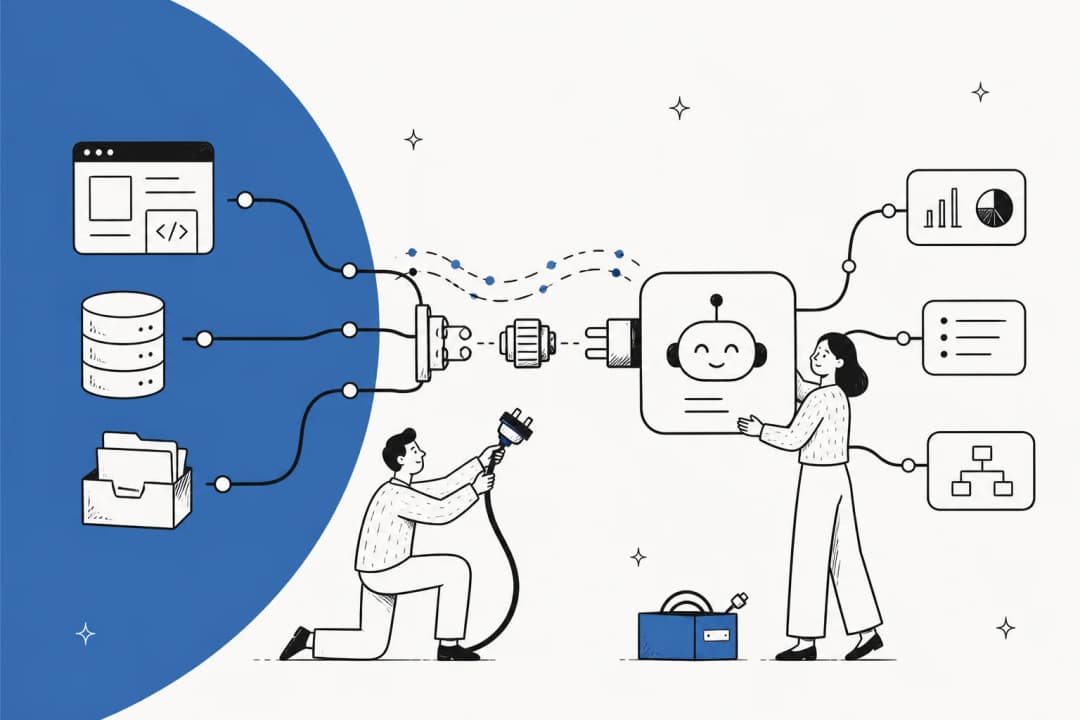
Personal AI assistants are widely available, and one of the most recognized names is OpenClaw. It is also known by its viral name, Clawd Bot, a project that has an eye-watering 134,000 stars on GitHub. The idea behind it is simple but powerful: connect a personal AI to GitHub to create a "24/7 Jarvis" for all your coding tasks.
The project has used a few names, from Clawdbot to Moltbot, and now to OpenClaw, which has created some buzz and confusion.
Oh man, Clawdbot has been hitting every social media feed I check. I don't know if it's cool or not, but it is definitely being marketed big time right now - somebody is putting some money into this. Maybe it's a cool agent, but the astroturfing is turning me off.

This post provides a practical look at the Clawd Bot GitHub integration. We will cover what it is, how to set it up, its use cases, and its suitability for professional teams.
What is OpenClaw (aka Clawd Bot)?
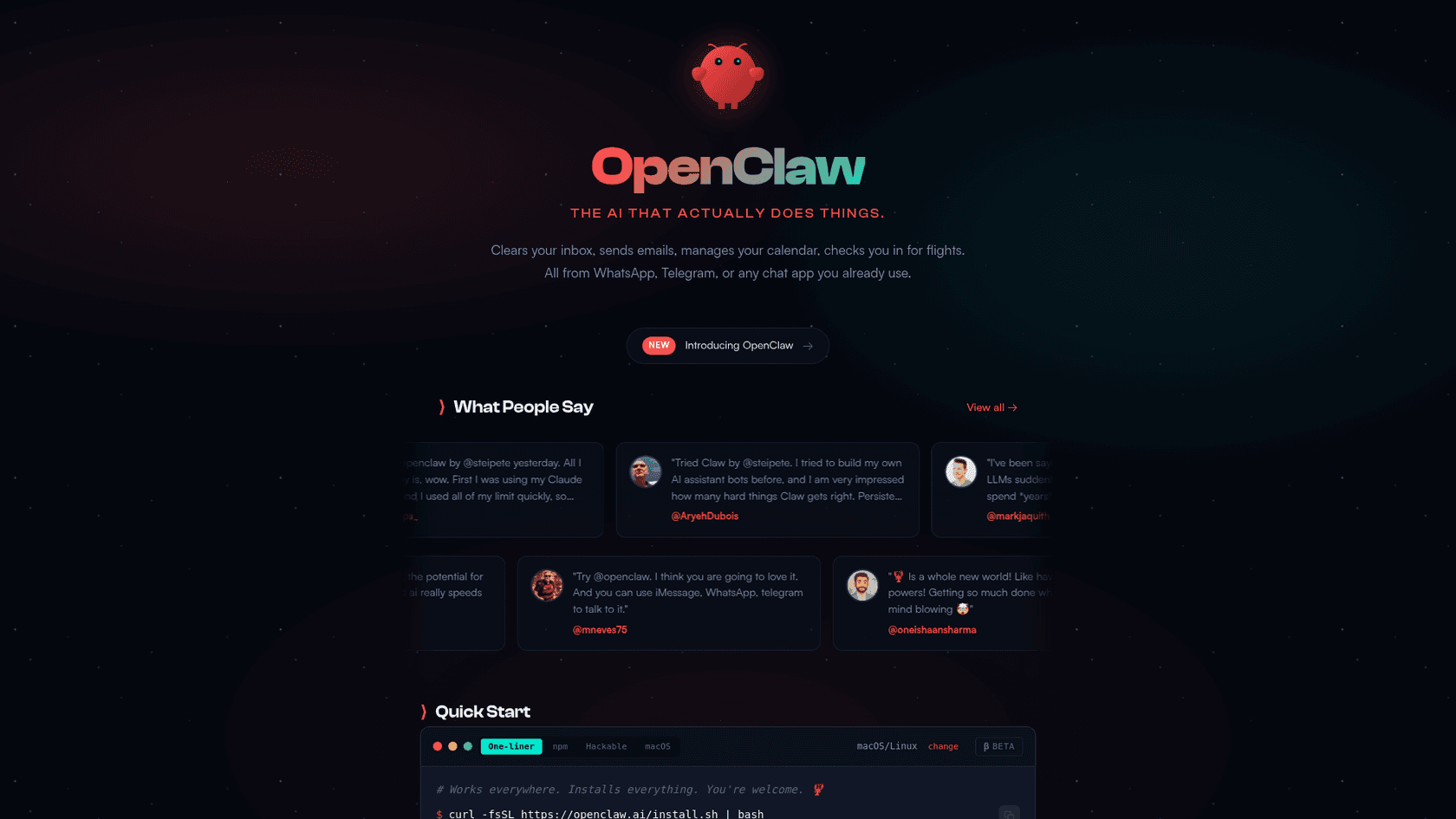
At its heart, OpenClaw is an open-source personal AI assistant that you host yourself. It was created by Peter Steinberger and is designed to run on your own hardware, so you have complete control.
The main attraction is that it connects to messaging apps you use all day, like WhatsApp, Slack, Telegram, and iMessage. From there, it gives a Large Language Model (LLM) the ability to perform actions on your computer, not just chat about them. This idea of a personal AI that can take real action is what made it go viral.
Even with the name changes, we will stick with its current official name, OpenClaw, for the rest of this article to keep things simple.
How does the Clawd Bot GitHub integration work?
The integration is not a marketplace app. The integration works by giving OpenClaw access to the GitHub CLI (gh) on whatever machine it is running on.
gh command to run (like gh pr create --fill), and then runs it in the terminal for you.
This means the AI can do just about anything a developer can do with the GitHub CLI. It can manage pull requests with commands like gh pr review or create new issues with gh issue create. This makes it incredibly flexible, but it also introduces important security considerations.
Setting up the Clawd Bot GitHub integration
Getting OpenClaw connected to GitHub is a multi-step process. It requires technical knowledge and attention to security.
Hardware and software requirements
First, since OpenClaw is self-hosted, you need a computer for it. This could be a Mac Mini, a virtual private server (VPS) from a cloud provider, or an old laptop.
Once the hardware is sorted, you need the right software. The official documentation states you need Node.js (version 22 or newer) and the GitHub CLI installed on the machine. Many in the community also suggest using Docker to run OpenClaw in a contained environment, which is a good idea to limit some of the security exposure (source).
Installation and configuration process
The general setup involves installing OpenClaw and then using the openclaw onboard wizard. This is an interactive tool that guides you through connecting it to your LLM of choice and a messaging app.
For the GitHub part specifically, you have to make sure you have already run gh auth login on the host machine. This is the key step that grants the AI permission to interact with your GitHub account. After that, OpenClaw is ready to start running gh commands on your behalf.
Key security considerations
A primary concern is that OpenClaw can run any shell command, read and write your files, and execute scripts. Incorrect configuration could potentially lead to data exposure or system vulnerabilities from prompt injection attacks.
These are known issues within the community. The project's GitHub repo has over 78 open security issues. Additionally, researchers found hundreds of OpenClaw control panels exposed on the internet, leaking API keys and private data due to basic setup errors. It’s a powerful tool, and this power requires responsible implementation and management.
What can you actually do with the Clawd Bot GitHub integration?
Once the setup and security configurations are complete, what can you do with it? Here are a few real-world examples of how it can simplify a developer's workflow.
One of the real joys is fluidly banging in several requests near simultaneously, and it busily working away on each one of them. It's no longer request/response et al but more like request, request, request and response/response/response.
Manage issues and pull requests
Imagine managing your GitHub projects without ever leaving Slack. With OpenClaw, you can use normal conversation to work with your repositories.
For instance, you could say:
- "Clawd, create an issue in 'webapp' titled 'Fix login bug' and assign it to me." OpenClaw would turn this into the right
gh issue createcommand. - "Summarize the latest comments on PR #123." The AI would use
gh pr view 123 --commentsto grab the info and give you a quick rundown.
This effectively turns your chat app into a control center for your dev work, which means less context switching.
Trigger GitHub Actions and workflows
One of GitHub's best features is Actions, which automates CI/CD pipelines. OpenClaw can serve as a remote for these workflows.
A developer could send a message like, "Clawd, run the 'deploy to staging' workflow on the main branch." The AI would then execute the gh workflow run command to kick off the deployment. This is a massive time-saver for repetitive jobs and makes it simple to manage deployments from anywhere.
Automate repository tasks and reporting
The integration also lets you create custom, AI-powered scripts to manage your repos. You can ask OpenClaw to do things that would typically require some manual scripting.
For example:
- "Clawd, find all stale branches in my repos and list them for me."
- "Give me a summary of my team's commit activity this week using
gh search commits."
This allows you to build your own reporting and maintenance routines that you can trigger with a simple chat command, helping you keep projects tidy.
Considerations for professional teams
Individual vs. team use
OpenClaw was designed from day one to be a personal assistant. It is tied to one person's computer and their permissions. It lacks features commonly required by professional teams, like role-based access control, audit logs to track who did what, and multi-user management. These are all standard in platforms like GitHub's Team and Enterprise plans.
This raises questions for managers: How do I limit which repos a user's AI can touch? How do I know who triggered that critical deployment? OpenClaw is not designed to address these requirements.
Security and maintenance overhead
We have already talked about the security risks, but these risks are particularly relevant in a business context. For most companies, running an agent with wide-ranging, scriptable permissions on a server is often not feasible due to security policies. This creates a significant attack surface that requires careful management. This is a world away from tools like GitHub Advanced Security, which offers built-in protection for your code.
Then there's the maintenance. You and your team are responsible for everything: updating dependencies, managing the server, and constantly checking for new vulnerabilities. It can represent a significant time commitment.
Understanding the total cost of ownership
OpenClaw is free to download, but its operational costs should be considered. The total cost of ownership includes a few things:
- Hosting: You are paying either a monthly fee for a VPS or an upfront cost for your own hardware.
- LLM APIs: Using powerful language models can get expensive. For example, Anthropic's Claude 3 Opus costs $15 per million input tokens and $75 per million output tokens. If you use it a lot, these API costs can become substantial with heavy usage.
- Time: The hours your engineers sink into setup, security, troubleshooting, and maintenance are a very real cost to your business.
When factored in, the total cost can be higher than anticipated.
An alternative for teams: Automating workflows with eesel AI
While OpenClaw is a project well-suited for individuals, businesses often require solutions that are secure, scalable, and designed for team collaboration. This is where an AI teammate like eesel AI can be considered.

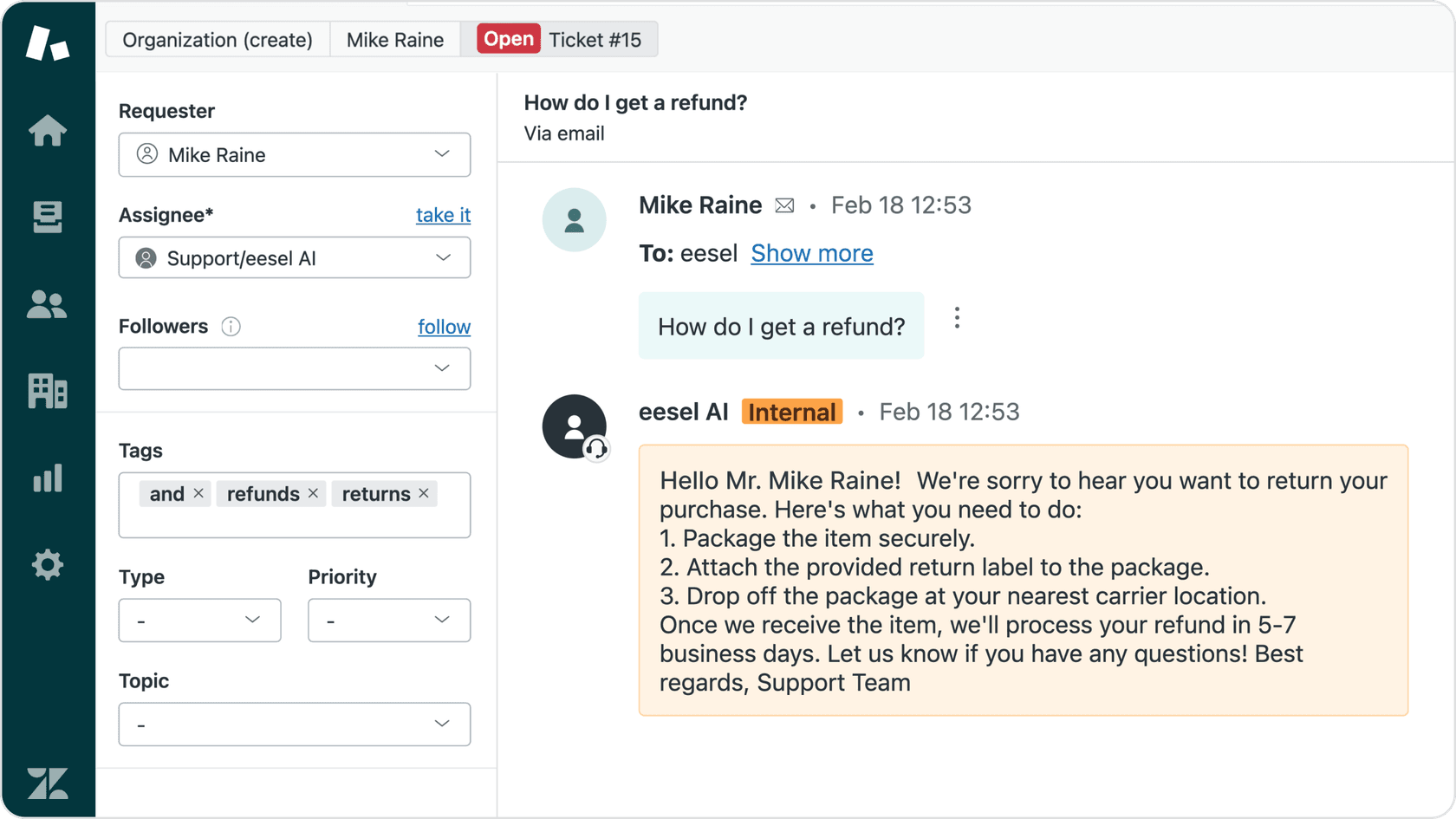
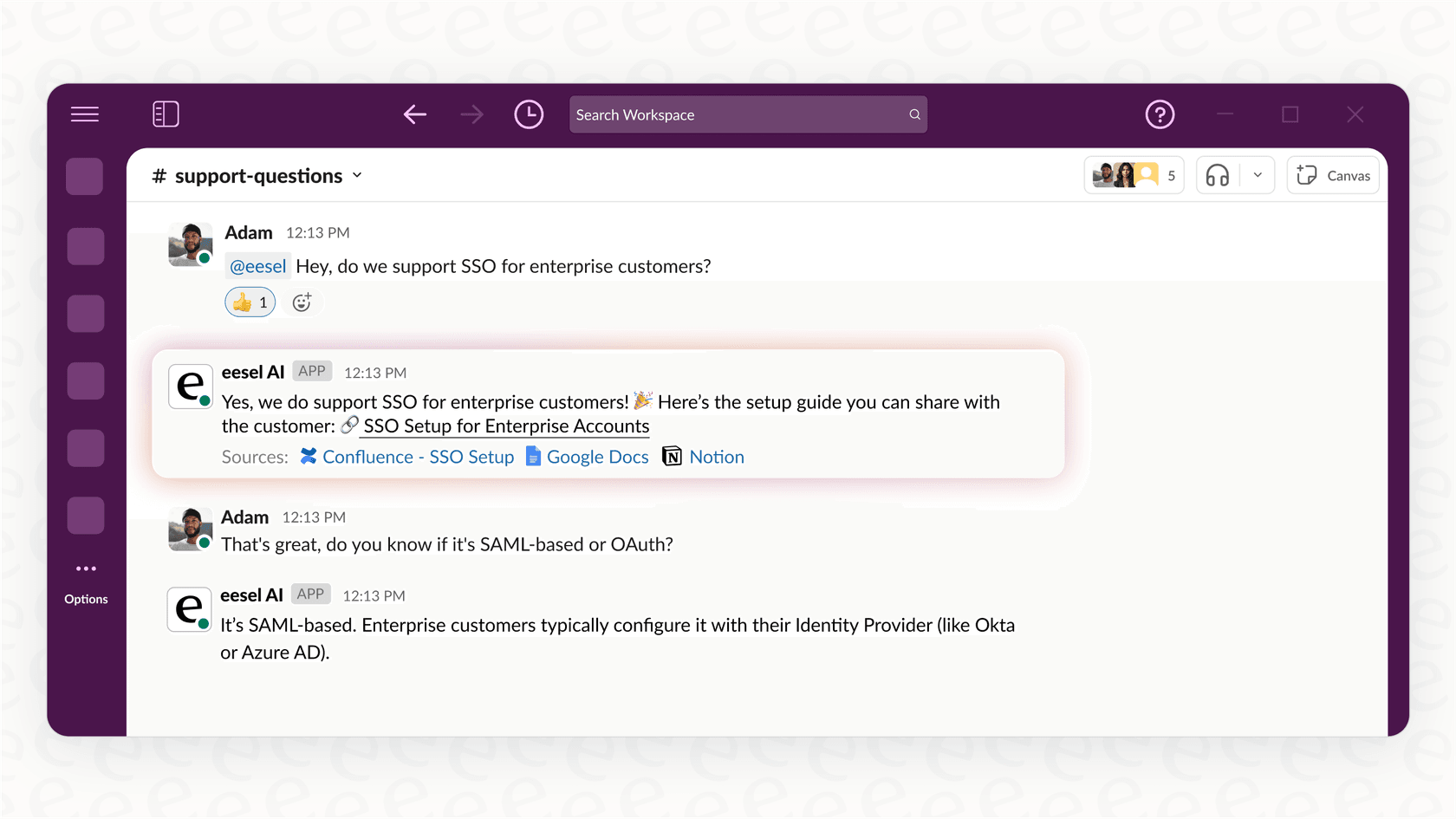
The approach focuses on simplified setup, enterprise-grade security with a promise that your data is never used for training, and a focus on teamwork from the start.
For those interested in trying OpenClaw for personal projects, seeing the setup process can be helpful. The following video provides a step-by-step tutorial on how to install and configure the assistant, giving you a practical look at what's involved.
Final thoughts
The OpenClaw (Clawd Bot) GitHub integration is an interesting project. It gives us a peek at the future of AI-assisted development and is a suitable option for hobbyists and individual developers who are comfortable managing the associated security and maintenance requirements.
For businesses and professional teams, the security considerations, maintenance overhead, and lack of team-oriented features present significant challenges. This makes it a solution better suited for individual experimentation than for core business workflows. It is a powerful tool for an individual but lacks the infrastructure for team-wide deployment.
When AI automation is required, a business-focused solution designed for teams can provide a more structured and secure alternative.