The Claude collaboration tools that solve different jobs
Projects keep shared instructions and reference material together
A Claude Project is a bounded workspace with its own knowledge and instructions. Add the policy, approved tone of voice, product notes, and examples that should shape work on one topic. On Team and Enterprise plans, you can share a Project with named colleagues, in bulk, or with the organization. Can view members can use its knowledge and instructions; Can edit members can change them and manage access. Multiple people can contribute documents and start chats in the same Project. Anthropic’s Projects guide has the current sharing and permission details.
That makes a Project a home for durable context, not a substitute for choosing who owns a particular answer. Do not put private credentials or a half-decided policy into a broadly shared Project just because it is convenient.
Shared chats communicate a decision, not an ongoing workroom
Share a chat when a teammate needs to review a particular conversation. Inviting specific people creates a view-only snapshot: they cannot continue the thread, and later messages remain private until the owner updates the snapshot. On Team and Enterprise, this sharing stays inside the organization. A snapshot does not include raw connector/tool results, so it is not a complete audit record. Anthropic’s chat-sharing documentation explains the visibility rules.
Share the chat after you have a stable draft or a decision to review. Put ongoing reference material in the Project instead. That avoids a teammate acting on an old snapshot while the author keeps working elsewhere.
Connectors bring live work data in, with their own access rules
Connectors can let Claude search documents, work with email, or call other tools. They are not blanket permission to see the company. A connector only reaches what the connected account can reach. In Team or Enterprise, an Owner or Primary Owner may need to enable it before each member authenticates. Anthropic’s connector setup guide explains that enabling a connector does not automatically give every person access.
Actions need an even tighter check. Claude’s Google Workspace connector can search Gmail, Calendar, and Drive after authentication. Sending, replying to, or forwarding Gmail messages asks for approval by default; Team and Enterprise owners decide whether members may allow those actions to run without asking each time. See Anthropic’s Google Workspace connector guide.
Keep these surfaces separate: Anthropic documents connectors in private Projects, not shared Projects, and restricts sharing chats with synced content. Do not assume a shared Project grants colleagues your connector access. For a shared policy review, use a document approved for that audience rather than exposing private connected material.
A concrete team job: update returns answers without sending a reply
Suppose a support lead needs to update answers about returns after a policy change. The content lead has the new policy. A developer uses Claude Code to check the support setup. The support lead alone decides whether customer replies may be sent.
Start in a Claude Project named “Returns policy, September.” Give the content lead Can edit access so they can replace the policy text. Give reviewers Can view access if they only need to ask Claude questions against approved material. Keep the Project instructions plain: use the policy only as written; flag an exception instead of inventing an answer; do not promise a refund or shipping label.
When Claude produces proposed response rules, share that specific chat with the support lead. Say in the handoff that it is a snapshot and include the date. If the policy changes again, update the shared chat or make a new one.
The Project gets the team to a reviewed policy. It does not configure the support agent. For that part, the developer should use the eesel CLI only after verifying the intended workspace and agent.
Verify the eesel workspace before a coding agent touches it
The eesel CLI needs Node.js 18.17 or newer. npx @eesel/cli runs it without a global installation. Authenticate with npx @eesel/cli login, confirm the workspace with npx @eesel/cli whoami, and list existing teammates with npx @eesel/cli agents. Login stores credentials locally. Do not use an anonymous init workspace as a stand-in for the team's existing one.
Replace Returns below with the actual name or ID of the intended non-production review teammate. A person, script, or coding agent can perform these reads:
npx @eesel/cli whoami
npx @eesel/cli status --agent "Returns"
npx @eesel/cli integrations --agent "Returns"
npx @eesel/cli instructions --agent "Returns"
npx @eesel/cli approvals --agent "Returns"
These JSON results settle the questions a handoff needs to answer: which workspace was selected, whether the helpdesk and policy source are connected, whether content is ready, what standing rules exist, and whether an earlier request awaits a decision. The CLI is the same agent as the dashboard, so a configuration changed from one is visible in the other.
The commands above deliberately inspect only. Do not present approve or deny commands as routine verification. Approval is a decision for an authorized person, after they inspect the exact proposed action.
Now compare the current instructions with the approved policy. For an illustrative change, suppose unopened items now have a 30-day return window instead of 14 days. The coding agent can identify the old rule and propose an exact replacement while retaining the exception and escalation rules. The owner approves that change and confirms the policy source is available in eesel; sharing the Claude Project does not transfer it automatically. The approved instruction can be updated in the dashboard or with the CLI's documented instruction-editing flow, checking npx @eesel/cli instructions --help for its arguments. Read instructions again to verify the resulting rule before testing.
Check permissions in the dashboard before behavioral testing
In eesel, each action in a connected tool has one of three settings:
- Auto: it runs on its own, unless instructions say to ask first in that case.
- Needs approval: the agent prepares the exact action and waits for a person to approve or deny it.
- Disabled: the agent cannot use the action.
These settings are in the agent's Actions section. For this non-production policy test, set consequential actions to Disabled so the teammate can draft an answer without sending a customer reply or issuing a refund. The owner checks billing and authorizes paid chat separately. The Actions and Approvals guide describes the settings and authorized reviewers.
- An unopened item at 20 days: the draft should use the illustrative approved 30-day rule, not the replaced 14-day rule.
- A return outside the policy window: the draft should follow the documented exception or request a human decision, not promise a refund.
- A return lost by the carrier: the draft should use the documented escalation path or flag missing policy, not invent carrier terms.
npx @eesel/cli billing --agent "Returns"
# After the owner authorizes paid chat and checks the action settings.
npx @eesel/cli chat "Draft answers under our approved returns policy for an unopened item at 20 days, a return outside the window, and a return lost by the carrier. Flag missing policy. Do not send replies or issue refunds." --agent "Returns"
The prompt specifies the task; Disabled action settings enforce the restriction. Once policy answers pass review, test any proposed Needs approval workflow separately before using it with customers. Seeing a draft in terminal chat alone does not prove that a customer reply would be held.
Review the result with the support lead. A correct-looking answer is not enough if the agent attempted an action it should not have been allowed to take.
Dry run previews a write; it does not test the workflow
The CLI’s --dry-run flag prints the exact server call that a write command would make without sending that write. Use it to inspect the selected agent and arguments before a real configuration change.
That is different from the behavioral cases above. A dry run cannot tell you whether the Returns agent follows an ambiguous policy or drafts the right answer. Prerequisite reads can still run. Keep the request preview, saved instruction check, and observed answers separate in the handoff, with the policy version and remaining approval decision named.
Use the eesel CLI with Claude Code, Codex, or Cursor
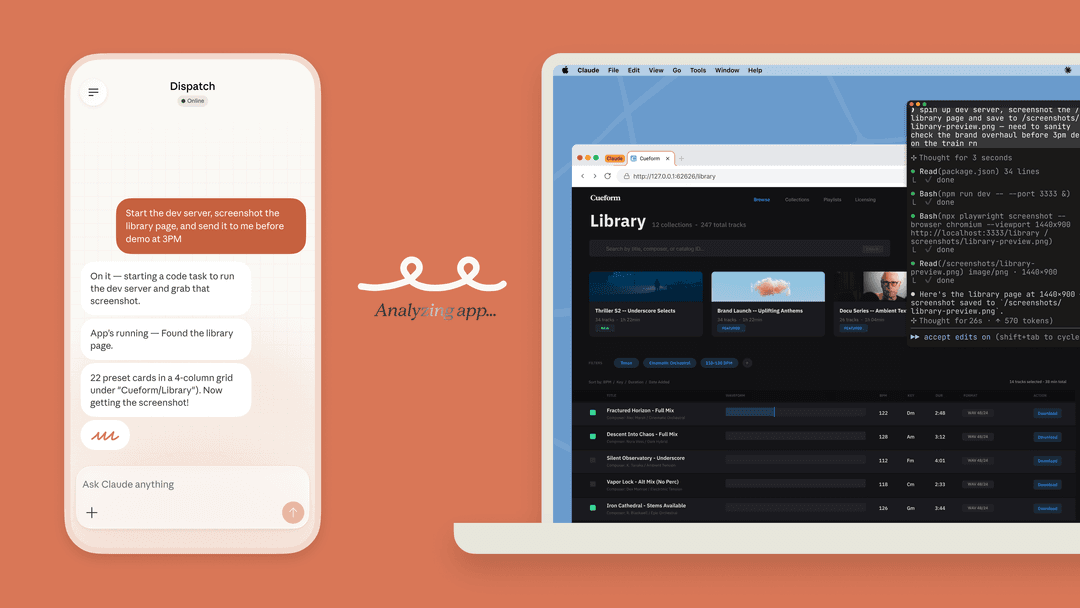
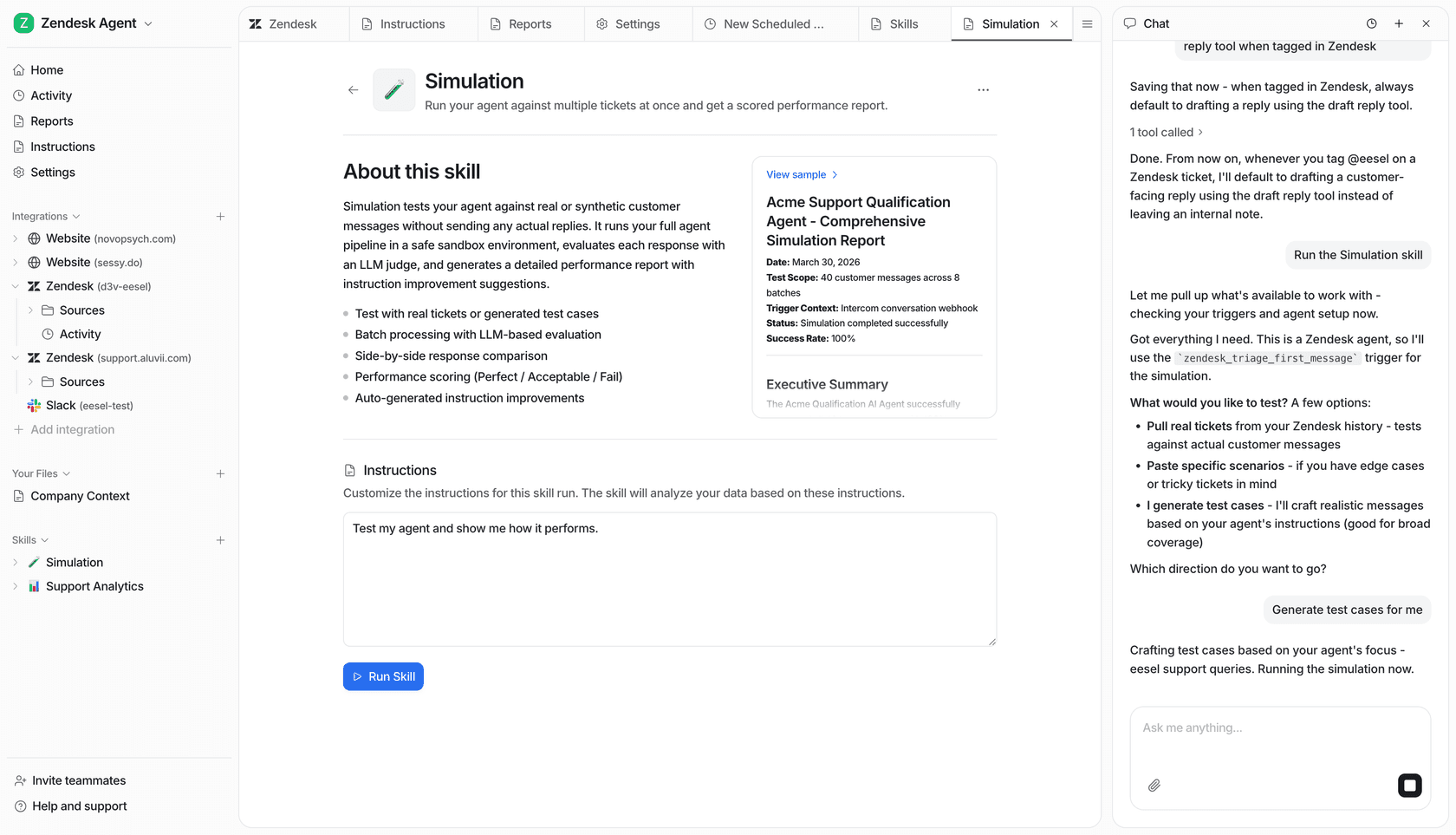
Claude Projects and chats keep people aligned on context and decisions. The eesel CLI carries that collaboration into a real support workspace: a person can operate the Returns teammate in the dashboard while Claude Code, Codex, or Cursor checks the same agent from the terminal. The coding agent can read JSON state, prepare a narrow change, and document a handoff. The support lead remains the owner of permissions and customer-facing approvals.
If you want to keep support configuration and coding-agent work in one workspace, sign up for eesel. Start with one job, verify the selected agent and permissions, then decide from behavioral results rather than a vague “it’s set up.”
Frequently Asked Questions
What are Claude AI collaboration tools?
They are the features and connected systems a team uses to give Claude shared context and make work reviewable. In Claude, that includes shared Projects, shared chat snapshots, and connectors. For operational work, a team can pair these with a shared eesel workspace that Claude Code can inspect through the eesel CLI.
Can Claude Code work with an eesel workspace?
Yes. The eesel CLI returns JSON and can be run by coding agents such as Claude Code, Codex, and Cursor. It operates the same eesel agent and workspace people use in the dashboard.
Can a Claude connector send an email or change data?
It depends on the connector and permissions. Claude's Google Workspace connector asks for approval before sending, replying to, or forwarding Gmail messages by default. On Team and Enterprise plans, owners control whether members can allow those actions to run without prompting.