AI for in-app support: how to help users where they actually are

Stevia Putri

Katelin Teen
Last edited May 15, 2026
When a user hits a wall inside your app, there's a narrow window before they give up and submit a ticket - or just churn. Most support setups waste that window by redirecting the user to an external help portal, an email form, or a knowledge base in a new tab. By the time they get there, they've lost their context, their patience is thinner, and the question they're trying to ask is harder to phrase.
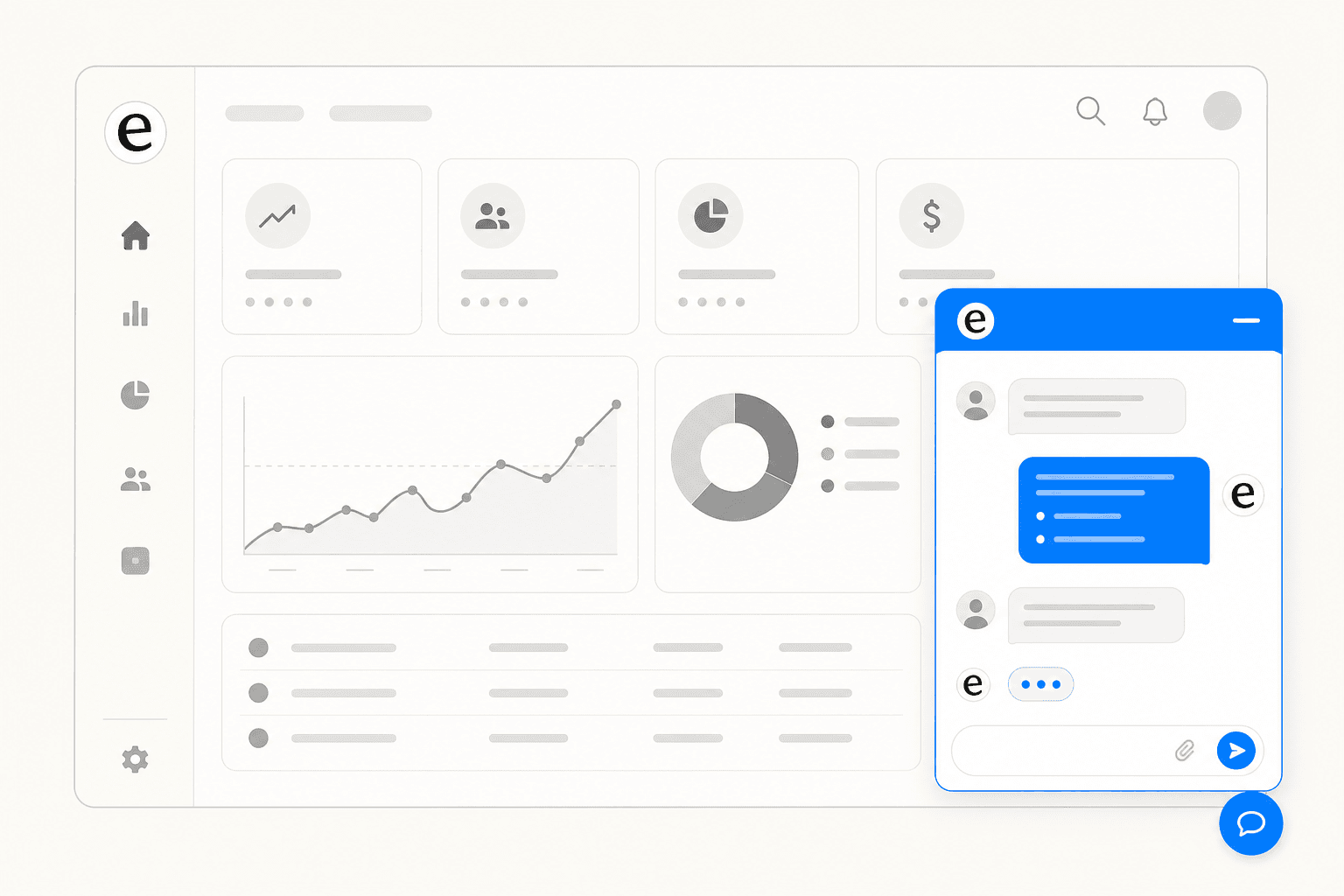
AI-powered in-app support changes that entirely. An AI agent embedded in your product can answer the question instantly, in context, at the moment of need - and if it can't, hand off cleanly to a human who already knows the full story. The user never leaves the product. The frustration cycle never starts.
What in-app support actually means
In-app support is the practice of embedding assistance directly within a product so users don't have to leave to get help. Instead of navigating to a separate portal, sending an email, or calling a number, users access support within the application at the exact moment they need it.
That delivery can take several forms:
- AI chat widgets - a floating button that opens a conversational AI, available 24/7
- Searchable help panels - FAQs and docs surfaced inside the product UI
- Contextual tooltips - hints triggered by where the user is in the interface
- Async messaging - ticketing-style threads embedded in the product flow
- Proactive guidance - walkthroughs that appear based on detected user behavior
The distinction from external support goes beyond convenience. When the support tool lives inside the product, it can be made aware of who is asking: what page they're on, what plan they have, what features they can access. That context is what separates a useful AI answer from a generic one.
64% of customers now expect live chat to be available within apps, and 52% say slow response times will stop them from making a purchase. For SaaS products especially, in-app support has moved from a differentiator to a baseline expectation.
What AI adds to in-app support
Traditional in-app support - even a live chat widget - still required human agents on the other end. As user bases scaled, that meant either longer wait times, larger support teams, or both. AI changes this by handling routine queries autonomously, freeing humans for the interactions that genuinely require them.
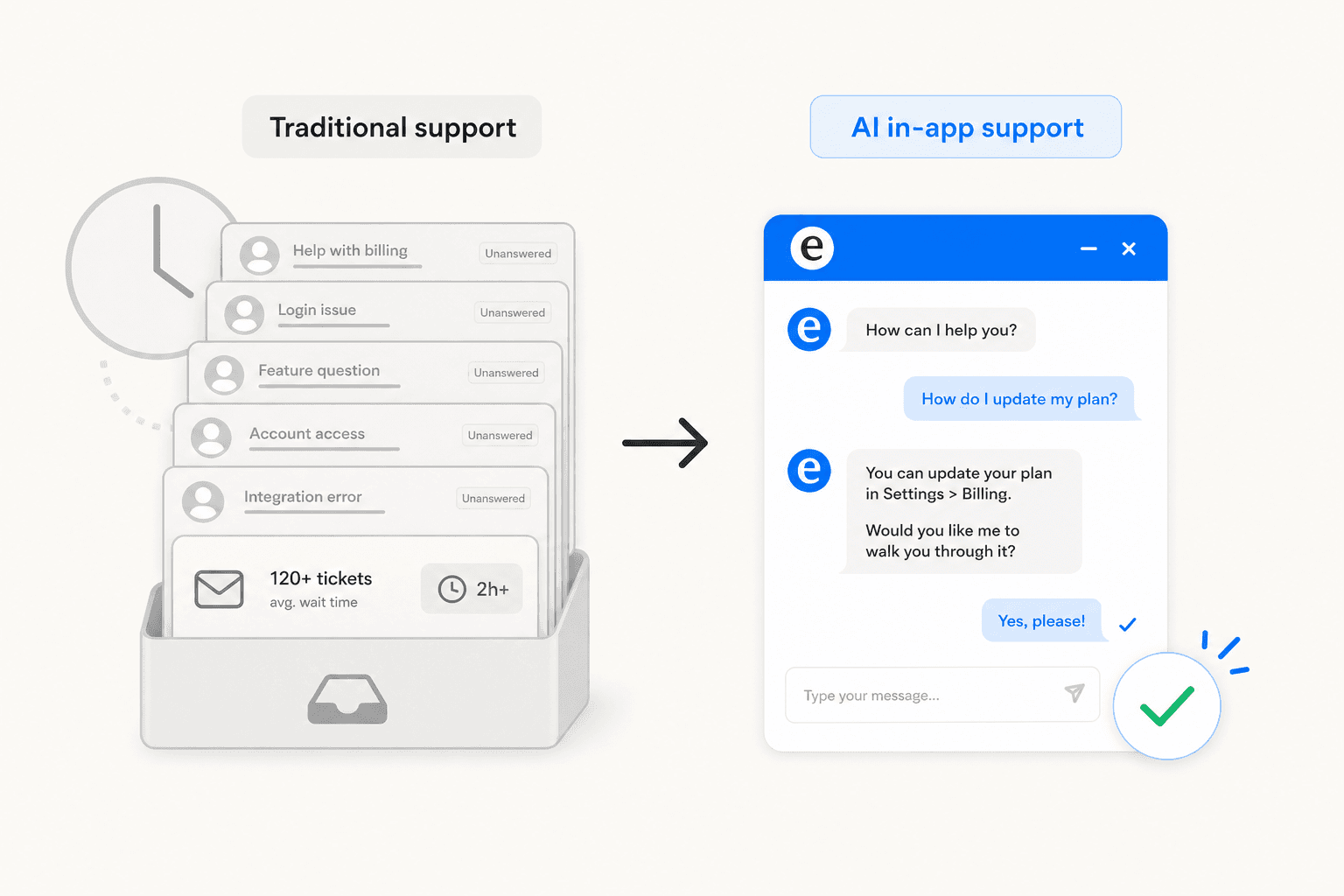
The numbers are substantial. Gartner projects AI-driven technologies will handle 80% of customer interactions by 2027. McKinsey found AI in customer operations achieved 14% more issue resolution per hour and 9% lower handling time per issue. Sophos integrated in-app guidance and reduced annual ticket volume by over 1,000 hours, with 87% of users reporting they could resolve issues independently.
The more important change is qualitative: AI makes in-app support contextual. A basic chatbot gives the same response to every user who asks "how do I integrate X?" An AI grounded in your knowledge - and aware of the current user's plan, page, and product version - gives the right answer for that user's specific situation.
One capability that often gets overlooked: knowing when not to answer. Good in-app AI refuses to guess when its knowledge base doesn't have a confident response, and escalates to a human with the full conversation history instead. This is what separates trusted AI from the chatbots that erode confidence with fluent-sounding wrong answers. One Reddit thread on UX design captured the risk directly:
"Since it arrives in polished conversational form, many users interpret fluency as truth."
Getting confidence calibration right - answering where you have grounds, escalating where you don't - is the difference between an AI that builds trust over time and one that destroys it in the first week.
How in-app AI support works
Most production-quality AI support runs on RAG (Retrieval-Augmented Generation): rather than relying on a model's general training, the system retrieves relevant content from your specific knowledge base before generating a response. This grounds answers in what you've actually written - your help articles, your policies, your FAQs - rather than anything the model may have absorbed from the internet.
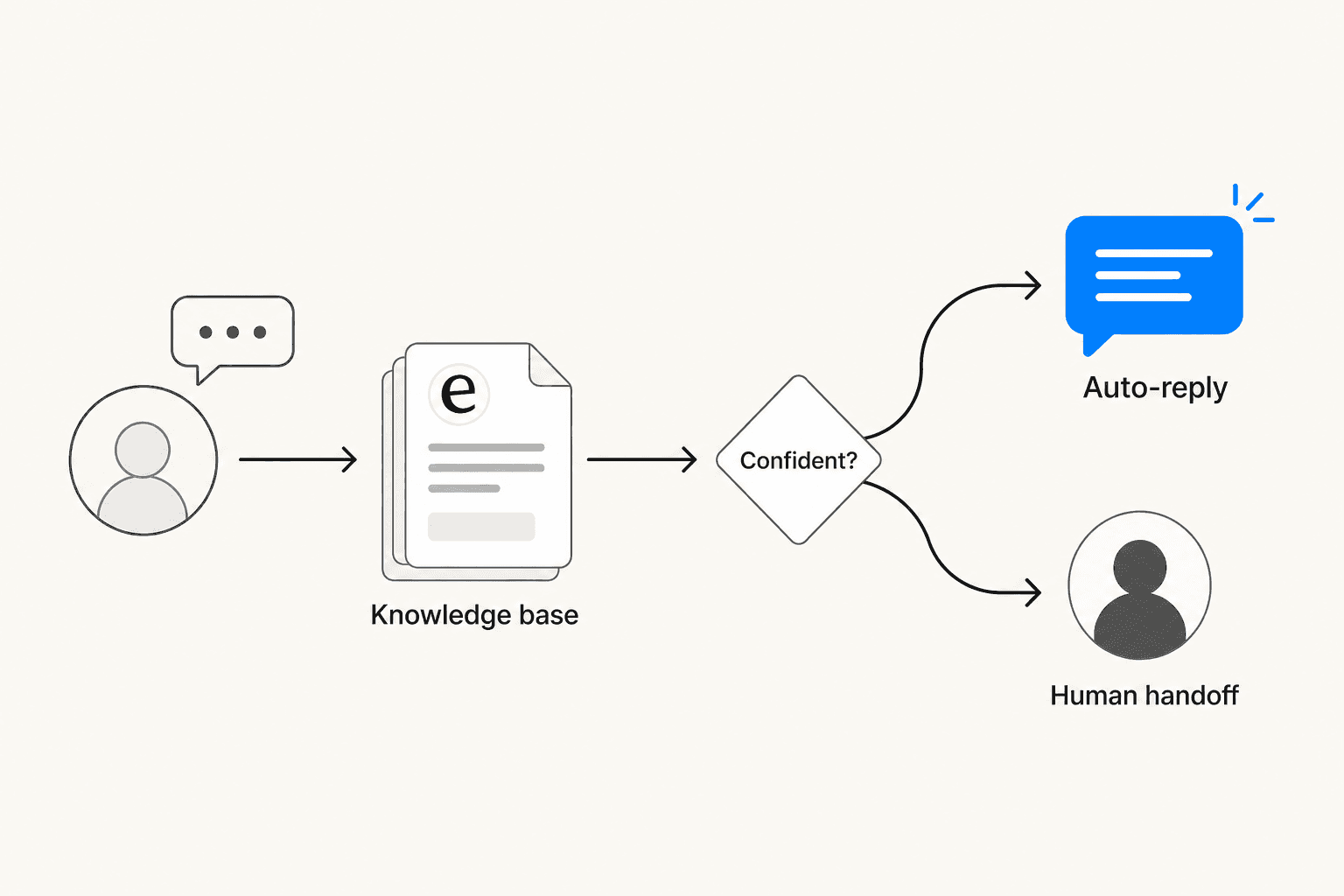
The flow in practice:
- The user sends a message through the in-app widget
- The system retrieves relevant snippets from the connected knowledge base
- It scores confidence in a potential answer
- High confidence - answers directly and autonomously
- Low confidence - queues the response for human review, or escalates immediately with full context
The quality of this system is entirely downstream of the knowledge layer it draws from. Poorly organized or outdated docs produce low-quality AI answers. Anglara's SaaS implementation guide identifies the non-negotiable guardrails: refusing to answer when evidence is weak, escalating for billing disputes or security questions, and logging source attribution internally. These guardrails aren't limitations - they're what makes in-app AI trustworthy.
Proactive behavior is also available in better systems: rather than waiting for users to open the widget, AI can trigger contextual interventions based on detected behavior. Error patterns, extended time on a specific feature, or navigation away from a critical step can prompt a helpful nudge at exactly the right moment. IBM's AIOps implementation achieved 40% reduction in incident volumes through this kind of predictive intervention - flagging issues before users hit them.
What to look for in an AI in-app support tool
Not all tools are built the same. These are the dimensions that actually matter when evaluating options.
Knowledge grounding - Does the tool pull from your existing knowledge sources (help center, past tickets, Confluence, Google Docs), or does it need a new knowledge base built from scratch? Multi-source tools reduce setup time and produce better answers from day one because they're drawing from the full picture, not just whatever you've manually entered.
Escalation quality - When the AI can't resolve something, does it hand off with full conversation context? Escalation without context is one of the most common user complaints about support AI. A Reddit thread on the frustration of disappearing chats illustrated exactly what to avoid:
"I leave the chat to find another way like an email and the chat disappears...forever...even when I try to redo the process"
Setup complexity - Can a support manager configure it, or does it need an engineering team? Time-to-value matters, especially when the goal is to reduce load on a team that's already stretched.
Pricing model - Per-conversation, per-resolution, per-seat, and flat-fee pricing all behave very differently at scale. Per-resolution billing (common at $0.99+ per resolved ticket) can create budget spikes during high-volume periods. Usage-based or flat-fee models with spending caps are more predictable. As a practitioner with 75,000+ monthly conversations noted on Reddit:
"The pricing model. A lot of the big names charge per resolution, which can sting if you have a traffic spike. A flat fee based on a number of chats is usually more predictable."
Pre-go-live testing - Can you simulate the AI against past conversations before touching live users? This matters for finding knowledge gaps before they become customer complaints. Any tool worth deploying should offer this.
Four tools for AI in-app support in 2026
eesel AI
eesel AI is built for teams that need in-app AI support without migrating away from their existing helpdesk or rebuilding a knowledge base. It deploys as a chat bubble or inline embed with knowledge grounded in whatever sources you already have - help center articles, past tickets, Confluence, Notion, Google Docs, Shopify catalog, or any website URL.
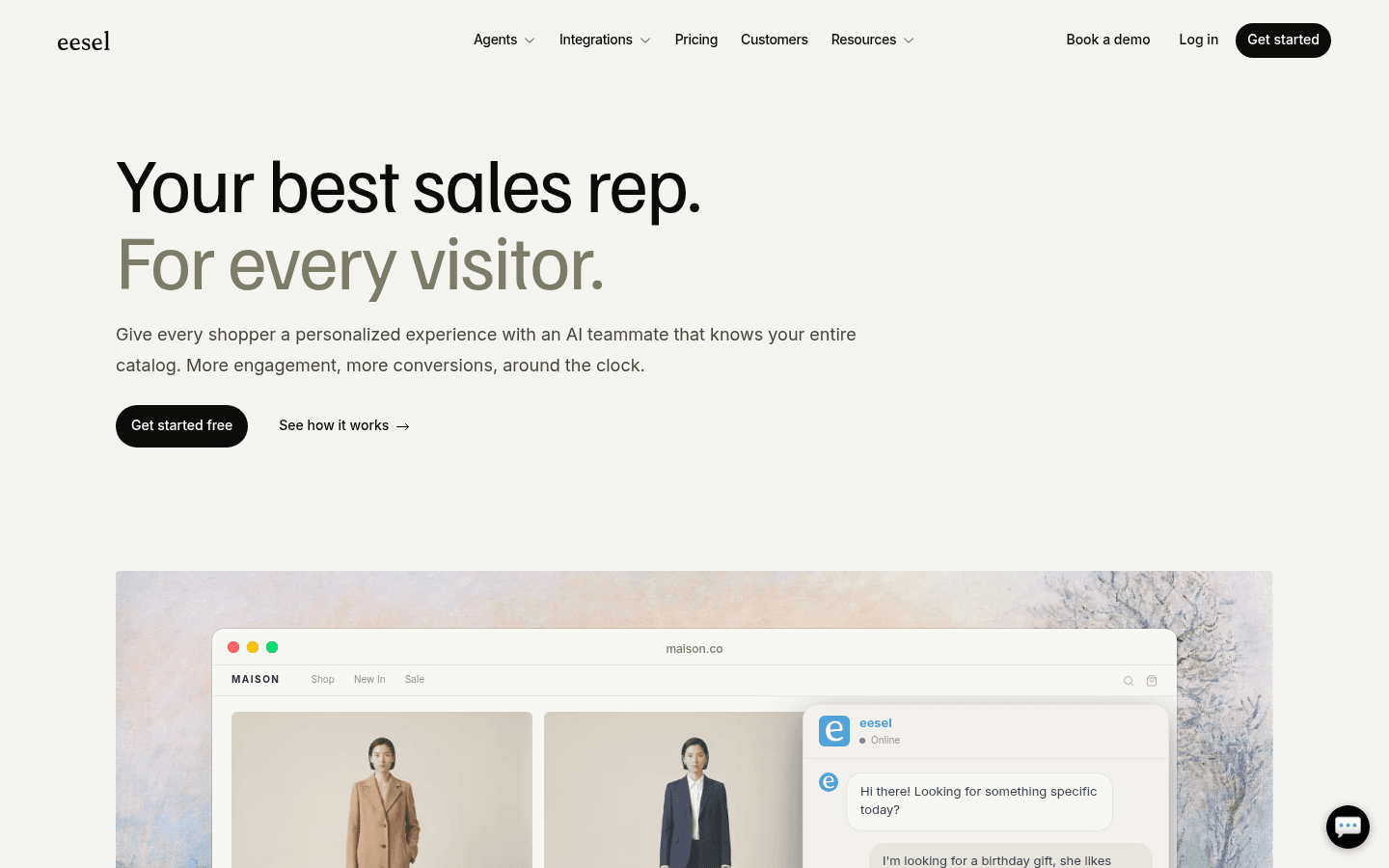
Setup is close to zero engineering: connect knowledge sources via OAuth, add a JavaScript snippet, and write instructions in plain English. Behavior is configured conversationally - you tell eesel "if the refund request is over 30 days, politely decline and offer store credit" the same way you'd brief a new team member, not by filling out configuration forms.
Confidence-based routing is built in: high-confidence responses send automatically, low-confidence ones queue for human review. Sentiment detection can trigger immediate escalation. Business hours awareness means different behavior outside working hours. The system handles 80+ languages with automatic detection - practical for any product with international users.
The simulation mode is one of the more useful pre-launch features available: run the agent against hundreds of past conversations to identify knowledge gaps before a single live user sees it. Teams consistently describe this as the step that builds confidence to go autonomous.
Gridwise deployed eesel on Zendesk and resolved 73% of tier-1 requests in the first month. Ecosa powers 24/7 multilingual support across helpdesk and website with 522 knowledge items. Smava processes 100,000+ tickets per month fully automated in German.
Pricing is $0.40 per resolved chat - no platform fee, no per-seat charge, no monthly minimum. The free trial includes $50 in usage with all features unlocked.
Zendesk
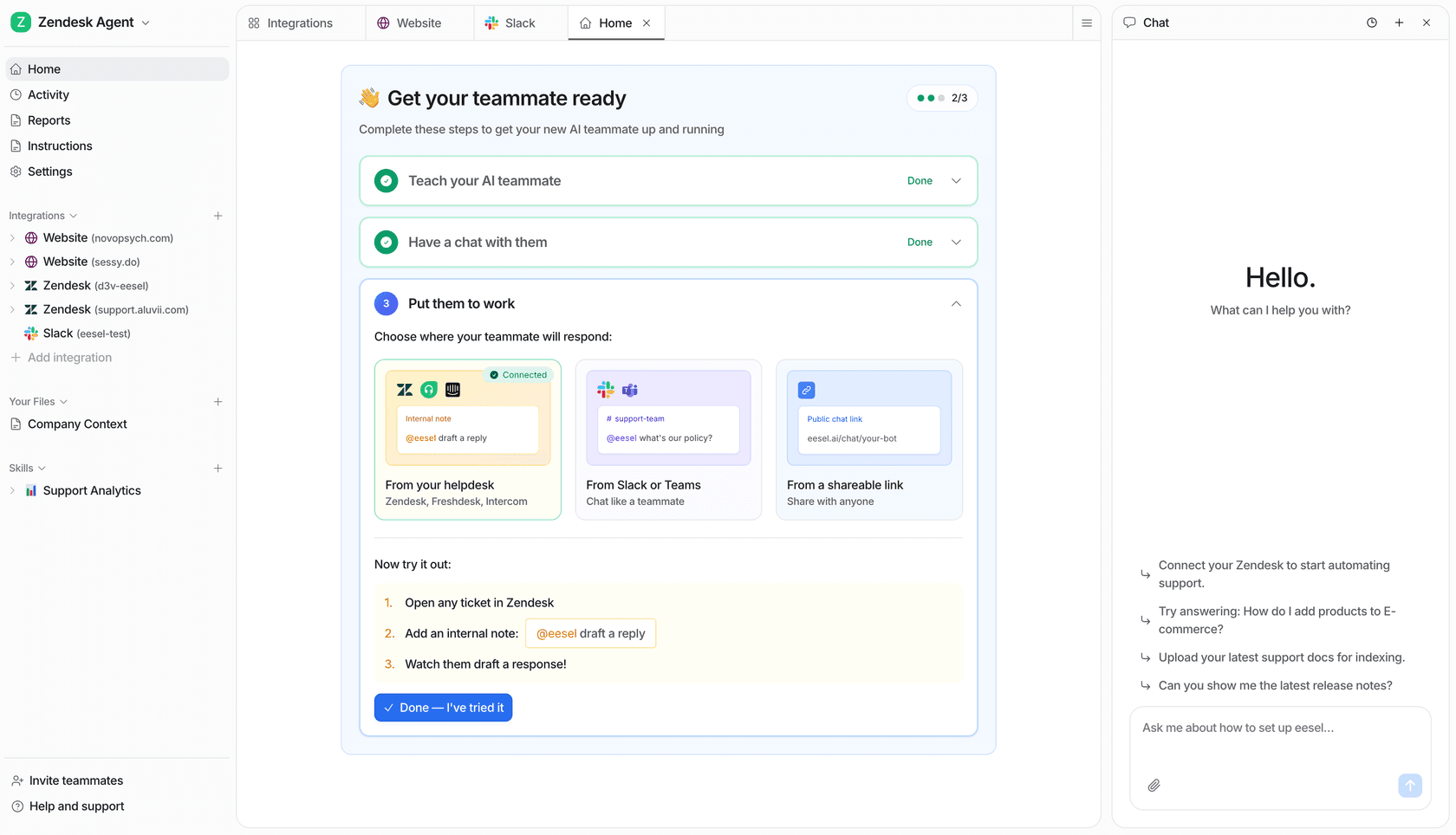
Zendesk is the dominant customer service platform, and its in-app chat (the Web Widget) ships with Zendesk AI Agents included in Suite plans. For teams already running Zendesk, the appeal is tight integration: AI-to-human escalation stays within the same workspace, and Zendesk Copilot assists human agents with the same context. The March 2026 Forethought acquisition added substantially deeper agentic AI capabilities to the lineup.

The constraint is knowledge scope: AI answers primarily draw from Zendesk's own help center, with enterprise Knowledge Connectors available to pull from Confluence, SharePoint, or Notion - but these are not included in base tiers. For teams whose knowledge lives across many tools, that limits how useful the AI can be out of the box.
Pricing starts at $55/agent/month for Suite Team (annual), with 5 automated resolutions included per agent per month. Additional resolutions cost $1.50–$2 each. Advanced AI Agents are a separate add-on priced through sales.
Freshdesk
Freshdesk Omni combines ticketing and live chat with Freddy AI Agent - a customer-facing autonomous bot built in a no-code AI Agent Studio. Freddy supports 60+ languages, includes 50+ pre-built agentic workflows, and connects to backend systems via action connectors for tasks like order lookups and ticket creation.
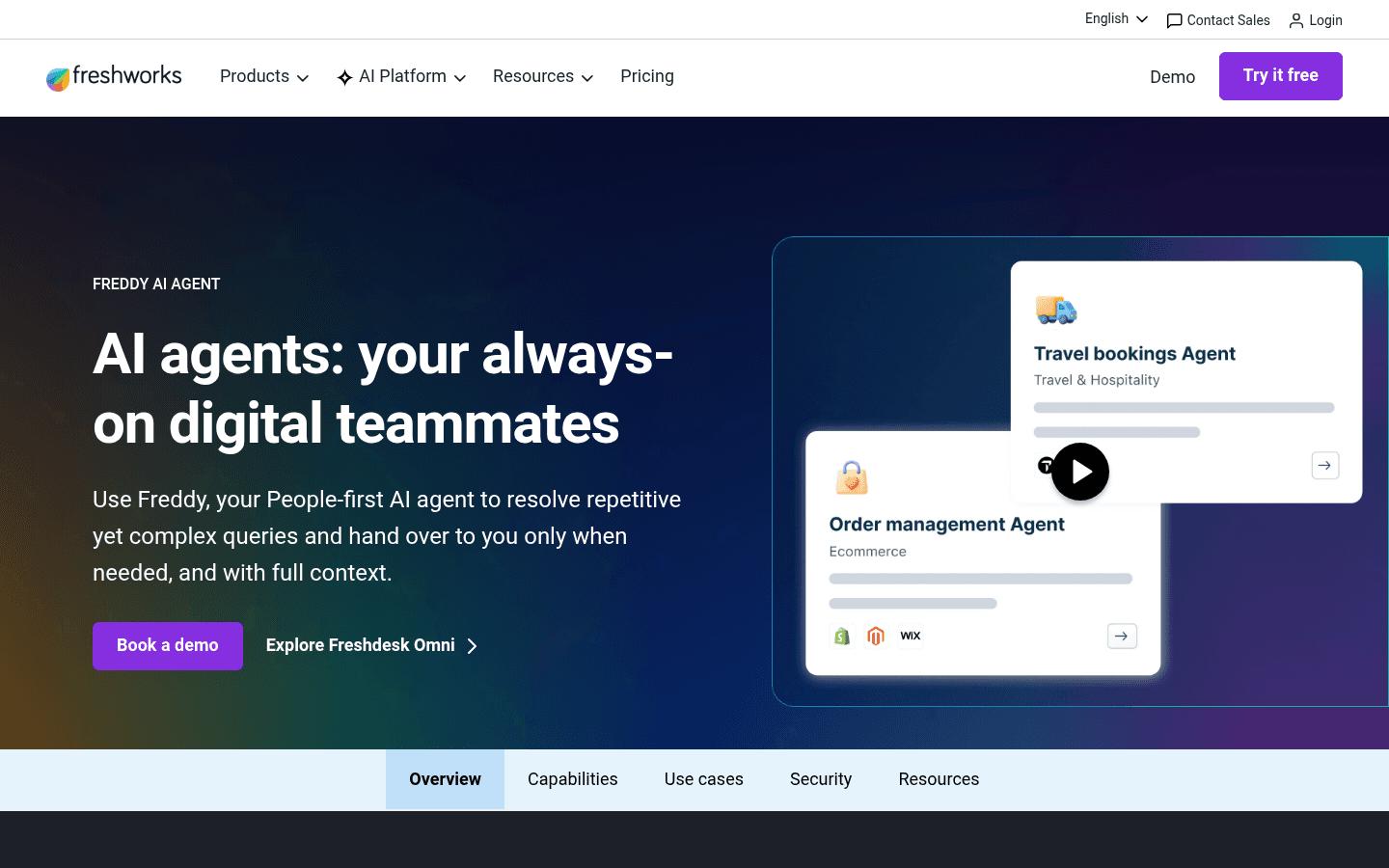
In Q4 2025, Freshworks reported Freddy AI Agent deflected more than 50% of tickets for CX and EX customers and handled 3.5 million AI conversations in Q4 alone. The Email AI Agent, available on Pro/Enterprise tiers, also resolves email tickets at creation time - extending AI support beyond the in-app widget to the email channel without additional configuration.
Freshdesk Omni pricing starts at $29/agent/month (annual), with 500 free bot sessions included. Additional sessions come in packs from $49/100 sessions.
Tidio
Tidio is a purpose-built live chat and AI agent platform for teams that need in-app support without an existing helpdesk. Its Lyro AI Agent - powered by Claude (Anthropic) - claims a 67% average resolution rate, with a money-back guarantee if customers don't reach at least 50%.
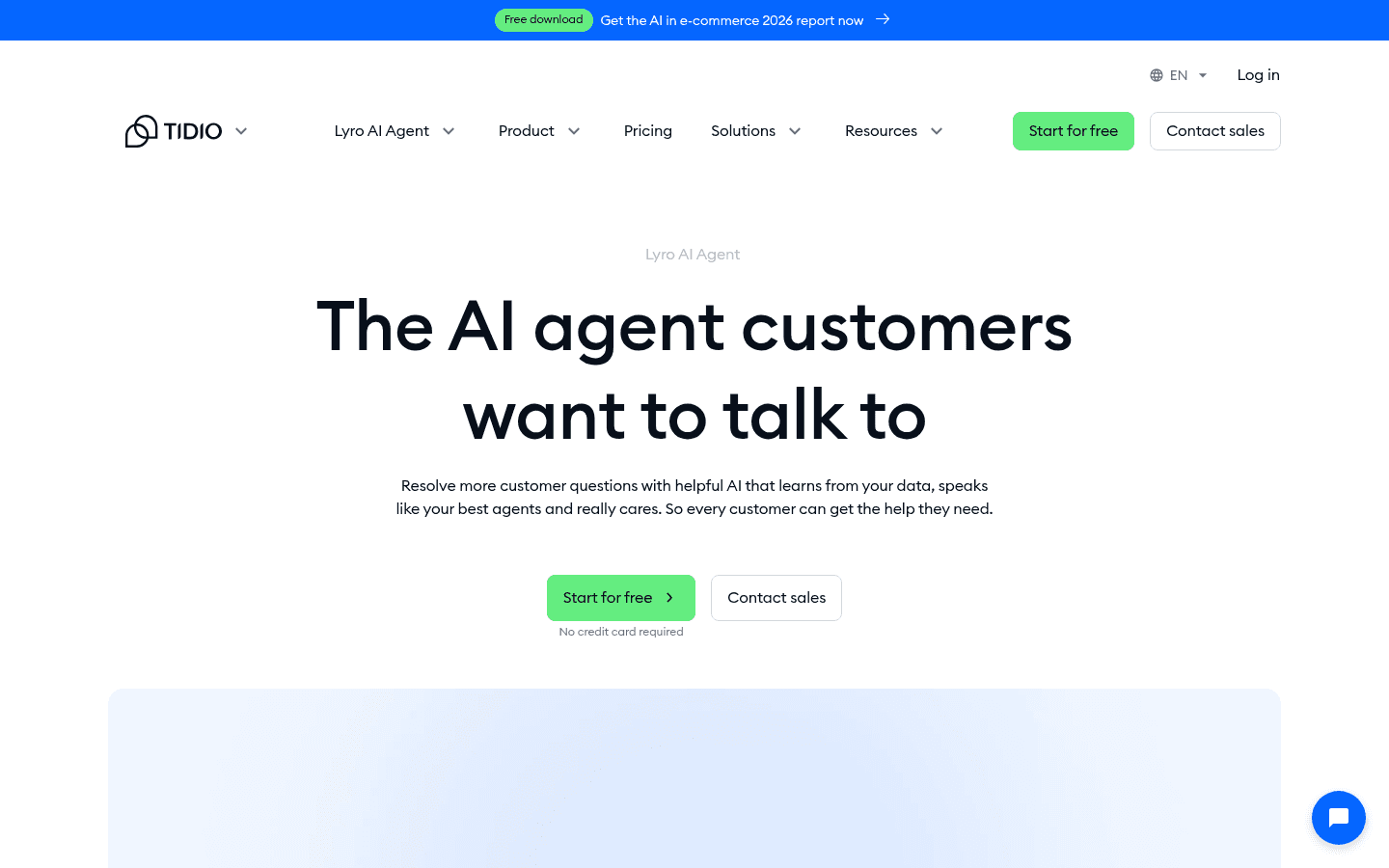
Lyro auto-scrapes support content from your website URLs on setup with no manual training required, and is typically up and running in about 10 minutes. The Tidio Mobile SDK embeds the full Lyro and live chat experience natively in iOS and Android apps - not just a mobile-responsive web widget, which matters if native mobile is a primary support channel. Lyro Connect lets teams add Lyro on top of Zendesk, Intercom, or Salesforce without migrating away from those platforms.
Tidio pricing starts free (50 Lyro conversations/month). Paid plans from $24.17/month. The Lyro standalone add-on starts at $32.50/month, with overages at $0.50/conversation.
Rolling out AI in-app support incrementally
The most common mistake is going too broad too fast. Deploying an AI that's supposed to handle everything - onboarding, billing disputes, bug reports, feature requests - before it's been trained well on any of them produces low-quality responses and quick user frustration. The sequence that actually works is narrower.
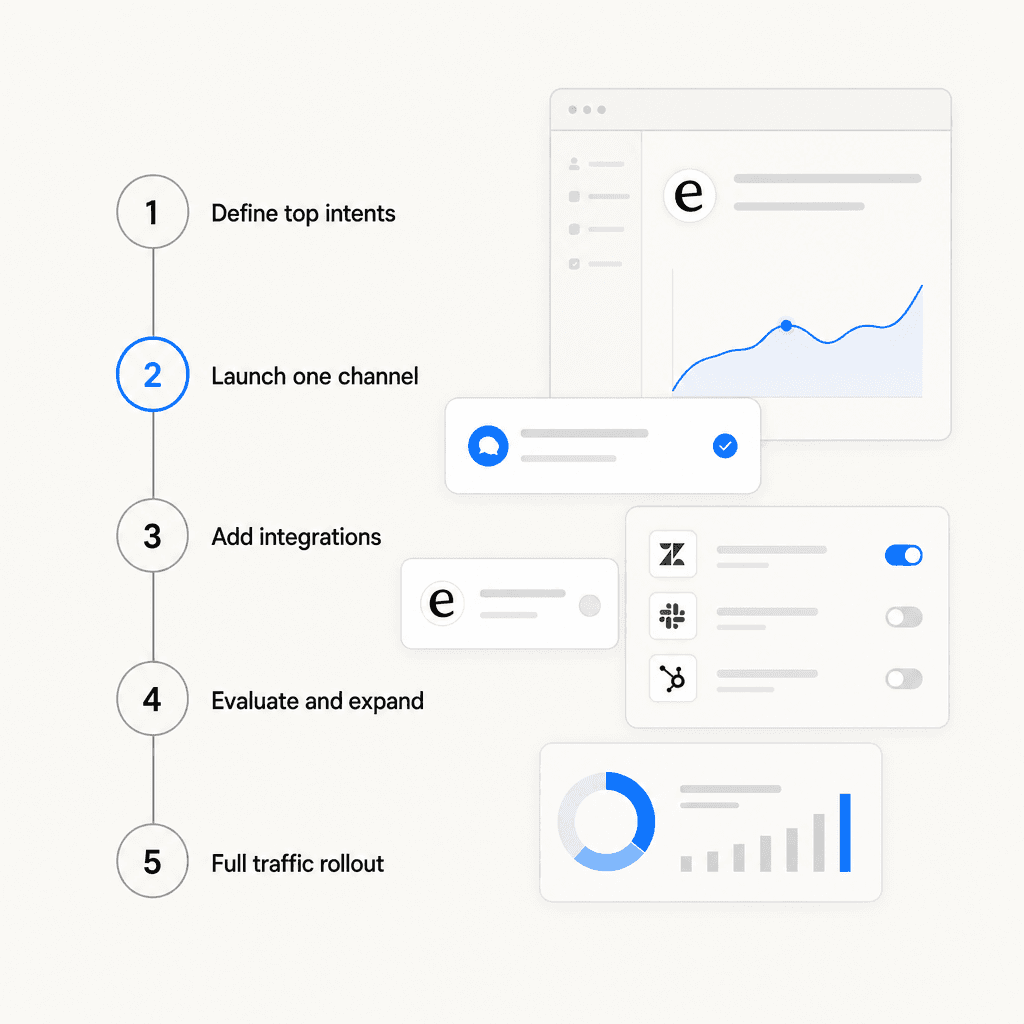
Adapted from Anglara's SaaS implementation guide:
Week 1 - Define the scope. Pull your top 20–50 L1 intents from ticket history. These should be routine, high-volume questions: "Where is this setting?", "How do I integrate X?", "What does this error mean?", billing policy lookups. Clean and organize the knowledge base content that covers them. This step is more important than tool selection.
Weeks 2–6 - MVP on one channel. Deploy the AI on the in-app widget only, restricted to the defined intents. Run in supervised mode (draft review before sending) for the first few days. Keep the escalation path fast and obvious.
Weeks 4–10 - Add integrations. Connect ticket routing, CRM updates, or order lookups after the core Q&A is performing well. Add workflows only after the base is stable.
Ongoing - weekly evaluation. Review AI responses against the tickets it handles each week. Identify gaps, update KB articles, and add 5–10 new intents at a time as quality improves.
Full rollout - gradual ramp. Start at 10% of traffic, then 50%, then full. Track deflection rate, first-contact resolution, and CSAT at each stage before increasing.
As one Reddit practitioner summarized after working through several implementations:
"A chatbot is basically just an answering machine if you don't train it correctly."
Training, here, means the quality of the knowledge it draws from - not any technical configuration step.
Three mistakes that consistently trip teams up
Deploying with a thin knowledge base. The AI is only as good as what it can retrieve. If help articles are missing, out of date, or poorly organized, the AI will either produce weak answers or refuse to answer - both of which frustrate users more than no AI at all. Knowledge cleanup before launch matters more than which tool you choose. See the AI support ticket deflection guide for what a well-scoped rollout looks like.
No clear path to a human. The fastest way to erode trust in in-app AI is making it difficult to reach a person when the AI can't help. A prominent, fast escalation path - one that preserves the full conversation context so the user doesn't have to repeat themselves - is non-negotiable. Review the AI live chat deflection benchmarks to understand what realistic resolution rates look like before setting expectations internally.
Ignoring mobile. Mobile users have smaller screens, shorter patience for back-and-forths, and are more likely to abandon a stuck conversation. If mobile is a significant part of your traffic, test the widget specifically on mobile - both the visual footprint and the escalation speed. Tools with a dedicated mobile SDK (like Tidio's) or native mobile optimization are worth the additional evaluation time.
Try eesel AI
eesel AI connects to the help center, docs, and ticketing system you already have and deploys an in-app chat agent with no engineering required. The agent learns from your existing content on day one, runs simulations against past conversations before going live, and handles interactions end-to-end - deflecting routine questions, escalating edge cases to the right human, and improving continuously from corrections.
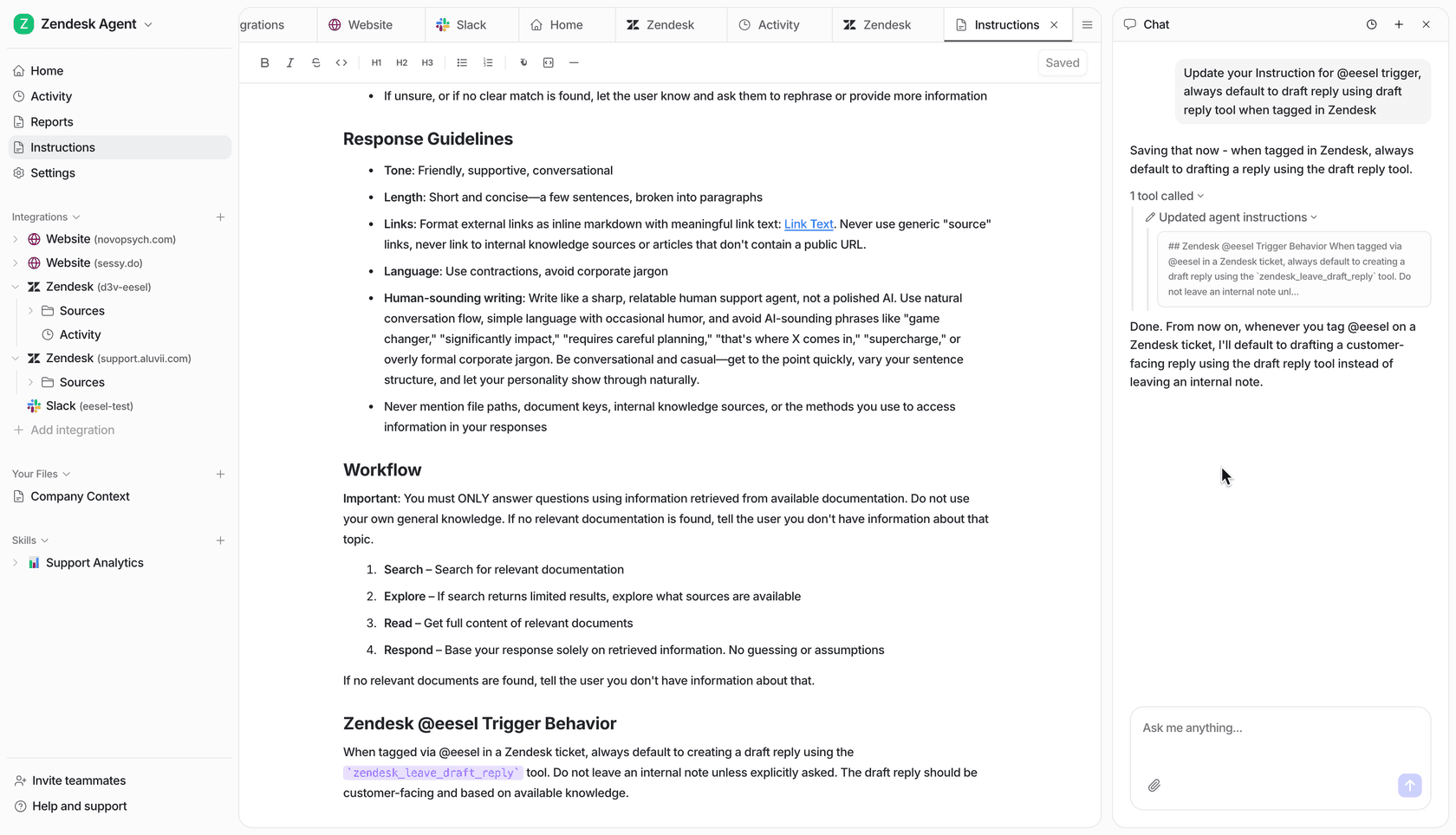
Teams across 2,000+ customers have completed over 1 million tasks on the platform, with mature deployments reaching up to 81% autonomous resolution rates. The free trial includes $50 in usage with all features unlocked and no credit card required. For teams evaluating AI live chat tools, eesel's usage-based pricing means you pay for what you actually use - not a seat fee for agents who don't interact with the AI on a given day.

Frequently Asked Questions
Share this article

Article by
Stevia Putri
Stevia Putri is a marketing generalist at eesel AI, where she helps turn powerful AI tools into stories that resonate. She’s driven by curiosity, clarity, and the human side of technology.