


Let's be real: writing captions for social media and videos can feel like a full-time job. You’re expected to be clever, on-brand, and engaging, every single day. If you’re tired of staring at a blank text box, you're not the only one.
An AI caption generator is the practical fix. These tools don't just save you hours; they give you a solid starting point, spark new ideas, and help you keep a consistent voice across all your channels. But with so many options out there, which ones are actually any good?
We’ve tested the top tools on the market to see how they perform. This post breaks down the 6 best AI caption generator tools, comparing their strengths for different needs. We'll also look at how platforms like the eesel AI blog writer integrate caption generation into a broader content workflow, handling everything from a full blog post to the social snippets that promote it.
What is an AI caption generator?
An AI caption generator is a tool that uses artificial intelligence to automatically create text for your social media posts, images, and videos. Think of it as a creative assistant that understands context, tone, and what makes a caption work.
The benefits are pretty straightforward:
- Save time: Stop spending hours brainstorming and writing from scratch.
- Maintain consistency: Keep your brand voice uniform across every post.
- Get creative options: Receive multiple ideas in seconds to find the perfect angle.
- Overcome writer's block: Never get stuck on a blank page again.
How we chose the best AI caption generator tools
We didn't just pull a random list from a Google search. To give you a genuinely useful guide, we tested these tools with real-world scenarios. Our goal was to find options that are not only powerful but also practical for daily use.
i auto-transcribe in Premiere Pro and use captioneer for effect subtitles

Here’s what we looked for in each tool:
- Accuracy and Relevance: How well did the generated captions match the photo or prompt? Did they make sense, or did they feel generic and totally off-base?
- Customization Options: Could we easily control the tone, style, and length? Could we add specific things like hashtags, emojis, or calls-to-action?
- Ease of Use: How intuitive is the interface? A tool is only useful if you don't need to read a manual to figure it out. We looked for a clean, simple workflow.
- Platform Integration: Is it a standalone tool, or is it part of a bigger content creation suite? Integrated tools can offer a much smoother workflow.
- Value and Pricing: What do you actually get for your money? We looked at the features in free and paid plans to figure out the overall value.
A quick comparison of the top AI caption generator tools
For those who want a quick snapshot, here’s how the best AI caption generator tools stack up against each other.
| Tool | Best For | Key Feature | Starting Price |
|---|---|---|---|
| eesel AI blog writer | Content teams scaling blog and social content | Generates publish-ready blogs with automatic assets | Free to try; plans from $99/mo |
| VEED | Video creators needing accurate subtitles | 99.9% caption accuracy and 125+ languages | Free plan available; paid from $12/month |
| Hootsuite | Social media managers in the Hootsuite ecosystem | OwlyGPT AI assistant with real-time social data | Free tool available; platform from $99/month |
| Canva | All-in-one design and content creation | Seamless integration with a full visual editor | Free plan available; Pro from $120/year |
| CapCut | Mobile-first short-form video (Reels, TikTok) | Fast, accurate, and trendy mobile captions | Free |
| ContentStudio | Agencies managing multiple client accounts | Bulk caption generation and scheduling | Free tool available; paid from $19/month |
The 6 best AI caption generator tools
Now, let's get into what makes each of these tools a solid choice, depending on your specific needs.
1. eesel AI blog writer

While many tools focus specifically on caption generation, the eesel AI blog writer integrates this capability into a broader content creation workflow. It’s a content engine that turns a single keyword into a researched, SEO-optimized blog post, complete with images, infographics, and relevant Reddit quotes for social proof.
The blog content itself becomes a source of high-quality, context-aware text perfect for promoting your article on social media. This approach ensures your message is consistent from the long-form post to the social media update. You generate your main asset (the blog) and pull promotional content (the captions) directly from it, creating an efficient workflow.
Best for: Content marketing teams who want to automate their entire workflow, from creating long-form content to promoting it across social channels. It's the exact tool we used to grow our own blog impressions from 70,000 to over 750,000 in just three months.
Pricing: You can try it for free and generate your first blog. The Early Bird plan starts at $99 per month for 50 blog credits.
2. VEED
If your content is mostly video, VEED is a tool you need to check out. It’s a powerful online video editor, but its AI caption generator is where it really stands out. VEED is built for accuracy, claiming up to 99.9% accuracy, which saves you a ton of time on manual corrections. It also supports over 125 languages, making it easy to reach a global audience.
You can burn subtitles directly into your video, choose from dynamic styles that animate and highlight keywords, or even translate your captions with a single click. It's a robust tool designed for the needs of modern video creators.
Best for: Video creators, podcasters, and marketers who need precise, customizable, and multilingual subtitles to make their video content accessible and engaging.
Pricing: VEED offers a free plan that includes watermarked videos. Paid plans with more features and no watermarks start at $12 per month when billed annually.
3. Hootsuite
Hootsuite, a long-time player in social media management, offers two AI-powered captioning tools. There's a simple, free AI caption generator for generating quick ideas. But the real power is inside its main platform with OwlyGPT.
OwlyGPT is different because it's connected to real-time social listening data from Talkwalker. This means it can generate captions based on current trends and conversations, helping your content feel timely and relevant. It’s designed to fit directly into the workflow of social media managers who are already using the Hootsuite dashboard.
Best for: Social media managers and teams already using Hootsuite who want to leverage trend-based AI assistance without leaving their scheduling tool.
Pricing: The basic caption generator is free. To access OwlyGPT, you'll need a Hootsuite plan, which starts at $99 per month.
4. Canva
Canva has become the go-to design tool for millions, and its auto-caption generator is a natural extension of its Visual Suite. If you're already creating your social media graphics and editing short videos in Canva, this feature is incredibly convenient.
The process is as simple as you'd expect. Upload a video, find the "Captions" app, and let the AI generate the text. From there, you can easily style the captions using Canva's huge library of fonts, colors, and effects to match your brand's look. It’s a seamless way to add an essential feature to your video content without switching tools.
Best for: Content creators and small businesses who rely on Canva for their design and video editing and want a simple, integrated way to add captions.
Pricing: The auto-caption feature is available on Canva’s free plan. More advanced AI features, like the AI Translator, are part of Canva Pro, which starts at $120 per year for one person.
5. CapCut
If you create content for TikTok, Instagram Reels, or YouTube Shorts, you've probably heard of CapCut. It's a free and wildly popular mobile video editor, and its auto-caption feature is a fan favorite for good reason.
It's known for being fast, surprisingly accurate, and offering a wide range of trendy, animated text styles that are perfect for grabbing attention in a fast-scrolling feed. It can also automatically identify and remove filler words (like "um" and "uh") and even generate bilingual captions. It's built for the fast-paced world of short-form video.
Best for: Mobile-first content creators focused on producing engaging, on-trend short-form videos for platforms like TikTok, YouTube Shorts, and Instagram Reels.
Pricing: CapCut is completely free to use.
6. ContentStudio
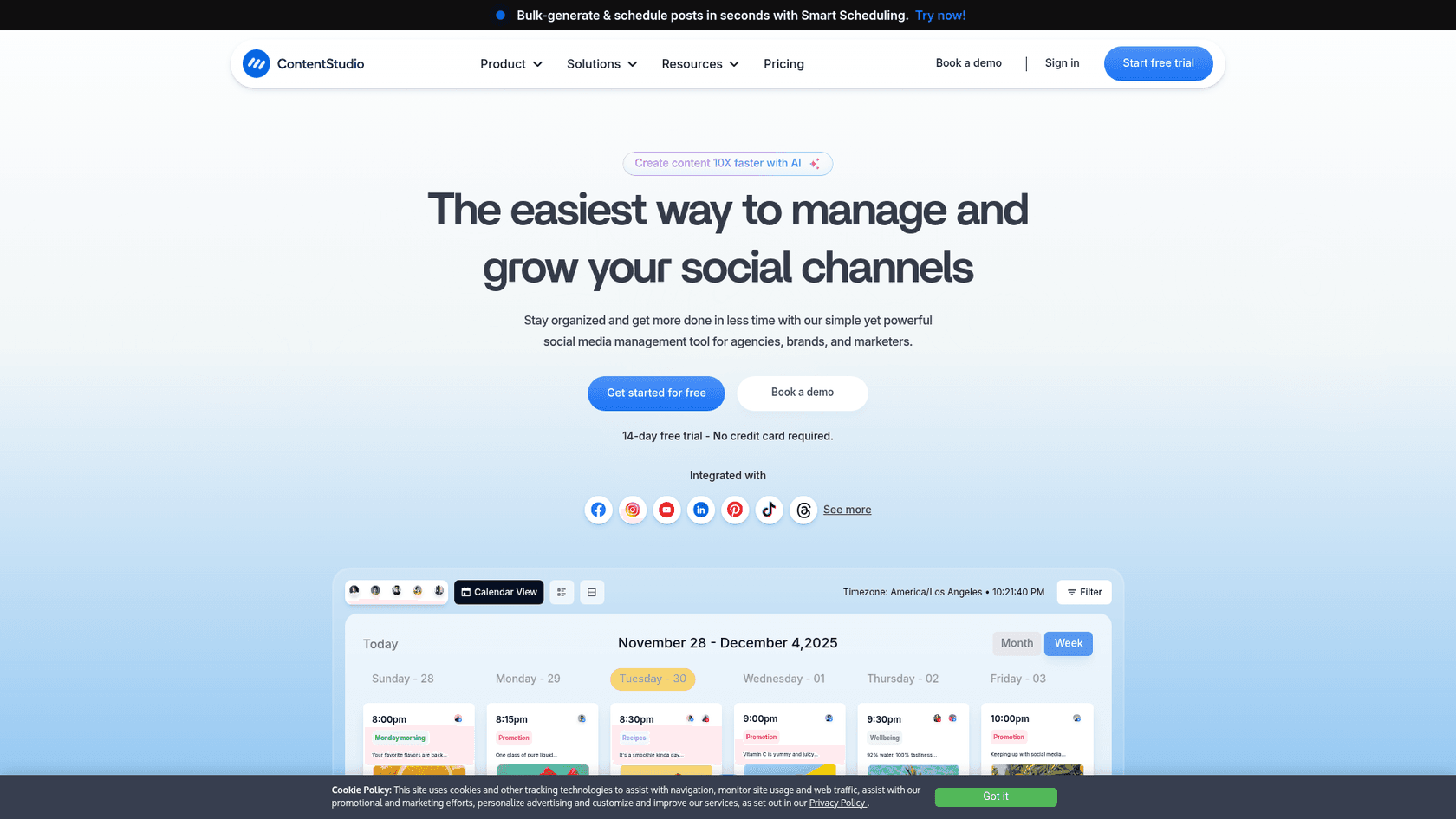
ContentStudio is a social media management platform designed for users who need to operate at scale. Its suite of AI tools includes a powerful social AI caption generator built for efficiency.
It’s particularly useful for agencies and marketers managing multiple brands, as it allows you to create content in bulk. One of its best features is the ability to generate paragraph-style captions from a URL. Just paste a link to a blog post, and it will pull out key points and craft social media captions to promote it.
Best for: Marketing agencies and social media managers who need an all-in-one platform to handle bulk content generation, planning, and scheduling for multiple clients.
Pricing: ContentStudio offers a free caption generator tool on its website. Access to the full platform starts at $19 per month when billed annually.
How to get the most out of your AI caption generator
- Be specific with your prompts: The more context you provide, the better the result. Instead of "caption for a beach photo," try "Write a caption for a photo of a serene sunset on a tropical beach, using a calm and grateful tone. Include a question asking my followers about their favorite travel memory."
- Define your tone and voice: Always pick a tone that matches your brand. Are you playful and witty, or professional and informative? Consistency is how you build a recognizable voice.
- Edit and personalize: Use the AI-generated text as a first draft, not the final version. Always review the output and add your own human touch. This could be a personal story, a timely reference, or a more specific call-to-action.
- Use it for brainstorming: If you're stuck, ask the AI to generate 5 or 10 different caption ideas. You don't have to use any of them as-is. Instead, mix and match the best phrases from each to create one great caption.
Seeing these tools in action can make the decision easier. For a visual walkthrough of how different AI caption generators work and a comparison of their interfaces, check out this detailed video review.
A smarter way to create content with an AI caption generator
An AI caption generator is a practical tool for any content creator. It saves time, sparks creativity, and helps you maintain a consistent brand voice across all your platforms.
The best tool depends on your workflow. Whether you need precise subtitles for a long video, trendy text for a TikTok, or a data-driven caption for a corporate post, there is a solution available.
If you're looking to streamline your entire content strategy, from ideation to promotion, a more comprehensive tool may be a good fit. For that, the eesel AI blog writer offers a workflow that takes a single keyword to a published blog post and all the social content that goes with it.