Customer satisfaction is the heartbeat of any support team. When you're running support through Zendesk, understanding how your CSAT ratings work (and what separates a good rating from a bad one) is essential for improving your customer experience.
If you're looking to improve your support metrics, you might also want to explore how eesel AI integrates with Zendesk to enhance your CSAT process.
Let's break down exactly how Zendesk's CSAT system works, what the numbers mean, and how you can turn those ratings into actionable improvements.

Understanding good vs bad ratings in Zendesk
At its core, Zendesk CSAT is binary: a rating is either "Good" (satisfied) or "Bad" (unsatisfied). But the way customers interact with your survey depends on the rating scale you've configured.
How different scales map to good and bad
Zendesk allows you to configure different rating scales, and each scale has specific thresholds for what counts as good versus bad:
| Scale Type | Bad Ratings | Good Ratings |
|---|---|---|
| 1-2 scale | 1 | 2 |
| 1-3 scale | 1-2 | 3 |
| 1-5 scale | 1-3 | 4-5 |
Source: Zendesk Support Documentation
This means if you're using a 1-5 scale and a customer gives you a 3, that's actually counted as a bad rating. Many support teams don't realize this at first, which can lead to confusion when their CSAT percentage doesn't match their expectations. Understanding this mapping is crucial for accurate Zendesk CSAT measurement and reporting.
What customers see vs. what you see
When a customer receives a CSAT survey, they see the rating options you've configured. After they select a rating, they're taken to a landing page where they can add an optional comment. For negative ratings, you can also configure follow-up questions asking for the reason behind their dissatisfaction.
As an agent or admin, you see the rating directly on the ticket itself. The rating appears at the top of the ticket view, and you can click into the Events section to see any comments or follow-up responses the customer provided.
The key thing to remember is that regardless of how many rating options you present to customers (2, 3, or 5), Zendesk ultimately categorizes everything into that binary good/bad calculation for your reporting. You can learn more about this in our detailed guide on measuring CSAT in Zendesk.
What is a good CSAT score? Benchmarks and interpretation
Now that you understand how ratings are categorized, let's talk about what your actual CSAT percentage means.
Industry benchmarks
According to Zendesk's research, here's how to interpret your scores:
| Score Range | Interpretation |
|---|---|
| Below 70% | Needs improvement |
| 70-85% | Good |
| Above 90% | Exemplary |
A score between 70-85% is considered solid for most industries. If you're consistently hitting above 90%, you're in excellent territory and your customers are genuinely delighted with your support. For more details on tracking these metrics, check out our guide on Zendesk CSAT measurement and reporting.
Industry variations matter
These benchmarks aren't one-size-fits-all. Different industries have different expectations. According to SurveyMonkey's research, industry averages can vary significantly:
- SaaS/B2B: Often see higher CSAT scores (80%+) because customers have invested in the relationship
- E-commerce: Can be more variable depending on product complexity and return policies
- Telecommunications: Historically lower benchmarks due to the nature of support requests
The key is tracking your own trends over time rather than obsessing over industry comparisons. If you were at 72% last quarter and you're at 78% this quarter, that's meaningful progress.
Response rate vs. score
One metric that often gets overlooked is your response rate (the percentage of customers who actually fill out the survey). A 95% CSAT score with a 5% response rate tells a very different story than an 85% score with a 40% response rate.
Higher response rates generally give you more reliable data. If your response rate is low, here's what to consider:
- Adjusting the timing of when surveys are sent
- Making the survey more prominent in your email
- Reducing the number of questions you ask
Customizable CSAT: Beyond the binary rating
Zendesk has evolved its CSAT offering with a new customizable CSAT feature that gives you more flexibility in how you collect feedback.
What's new with customizable CSAT
The new customizable CSAT feature (available on higher-tier plans) lets you:
- Choose between 2, 3, or 5 rating options
- Display ratings as numbers, emojis, or plain text
- Add custom labels to each rating option
- Configure follow-up questions for negative feedback
- Include open-ended comment fields
How customization affects your reporting
Here's the important part: even with customization, your reporting still boils down to that binary good/bad calculation. Whether a customer gives you a 2 on a 5-point scale or selects a sad emoji, it gets categorized the same way in your analytics.
The customization affects the customer experience (potentially improving response rates), but your core metrics remain consistent for tracking purposes.
Setting up customizable CSAT
To enable the new customizable CSAT:
- Go to Admin Center
- Navigate to Objects and rules > Business rules > Customer satisfaction
- Toggle on the customizable CSAT feature
- Configure your survey question, scale, and display type
- Set up follow-up questions for negative feedback
The setup wizard walks you through three main configuration areas: the survey itself, follow-up questions for negative ratings, and optional comment fields.
How to respond to good vs bad ratings
Collecting ratings is only half the battle. What you do with that feedback matters just as much.
Best practices for good ratings
When a customer gives you a positive rating, don't just move on. Here's how to maximize the value:
- Acknowledge the feedback: A simple thank-you goes a long way in reinforcing positive sentiment
- Identify what worked: Look at the ticket to understand what led to the positive experience. Was it fast resolution? Clear communication? Use these insights for team training
- Request testimonials: With the customer's permission, positive ratings can become testimonials for your website or marketing materials
- Celebrate wins: Share positive feedback with your team. Support work is hard, and recognition matters
Best practices for bad ratings
Negative feedback is actually more valuable than positive feedback because it shows you exactly where to improve:
- Respond quickly: Reach out to the customer within 24 hours if possible. A prompt response shows you care about their experience
- Investigate thoroughly: Look at the ticket history to understand what went wrong. Was it a knowledge gap? A process issue? A communication breakdown?
- Follow up personally: Don't just send a generic "sorry" email. Address their specific concerns and explain what you're doing to prevent similar issues
- Close the loop: After you've addressed the issue, check back with the customer to ensure they're satisfied with the resolution
Using feedback to coach agents
CSAT ratings are powerful coaching tools. Look for patterns:
- Which agents consistently receive high ratings? What are they doing differently?
- Are there specific ticket types that tend to get lower ratings?
- Do ratings correlate with resolution time, or is quality more important than speed?
Use this data for one-on-one coaching sessions and team training. When agents understand what drives customer satisfaction, they can focus on the behaviors that matter most.
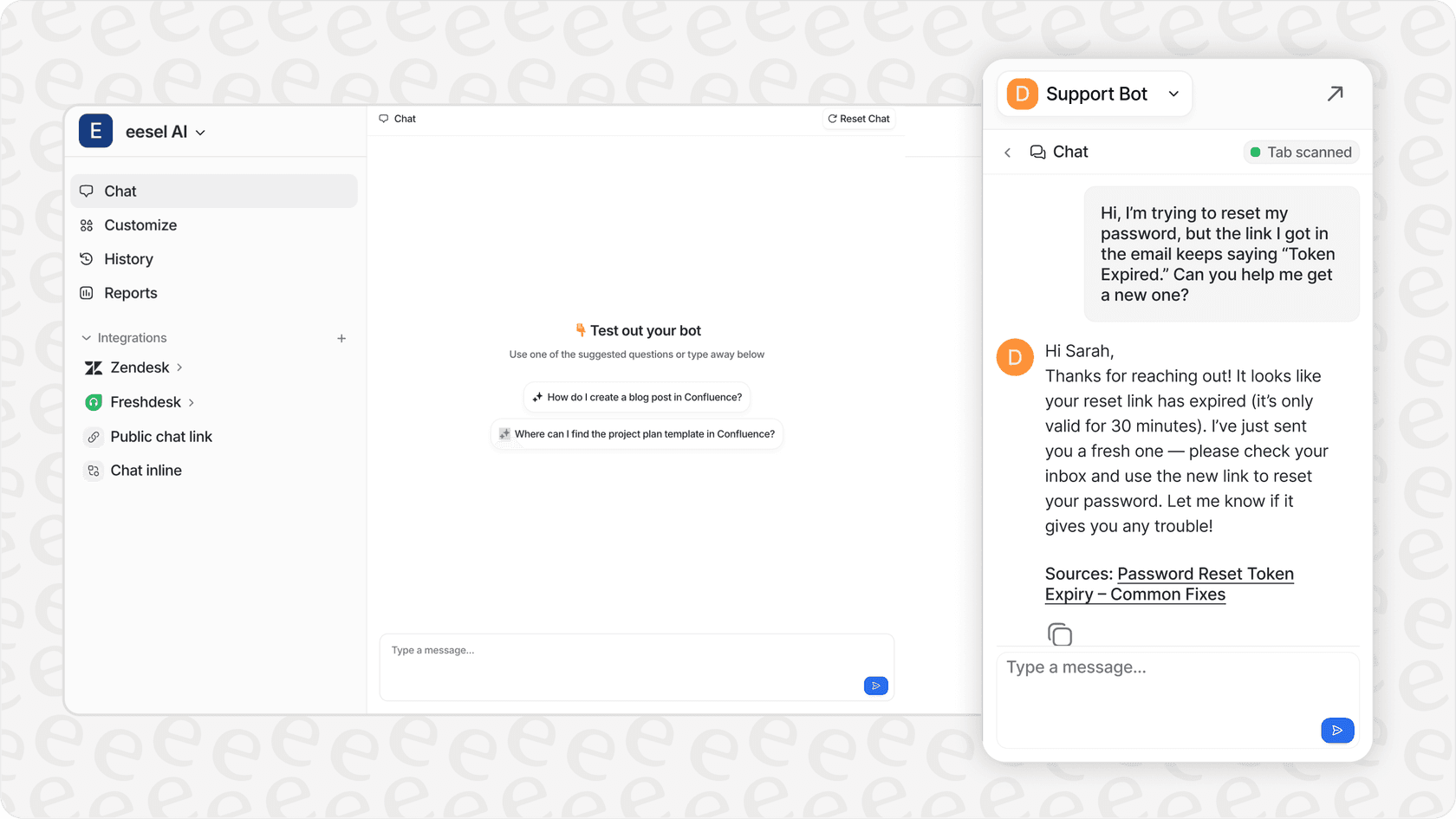
For teams looking to enhance their support quality, eesel AI's AI Agent can help analyze conversation sentiment in real-time and provide agents with suggested responses that maintain consistency and quality.
Strategies to improve your Zendesk CSAT scores
Improving your CSAT scores isn't about manipulating the numbers. It's about genuinely improving the customer experience. Here are practical strategies that work:
Proactive communication during resolution
Customers get frustrated when they don't know what's happening with their ticket. Keep them informed:
- Acknowledge receipt of their request immediately
- Provide realistic timelines for resolution
- Update them if timelines change
- Explain what you're doing to solve their problem
Set clear expectations
Many bad ratings come from mismatched expectations. Be clear about:
- What you can and cannot do
- How long things will take
- What the customer needs to provide
- What happens next in the process
Follow up on negative feedback promptly
When you receive a bad rating, treat it as an opportunity. A prompt, thoughtful response can often turn a dissatisfied customer into a loyal one. Research from Harvard Business Review shows that customers who have a problem resolved well often become more loyal than customers who never had a problem at all.
Use AI to enhance response quality
Modern AI tools can help improve CSAT scores by:
- Analyzing conversation sentiment in real-time to flag at-risk interactions
- Suggesting responses based on your knowledge base and past successful tickets
- Ensuring consistent tone and accuracy across all agents
- Identifying common questions that could be turned into self-service content
Studies from Gartner indicate that 80% of service organizations will use generative AI by 2025 to improve customer experience metrics like CSAT.
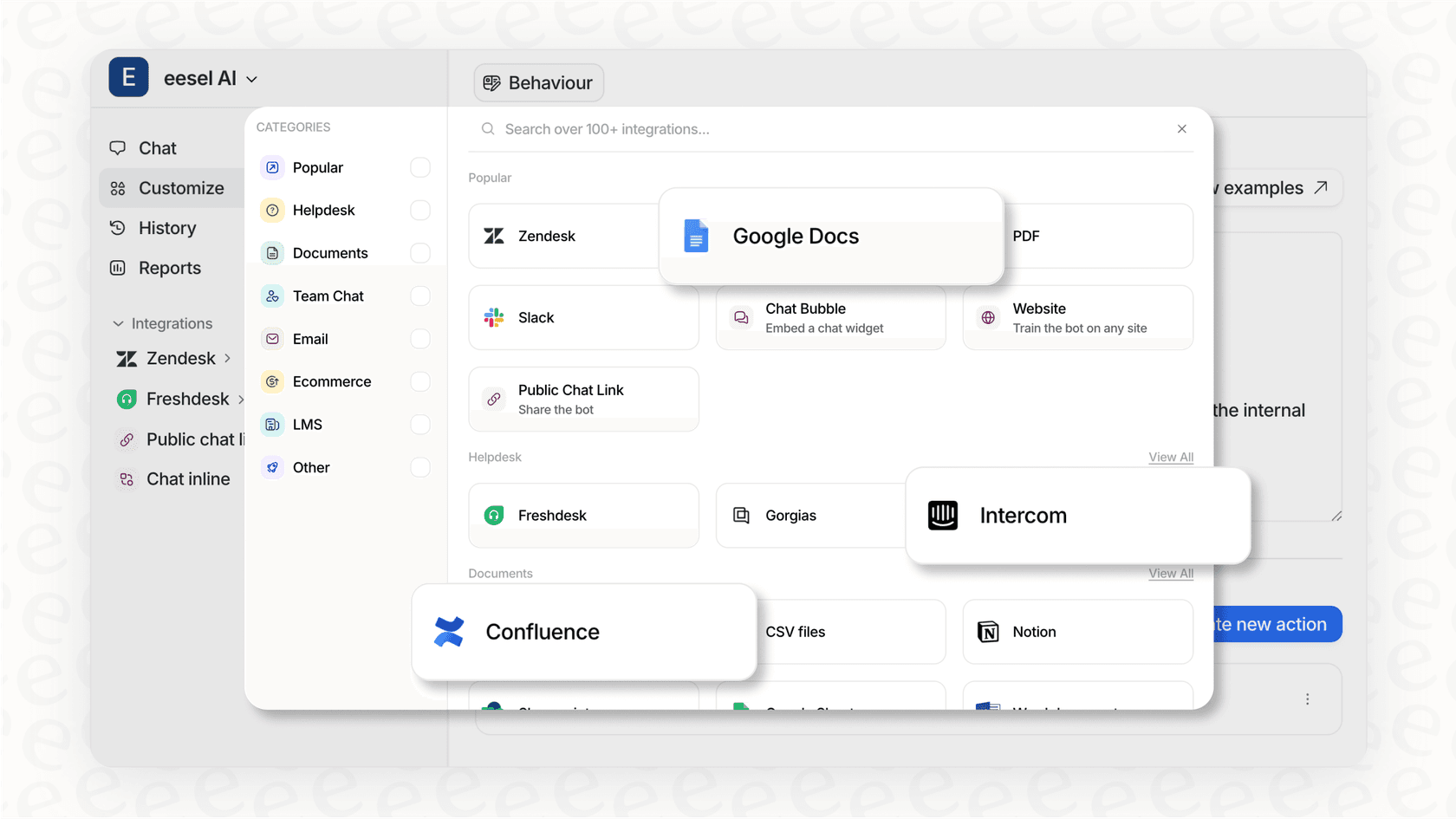
If you're using Zendesk, you can integrate AI capabilities to enhance your existing workflow without replacing the tools your team already knows.
Regular review of CSAT trends
Don't just look at your overall score. Dig into the data to find patterns:
- Track CSAT by agent, by ticket type, by channel, and by time period
- Look for trends: Are scores dropping on Mondays? Do certain product areas generate more negative feedback?
- Compare CSAT with other metrics like first response time and resolution time
The more granular your analysis, the more actionable your insights become. For additional strategies on improving support metrics, explore these best practices for AI help desk software.
Start improving your customer satisfaction today
Understanding Zendesk CSAT good vs bad ratings is the foundation of a data-driven support strategy. Here's what to remember:
- CSAT is binary at its core: ratings are either good or bad, regardless of how many options you present to customers
- A good CSAT score falls between 70-85%, with above 90% being exemplary
- Different rating scales have different thresholds for what counts as good
- Responding to feedback (both good and bad) is just as important as collecting it
- Use CSAT data for coaching, process improvement, and identifying knowledge gaps
The real value of CSAT isn't the number itself. It's the insight you gain into your customers' experiences and the opportunities you uncover to make those experiences better.
If you're looking to take your Zendesk support to the next level, consider how AI can complement your existing CSAT process. The right AI teammate can help you identify at-risk conversations before they result in bad ratings, suggest responses that maintain quality and consistency, and free up your human agents to focus on the complex, high-value interactions that drive the best satisfaction scores.
Invite eesel AI to your Zendesk team and see how AI-powered support can help you turn more of those ratings from bad to good.