Blog
Tips, guides, and insights on AI teammates, smarter support, and building better teams.
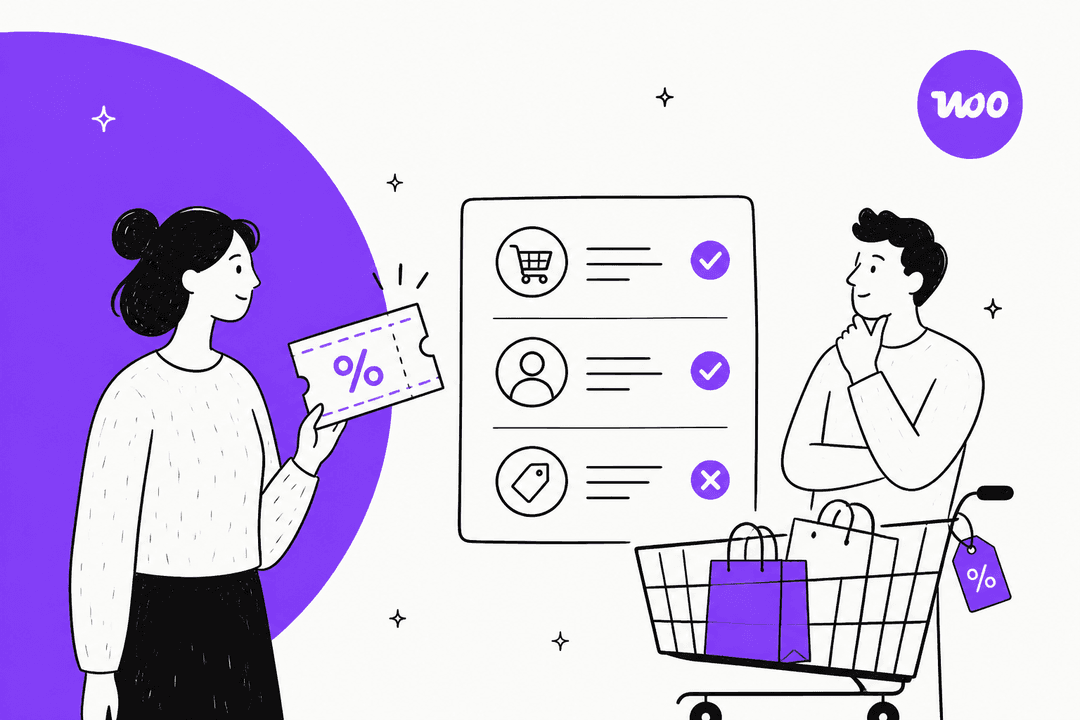
WooCommerce coupon usage restrictions: what each rule really checks
WooCommerce coupon usage restrictions and limits, checked against the docs and the source code: what each rule tests, the error shoppers see, and the traps.
 Riellvriany IndriawanNov 5, 2026

WooCommerce order status explained: what each one means and what to tell the customer
WooCommerce order status explained for support teams: what each status means, what moves an order between them, which ones email the customer, and what to say.
 Rama AdiNov 5, 2026
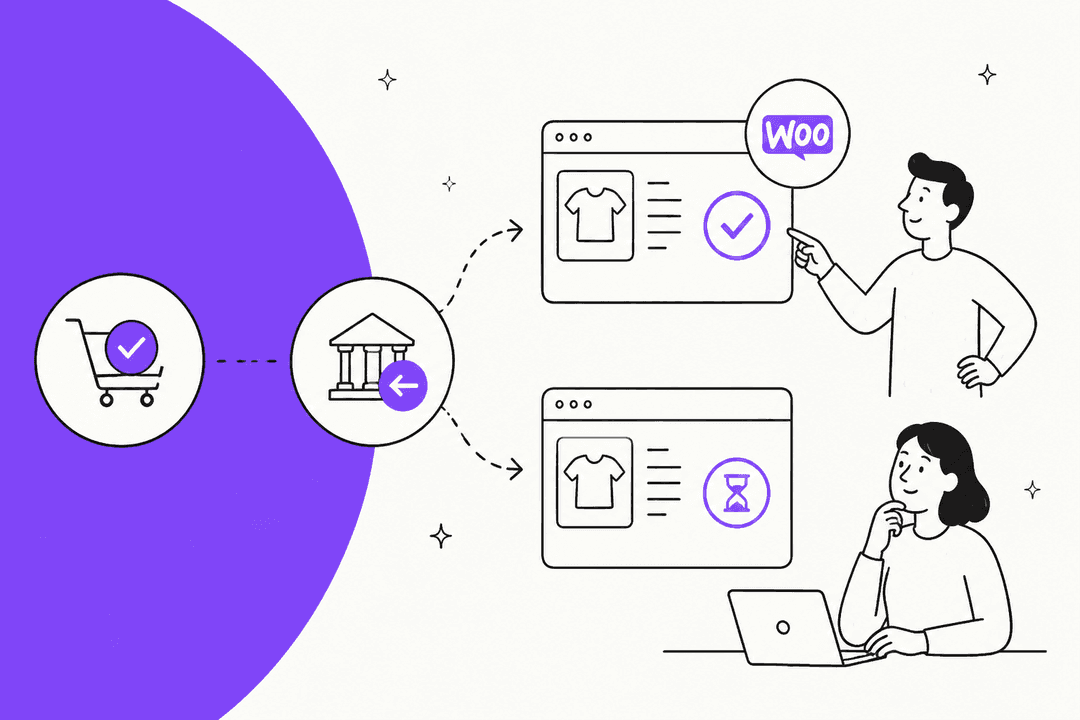
WooCommerce manual refund status: what changes, and what doesn't
A WooCommerce manual refund changes the order status exactly like a gateway refund, but no money moves. Here is what support should check and tell the customer.
 KiraNov 5, 2026

Outlook shared mailbox sent items: why replies land in your own folder, and the one fix that works in every client
Outlook shared mailbox sent items land in the sender's own folder by default. One server setting fixes it in every Outlook client, and the registry key is a trap.
Rama AdiNov 5, 2026
Gmail delegation for support teams: setup, limits, and where it breaks
Gmail delegation lets a support team share one inbox for free. Here's how to set it up, the limits that bite (40 at once, 2,000 sends a day), and when to move on.
Rama AdiNov 5, 2026
WhatsApp 24-hour window: how support teams follow up after it closes
Once the WhatsApp 24-hour window closes, only an approved template reaches the customer. Which category to use, what it costs, and what your helpdesk allows.
Riellvriany IndriawanNov 5, 2026
Instagram DM order tracking: how to answer where is my order safely
Instagram DM order tracking works when you verify the buyer, read the order before replying, and answer inside Meta's 24-hour window. Here's the playbook.
KiraNov 5, 2026
Front shared inbox ownership: who owns a conversation, and what quietly changes it
Front shared inbox ownership is the assignee, one person at a time. Here is what moves that owner without anyone clicking Assign, and the settings to lock down.
KiraNov 5, 2026
HubSpot customer portal ticket visibility: who sees which ticket, and how to control it
HubSpot customer portal ticket visibility comes from two things: the permission you pick and the contact and company each ticket is associated with.
Rama AdiNov 5, 2026Ready to hire your AI teammate?
Set up in minutes. No credit card required.