


Let's be real, writing product descriptions sounds easy... until it's 2 a.m. and you're on your 50th product page, trying to make a plain white t-shirt sound like the most exciting thing since sliced bread. How do you capture the vibe of a new skincare product without using the same three adjectives every time? For Shopify store owners, this is a familiar grind that can burn through hours you just don't have.
This is the exact problem Shopify Magic was built to solve. It’s the platform's own AI tool designed to help you generate descriptions, headlines, and other bits of text in a fraction of the time.
But what is it, really? A magic wand for your store, or just another gadget? This guide will walk you through exactly what Shopify Magic does, how to get the most out of it, where it falls short, and how it can fit into a smarter, bigger AI plan for your business.
What exactly is Shopify Magic?
Shopify Magic is a set of AI-powered features baked right into your Shopify dashboard. While the name covers a few different tools, the one most people are talking about is the automatic text generator, especially for writing product descriptions. The simplest way to think about it is as a writing assistant that’s always there, living right inside your Shopify admin.
One naming update before we go further: Shopify's help center now credits Sidekick, its AI assistant in the admin, with writing the text when you click the Generate text icon, and the old shopify.com/magic page now redirects to the Sidekick page. Sidekick also goes beyond writing, since it can answer questions, complete tasks in your store, and build custom apps from everyday-language requests.

One thing to clear up first: if you search for "magic" on the Shopify App Store, you'll get a flood of third-party apps like Magic 360 for 3D product views, Magic Tabs for organizing your pages, and Magic Product Badges. Just so we're on the same page, this guide is all about the built-in Shopify feature for generating text, not those other apps.
At its heart, Shopify Magic uses artificial intelligence to take a few of your ideas, like a product name and some keywords, and spin them into natural-sounding text. It’s built to give you a solid first draft that you can then polish up to perfectly match your brand’s personality.
Key features and use cases of Shopify Magic
So, how do you actually make this thing work for you? Using Shopify Magic is pretty simple. It focuses on a couple of key tasks that are genuine time-savers.
Automatically generating new product descriptions
This is the main attraction. Instead of staring at that blinking cursor on a blank page, you can feed the AI a few prompts and let it do the heavy lifting for the first draft.
Here’s a quick rundown of how it works:
-
From your Shopify admin, head over to Products and click on the one you want to edit.
-
Find the Description box. In its toolbar you should see a little icon that looks like a trio of stars. That's your Generate text button.
-
Give it a click and type a prompt describing what you want. This is where you feed the AI your key features and keywords. For example, if you're selling a new coffee blend, you could type in things like "dark roast," "tasting notes of chocolate and cherry," "sustainably sourced from Colombia," and "great for espresso." Shopify suggests at least a product title and two features or keywords.
-
Next, say what tone you're after right in the prompt, such as expert, playful, or sophisticated. This helps the AI understand the style you're shooting for.
-
Submit the prompt, and voilà, the generated text is applied directly to the description box. Edit and format it to match your brand, then click Save, and published products show the new description right away.
Editing and rephrasing existing descriptions
Shopify Magic isn't just for starting from scratch. It's also a handy tool for breathing new life into your existing content. If you've got some old product descriptions that feel a bit flat or don't quite align with your current brand voice, you can use the AI to give them a refresh.
Shopify's current help docs describe prompt-based generation rather than a fixed menu, so the quickest route is to put the change you want in your prompt. These are the three jobs I'd start with:
-
Rephrase: Ask for a new version of the text. This will whip up a new version of the text you selected. It's perfect if you're going through a rebrand or just feel like your writing has gotten a little stale.
-
Simplify: Got a paragraph packed with technical jargon? Ask it to turn it into simple, easy-to-read bullet points that customers can scan quickly.
-
Extend: If you've written a sentence or two that feels a bit weak or short, ask it to build on it, adding more detail and context.
Shopify Magic: Supported languages and pricing
One of the nicest things about Shopify Magic is that it's widely available. Product description generation is available in all languages Shopify supports, and the output matches the language of your prompt.
And the best part? It's free to use. Shopify says many of its AI features are available at no additional cost, though availability can vary by plan, device, and language, and Basic starts at $29 per month on yearly billing. I haven't seen per-word charges for text generation, so there’s really no reason not to give it a spin.
The limitations of relying solely on Shopify Magic
So, Shopify Magic is a fantastic tool for what it does. But "what it does" is also very specific. If you rely on it as your one-and-only AI strategy, you're going to find some pretty big holes in your customer experience.
It’s a writer, not a salesperson
Here’s the biggest catch: Shopify Magic helps you create content that sits on a page, but it can't use that content to actually talk to people.
That beautifully written product description is great, but it's passive. It can't answer a customer's follow-up question like, "Is this jacket waterproof enough for hiking?" or "Do you ship to Australia?" It can't step in to help a hesitant buyer, offer a recommendation, or turn a simple question into a sale. The knowledge it creates is stuck on the page, waiting for a customer to find it, rather than being used to actively help them.
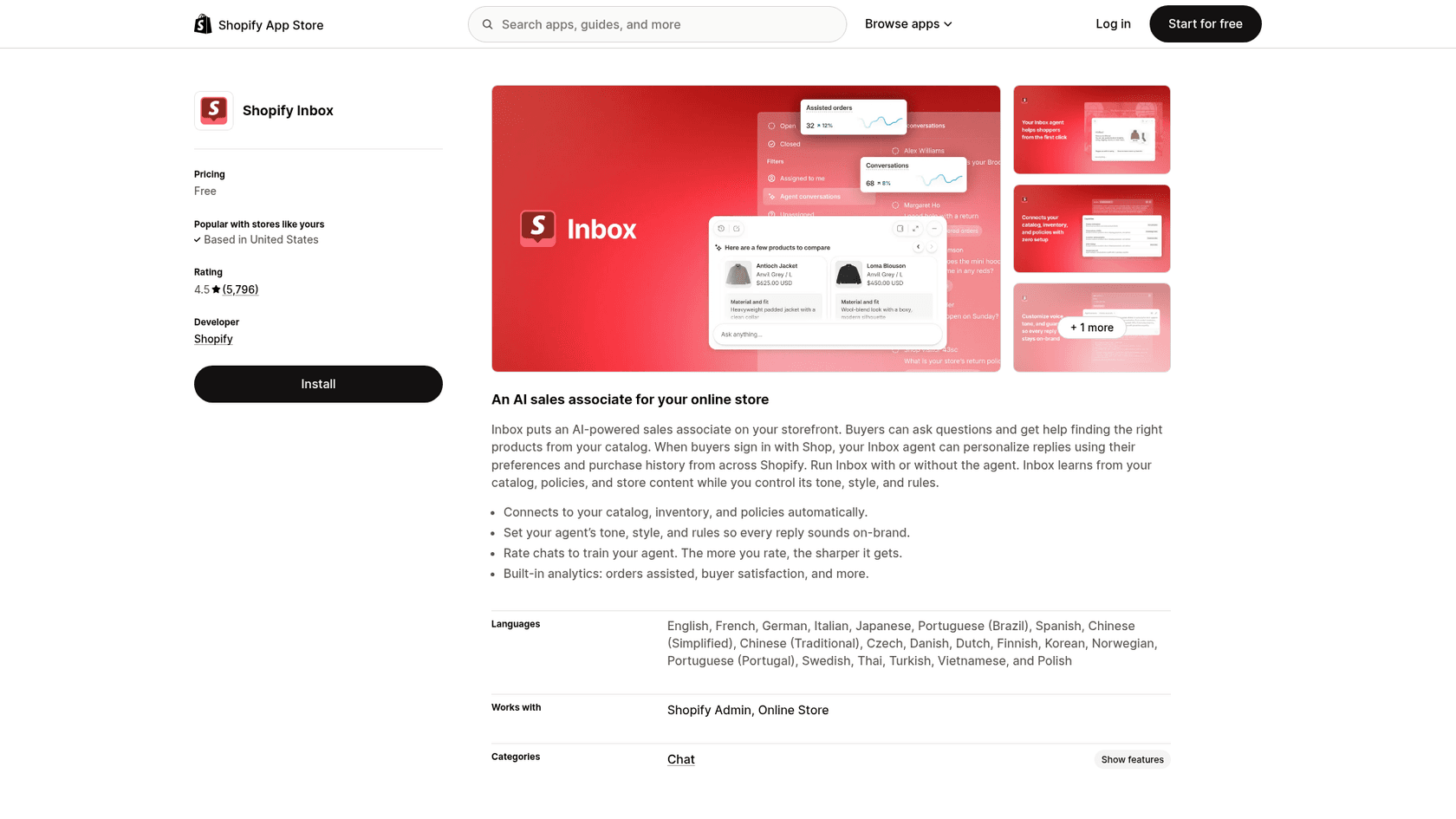
Shopify does have a storefront option now: the free Inbox app can run an AI Inbox agent that answers shopper questions from your catalog, policies, and Knowledge Base, with staff handoff when it can't help. Order lookups require the shopper to sign in, and it only recommends from your own catalog.
Your knowledge is scattered in different places
When customers have questions, they don't just read product descriptions. They hunt for an FAQ page or a help center. Shopify gets this, which is why they offer things like the Shopify Knowledge Base app. This lets you build out a separate library of frequently asked questions for your store.
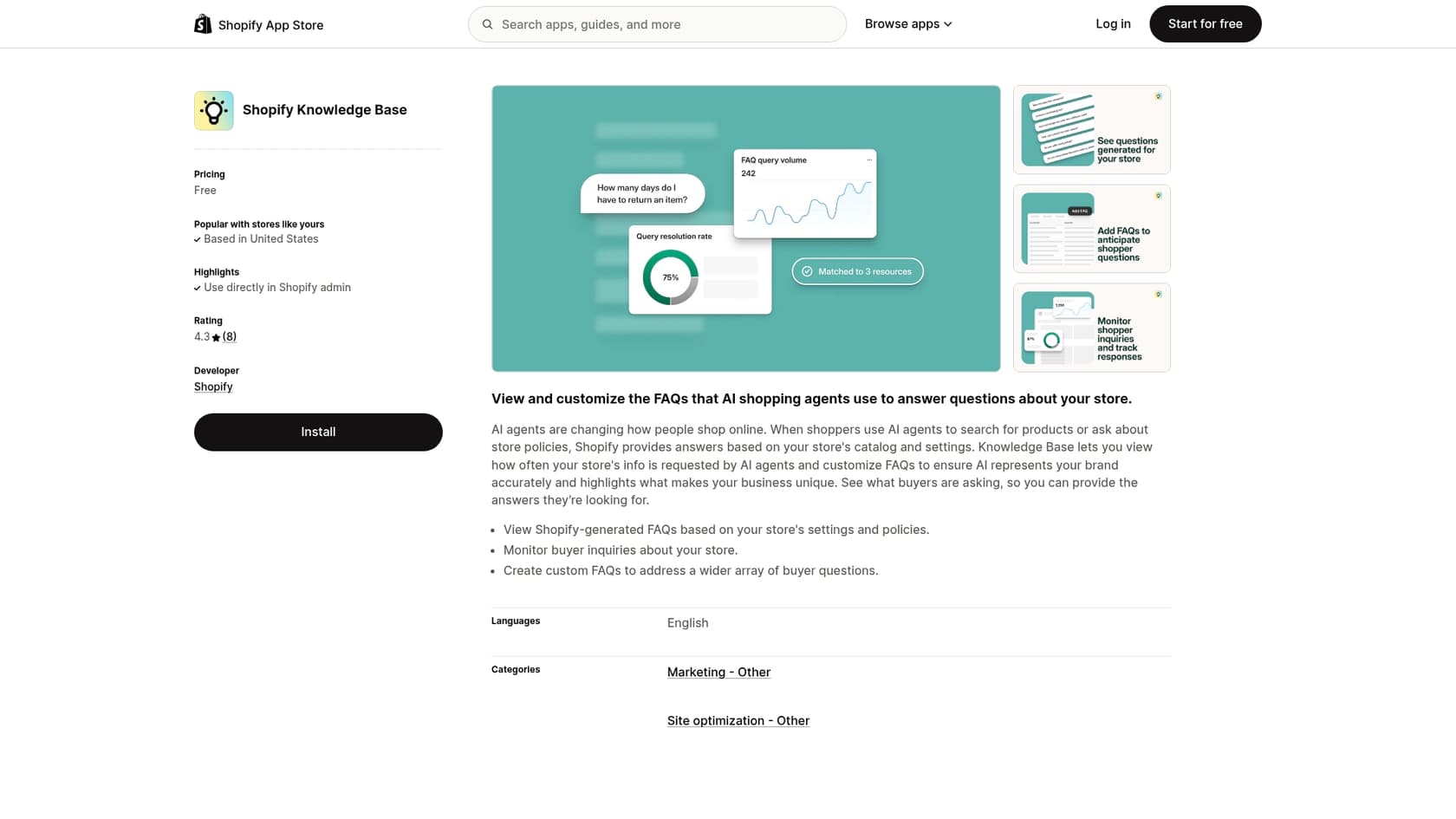
But this creates a clunky, split workflow. You're using Shopify Magic to write product info in one place, and then you're jumping over to a totally different app to manage your support articles and FAQs. Your store's knowledge is now siloed, living in separate buckets. This makes it a real headache to keep everything updated and consistent, and it means none of your tools have the full picture of your business.
It's not always perfectly reliable
Like any new piece of tech, Shopify Magic has its quirks. A quick browse through the Shopify Community forums shows that merchants occasionally hit snags. One of the most common issues is the little "Generate text" icon just vanishing from the admin panel, leaving store owners scratching their heads.
That’s interesting. The same thing happened to me, was fine yesterday and today it is gone in all the stores I have access to.

While these are usually minor hiccups, they can be frustrating when you're busy and just need your tools to work. For a team that depends on a smooth and predictable workflow, these small inconsistencies can add up.
From Shopify Magic to active selling: A complete AI solution
You've got all this great product information. The next step is to actually use it to help customers who are on your site, right now.
Bring all your knowledge together for your customers
Imagine if the details from your product descriptions, the answers in your FAQs, your shipping policies, and even your past support chats could all be combined and used to actively help shoppers 24/7.
That’s the leap from simple content writing to a real AI-powered customer experience. Instead of having your knowledge locked away on different pages, you can bring it all together into a single, smart resource that powers your entire store.
Go beyond product descriptions with an AI sales chatbot
This is where a different kind of tool, like the eesel AI Chatbot for Shopify, fits into the picture. It’s designed to take all of your store’s scattered knowledge and turn it into an interactive sales assistant that talks to customers in real time.
eesel AI plugs into your Shopify store and instantly learns from everything you've got: your product descriptions (including the ones you wrote with Shopify Magic), your help articles, and your past customer conversations.
This means it can do all the things Shopify Magic can't:
-
Answer specific product questions instantly, even if you're asleep.
-
Give personalized product recommendations based on what a shopper is looking for.
-
Help reduce abandoned carts by letting customers add items to their cart right from the chat window.
-
Handle routine support questions automatically, like "Where's my order?" or "What's your return policy?"
Instead of just creating content, eesel AI actually puts that content to work.
Shopify Magic vs. eesel AI chatbot: A quick comparison
Let's put them side-by-side to see what I mean. They’re built for completely different jobs, and knowing the difference is the key to building a smart AI strategy.
| Feature | Shopify Magic | eesel AI Sales Chatbot |
|---|---|---|
| What it does | Writes product descriptions and other text | Has live conversations with shoppers |
| Who uses it | You, the store owner (in the admin panel) | Your customers (on your live storefront) |
| What it knows | Product details and keywords you type in | Your entire product catalog, help center, and past conversations |
| What it achieves | Helps you create text to put on a page | Recommends products, adds to cart, and answers questions |
| Main goal | To save you time writing content | To increase sales and automate customer support |
A final word on using Shopify Magic effectively
Don't get me wrong, Shopify Magic is a fantastic and valuable free tool. Seriously. Every Shopify merchant should give it a try to speed up their writing process. It’s perfect for busting through writer's block and getting a quality first draft down on the page.
But building a modern online store that truly helps customers means thinking beyond static pages. Answering a shopper's question the moment they have it is one of the best ways to build trust and close a sale. For that, you need an interactive tool that can take all that great knowledge you’ve created and use it to engage with people.
If you're ready to put all that great content to work and have it actively help your customers, why not give the eesel AI Sales Chatbot a try?
Frequently asked questions
What exactly is Shopify Magic and what does it primarily help with?
Shopify Magic refers to a set of AI-powered features built into your Shopify dashboard, which Shopify's help center now ties to its Sidekick assistant. Its main function is an automatic text generator that helps store owners quickly create first drafts of product descriptions, headlines, and other textual content. It acts as a writing assistant within your Shopify admin.
Is Shopify Magic included with my existing Shopify plan, or does it cost extra?
Shopify says many of its AI features are available at no additional cost, including the text generation behind Shopify Magic, though availability can vary by plan, device, and language. I haven't found per-word charges for text generation.
What languages does Shopify Magic support when generating product descriptions?
Shopify's help center says product description generation is available in all languages Shopify supports, and the generated text matches the language of your prompt. This broad support helps merchants in various regions.
Can I use Shopify Magic to edit or refresh product descriptions I've already written?
Absolutely. Shopify Magic isn't just for new content; it can also rephrase, simplify, or extend existing descriptions. This allows you to update old content, match a new brand voice, or make technical jargon more customer-friendly.
What are the key limitations of relying solely on Shopify Magic for customer engagement?
The primary limitation is that Shopify Magic creates passive content; it cannot actively interact with customers. It doesn't answer real-time questions, offer personalized recommendations, or reduce abandoned carts, as the knowledge it generates is static on the page.
How does Shopify Magic differ from an AI sales chatbot like eesel AI?
Shopify Magic is designed for content creation, helping you write text in your admin panel. An AI sales chatbot, like eesel AI, actively engages customers on your live storefront, answering questions, providing recommendations, and assisting with purchases in real time, using all your store's knowledge.